Tutorials for downloading media, installing third-party apps, and using navigation and customization features on iOS devices.

15 Best Kaspersky Antivirus

15 Best Kaspersky Antivirus for 2024 body { font-family: -apple-system, BlinkMacSystemFont, "Segoe UI", Roboto, Helvetica, Arial, sans-serif; line-height: 1.6; color: #222; max-width: 900px; margin: 0 auto; padding: 20px; background-color: #fff;...

How To Hide Conversations On iMessage

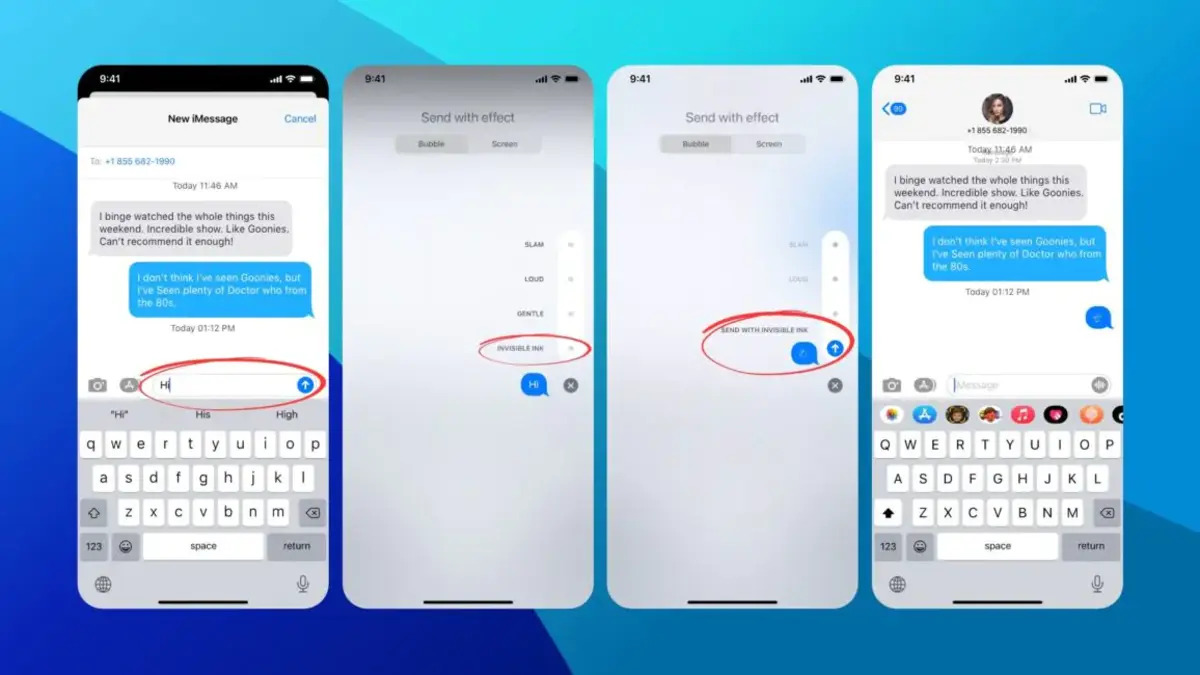
There is no native way to hide conversations on iMessage by archiving them or moving them to a hidden folder, but you can stop a specific conversation from being seen...

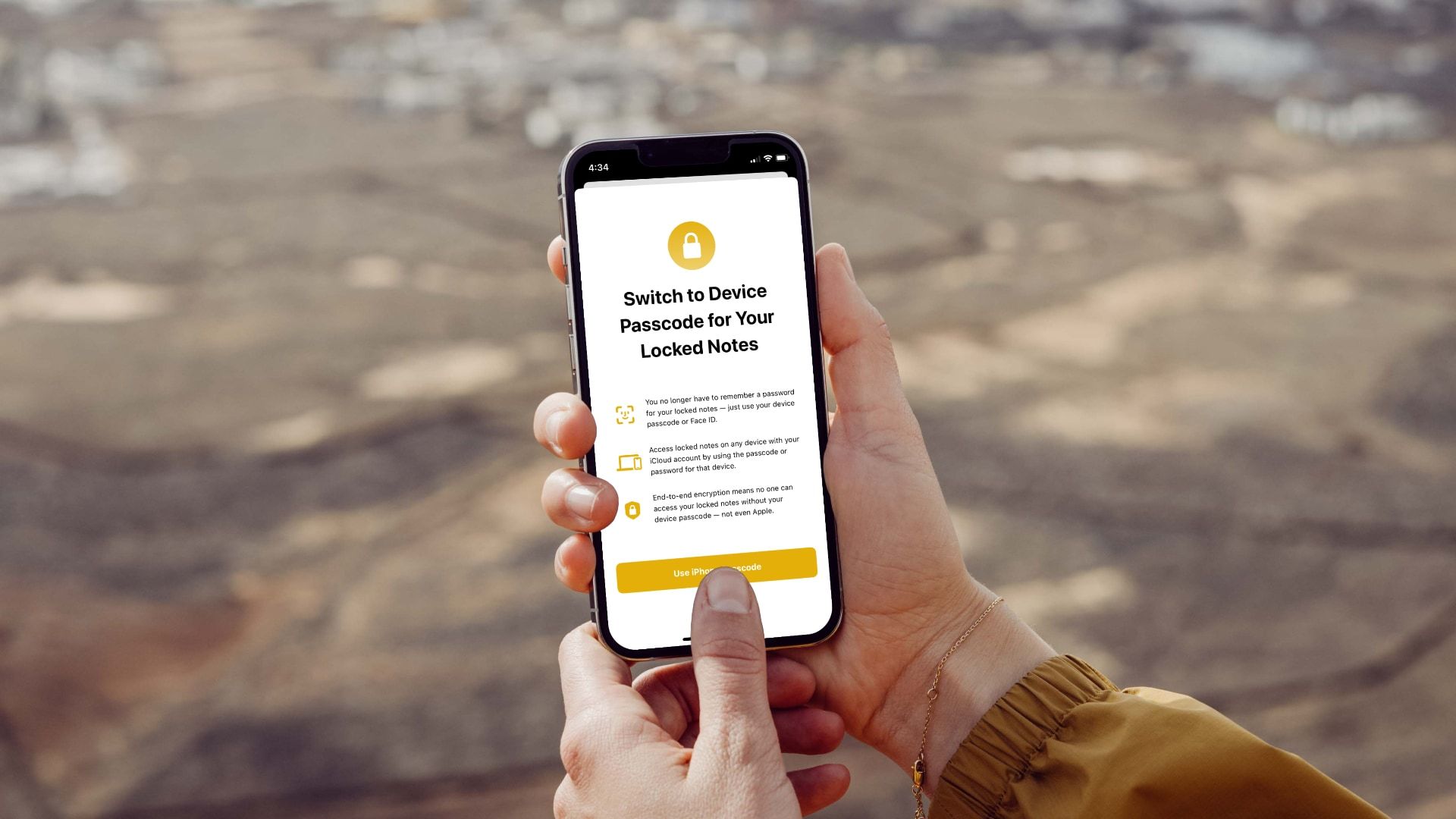
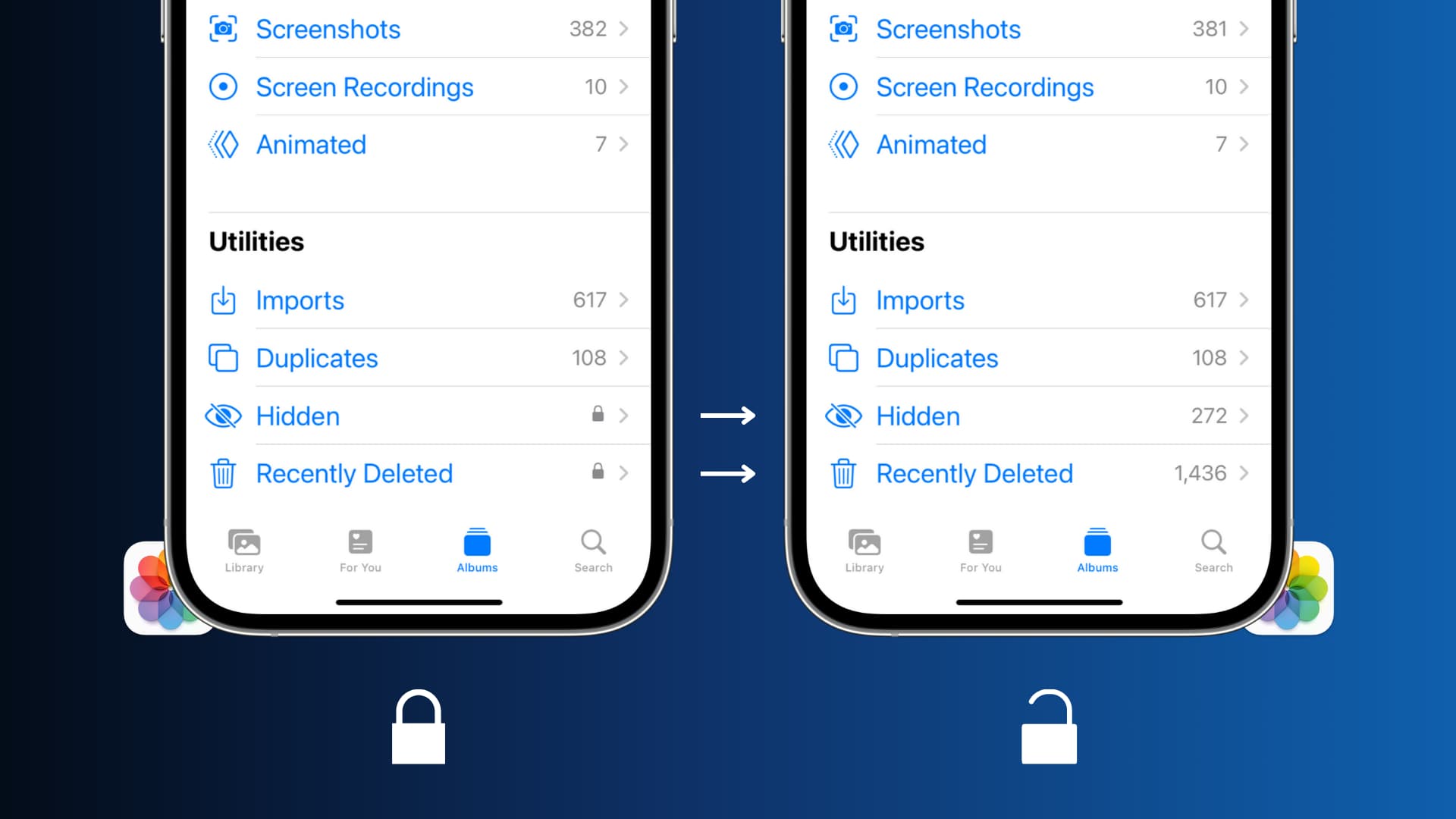
How To Open Locked Notes With Face ID

To open locked notes with Face ID, simply tap the locked note in the Notes app, then tap "View Note" and glance at your device to authenticate. This three-step process,...

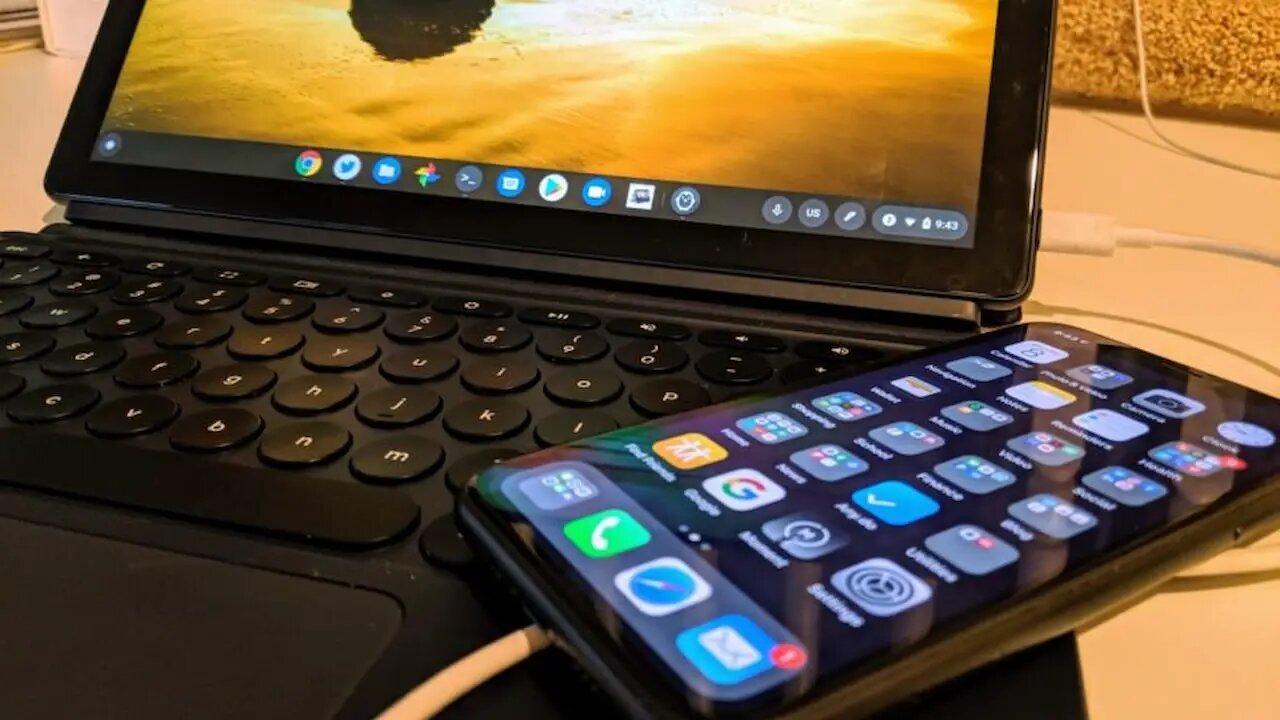
How To Connect An iPhone To A Chromebook

To connect an iPhone to a Chromebook, you must use a physical USB cable, there is no wireless sync or integrated system like Android's Phone Hub. The direct method is...

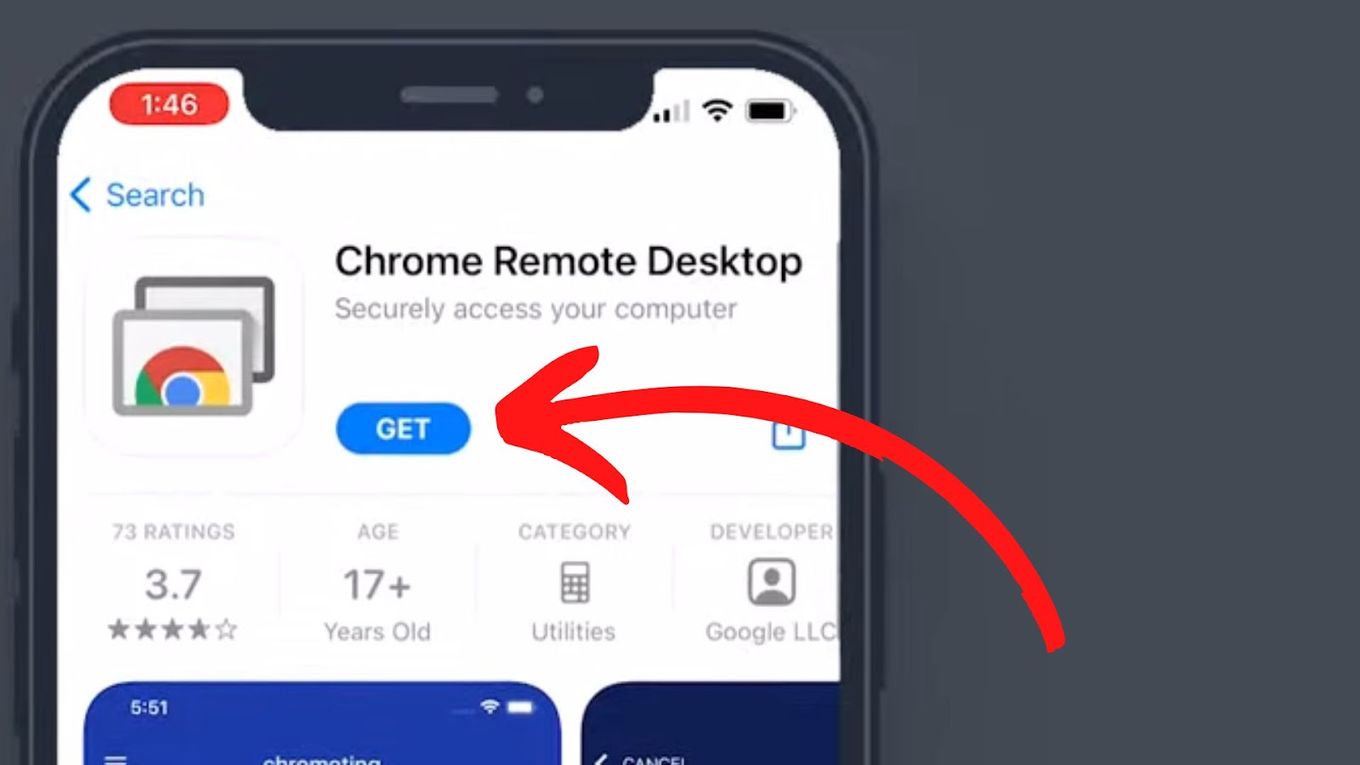
How To Use Chrome Extensions On iPhone

You cannot use Chrome extensions on an iPhone because Chrome for iOS does not support them. The only way to get a similar experience with Chrome extensions on iPhone is...

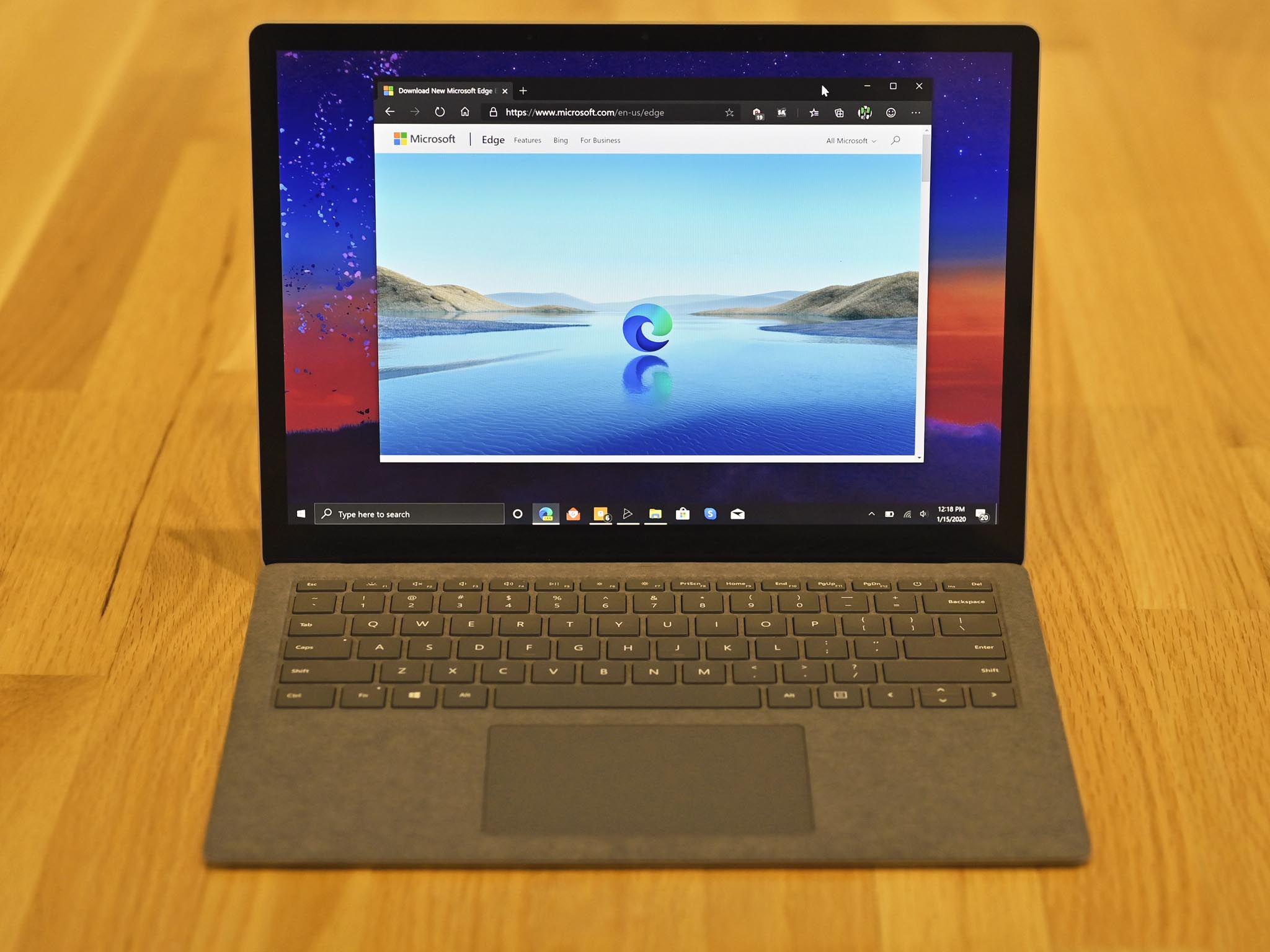
How Do I Make Edge My Default Browser

To make Edge my default browser, the fastest method on any device is to go directly into your system's settings and select Microsoft Edge as the default web browser. This...

What Is The Onion Browser

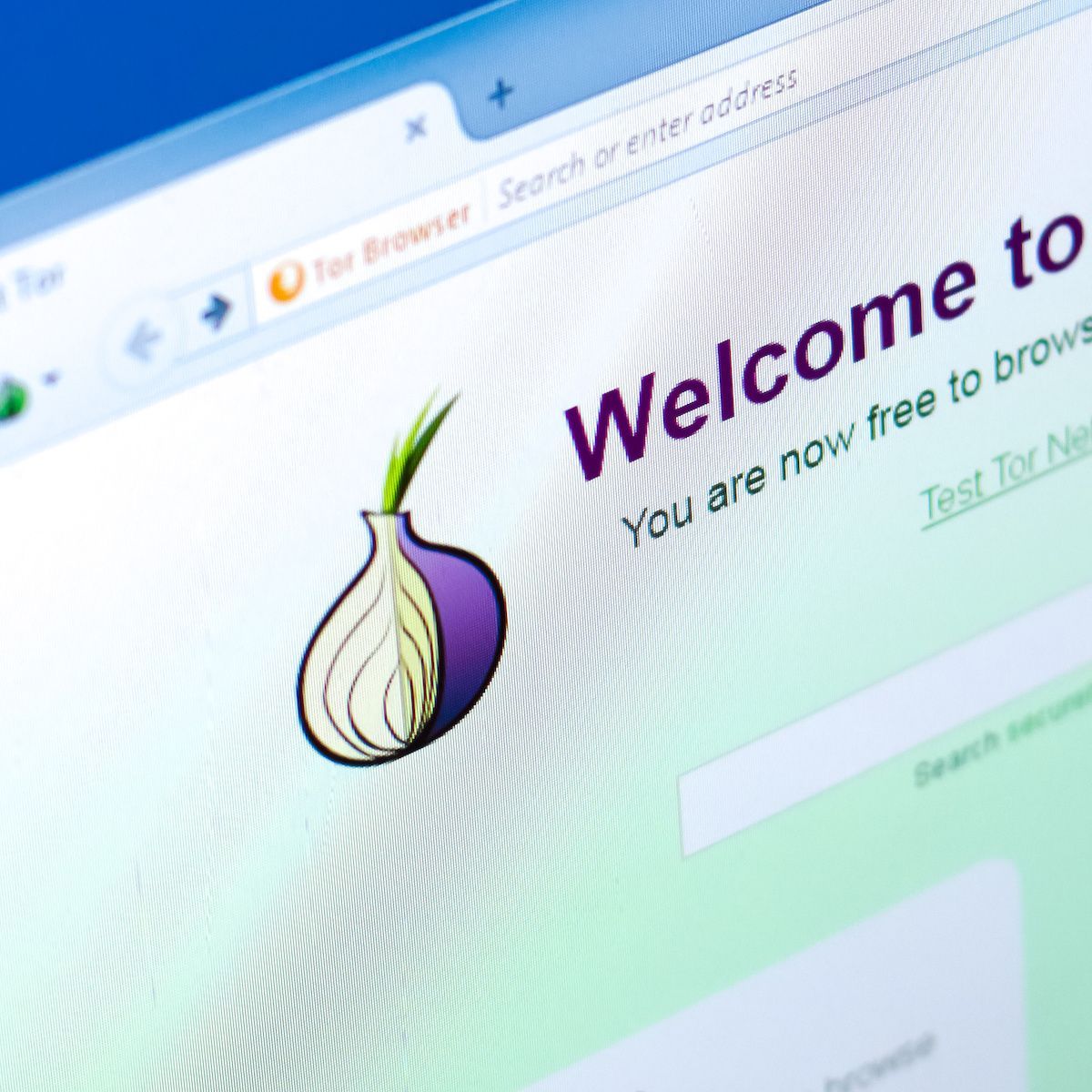
The Onion Browser is a privacy-focused web browser for iOS devices that connects to the Tor network, enabling anonymous mobile browsing by routing your traffic through multiple encrypted relays. Developed...