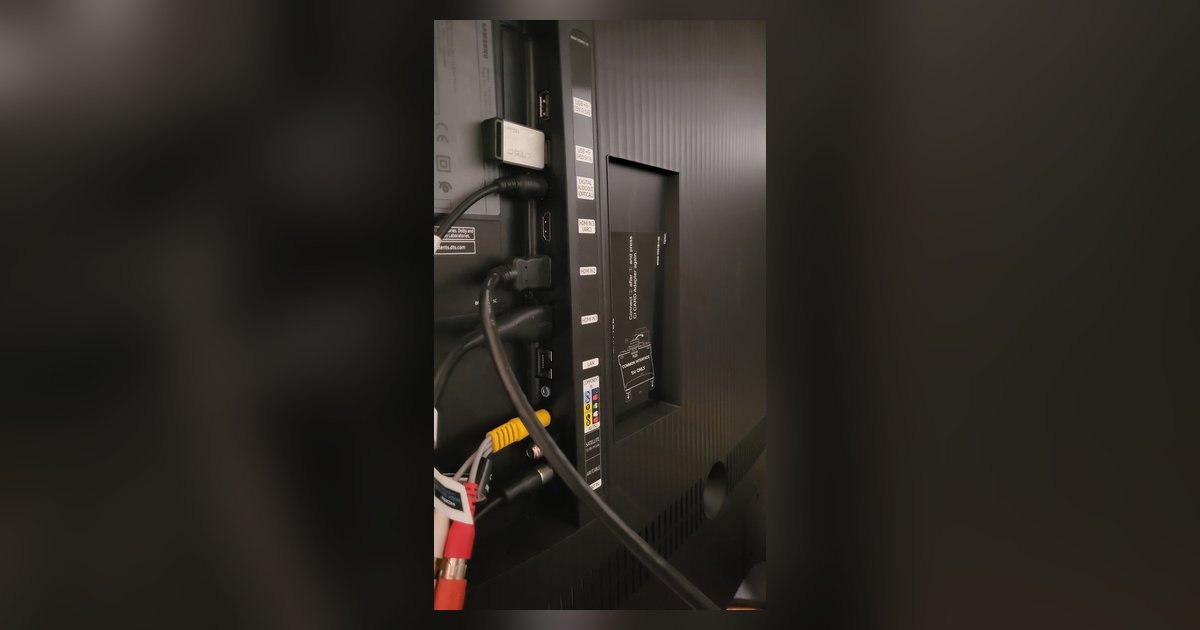
The setting is in the Picture menu, or the General menu on some models. Go to Settings > Picture (or General on some models) > HDMI Ultra HD Deep Color...
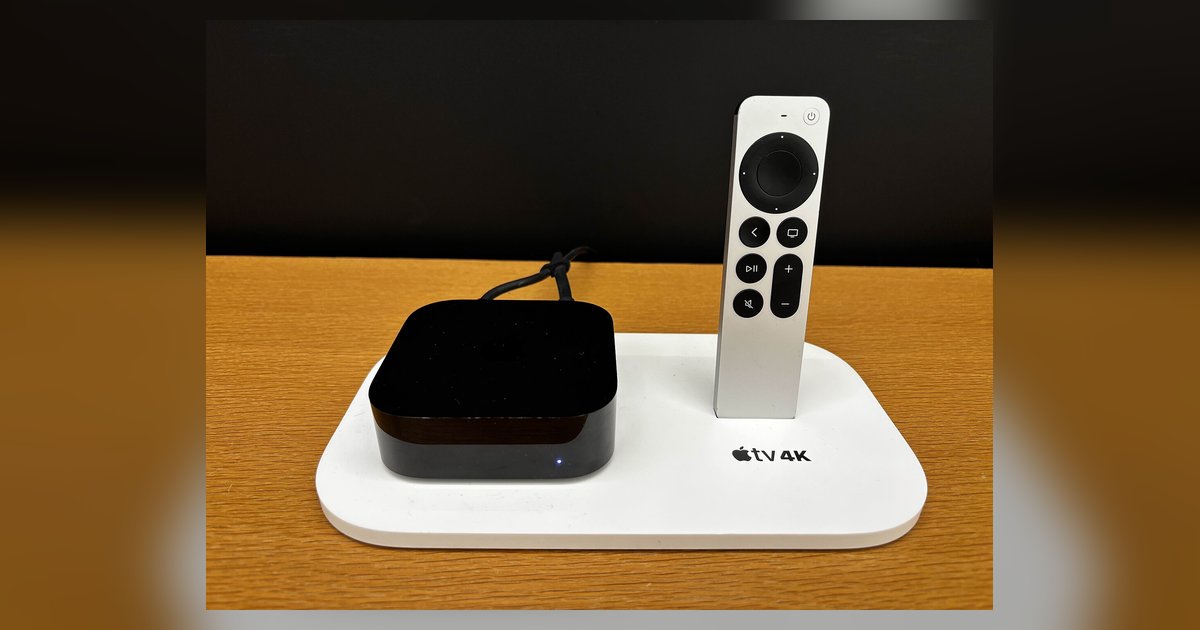
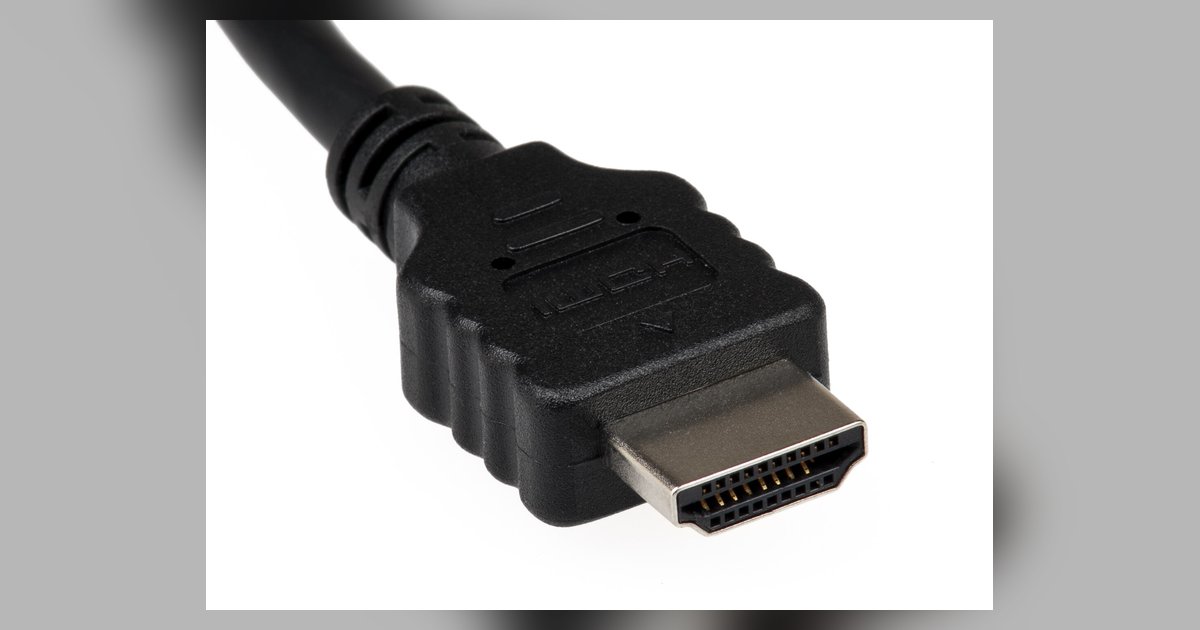
If the Apple TV HDR format is greyed out, your HDMI cable, TV's HDMI port, or the port's capabilities can't support that specific format. You must check your physical hardware...
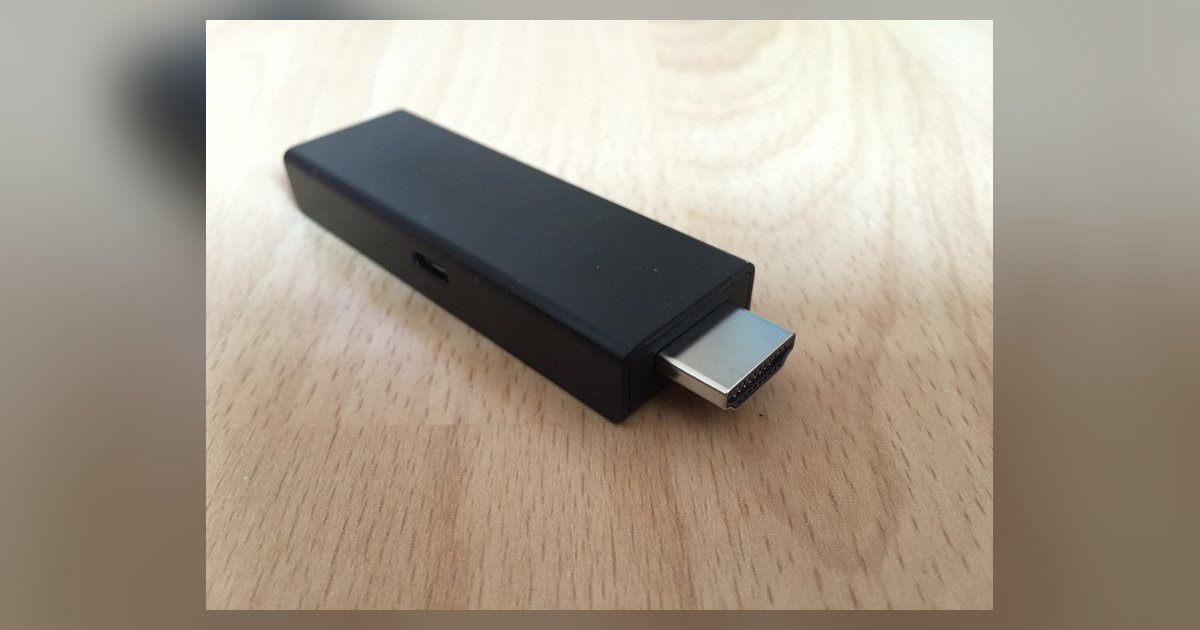
A Firestick cannot electrically damage an older TV through HDMI, but it can absolutely cause HDMI-CEC conflicts that hijack input switching and break control of your existing smart system. Why...
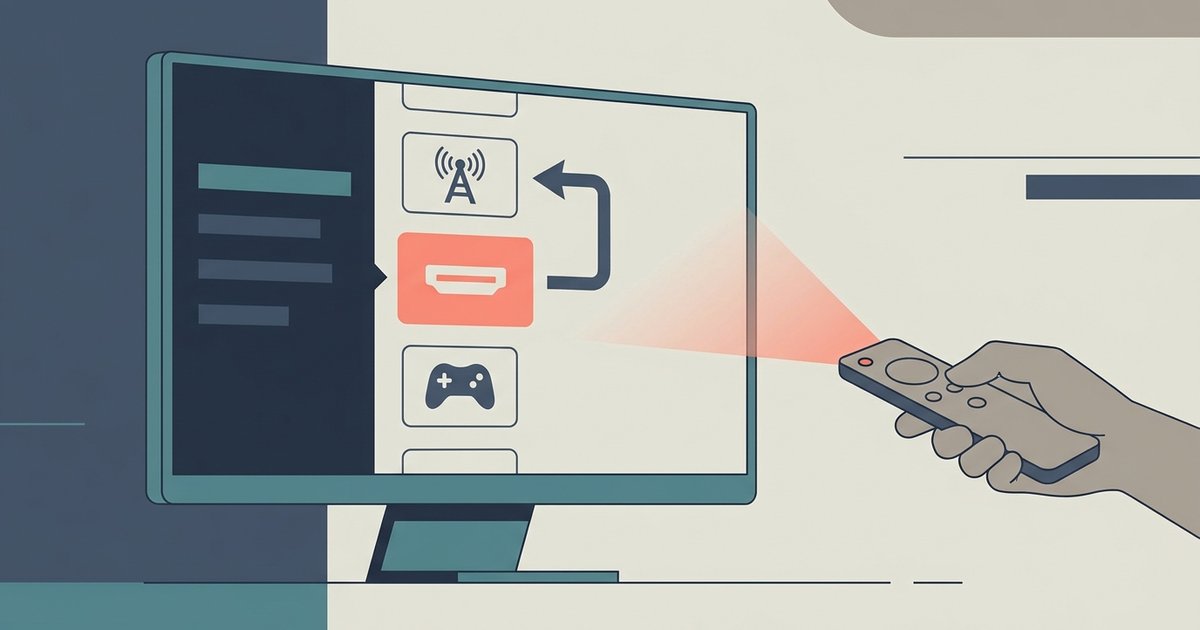
This is almost always caused by a CEC conflict or a bad handshake with the connected device. Disable Simplink (HDMI-CEC) on the LG TV and the external device, or use...
This usually means the HDMI signal's video data is corrupted or unsupported while the audio stream remains intact, often caused by an HDCP handshake failure or a mismatched resolution setting....
Your TV isn't detecting a valid video signal from the device, which usually means the HDMI cable isn't fully seated, the wrong input is selected, or the external device itself...
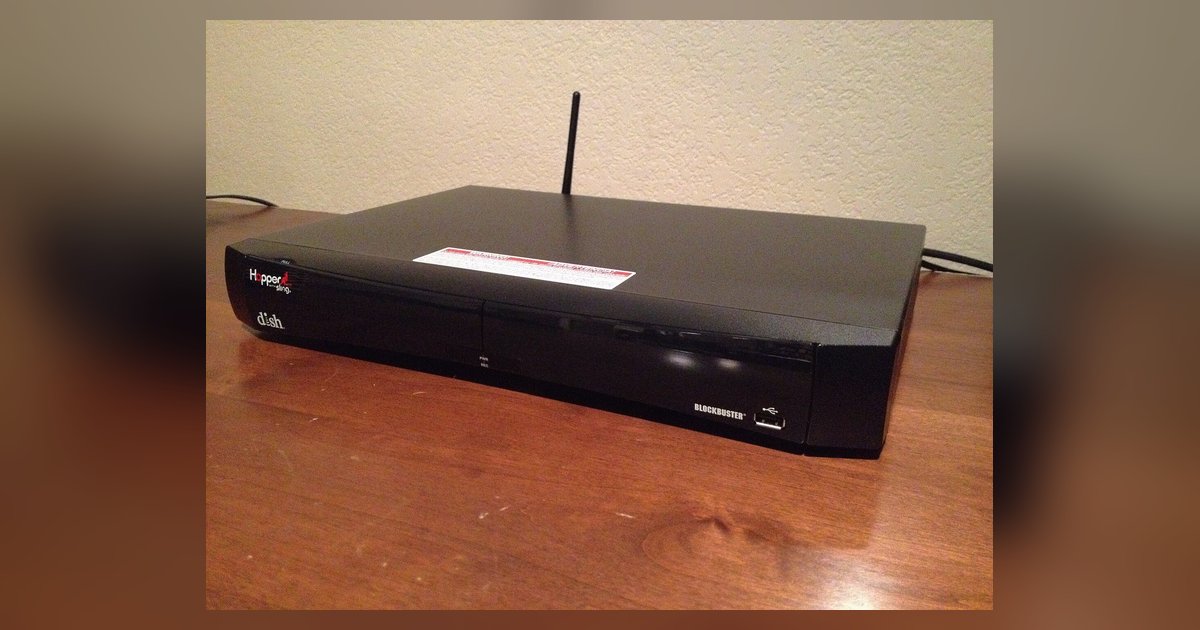
A 'Dish Hopper no signal' error on one specific TV is almost always an HDCP handshake failure or an unsupported resolution setting. Perform a hard reset of the Hopper with...
The flickering could be caused by a physical fault in that specific HDMI port, such as a bent pin, cracked solder joint, or debris inside, but software settings or cable...
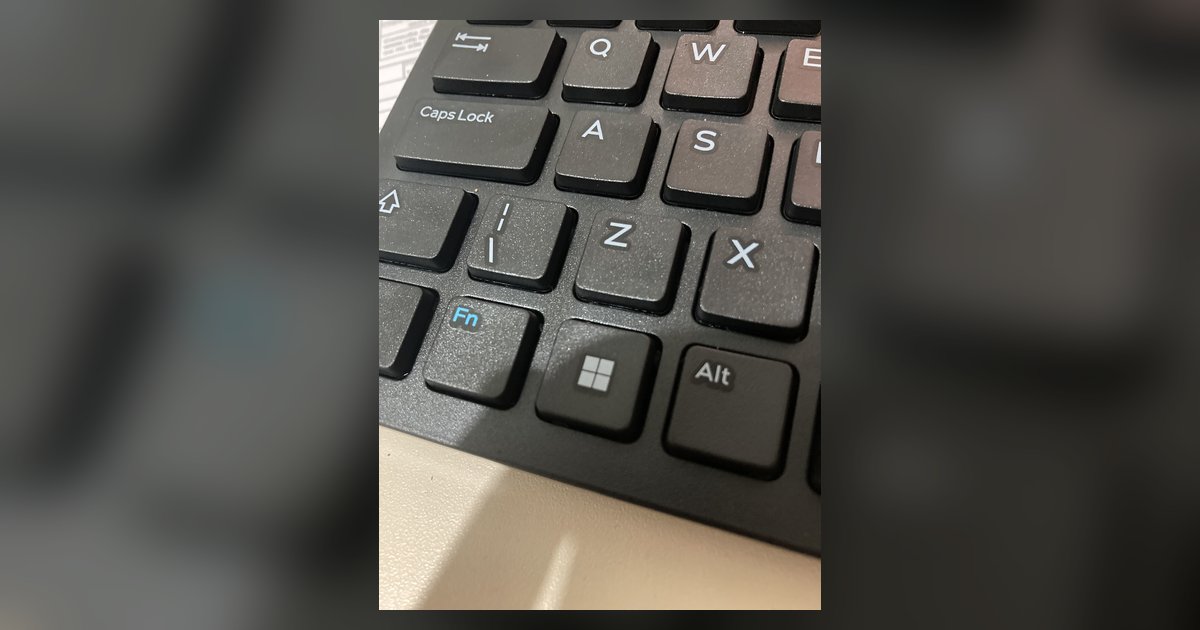
The Win+P shortcut only switches projection modes for displays Windows already sees. When a screen isn't detected at all, you need to force a hardware re-detection by unplugging and replugging...
Why Your Xbox Audio Is Crackling Xbox crackling audio is almost always a fixable issue caused by loose connections, wireless interference, or incorrect audio settings on your console, TV, or...
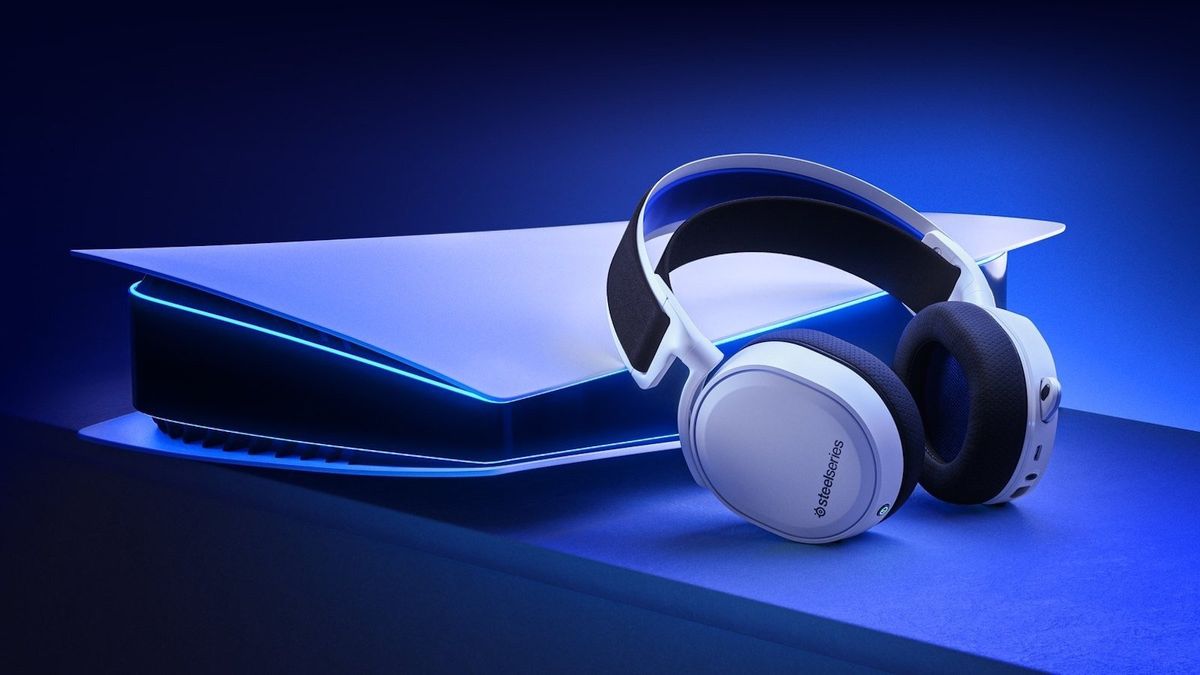
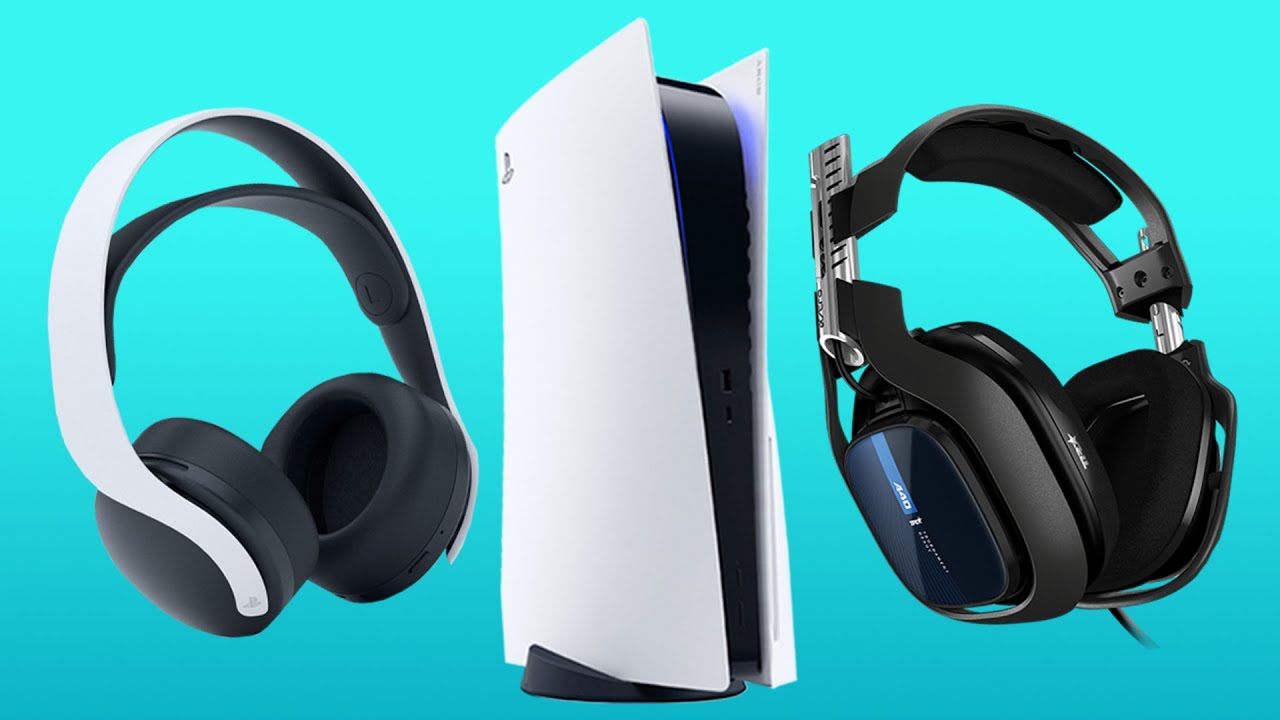
For a true PS5 dual audio setup that sends game audio to both your TV and headset at the same time, you need an HDMI audio extractor because the console...
If your PS5 audio is cutting out during gameplay or while streaming, you're not alone, this common issue usually has a simple fix. Below are proven, step-by-step solutions to get...
This website uses cookies so that we can provide you with the best user experience possible. Cookie information is stored in your browser and performs functions such as recognising you when you return to our website and helping our team to understand which sections of the website you find most interesting and useful.
Strictly Necessary Cookies
Strictly Necessary Cookie should be enabled at all times so that we can save your preferences for cookie settings.
If you disable this cookie, we will not be able to save your preferences. This means that every time you visit this website you will need to enable or disable cookies again.