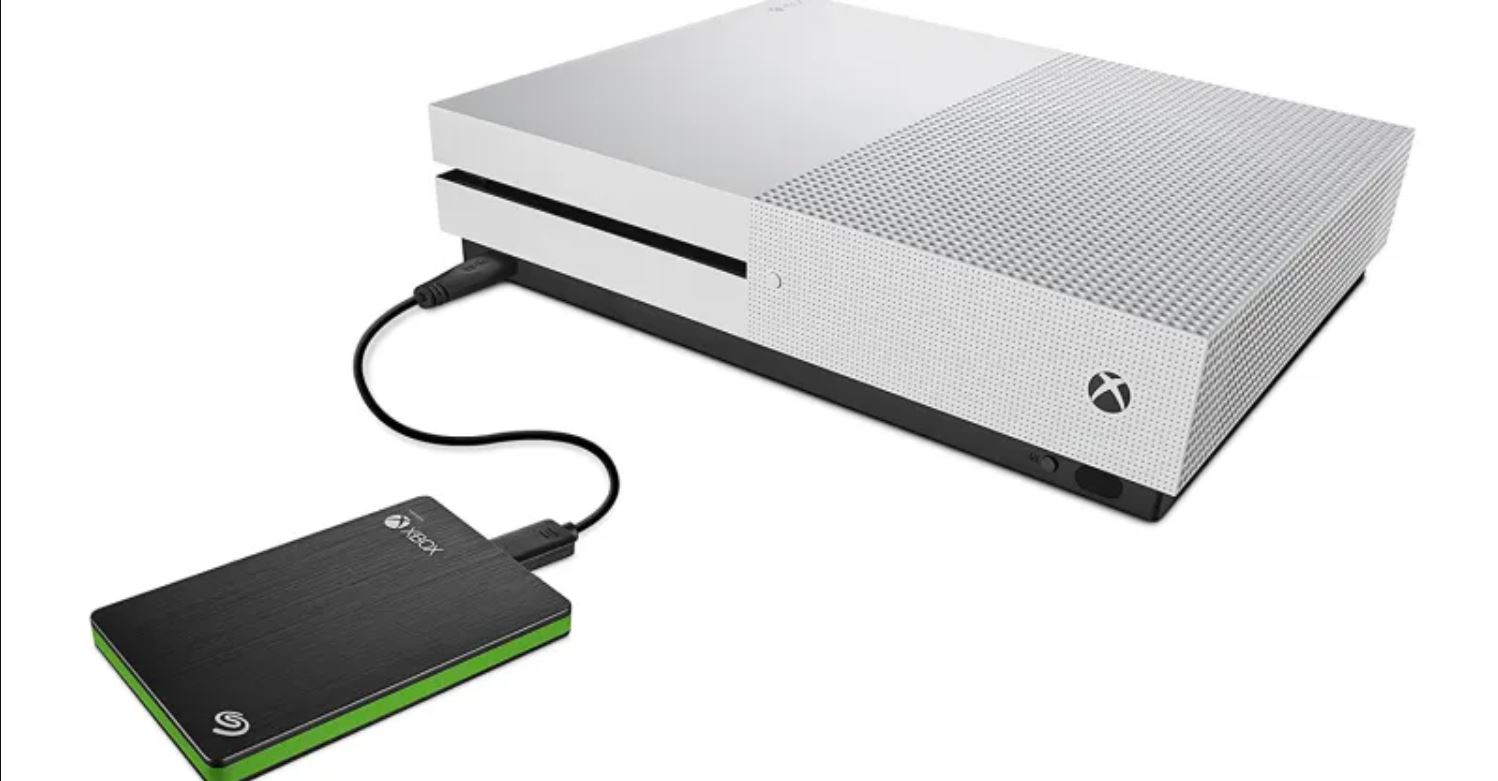
Practical guides for anyone who uses these drives to store, move, or back up their digital files. The audience is broad: home users cleaning out a phone or laptop, photographers managing large photo libraries, professionals migrating between computers, and gamers expanding console storage. The articles focus on real-world tasks, not theory, and assume you have a drive in hand and want to get something done.
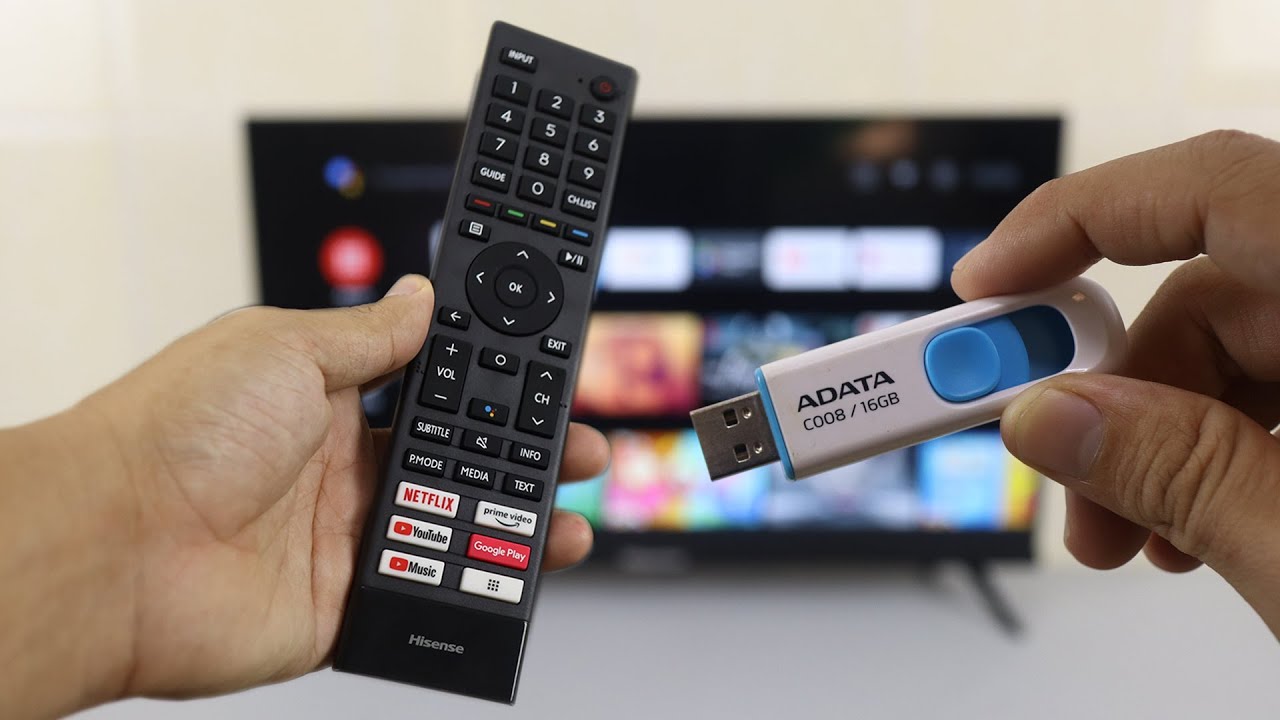
Several clear themes emerge from the 61 articles. One major group covers transferring and organizing files, moving photos from Google Photos, iCloud, or Amazon Photos to a drive, copying Outlook emails, or shifting an entire Mac photo library. Another theme is connectivity and compatibility: how to attach a drive to an Android tablet, a Hisense Smart TV, a router, or how to use a Mac-formatted drive on a PC. A third theme is maintenance and recovery, including checking storage space, deleting files on a Seagate drive, and unlocking a WD drive when you have forgotten the password, the latter framed as a legitimate access-recovery task, not a bypass method.
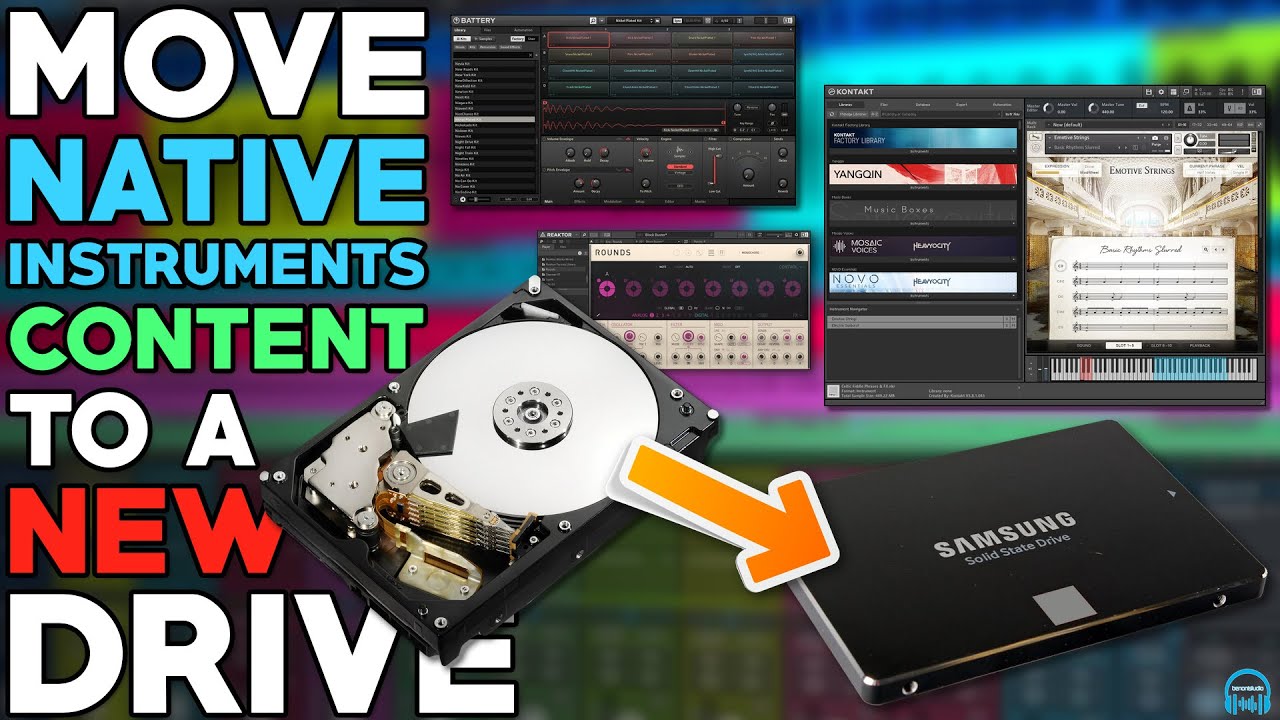
Specific topics mentioned by name include playing games on an external drive with a PS5, installing Linux on an external drive, using a drive as a scratch disk in Photoshop, and moving Native Instruments software. The articles help readers perform concrete actions: download, transfer, backup, delete, connect, and format, always with an eye toward protecting data and following safe, legal procedures.