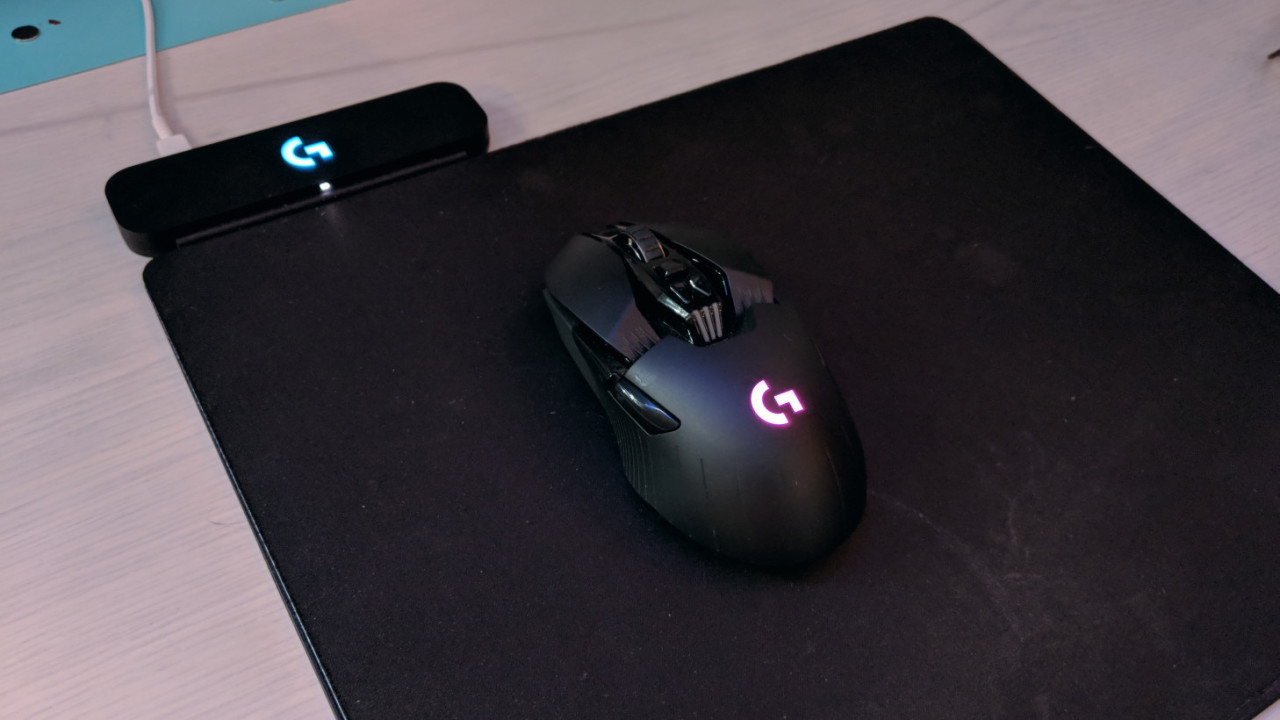
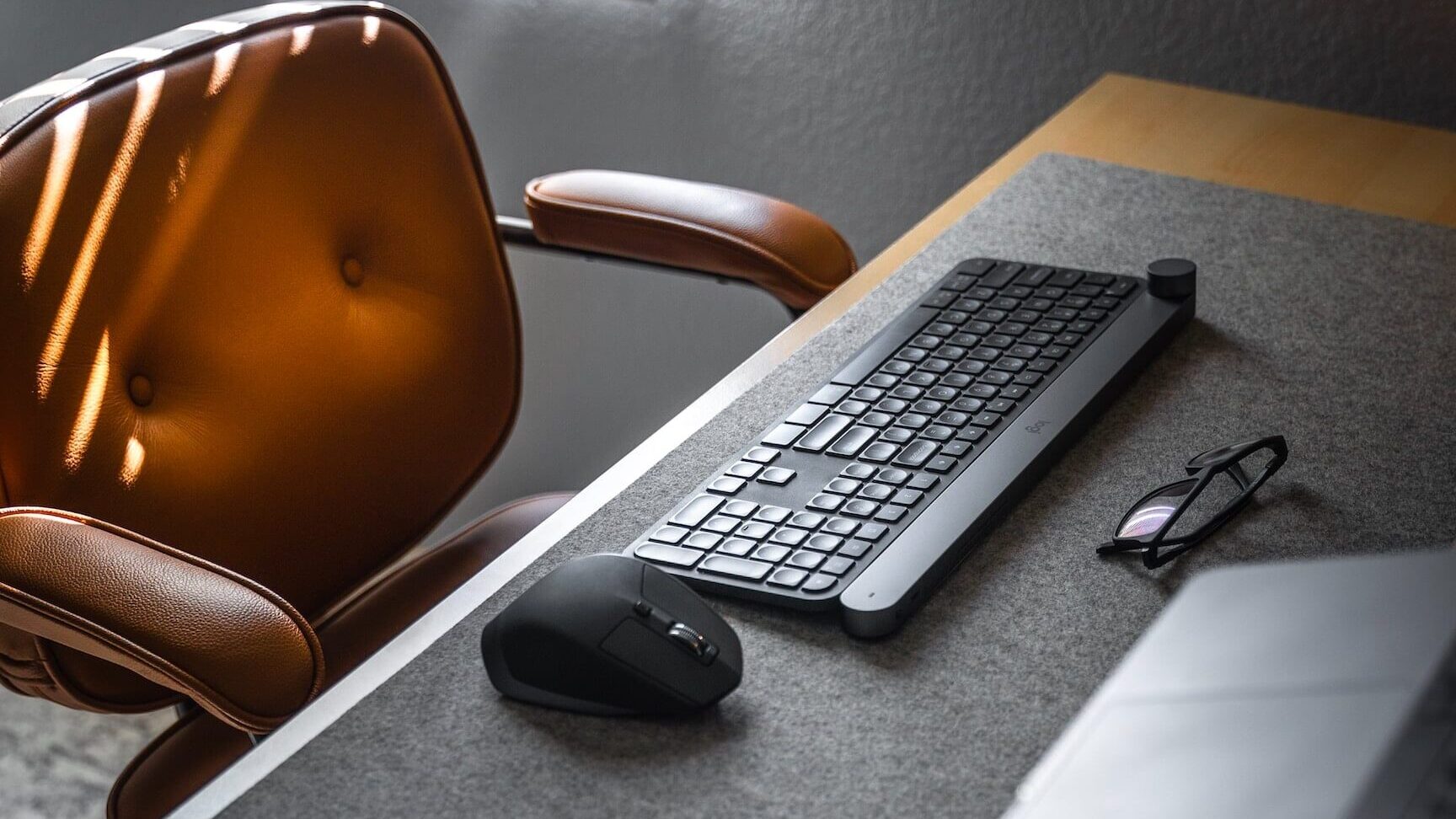
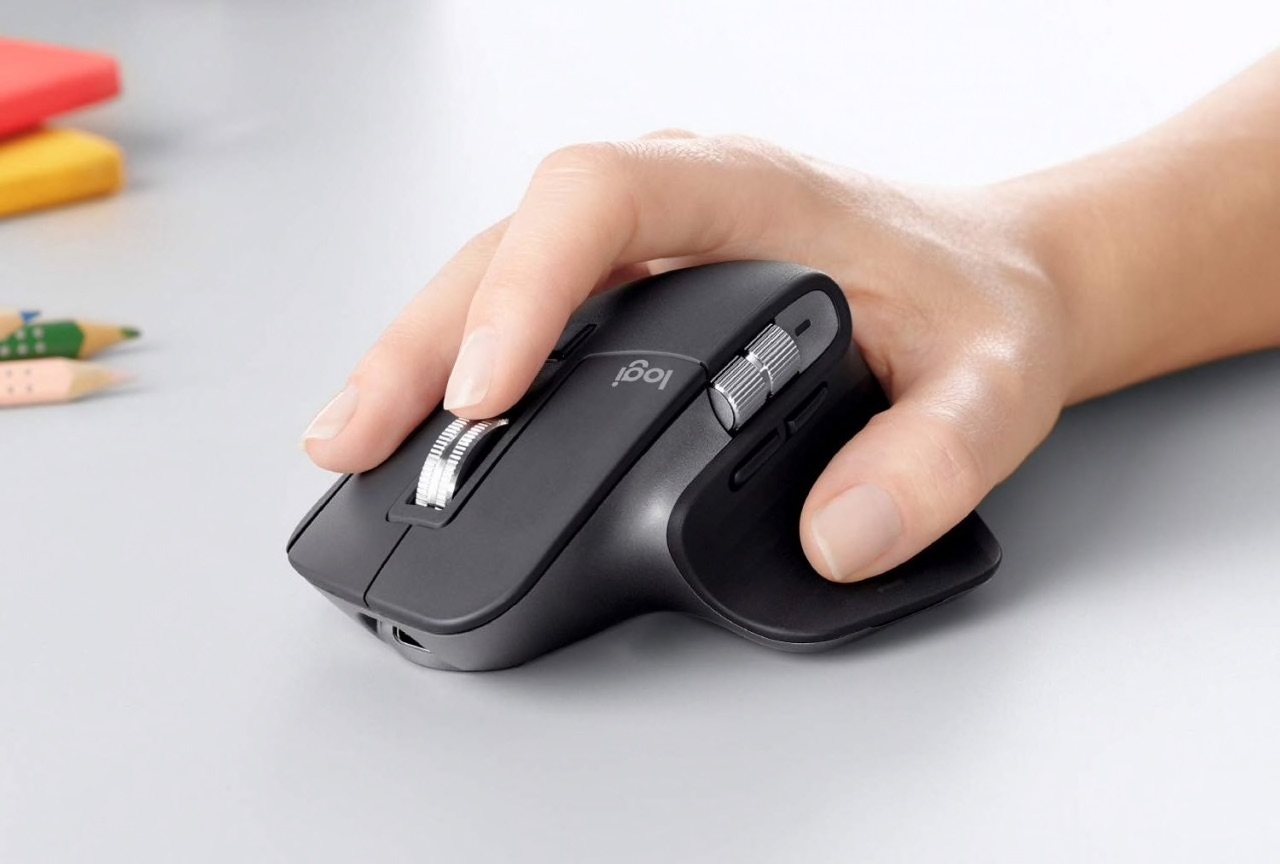
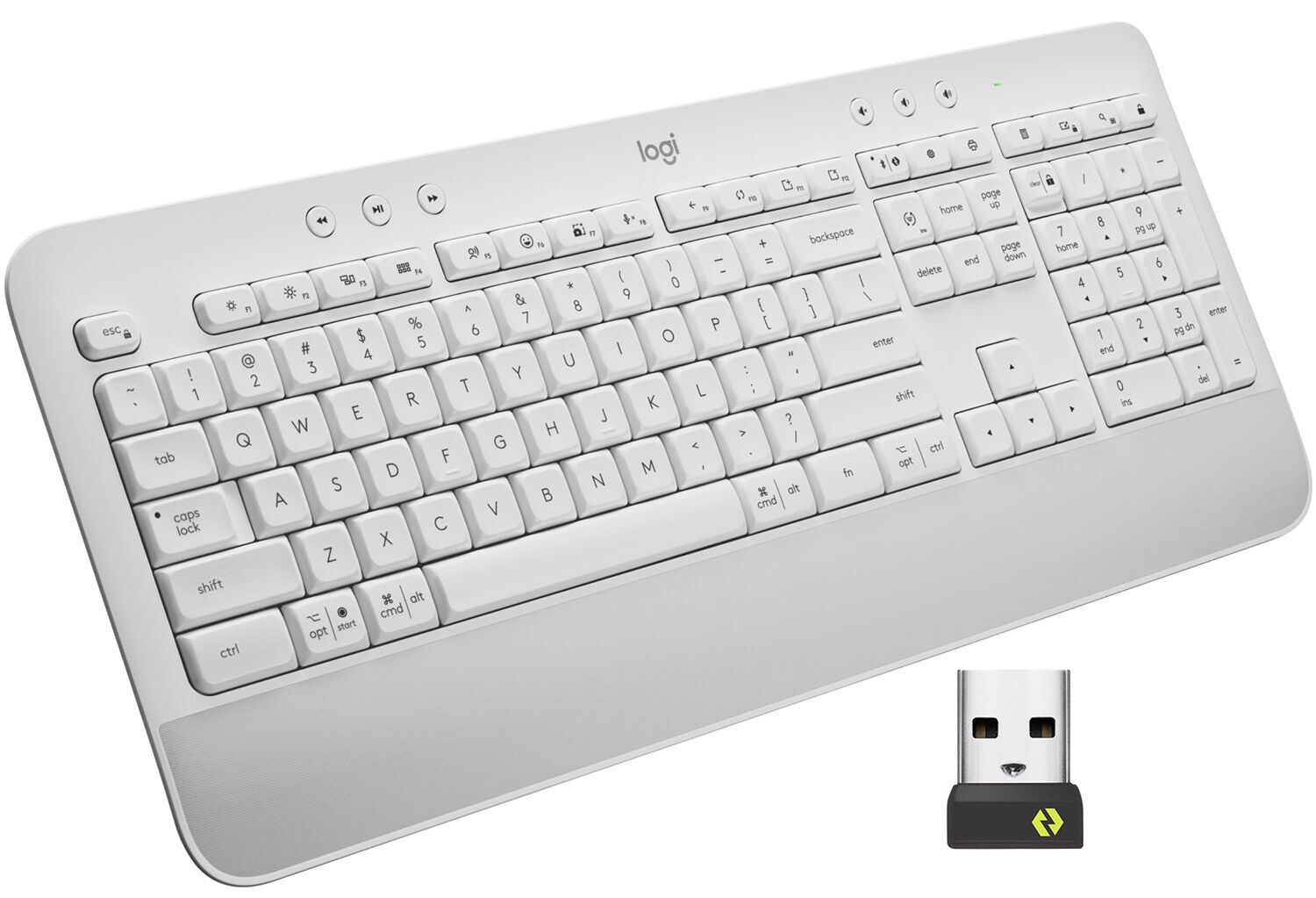
You can connect Logitech mouse to GHUB by installing the software and plugging in the mouse for automatic detection. To connect your Logitech mouse to G HUB, install the software...
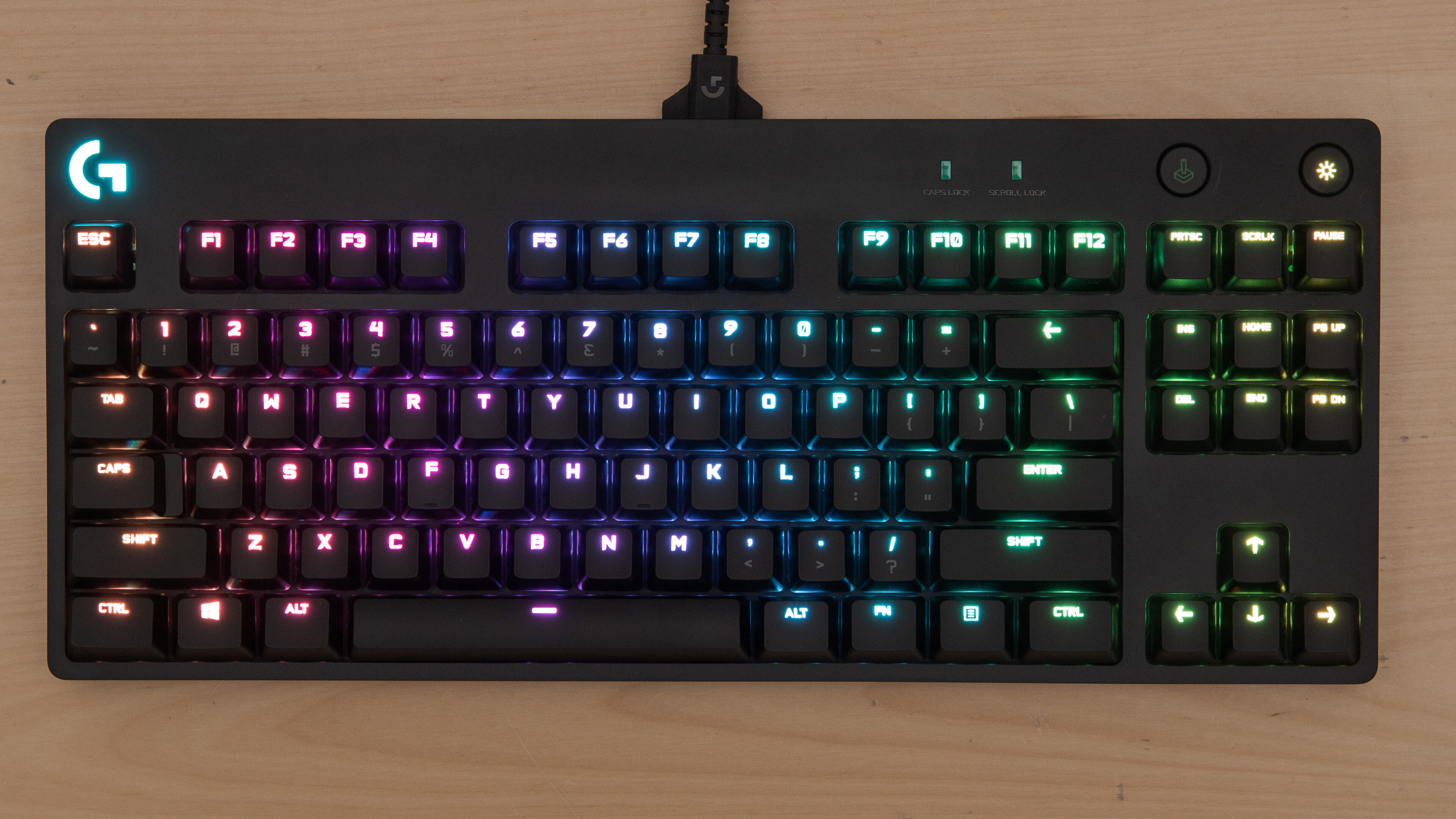
If your Logitech keyboard is flashing, it's almost always a signal for a specific, fixable issue rather than a hardware failure. The exact pattern of the flash tells you what's...
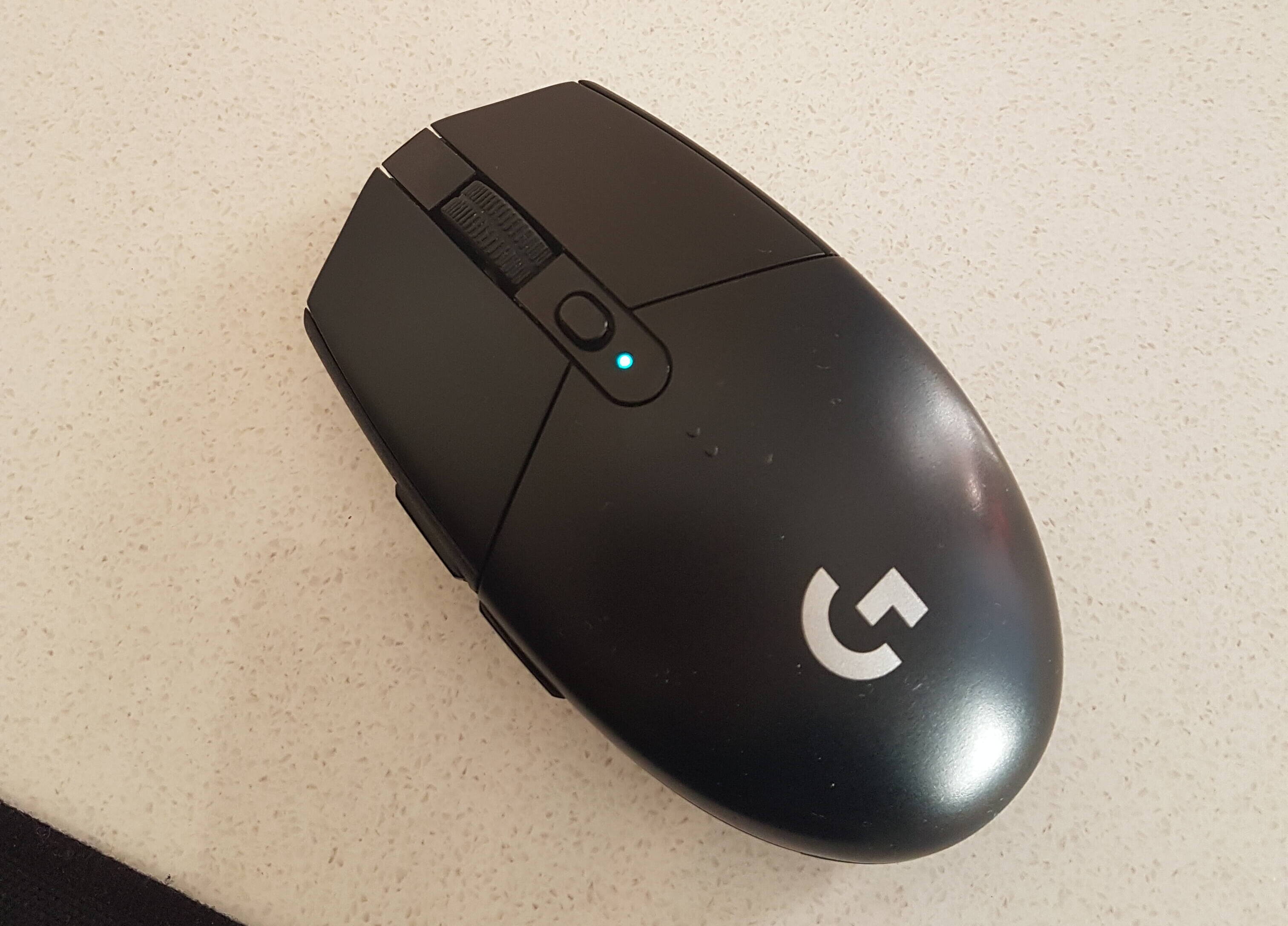
Your Logitech mouse blinking green is almost always telling you one of two things: a fast, rapid blink means it is in pairing mode and ready to connect, while a...
Your Logitech mouse battery is low when its indicator light blinks red, its paired software shows a low percentage or one pip, or your operating system’s Bluetooth settings report a...
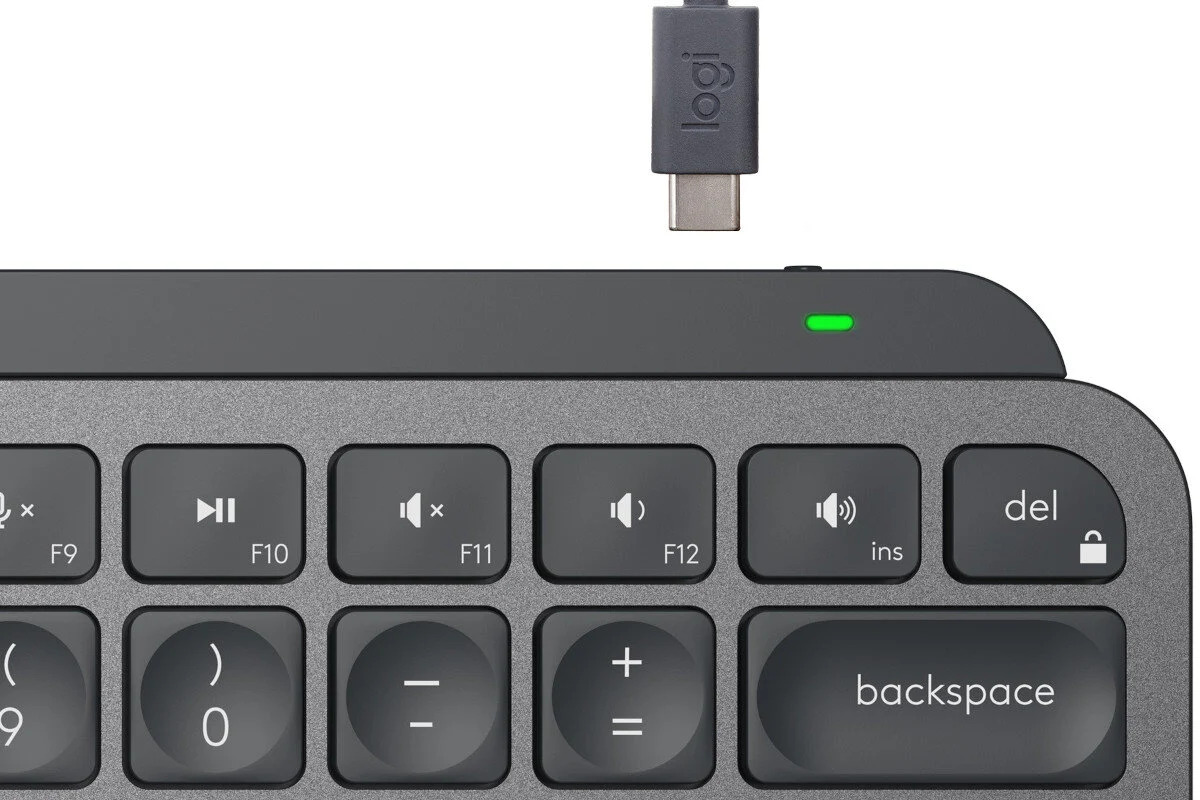
To check battery level on Logitech MX Keys, you can quickly glance at the LED indicator near the On/Off switch or open the Logi Options+ software on your computer. These...
To reset a Logitech wireless keyboard like the MX Keys, you can perform either a soft reset to clear pairing issues or a hard reset to restore factory defaults. A...
Check Your Device Is Compatible with the Logitech MX Keys Mini To pair Logitech MX Keys Mini, you'll need a device with Bluetooth wireless capability, the keyboard connects via Bluetooth...
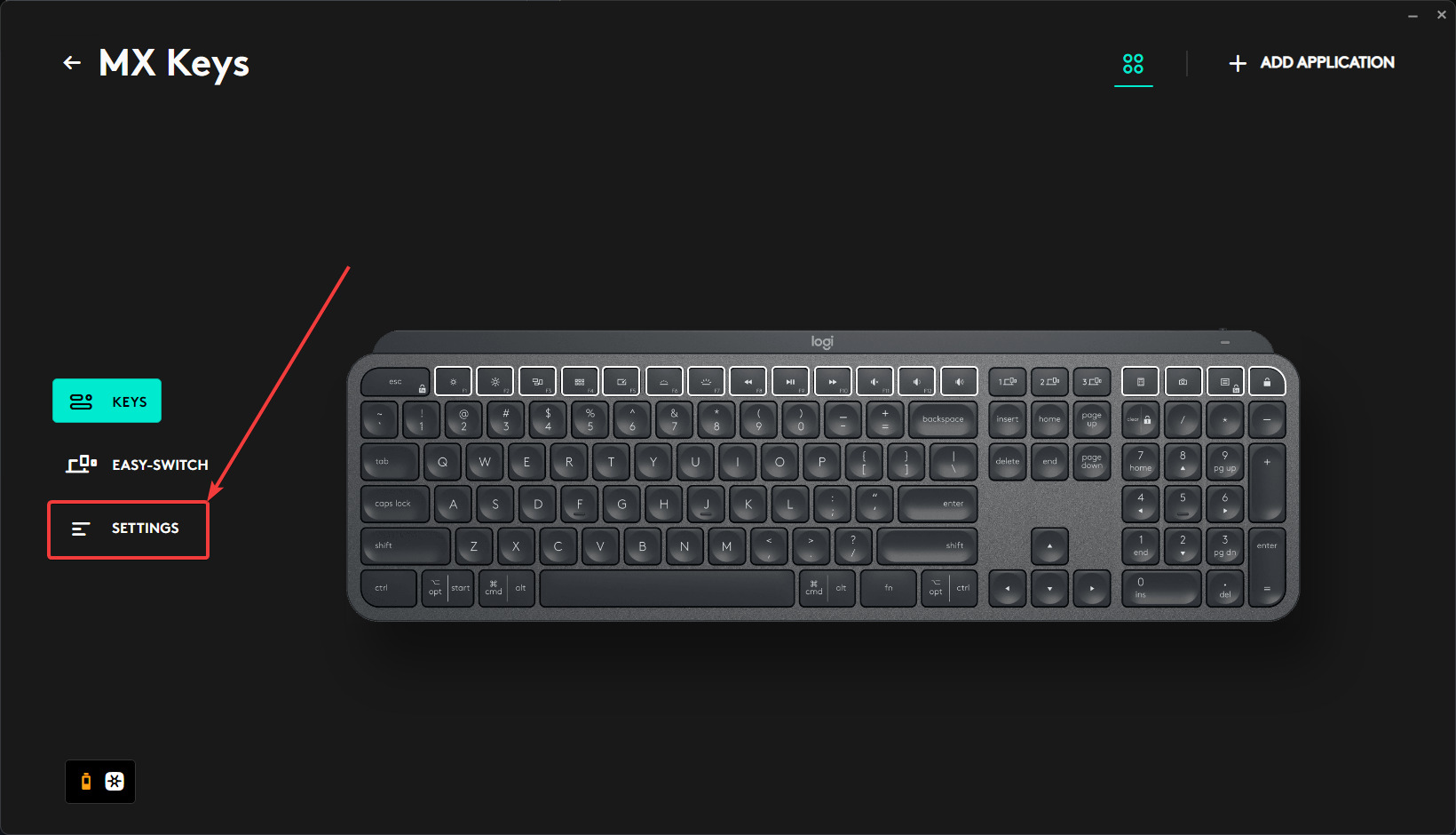
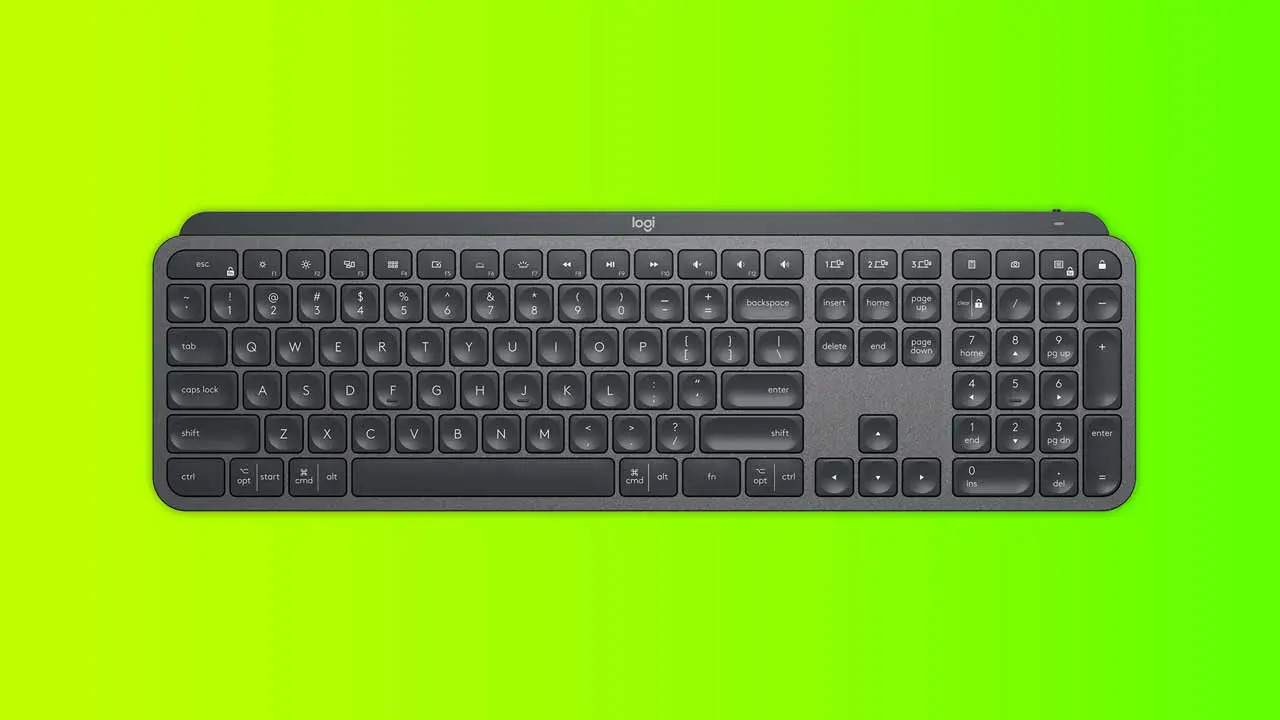
To connect Logitech MX Keys, you can use either Bluetooth Low Energy or a Logi Bolt USB receiver. This keyboard features Easy-Switch buttons that let you pair it with up...
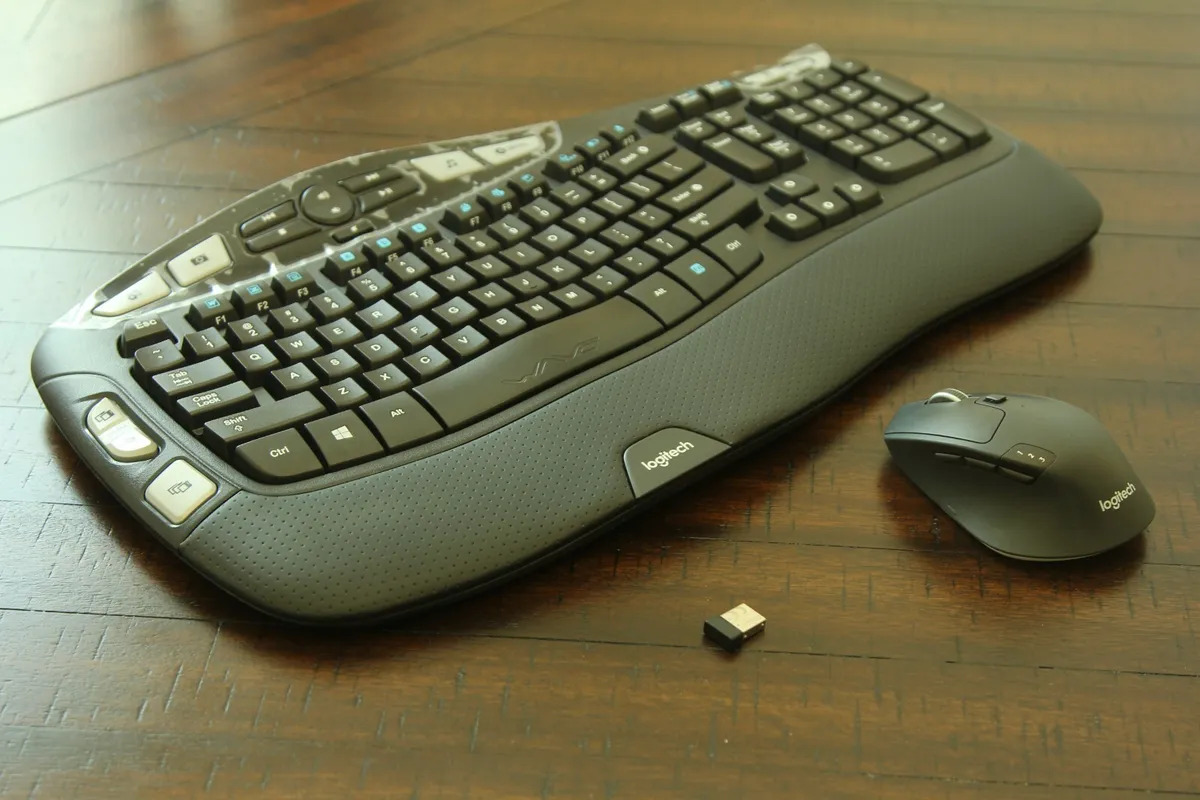
To connect your Logitech K350 keyboard, simply insert the included Unifying Receiver into a USB port on your computer. This guide covers the instant setup that usually works automatically, and...
To connect a Logitech wireless keyboard without a receiver, you have two real options: use the keyboard's built-in Bluetooth (if it has it) or replace a lost Unifying receiver with...
To connect a Logitech mouse without a USB receiver, use your computer's built-in Bluetooth to pair directly. This guide walks you through connecting a Logitech mouse without USB for any...
To connect Logitech keyboard to different receiver, you must first identify whether your keyboard uses Unifying (orange star logo) or Logi Bolt (Bolt logo) technology, as these are incompatible. Only...
This website uses cookies so that we can provide you with the best user experience possible. Cookie information is stored in your browser and performs functions such as recognising you when you return to our website and helping our team to understand which sections of the website you find most interesting and useful.
Strictly Necessary Cookies
Strictly Necessary Cookie should be enabled at all times so that we can save your preferences for cookie settings.
If you disable this cookie, we will not be able to save your preferences. This means that every time you visit this website you will need to enable or disable cookies again.