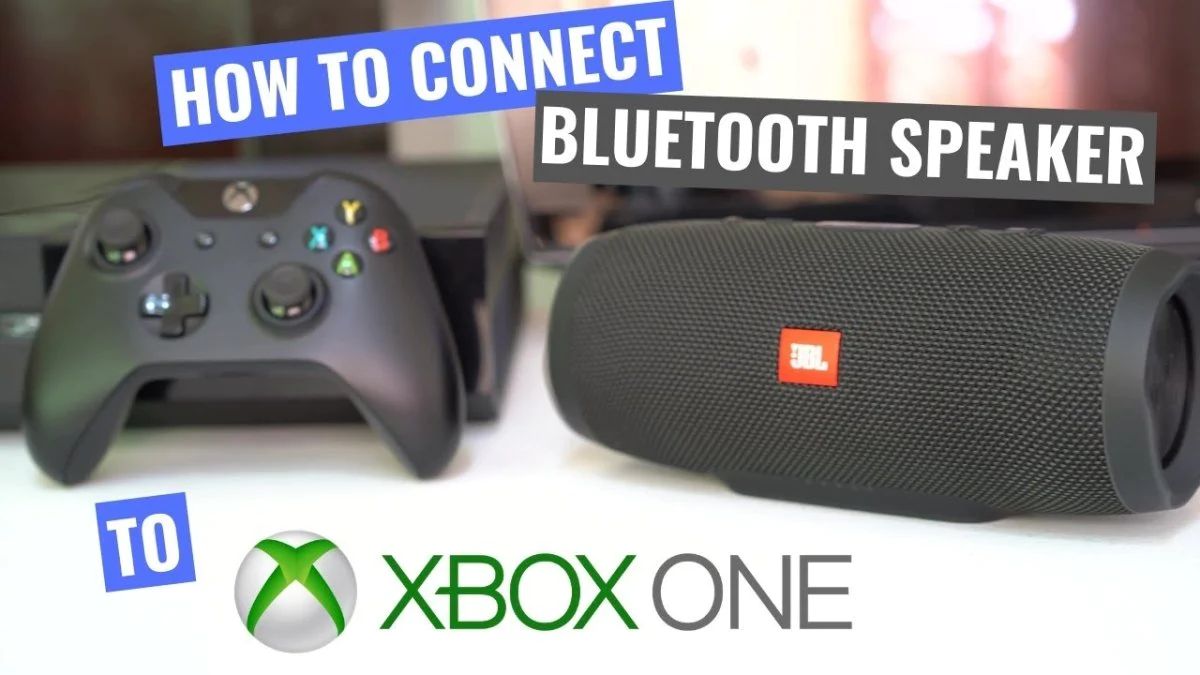
You cannot connect a Bluetooth speaker directly to an Xbox One, Series X, or Series S because these consoles lack native Bluetooth audio support. To connect Bluetooth speaker to Xbox,...
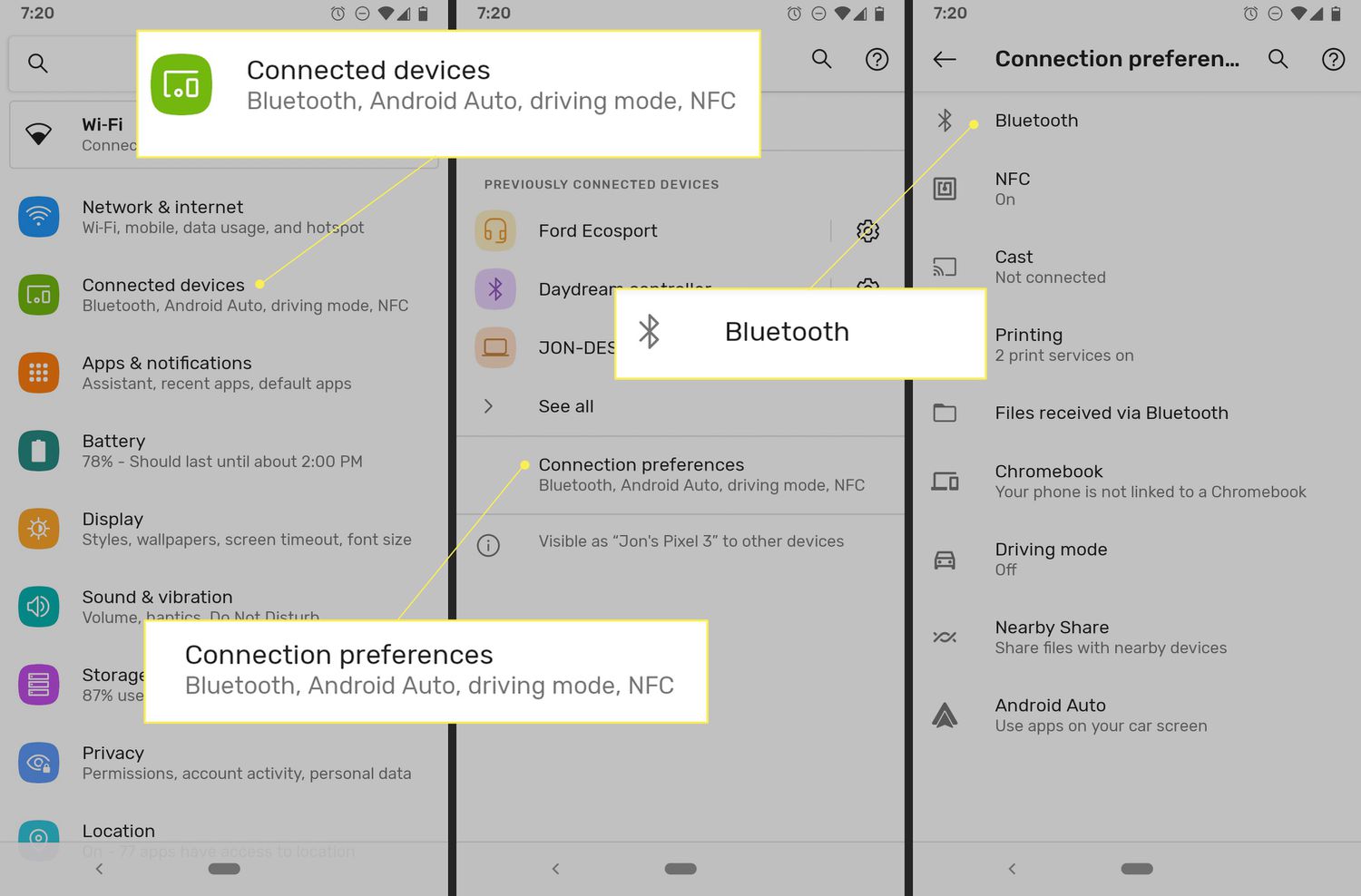
To change your Bluetooth name, you edit the identifier your device broadcasts to nearby gadgets, making it simpler to spot in pairing lists. The exact steps depend on whether you're...
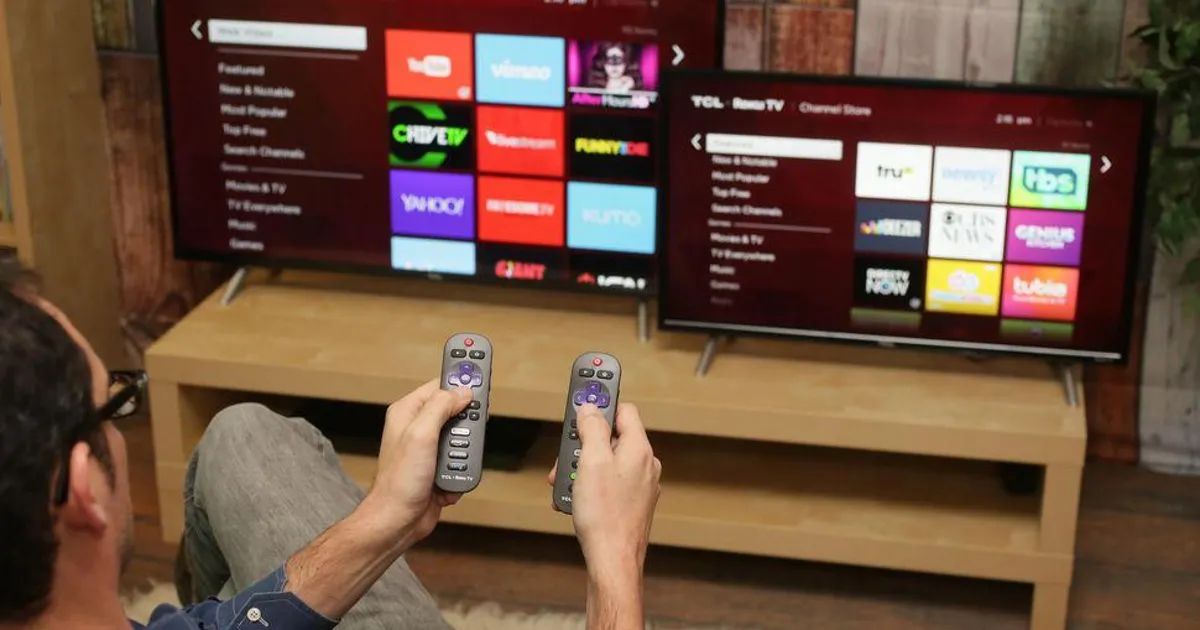
To connect Roku TV to a Bluetooth speaker, you first need to know that only specific 2025+ Roku TV models support direct wireless audio output to a generic Bluetooth speaker....
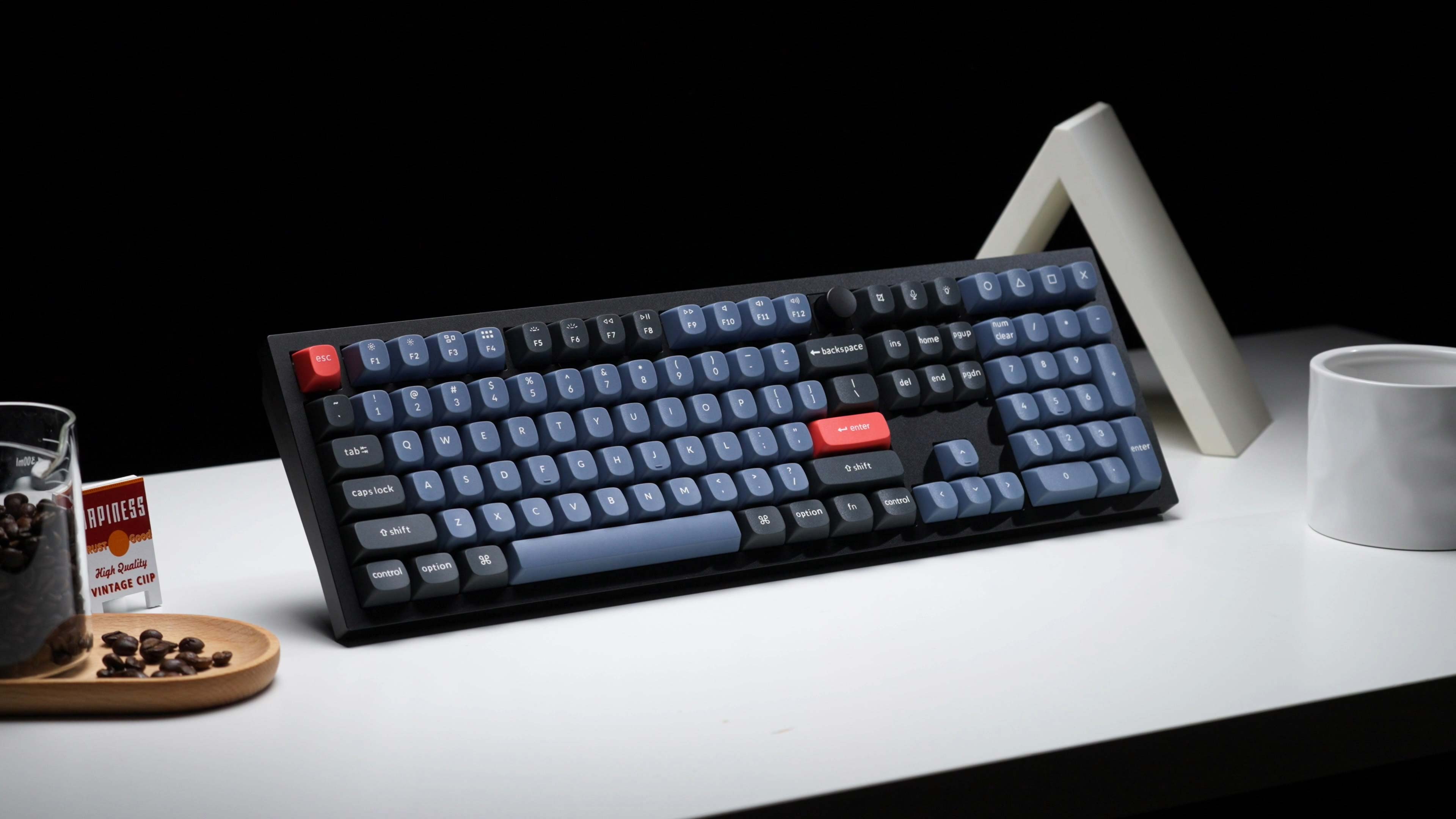
To connect Keychron Bluetooth, first set the mode toggle switch on your keyboard to the Bluetooth or BT option. Then, hold Fn+1 for four seconds to enter pairing mode and...
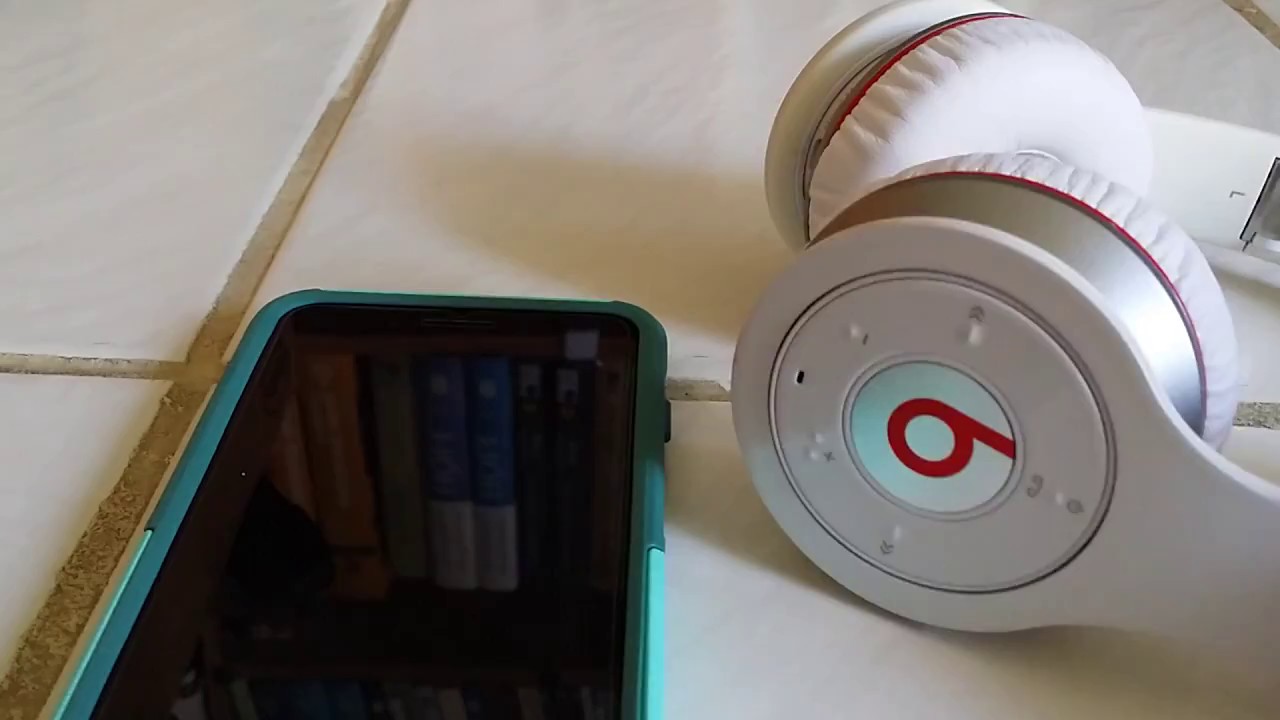
To connect Beats to Bluetooth, start by ensuring your Beats product is charged and Bluetooth is enabled on your phone, tablet, or computer. For the fastest experience with an iPhone...
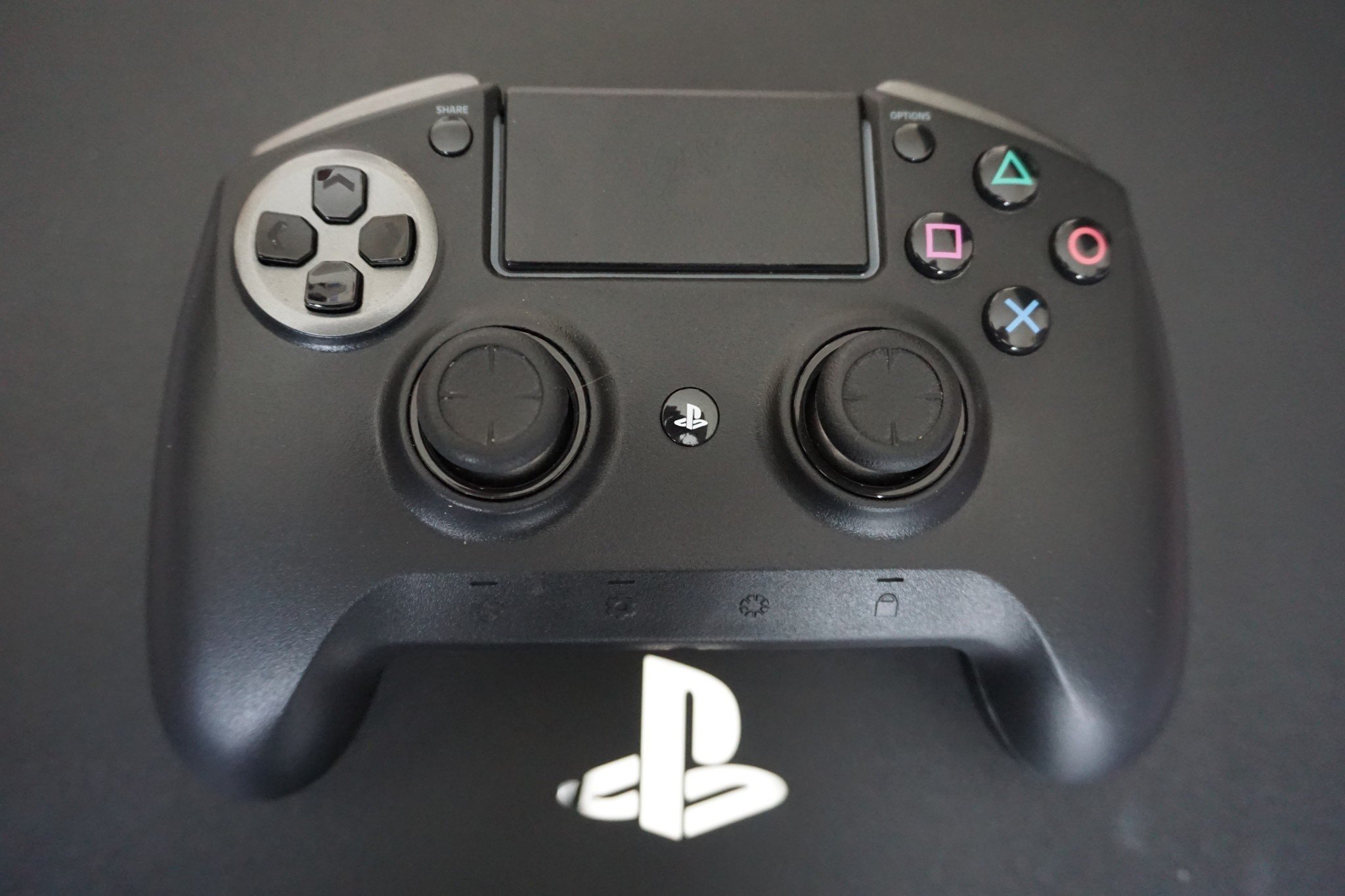
To connect PS4 controller Bluetooth to any phone, PC, Mac, or tablet, start by turning the controller off. If the light bar is on, press and hold the PS button...
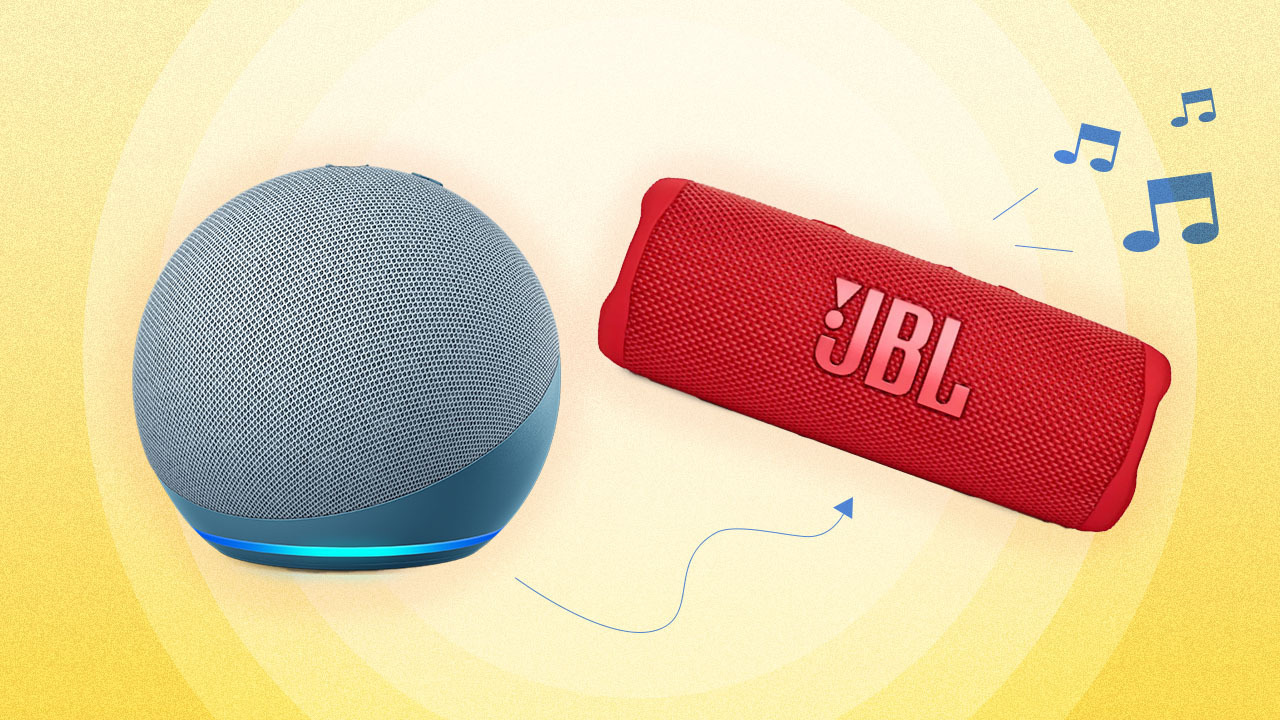
To connect Alexa to Bluetooth, open the Alexa app on your phone or tablet and pair your Echo device with a Bluetooth speaker, headphones, or your phone for wireless audio....
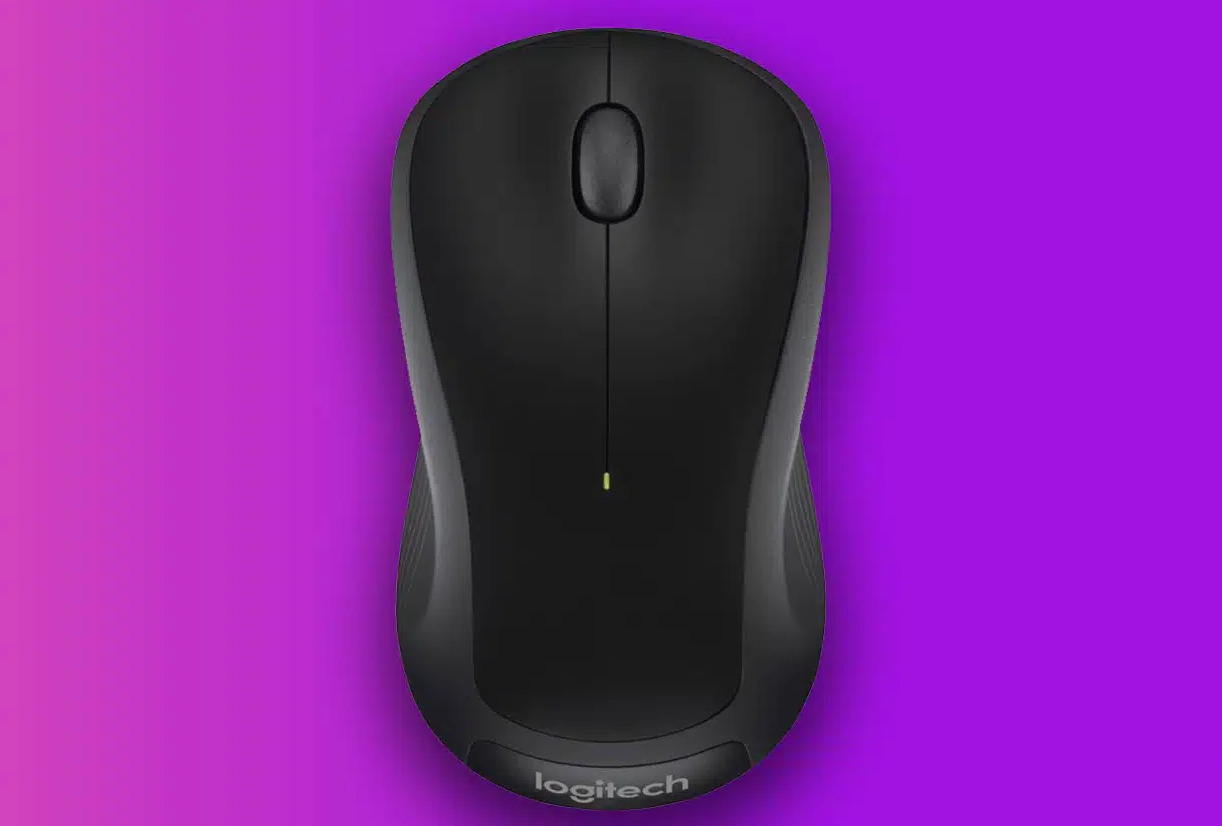
To connect a Logitech M310 wireless mouse, you simply install the battery, turn the mouse on, and plug its USB nano receiver into your computer. This plug-and-play mouse works immediately...
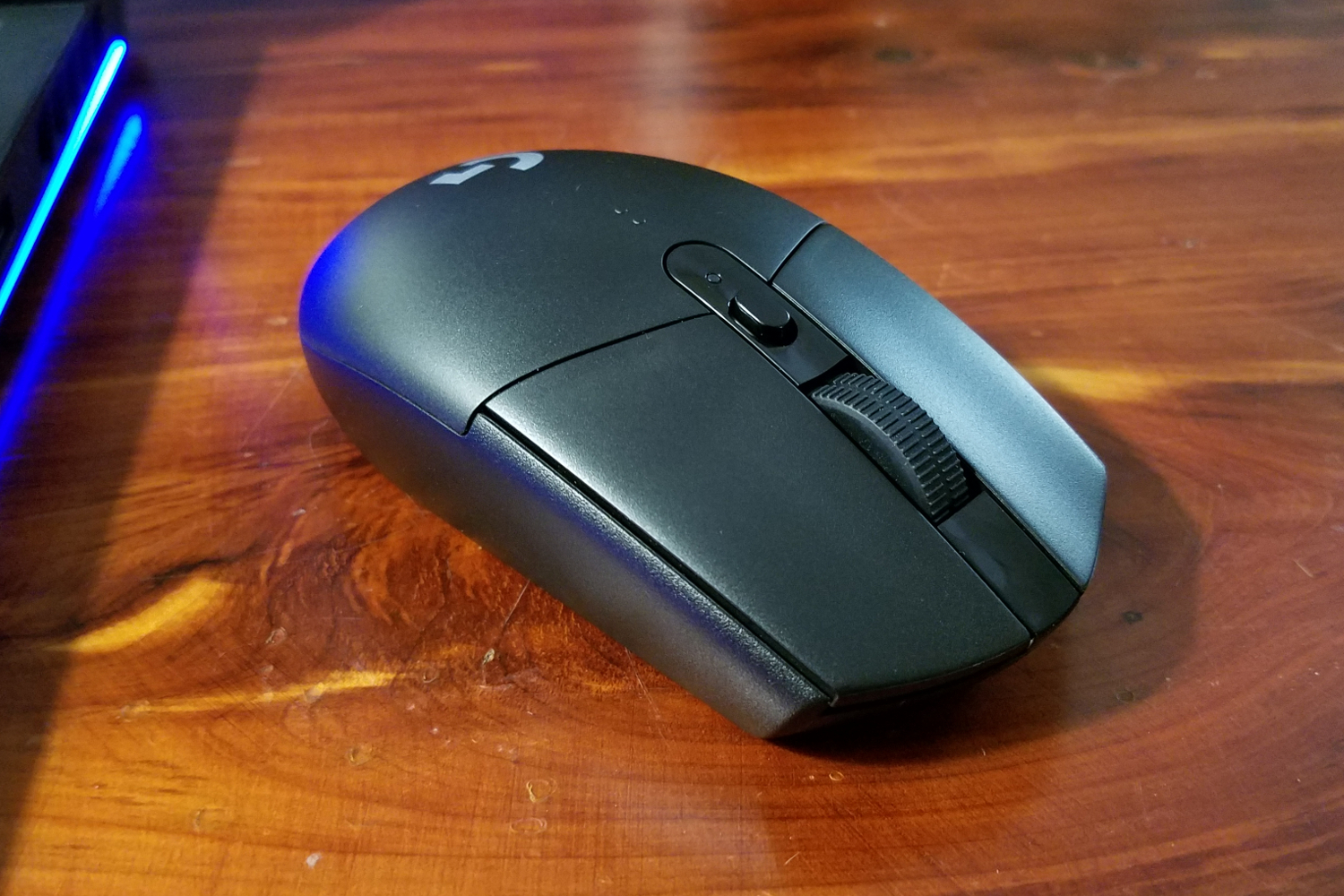
To connect Logitech G305 to Mac, you don't need to pair anything manually, the mouse comes pre-paired with its included USB receiver, so setup is just plugging in the receiver...
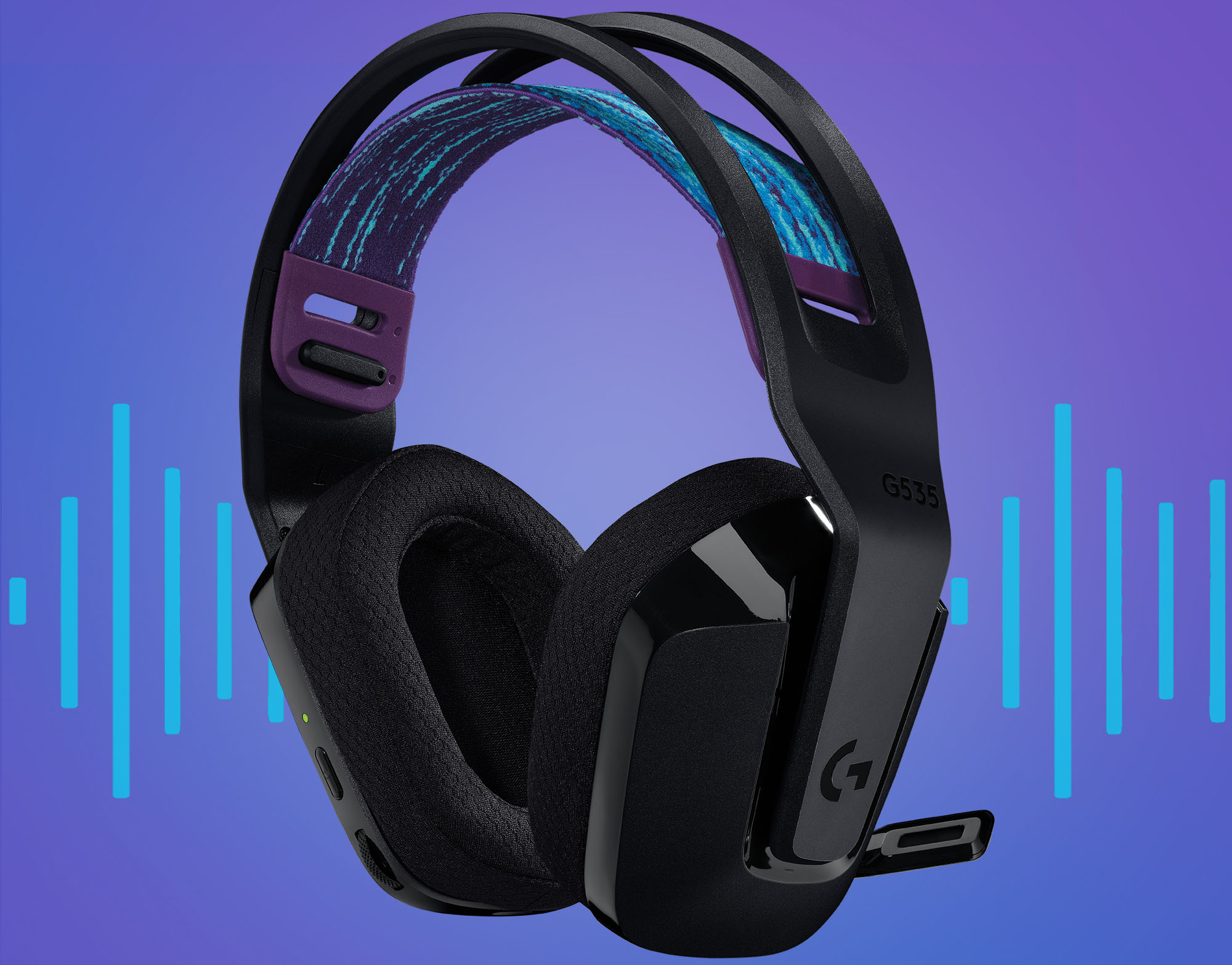
To connect Logitech headset to PS5, choose your connection type: plug the USB receiver or cable into the console, or insert the 3.5mm jack into the controller. For USB wireless,...
To setup Logitech headset for PC, you need to physically connect it, then configure Windows to use it as your default audio device. The exact steps depend on whether your...
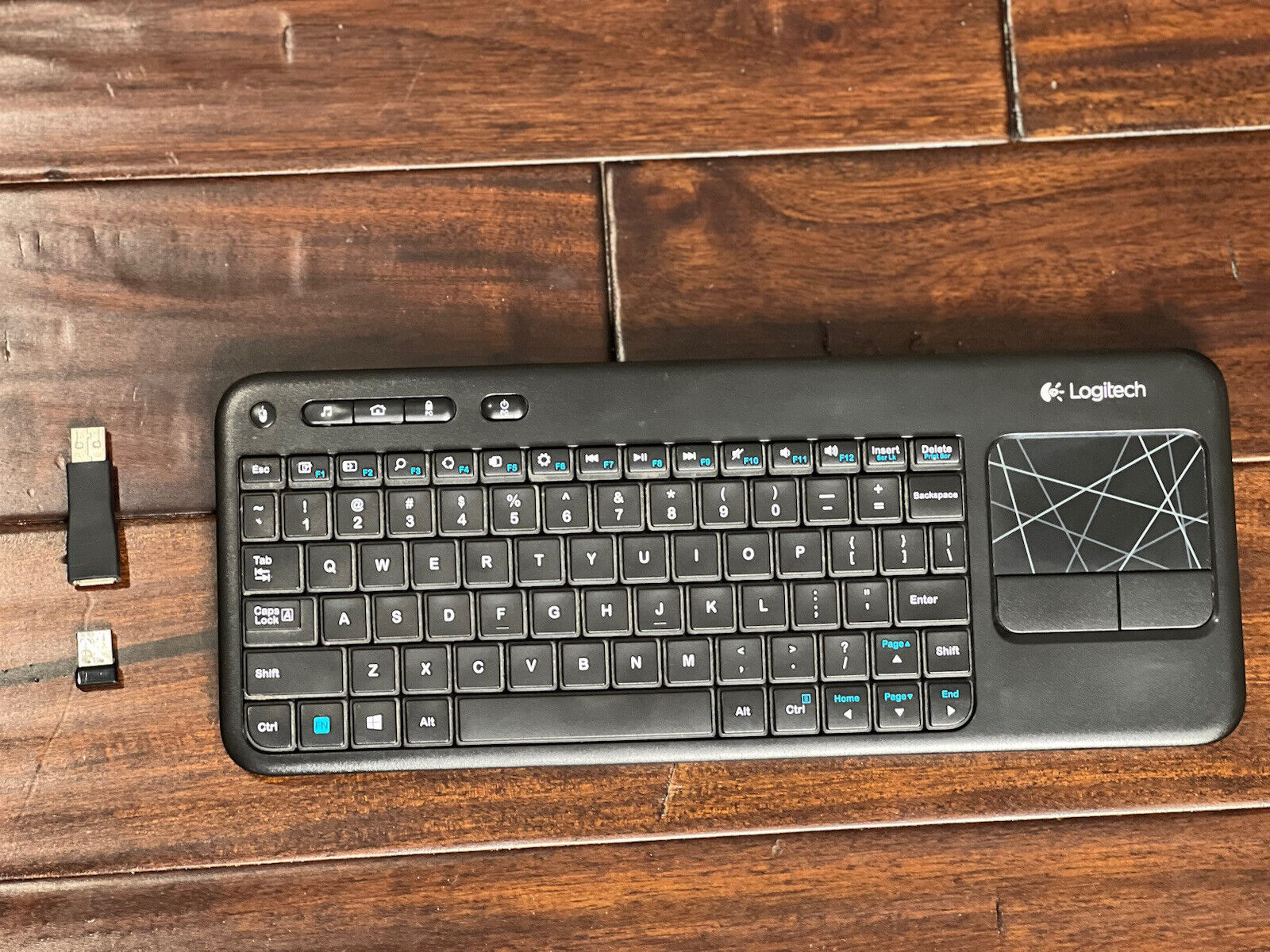
To pair Logitech keyboard K400R with your computer, insert the included Unifying Receiver into a USB-A port and turn on the keyboard, the connection happens automatically. If your keyboard has...
This website uses cookies so that we can provide you with the best user experience possible. Cookie information is stored in your browser and performs functions such as recognising you when you return to our website and helping our team to understand which sections of the website you find most interesting and useful.
Strictly Necessary Cookies
Strictly Necessary Cookie should be enabled at all times so that we can save your preferences for cookie settings.
If you disable this cookie, we will not be able to save your preferences. This means that every time you visit this website you will need to enable or disable cookies again.