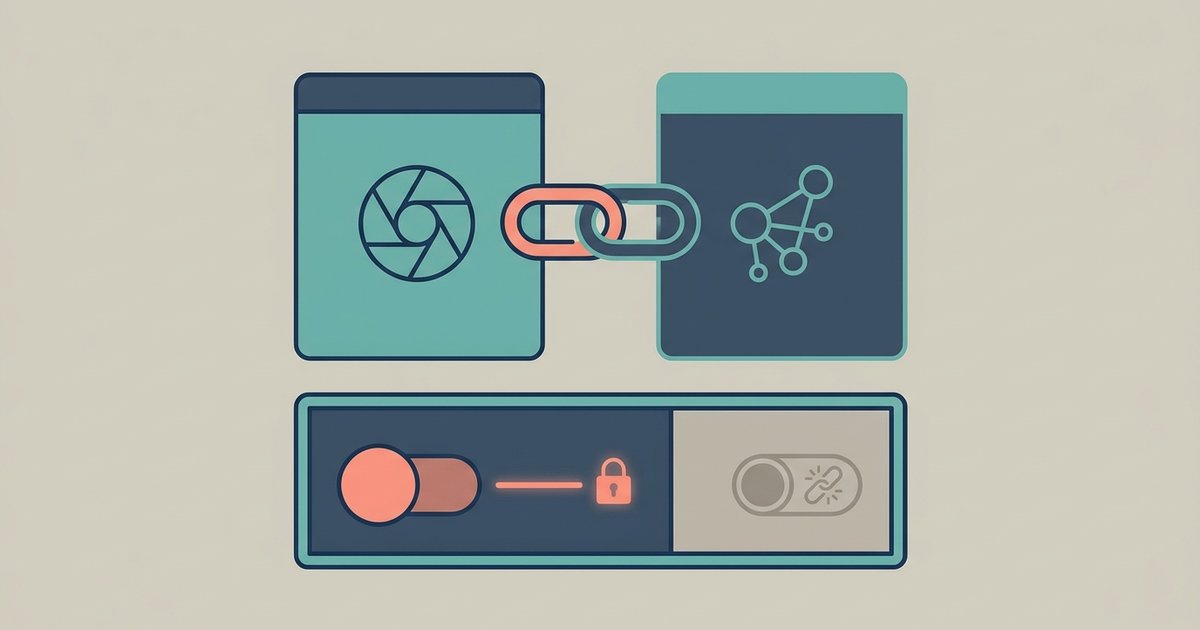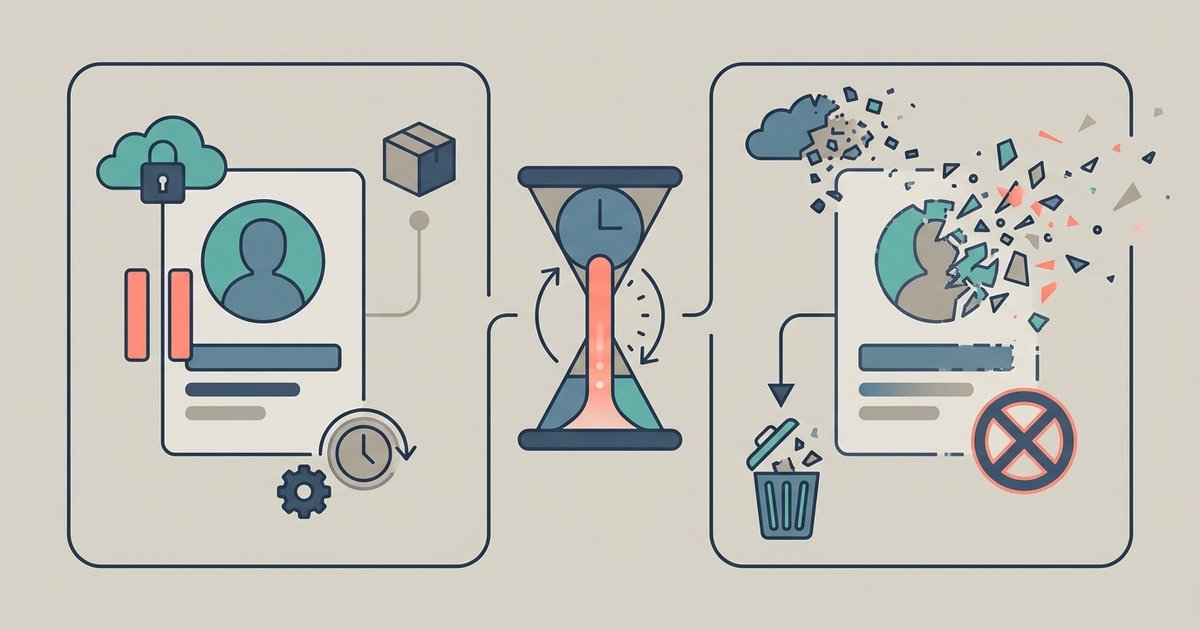
Deactivating a Facebook account hides your profile but keeps everything intact, and you undo it simply by logging back in. Deleting is permanent, with a 30 day window in which you can change your mind by logging in and canceling. The two also treat Messenger completely differently, and neither removes you as thoroughly as most people assume.
The short comparison
| Deactivate | Delete | |
|---|---|---|
| Profile visible | No | No |
| Reversible | Any time, by logging in | Only within 30 days, by canceling |
| Messenger | Can keep using it | No longer available to you |
| Your data | Kept | Removal takes up to 90 days |
| Name in friends' lists | May still appear | Removed |
What deactivation actually does
Deactivation takes your profile out of circulation. People cannot visit it, and your posts and photos stop being browsable in the usual way. What it does not do is erase you from other people's experience of Facebook. Messages you sent to friends may still be visible in their inboxes. Your friends may still see your name in their own friends list, visible only to them and only from that list. Group administrators can still see the posts and comments you left in their groups, with your name attached.
So deactivation is best understood as taking your profile offline, not as a withdrawal from the record. It suits a break from the platform, a period when you do not want to be contactable, or a pause while you decide whether to leave properly. Everything is waiting when you return.
Messenger is the main difference
If you deactivate your Facebook profile you can choose to keep Messenger active. In that case you can still chat with friends, your Facebook profile picture continues to appear in your conversations, and other people can still search for you in Messenger and send you a message. A lot of people use deactivation exactly this way: off Facebook, still reachable.
Deletion removes that option. Once you delete your Facebook account you can no longer use Facebook Messenger at all. If Messenger is how you stay in contact with particular people, move those conversations somewhere else before you start, because you will not get a second chance after the grace period closes.
How deletion works and how long it takes
Deletion is not instant. When you start it, your account goes out of view straight away, but the process runs on a schedule. If fewer than 30 days have passed since you began, you can cancel: log in to your Facebook account and choose to cancel the deletion, and your account comes back.
After that window closes, deletion proceeds. Facebook says it may take up to 90 days from the start of the process to delete everything you have posted, and that copies of your information may remain in backup storage after that period, kept for disaster recovery and legal reasons. Practically, "deleted" means your account and content stop being accessible and are progressively removed, not that every trace vanishes the moment you click the button.
What stays visible either way
Neither option reaches content that was never yours to control. Messages you sent live in the other person's inbox. Anything someone else posted about you, including photos they uploaded and tagged you in, belongs to their account and stays there. Screenshots, reposts and copies people saved are beyond any setting. Content you shared into groups or onto other people's profiles is governed by their settings rather than yours.
If removing specific material is the real goal, deleting the account is a blunt way to attempt it. Deleting individual posts and photos, untagging yourself, and asking people directly to take down content are all more precise, and they work whether or not you keep the account.
Coming back after deactivation
Reactivating is deliberately easy. Log back in to Facebook, or use your Facebook account to log in somewhere else, and the profile returns. You need access to the email address or phone number on the account to complete it, so if either has changed since you deactivated, sort that out before you deactivate rather than discovering the problem when you want back in.
Where to find the option
Both options live in the same place. Click your profile picture in the top right, choose Settings and privacy, then Settings, then look for your Meta Account or Accounts Center section. From there the route runs through Personal details, then Account ownership and control to Deactivation or deletion, where you pick the profile and then choose whether to deactivate or delete. The exact labels differ depending on which version of the settings your account has, so follow the deactivation or deletion heading rather than a fixed sequence of clicks.
One more thing worth knowing about the grace period: canceling deletion requires logging in, which means you need your password and your second factor. If you delete the account and then lose the phone that holds your authentication codes, the recovery route is much harder than a normal login problem, because the account is already scheduled for removal. Keep your recovery codes somewhere you can reach for that month.
What to save and sort out first
Do these before you start, not after.
- Export your data. Use the export tool in Accounts Center to download an archive, and open it to check it actually contains what you want. Deleted content is not in the export, and neither is other people's content that you were tagged in.
- Save photos you care about. Exporting to an external service gets you the original media rather than compressed copies, which matters if Facebook is the only place a photo still exists.
- Hand over any Pages you run alone. A Page that only you control is deleted along with your profile. If you want it to survive, give someone else full control first.
- Change logins that depend on Facebook. Anywhere you signed in with Facebook needs a separate email and password set up first, or you lose access to that service too.
- Check linked accounts and payments. If your Facebook profile is linked to other Meta accounts in Accounts Center, or has Meta Pay methods and active subscriptions attached, deal with those before deleting rather than after.
- Tell people how to reach you. Especially if Messenger was the channel, since deletion ends it.
Which one to choose
Choose deactivation if you want a break, if you are unsure, or if you want to stay reachable on Messenger. It costs nothing and is undone in seconds. Choose deletion if you have decided to leave and you want your content removed rather than parked, accepting that removal takes months and that backups persist for a while.
A reasonable middle route is to deactivate first and set yourself a reminder for a month or two later. If you have not missed it by then, export your data, sort out the Pages and logins on the list above, and delete. That way the irreversible step happens once you already know how you feel about being off the platform, rather than in the mood that prompted the decision.
\nRelated reading: How to Use Messenger Without a Facebook Account, How to Stop Facebook Tracking You for Ads, and How Do I Delete HBO Max Account.