Eclipse Temurin JDK with Hotspot is a free, open-source, production-ready Java Development Kit (JDK) distribution from the Eclipse Foundation's Adoptium project, certified against the Java SE Technology Compatibility Kit (TCK) to ensure full compatibility with the Java SE specification. It combines the OpenJDK codebase with the Hotspot virtual machine, delivering a drop-in replacement for Oracle JDK that is licensed under GPLv2 with the Classpath Exception, making it safe for commercial and production use without licensing fees.
What is Eclipse Temurin JDK with Hotspot?
Eclipse Temurin is the flagship distribution of the Adoptium project (formerly AdoptOpenJDK), maintained by the Eclipse Foundation. It provides a high-quality, TCK-certified build of OpenJDK, which means it has passed the rigorous Java SE compatibility tests required to be considered a standard-compliant Java implementation. The "Hotspot" part of the name refers to the Hotspot virtual machine (JVM), the industry-leading runtime engine that powers the JDK. Hotspot is responsible for executing Java bytecode, managing memory, and applying advanced runtime optimizations like Just-In-Time (JIT) compilation and adaptive tuning. Together, Temurin and Hotspot form a complete, dependable Java runtime that is free to use in any environment, from small embedded devices to large-scale enterprise servers.
For developers and IT decision-makers, the key value of Temurin lies in its trustworthiness. Unlike some other OpenJDK builds, Temurin is TCK-certified, meaning you can deploy it with confidence knowing that your applications will behave exactly as the Java SE specification dictates. It is also released under the GPLv2+CE license, which explicitly permits commercial use, redistribution, and modification without any royalty obligations. The project offers Long-Term Support (LTS) releases for Java versions 8, 11, 17, 21, and 25, with regular quarterly security and stability updates. This predictable cadence makes Temurin a strategic choice for organizations that need a stable, well-supported Java platform without the cost of a commercial Oracle subscription.
Key specifications and supported platforms
Eclipse Temurin JDK with Hotspot is built to run almost anywhere Java is needed. The official builds support a broad range of operating systems and CPU architectures, ensuring that you can standardize on Temurin across your entire infrastructure. Supported platforms include:
- Windows: x64 and aarch64 (ARM64)
- macOS: x64 and aarch64 (Apple Silicon)
- Linux: x64, ARM 64-bit (aarch64), ARM 32-bit, PowerPC 64-bit Little Endian (ppc64le), s390x (IBM Z), and riscv64
- AIX: ppc64
- Solaris: x64 and sparcv9
- Docker: Official Temurin images are available on Docker Hub for Linux and Windows containers
This wide platform coverage is a major advantage for IT teams managing heterogeneous environments. Whether you are deploying microservices on ARM-based cloud instances, running legacy applications on AIX, or building containerized workloads with Docker, Temurin provides a consistent, certified Java runtime. For containerized deployments, the official Docker images are optimized for size and security, making them a solid foundation for production-grade Java applications.
How to install Eclipse Temurin JDK
Installing Eclipse Temurin JDK with Hotspot is straightforward, and there are several methods depending on your operating system and workflow. Below are the recommended approaches for the most common environments.
macOS (Homebrew)
- Open Terminal and run the following command to tap the Adoptium Homebrew repository:
brew tap adoptium/temurin - Install the desired LTS version using Homebrew. For example, to install Java 21:
brew install --cask temurin@21 - Verify the installation by running
java -version. You should see output that includes "Eclipse Temurin" and the correct version number.
Debian/Ubuntu (APT)
- Add the Adoptium GPG key and repository to your system. The official Adoptium documentation provides the exact commands, which typically involve downloading a .deb package from
packages.adoptium.net. - Update your package list:
sudo apt update - Install the Temurin JDK package. For Java 17, the command is:
sudo apt install temurin-17-jdk - Confirm the installation with
java -version.
Manual installation (tarball or MSI)
- Go to the official Adoptium website (adoptium.net) and download the latest LTS release for your operating system and architecture. Choose the
.tar.gzarchive for Linux/macOS or the.msiinstaller for Windows. - For tarball users, extract the archive to a directory like
/opt/temurinor~/java. - Set the
JAVA_HOMEenvironment variable to point to the extracted directory. On Linux/macOS, add this line to your~/.bashrcor~/.zshrc:export JAVA_HOME=/path/to/temurin - Add the
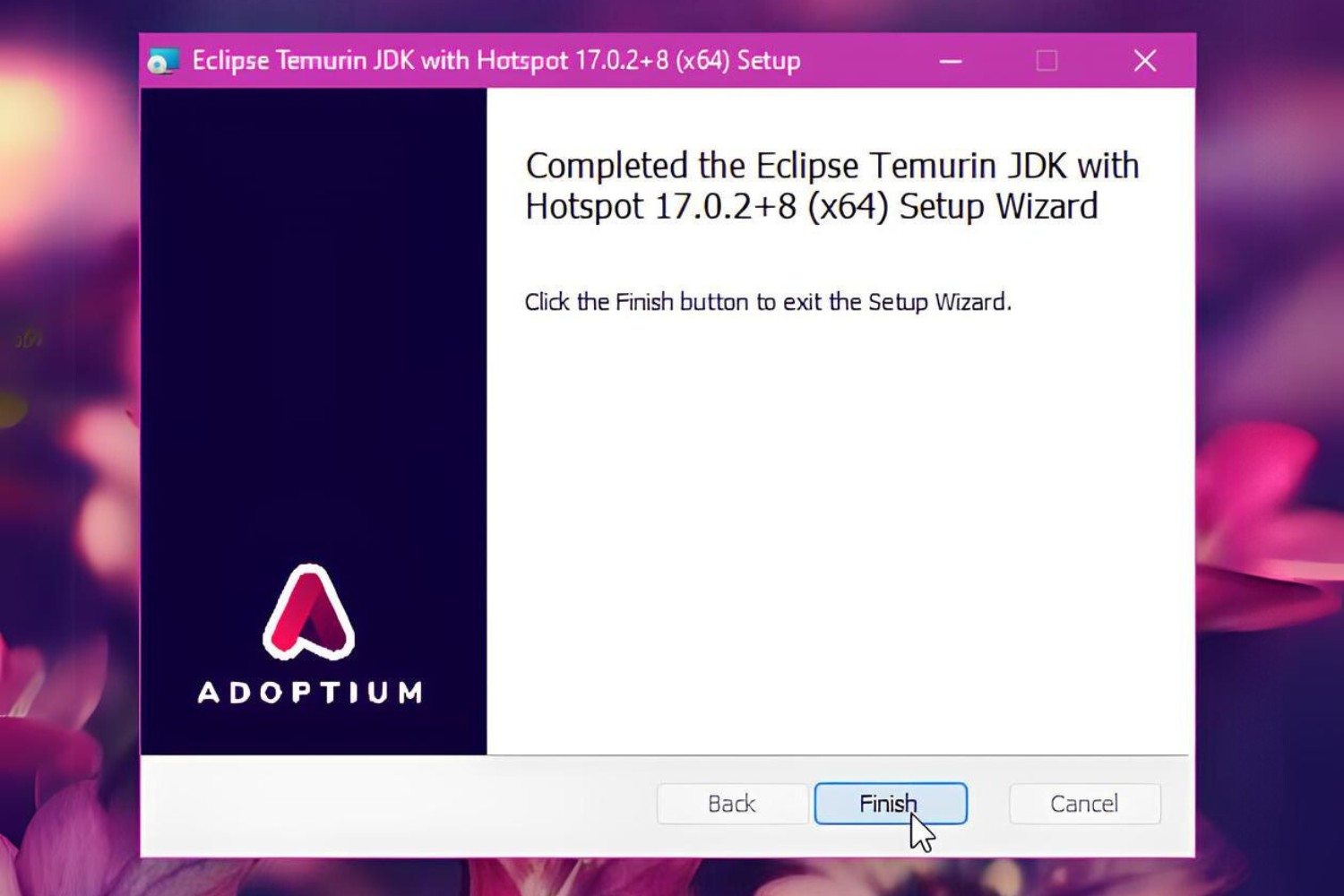
bindirectory to yourPATH:export PATH=$JAVA_HOME/bin:$PATH - On Windows, run the MSI installer and follow the wizard. The installer will automatically set
JAVA_HOMEand update yourPATH. - Verify the installation by opening a new terminal and running
java -version.
This ensures that the file has not been tampered with during download.
Understanding Hotspot performance and updates
The Hotspot virtual machine is the engine that makes Eclipse Temurin a high-performance Java runtime. Its core strength lies in two key technologies: Just-In-Time (JIT) compilation and adaptive garbage collection. JIT compilation works by monitoring which parts of your code are executed most frequently (hot spots) and compiling those bytecode segments into highly optimized native machine code at runtime. This means your application gradually becomes faster as it runs, because the JVM continuously profiles and re-optimizes the hot paths. The result is near-native execution speed for long-running server applications, without the need for ahead-of-time compilation.
G1 is designed to provide predictable pause times by dividing the heap into regions and prioritizing collection of regions with the most garbage first. This approach minimizes application stalls, making Temurin well-suited for latency-sensitive workloads like financial trading systems, real-time analytics, and high-traffic web services. The JVM also offers a range of tunable flags for advanced users who need to fine-tune heap size, thread stack size, or garbage collection behavior to match their specific workload.
Equally important is the update cadence. Eclipse Temurin LTS releases receive quarterly security updates, bug fixes, and performance enhancements from the OpenJDK community and the Adoptium project. These updates are delivered through the same channels as the initial install, so you can easily keep your runtime patched against known vulnerabilities. The predictable schedule, typically January, April, July, and October, allows IT teams to plan maintenance windows and stay ahead of security threats. For organizations that cannot afford to fall behind on Java updates, this regular cadence is a critical feature. It ensures that your production systems remain stable and secure, without the need to migrate to a new major version every six months.
When you choose Eclipse Temurin JDK with Hotspot, you are not just getting a free JDK, you are getting a certified, production-ready runtime backed by a global community and a clear support roadmap. Whether you are running a small startup application or a mission-critical enterprise system, Temurin offers the performance, security, and long-term stability that modern Java development demands.
For the wider topic, see using a phone hotspot.
\nRelated reading: Locating Power Hotspot In No Man's Sky: Quick Tips and How To Make A PINhole Projector To View The Solar Eclipse.