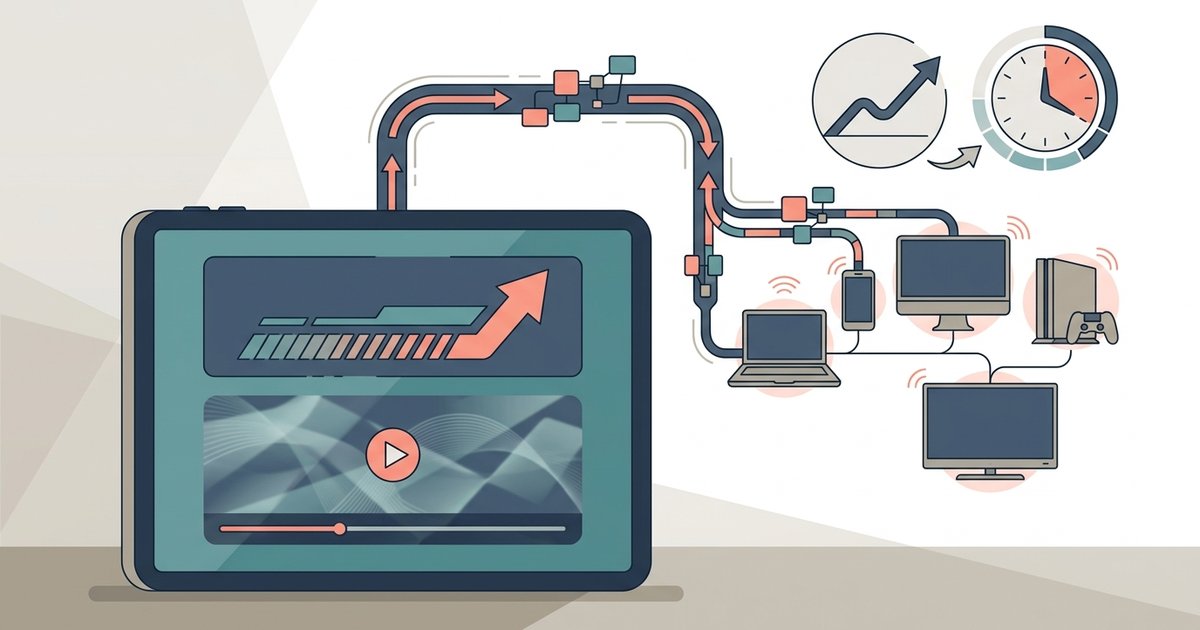
General browsing and email use roughly 60–150MB per hour, while streaming HD video or joining a Zoom call typically burns 1–2GB per hour—meaning a single hour of Netflix can consume more data than a full day of web browsing.
The hourly tablet hotspot data burn by activity
A commuter or remote worker who has already connected their tablet to a phone hotspot but is afraid to start a Zoom call or Netflix episode can use these numbers to estimate whether their monthly plan will survive an afternoon of hotspot data use, though they should also budget for a hotspot draining phone battery faster during long sessions. A standard-definition Netflix stream uses about 700MB per hour, while HD can use significantly more. Zoom one-on-one calls with video on can consume significant data per hour, depending on resolution and frame rate. Music streaming at normal quality uses relatively little data per hour, while high-fidelity lossless streams use more. Web browsing with images uses moderate data per hour, but heavy sites with autoplay video can use significantly more. Email and messaging typically use very little data per hour. A 10GB monthly plan supports a limited number of hours of HD streaming, Zoom calls, or browsing before exhausting the cap.
Why your hotspot often uses more data than you expect
The hidden background drains, automatic app updates, cloud sync, and video autoplay, silently consume data even when the tablet is idle. When you connect hotspot to tablet, the operating system may automatically download app updates, often 100-500MB per app, and sync photo libraries or documents to iCloud, Google Drive, or OneDrive. These syncs can run for hours after you stop actively using the tablet. Social media apps like Instagram and TikTok preload video content in the background, adding significant data usage per hour even if you only scroll. To prevent this, disable automatic app updates and background app refresh for non-essential apps in Settings, and close apps fully rather than leaving them suspended. A detailed walkthrough on the connection process exists for linking iPad to iPhone hotspot.
The video call trap that destroys data plans
Zoom, Teams, and FaceTime often exceed their advertised data rates due to screen sharing, poor network conditions forcing higher bitrates, and the overlooked upload consumption on mobile hotspots. When you share a screen during a video call, the stream changes from a single video feed to a high-resolution screen capture, which can double or triple data usage. If the hotspot connection is unstable, the app may automatically increase bitrate to compensate, burning through significantly more data per hour. The upload stream, your camera feed, also consumes data, but on a mobile hotspot this counts against the same cap as downloads. To minimize this, lower video quality to 360p in Zoom settings, disable HD in Teams, and avoid screen sharing unless absolutely necessary. Tips for keeping the connection alive are covered in preventing iPhone hotspot from turning off.
When the numbers don’t matter
The failure case where calculating hourly usage is useless because the carrier throttles hotspot data to 600kbps after a cap, making HD streaming impossible regardless of the plan’s remaining gigabytes. Many mobile plans, such as T-Mobile’s Magenta or Verizon’s Start Unlimited, cap hotspot data at 5-15GB per month, then reduce speeds to 600kbps. At that speed, a Netflix HD stream may buffer endlessly. A Zoom call at 720p requires 1.5Mbps, so even low-resolution calls become glitchy. In this scenario, the remaining gigabytes are irrelevant; you cannot use them for video. To avoid this, check the carrier’s hotspot throttle policy before streaming. If a reliable connection beyond the cap is necessary, a dedicated mobile hotspot plan or a tablet with a separate cellular data line provides a way to connect a tablet to the internet without hitting the same limits. For a broader understanding of how to manage these constraints, see our guide on using a phone hotspot with any device.