This tag collects practical, step-by-step guides for setting up and troubleshooting mobile hotspots and Wi-Fi sharing across a range of consumer devices. It is written for everyday users who want to get their phone, tablet, console, or computer online without a wired router, as well as for those who need to connect a specific gadget to an existing hotspot. The articles assume little prior knowledge and focus on clear, actionable instructions rather than technical jargon.
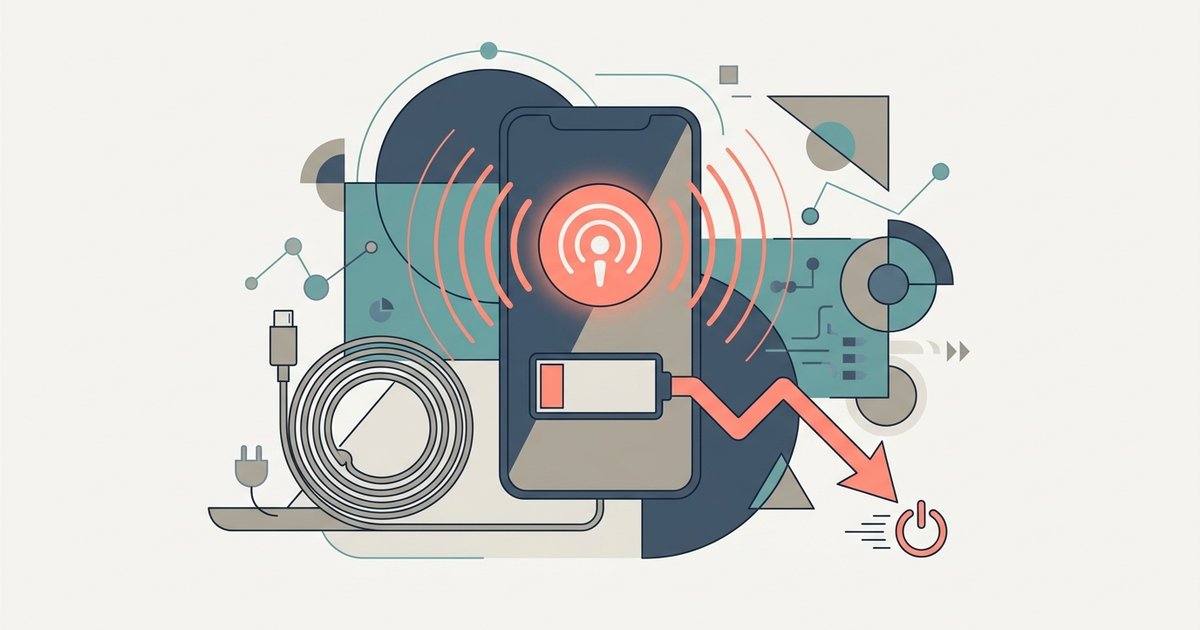
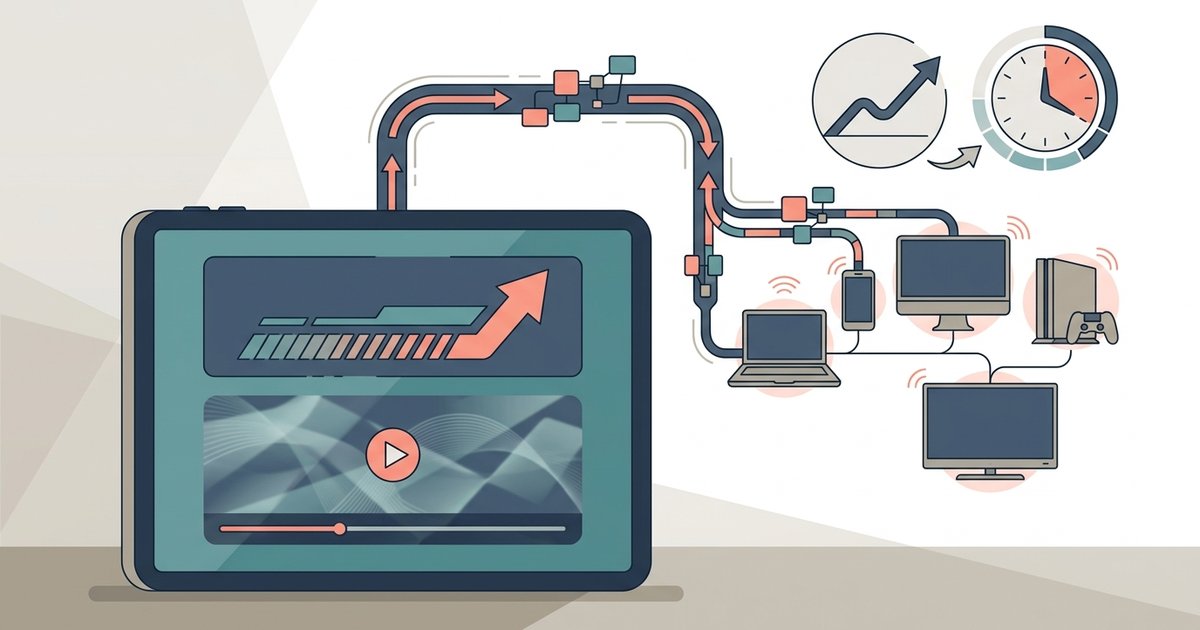
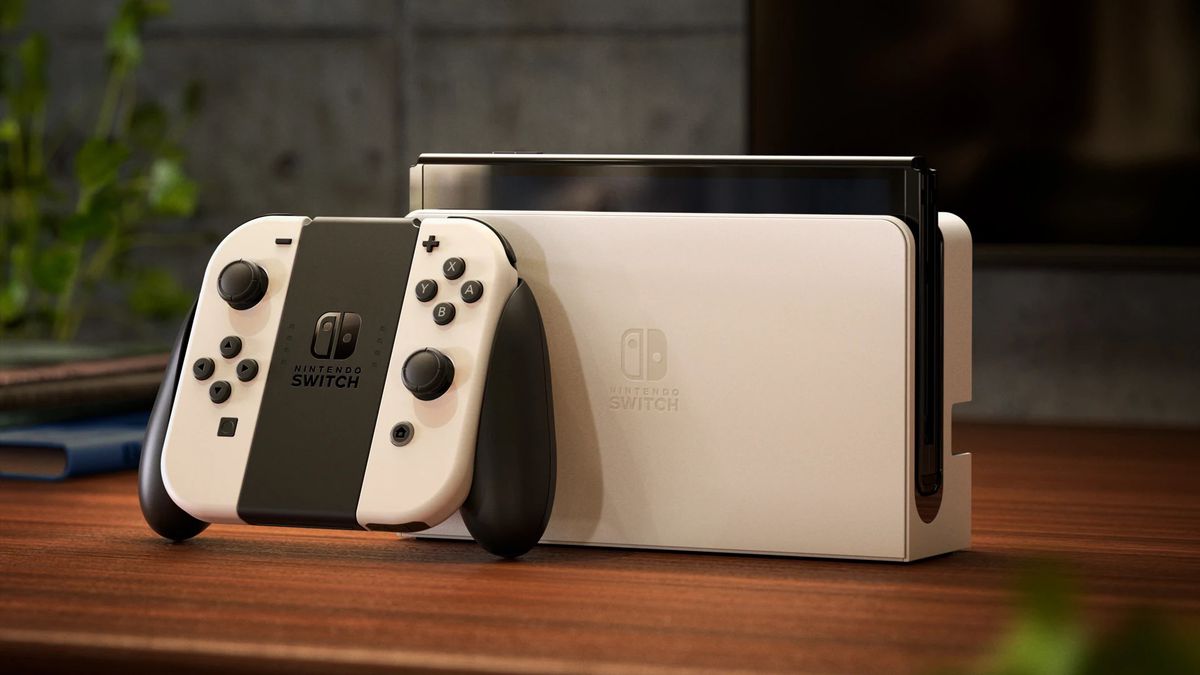
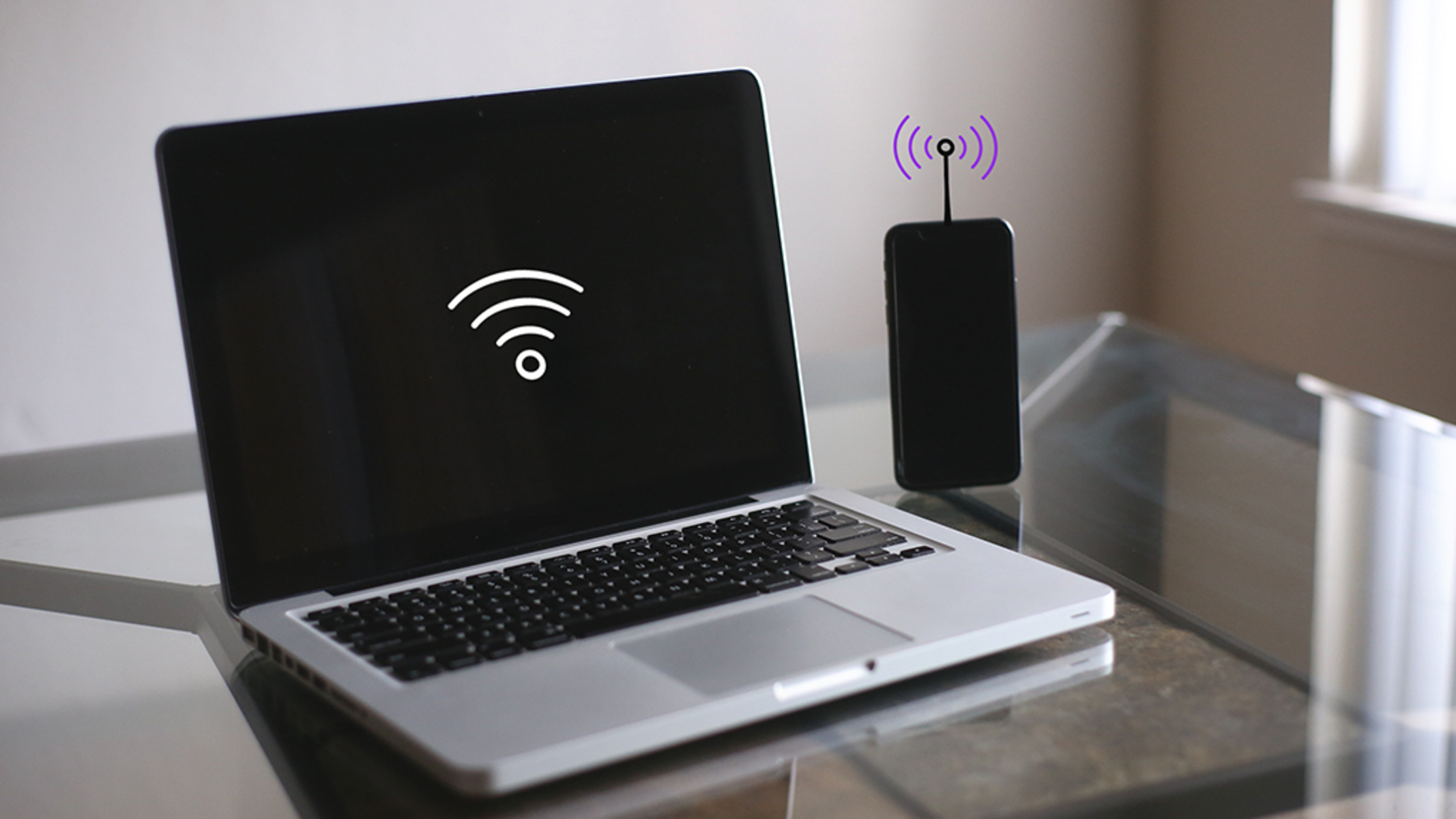
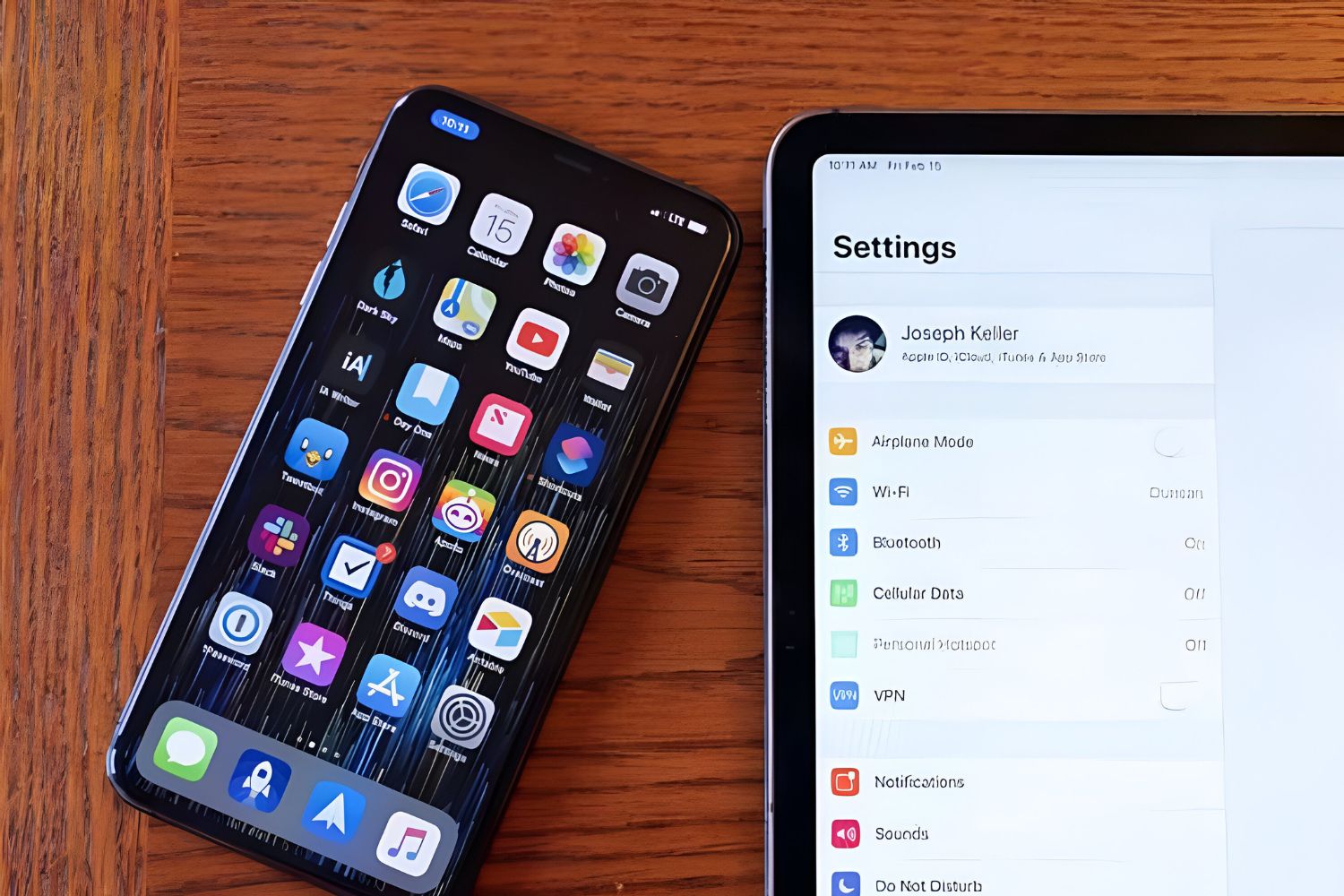
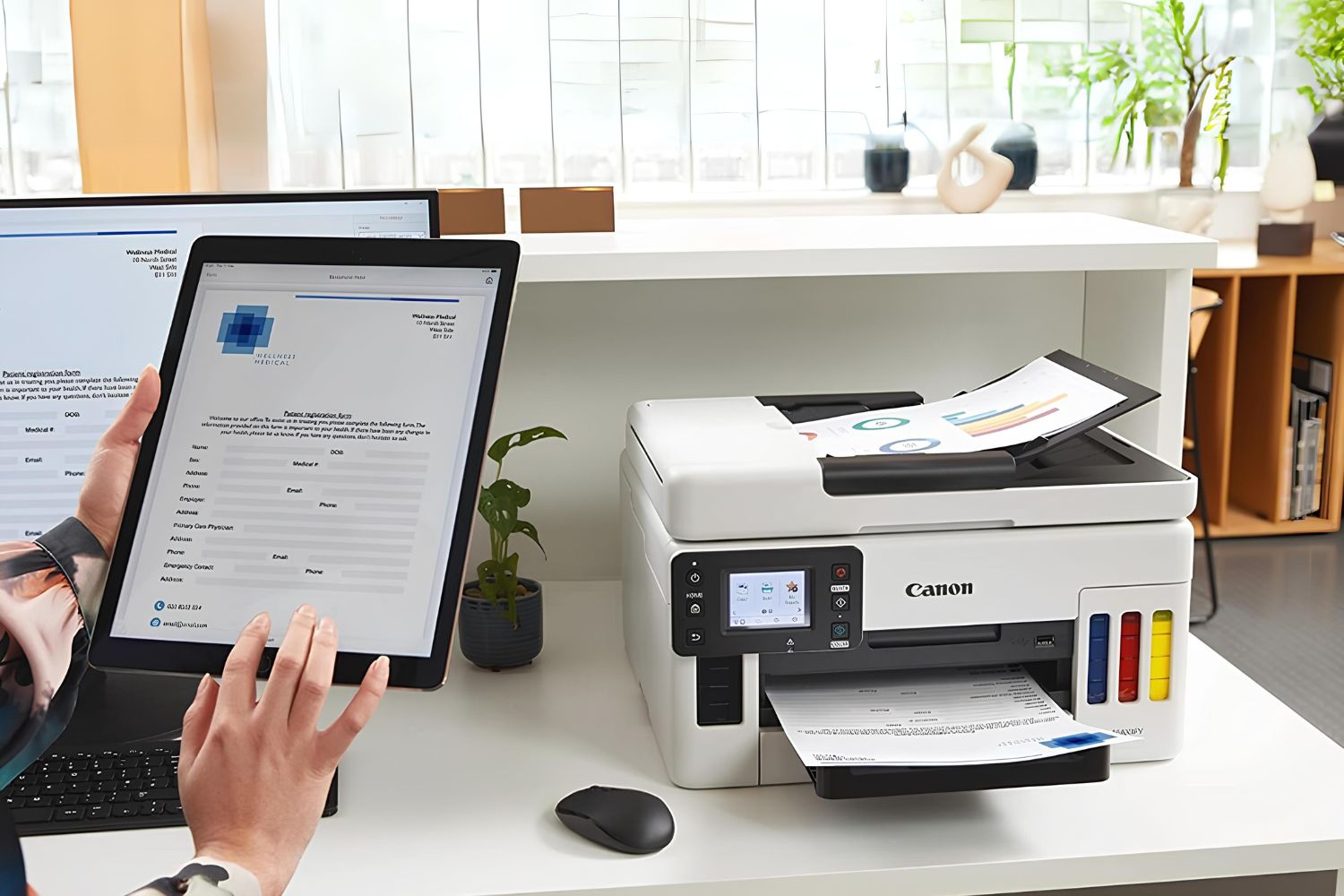
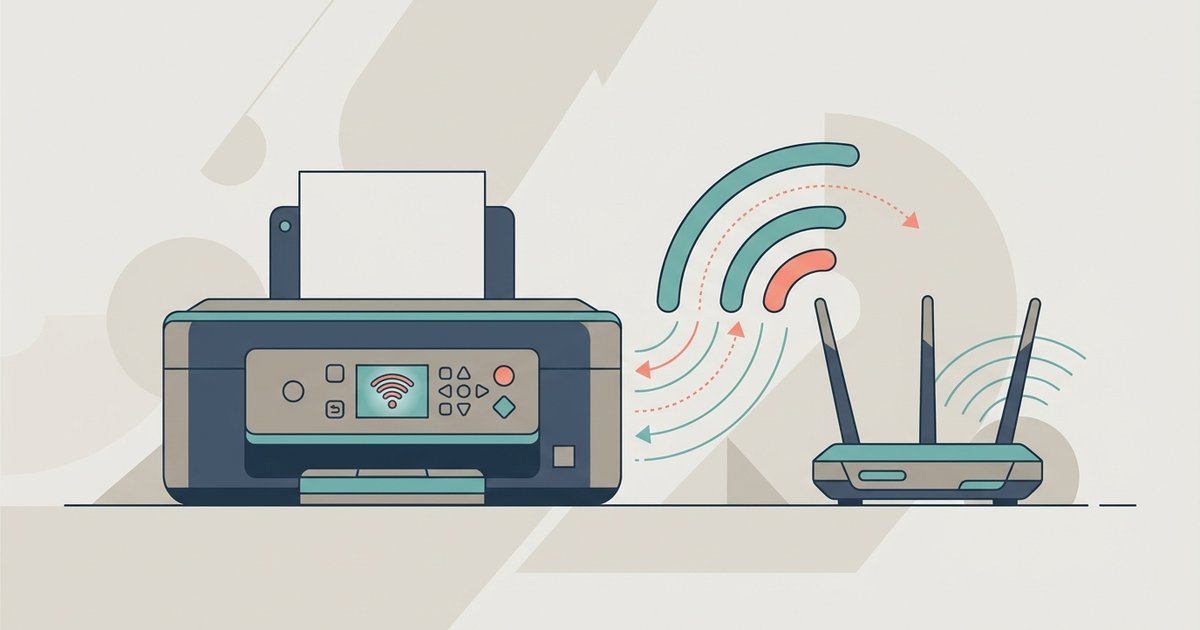
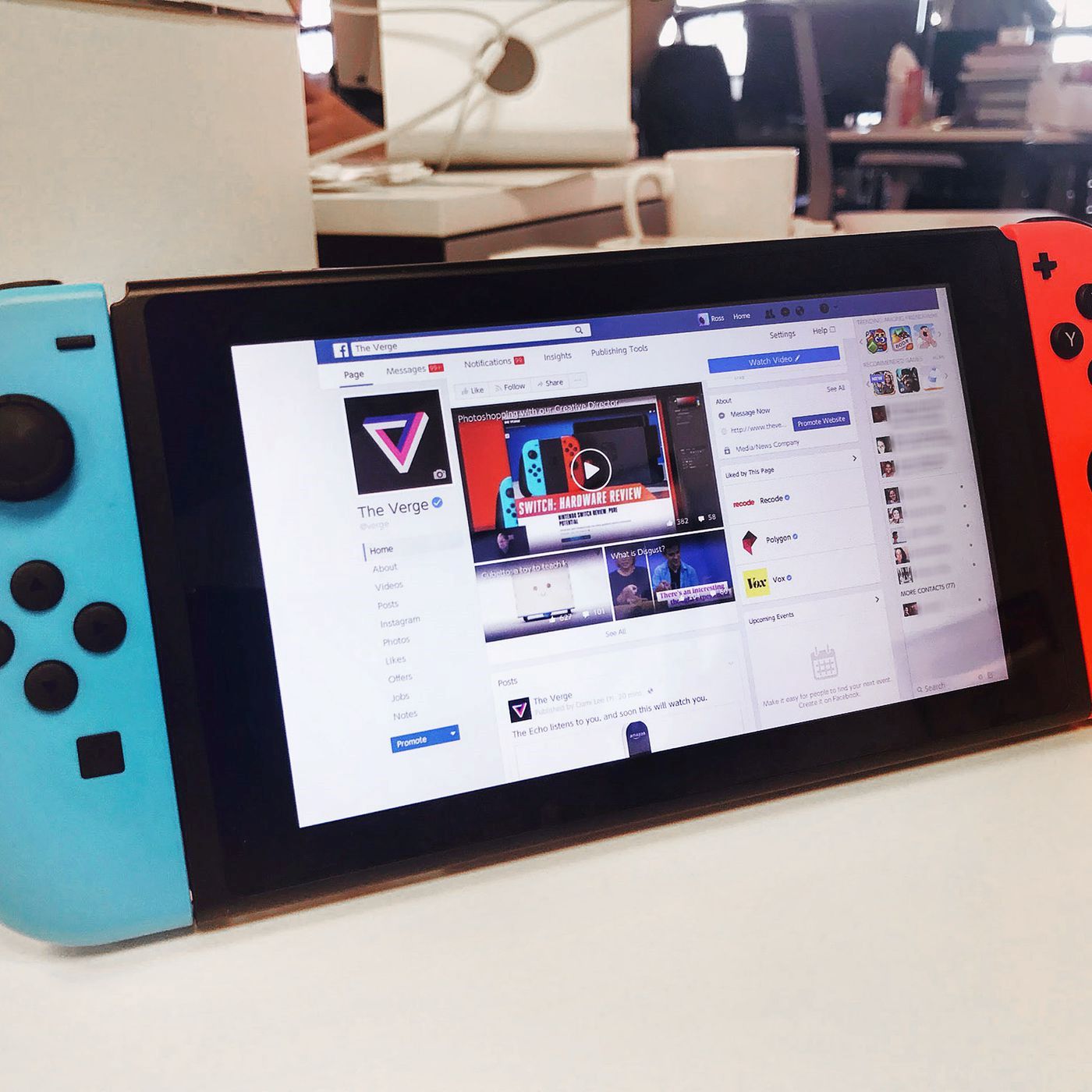
The problems covered here fall into two main themes. First, there are cross-device connection guides that walk you through linking phones to tablets, laptops, and other phones, such as connecting an iPhone hotspot to a laptop or linking an iPad to an iPhone’s hotspot. The second theme is device-specific setup, including how to get a browser on a Nintendo Switch, connect a PS5 to an Xfinity hotspot, or pair a printer to a Wi-Fi or hotspot network. A few articles also address practical concerns about data usage and battery life, like how much data a tablet hotspot actually consumes per hour or whether using a hotspot drains your phone battery faster than normal use.
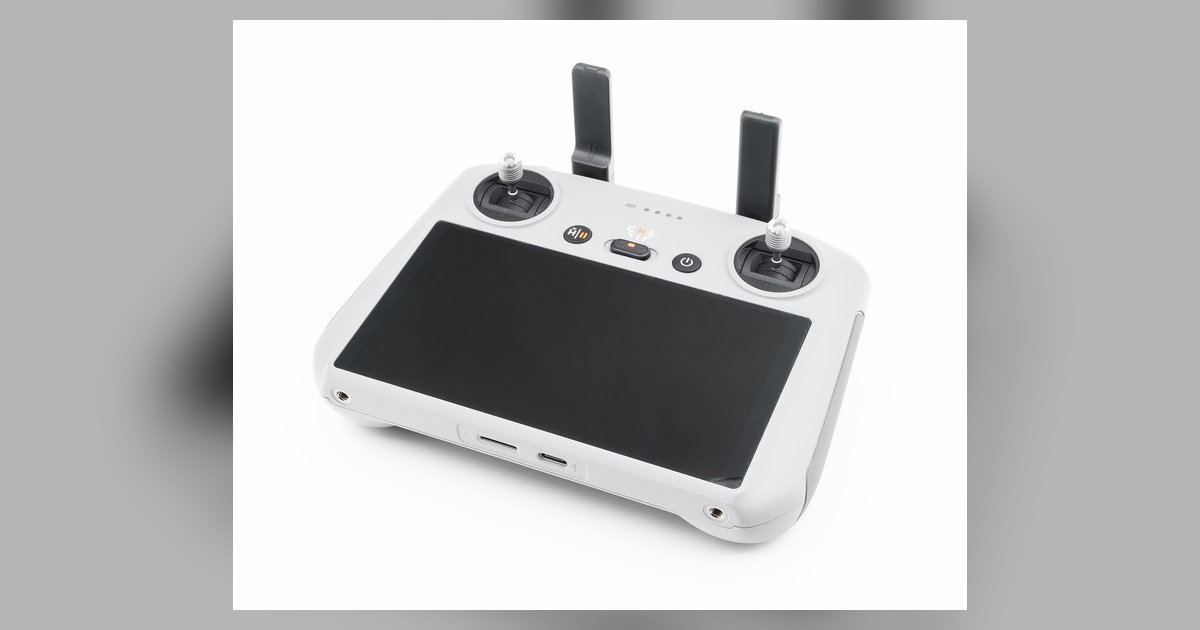
Beyond the how-to guides, the tag includes troubleshooting content that helps readers fix connection problems, for example, when a DJI controller’s Wi-Fi keeps disconnecting from a PC. It also covers setup for devices like the Apple Watch, where the focus is on compatibility and safe configuration. Throughout, the emphasis is on legitimate, supported methods for sharing and extending internet access, not on circumventing network restrictions or unauthorized access.