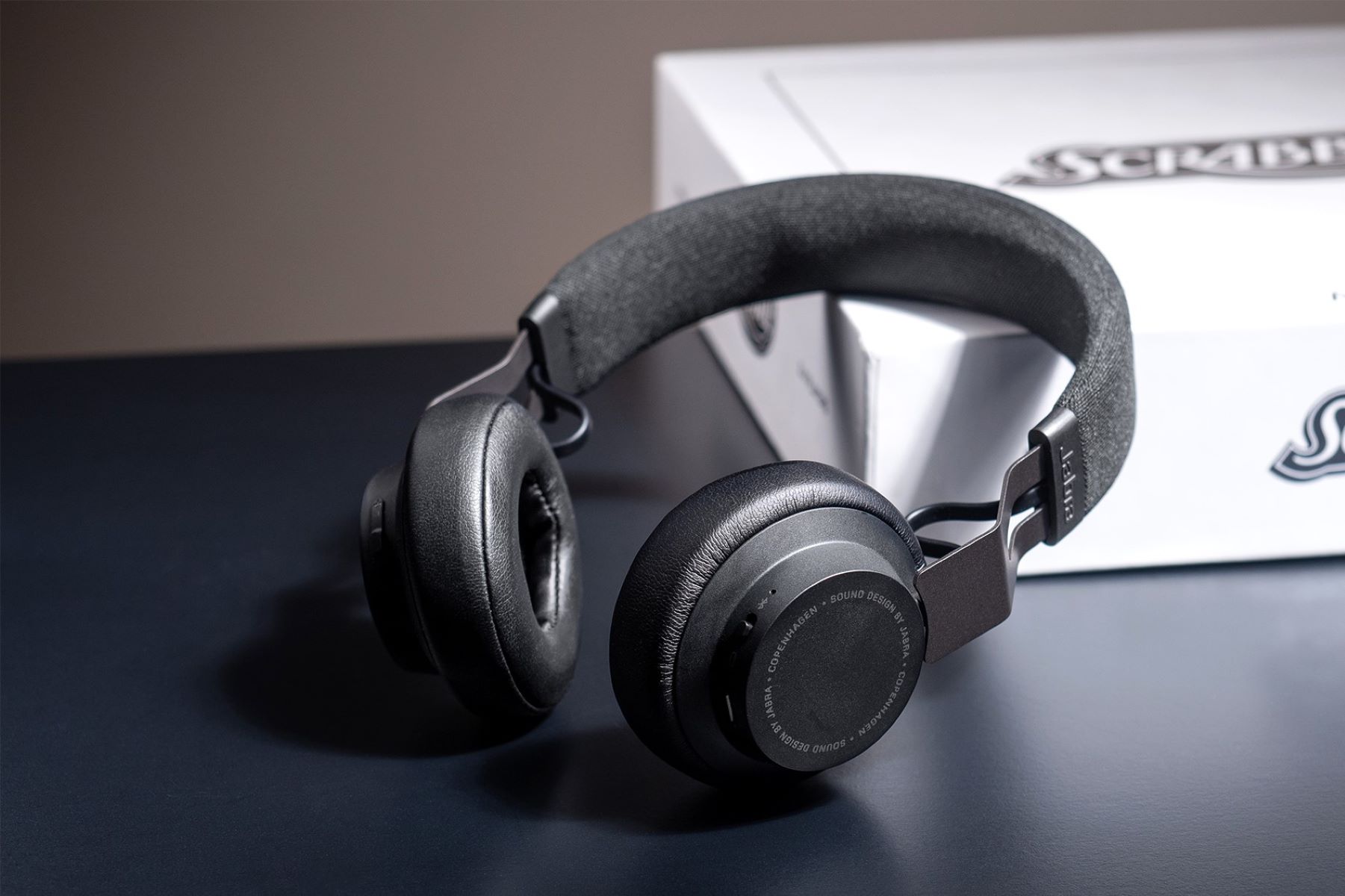
To identify your Jabra headset model, the fastest method is to download and run the Jabra Direct app on a Windows or macOS computer, it automatically detects your connected device and displays the exact model name, which is also the first step before fixing microphone issues on your headset. If you don’t have a computer handy, you can also check the mobile app, the physical hardware, or the original packaging to pinpoint the model number.
Quickly identify your Jabra headset model with the Jabra Direct app
The single most reliable way to identify your Jabra headset model is through Jabra Direct, which scans your connected device and shows its precise model name. This works for any Jabra headset that connects via USB or Bluetooth to a PC or Mac. After installing Jabra Direct, plug in your headset or pair it wirelessly, and the app will list the model in the main device screen. This method is especially useful if you have multiple Jabra devices or if the physical label has worn off.
Check your mobile app for model information
If you use a Jabra headset with your smartphone, the companion app can reveal the model details without any manual searching. For Jabra Elite or Evolve earbuds and headsets, open the Jabra Sound+ app and navigate to the “Headset” menu, then the “Settings” icon, and select “Find My Jabra” to view device information, including the serial number on supported models like the Elite 85t. For Jabra Enhance earbuds, open the Jabra Enhance app, tap the menu icon, go to “About,” then “Earbuds info” to see the serial numbers, but ensure the earbuds are connected to an iOS device first. Note that not all Jabra products are assigned a serial number, so the app may only show the model name for some devices.
Look for the model number on the base or charging case
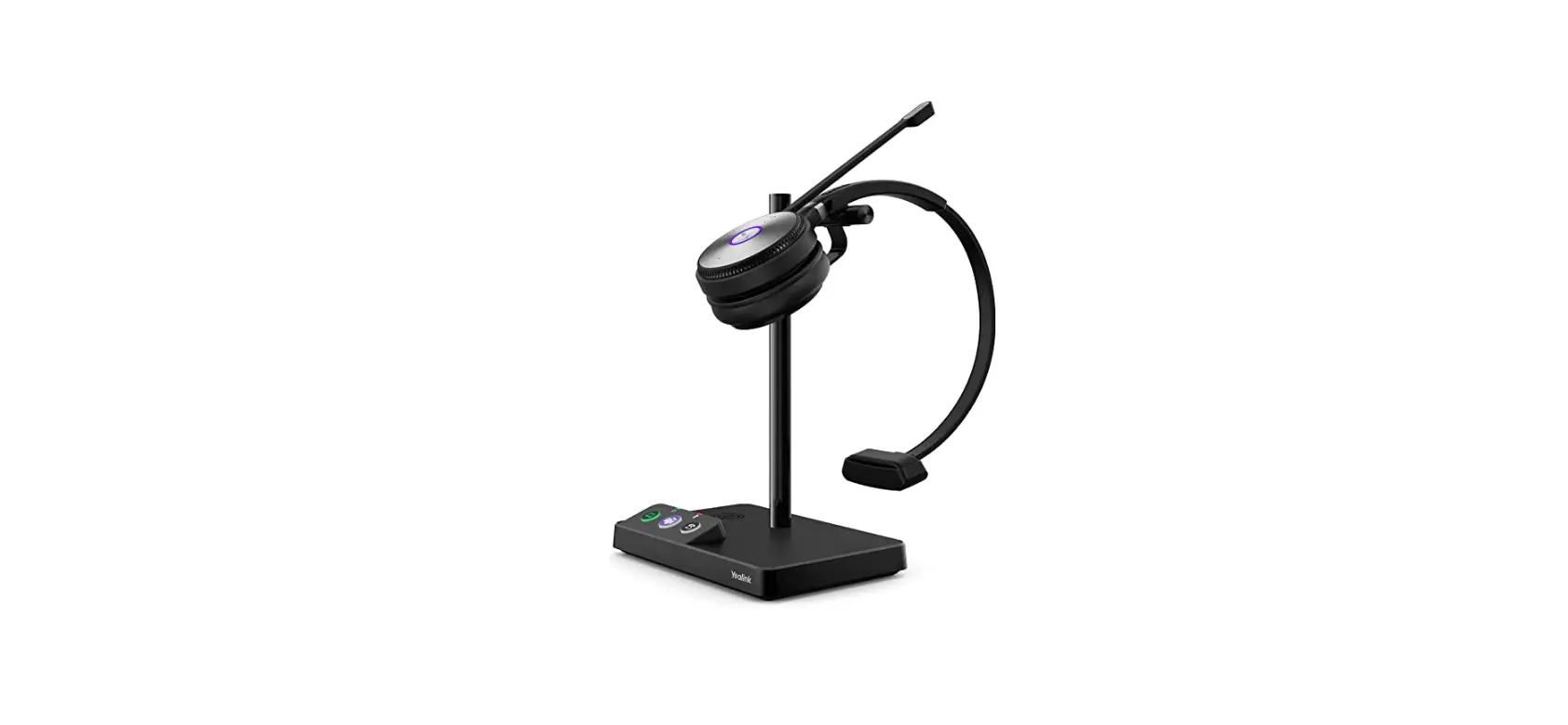
For Jabra headsets that come with a base station, such as office or call-center models, the model number is typically printed on a sticker on the bottom of the base. Flip the base over and look for a white or silver label with alphanumeric text. For Jabra earbuds, check the bottom of the charging case for the serial number; individual earbuds often have their serial number printed on the back of each bud. If you see a string of numbers and letters, that’s your model identifier. If the label is missing or illegible, move on to the next method.
Examine the original packaging and documentation
The product box, user manual, or warranty card almost always contains the model and serial number. Look at the side of the packaging label, on Jabra Enhance kits, for example, the serial number appears on the right side of the label next to “SN.” Even if you’ve thrown away the outer box, the quick-start guide or any included leaflets often repeat the model number. This method is particularly helpful for second-hand devices where the original owner may have kept the paperwork but removed the device stickers.
Use the Jabra support website's product search
If you know part of the name, like “Elite,” “Evolve,” or “Talk”, or a distinctive feature such as “noise-canceling” or “mono,” go to the official Jabra support portal and type those keywords into the search bar. The site’s product search will return a list of matching models; compare the visual design, control layout, and available colors to narrow it down. This approach works well when you have a general idea of the series but need the exact model number for downloads or accessories. The support site also links to user manuals and firmware updates once you’ve identified the correct model.
Try a visual search with Google Lens
For an unlabeled or older headset, open Google Lens on your phone and point the camera at the device. Jabra itself suggests this method but cautions that the results may not be completely accurate, so treat any match as a starting point rather than a definitive answer. This is a good fallback if the device has no visible markings and you lack the original packaging.
Contact Jabra support for direct assistance
When all physical and software methods fail, especially for older models that current Jabra software, updated as of May 2023, may not detect, reach out to Jabra’s customer support team. Phone support is the most direct route; a representative can walk you through identification step by step, even if you’re dealing with a vintage headset or a device with faded labels. You can also submit a support ticket through the official portal, describing the headset’s appearance and any partial numbers you can read, and the team will respond with the model name. This is the last resort but the most reliable for rare or discontinued products, and it also covers scenarios where you’re trying to identify a headset for a specific purpose, such as connecting a headset to a console or PC and need to confirm compatibility first.
\nRelated reading: Plantronics Headset Setup: A Quick And Easy Guide.