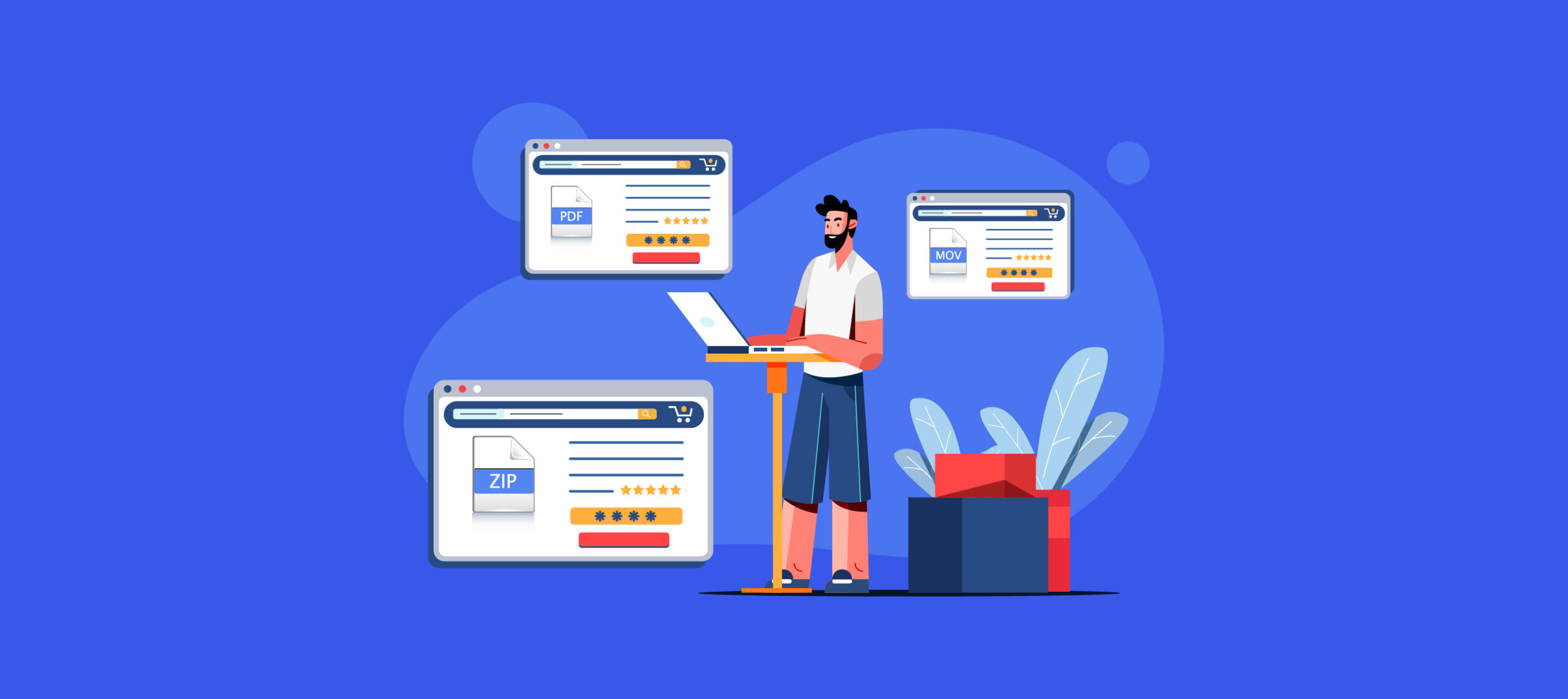
To make a digital download, you create an electronic file that customers purchase and receive instantly online, eliminating the need for physical shipping or inventory. This step-by-step process covers everything from choosing a profitable idea to listing your product for sale, helping you earn passive income by sharing your expertise or creative work.
What is a digital download?
A digital download is an electronic file that customers purchase and receive instantly online, without physical shipping or inventory. Common types include e-books, templates, online courses, music files, digital art, software, printables, and educational resources. Instead of mailing a physical item, you deliver the file directly to the buyer's computer or device after payment, making it a low-cost, scalable way to sell your knowledge or creativity.
How to make a digital download in 6 steps
Creating a sellable digital product follows a streamlined workflow. First, choose a marketable topic that balances your passion with proven demand. Second, build the actual content file using tools like Canva or Google Docs. Third, select the right file format for your product type. Fourth, design an eye-catching cover that attracts buyers. Fifth, organize your files and host them on a reliable platform. Sixth, price your product and write a benefit-driven description to publish the listing. Each step builds on the last, turning your idea into a ready-to-sell asset.
Step 1: Choose a marketable topic
Brainstorm a digital product idea by combining personal passion with market demand. Start with topics you know well and enjoy, this keeps the creation process authentic. Then research market demand using keyword tools to see what people actively search for. Look for a unique angle that differentiates your product from competitors. For example, instead of a generic "meal planner," create a "30-minute keto meal planner for busy parents." Validate your idea by asking your target audience if they would buy it. This approach ensures your product solves a real problem and has a ready audience.
Step 2: Create the content file
Build the actual file that customers will receive. For a printable, use Canva to design pages with text, images, and graphics. For an ebook, write and format the content in Google Docs, then export to PDF. For a video tutorial, record your screen or yourself using a webcam, then edit in a tool like iMovie or DaVinci Resolve. Focus on delivering value, make the content informative, actionable, and visually appealing. Include practical examples, checklists, or templates to increase usefulness. Edit and proofread thoroughly to ensure accuracy and polish.
Step 3: Select the right file format
The best file format depends on the product type. Common formats include PDF for e-books, MP3 for music, MP4 for video, and ZIP for software or bundled files. For text-heavy content like guides, PDF works well because it preserves formatting and is readable on almost any device. For audio or video, MP3 and MP4 are standard choices that balance quality with file size. If your product includes multiple files (like a workbook plus a video), bundle them into a ZIP folder. Always test your file on different devices to confirm compatibility and smooth delivery.
Step 4: Design an eye-catching cover
Create a cover image that attracts buyers on crowded marketplaces. Use high-quality images, clear typography, and colors that match your content's mood. Place the title prominently so it's readable even as a thumbnail. Keep the design simple, avoid clutter that distracts from the main message. Match the cover's style to your target audience's expectations; a playful font works for a kids' activity book, while a clean, professional look suits a business template. Test your cover by showing it to peers and asking if it makes them want to click.
Step 5: Organize and host your files
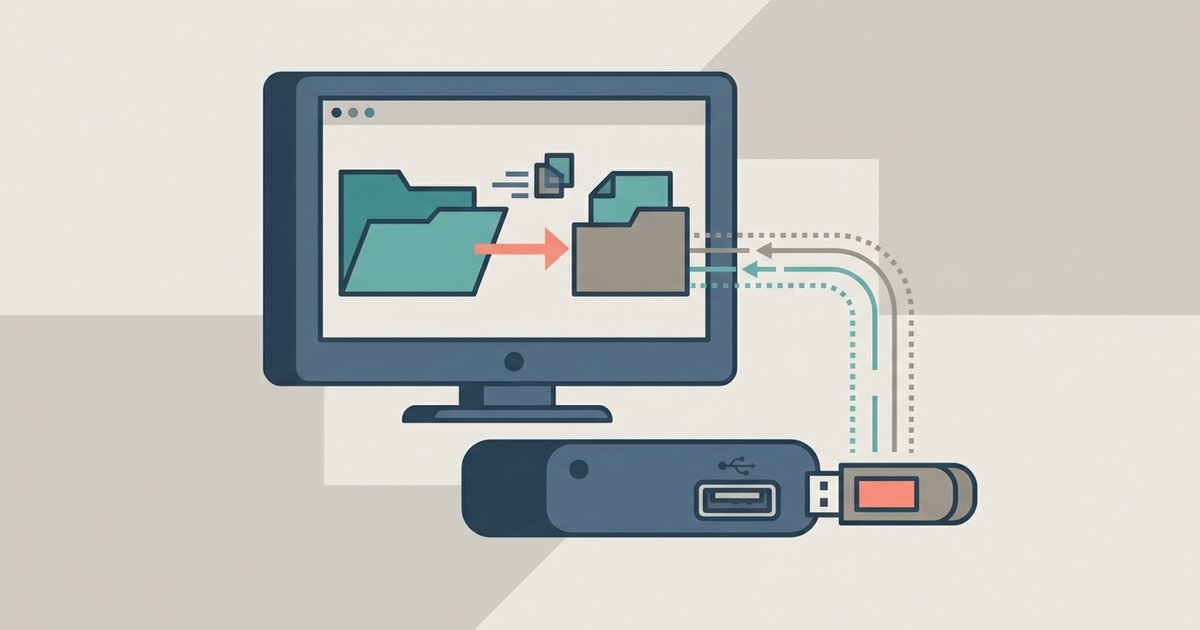
Structure your files and folders on your computer with clear, descriptive names. Create a main folder for the project, then subfolders for raw resources, final files, and supporting documents. Choose a reliable hosting platform like Gumroad, Shopify, or Etsy for secure delivery. These platforms handle file storage, payment processing, and automatic download links. Ensure your hosting provider offers fast download speeds, encrypted connections, and sufficient storage space for your files. This setup guarantees customers receive their purchase smoothly.
Step 6: Price and list your product
Set a competitive price by researching similar products in your niche. Factor in the time and resources you invested, plus the value your product provides. Write a benefit-driven product description that starts with a powerful opening, highlights key features, and focuses on how your download solves a customer's problem. Use bullet points for scannability and include social proof like testimonials if available. Finally, publish the listing on your chosen platform, ensuring the description, cover image, and price all align to present a professional offer.
How to promote your digital download
Drive first sales by promoting your product where your target audience spends time. Share sneak peeks and value-packed posts on social media platforms like Instagram or Pinterest. Build an email list and send a launch sequence to subscribers. Collaborate with influencers in your niche who can review or share your product with their followers. Create an affiliate program to incentivize others to promote for you. Offer limited-time discounts or free samples to generate initial momentum. Each tactic builds visibility and trust, turning browsers into buyers.
Managing sales and customer support
Track sales analytics using tools like Google Analytics or your platform's built-in reports. Monitor key metrics such as conversion rate, traffic sources, and average order value to see what marketing works. Respond promptly to customer inquiries through email or a support ticket system, aim for same-day replies. Set clear refund policies in your terms and conditions and handle requests professionally. If a customer is unsatisfied, offer a refund or a free update to maintain a positive reputation. Regularly update your product based on feedback to keep it relevant and valuable.
\nRelated reading: How To Download Procreate Brushes, How To Use USB Port On Vizio Smart TV, and How To Play Video Files On Smart TV.