Yes, the Xbox app allows remote installs over mobile data, but your phone’s default data-saver settings often block the command. You must disable any data-saving modes on your phone and ensure the app has unrestricted background data access.
Why the Xbox remote install button seems broken on cellular
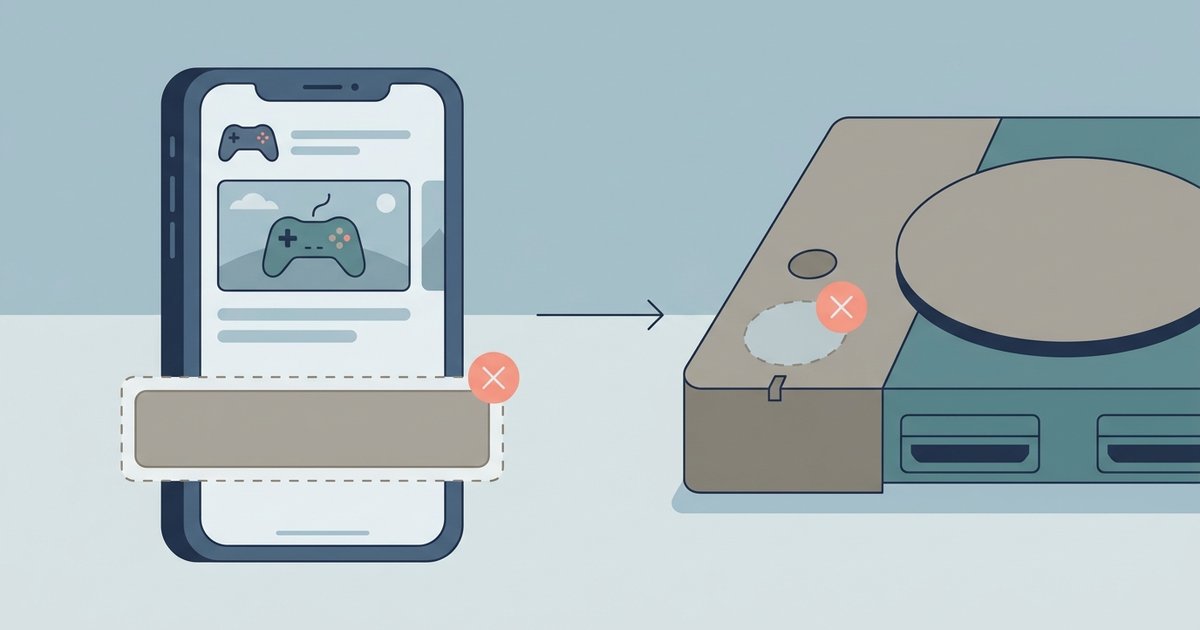
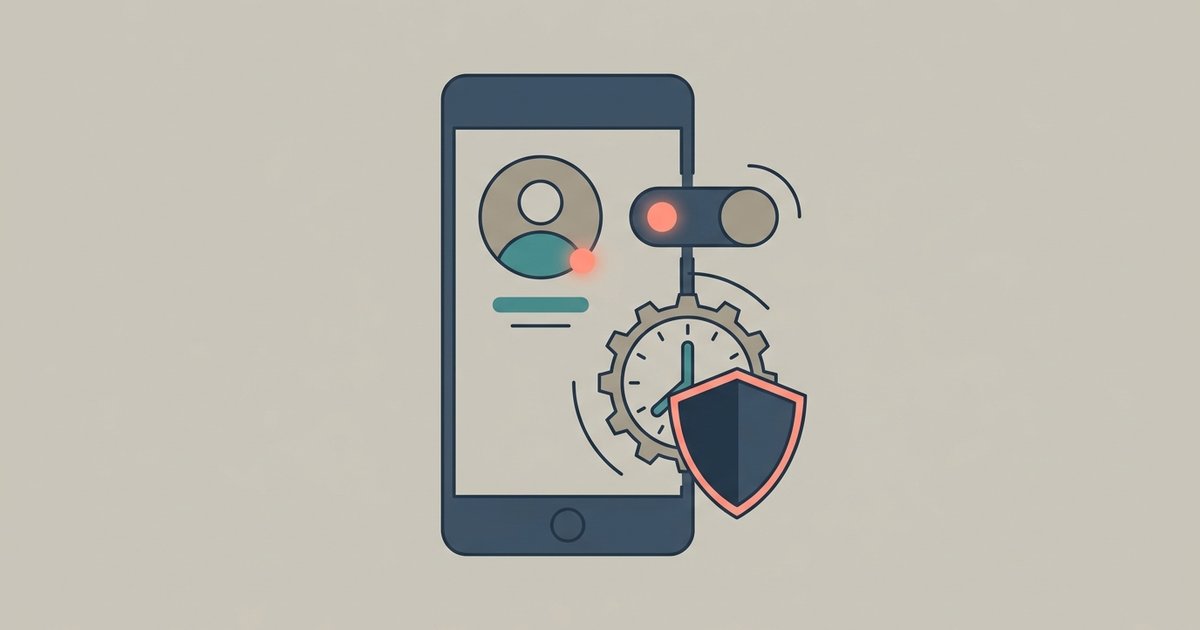
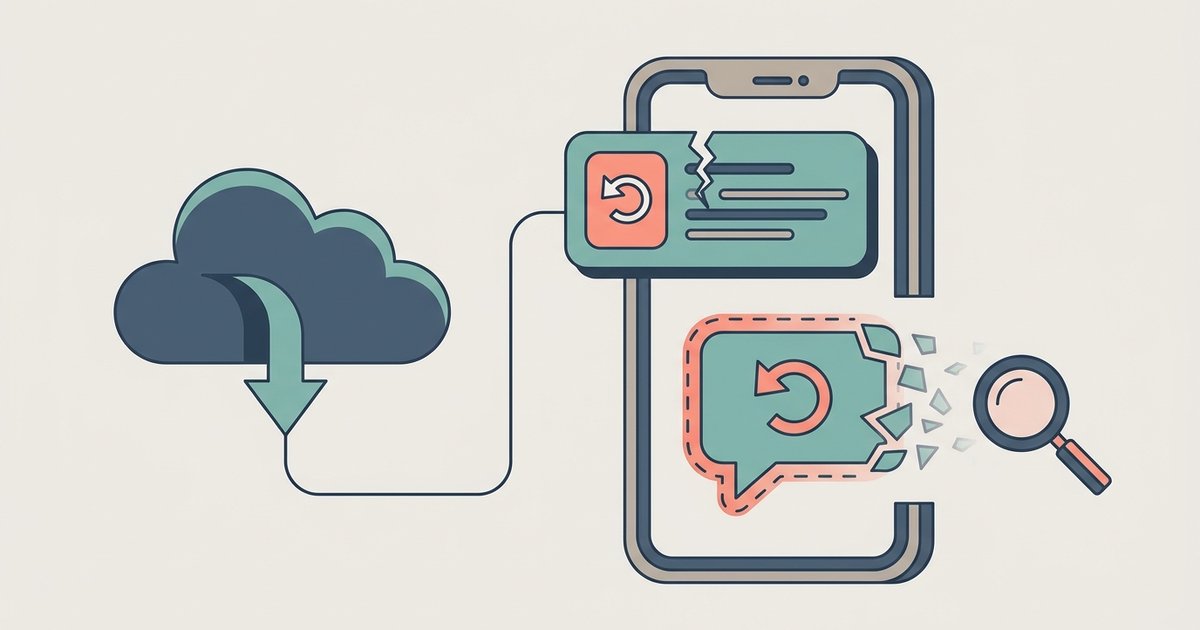
When you tap “Install to console” on the Xbox app while connected to mobile data, the app sends a background command to your console. If your phone’s data saver is enabled, or if the Xbox app is restricted from using background data, that command never leaves your phone. The app shows no error, it simply fails silently. The console never receives the queue, so the download never starts. This is the most common reason gamers think remote installs don’t work over cellular. The fix is not on the Xbox console; it’s entirely on your phone’s network settings. If you want to reliably remote download Xbox games, your phone must treat the Xbox app as a priority, not a background battery-saver target.
The one phone setting that fixes it
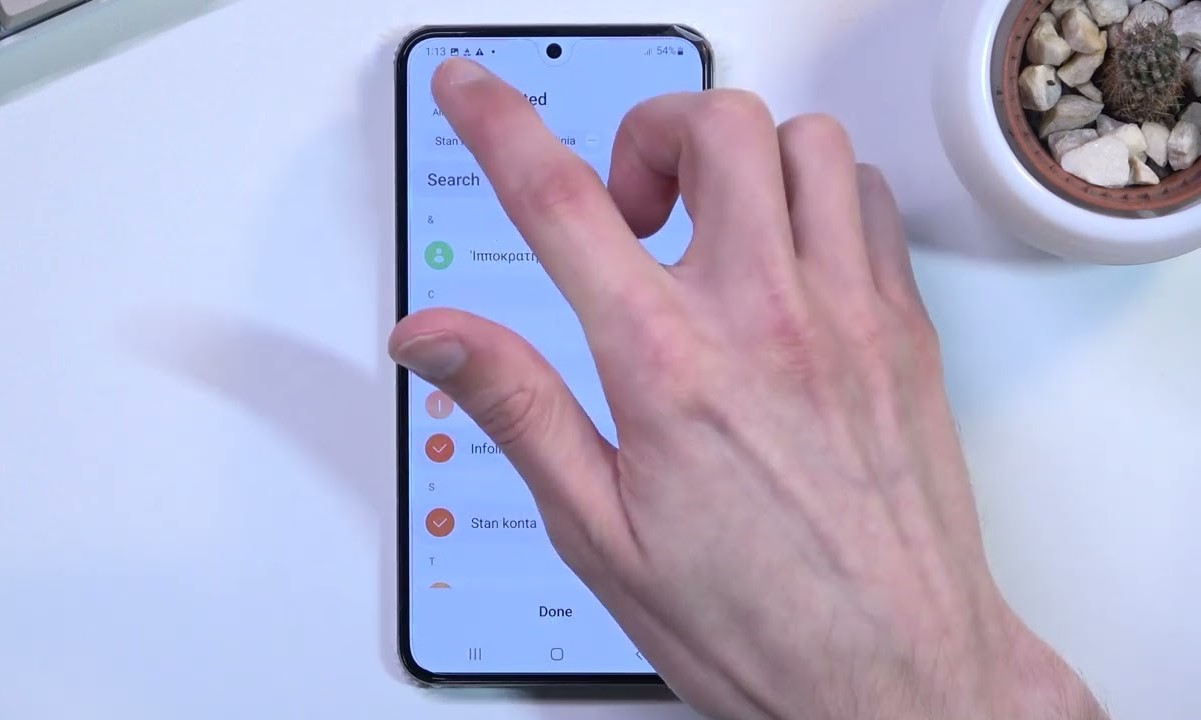
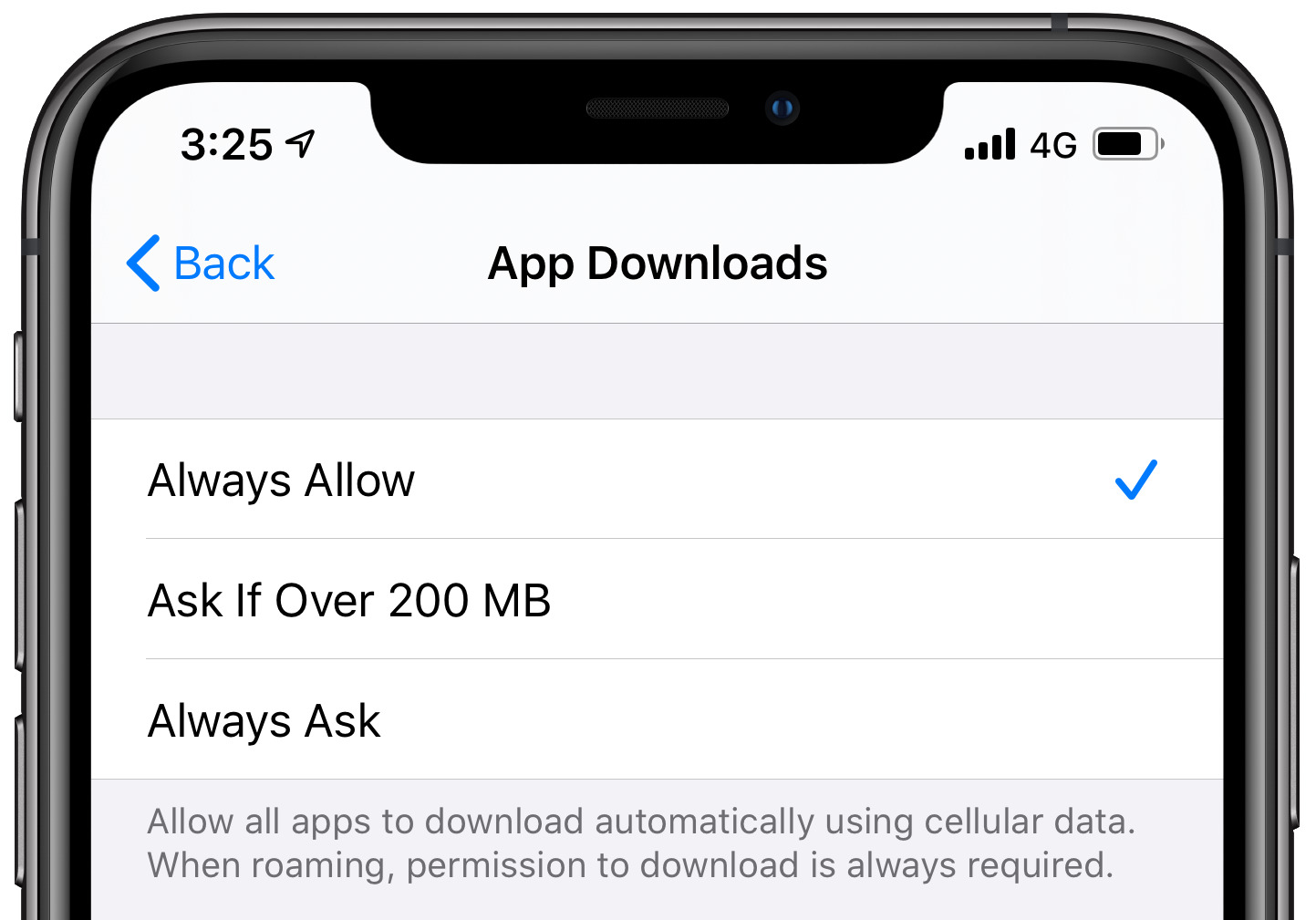
To make the command succeed over a mobile network, you must disable your phone’s data saver and grant the Xbox app unrestricted background data access. On an Android phone, locate your Data saver settings and turn it off. Then find the Xbox app in your phone's app settings and enable background data usage and allow data usage while Data saver is on. On an iPhone, turn off Low Data Mode in your Cellular settings. Then find the Xbox app in the Cellular menu and ensure its toggle is green. After these changes, the app can send the install command over cellular without being blocked. This is the only setting change needed; no reboot or reinstall is required. Once done, you can set Xbox to download while off by simply selecting a game in the app and tapping “Install” from anywhere.
What still needs Wi-Fi on the console side
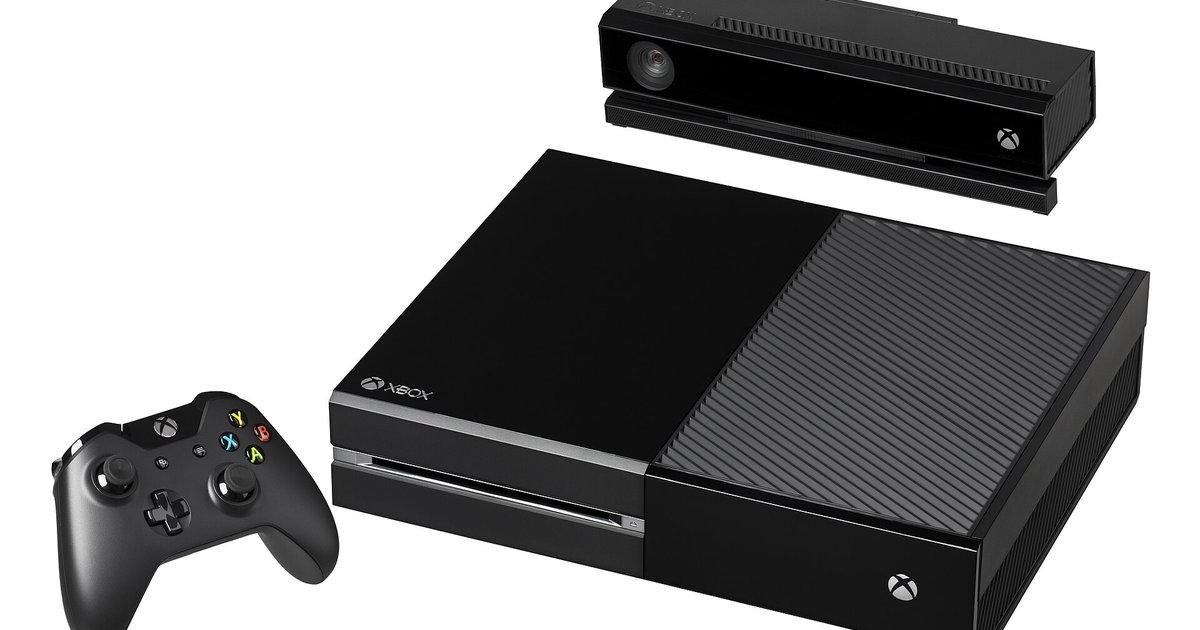
While your phone can use mobile data to queue the command, the Xbox console itself must be connected to the internet via its own Wi-Fi or an Ethernet cable. The console does not use your phone’s mobile data to download the game. It uses its own internet connection. If your Xbox is offline or in energy-saving mode, the command will be ignored. You must have a power mode enabled that keeps your console connected to the internet in standby. The console also needs enough free storage and an active Xbox Live subscription (for paid games). These requirements are identical whether you’re on Wi-Fi or mobile data. For older hardware, you can still download free games to Xbox 360 via the console’s own store, but remote install from the app only works with Xbox One, Xbox Series X|S, and backward-compatible titles. Similarly, to download full games on Xbox 360, you must use the console’s built-in interface or a web browser on a PC; the mobile app cannot queue downloads for Xbox 360 hardware. The remote install feature is designed for modern Xbox consoles, not legacy systems.
The silent failure over cellular happens because the phone, not the console, blocks the background command, a distinction most troubleshooting guides overlook.