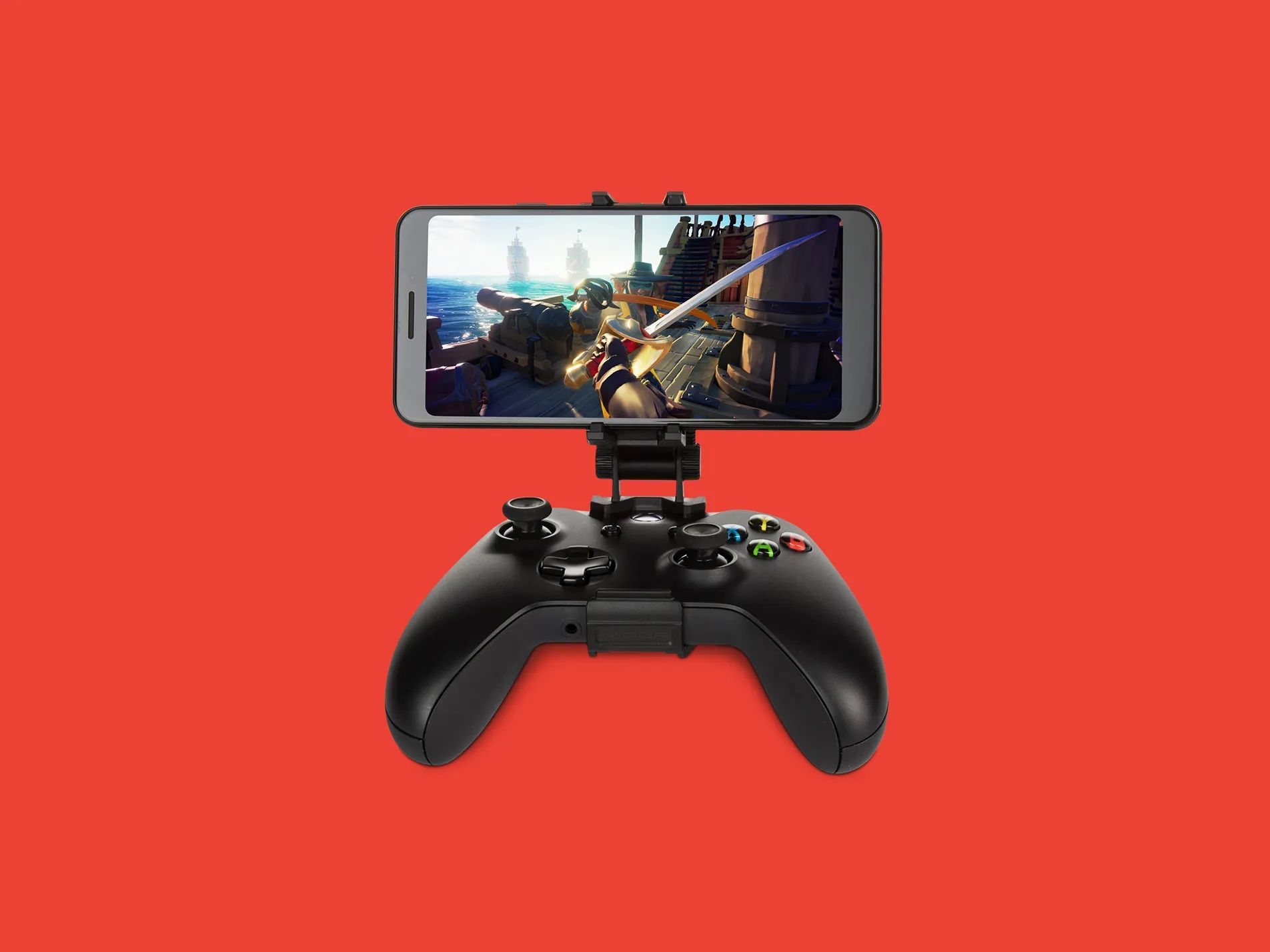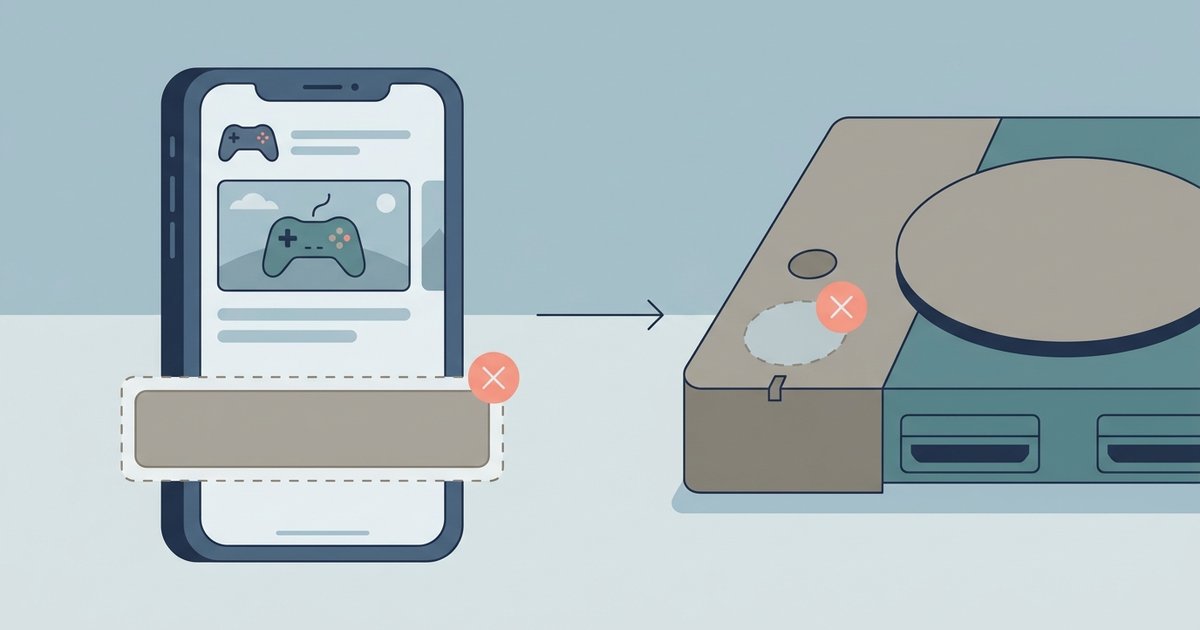
The button disappears when your Xbox app account region doesn't match your console's location, or if you're looking at a game that isn't available for remote install, such as backward-compatible titles or pre-orders. Switch your phone's region in the app settings to match your console, and verify the game supports remote installation.
Account Region Mismatch Blocks Xbox Remote Install
The Xbox app may use the region set in its own settings, not your phone’s system region. When this app region differs from your console's region, the "download to console" button may not appear. Open the Xbox app, navigate to your settings, find the language and location options, and change them to match your console’s country. For example, if your console is set to the UK but your app shows "United States," the button may not appear until you align them. This setting is separate from your Microsoft account region. It only controls which storefront the app displays. Mismatches block the remote trigger entirely.
Storefront and Content Restrictions Block Remote Install
Not every game in your library supports remote installation. Backward-compatible Xbox 360 and original Xbox titles may not show the download button. Pre-order items and games not yet released may also lack the button. Region-locked content purchased from a different regional store may not offer a remote download option. The only way to remote download Xbox games is through compatible modern titles. If you’re trying to manage downloads on legacy hardware, you can set Xbox to download while off using standby settings for Xbox One and Series consoles. Older console workflows let you download free games to Xbox 360 and download full games on Xbox 360 directly from the console store, though those systems do not support remote install from the mobile app.
App Version and Permission Requirements Hide the Install Option
An outdated Xbox app can fail to communicate the remote install command even when your region and game are correct. Check your app store for updates. Versions older than the current build may have bugs that suppress the download button. On iOS and Android, the app may also require background refresh permissions to send the install signal when the app is closed. If this is disabled, the button may appear but the command never reaches your console. Go to your phone’s settings, find the Xbox app, and check if background app refresh is enabled. Finally, confirm your console is set to instant-on power mode, not energy-saving. In your console's power settings, check that remote features are enabled. Without these permissions and console settings, the button can remain hidden despite correct region and game eligibility.