This tag collects practical, everyday guides for owners of current-generation gaming consoles, specifically the PlayStation 5, PlayStation 4, and Xbox Series S. It is written for people who are troubleshooting a console issue, trying to change a setting, or simply looking for a straightforward answer about how their hardware works. The articles assume you already own the console and want to solve a specific problem without wading through forums or guesswork.
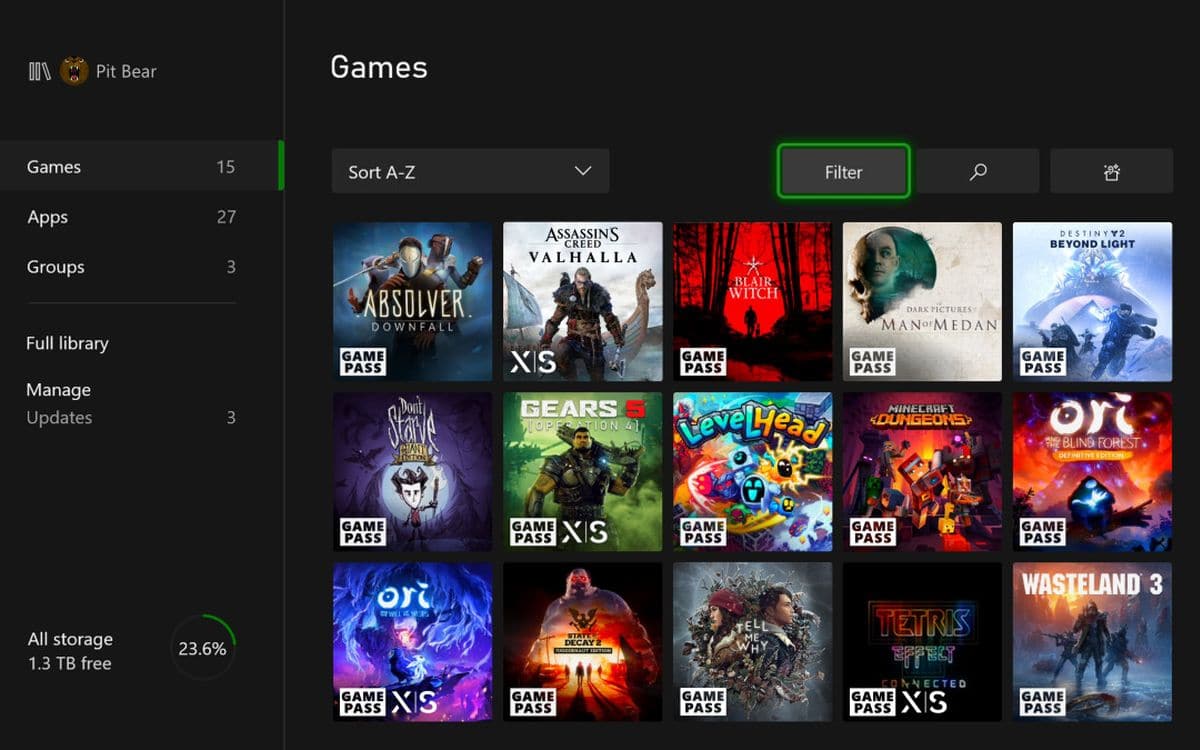
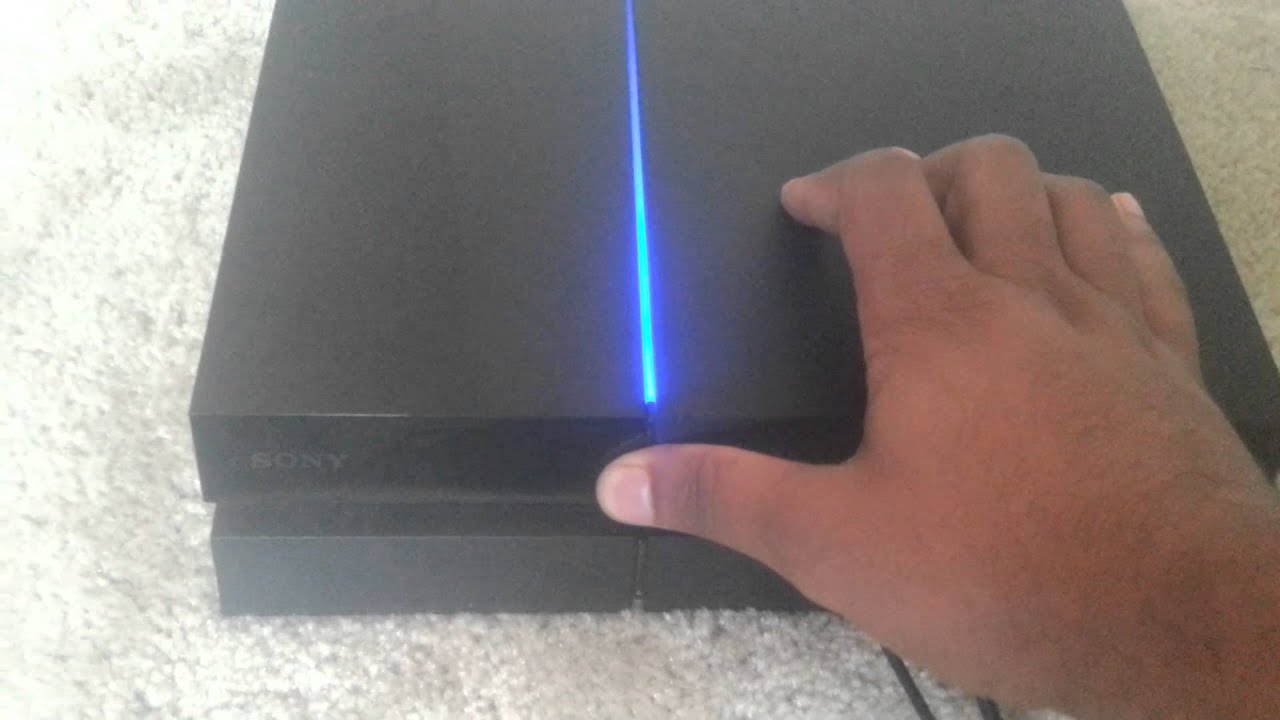
The pieces here fall into two clear themes. One is system management and recovery: for example, the guide to factory resetting a PlayStation 4 walks you through wiping your console clean before selling it or handing it to someone else, which is a safety and privacy measure rather than a workaround. Similarly, the article on where the PS5 web browser is located helps you find a feature that is hidden by default, so you can use it for legitimate browsing, not for bypassing any restrictions. The other theme is performance and convenience: the Xbox Series S download speed guide and the PS5 cost breakdown help you manage your time and budget, while the Minecraft third-person camera guide is a simple view toggle for gameplay comfort.
Specific topics mentioned include the PlayStation 5’s price, the PS4 factory reset process, switching to third-person view in Minecraft, speeding up Xbox Series S downloads, locating the PS5’s web browser, and fixing a missing “Download to Console” button in the Xbox app. Across these, the articles help you do things like reset your hardware safely, find a built-in feature, adjust a game’s camera, or troubleshoot a connection between your phone and console, all without venturing into risky or unsupported territory.