GTA V is an open-world action-adventure game where you can freely explore the fictional state of San Andreas, and this guide gives you the essential, practical tips to start playing it right away. Whether you're a beginner or returning player, you'll learn the key first steps for downloading, making early money, and getting introduced to the online mode without getting bogged down in late-game complexities.
What is GTA V?
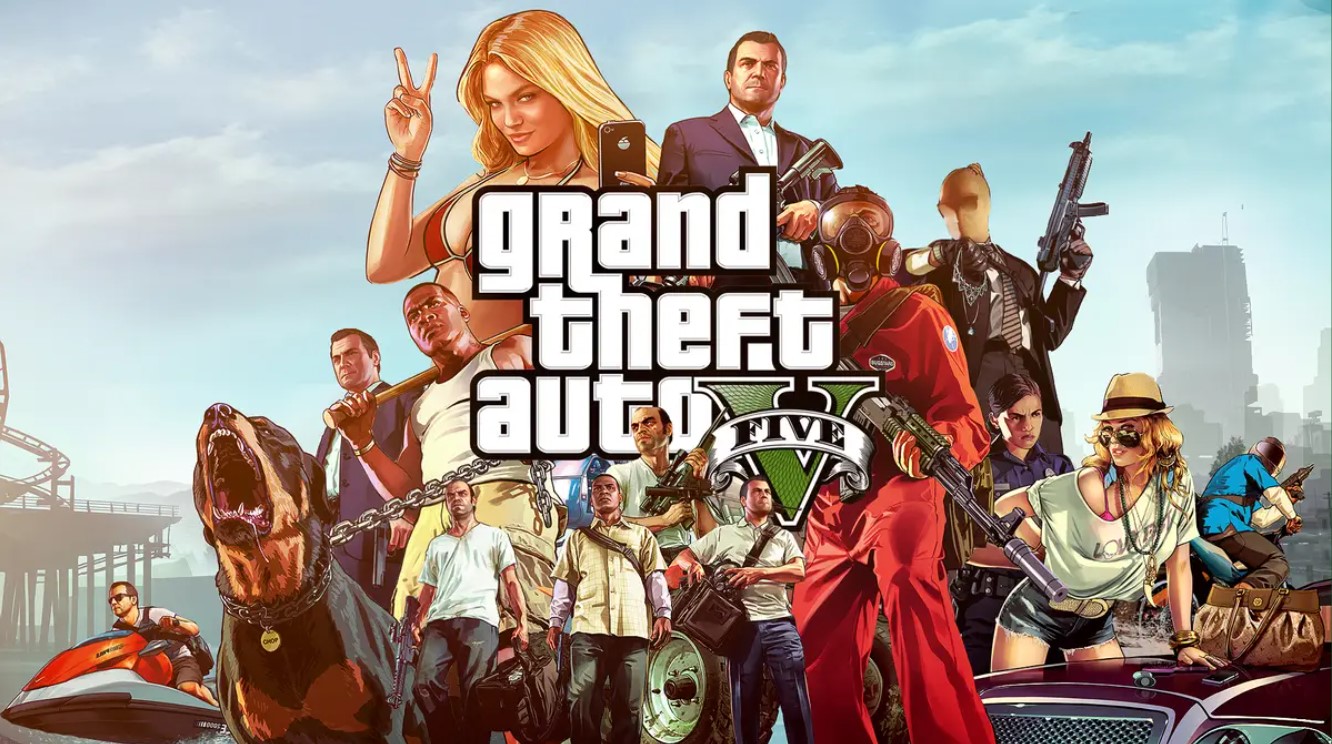
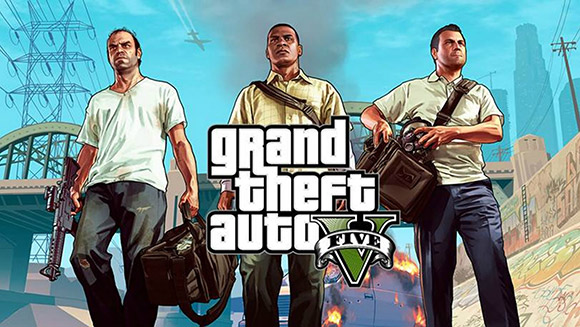
GTA V is an action-adventure game created by Rockstar North and released by Rockstar Games. It’s the first main entry in the GTA series since 2008's GTA IV. The game is set in the fictional state called San Andreas, based on Southern California. The single-player story sees the exploits of three different criminals, Michael, Franklin, and Trevor, and their efforts to do heists, all while under pressure from a government agency and several powerful crime lords. The open-world design allows players to see San Andreas' open countryside and the city of Los Santos freely. You can play from either a first or third-person perspective, and the world is navigated either on foot or in vehicles. The story is centered on various heists and missions that involve both shooting and driving gameplay. As a staple of the GTA series, the "Wanted" System governs how aggressive law enforcement responds to players who commit crimes. Meanwhile, GTA Online, the separate multiplayer component, allows a maximum of 30 players to engage in a myriad of co-op and competitive game modes.
How to download GTA V on any platform
To get started, you'll need to purchase and install the game from an official digital storefront, as physical copies are no longer recommended. The process is straightforward on PC, PlayStation, and Xbox, and you can find the full step-by-step breakdown in our detailed guide on how to download gta 5 on any device.
- Go to the digital storefront of your choice (Steam, Epic Games Store, PlayStation Store, or Xbox Store).
- Search for "GTA V" using the store's search bar.
- Purchase the game by adding it to your cart and completing the checkout process.
- After purchasing, go to your games library on that platform and select the download option to install it.
Your first hour in GTA V: essential tips and tricks
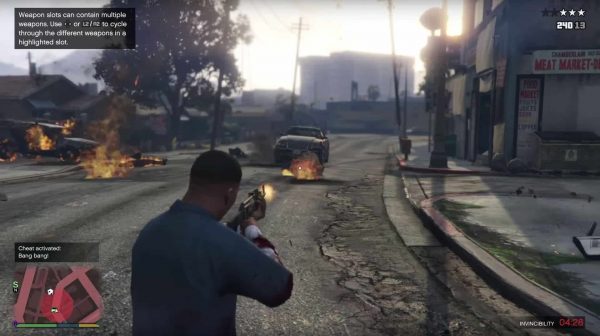
Once you're in the world, a few key mechanics will make your first hour much smoother. The most important tip is to master character switching, as this is central to the game's design. You can switch between Michael, Franklin, and Trevor at almost any time (outside of missions) by holding down the character-switch button (the touchpad on PlayStation, the View button on Xbox, or the Alt key on PC). This allows you to get to different parts of the map quickly or set up ambushes.
For exploring the massive map of Los Santos and Blaine County, download the official "Grand Theft Auto V: The Manual" app, available for Android and iOS. This free app provides over 100 pages of information on game controls, features, and includes a special interactive map that allows you to zoom in and explore every street and landmark. It's an invaluable tool for finding your way around without constantly pausing the game.
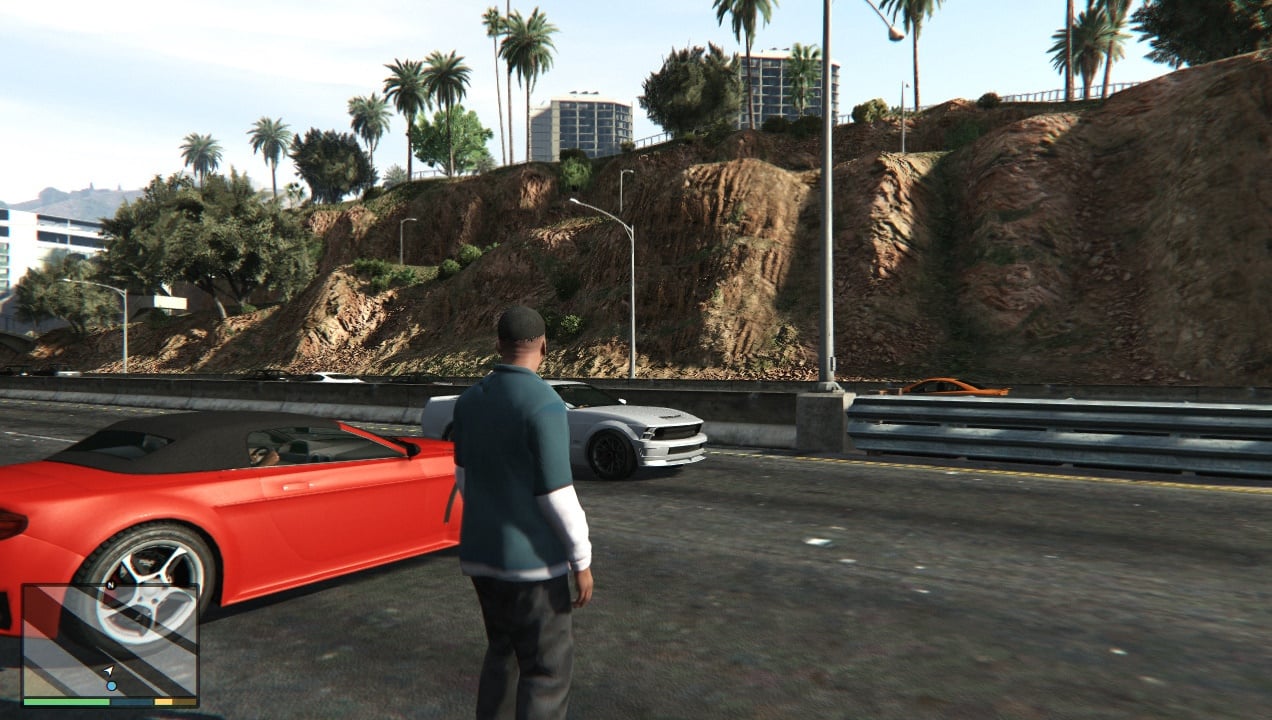
For basic controls, remember that on foot you use the left stick (or WASD on PC) to move and the right stick (or mouse) to look around. When driving, you accelerate with the right trigger (or W) and brake with the left trigger (or S). You can switch between first and third-person camera views by pressing the touchpad on PlayStation, the View button on Xbox, or the V key on PC.
How to make money easily in story mode
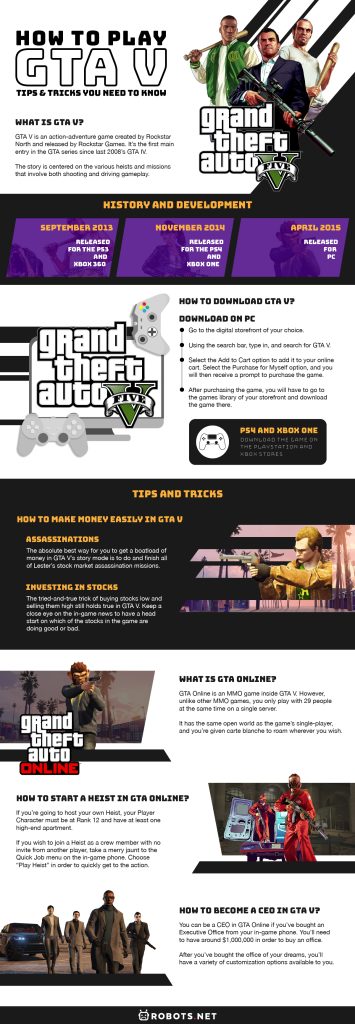
The absolute best early method to get rich in story mode is by completing Lester's assassination missions and using the stock market. This is the single most effective way to build a massive bankroll for all three characters.
- Progress through the main story until you unlock Lester's assassination missions (they become available after the "Fame or Shame" mission).
- Before completing each assassination mission, save your game manually, and turn off the game's autosave feature.
- Invest all your available cash into the stock that Lester hints will be affected by the mission (e.g., investing in a competitor before a mission that hurts a specific company).
- Complete the assassination mission, which will cause the target stock to plummet and the competitor to rise.
- After the mission, wait a few in-game days (or check your portfolio periodically) until the stock peaks, then sell all your shares for a huge profit.
- If the stock doesn't perform as expected, simply load your save file and try again, this "save scumming" is your safety net.
Finishing all of Franklin's assassination missions is the best way to get rich quickly, so it's worth waiting until you've completed the main story to invest the maximum amount of cash with all three characters.
What is GTA Online and how do you start?
GTA Online is a separate multiplayer experience within GTA V, where up to 30 players share the same open world. It's an MMO-like mode where you create a character, complete jobs, and interact with other players in a persistent online world. For a completely transformed roleplaying experience, you can download gta 5 rp on PC to join custom servers with dedicated communities. Note that on PlayStation consoles, you need an active PlayStation Plus subscription to play GTA Online, but you can play gta 5 online PS4 without PlayStation plus if you catch a free multiplayer weekend.
As a beginner, the best way to start is to play solo in an invite-only session. From the story mode pause menu, select the GTA Online tab and choose "Invite Only Session." This lets you explore the world and do simple activities without the risk of being griefed by other players. While playing solo does limit some activities and you can't complete certain missions alone, it's the safest way to learn the ropes. Once you're comfortable, team up with friends in a regular session to tackle missions and heists together, which is the best way to have fun and earn money while avoiding griefers.
How to sell cars for quick cash in GTA Online
Selling stolen vehicles to Los Santos Customs is a reliable way to earn quick money in GTA Online. However, there are strict rules you need to know to avoid wasting your time. You can only sell cars in GTA Online, not in story mode.
- Find a vehicle to steal, luxury coupes and SUVs generally net the most cash.
- Drive the vehicle to a Los Santos Customs shop.
- Select the "Sell" option in the modification menu.
Be aware of the limitations: you can't sell any vehicle without a tracker for more than $10,000, and you can't sell stolen personal or high-end vehicles valued at $50,000 or more. Also, players can only sell one vehicle per in-game day (48 minutes of real time), so don't waste your daily sale on a cheap car. If you're looking for a quick score, target high-end sports cars or SUVs that spawn in specific locations, but always check their value before driving to the shop.
How to use the parachute in GTA V
Parachuting is a fun and useful activity that you unlock after completing the "Risk Assessment" mission in the main story. Once unlocked, you can use any of the three characters or your GTA Online character to do Parachute Jumps at 13 different marked locations on the map. Each location has a different payout, ranging from $200 to $550.
Here are the 13 jump locations and their payouts, in order:
- Fall of the Alamo, $550
- Damned If You Don't, $550
- Carving the Mountain, $500
- Turbine Terror, $400
- The Decline, $400
- Photo Finish, $350
- Falling Mouse, $350
- Razer Rock Dive, $230
- Pacific Tour, $200
- Bank Bailout, $200
- What Goes Up, $200
- Runaway Train, $200
- Aim for the Fairway, $200
For precise control during a jump, the inputs are as follows:
- Before jumping, look around using the right stick (or mouse on PC). To jump out, press the square button (PlayStation), X button (Xbox), or the Spacebar (PC).
- To deploy the parachute, press the X button (PlayStation), A button (Xbox), or the right mouse button (PC).
- Once deployed, steer your descent using the left stick (or WASD on PC).
- To make a precise landing, hold down the X button (PlayStation), A button (Xbox), or the left mouse button (PC) as you approach the ground.
- To release from the parachute mid-air, press the triangle button (PlayStation), Y button (Xbox), or the F key (PC).
- To use the cinematic camera while falling, hold down the circle button (PlayStation), B button (Xbox), or the C key (PC).
If you want to cancel a jump and retry, press the square button (PlayStation), X button (Xbox), or the R key (PC). Note that if you quit a jump instead of retrying, you won't receive any money for it.
For the wider topic, see download gta 5.