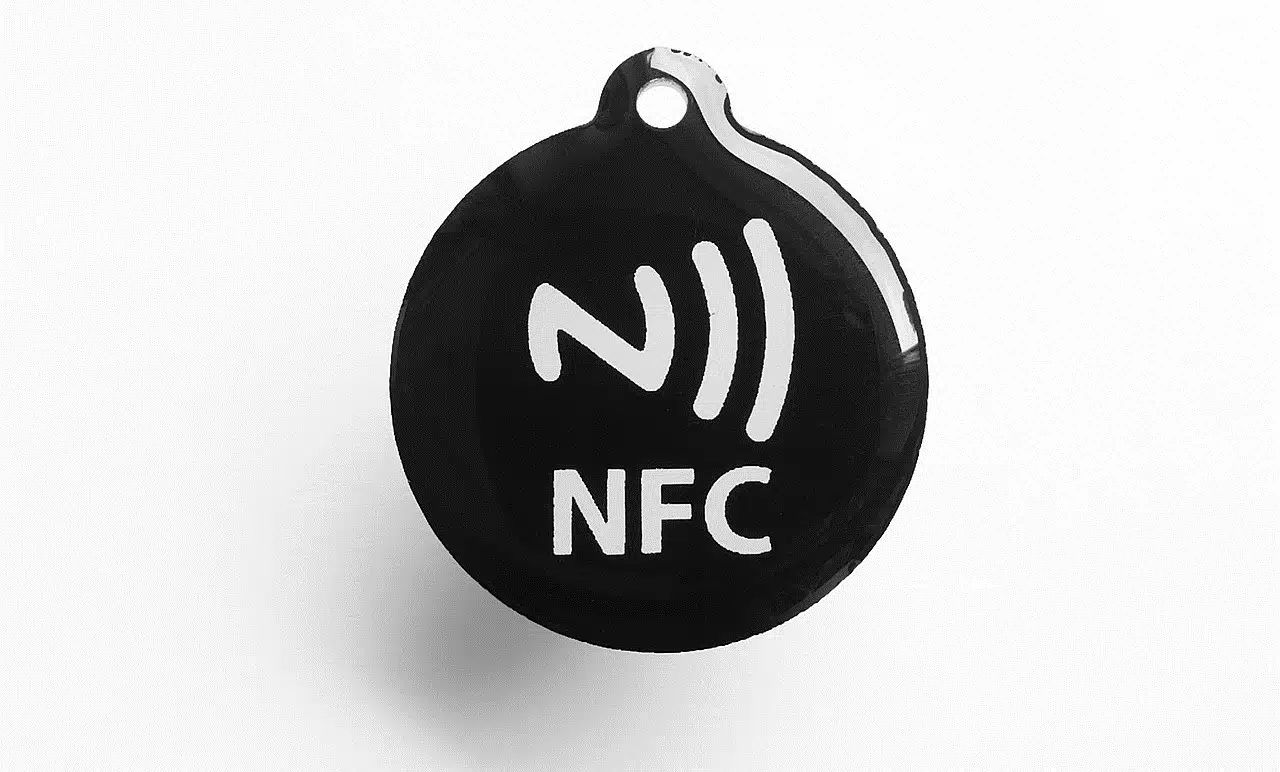
When your phone displays "NFC tag detected," it means its built-in NFC reader found a passive chip within about two centimeters and could not determine which app should open it, so it prompted you instead. Nothing is installed, charged, read, or shared unless you tap the notification.
What does 'NFC tag detected' mean?
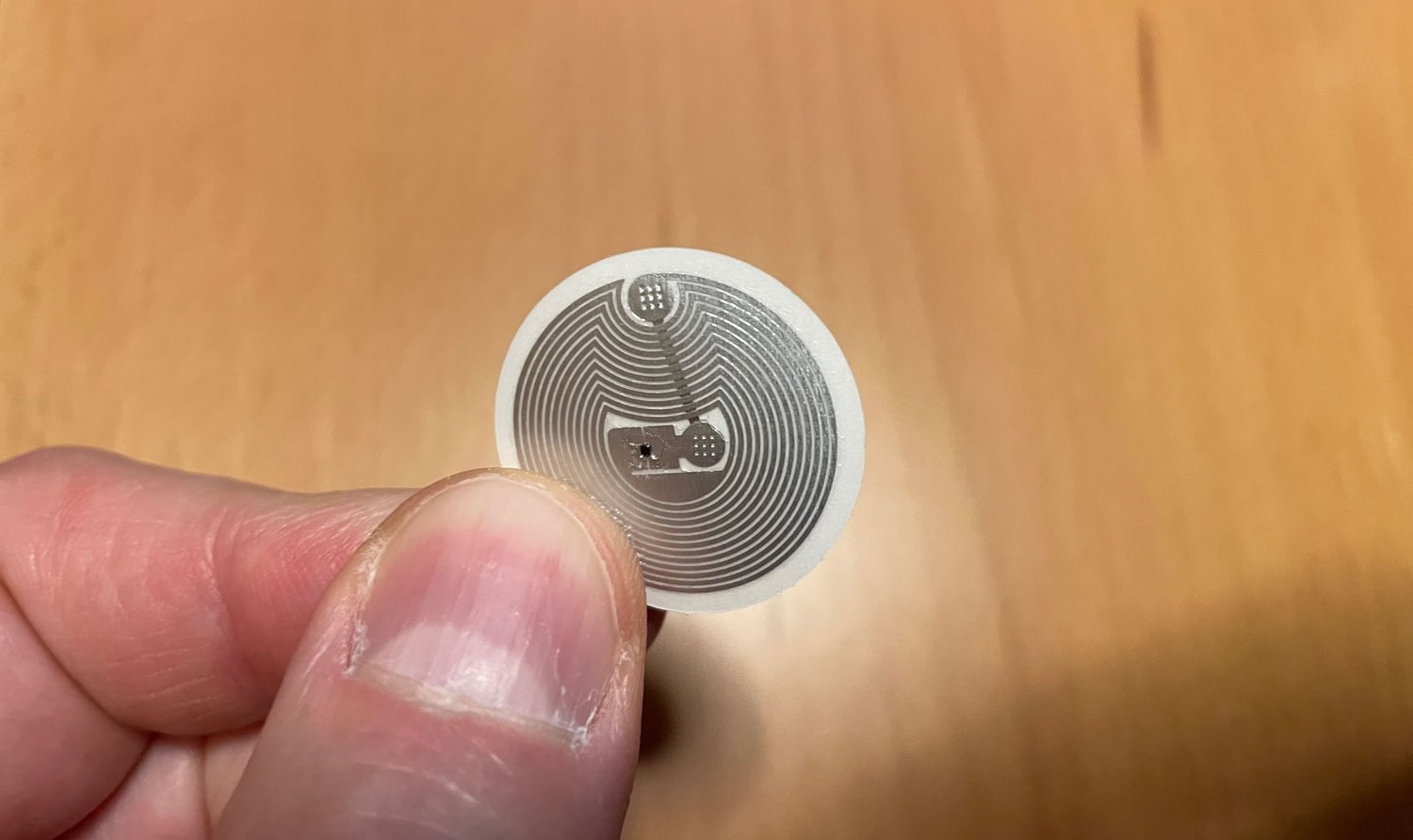
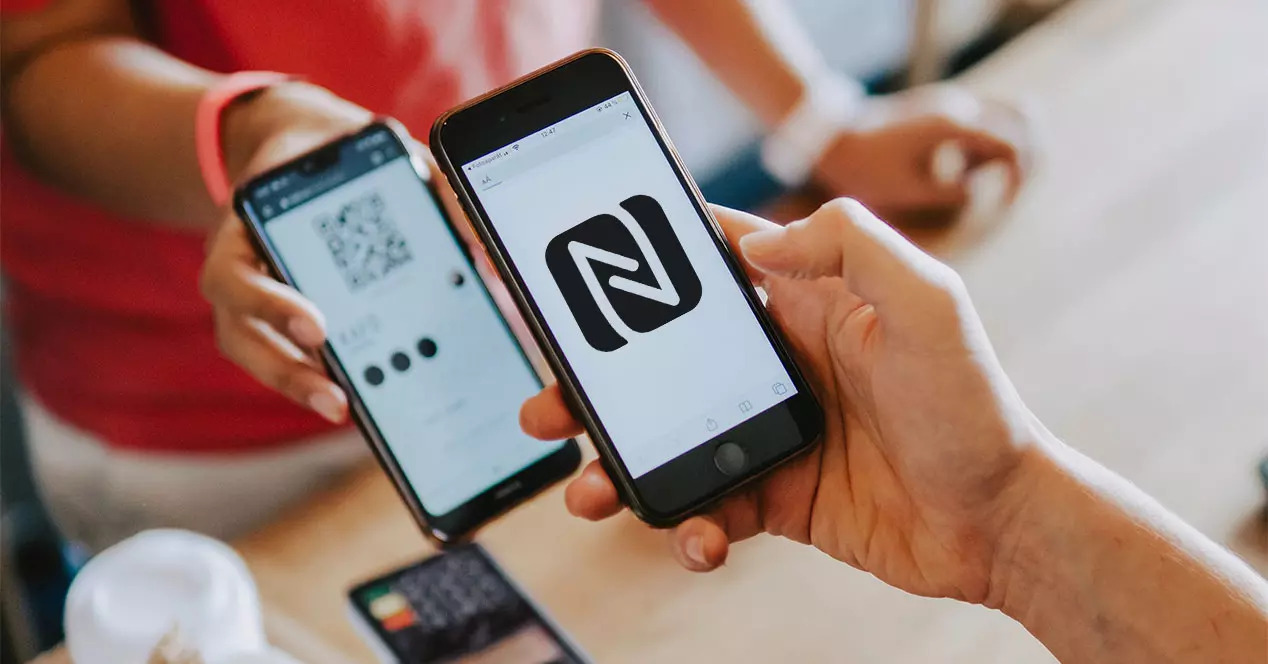
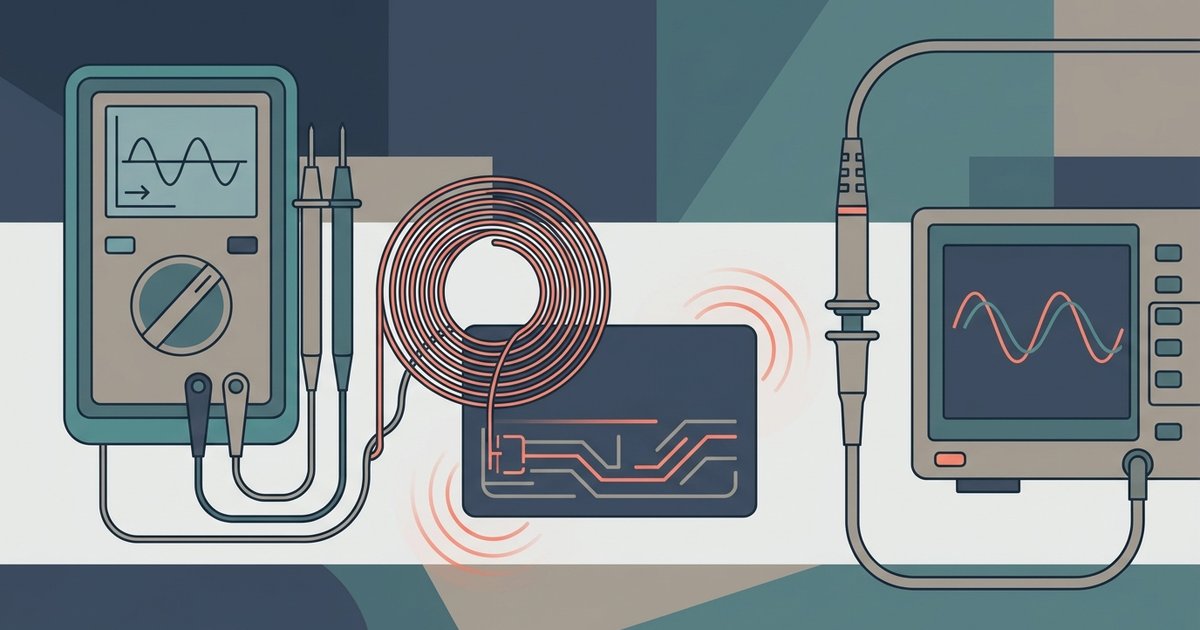
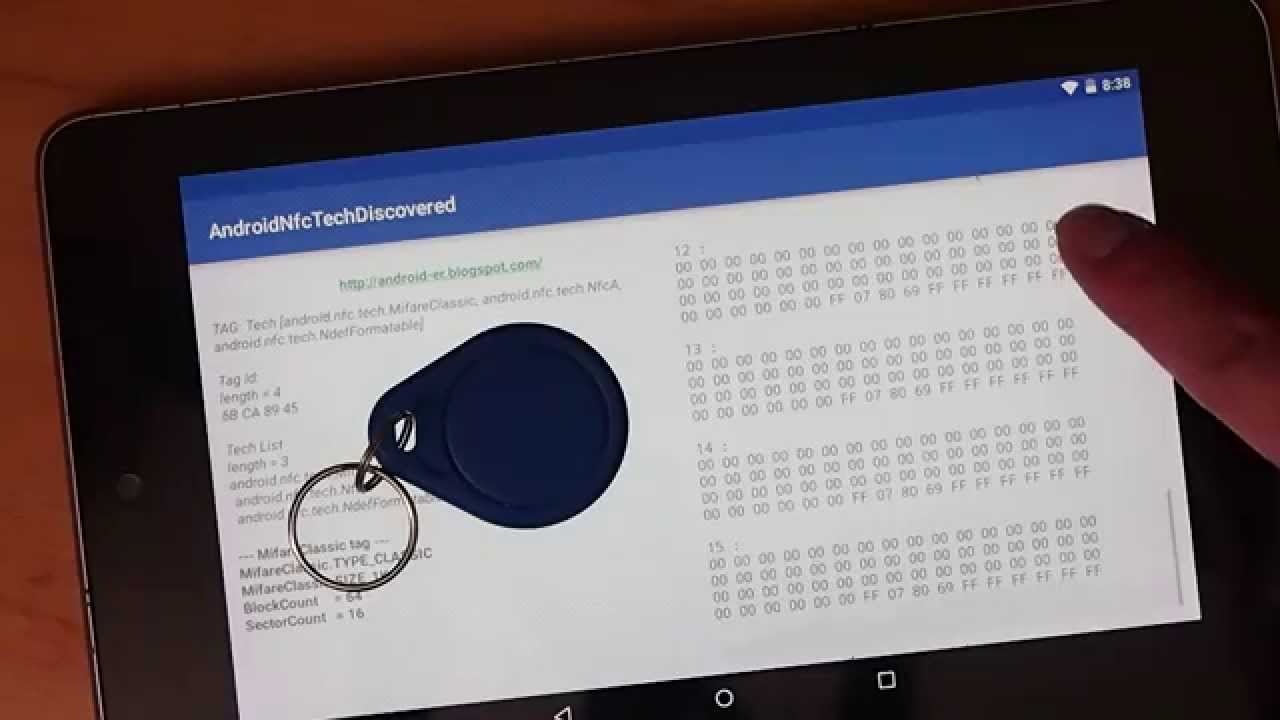
Near Field Communication (NFC) is a short-range wireless technology that allows two devices to exchange data when they are extremely close, typically within two inches (about five centimeters) of each other. The technology operates at 13.56 MHz and is an international standard (ISO 18092). The NFC chip itself is passive, meaning it has no battery, no GPS, and no independent connection. Your phone is the NFC reader, and it reads more or less constantly while the screen is on and the phone has been unlocked at least once since startup. If no app on your phone filters for the detected NFC tag, Android's system will "do nothing," and the bare system message "NFC tag detected" is what this "nothing" looks like.
Why you're seeing this message
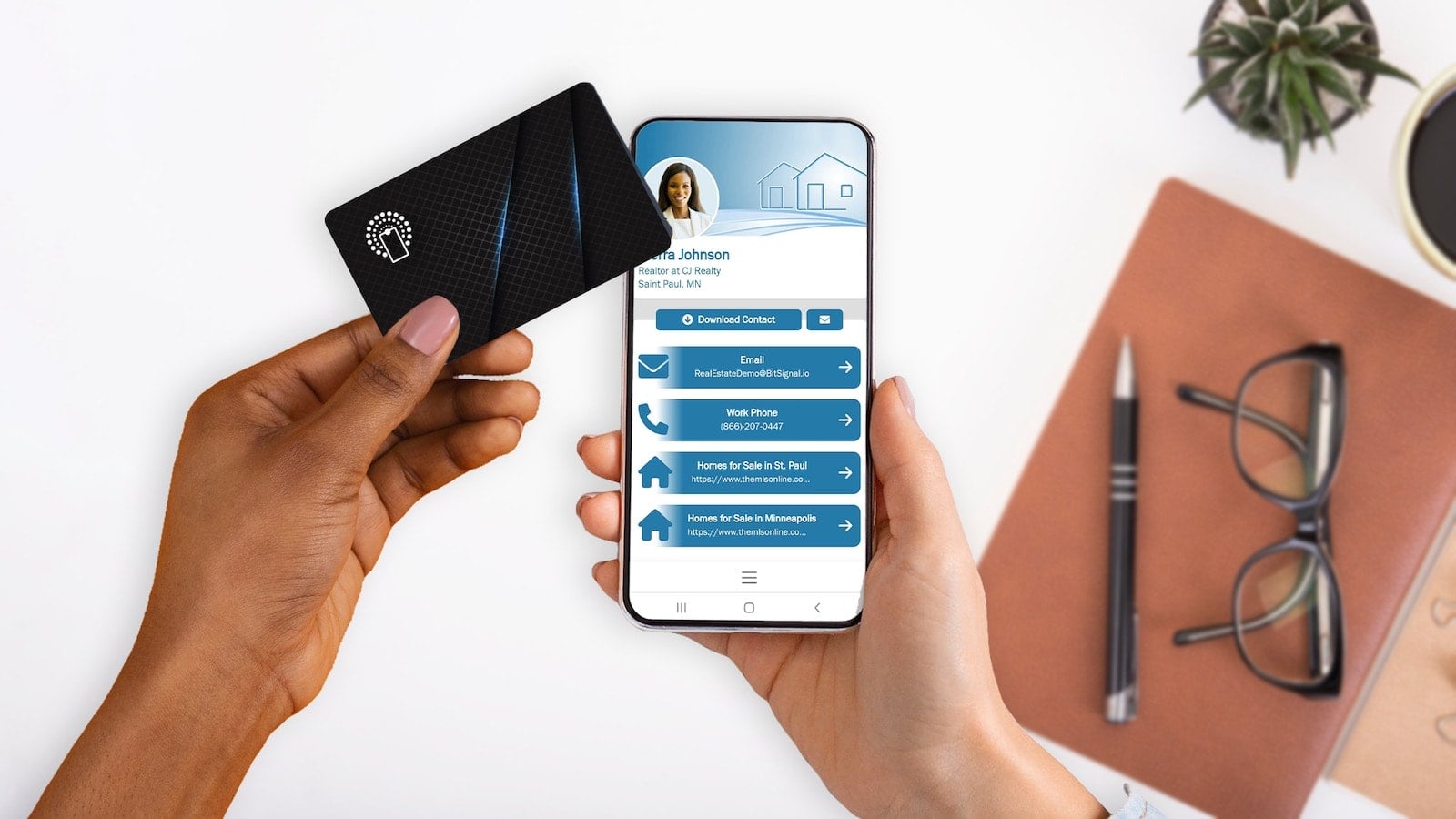
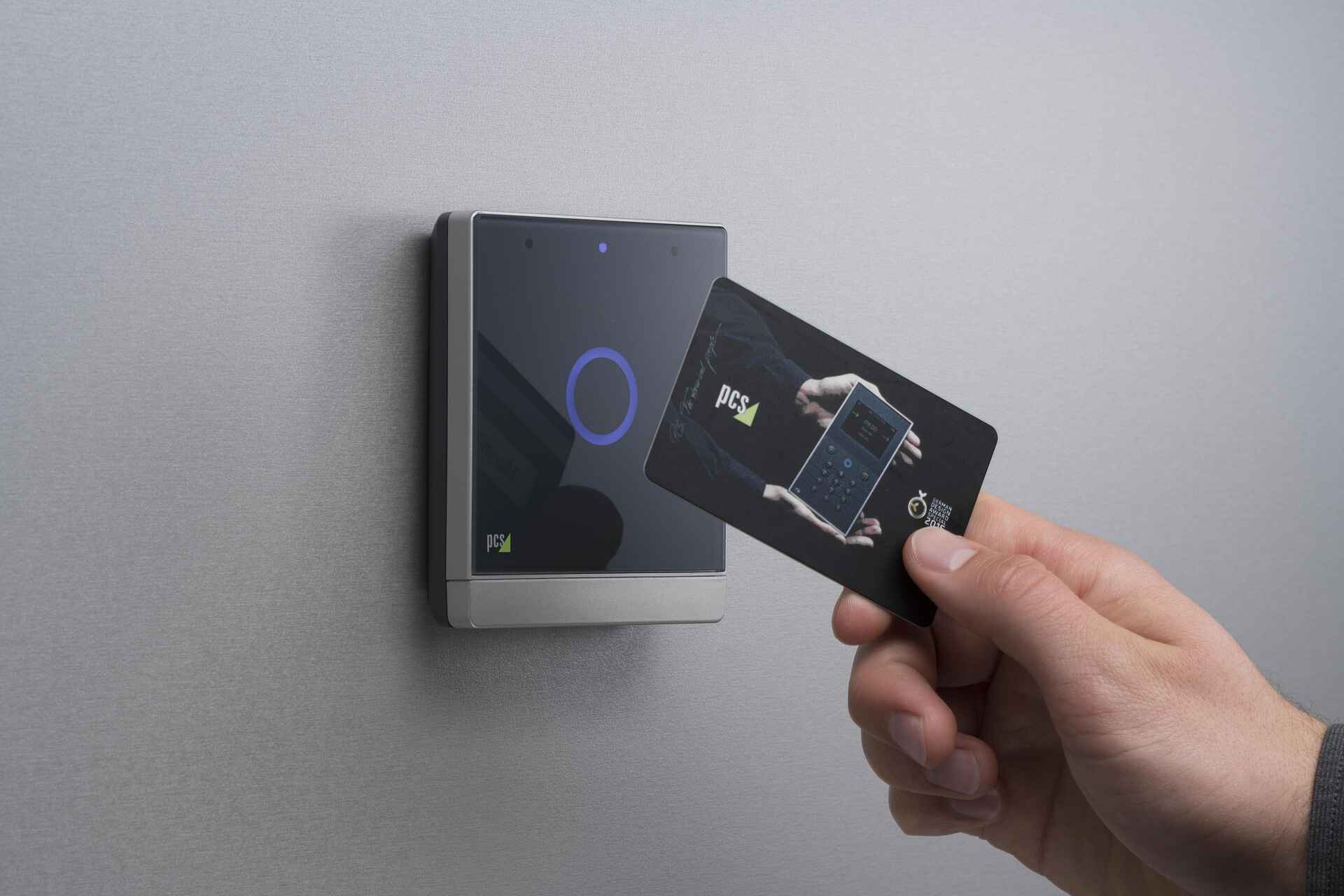
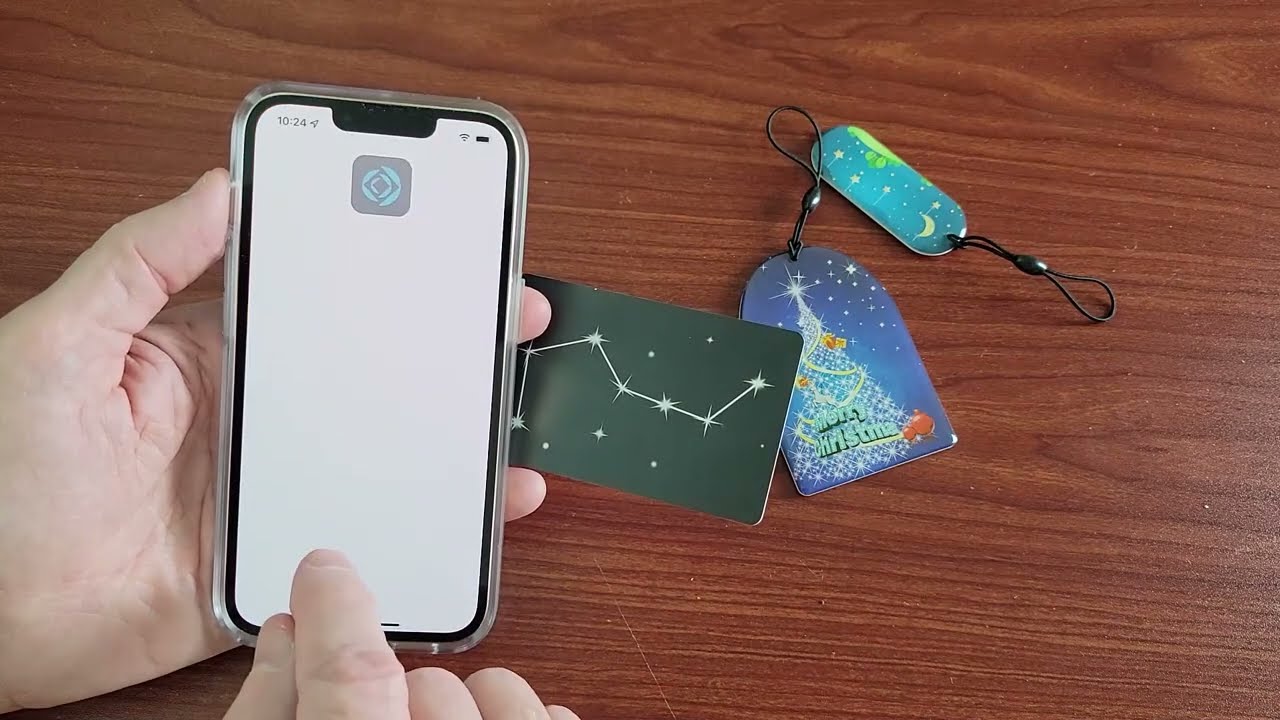
The most common trigger is a contactless bank card (credit or debit card) in your phone case or pocket. Other frequent sources include a hotel or office key card, a transit card (metro or bus pass), a product or anti-theft label, somebody's tap-to-share business card, NFC advertisements in public spaces such as bus stops, App Clips on iPhone, and AirTags. If your phone repeatedly displays "NFC tag detected" in the same place, it's likely because the tag is traveling with you, such as a contactless card in your phone case.
Is an 'NFC tag detected' alert a security risk?
The "NFC tag detected" notification itself is not a security risk; it only reports that a chip was detected. No payment or transfer takes place automatically. However, unrecognized alerts warrant caution, especially if they prompt you to open suspicious links, download unknown applications, or enter personal information on unfamiliar websites. The notification alone is safe, but use caution if it asks you to take action.
What the different NFC messages mean
If the notification says "Website NFC tag detected," it means the chip held a web address. Android may also phrase this as "New tag scanned" on some versions and manufacturers. If an iPhone displays "NFC tag detected no usable data found," it means the NFC reader recognizes the tag's presence but cannot extract meaningful information due to factors like damaged tag integrity, corrupted data, or improper alignment. On iOS, "NFC tag detected iPhone" alerts often relate to Apple Pay or AirTag interactions, while a website NFC tag mean alert on Android typically opens a URL automatically. If the notification lists "found.apple.com," it may indicate a lost AirTag nearby.
How to stop the 'NFC tag detected' pop-up
The most direct solution is to find and remove the physical tag, check your phone case for a contactless card, hotel key, or transit pass. The NFC antenna on an iPhone is typically in the top third of the back, and on most Android phones, it's in the upper-middle of the back panel.
On Android
- Navigate to Settings → Connected devices → Connection preferences → NFC, and toggle it off.
- On Samsung phones, the path may be Settings → Connections → NFC and contactless payments.
- A faster way is to pull down the notification shade twice and tap the NFC tile in Quick Settings.
On iPhone
iPhones do not have a direct toggle to turn off NFC entirely; it is always active for features like Apple Pay. Apple's background tag reading feature allows the system to scan for and read NFC data without requiring users to scan tags using an app. This feature works on iPhone XS and later models. NFC tag detection on iPhones only works while the phone is in use. To silence an alert, swipe left on the notification, tap Options, then Mute or Turn Off. For iPhones older than the XS (iPhone X and earlier), background NFC reading is not supported; you need to activate the NFC reader manually from the Control Center. If you want to make an RFID protector, you can use a shielded sleeve or wallet designed to block NFC signals. If you want to use your phone as an NFC card, your device already supports card emulation for contactless payments and digital passes.