To find your user ID for online banking, start by checking your welcome email or paper bank statement, as most institutions include it there. If you cannot locate it, the fastest way to find my user ID for online banking is to use the "Forgot User ID" link on your bank's login page.
Where to find my user ID for online banking: Immediate, actionable locations to check for an existing User ID
Your User ID, also known as a username, is the unique identifier you created when you first enrolled in online banking. Before attempting recovery, check these common places where it may already be stored or displayed:
- Welcome email or letter, When you first signed up for online banking, your bank likely sent a welcome email or physical letter containing your User ID along with setup instructions.
- Paper bank statements, If you receive paper statements, your User ID may be printed at the top or bottom of the document alongside other account details.
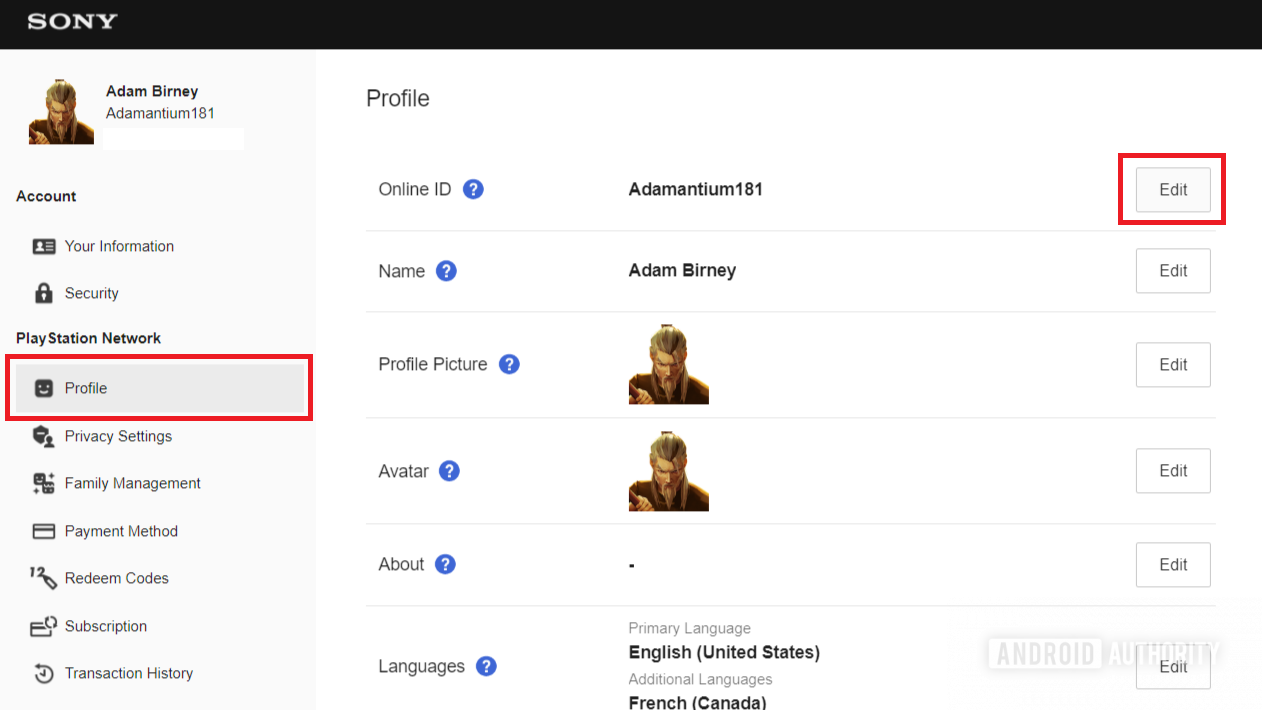
- Online banking portal, Some banks display your User ID on the login page or within your account settings after you log in. Look for a "Profile" or "Account Details" section.
How to recover a forgotten user ID on the login page
Most online banking platforms provide a "Forgot User ID" or "Forgot Username" link directly on their login page for recovery. Follow these steps to retrieve it:
- Go to your bank's online banking login page.
- Click the "Forgot User ID" or "Forgot Username" link, it is usually located near the login fields.
- Enter the personal information your bank requires for verification. To recover a forgotten user ID online, banks typically require verification using personal information such as your Social Security Number (SSN) or Tax ID Number (TIN).
- Provide additional verification details commonly requested, including your date of birth, ZIP code, or an email address/phone number on file to send a verification code.
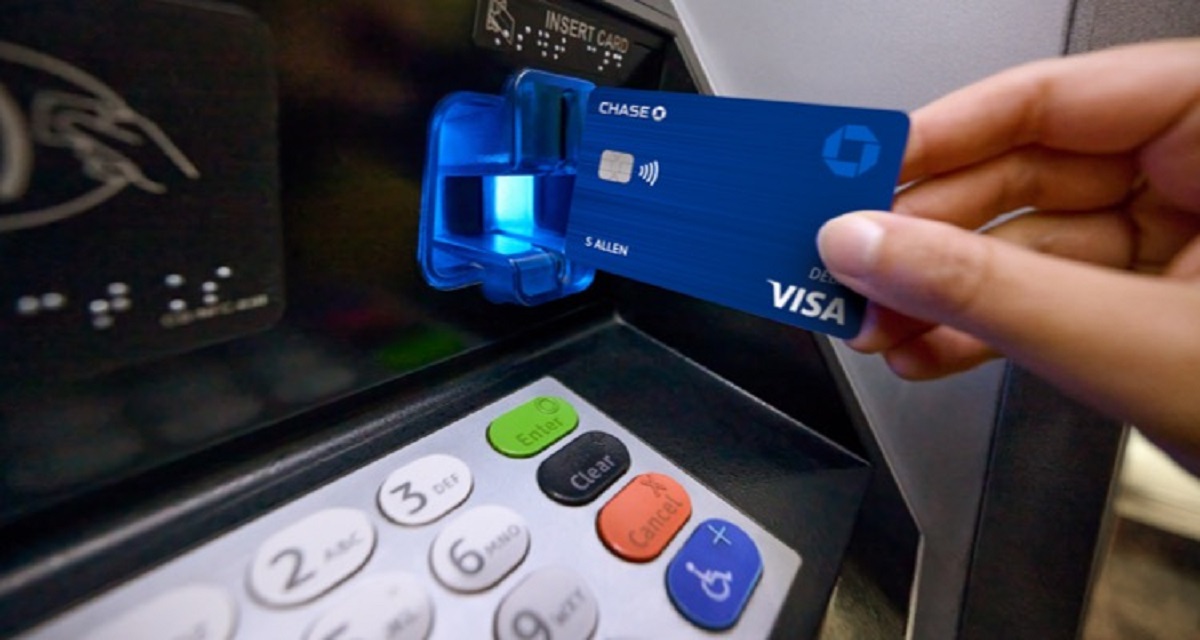
- Some banks, like HSBC and Commonwealth Bank, may require your debit or credit card number and its corresponding PIN for identity verification during the user ID recovery process.
- After successful verification, your User ID will be displayed or sent to your registered email or phone.
What to do if you still can't get your user ID
If online recovery methods fail, contacting your bank's customer service directly is always an option for assistance in retrieving your user ID. Call the number on the back of your debit card or the bank's official website, and be prepared to verify your identity with the same information listed above.
It is important to note that user IDs are generally unique identifiers created during enrollment and, for security reasons, often cannot be changed, though some banks allow registering a new one and canceling the old. If your bank permits a new User ID, you will typically need to contact customer support to initiate the process.
Tips for keeping your user ID safe and secure
Your User ID is your personal key to accessing your financial information. Follow these best practices to protect it:
- Choose a strong User ID, Use a combination of letters, numbers, and special characters. Avoid using your name, birthdate, or easily guessable sequences.
- Avoid sharing or writing down your User ID, Memorize it or store it in a trusted password manager. Never write it on sticky notes or save it in unsecured files.
- Enable two-factor authentication (2FA), This adds a second layer of verification, such as a code sent to your phone, making it harder for unauthorized users to access your account.
- Beware of phishing scams, Never click on links or provide your User ID in response to unsolicited emails, texts, or calls claiming to be from your bank. Always navigate directly to the bank's official website.
- Use secure networks, Access your online banking only from trusted, private Wi-Fi networks. Avoid public Wi-Fi or unsecured computers for financial transactions.