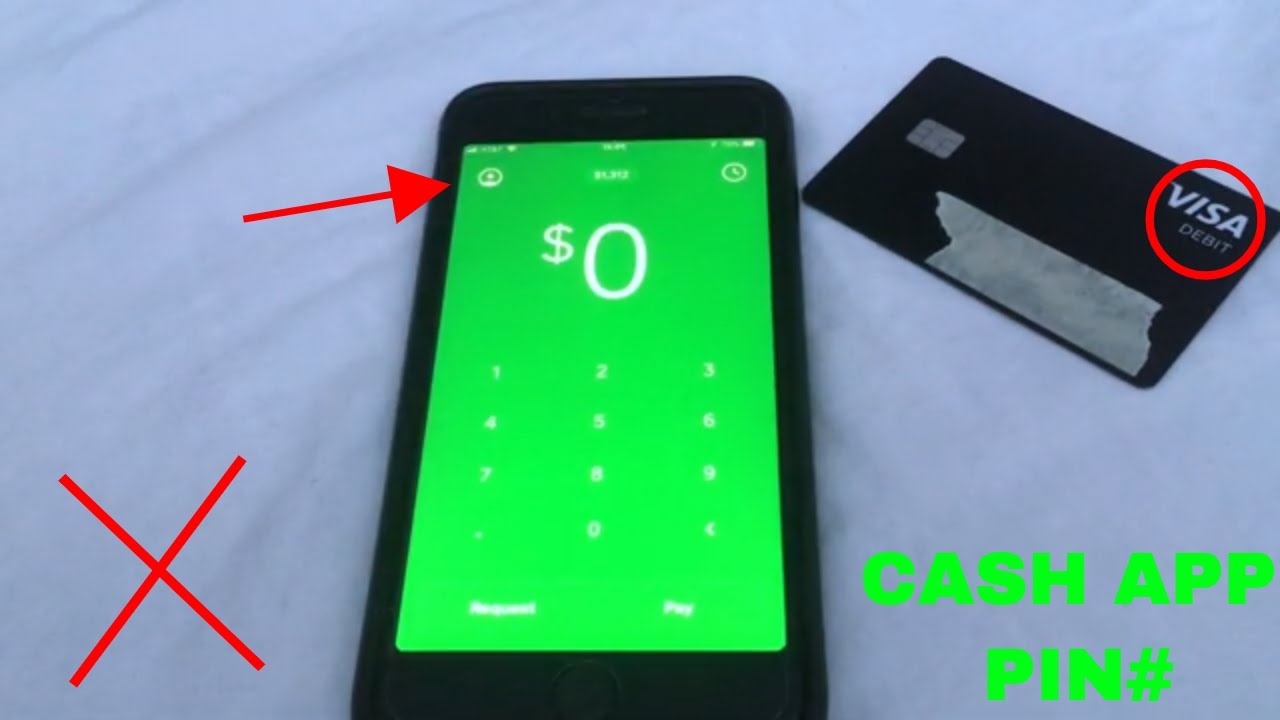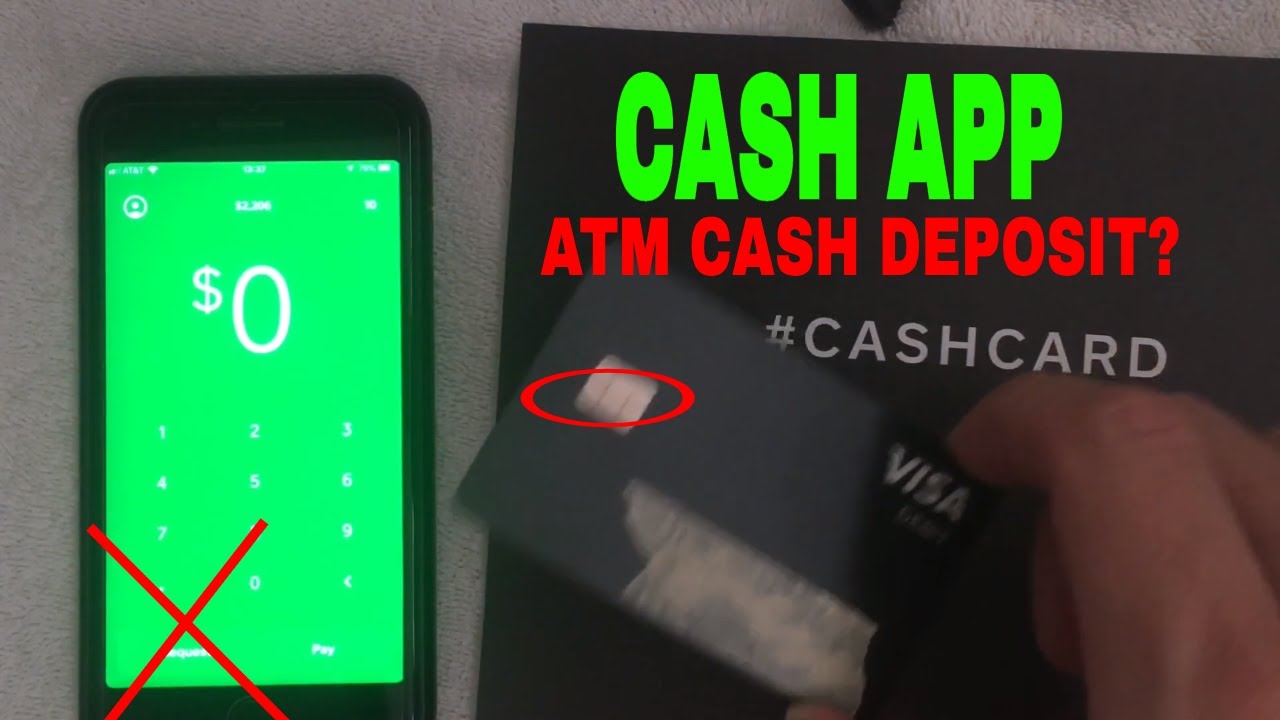
You can withdraw up to $2,500 per day from Cash App at an ATM using your Cash App Card, though your specific limit depends on your account verification status and history. This daily withdrawal limit is separate from how much money you can withdraw from Cash App to a linked bank account, which has its own rules and no daily cap.
How much money can I withdraw from Cash App at an ATM?
Cash App sets a standard ATM withdrawal limit that applies to all unverified accounts. This limit resets daily at 7 PM Eastern Time, weekly at 7 PM ET every Saturday, and monthly at 7 PM ET on the last day of the month. If you have a verified account, your personal limit may be higher than the standard amount. You can also use your Cash App Card for cash back at checkout, which counts toward the same daily ATM withdrawal limit.
How to check your specific Cash App withdrawal limit
Your personal withdrawal limit appears inside the app and varies based on your account verification status and transaction history. To find it:
- Open Cash App and tap the profile icon in the top-right corner.
- Select "Limits" from the menu.
- View your current ATM withdrawal limit and bank transfer limits displayed on screen.
Checking this section regularly helps you avoid failed transactions, especially if you are considering the Cash App glitch method for bypassing restrictions, which is not a supported or reliable way to access funds.
How to increase your Cash App withdrawal limit
To unlock higher ATM and bank transfer limits, you must verify your identity. Cash App requires your full name, date of birth, and the last four digits of your Social Security number. Once submitted, the verification process typically completes within minutes. Verified accounts gain access to higher weekly and monthly limits, though the exact amounts depend on your account history and usage patterns. The Cash App transaction process for verifying your identity is straightforward and does not require additional documentation beyond what is listed.
How to get free ATM withdrawals on Cash App
If you receive $300 or more in qualifying direct deposits in a single month, Cash App automatically unlocks "Green benefits." This includes free in-network ATM withdrawals, meaning Cash App reimburses any fees charged by in-network ATMs. Qualifying direct deposits can include payroll, government benefits, or other electronic deposits. You do not need to opt in; the benefit activates once the deposit threshold is met.
How to withdraw money to your bank account
Withdrawing to a linked bank account is separate from ATM withdrawals and has no daily limit, though individual transfer amounts may be capped. To move funds:
- Tap the Money tab on your Cash App home screen.
- Press "Withdraw."
- Enter the amount you want to transfer.
- Select your desired bank account and transfer speed (standard or instant).
- Confirm with your PIN or biometrics.
Standard transfers arrive within one to three business days and are free. Instant transfers incur a small fee but deposit funds to your linked debit card within minutes. Note that instant transfers are not available for all accounts.
Why you must select 'Checking' at the ATM
Cash App funds live in your "Checking" balance, not in "Savings." When using your Cash App Card at an ATM, if the machine prompts you to choose an account type, you must select "Checking." Selecting "Savings" will result in a failed transaction because Cash App does not store funds in a savings balance accessible at ATMs. This is a common error that prevents withdrawals, even when you have sufficient funds in your Cash App account.
\nRelated reading: Can You Transfer Money From PayPal to Cash App? (And Vice Versa).