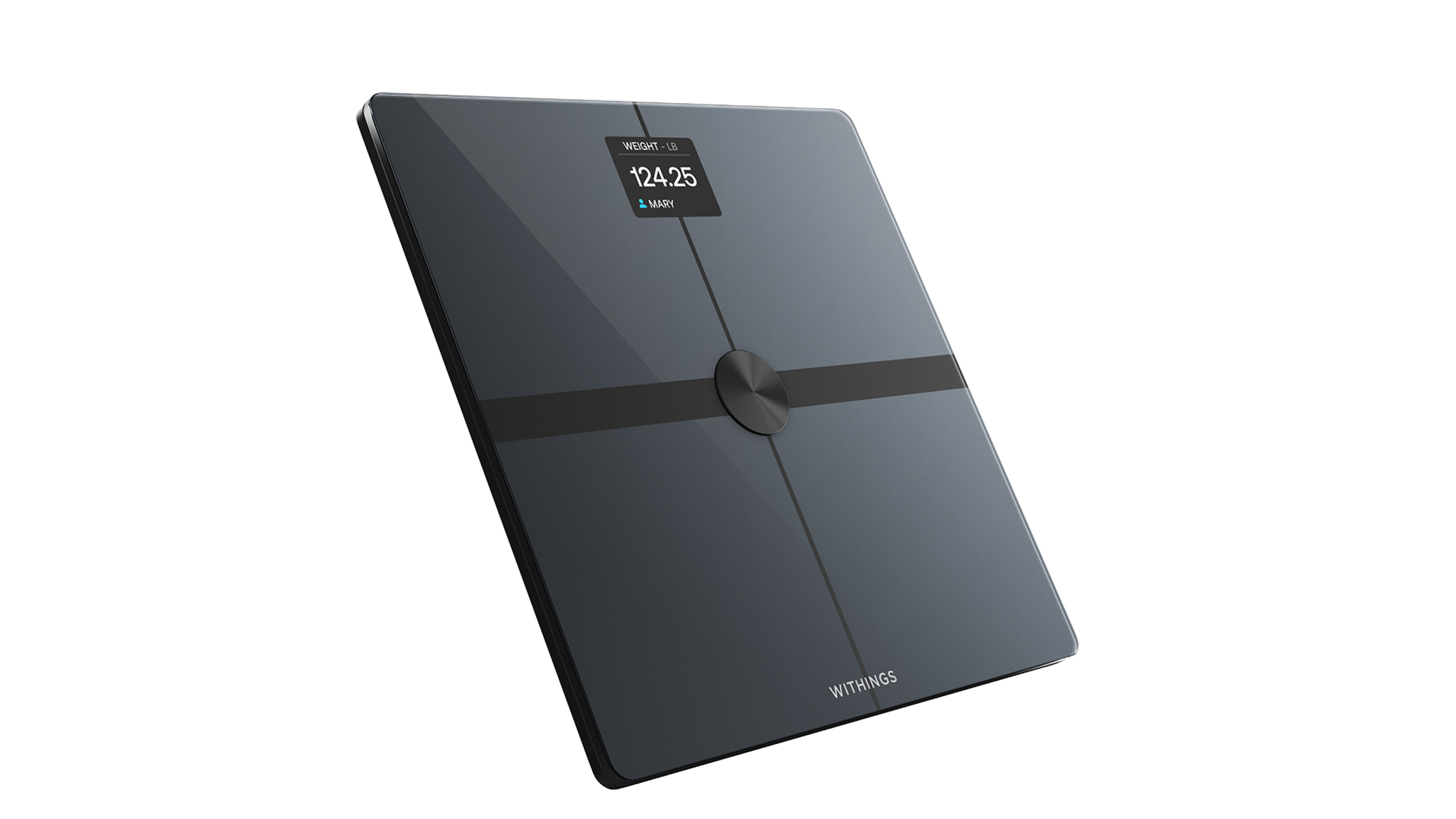
If you own a Withings scale and want to sync it to your Fitbit account, the direct answer is that the official withings scale to Fitbit connection has been broken since 2020, and Fitbit has not provided a fix date. However, you can still get your weight data flowing automatically by using Google Fit or Apple Health as a free bridge between the two services, a process that becomes much simpler after pairing your Fitbit with your phone first.
Is the withings scale to Fitbit connection still broken?
Yes, it is. The official integration that once allowed Withings scales to push weight data directly into Fitbit has been non-functional since at least August 20, 2020. Withings support pages previously pointed users to a specific Fitbit URL for linking accounts, but that pathway no longer works for continuous syncing. Fitbit has acknowledged the issue but has not committed to a timeline for a repair. That means if you follow older tutorials or official documentation, you will hit a dead end. The good news is that you do not need to wait for a fix, two reliable workarounds exist today, and both take less than ten minutes to set up.
Setting up your withings scale as the first step
Before any syncing can happen, your Withings scale must be fully configured and connected to your home Wi-Fi network. This is the foundation for every data transfer, so do not skip it.
- Unbox the scale and insert the batteries or plug it into power, depending on your model.
- Open the Withings Health Mate app on your smartphone and follow the on-screen prompts to connect the scale to your Wi-Fi network.
- Create a user profile for yourself (and for anyone else who will use the scale) so weight measurements are attributed to the correct person.
- Calibrate the scale by stepping on it once with a known weight, then step off and let it zero itself.
- Verify the scale displays your weight correctly before moving on.
Once the scale is broadcasting data to Health Mate, you can proceed to the bridging step that fits your phone's operating system.
The workaround: linking withings to Fitbit using Google fit
For Android users, Google Fit is the most straightforward bridge. This method does not require any third-party apps or paid services, just the free Health Mate and Fitbit apps you likely already have.
- Tap "Connect" and authorize Health Mate to write your weight measurements to Google Fit.
- Open the Fitbit app on your phone, go to the "Today" tab, and tap your profile picture.
- Select "Apps & Devices," then find and tap "Google Fit."
- Tap "Connect" and grant Fitbit permission to read weight data from Google Fit.
After this, every time you step on your Withings scale, the weight will appear in Health Mate, flow to Google Fit, and then land in your Fitbit dashboard. The entire chain is automatic, and you only need to set it up once.
Alternative bridge: syncing withings to Fitbit via Apple health
If you are on an iPhone, Apple Health replaces Google Fit as the intermediary. The process is nearly identical but uses iOS's built-in health database.
- Toggle on the permission to write weight data to Apple Health.
- Select "Apps & Devices," then find and tap "Apple Health."
- Tap "Connect" and enable Fitbit's permission to read weight data from Apple Health.
This route works exactly like the Google Fit method, but it uses Apple's HealthKit framework instead. Once linked, your Withings scale measurements will appear in Fitbit without any manual logging.
Syncing your weight and verifying the data in Fitbit
After you have completed either bridge, the data flow is not instant, there is usually a short delay. Here is how to confirm everything is working and what to expect.
- Step on your Withings scale and wait for the measurement to appear in the Health Mate app.
- Open the Google Fit or Apple Health app (depending on your bridge) and confirm the weight shows up there.
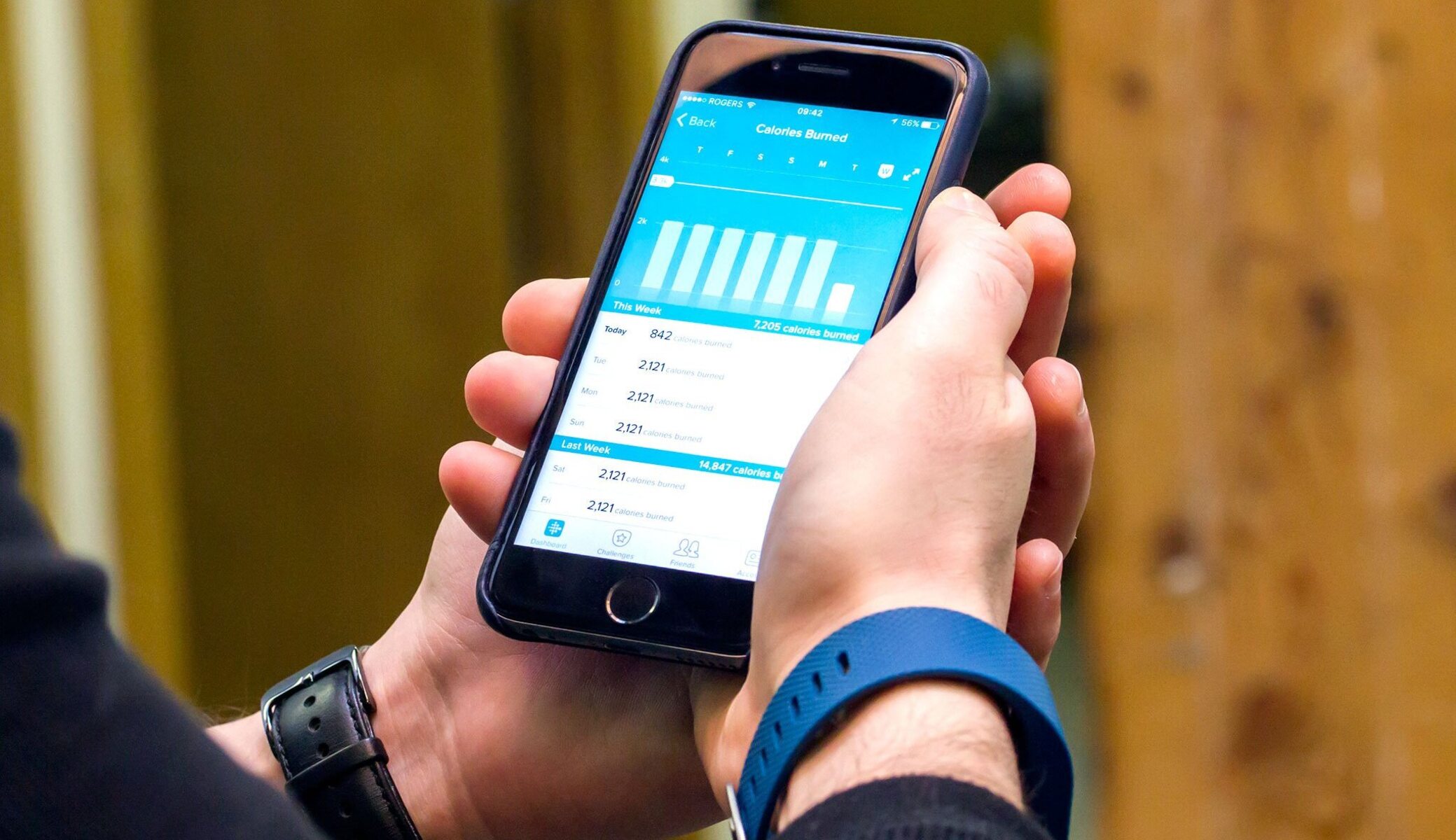
- Open the Fitbit app and navigate to the "Today" tab, then tap the weight tile.
- If the weight is not visible yet, pull down to refresh the screen. It can take a few minutes for the data to travel through the intermediary app.
You can also manually trigger a sync by opening the Health Mate app and then immediately opening the Fitbit app. This forces both apps to communicate with their respective health platforms, which usually speeds up the transfer. Once you see your weight in Fitbit, the connection is live and will continue to work automatically. If you ever need to troubleshoot a missed measurement, the problem is almost always a revoked permission or a disabled background refresh, not the scale itself. For a broader look at keeping your devices in sync, you can also review the Fitbit setup and syncing documentation. And if you happen to own a Fitbit Aria Air scale instead, there is a step-by-step guide to syncing your Fitbit aria air scale that covers that device's specific setup process. For now, your Withings-to-Fitbit bridge is complete, and your weight data will keep flowing without any further action on your part.