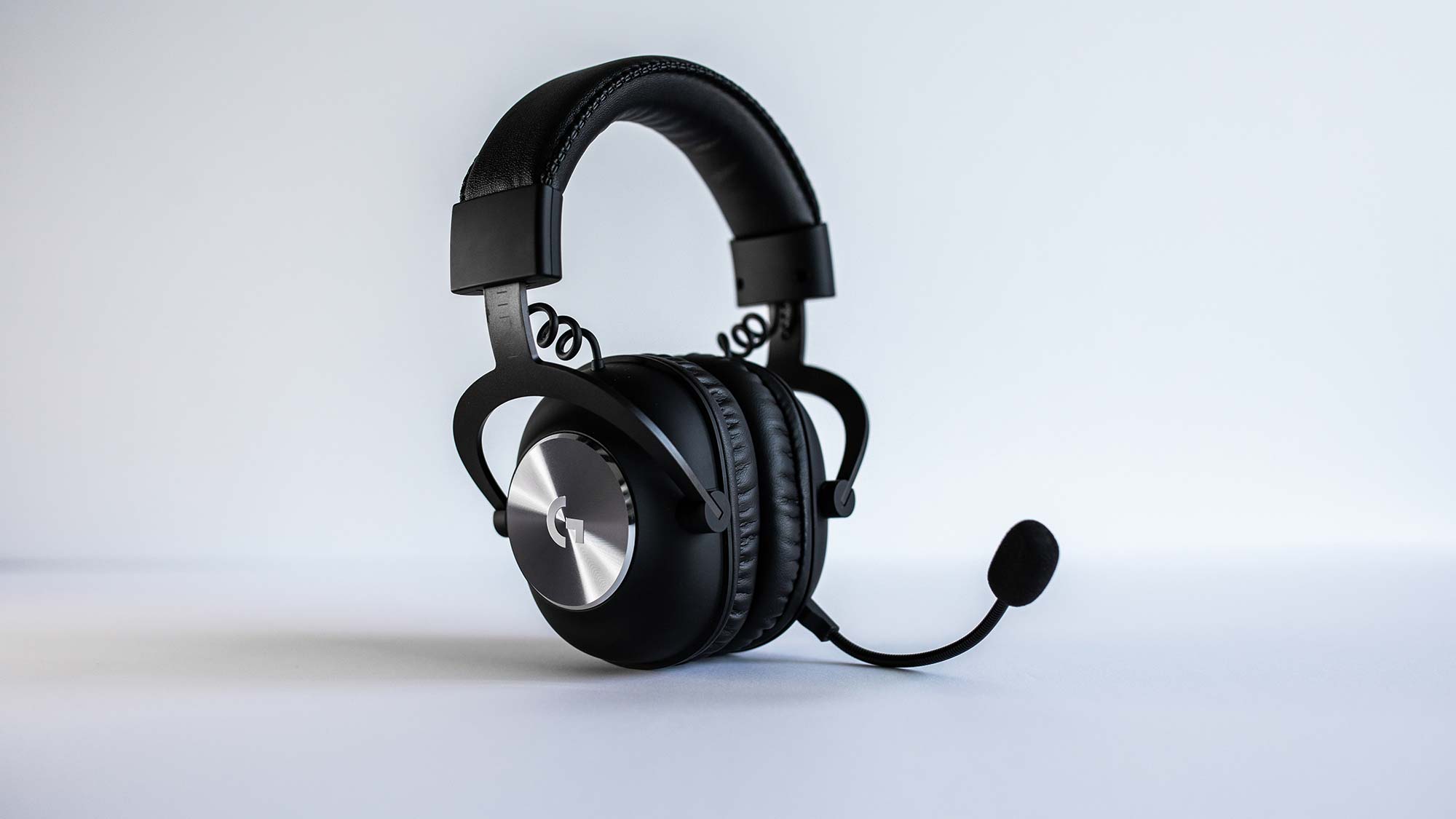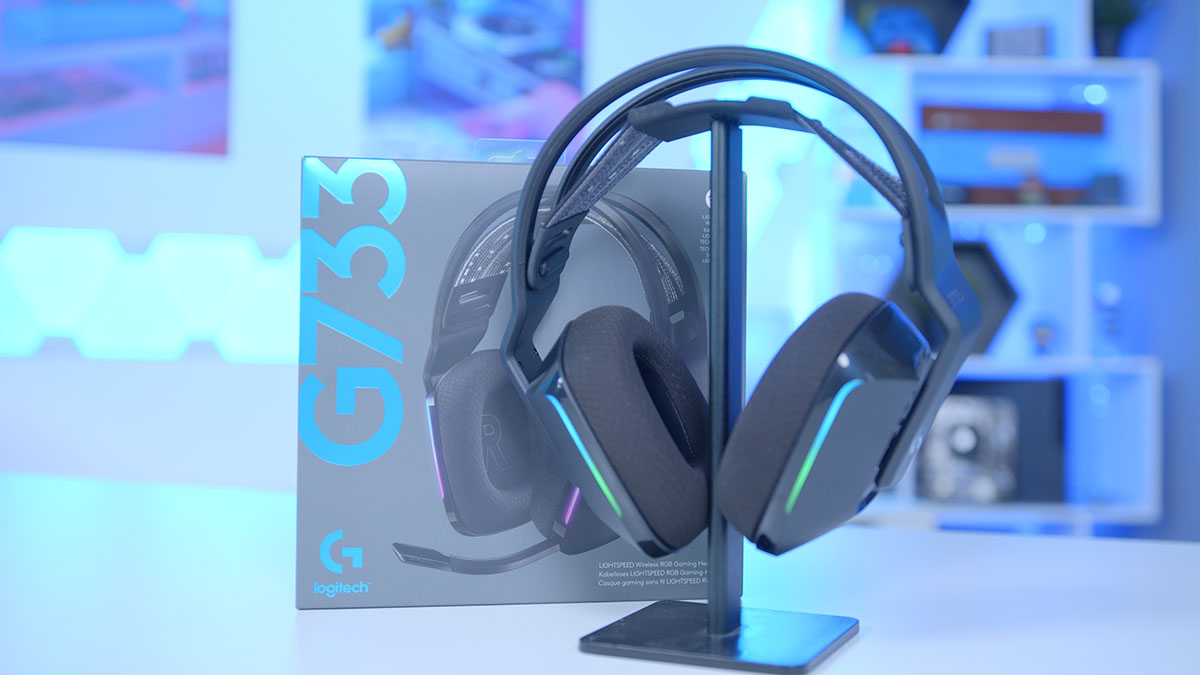
To make your Logitech G733 mic sound better, the most effective solution is to use the free Logitech G HUB software to enable and fine-tune its built-in Blue VO!CE enhancements. This guide walks you through the specific settings and physical adjustments that will transform your microphone from a basic headset mic into a clear, professional-sounding audio source for gaming and streaming.
Make the Logitech G733 mic better with a physical check
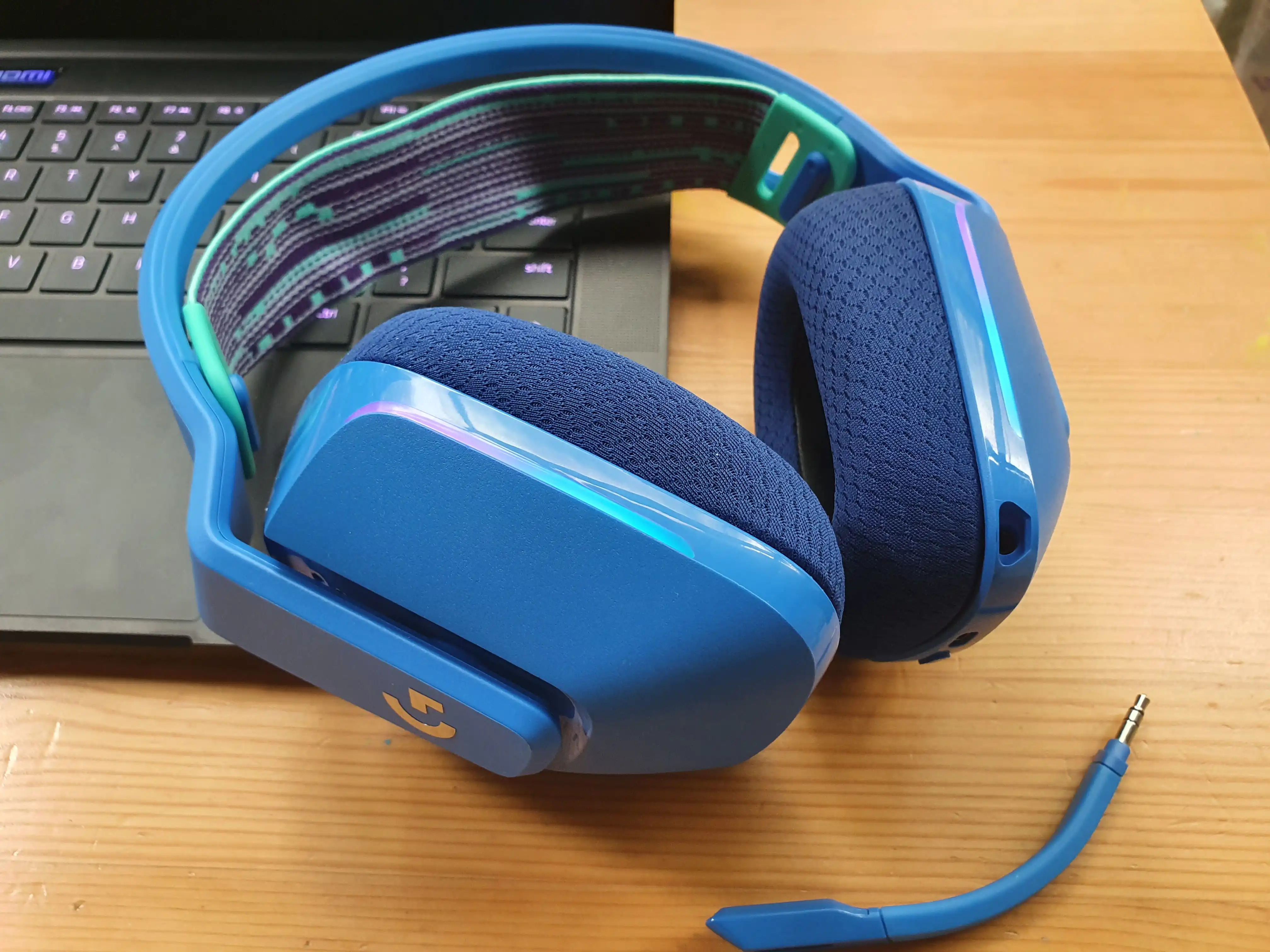
Before opening any software, confirm the microphone boom is fully inserted into the headset until it clicks into place. A loose connection is a common cause of poor sound, so you want to ensure the physical link is secure before troubleshooting further.
Install and open Logitech G HUB
All microphone enhancements require the official Logitech G HUB software. If you haven’t already, download and install the software from Logitech’s website, then open it to access the advanced microphone features.
Enable Blue VO!CE for an instant upgrade
Within the G HUB software, you can enable or disable "Blue VO!CE mic enhancement" for optimal microphone quality. This is the single most effective setting for clearer audio, as it applies professional-grade processing to your voice instantly.
Fine-tune your sound with EQ settings
G HUB allows you to adjust EQ settings for the microphone, so you can tailor the sound profile to your specific voice. For example, boosting the presence range can add clarity, while cutting low frequencies can reduce rumble.
Adjust sidetone to hear yourself clearly
You can control "Sidetone" through the G HUB software, which lets you hear your own voice in the headset in real time. This helps you speak at a more consistent volume without shouting, because you can monitor your own voice naturally.
Optimize your physical mic placement
Position the mic 6-10 inches away from your mouth and slightly off-axis to reduce plosives and background noise. This simple adjustment, combined with the software settings above, ensures your voice is captured cleanly without pops from "p" and "b" sounds.