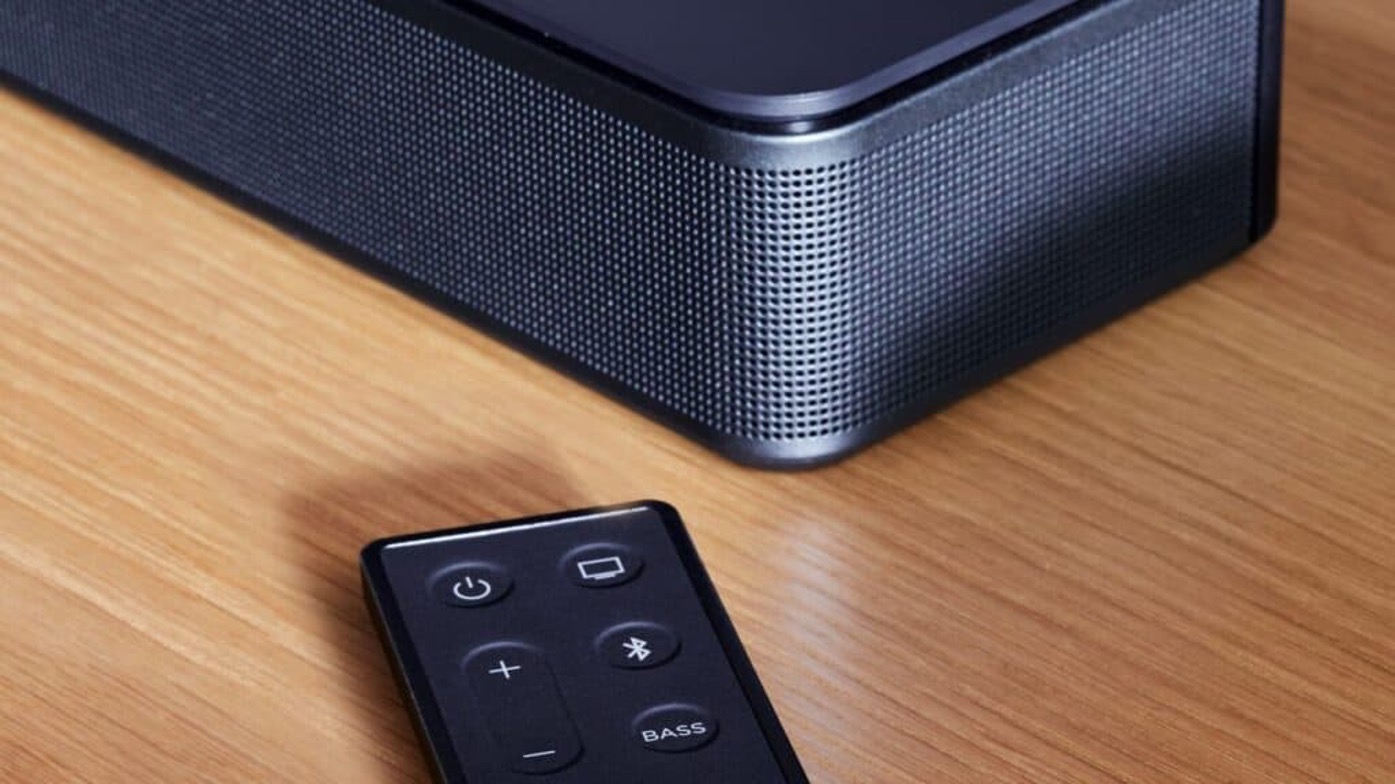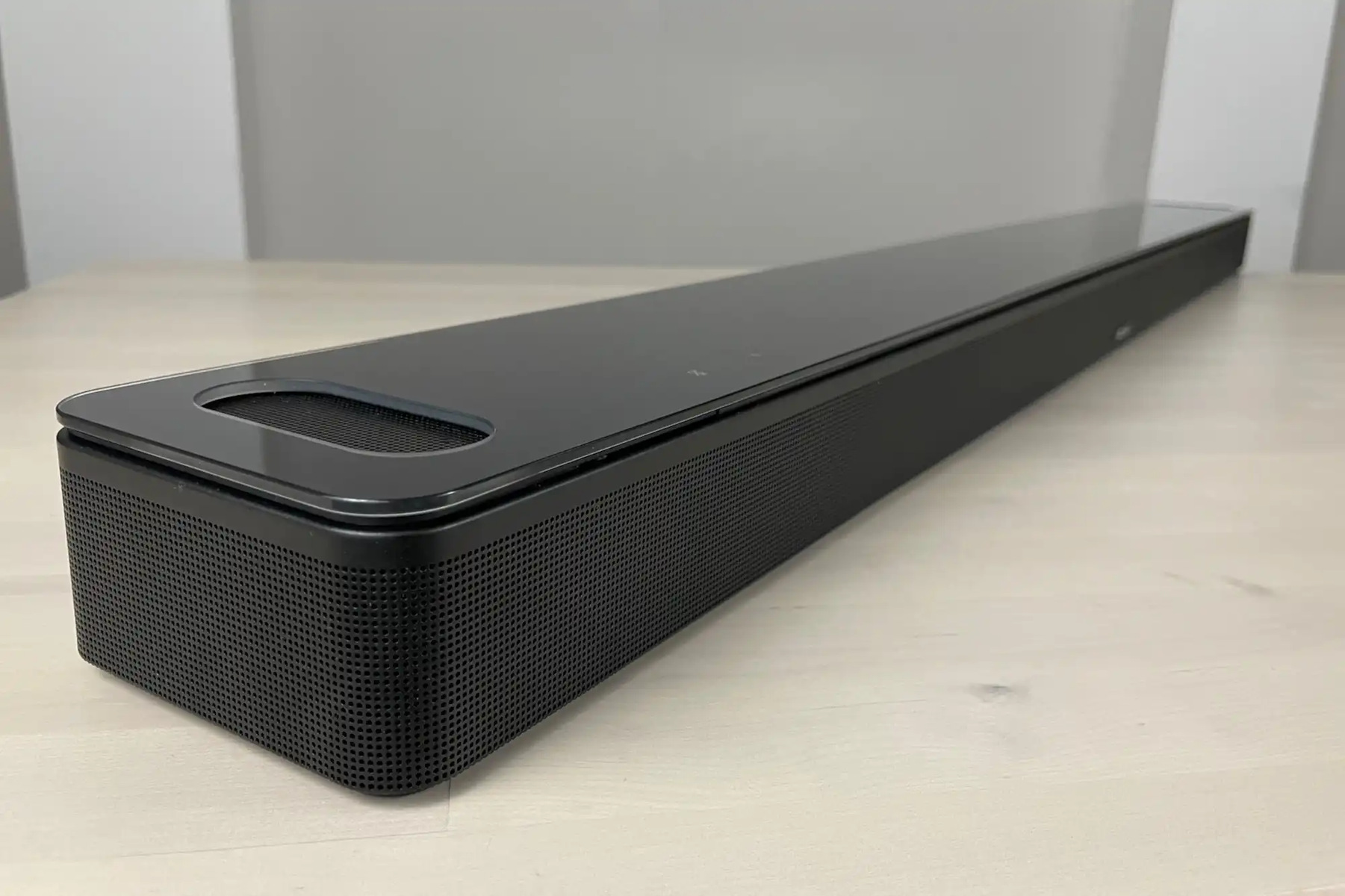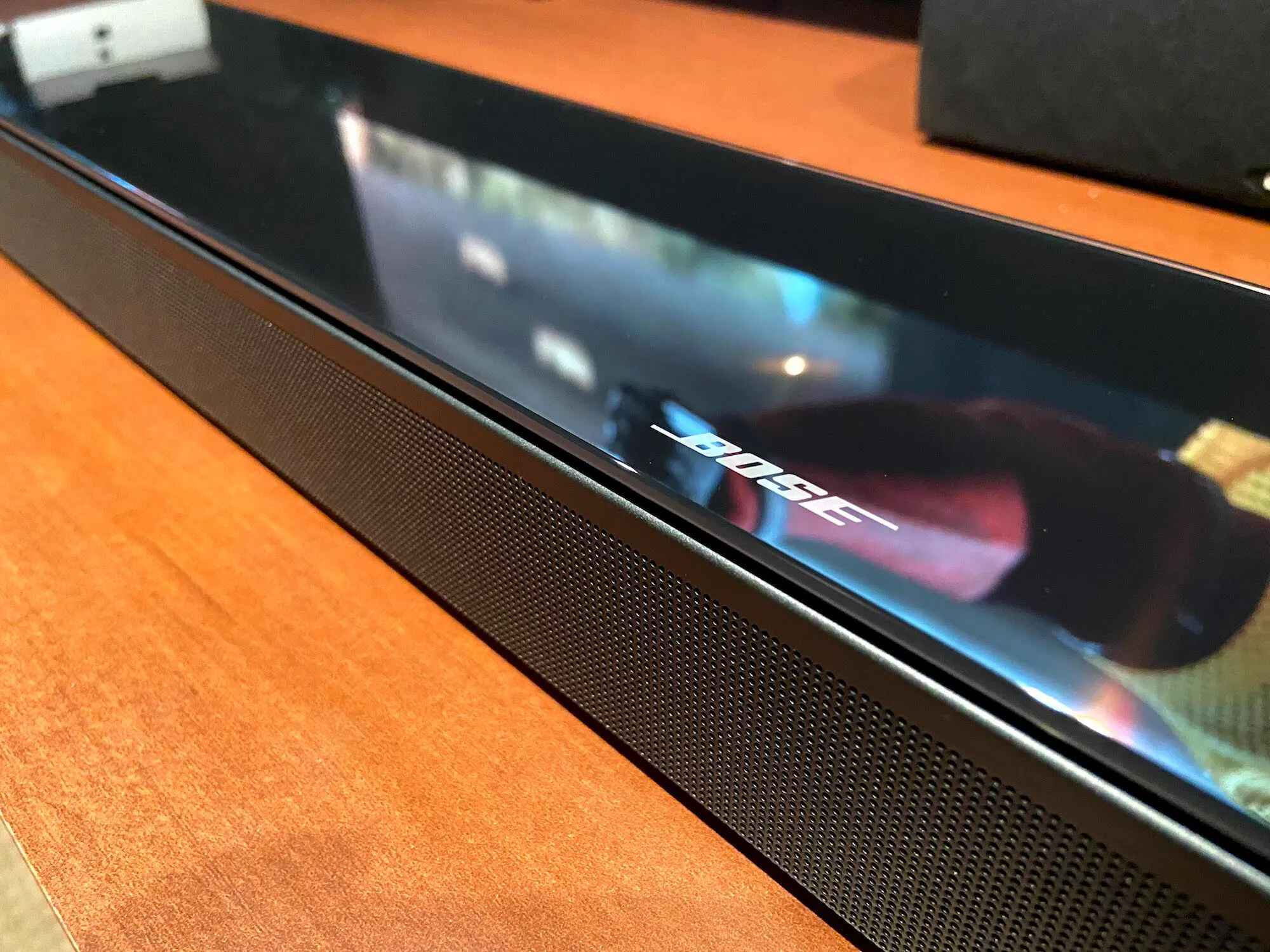
To reset a Bose Soundbar 700 without a remote, you can use a soft reset (power cycle) to clear minor glitches or enter Recovery Mode using the physical buttons on the soundbar itself. If you own a different brand, you can similarly reset a Sonos soundbar using its dedicated hardware buttons. If you have other Bose audio devices acting up, the same button-based approach can reset bose smart speaker models without an app. These methods allow you to reset bose soundbar 700 without remote even if you have lost or damaged the original controller.
Why you might need to reset your Bose Soundbar 700
Several common scenarios make resetting without the original remote necessary. If your remote is lost or damaged, you still need a way to restore functionality. Unresponsive controls or persistent connectivity issues often clear with a reset, and the same physical button method can reset JBL smart speaker models. You might also want to erase all settings before selling or transferring the soundbar to a new owner, ensuring they can set it up fresh.
Before you start: soft reset vs factory reset
Understanding the difference between a soft reset and a full factory reset is important. A soft reset, also called a power cycle, clears temporary software glitches without erasing your settings. A full factory reset returns the soundbar to its out-of-box state, erasing all customizations. Bose states that a full factory reset typically requires the remote control, but alternative methods exist for when you don't have one.
Method 1: Soft reset (power cycle) without a remote
This method is the simplest way to resolve minor issues without losing any saved settings. You can perform a soft reset without a remote to clear minor software glitches.
- Turn off the soundbar.
- Disconnect the power cord from the soundbar or the power outlet.
- If you have accessory bass modules or surround speakers connected, disconnect their power cords as well.
- Wait 30 seconds.
- Reconnect the power cord to the soundbar or outlet.
- Wait approximately 30 seconds for the soundbar to reboot.
Method 2: Recovery Mode using the soundbar buttons
The Bose Soundbar 700 also has a "Recovery Mode" that can be entered using physical buttons on the soundbar itself, without a remote. This method performs a deeper reset than a power cycle.
- Disconnect the soundbar from power and wait 30 seconds.
- Reconnect power.
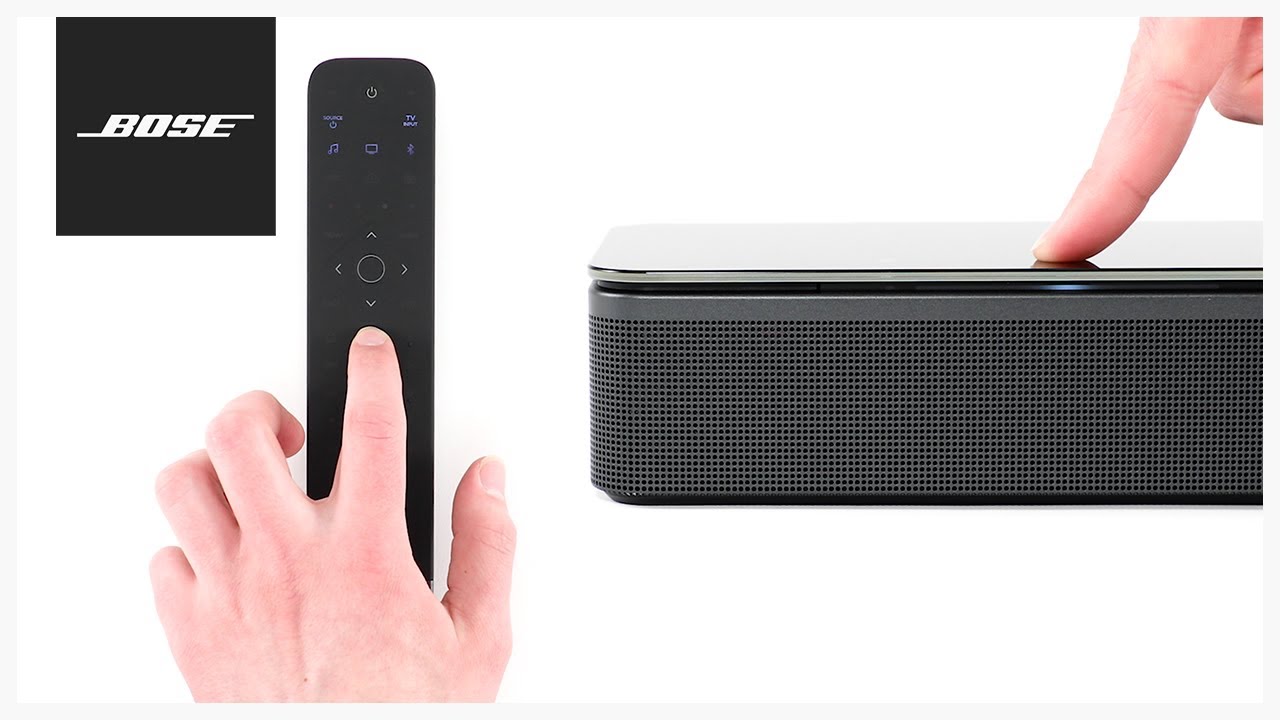
- Within ten seconds of the light bar illuminating, tap the Action button once, then the Microphone Off button once, then the Action button a second time, and finally the Microphone Off button a second time.
- Ensure you wait at least one second between each button press.
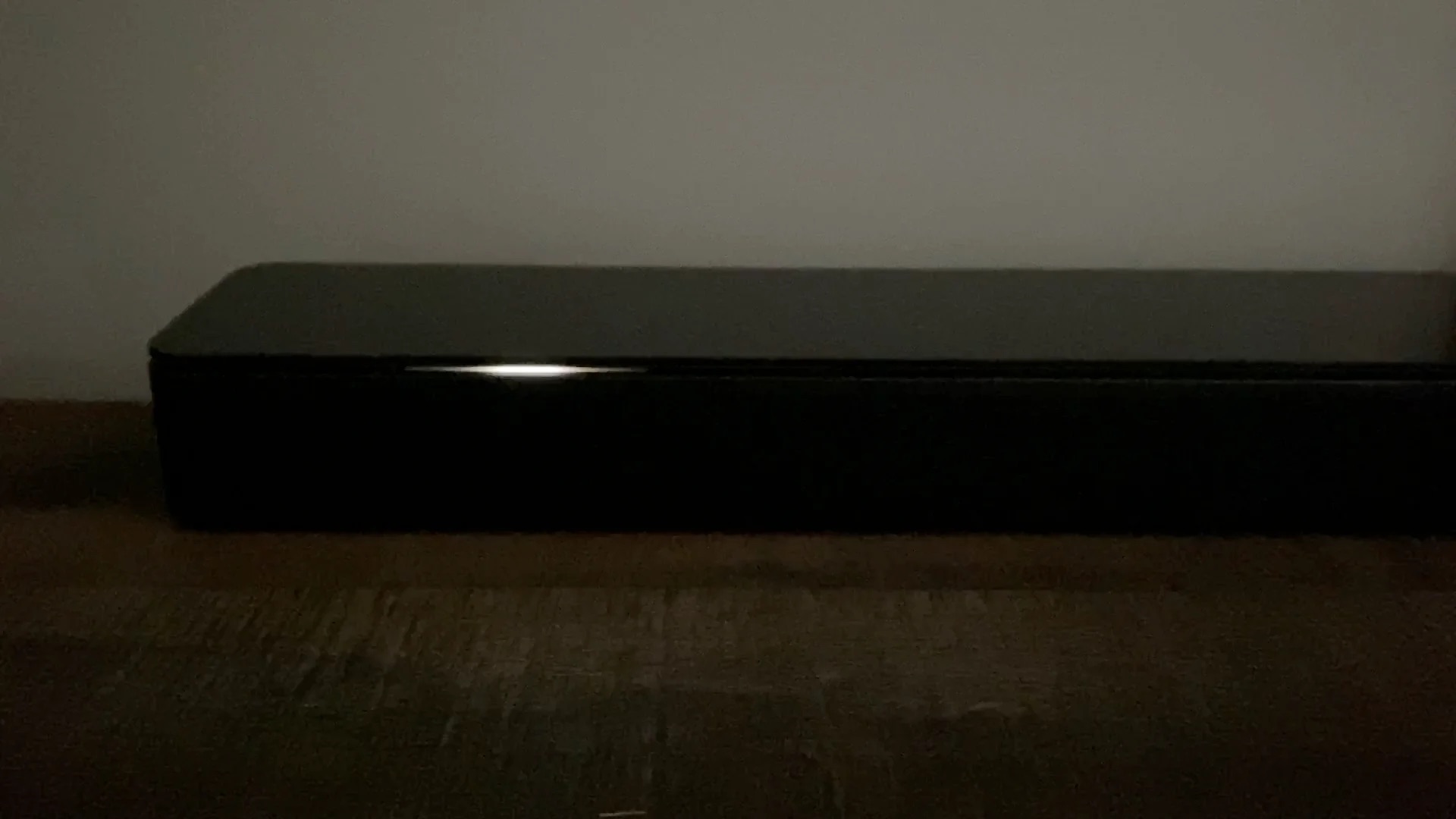
- After the sequence, the light bar will blink twice, reboot, and then glow amber, indicating the soundbar is in setup mode.
Method 3: Using a universal remote as a workaround
If you have a universal remote programmed to control your Bose Soundbar 700, it may replicate the factory reset command. The official method using the original remote involves holding the Power and Skip Forward buttons simultaneously for 5 seconds. A universal remote that can send these same commands might work, though success depends on the remote's compatibility and programming. This is a workaround, not a guaranteed solution, as Bose designed the factory reset to require the original remote.
What to do after resetting your Bose Soundbar 700
After a factory reset (via Recovery Mode or a universal remote), the light bar will glow amber, confirming the soundbar is in setup mode. To reconfigure the soundbar after a factory reset, you must use the Bose Music app. Open the app, follow the on-screen prompts to connect to your Wi-Fi network, and personalize your settings. If you performed only a soft reset, your settings remain intact and no reconfiguration is needed. If you encounter persistent problems or have specific inquiries, it is always recommended to consult the official Bose support for further assistance.