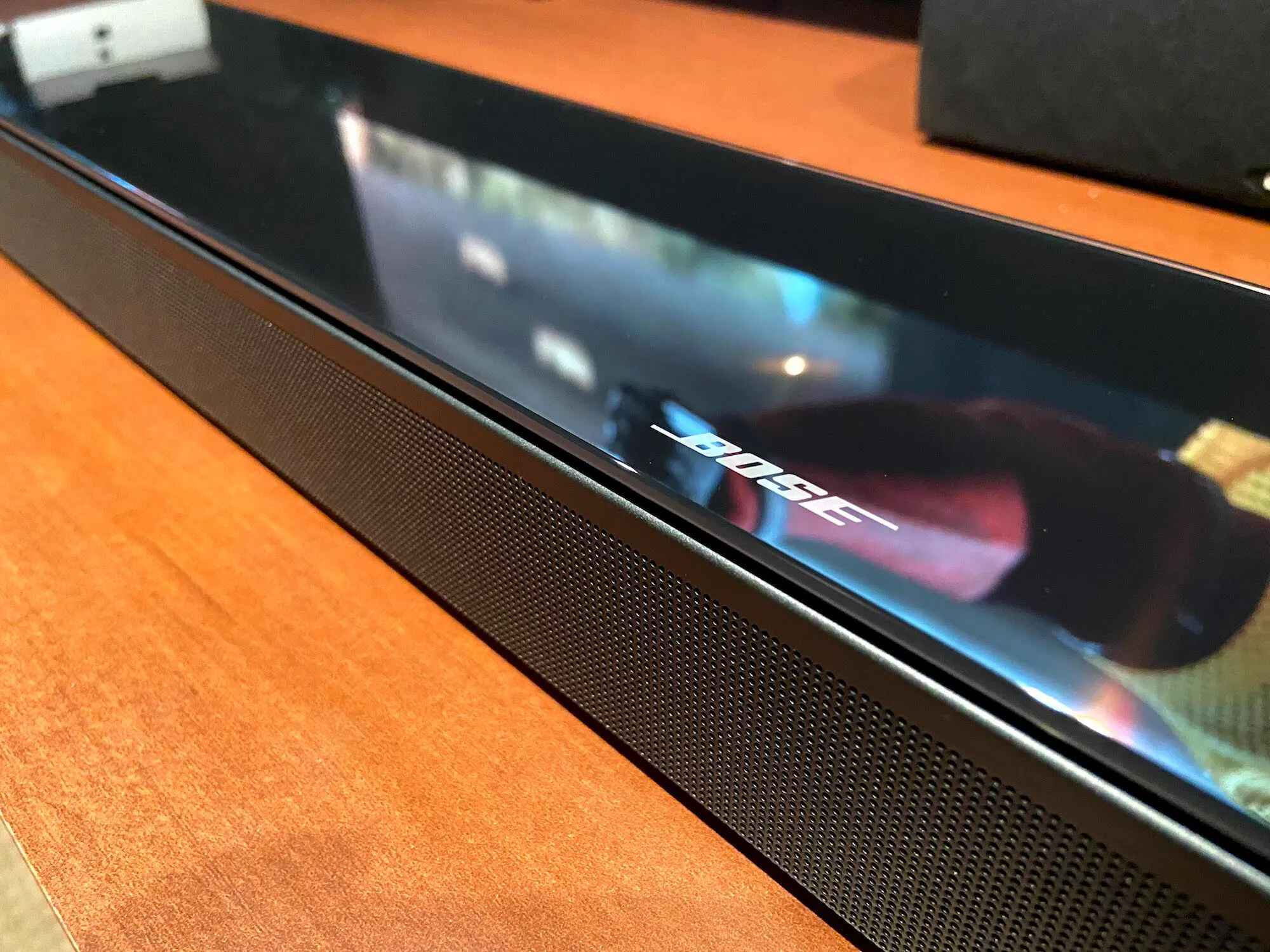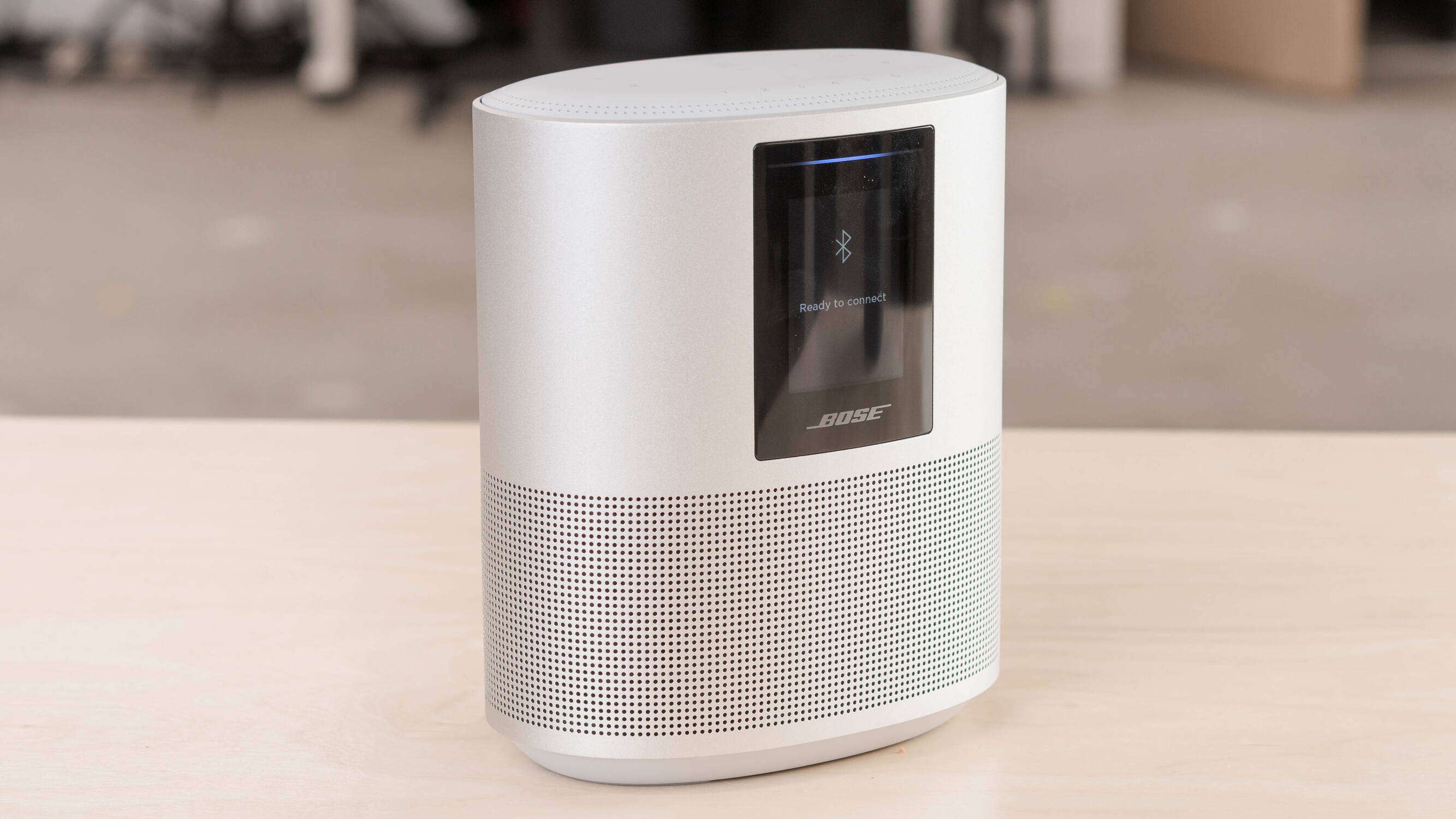
To reset a Bose smart speaker, you first need to decide whether a simple reboot or a full factory restore is needed. A soft reset corrects minor glitches without clearing your settings, while a factory reset wipes everything and returns the speaker to its out-of-box state.
Before you reset your Bose smart speaker: Soft reset vs. factory reset
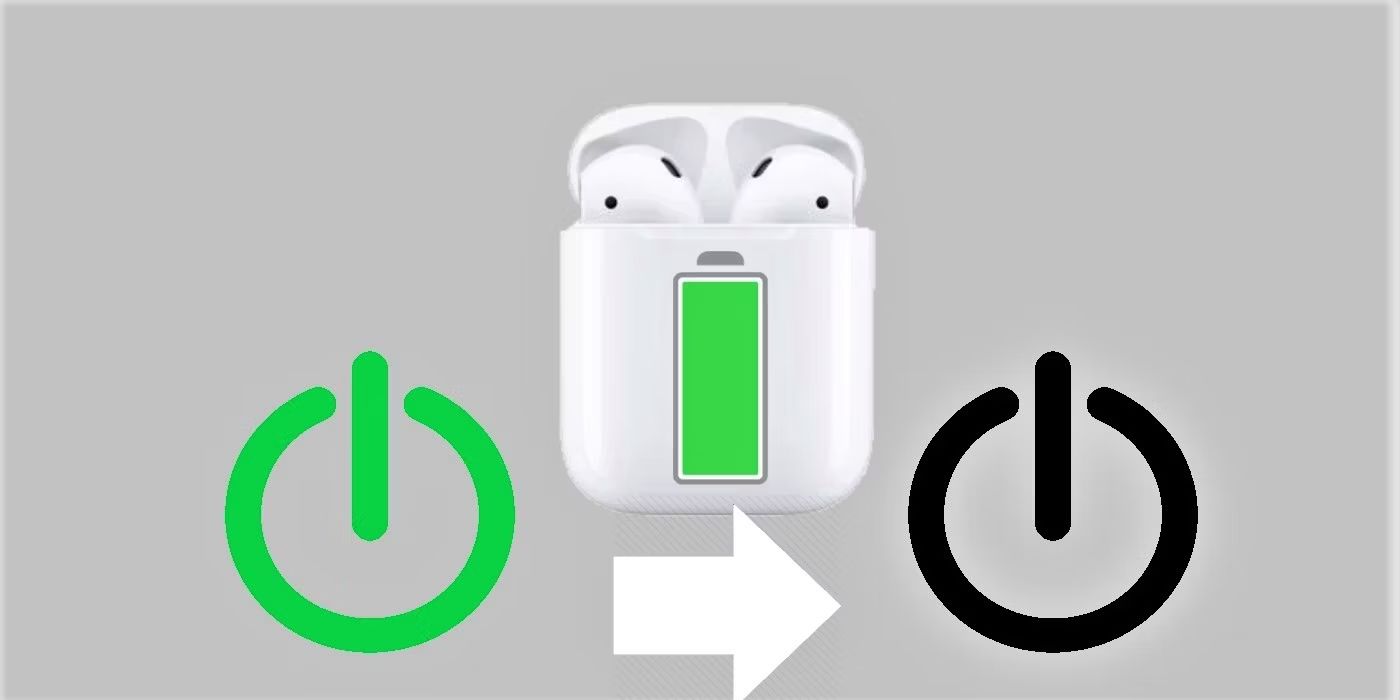
A soft reset, also called a reboot, fixes temporary processor errors and keeps your Wi-Fi, Bluetooth pairings, and voice assistant settings intact. A factory restore, on the other hand, erases all customizations and reverts the product to its original factory state. Choose the soft reset for minor hiccups; choose the factory reset when you need to resolve persistent connectivity issues or prepare the speaker for a new owner. If you're troubleshooting a multi-room audio setup, you may also need to reset a Sonos soundbar to clear similar network conflicts, and the same principle applies to resetting found AirPods to wipe the previous owner's data.
What to do before a factory reset
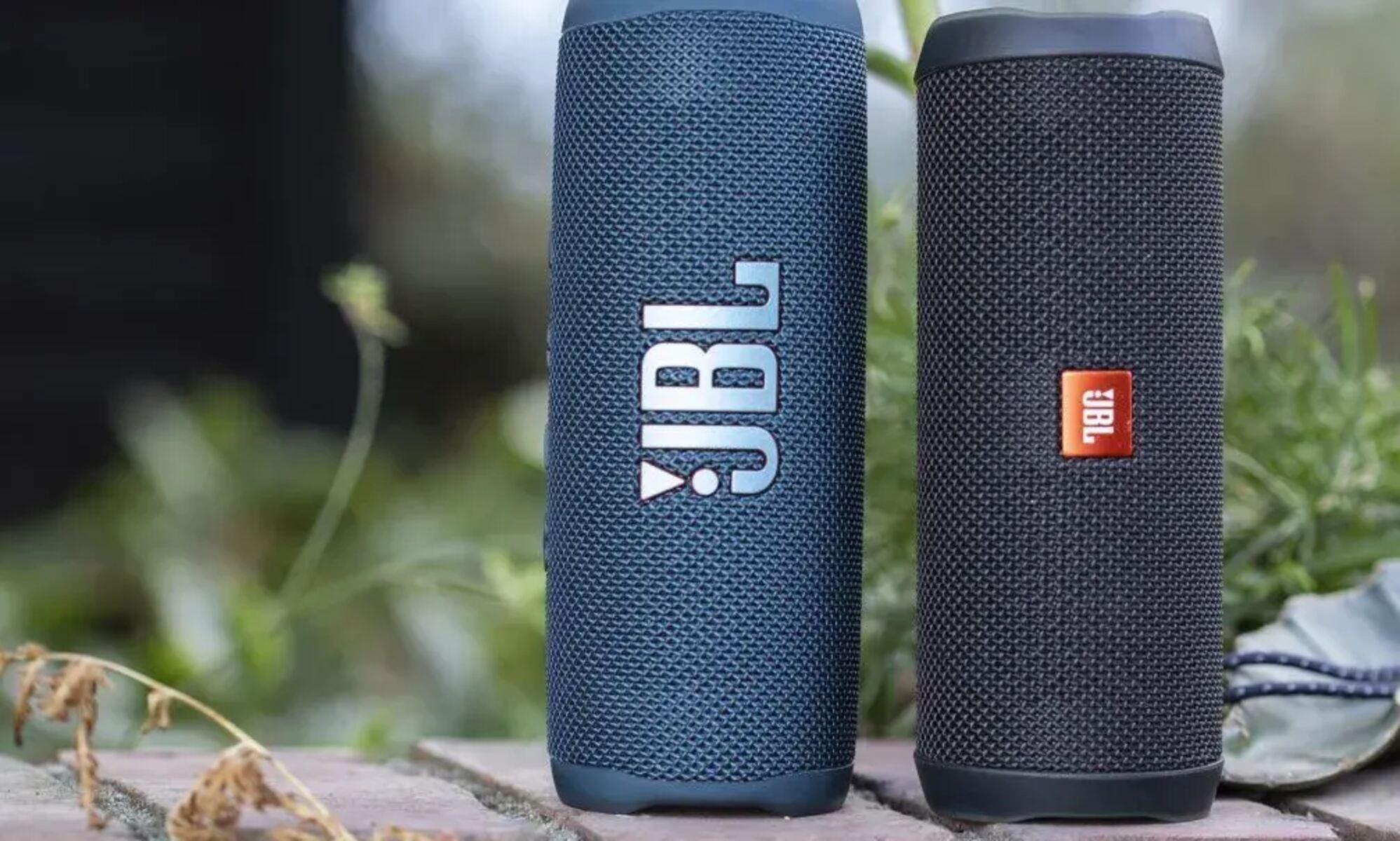
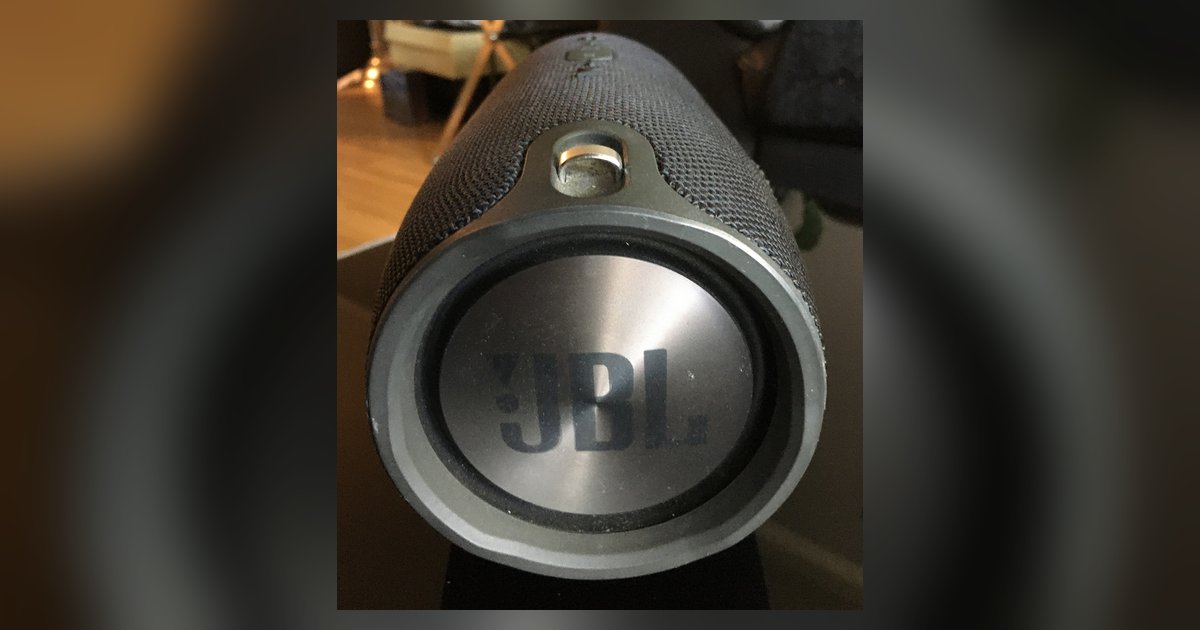
Before wiping your speaker, take a few minutes to avoid smart home headaches. If you have enabled Amazon Alexa, deregister the Bose product from the Amazon Alexa app. You should also remove the Bose skill from the Alexa app and remove Alexa from your Bose account within the Bose app. If Google Assistant was enabled, remove it from your Bose account in the Bose app before a factory reset. If you own multiple brands, you can also reset JBL smart speaker models using a similar pre-reset cleanup. Skipping these steps can leave orphaned devices in your smart home system.
How to factory reset using the Bose app
The app method is the most straightforward way to restore factory settings. Open the Bose Music app, navigate to your speaker’s settings, and select the option to restore factory settings. Confirm the action when prompted. After the reset, you must open the Bose app to reconfigure your product as if it were being set up for the first time.
How to factory reset a Bose Smart Speaker 500 or Home Speaker 300
For non-portable smart speakers like the Bose Smart Speaker 500, use the physical buttons. Simultaneously press and hold the Volume - and AUX buttons for 10 seconds. When the reset completes, the light bar on the front will glow solid amber, confirming the speaker is ready for setup.
How to factory reset a Bose Portable Smart Speaker
The Bose Portable Smart Speaker uses a different button combination. Simultaneously press and hold the Bluetooth® and Volume + buttons for ten seconds. During the process, the light ring will fill with white light, blink twice, and the speaker will reboot. When the factory reset is complete, two amber lights will glow steadily in the light ring, indicating the speaker is in setup mode.
How to factory reset a Bose SoundLink Max
For the Bose SoundLink Max Portable Speaker, press and hold both the Volume, and Volume + buttons at the same time for 15 seconds. Wait until the power light blinks white for 3 seconds to confirm the factory restore. Afterward, you will need to remove the speaker from your personal device's Bluetooth list and reconnect it.
Setting up your speaker after a reset
Once the factory reset is finished, open the Bose app to reconfigure your product as new. You’ll need to reconnect to Wi-Fi, re-pair Bluetooth devices, and re-enable any voice assistants you want to use. Your speaker is now ready to go.