Obtaining 2G SIM cards in 2025 requires immediate verification of network shutdown dates, as most global carriers are sunsetting 2G services. Your only safe path is to confirm that a specific carrier in your region still operates a live 2G network before purchasing any SIM, because a 2G SIM is useless once the tower is dark.
The critical state of 2G networks in 2025
2G is being switched off globally at an accelerating pace. Vietnam, for example, has already completed its 2G shutdown as an inevitable step in the 5G era, and most other countries are following suit within the next few years. However, some exceptions exist: Saudi Arabia has stated intentions to keep 2G running indefinitely, and other nations have no public shutdown plans at all. Before you spend money on a 2G SIM card, you must check the official sunset date for the specific carrier and country you plan to use it in. A SIM card obtained today may stop working in months, not years, so this first step is non-negotiable.
Understanding 2G technology and its limitations
2G, or second generation, introduced digital voice calls, SMS messaging, and basic data transmission over GSM (Global System for Mobile Communications) or CDMA (Code Division Multiple Access) standards. It operates with low bandwidth, making it unsuitable for video streaming or high-definition gaming, but perfectly adequate for simple voice calls, text messages, and lightweight data like email. Critically, older 2G SIM cards (standardized as Release-99 SIM) support only one-way authentication to the network, meaning the network can verify the SIM but the SIM cannot verify the network, a security weakness. Modern SIM cards (UICC from Release-08 onward) support 2G, 3G, 4G, and 5G, so they are forward-compatible. When you obtain a 2G SIM today, you are almost certainly receiving a modern UICC that can fall back to 2G, but you must confirm this with the provider.
Device requirements for 2G connectivity
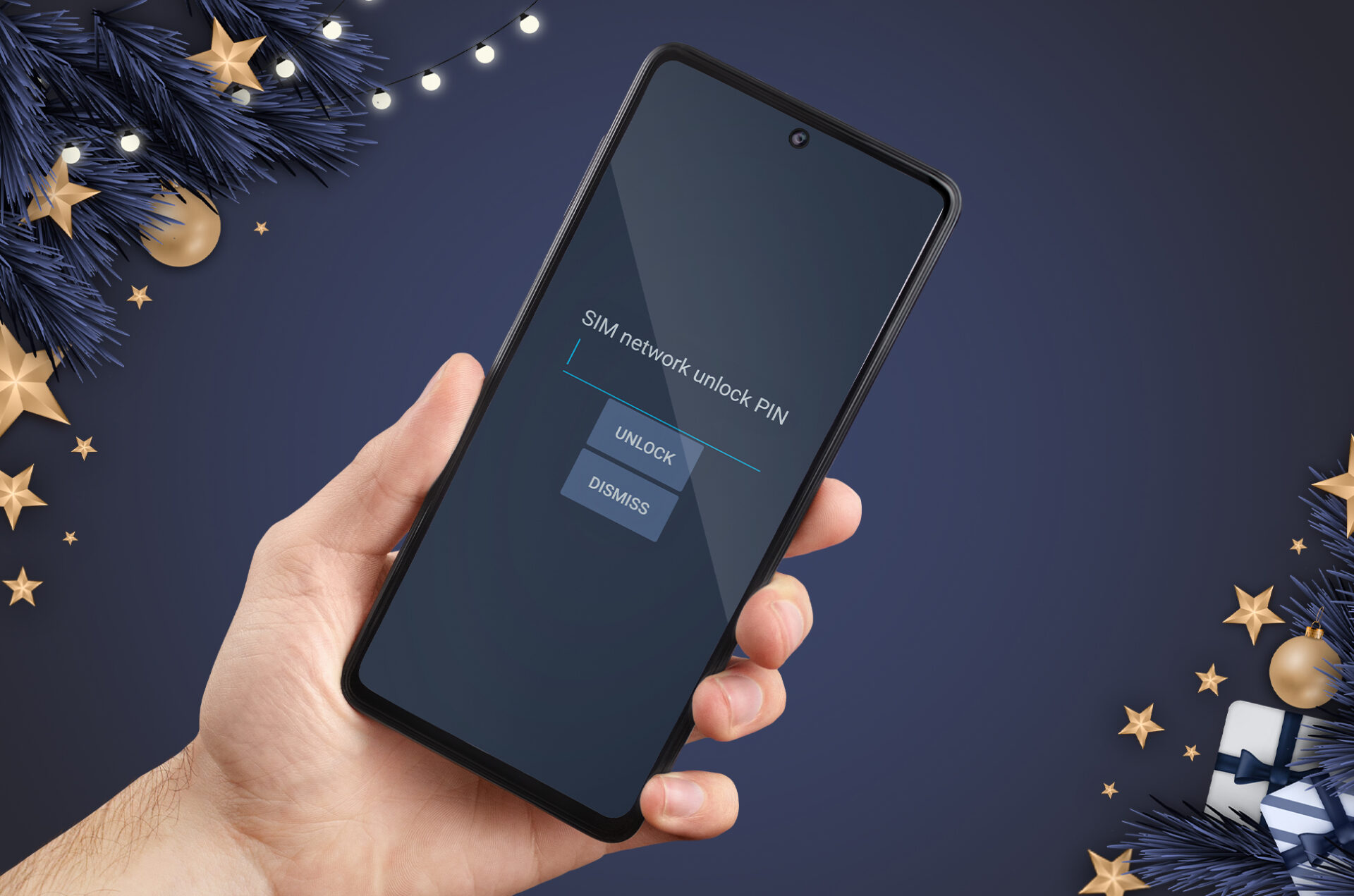
A locked device will reject a SIM from another carrier, and a device lacking the correct frequency bands will show "no service" even with a valid SIM. Additionally, you must understand the VoLTE requirement: for voice calls after 2G network retirement, devices and carriers must support Voice over LTE (VoLTE). Devices that do not support VoLTE may lose voice service even if they can access 4G for data. So if you plan to use an older basic phone, it will only work while 2G is still live; once 2G is gone, that phone becomes a paperweight unless it also supports VoLTE (which most basic phones do not).
Choosing a 2G SIM card provider
Evaluating a provider requires a four-point checklist. First, coverage maps: check that the provider still shows live 2G coverage in your specific area, not just their general footprint. Second, pricing and plans: compare costs for voice, SMS, and minimal data, as 2G plans are often cheaper but may have unusual restrictions. Third, device compatibility: confirm the provider supports your exact device model and can assist with configuration. Fourth, customer support quality: you need a provider with responsive support that understands legacy 2G issues, not just modern 5G problems. Also consider the provider's longevity, an established carrier with a track record of maintaining 2G is safer than a new MVNO that might disappear overnight.
How to obtain a 2G SIM card online
Ordering online is straightforward. Visit the provider's website, browse available 2G plans, and select a package that matches your usage. You will be prompted to enter personal details and a shipping address, then confirm the order. The SIM is dispatched promptly, with shipping times varying by location and provider policies. Upon receipt, follow the included activation instructions, which typically involve inserting the SIM, powering on the device, and completing on-screen prompts. This method is ideal for those in remote areas without physical stores, as it delivers the SIM directly to your door.
How to obtain a 2G SIM card in-person
For a hands-on experience, visit an authorized retail outlet or mobile network store. Trained staff will help you select a suitable 2G plan based on your needs and provide insights into local coverage and reliability. You will need to present proof of identity and address to comply with regulatory requirements. After completing the documentation, you receive the SIM card directly from the staff, who will also guide you through insertion, configuration, and activation on the spot. This personalized support is invaluable if you are unfamiliar with older devices or want immediate reassurance that everything works before you leave the store.
Activating your 2G SIM card
Activation follows a simple sequence. First, insert the SIM card into the designated slot, under the battery cover or in a side tray. Second, power on the device; it will initiate network registration with the 2G network. Third, wait for the device to display signal bars, indicating successful registration. Fourth, follow any on-screen prompts to confirm activation and configure basic settings like language and region. Finally, test connectivity by placing a call and sending a text message. If you plan to use data, configure the Access Point Name (APN) settings as provided by the network operator to enable basic internet access.
Troubleshooting common 2G SIM card issues
If you encounter problems, work through these solutions systematically.
Network signal problems
If you experience weak or fluctuating signal, first verify you are within the 2G coverage area. Critically, also check whether the network has been shut down in your region, if so, no troubleshooting will restore service. Ensure the SIM is securely inserted, and try moving to a different location to rule out local interference.
SIM card recognition errors
If the device fails to recognize the SIM, power off, remove the SIM, and inspect it for damage or debris. Clean it gently with a soft, dry cloth and reinsert securely. If the problem persists, test the SIM in another compatible device to isolate whether the issue is the SIM or the device's SIM reader.
Activation and initialization issues
If activation fails, confirm with customer support that the SIM is provisioned on the network. Follow all activation instructions meticulously, ensuring the device is powered on and within coverage during the process. If the SIM was recently purchased, it may need time to propagate through the carrier's systems.
Text messaging and data transmission problems
If SMS or data fails, verify the device's message center number is correctly configured for the network operator. Check that the APN settings are accurately entered for basic data connectivity. If issues persist, contact the network operator to confirm that SMS and data services are provisioned on your 2G SIM card.
Roaming and international connectivity challenges
If you experience limited connectivity while roaming, confirm that international roaming is activated on your SIM and that the visited country still operates a 2G network. Check for specific roaming settings or restrictions that may apply, and consult your operator to ensure seamless international connectivity.
\nRelated reading: Understanding Burner SIM Cards: An Overview, Understanding The Number On The SIM Card: A Comprehensive Guide, and Fixing "Network Locked" Issue With SIM Card: A Comprehensive Guide.