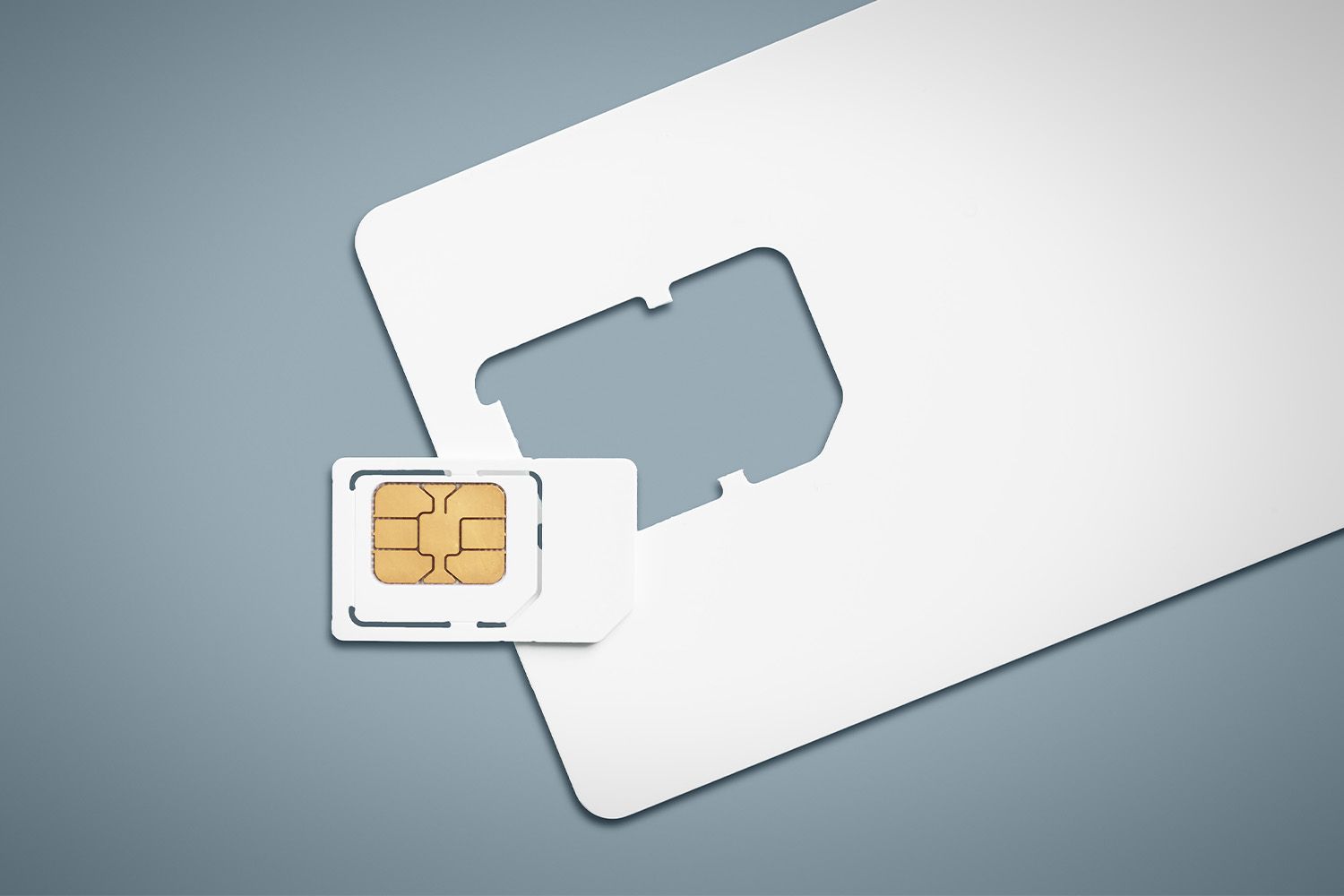
The fastest way of identifying if your SIM card is 5G-compatible is to check your phone's network settings. If 5G appears as an option in those settings, your SIM is likely capable; if it doesn't, you can confirm by contacting your carrier or inspecting the physical card.
Check your phone's network settings first
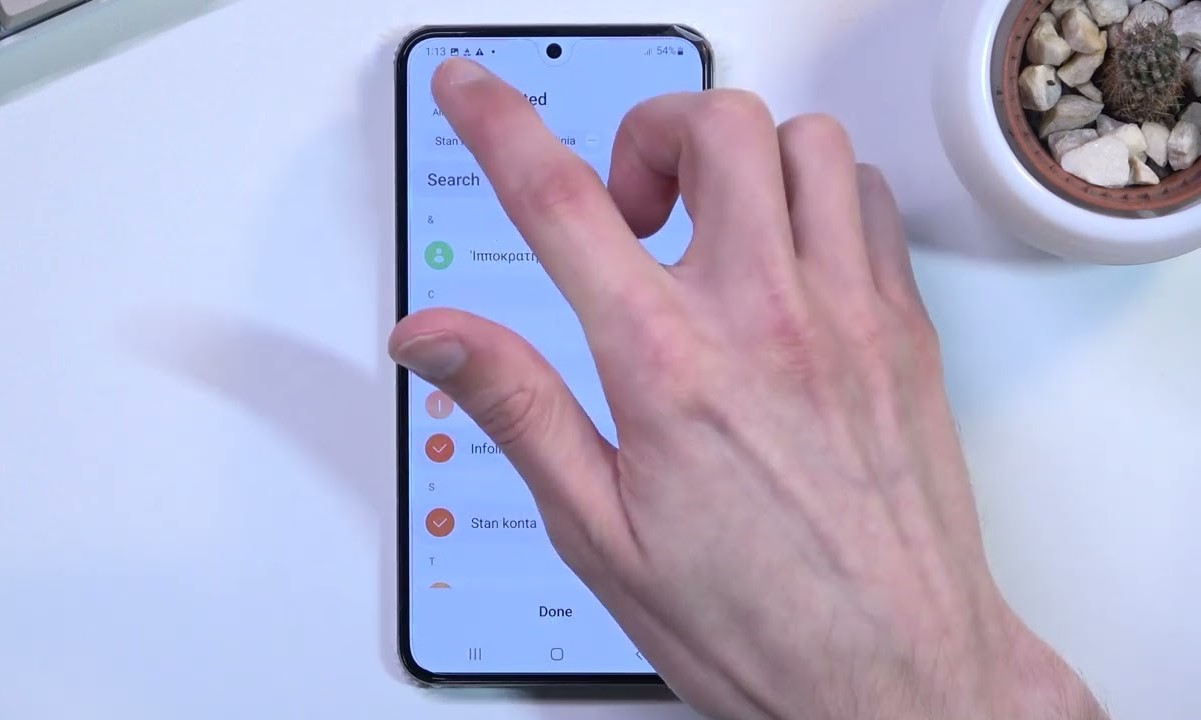
Start here because your phone's settings give you an immediate answer without needing to call anyone. On most Android phones, go to Settings > Network & Internet (or Connections) > Mobile Network (or SIM & Network) > Network Mode (or Preferred Network Type). Look for an option that includes "5G," such as "5G/4G/3G/2G." On an iPhone, go to Settings > Cellular > Cellular Data Options > Voice & Data and look for "5G." If "5G" appears as a selectable option, your SIM and device are set up for 5G. If it doesn't appear, your SIM may not be 5G-compatible, or your device might need a software update. Ensure your device's operating system and carrier settings are updated, as these can affect 5G connectivity.
Contact your mobile carrier for confirmation
If your phone's settings don't show 5G, or you want a definitive answer, contact your mobile carrier's customer service directly. They can confirm if your SIM is 5G-enabled based on your phone number and plan. Carriers can also flag older SIMs that need replacement. You can also log in to your mobile provider's app and check your SIM details and features. This is a reliable way to verify compatibility because carriers have direct access to your account and SIM status.
Inspect your SIM card for 5G markings
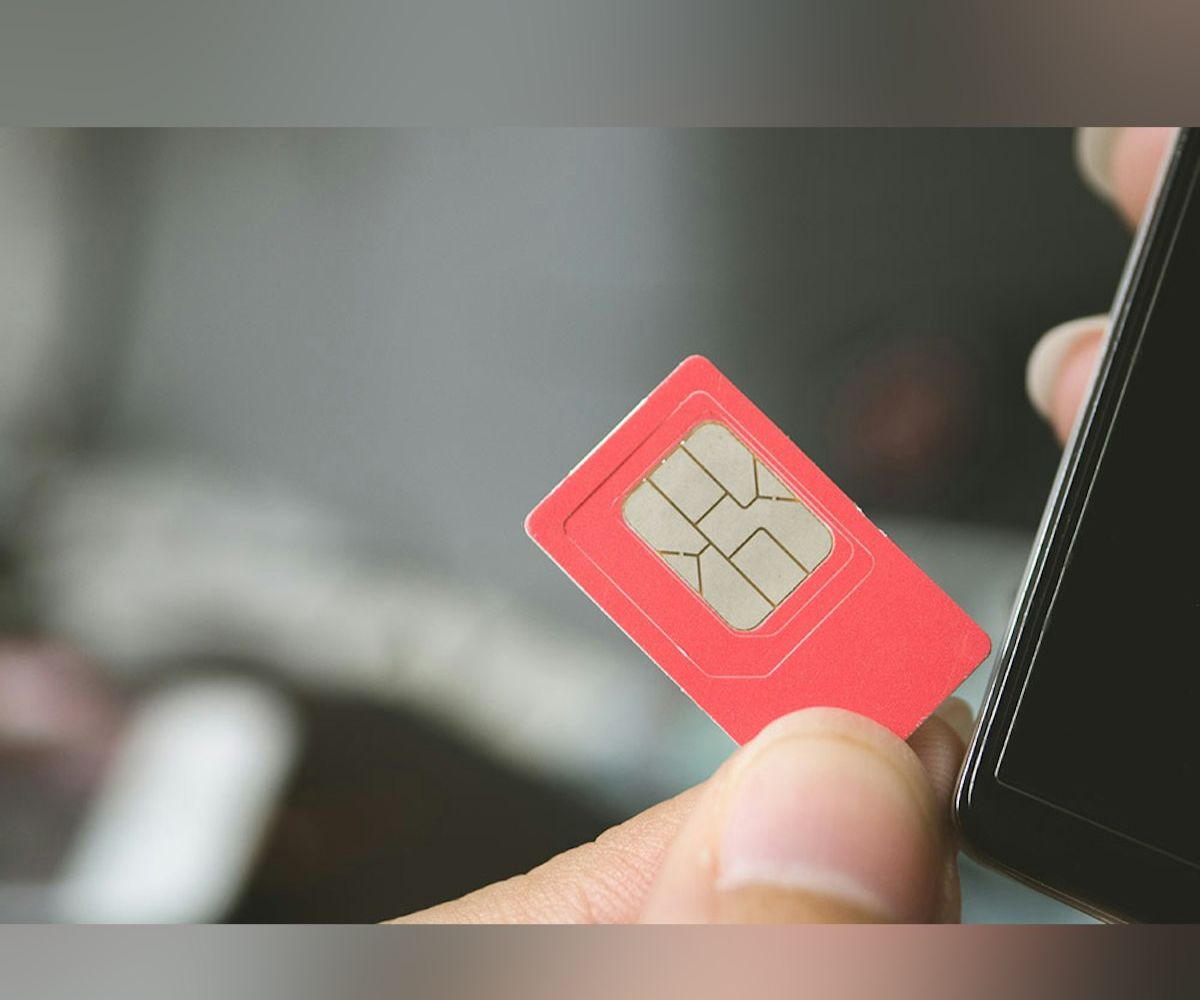
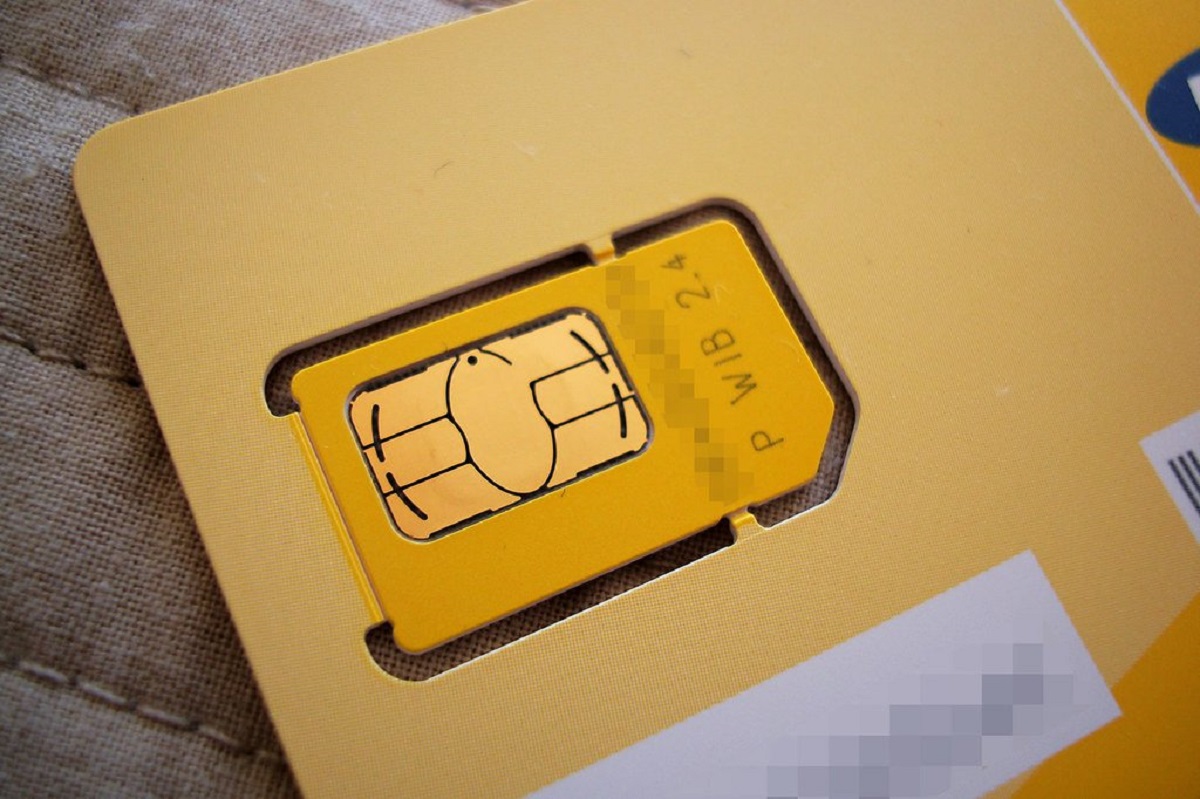
Physical inspection can reveal identifiers like "5G" or "R15" on the SIM card. The "R15" marking specifically indicates standalone 5G access on T-Mobile. Most current T-Mobile SIM cards support 5G Non-Standalone (NSA) network access, but only the most recent "R15" version of the SIM card will have access to the 5G Standalone (SA) network. To access Standalone 5G, your compatible 5G device must also receive a software update from the manufacturer. If you have recently acquired a new SIM card, it is generally more likely to be 5G compatible.
Use your carrier's online compatibility tools
Many carriers offer online tools as a self-service option. For example, to check SIM compatibility, visit Verizon's Bring Your Own Device (BYOD) page and click "Join Verizon" or "I'm with Verizon." These tools check SIM compatibility when you input device details. If the SIM card of the device you're bringing isn't compatible with the Verizon mobile network, you'll need a new one. This is a quick way to verify without waiting on hold.
Visit a retail store for hands-on help
If you prefer in-person assistance, visit a retail store operated by your mobile carrier. Carrier staff can examine your SIM and device together, provide immediate replacement if needed, and ensure everything is set up correctly. This is especially useful if you're unsure about the settings or need a new SIM right away.
What to do if your SIM isn't compatible
If your SIM isn't 5G-compatible, you'll need to upgrade. You can do this through carrier customer support, a retail store, or the carrier's website. Ensure you are using the SIM card that came with your 5G phone or a 5G-compatible SIM provided by your carrier. After getting the new SIM, activation steps typically involve inserting it into your device and following the carrier's instructions. Also check that your data plan includes 5G service, if your phone does not connect to a 5G network even though it supports 5G, your 5G service may not be included in your data plan. Before troubleshooting the SIM, first confirm your handset's capabilities by using the steps to tell if my phone is 4g or 5g. Note that eSIM devices, such as iPhone 14, iPhone 15, iPhone 16, iPhone 17, and iPhone Air models, are activated with an eSIM and do not support a physical SIM. Currently, eSIM and compatible 4G and 5G SIM cards work on the Verizon 5G network.
Common questions about 5G SIM compatibility
Moving a 5G SIM card to a 4G device will not enable that device to connect to the 5G network. Older SIM cards may not be compatible with 5G plans. Updating your OS and carrier settings matters, as these can affect 5G connectivity. New SIMs are more likely to be 5G-compatible. If you want to change from 5G to 4G, you can do so in your phone's network settings by selecting a mode that doesn't include 5G. Understanding the difference between 3G, 4G, and 5G helps you appreciate why 5G offers faster speeds, lower latency, and enhanced capacity compared to earlier generations.
For the wider topic, see change from 5g to 4g.