To hide Venmo transactions, change your default privacy setting to "Private" in the app. This ensures that only you and the payment recipient can see the transaction details.
How to hide Venmo transactions by changing your privacy settings
Changing your default privacy setting is the fastest way to make all future payments private. Follow these steps in the Venmo app:
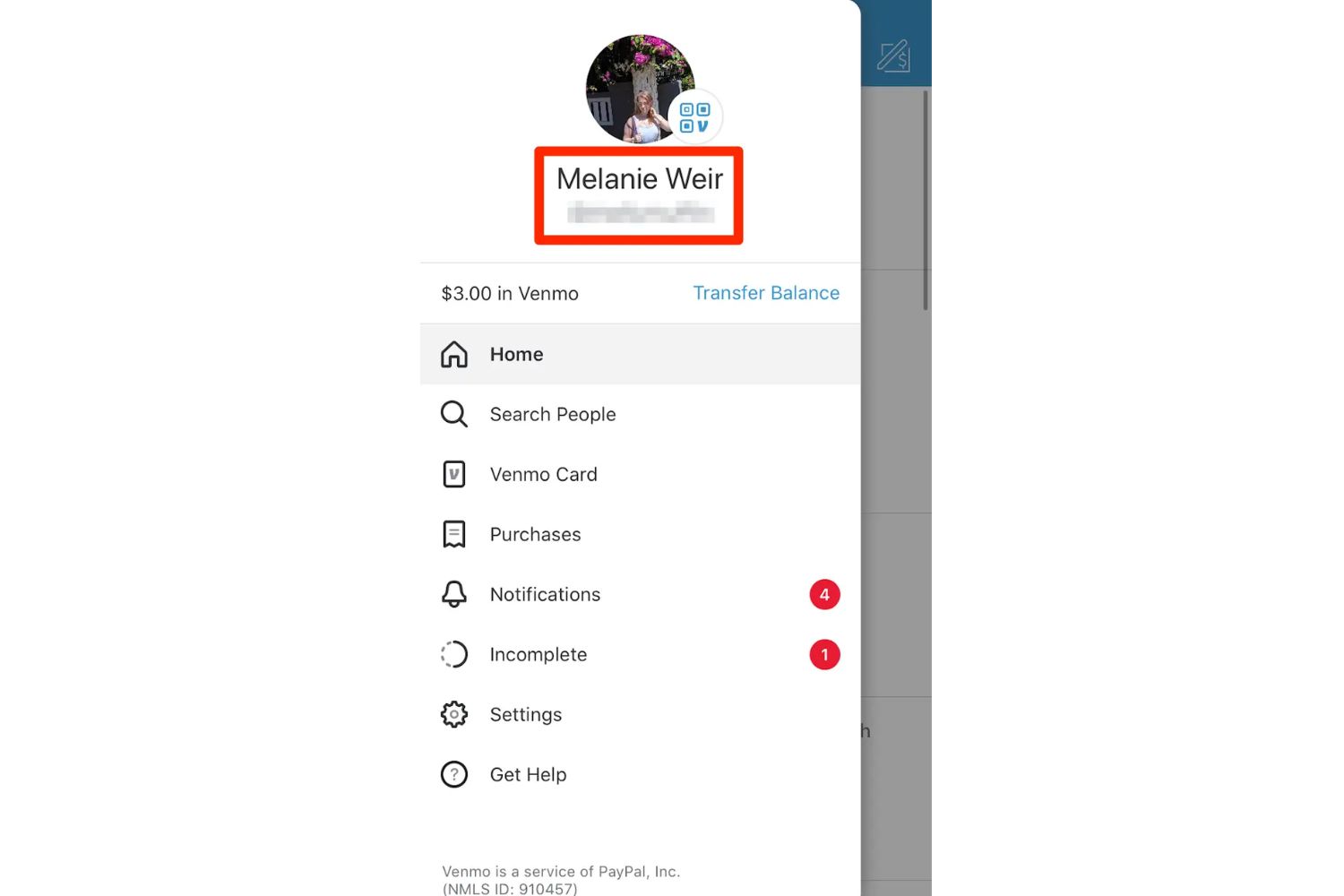
- Go to the "Me" tab.
- Tap the "Settings" gear icon.
- Tap "Privacy."
- Under "Default Privacy Settings," select "Private."
Once you complete this, every new payment you send will be visible only to you and the person you pay. This setting does not affect any transactions you made before the change.
How to hide all past Venmo transactions at once
If you have older payments that were set to "Public" or "Friends," you can hide them all in one bulk action. This is critical for fixing historical privacy exposure. Here is how:
- Go to the "Me" tab.
- Tap the "Settings" gear icon.
- Tap "Privacy."
- Scroll to "Past Transactions."
- Select "Change All to Private."
This instantly updates every past transaction so that only you and each recipient can see the details. There is no need to edit them one by one.
How to hide an individual Venmo transaction
You can adjust the privacy level for a single payment either when you send it or after it has been sent. While creating a payment, look for the current privacy setting label and tap it to switch to "Private." To change a payment you already sent, open that transaction in your feed, tap its privacy setting, and choose "Private." Only you and the recipient will see that specific payment.
Understanding Venmo's privacy options: Public, Friends, and Private
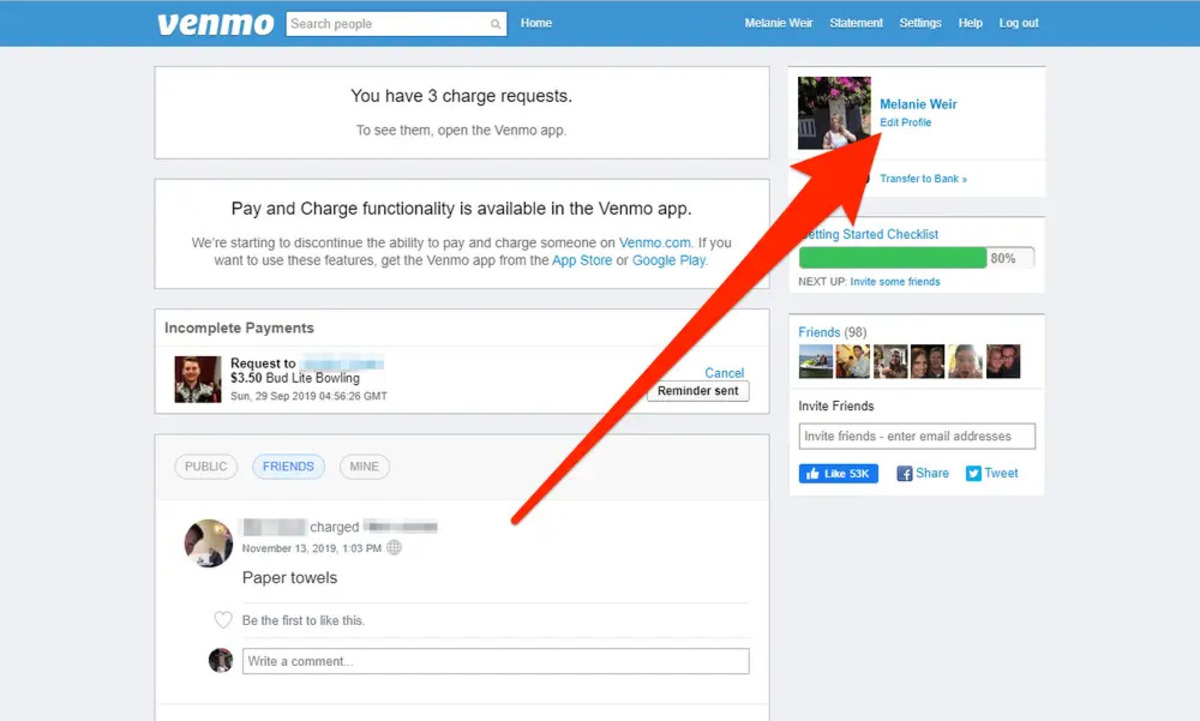
Venmo offers three privacy levels for payments. "Public" means the transaction is visible to anyone on the internet. "Friends" limits visibility to you, the recipient, and each of your Venmo friends. "Private" restricts visibility to only you and the recipient. A key rule: Venmo always applies the more restrictive setting chosen by either participant. For example, if you send a payment as "Public" but the recipient has their default set to "Private," the payment will be "Private."
What information is always visible on Venmo?
Regardless of the privacy setting you choose, all payment participants can always see the transaction amount, the note, the names of the sender and recipient, and the timestamp. However, dollar amounts are hidden from the public and friends feeds. Only the sender of a payment can see which payment method was used.
Additional Venmo privacy settings to check
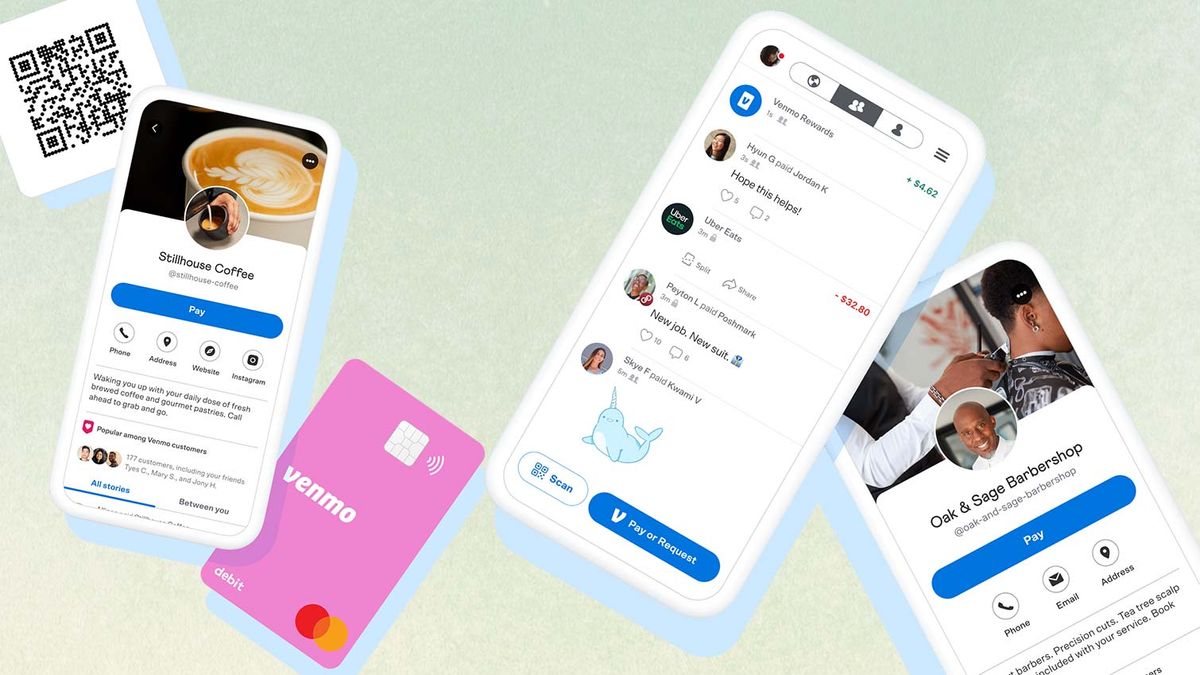
Beyond transaction privacy, two other settings affect your visibility. Your Venmo friends list may be seen by any logged-in Venmo user by default, but you can adjust this in the privacy settings to limit who sees your connections. Also, group activity within Venmo Groups is visible to other members of that group, regardless of your individual privacy settings. Purchases made using a Venmo Mastercard Debit Card, Venmo Credit Card, or from approved merchants are set to "Private" by default. Finally, be aware that your Venmo handle is your public username; keeping your transactions private prevents strangers from associating that handle with your payment history.
\nRelated reading: How To Delete A Venmo Transaction and How To Hide Cash App Transactions.