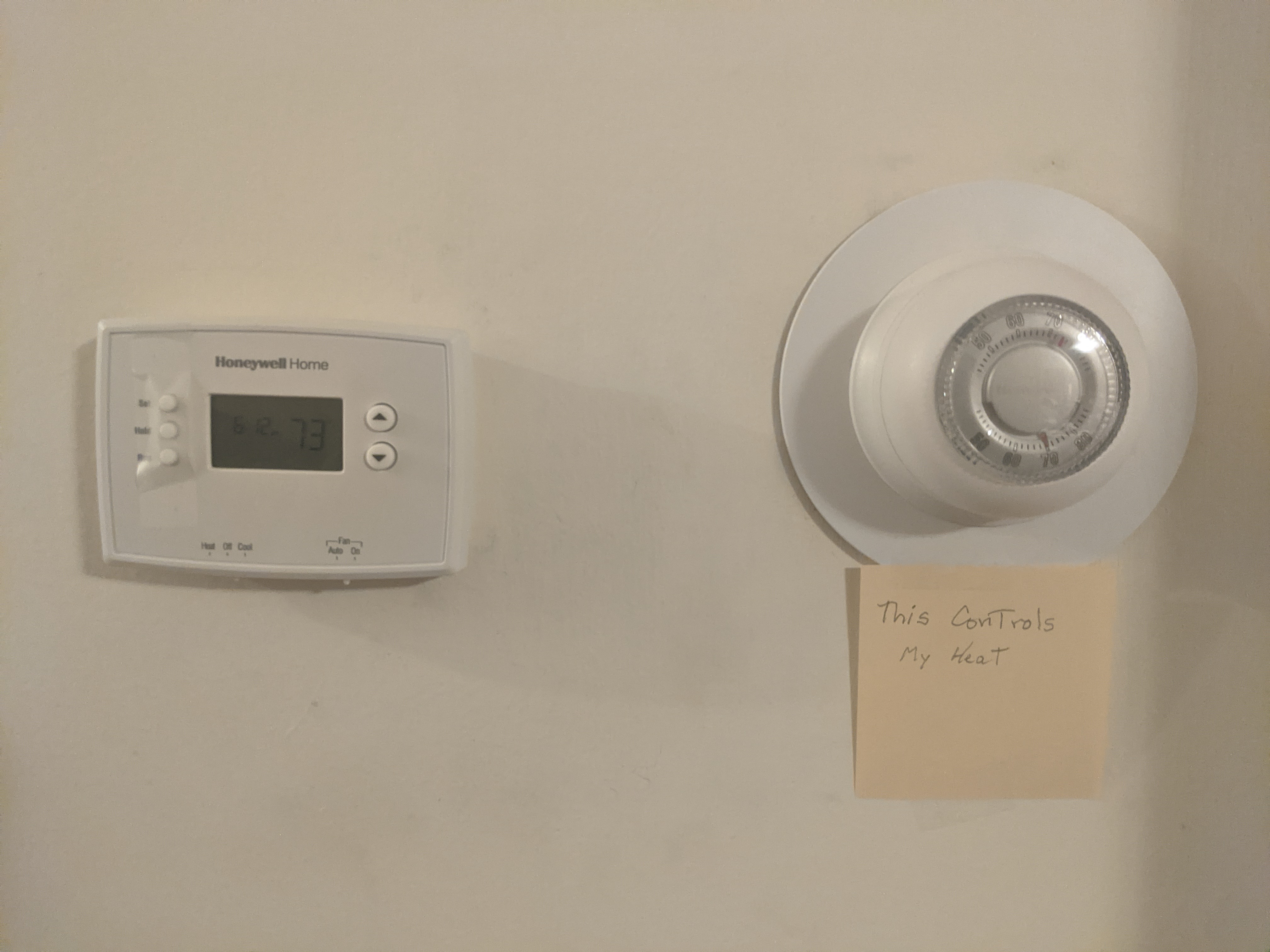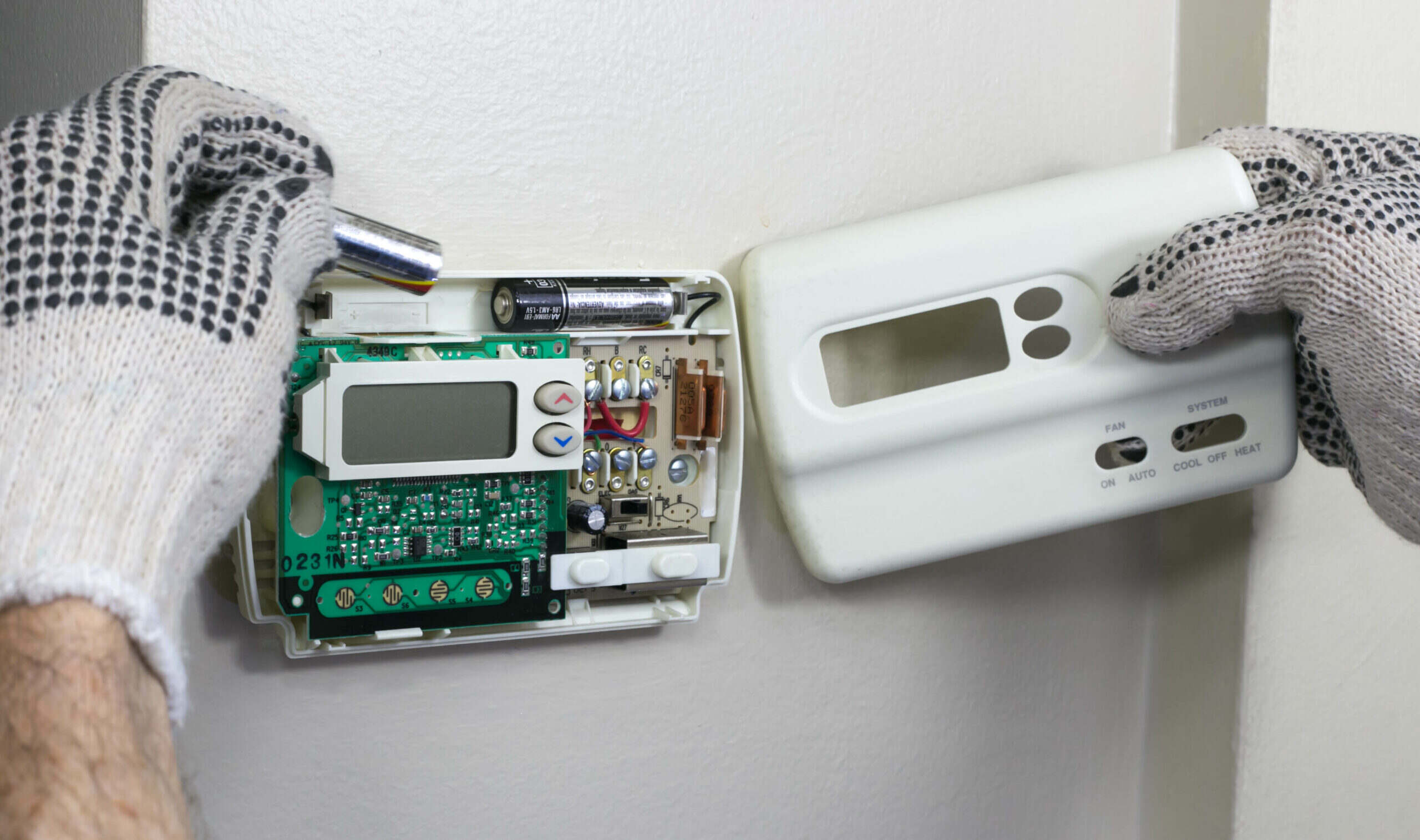
Thermostats have batteries for two primary reasons: to provide backup power that retains your programmed settings during a power outage, and to allow flexible placement of the thermostat without needing to install it near an electrical outlet. This is why thermostats have batteries even when they appear to be wired directly to your wall: they need that independent power source to keep your heating and cooling schedule intact and to give you freedom in where you mount the device. If your home uses a zoned system, the reason for two home thermostats often ties back to this same need for independent control.
Which thermostats use batteries
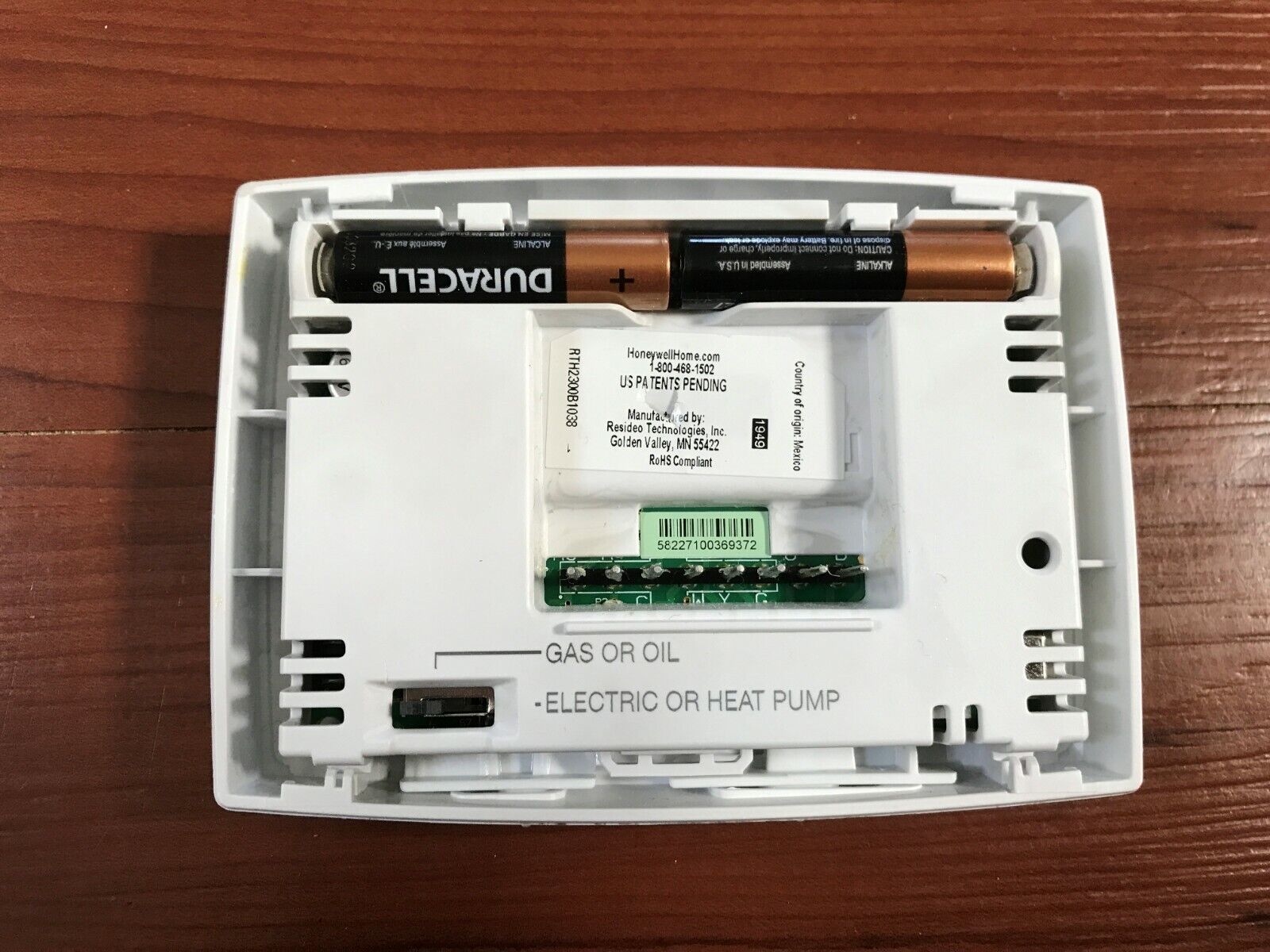
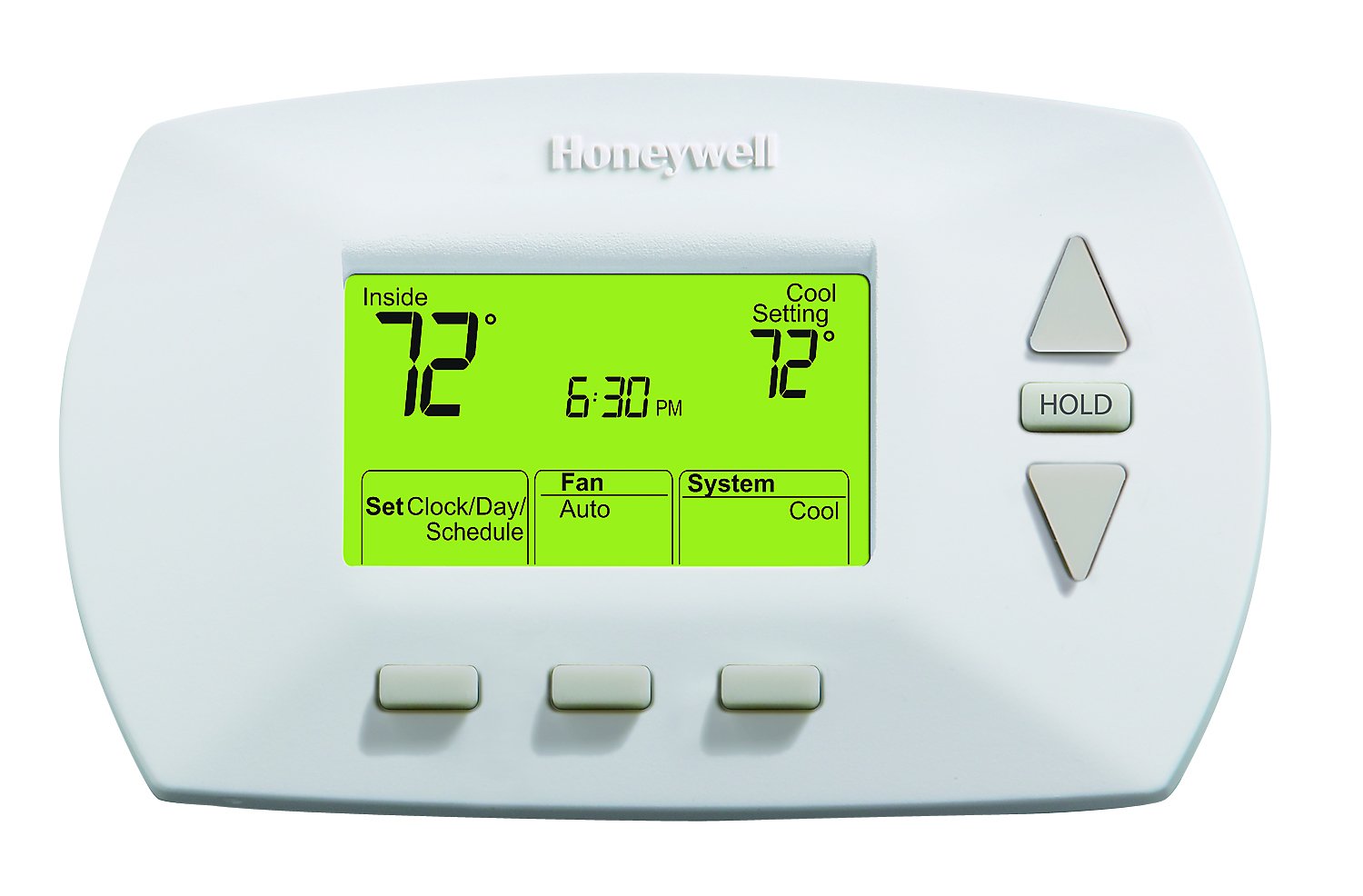
Different thermostat models use different battery configurations. The Nest Thermostat uses 2 standard 1.5 V AAA alkaline batteries as a backup or to supplement power if the HVAC system cannot deliver enough power. The Nest Thermostat E and Nest Learning Thermostat include an internal rechargeable battery that is not user-replaceable; if these models do not turn on or hold a charge, it is usually due to insufficient power from the household wiring. Ecobee remote room sensors require replaceable batteries, typically CR2032 or CR2477 coin-cell batteries. Most Honeywell thermostat models use two AA alkaline batteries, while some older or smaller models use AAA batteries, and a few use a single 9-volt battery. Understanding the specific Honeywell thermostat battery types can save you a trip to the store for the wrong size. The Nest Temperature Sensor uses one disposable CR2 3V lithium battery.
How long do thermostat batteries last
It is generally recommended to replace thermostat batteries every 6 to 12 months. Ecobee remote room sensors last approximately one year on their coin-cell batteries. Several factors affect battery life, including how often you adjust the thermostat, the quality of the batteries you use, and whether the thermostat is in a location with extreme temperatures. Frequent adjustments or poor-quality batteries can drain power faster than expected.
Signs your thermostat batteries need replacing
Thermostats often display a "low battery" message or a flashing battery icon when batteries are weak. A blank or unresponsive screen can also indicate dead batteries. Dim displays are another verified indicator that it is time for fresh batteries. If you notice any of these signs, replace the batteries promptly to avoid losing your programmed settings or losing temperature control entirely.
How to replace thermostat batteries
Replacing thermostat batteries is a straightforward process. Follow these general steps:
- Pull the thermostat display off its base or open the designated battery compartment.
- Remove the old batteries.
- Insert new batteries, ensuring correct polarity (positive and negative alignment).
- Replace the cover or push the thermostat display back onto its base until it clicks into place.
For Nest Thermostat AAA battery models, pull the thermostat display off the base, remove the old batteries from the back of the thermostat display, insert the 2 new AAA alkaline batteries, then push the thermostat display back onto the base until it clicks into place. For Ecobee room sensors, gently pry off the battery cover on the back of the sensor, remove the old coin-cell battery, and insert the new battery with the positive (+) side facing up.
Tips to extend thermostat battery life
Use only high-quality 1.5 V AAA alkaline batteries from a known manufacturer to maximize battery life. Clean corroded battery contacts with a soft cloth or a cotton swab dipped in vinegar to restore proper electrical connection. Avoid placing your thermostat in areas with extreme temperatures, as heat or cold can shorten battery lifespan. Regularly check battery levels so you can replace them before they fail completely, keeping your thermostat running reliably.
\nRelated reading: How To Adjust Pneumatic Thermostats.