Travelers can book flights and accommodations on several major travel sites that use Afterpay, including Expedia, Booking.com, Hotels.com, Agoda, Airbnb, Skyscanner, Trip.com, and Travelocity. However, Afterpay availability on these platforms can change without notice, so always confirm the payment option is listed at checkout before booking.
Which travel sites that use Afterpay can you book with?
Afterpay has integrated with a range of well-known travel booking platforms, allowing you to split the cost of flights, hotels, and vacation packages into installments. The following travel sites have confirmed Afterpay as a payment method, though availability may vary by region, booking type, or total order value. Always check the payment options at checkout to see if Afterpay is offered for your specific purchase.
Expedia allows customers to use Afterpay for flight and accommodation bookings. After selecting your itinerary, choose Afterpay at checkout to pay in installments.
Booking.com offers Afterpay for accommodations, letting you split the cost of hotels, apartments, and other properties into four payments.
Hotels.com integrates Afterpay as a payment option, making it possible to book hotels and pay over time.
Agoda lets travelers use Afterpay for accommodations, particularly helpful for bookings in Asia and other regions.
Airbnb now accepts Afterpay for vacation rentals, allowing guests to reserve unique stays and pay in installments.
Skyscanner includes Afterpay as a payment method for flights, enabling you to secure tickets and spread the cost.
Trip.com offers Afterpay for flights, hotels, and vacation packages, helping you manage your entire itinerary with installment payments.
Travelocity accepts Afterpay for flights, hotels, and vacation packages, providing flexibility for budget-conscious travelers.
Because Afterpay availability can change, it is wise to verify the payment option directly on the booking site before completing your purchase. Some platforms may also limit Afterpay to specific countries or booking values.
How to use Afterpay for travel even when it's not listed
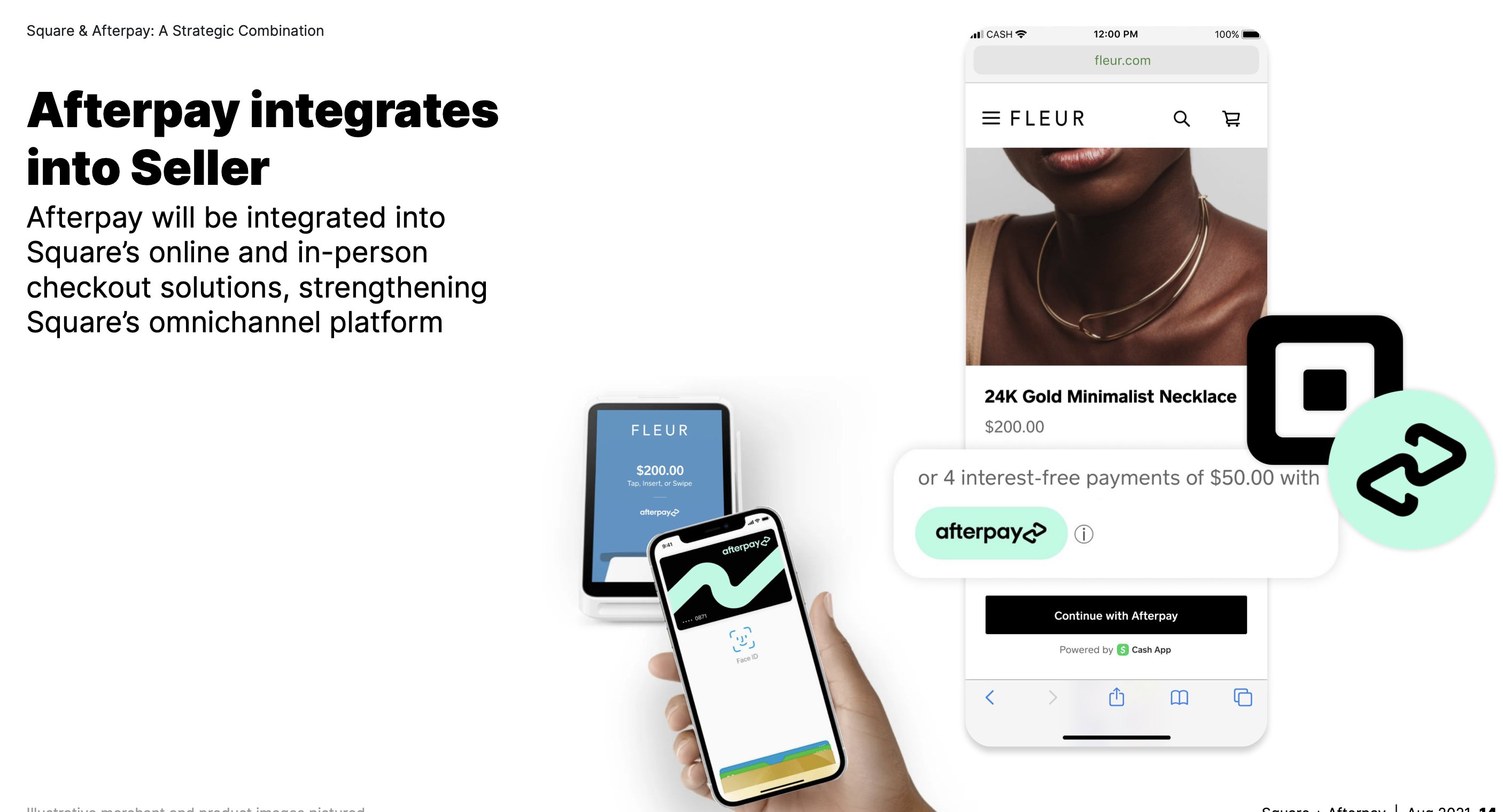
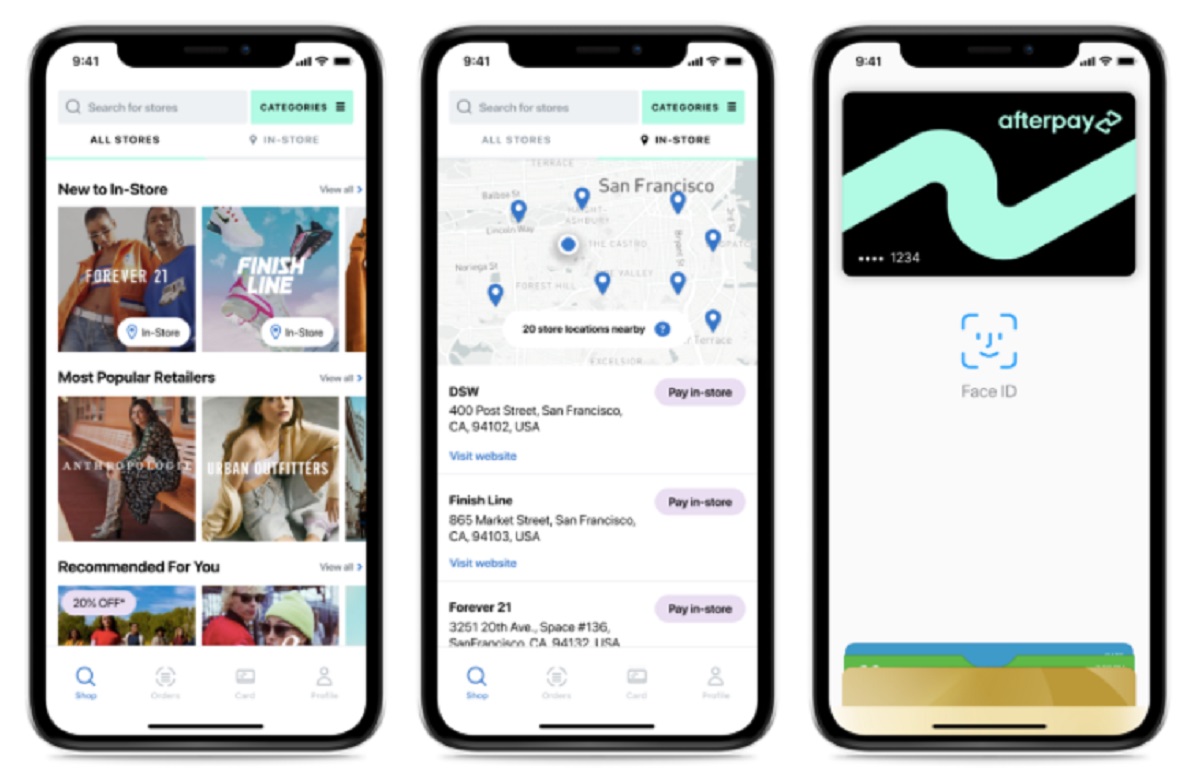
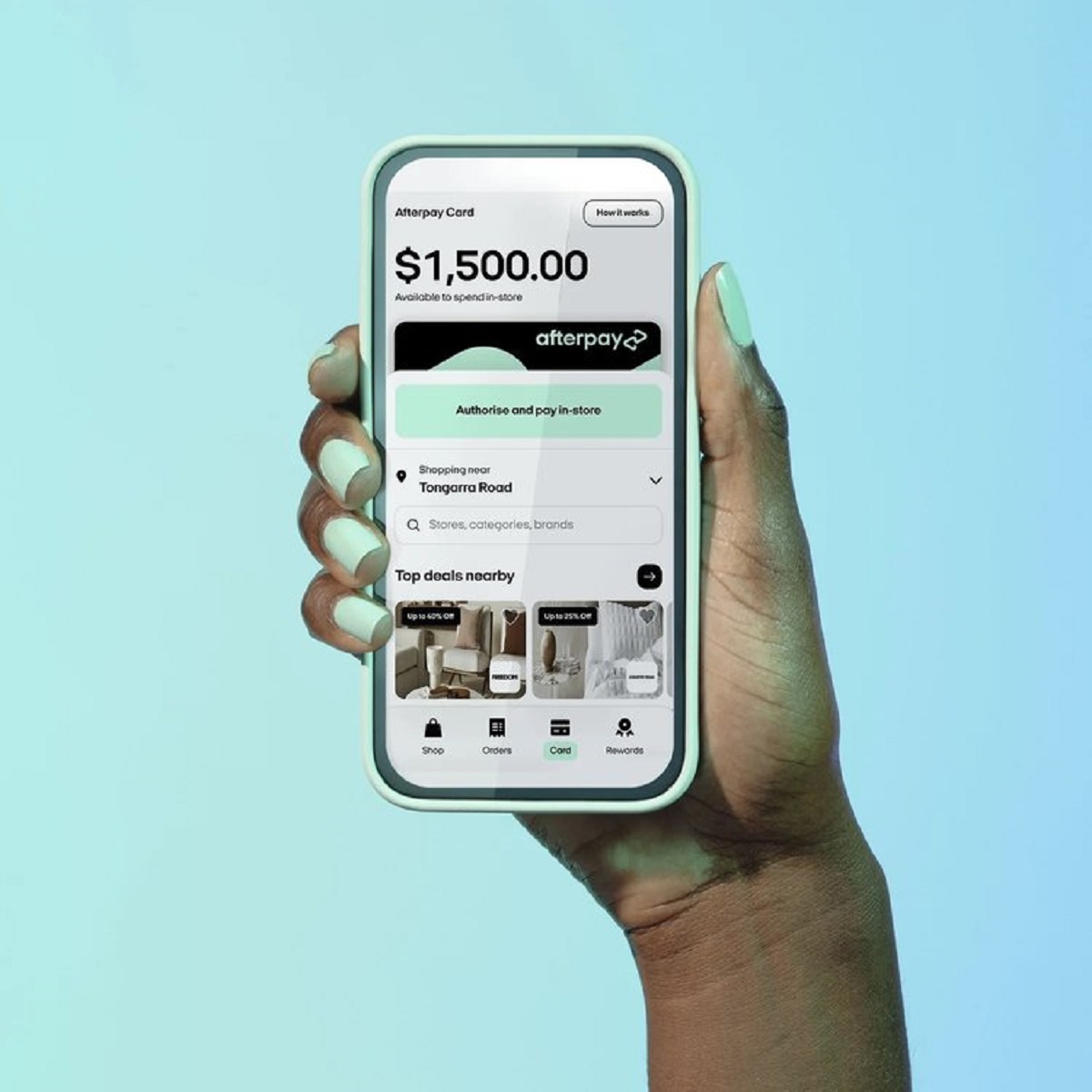
If your preferred travel site does not directly accept Afterpay, you can still use the service by generating a virtual Afterpay card through the Afterpay app. This card works like a standard debit or credit card and can be used on any website that accepts Visa or Mastercard, including most travel booking platforms. You can even use Afterpay on Cash App to manage your travel budget within a single digital wallet.
- Open the Afterpay app on your mobile device and log into your account.
- Navigate to the virtual card feature, where you can view your Afterpay card number and other card details.
- Copy the card number, expiration date, and security code, or add the card to your mobile wallet if supported.
- Go to the travel site you want to book with and proceed to checkout.
- Enter the Afterpay virtual card information as your payment method, just as you would with any other card.
- Complete the purchase. Afterpay will split the total into four installments, charged to your linked debit or credit card every two weeks.
This method works for any travel site that accepts card payments, giving you access to many more stores that accept Afterpay indirectly. Keep in mind that your Afterpay spending limit applies, and the virtual card may not be available in all regions or for all account types.
What to know before using Afterpay for travel
Using Afterpay for travel purchases comes with specific considerations that affect your budget and payment schedule. Understanding these factors helps you avoid late fees and manage your cash flow effectively.
Payment schedule: Afterpay divides the total cost into four equal payments. The first payment is due at the time of purchase, with the remaining three payments due every two weeks. This means a travel booking paid with Afterpay must be fully paid within about six weeks, which is shorter than many travelers expect.
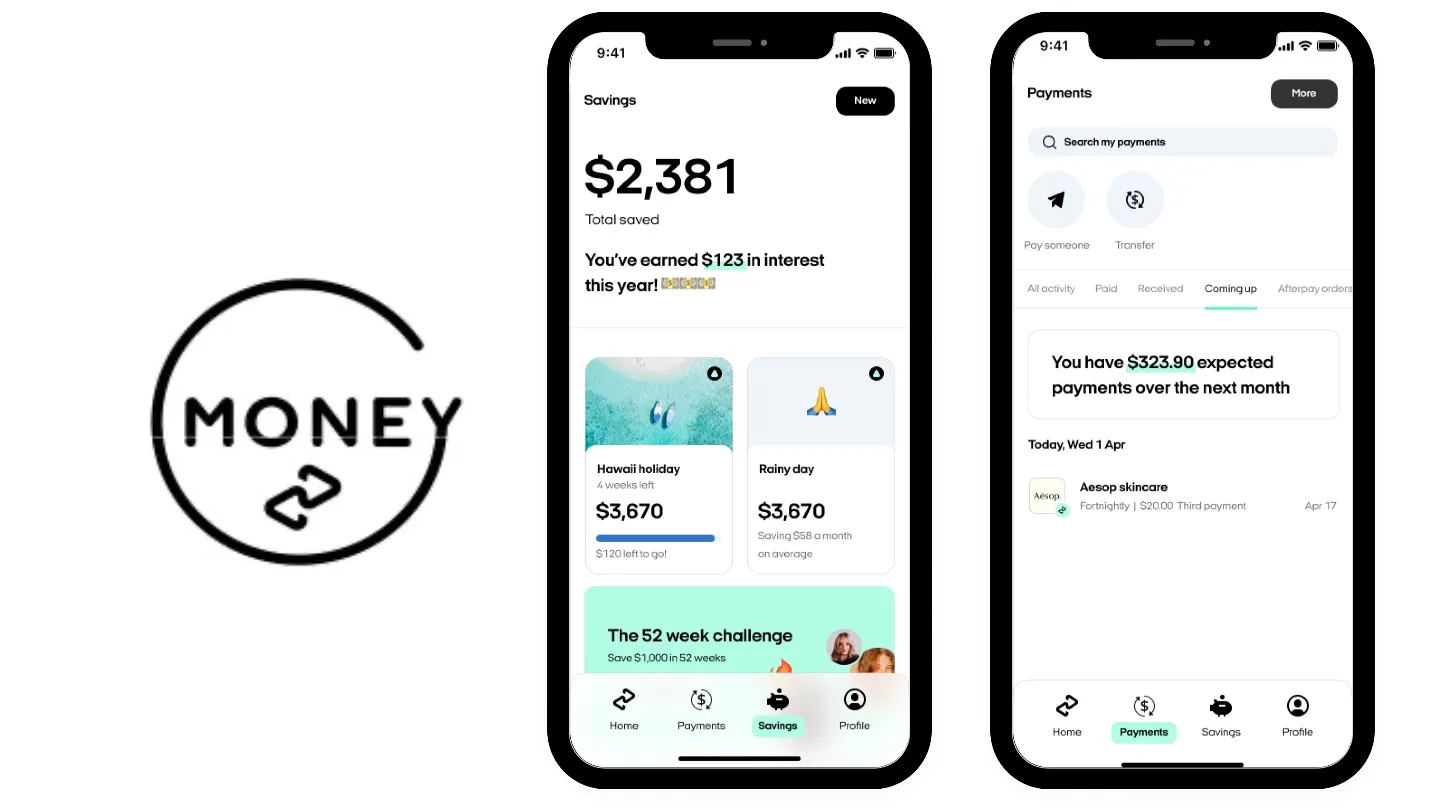
Spending limits: Afterpay sets a spending limit based on factors like your payment history and creditworthiness. This limit may be lower than the cost of a large travel booking, such as a multi-flight itinerary or a week-long hotel stay. You can check your available spending power in the Afterpay app before attempting a purchase.
Budgeting tips: Because travel purchases can be large, plan for the bi-weekly payments to come out of your account automatically. Set reminders or ensure sufficient funds are available to avoid missed payments, which can result in late fees and suspension of your Afterpay account. Consider booking smaller components of your trip, like a single flight or a few nights of accommodation, separately to stay within your limit and payment comfort zone.
No interest: Afterpay does not charge interest if payments are made on time, making it a cost-effective alternative to credit cards or personal loans for travel. However, late fees apply if you miss a payment, so timely payments are essential to avoid added costs.
Refunds and cancellations: If you cancel a travel booking paid with Afterpay, the refund process follows the travel site's cancellation policy. Afterpay will adjust your payment schedule or refund installments accordingly, but this can take time. Review the cancellation terms of your booking before using Afterpay.
Other buy now, pay later options for travel
Several other buy now, pay later services are available on travel sites, offering similar installment payment features with different terms. These alternatives may be a better fit depending on the booking platform and your preferences.
Affirm is accepted on travel sites like Expedia and offers flexible payment plans, including monthly installments over several months. Unlike Afterpay's fixed four-payment schedule, Affirm allows you to choose longer repayment terms, which can be helpful for larger travel expenses. Affirm may charge interest depending on the plan selected.
Klarna is available on some travel booking platforms and provides multiple payment options, including pay in four installments or pay later in full. Klarna also offers a virtual card feature similar to Afterpay, allowing you to use it on sites that do not directly list Klarna at checkout.
PayPal Pay in 4 lets you split purchases into four interest-free payments due every two weeks, just like Afterpay. Many travel sites accept PayPal, making this a convenient option if you already have a PayPal account.
Each service has its own approval process, spending limits, and fee structure. Compare these options with Afterpay to find the best fit for your travel booking needs. Some travel sites may offer multiple BNPL options, so check the payment methods at checkout to see which services are available for your specific purchase.
For the wider topic, see stores that accept Afterpay.