How to Watch BYU Football in the Big 12 Era
The best way to watch BYU football this season is through ESPN+ for the majority of games, supplemented by a live TV streaming service like YouTube TV or Hulu + Live TV for games on FOX, FS1, or CBS Sports Network. With BYU’s move to the Big 12 Conference, the media rights landscape has changed dramatically, most games now air on ESPN networks (including ESPN+) and FOX networks, rather than BYUtv. If you also follow the NFL, the same streaming setup works perfectly for Monday night football how to watch on ESPN, and you can watch sec plus for even more college football coverage within the same ESPN app ecosystem. This guide covers every method to watch BYU football, from streaming and cable to digital antenna, so you never miss a snap.
Find the Official BYU Broadcast Schedule
Because TV assignments for BYU football can change week-to-week across ESPN, ESPN2, ESPNU, FOX, FS1, FS2, and CBS Sports Network, you should always check the official schedule first. The most up-to-date broadcast plans for all BYU sports, including football, are available on the team schedule pages at BYUcougars.com or through the BYU Cougars app (iOS and Android). These sources list the exact network or streaming platform for each game, along with kickoff times, and are updated as soon as the conference or networks finalize selections. Bookmark the football schedule page before game week, and check it again 48 hours before kickoff, TV windows often shift, especially for games picked up by FOX or ESPN late in the week.
Stream BYU Football on ESPN+ (The Primary Option)
ESPN+ is the home for the majority of BYU football matchups in the Big 12 era, including most non-conference games and the bulk of conference contests that fall under the league’s second-tier media rights. This is the single most important streaming service for BYU fans. A standalone ESPN+ subscription costs $9.99 per month or $99.99 per year, and you can also bundle it with Disney+ and Hulu for just $12.99 per month, a significant value if you use any of those services.
To watch BYU on ESPN+, follow these steps:
Step 1: Sign Up for ESPN+
Go to plus.espn.com and create an account. You’ll need to provide your email address, create a password, and enter a payment method. Choose the monthly or annual plan, or select the Disney+/Hulu bundle if you prefer.
Step 2: Download the ESPN App
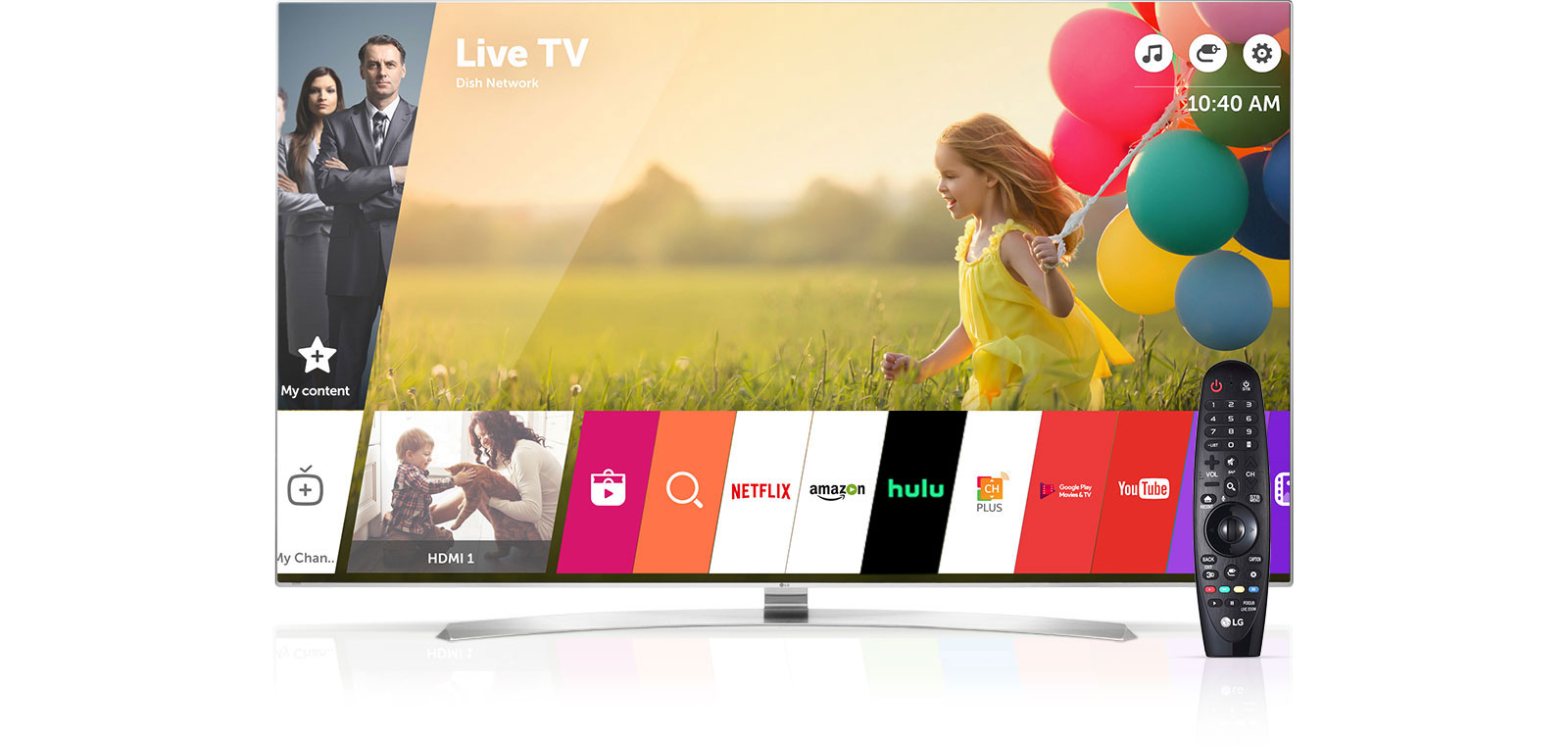
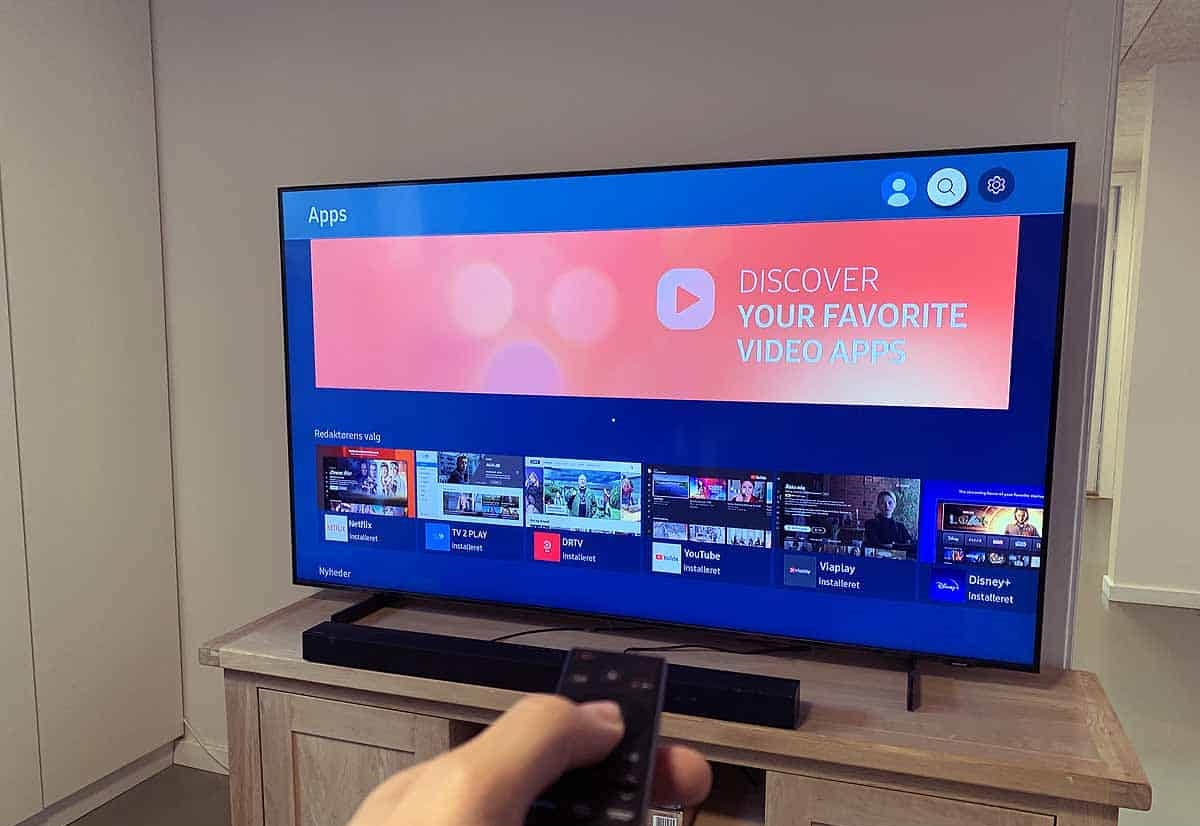
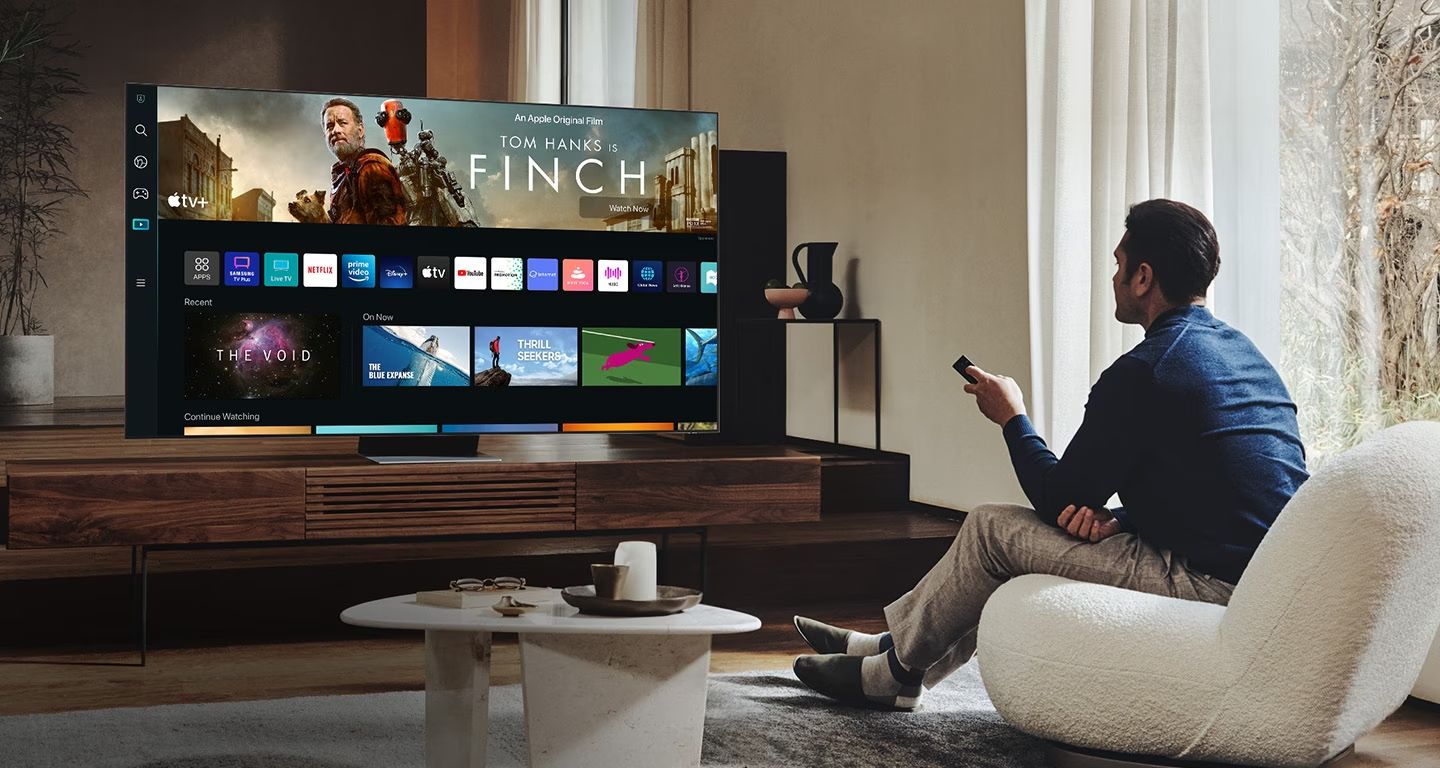
ESPN+ is available on virtually every modern device, including smart TVs (Samsung, LG, Vizio, Fire TV, Roku), streaming sticks (Amazon Fire Stick, Roku, Apple TV), game consoles (PlayStation, Xbox), smartphones, and tablets (iOS and Android). Download the ESPN app from your device’s app store.
Step 3: Log In and Find the Game
Enter your ESPN+ credentials. Once logged in, you can filter events by sport, conference, or network, or use the “Schedule & Replays” section to find the specific BYU game. Live games appear with a red “LIVE” indicator; select it to start streaming.
If you have the ESPN+/Disney+/Hulu bundle and are on a device where the ESPN app isn’t available (or you prefer Hulu’s interface), you can watch the same ESPN+ events through the “Live Events” function within the Hulu app.
Watch BYU Football with Live TV Streaming Services
For games that air on traditional linear channels, ESPN, ESPN2, ESPNU, ABC, FOX, FS1, FS2, or CBS Sports Network, you’ll need a live TV streaming service that carries those networks. These services function like cable but stream over the internet, with no contract and the flexibility to cancel anytime. The top options for BYU football are:
- Sling TV (from $40/mo): The budget option. Sling Orange includes ESPN, ESPN2, and ESPNU; Sling Blue includes FOX, FS1, and FS2. CBS Sports Network is available as an add-on.
Before subscribing, check the channel lineup for your specific zip code on each service’s website, as local FOX and ABC affiliates can vary by region. All of these services offer free trials (typically 5-7 days), so you can test them on a game day before committing.
Cable, Satellite, and Digital Antenna Options
If you prefer a traditional setup, cable and satellite providers (Xfinity, Spectrum, DirecTV, Dish Network) carry ESPN, ESPN2, ESPNU, FOX, FS1, FS2, and CBS Sports Network in their standard or sports packages. Check your provider’s channel lineup to confirm which of these networks are included in your current plan, or consider upgrading to a sports tier if you’re missing any.
One important note: BYUtv’s role in live football broadcasts is now minimal. If you have BYUtv through your cable package, it’s a nice bonus, but it’s no longer the primary destination for BYU football.
For fans who want a free option, a digital antenna (also called over-the-air TV) can pick up local ABC and FOX affiliates in many markets. When BYU plays a game broadcast on ABC or FOX, you can watch it in high definition for free with an antenna. Setup is simple: connect the antenna to your TV’s coaxial port, run a channel scan, and tune to the right channel. Signal strength depends on your distance from the broadcast tower, use a site like AntennaWeb.org to check which channels are available in your area. An antenna won’t give you ESPN or FS1, so it only works for the handful of games on broadcast networks each season.
Upcoming Changes: TNT Sports in 2025 and Beyond
Starting in the 2025 season, TNT Sports will begin televising an exclusive slate of Big 12 football games, which may include BYU matchups. This is part of the conference’s new media rights agreement that adds TNT as an additional broadcast partner alongside ESPN and FOX. TNT Sports games will be available on TNT (a cable/streaming channel) and its streaming platform, Max (formerly HBO Max). If you’re a cord-cutter, you’ll need a live TV streaming service that carries TNT, YouTube TV, Hulu + Live TV, Sling TV, and DIRECTV STREAM all include TNT in their base packages. Keep an eye on the BYU schedule each summer for the full broadcast lineup, as the TNT games will be announced alongside the ESPN and FOX selections.
Tips to Enhance Your BYU Football Viewing Experience
Once you’ve picked your viewing method, a few simple strategies will make game day better:
- Plan ahead: Check the schedule on BYUcougars.com at least 48 hours before kickoff to confirm the network and time. Set a reminder on your phone or DVR so you don’t miss the start.
- Ensure a stable connection: If you’re streaming, test your internet speed (at least 25 Mbps is recommended for HD). Use a wired Ethernet connection if possible, or sit close to your Wi-Fi router. For antenna users, adjust the antenna’s position for the clearest signal.
- Create a game-watching atmosphere: Set up your viewing area with BYU gear, flags, or banners. Prepare snacks and drinks ahead of time so you don’t miss any action during commercial breaks.
- Engage with fellow fans: Follow BYU football’s official social media accounts and join fan groups on Facebook, Reddit (r/BYUFball), or Twitter/X. Use hashtags like #BYUFootball or #GoCougs during the game to join the live conversation.
- Record games for later: If you can’t watch live, use the DVR feature on your streaming service or cable box. All the major live TV streaming services include cloud DVR, so you can record the game and watch it without spoilers.
- Listen on the radio: If you’re on the go, BYU Radio (available at BYUradio.org and on Sirius XM channel 143) and KSL News Radio (102.7 FM / 1160 AM) provide live play-by-play broadcasts of every game.
Watch FS1
FS1 (Fox Sports 1) is one of the key networks for BYU football in the Big 12 era, carrying several conference games each season. To watch FS1, you need a TV provider that includes the channel, either cable, satellite, or a live TV streaming service. YouTube TV, Hulu + Live TV, FuboTV, and DIRECTV STREAM all carry FS1 in their base packages. If you have a cable subscription, FS1 is typically part of standard sports packages. You can also stream FS1 live through the FOX Sports app using your TV provider login credentials, which works on smartphones, tablets, smart TVs, and streaming devices. FS2, which carries occasional BYU games, is available on the same services but may require a slightly higher tier on some platforms, check your channel lineup to confirm.