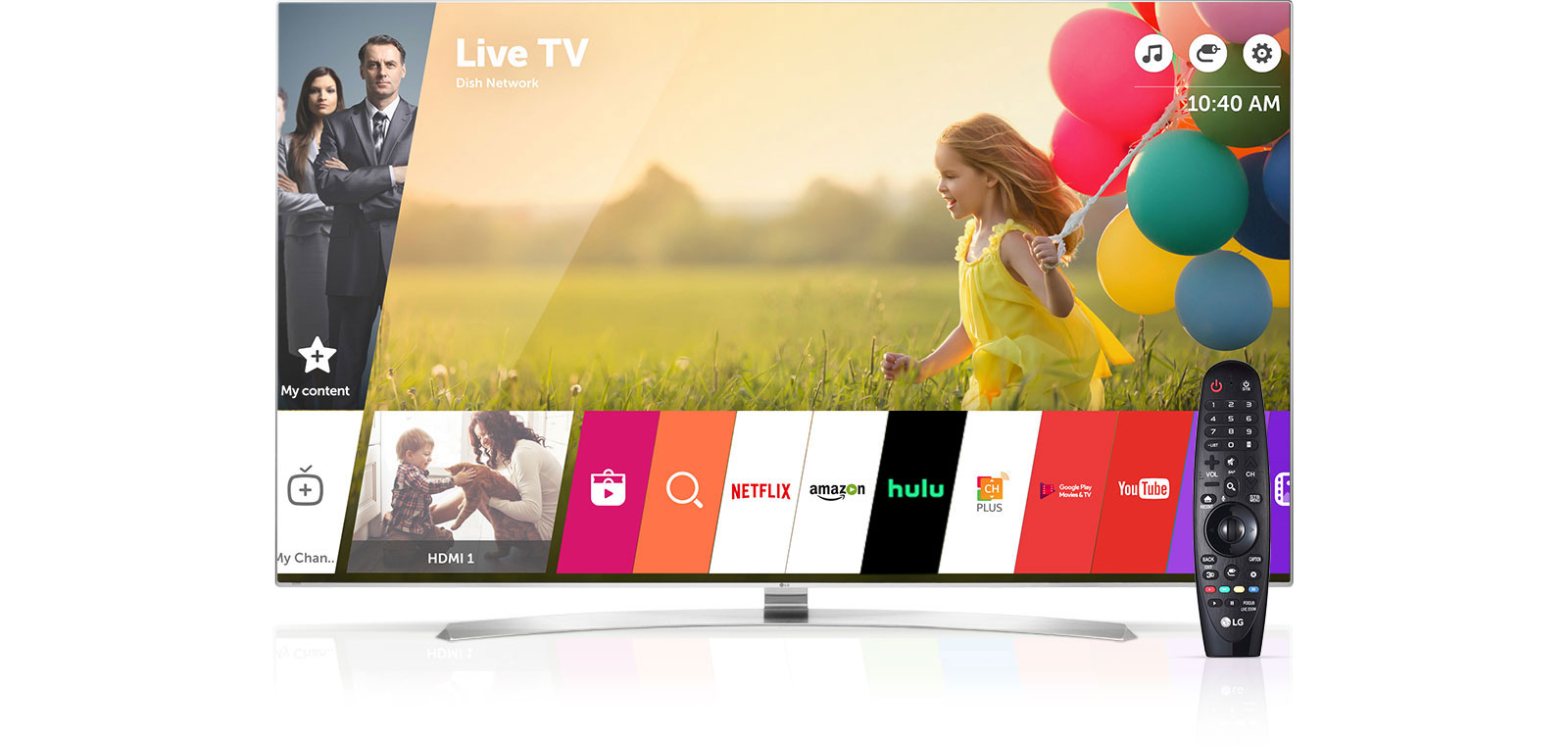

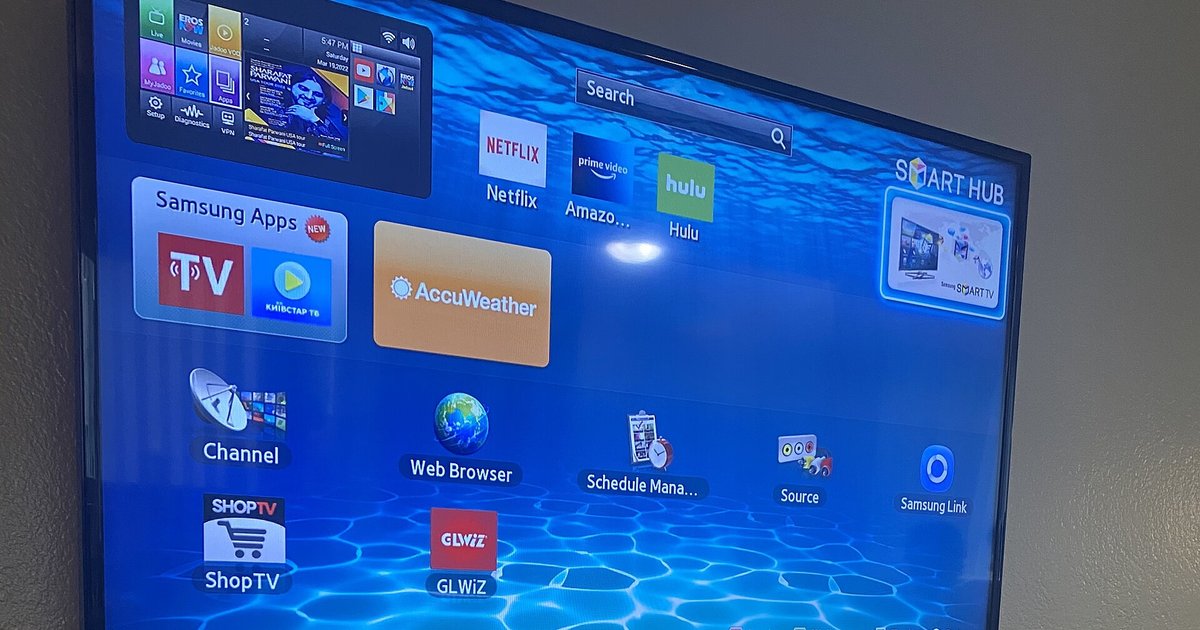
Practical, no-nonsense guides for anyone who wants to watch television without a traditional cable subscription, or who just needs help navigating the apps and menus on their current smart TV. Whether you are a cord-cutter, a sports fan, or someone helping a less tech-savvy family member, these articles are written for everyday viewers who want to get from “I can’t find the channel” to “I’m watching it now” with minimal fuss.
The articles cluster around a few recurring problems. One major theme is finding specific networks or events on streaming platforms: you’ll see guides for watching Supercross, FS1, Bravo, A&E, the World Series, and even the New Year’s Ball Drop without cable. Another theme is smart TV operation, several pieces walk you through watching live TV on Samsung and LG sets, getting back to regular TV after accidentally landing in a streaming app, or figuring out what channel ABC is on your model. A third theme is cost and access: there are comparisons of A&E streaming prices, breakdowns of FS1’s standalone subscription options, and a look at how much data streaming FS1 uses per hour.
Some articles also address the legal, safe way to handle common frustrations. For example, instead of showing you how to bypass authentication, the site explains how to get Fox News on Roku and how to stream Optimum on a smart TV through supported methods. The goal throughout is to help you watch what you want, on the device you own, using official channels, so you can solve the problem without risking your security or breaking any rules.