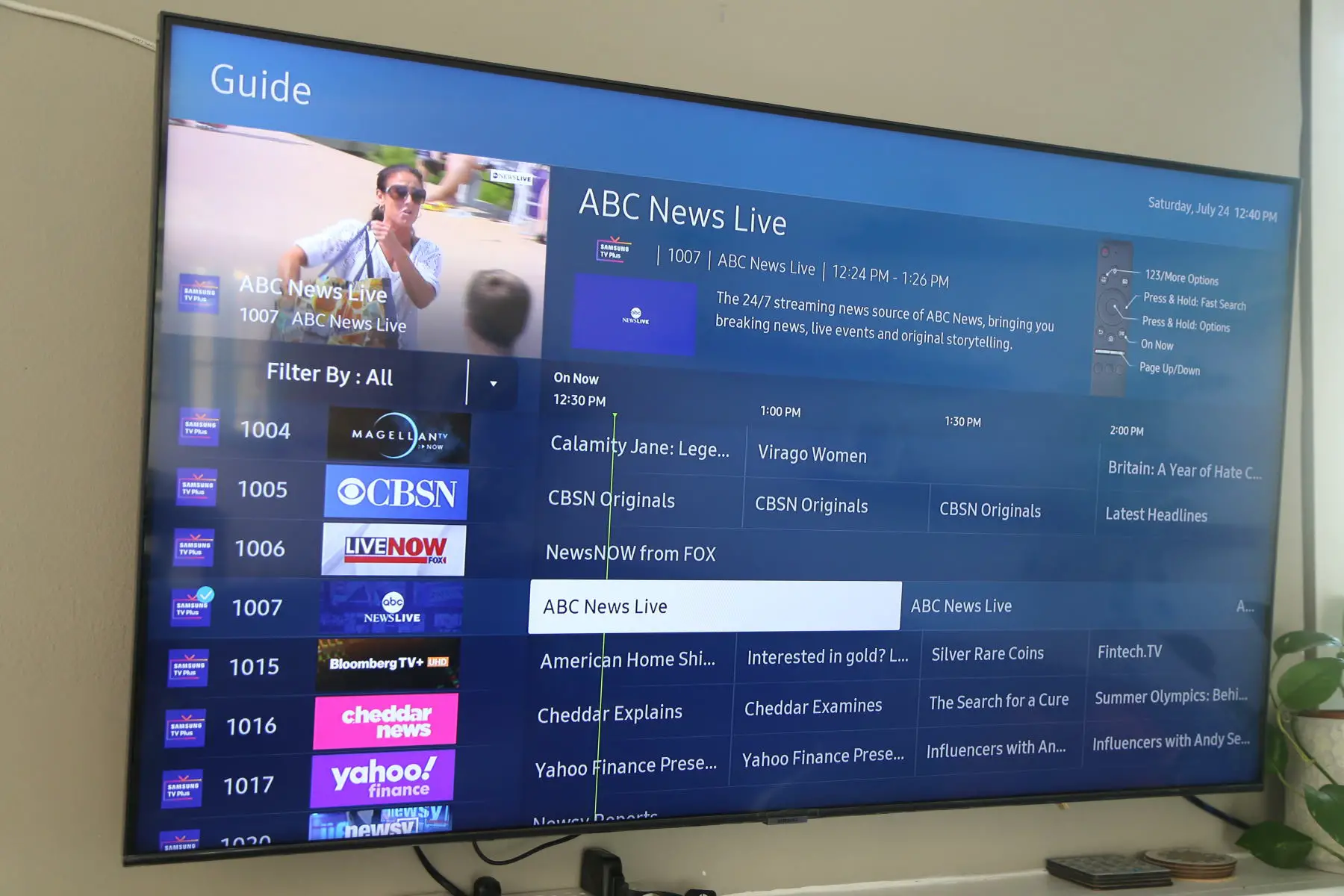
You can watch the History Channel in three main ways: through the official History Channel app with a participating TV provider login (TV Everywhere), by subscribing to the standalone History Vault for ad-free on-demand content, or by signing up for a live TV streaming service that carries the channel. The right option for you depends on whether you want live broadcasts, on-demand access, or a complete cable replacement.
How to watch History Channel: your 3 main options
Before diving into device-specific instructions, it helps to understand the three distinct ways to access History Channel content. First, if you already have a cable or satellite subscription, you can use the free History Channel app by authenticating with your TV provider login, this unlocks live TV and full episodes. Second, if you want commercial-free, on-demand access to thousands of hours of documentaries and series without any TV subscription, History Vault is a separate $5.99/month service. Third, if you want to watch the live channel without a traditional cable package, you must subscribe to a live TV streaming service like Sling TV, Philo, or Hulu + Live TV that includes the network in its lineup.
Stream with a TV provider login (TV Everywhere)
The most common way to watch the History Channel is through the official app, which is free to download. This method requires an active subscription from a participating cable, satellite, or live TV streaming provider. Once you authenticate, you unlock live broadcasts, full episodes of current shows, and the channel's extensive video library.
To get started on your preferred device, follow these steps:
On iOS or Android: Open the Apple App Store (iOS) or Google Play Store (Android). Search for “History Channel” and download the official app. After installation, open the app and tap “Sign In.” Select your TV provider from the list, enter your credentials, and you’re ready to stream.
On Roku, Amazon Fire TV, or Apple TV: Go to your device’s channel store (Roku Channel Store, Amazon Appstore, or Apple App Store). Search for “History Channel” and add the app to your home screen. Launch the app, choose “Sign In with TV Provider,” and authenticate using your cable, satellite, or live TV streaming login.
On Android TV or smart TVs (Samsung, LG, Vizio): Access the built-in app store on your TV (Google Play Store on Android TV, Samsung App Store, LG Content Store, etc.). Search for “History Channel,” install the app, and sign in with your TV provider credentials. The app is also available on Chromecast and Android TV devices.
Once authenticated, you can watch live TV, catch up on recent episodes, and browse the full catalog of full-length shows. The app supports features like resume playback and personalized watchlists, so you can pick up where you left off on any device.
Subscribe to History Vault for ad-free on-demand viewing
If you don’t have a cable or live TV subscription, or if you simply want a massive library of commercial-free historical documentaries, History Vault is your best standalone option. This is a separate subscription service from the live History Channel feed, and it does not require a TV provider login.
History Vault costs $5.99 per month or $59.99 per year, and first-time subscribers get a 7-day free trial. It includes thousands of hours of on-demand content from popular series like Pawn Stars, American Pickers, The Curse of Oak Island, Ancient Aliens, and Forged in Fire, plus exclusive documentaries you won’t find on the live channel.
To subscribe, visit historyvault.com on your computer or download the History Vault app on your Roku, Amazon Fire TV, Apple TV, iOS, Android, or smart TV. Sign up with your email and payment method, and you can start streaming immediately. Note that History Vault is an on-demand service, it does not include the live History Channel feed, so you won’t see new episodes premiering in real time.
Watch the live channel without cable
If you want to watch the History Channel live, including new episodes as they air, without a traditional cable or satellite package, your only option is to subscribe to a live TV streaming service. These platforms carry the network’s live feed and typically include cloud DVR storage so you can record shows.
Here are the live TV streaming services that currently carry the History Channel:
It includes the History Channel, along with other lifestyle and entertainment networks. Frndly TV offers a 7-day free trial.
It’s a great value if you don’t need sports or local broadcast networks. Philo offers a 7-day free trial.
Sling often runs promotional deals, and you can add premium channels or extra sports packages.
It’s the most comprehensive option if you want multiple streaming services in one subscription.
It also offers a 5-day free trial.
All of these services require a monthly subscription, but they eliminate the need for a cable box or contract. You can watch on smart TVs, streaming devices, mobile apps, or via a web browser.
What you can watch for free
You don’t need a subscription to access a limited selection of History Channel content. On the official History Channel app and at History.com, you can watch a rotating collection of free full episodes, short clips, and topical videos without signing in. This includes previews of upcoming shows, historical explainers, and curated clips from popular series.
However, the free tier is limited. To watch live TV, recent full episodes, and the complete library, you must sign in with a TV provider or subscribe to History Vault. The free content is best for sampling shows or catching up on short segments, not for full-season binges.
How to cast History Channel to your TV
If you’re watching on your phone or tablet and want to switch to a bigger screen, you can cast the History Channel app to your TV using Chromecast. Here’s how:
First, ensure your Chromecast device (or built-in Chromecast on an Android TV) and your mobile device are connected to the same Wi-Fi network. Open the History Channel app on your iOS or Android device and start playing a show. Tap it, then select your Chromecast device from the list. The video will immediately play on your TV, and you can control playback from your phone.
You can also cast from the Chrome browser on your computer. Open chrome.google.com/webstore, add the Google Cast extension, then visit history.com. Play a video, click the Cast icon in your browser toolbar, and choose your Chromecast device. Both methods require a stable Wi-Fi connection for smooth streaming.
In summary, the best way to watch the History Channel depends on your needs. If you have cable, use the app with your TV login. If you want ad-free on-demand documentaries, subscribe to History Vault. If you want live TV without cable, pick a live TV streaming service. And if you just want to sample content, start with the free clips on the app or website. All of these methods are legitimate, legal, and available in the United States.
\nRelated reading: How To Watch Fs1, How To Watch Supercross, and What Channel Is Abc On Smart TV.