The Windows tag on robots.net collects practical, hands-on guides aimed at everyday computer users who want to get more done without calling a technician. Whether you are setting up a new PC, troubleshooting a frustrating error, or trying to connect your devices, these articles focus on clear steps and real-world solutions. The audience is broad: beginners who need a gentle introduction to basic tasks, and more experienced users looking for specific fixes or performance tweaks.

The articles cluster around a few recurring themes. One major theme is connectivity and hardware, you will find guides on connecting a PC to Wi‑Fi, finding an Ethernet IP address, transferring files between PCs using a cable, and using WhatsApp Web on a Mac or Windows machine. Another theme is system maintenance and performance: articles explain how to format a hard drive, check CPU temperature in Task Manager, allocate more CPU to a game, or clear out the Downloads folder. A third theme covers everyday input and display tasks, such as taking a screenshot, enabling keyboard backlights, typing a squared symbol, or switching to a Spanish keyboard layout.

Several articles also address topics from a safety, security, or legal-alternatives perspective. For example, the guide on recycling an old laptop focuses on proper disposal rather than data recovery, and the review of Hide.me evaluates a VPN service for privacy-conscious users. Similarly, articles about Android emulators, BeeTV, and Amazon Music downloads are framed around legitimate use, installing apps on a PC, using streaming services on a supported device, or downloading music you own, not circumventing protections. The tag is a practical resource for solving everyday Windows problems, with an emphasis on doing things correctly and safely.

How To Install Zoom On Laptop

To install Zoom on a laptop, download the Zoom Workplace desktop application from the official Zoom Download Center. Whether you use Windows or macOS, the process takes just a few...

How Do I Download Zoom

Download Zoom on your device To download zoom safely, visit the official Zoom website from your browser and avoid third-party download sites. On the download center page, you will see...

How To Play Windows Steam Games On Mac

Yes, you can play Windows Steam games on a Mac, but the best method depends on whether you have an Intel or Apple Silicon processor. Since macOS Catalina (10.15), Apple...

15 Best Kaspersky Antivirus

15 Best Kaspersky Antivirus for 2024 body { font-family: -apple-system, BlinkMacSystemFont, "Segoe UI", Roboto, Helvetica, Arial, sans-serif; line-height: 1.6; color: #222; max-width: 900px; margin: 0 auto; padding: 20px; background-color: #fff;...

How To Rotate Video In Windows Media Player

You cannot rotate video in Windows Media Player. Microsoft's own documentation confirms that "There is no way to rotate the video in Windows Media Player," but you can use two...

How To Roll Back Windows Update

To roll back a Windows update, you need to uninstall the problematic update through the Settings app or, if your system won't boot, through the Windows Recovery Environment. This process...

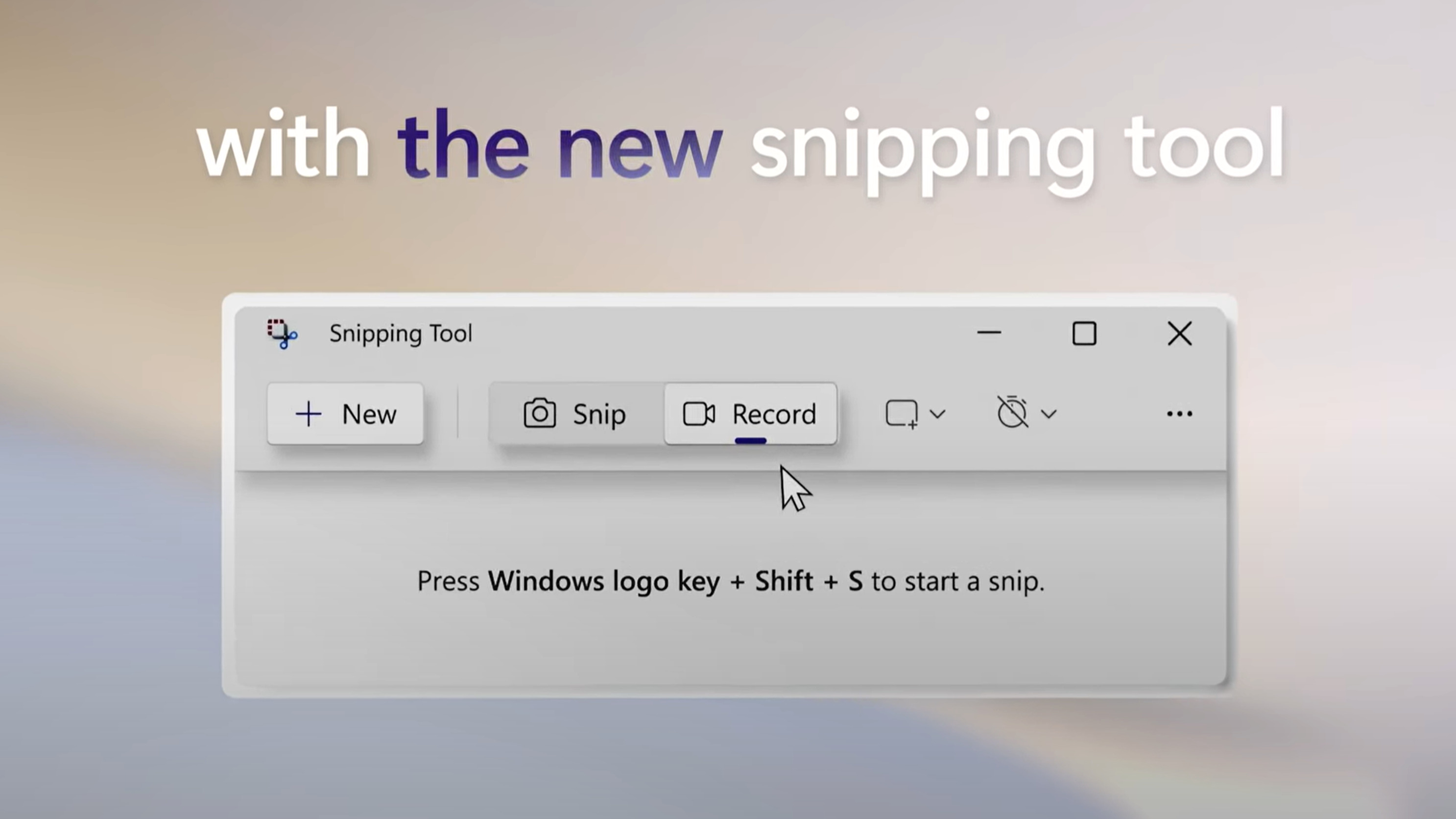
How To Snippet On Windows

To snippet on Windows, press the Windows logo key + Shift + S to instantly open the Snipping Tool overlay. This built-in app lets you capture any part of your...

How To Unmute On Discord

The fastest way to unmute on Discord is to press Ctrl + Shift + M on Windows or ⌘ + Shift + M on Mac to toggle your microphone off...

How To Adjust Browser Window Size

To adjust browser window size, use the Windows key + Left or Right arrow keys to snap a window to half the screen, or press Alt + Spacebar, then select...

How Do I Make Edge My Default Browser

To make Edge my default browser, the fastest method on any device is to go directly into your system's settings and select Microsoft Edge as the default web browser. This...