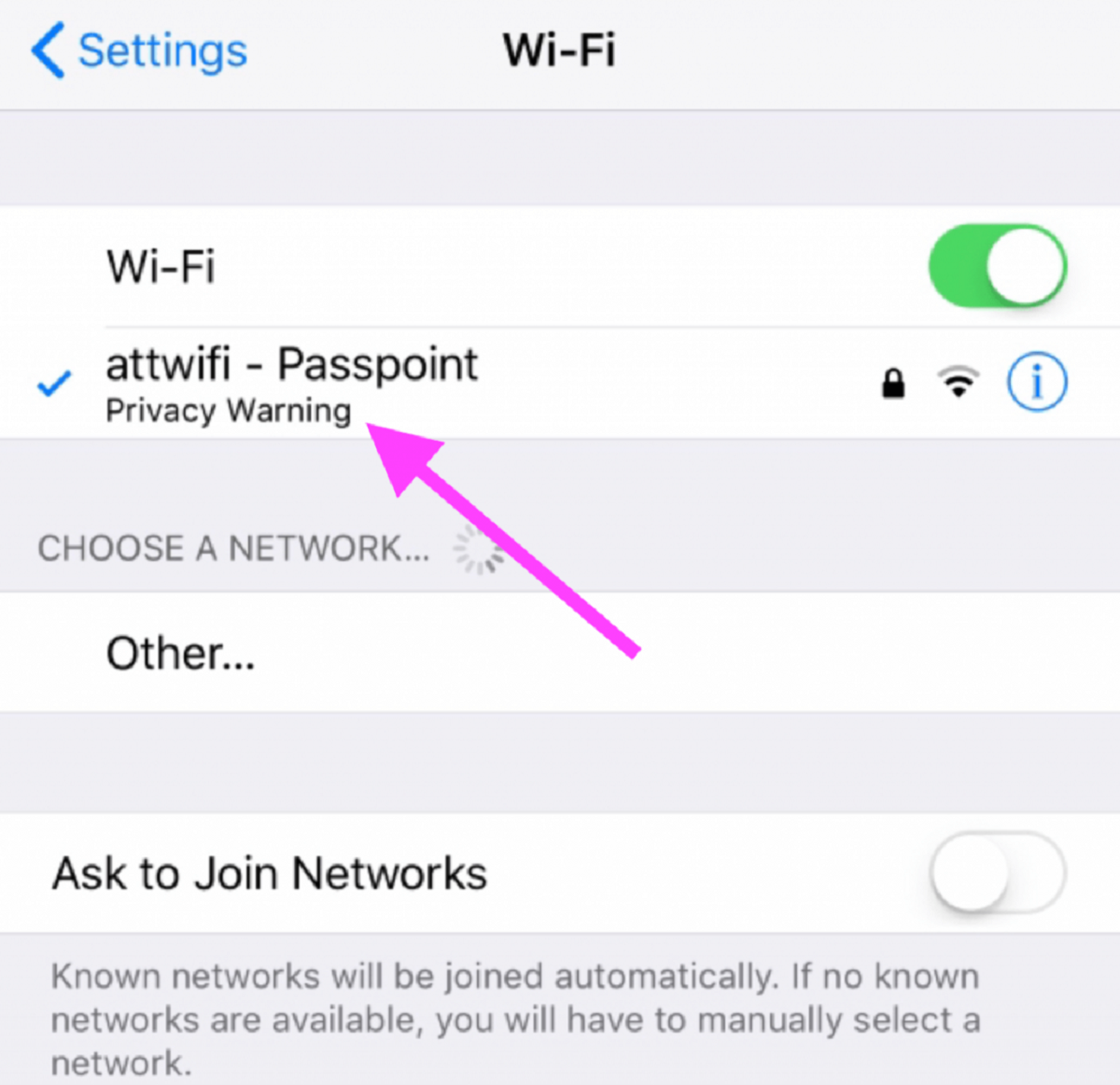
If you see a wifi privacy warning on your iPhone, iPad, or Mac, it means your device is using its permanent, hardware-based MAC address instead of a randomized one, which...
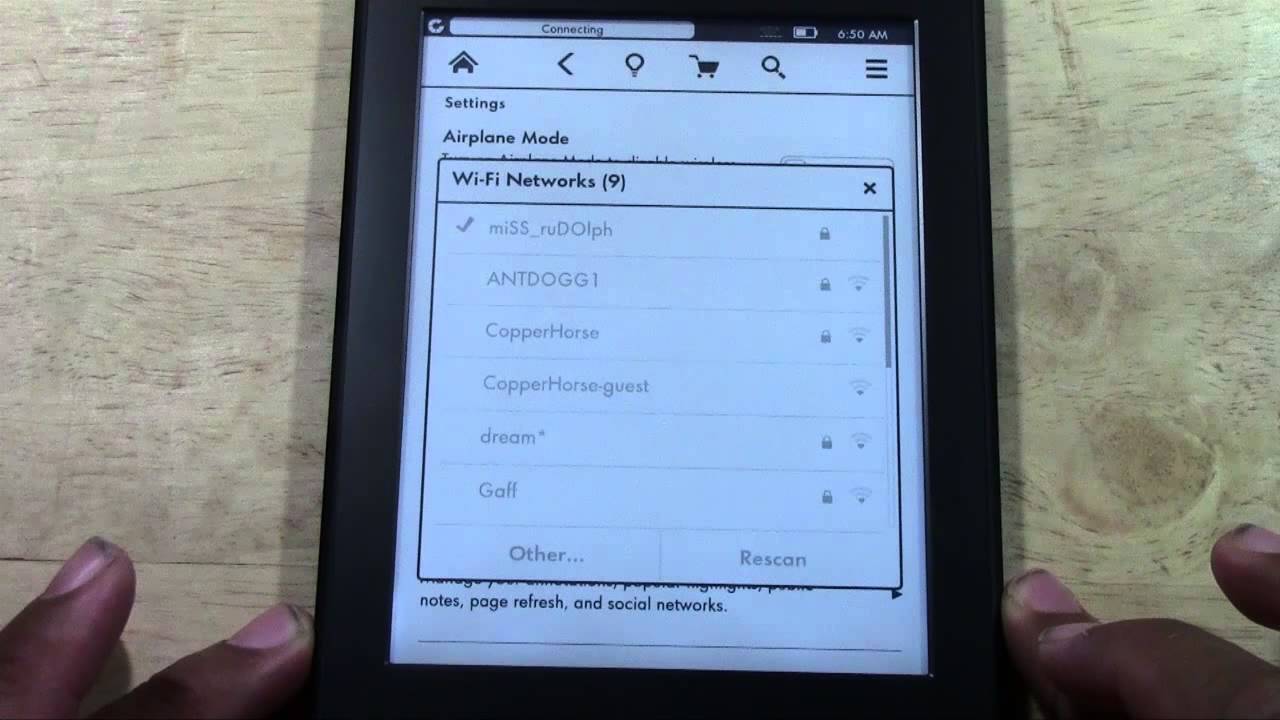
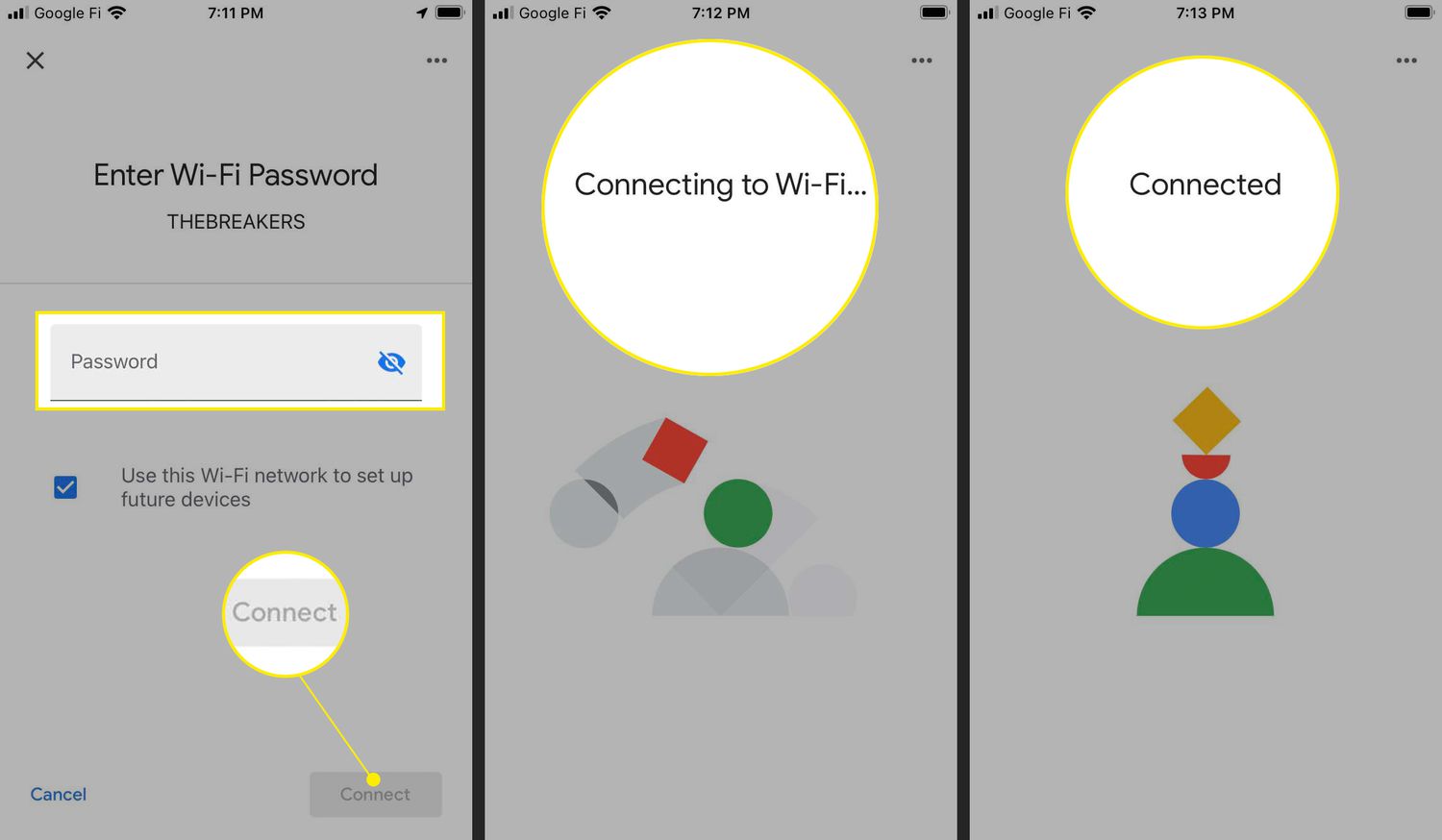
To connect Kindle to wifi, you need to access the device's settings menu, select your home network from the list, and enter the password. This process takes less than a...
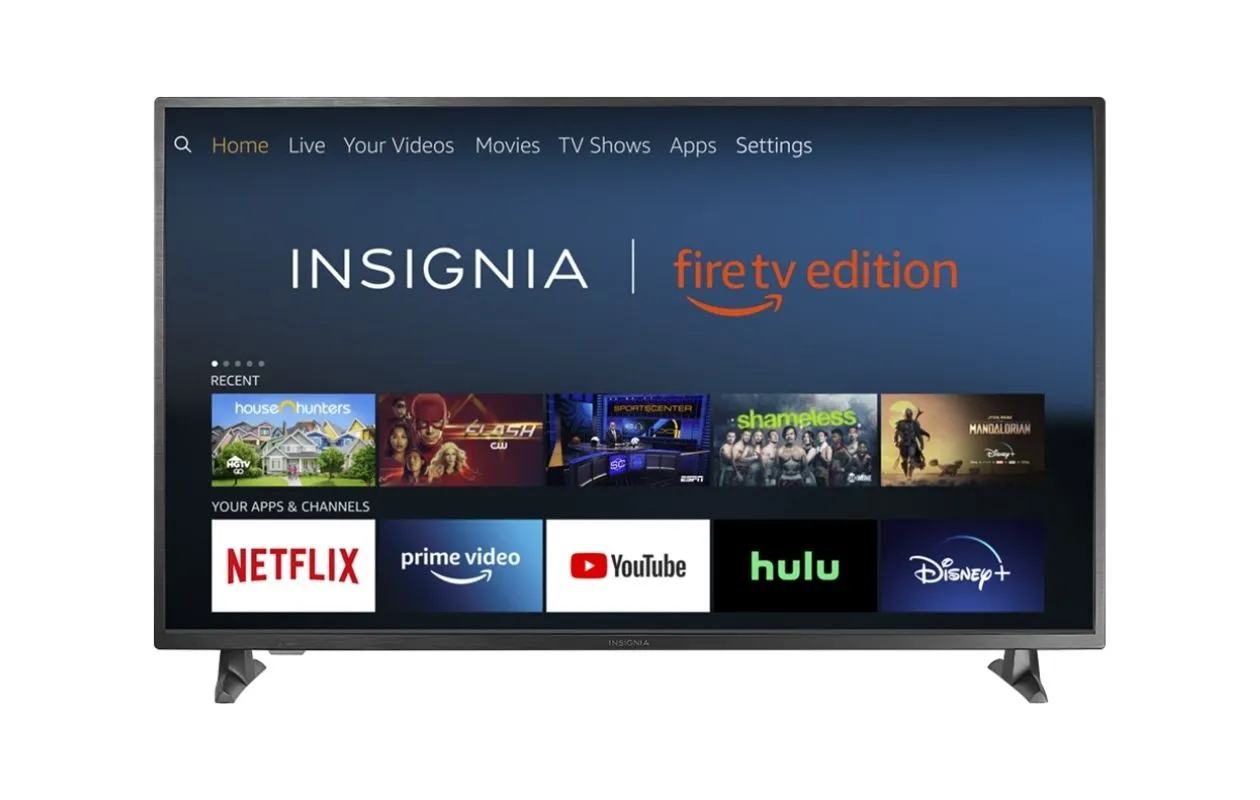
To connect Insignia TV to wifi without remote, the most reliable method depends on whether you have a Fire TV Edition model. For those TVs, you can trick the television...
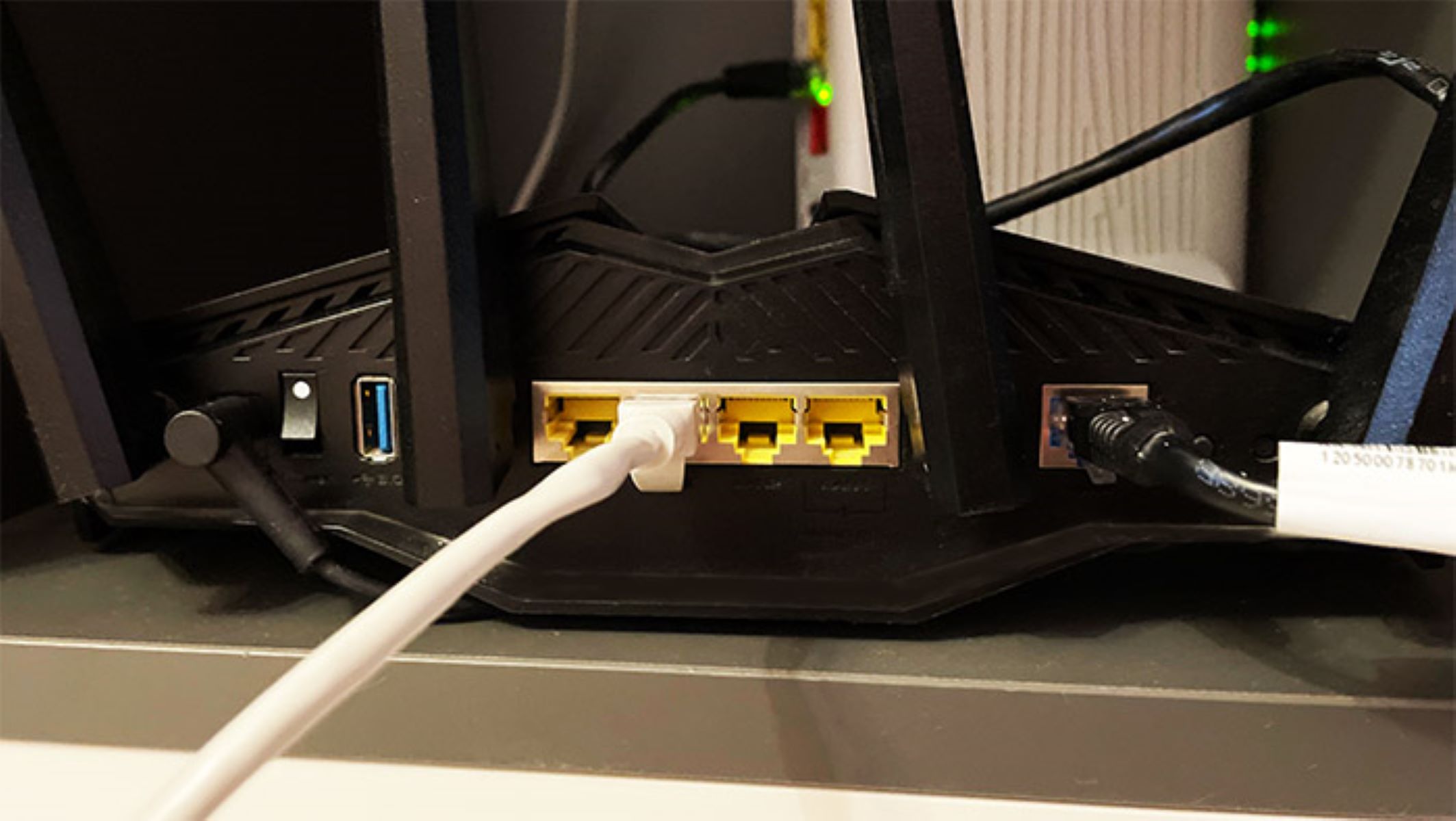
To use Ethernet instead of wifi, plug one end of an Ethernet cable into your device's Ethernet port (or adapter) and the other end into an available port on your...
To extend wifi with Ethernet cable, connect a secondary router or access point to your main router using a wired Ethernet connection. This creates a new, stable Wi-Fi hotspot that...
You cannot connect a standard, separate router to a separate modem without an Ethernet cable, the WAN port on a router is designed to accept a wired signal from the...
To connect a PC to Wi-Fi without an Ethernet cable, your computer needs a wireless network adapter, hardware that receives radio signals from a router. This guide covers the exact...
To set up Chromecast on new wifi, you need to either forget the old network in the Google Home app or factory reset the device if the old network is...
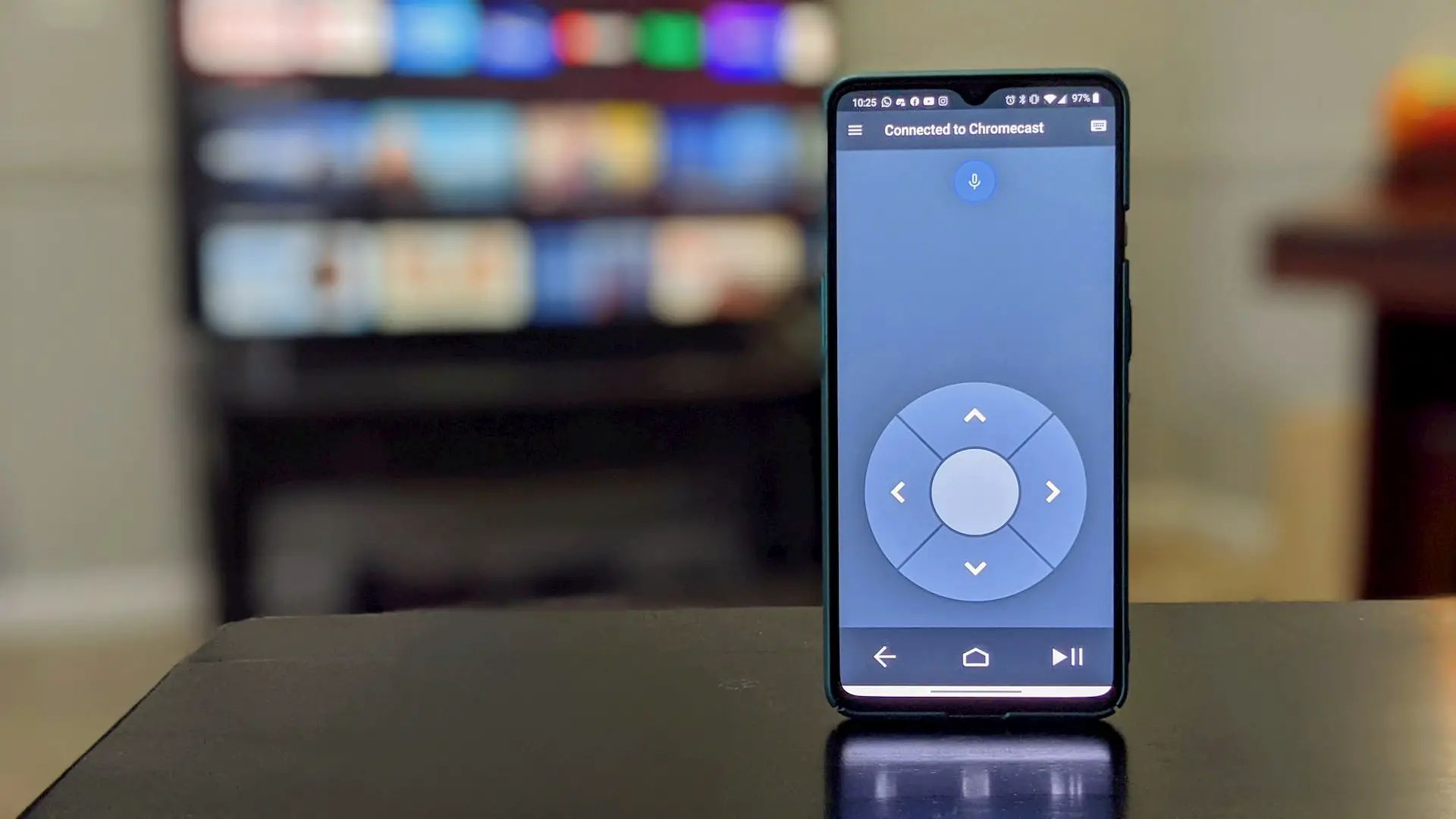
To setup Chromecast without remote, the only reliable method is to use the Google Home app on a compatible smartphone or tablet. This app replaces the physical remote entirely, guiding...
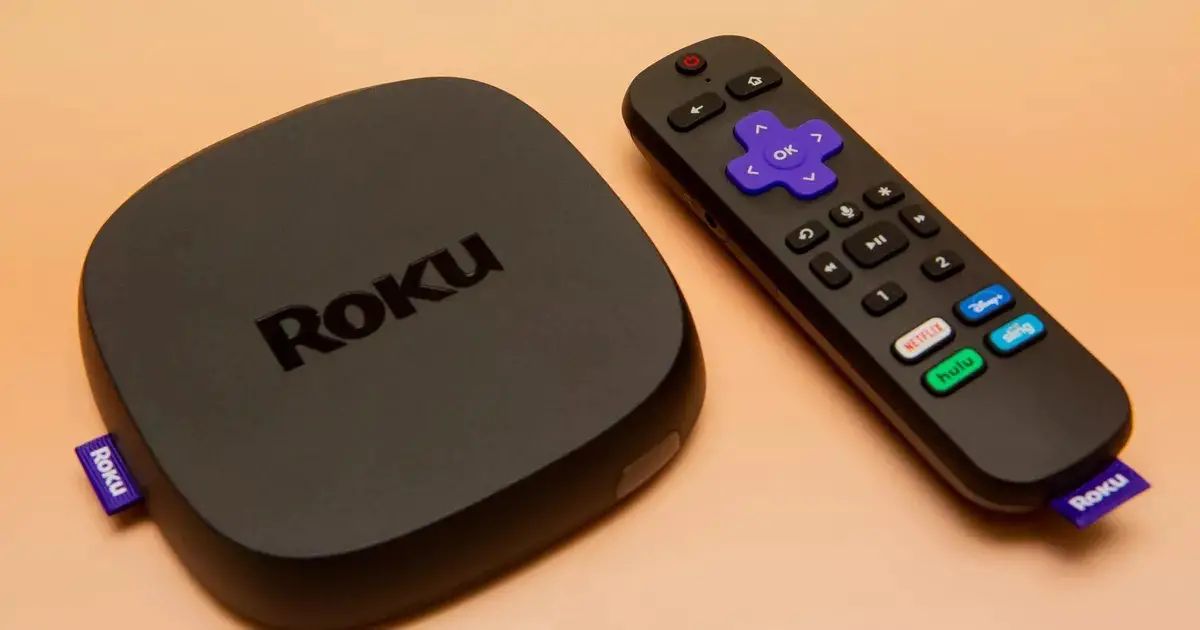
Getting started with Chromecast on Roku To cast content to your Roku device, you can use the built-in casting features of supported apps or enable screen mirroring in your Roku's...
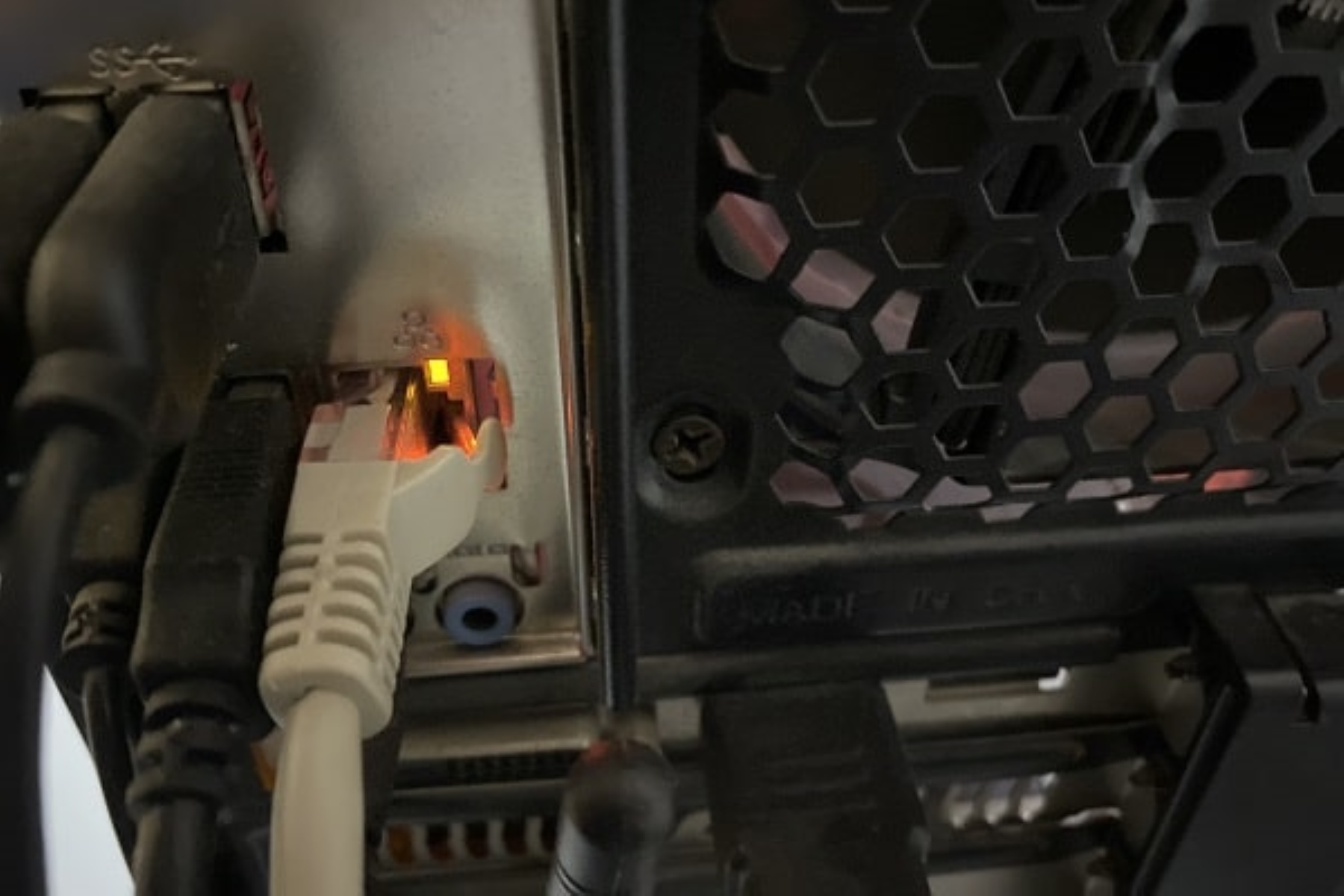
If the orange light on the Ethernet port is blinking, it simply means data is being transmitted or received at that lower speed, confirming the connection is active but throttled....
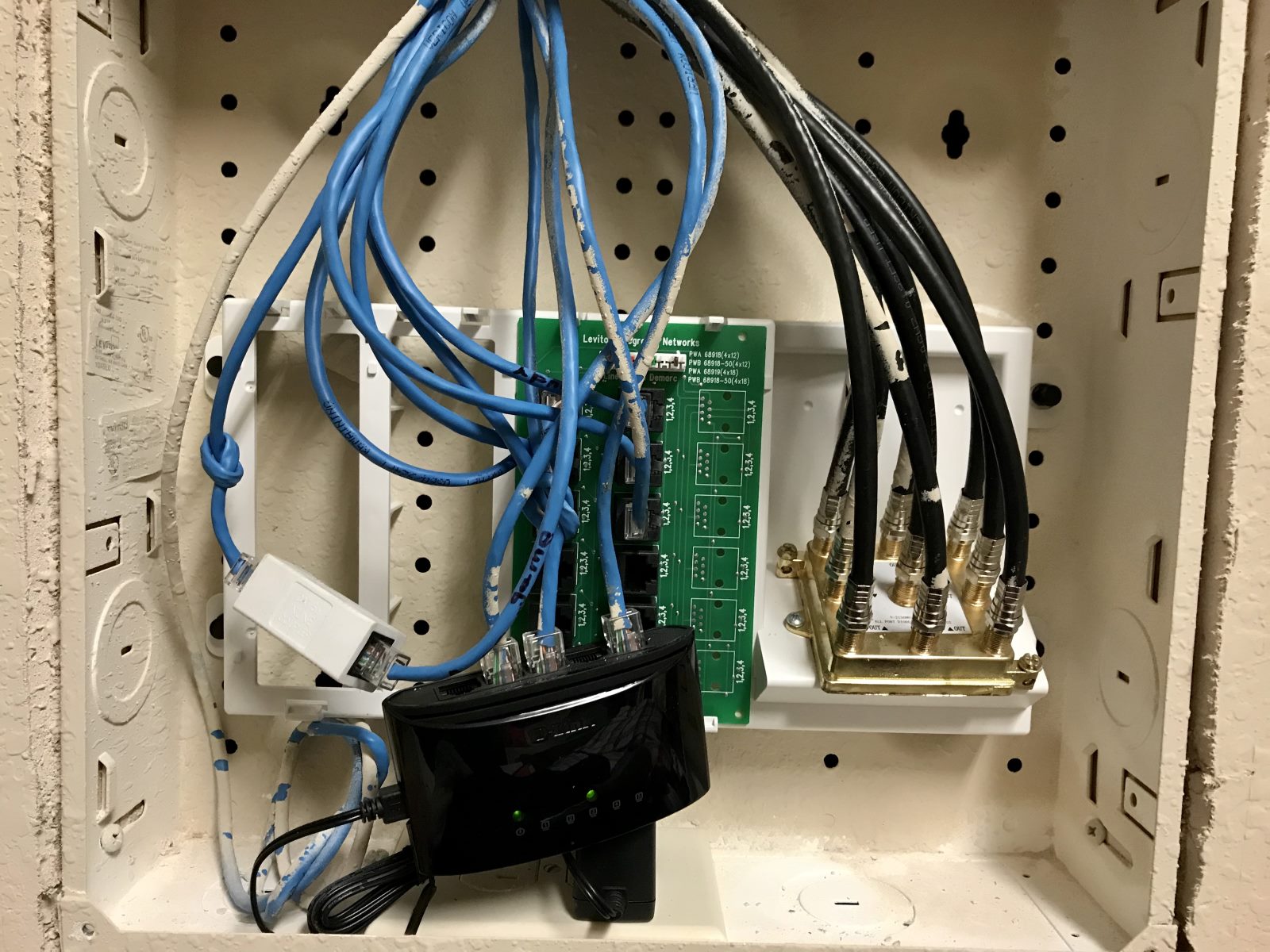
To find an Ethernet port in your house, look for a rectangular wall plate that is slightly larger than a standard electrical outlet, it will usually have a small jack...
This website uses cookies so that we can provide you with the best user experience possible. Cookie information is stored in your browser and performs functions such as recognising you when you return to our website and helping our team to understand which sections of the website you find most interesting and useful.
Strictly Necessary Cookies
Strictly Necessary Cookie should be enabled at all times so that we can save your preferences for cookie settings.
If you disable this cookie, we will not be able to save your preferences. This means that every time you visit this website you will need to enable or disable cookies again.