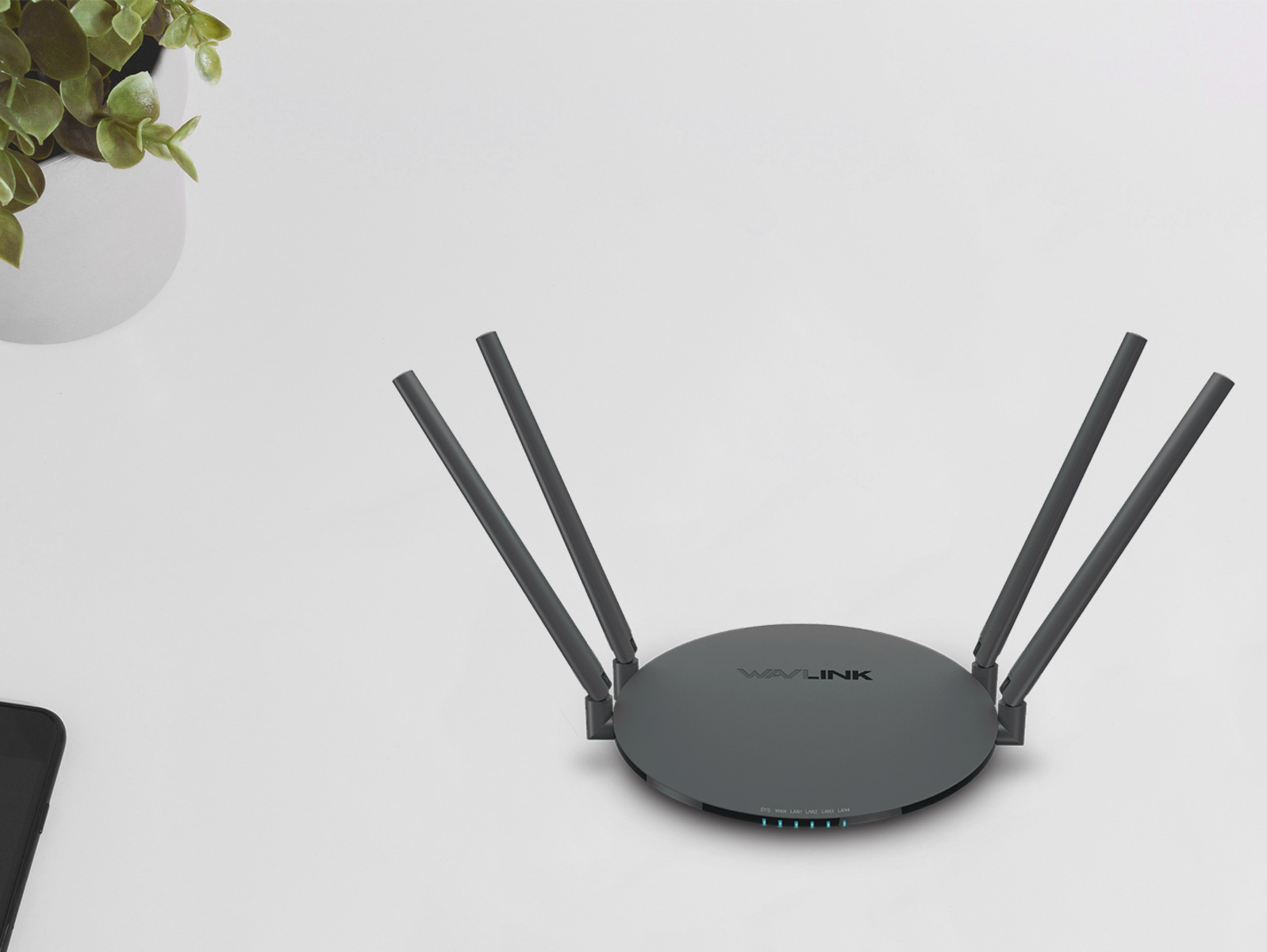
A dual band wireless router broadcasts two separate Wi-Fi networks on the 2.4 GHz and 5 GHz frequency bands simultaneously, allowing you to choose the best one for each device....
How To Install A TP-Link Wireless Router To install a TP-Link wireless router, start by unplugging your modem and removing its backup battery, then connect the router to the modem...
To connect your smart TV to WiFi, you need your wireless network name (SSID) and its case-sensitive password, then navigate your TV's settings menu to select your network and enter...
If an MMS message not downloading is stuck on your phone, the quickest fix is usually enabling auto-download in your messaging app's settings. This article walks through the most common...
To download yoto cards, you need your Yoto Player (or Mini) to be online, plugged in, and not actively playing anything; the content will then transfer automatically. Once downloaded, your...
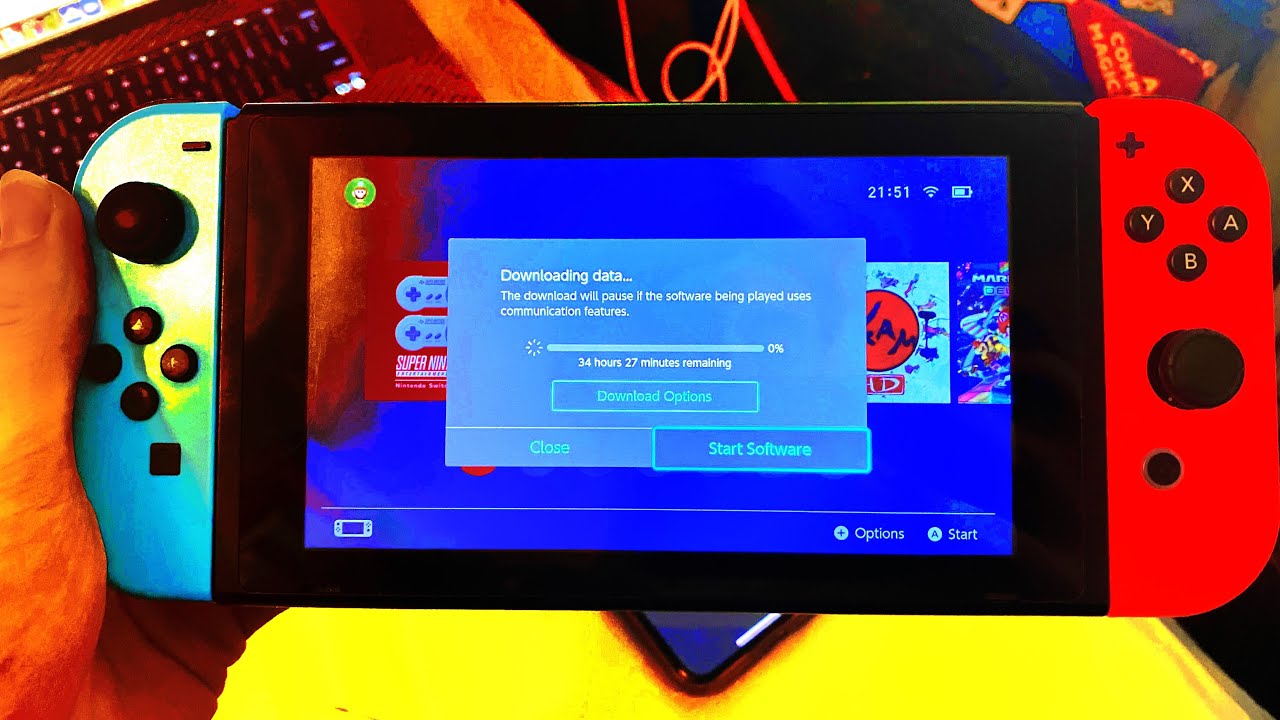
To speed up download on Nintendo Switch, change your DNS settings to Google's public DNS (8.8.8.8 and 8.8.4.4) and connect to a 5 GHz Wi‑Fi band. These two fixes deliver...
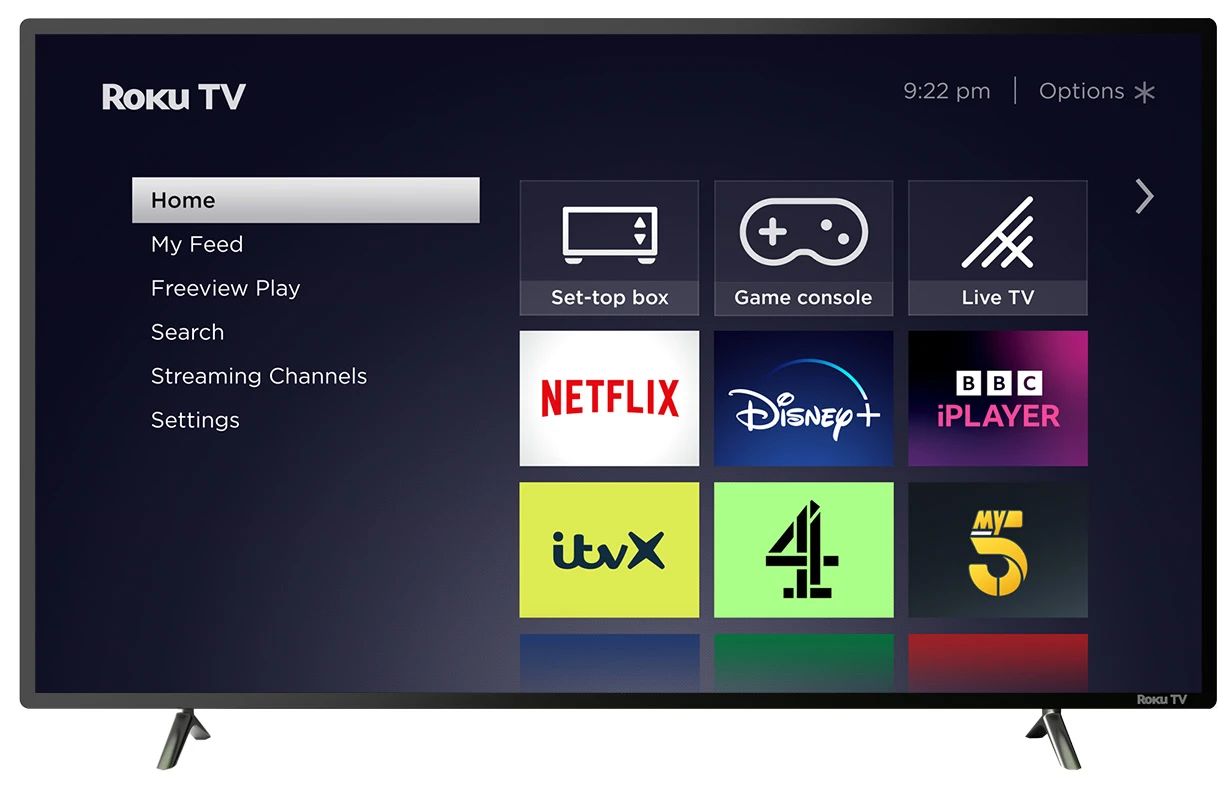
To set up Roku on my TV, plug the Roku streaming player into an HDMI port, power it on, and follow the on-screen prompts to connect to Wi-Fi and activate...
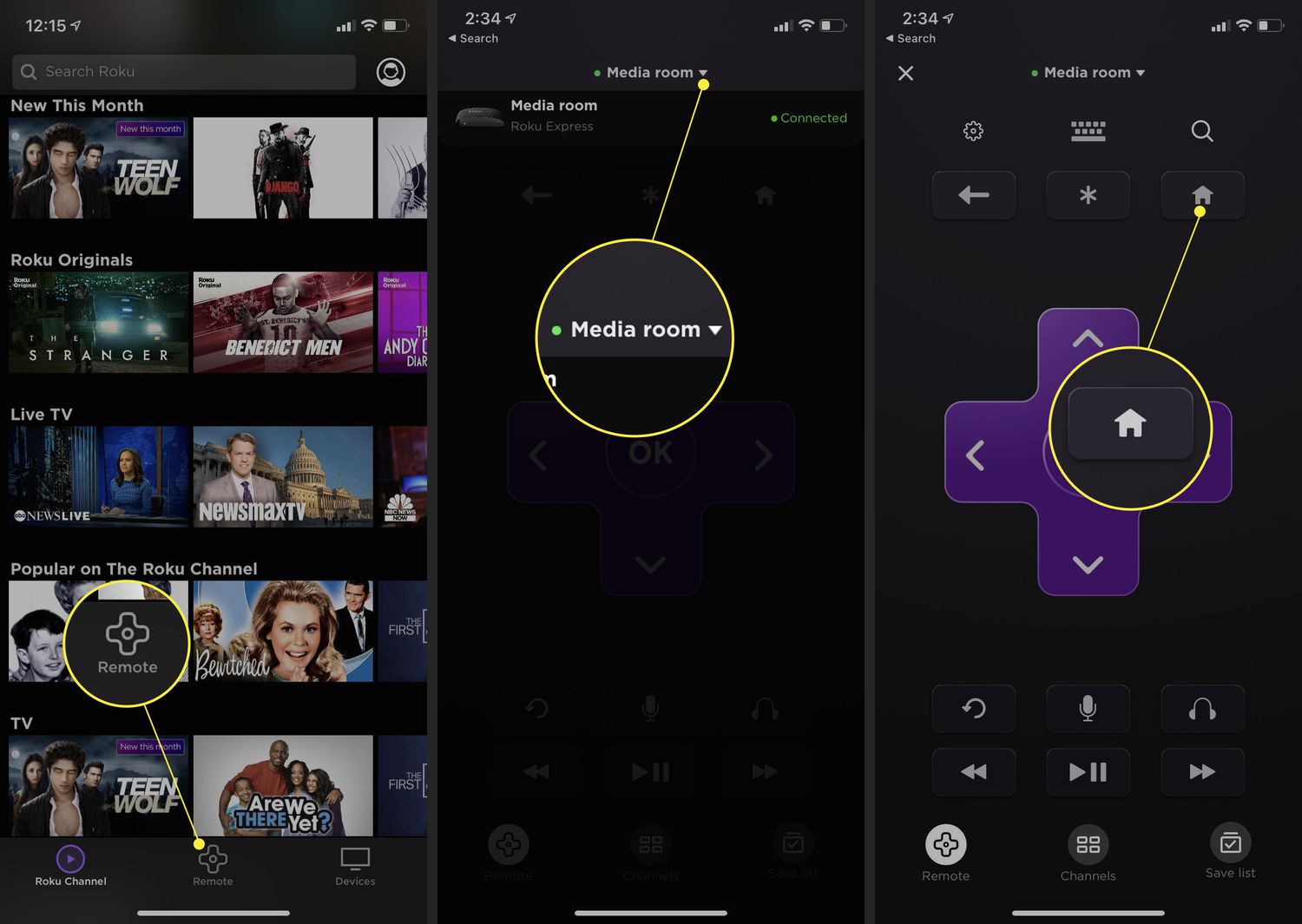
To connect a Roku TV without a remote, the fastest method is to use the free Roku mobile app on your smartphone or tablet, provided both devices are on the...
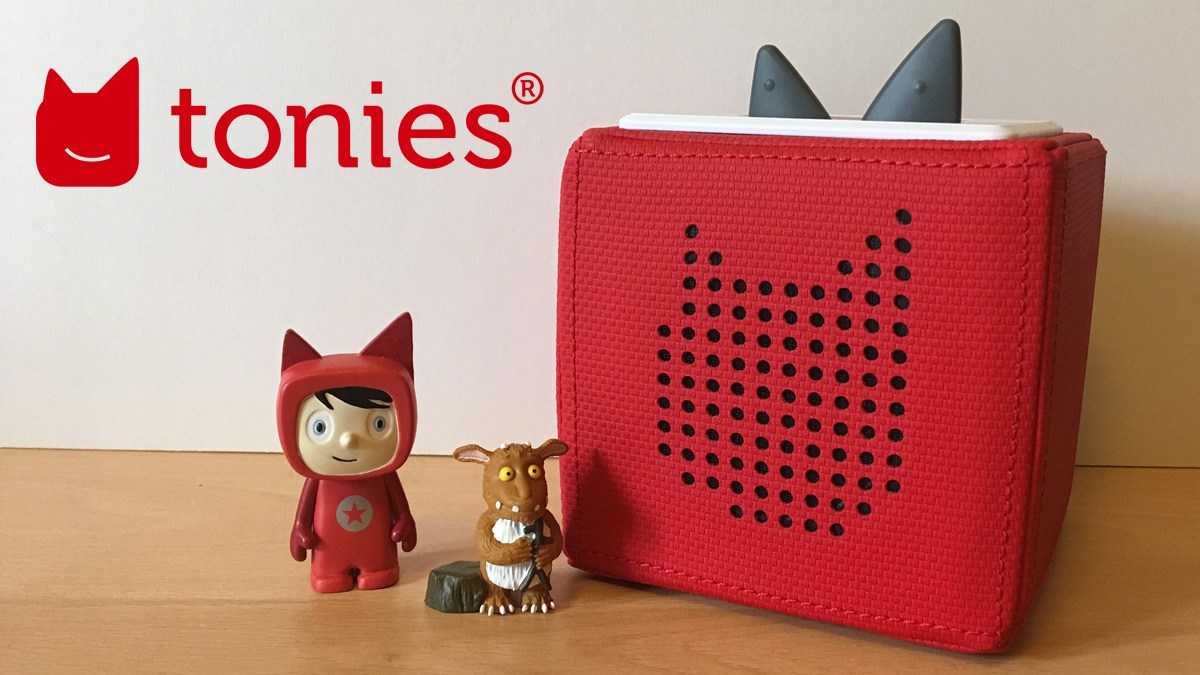
To download Tonies, you use two distinct methods: pre-recorded character Tonies download automatically when you place them on a Wi-Fi connected Toniebox, while Creative Tonies require you to manually assign...
To make PS5 games download faster, you need to focus on two things: a wired Ethernet connection and optimized Wi-Fi settings. These are the most impactful changes you can make...
To make Nintendo Switch downloads faster, the most effective tweaks are changing the MTU setting to 1500 and switching to a public DNS server. These two adjustments, combined with optimizing...
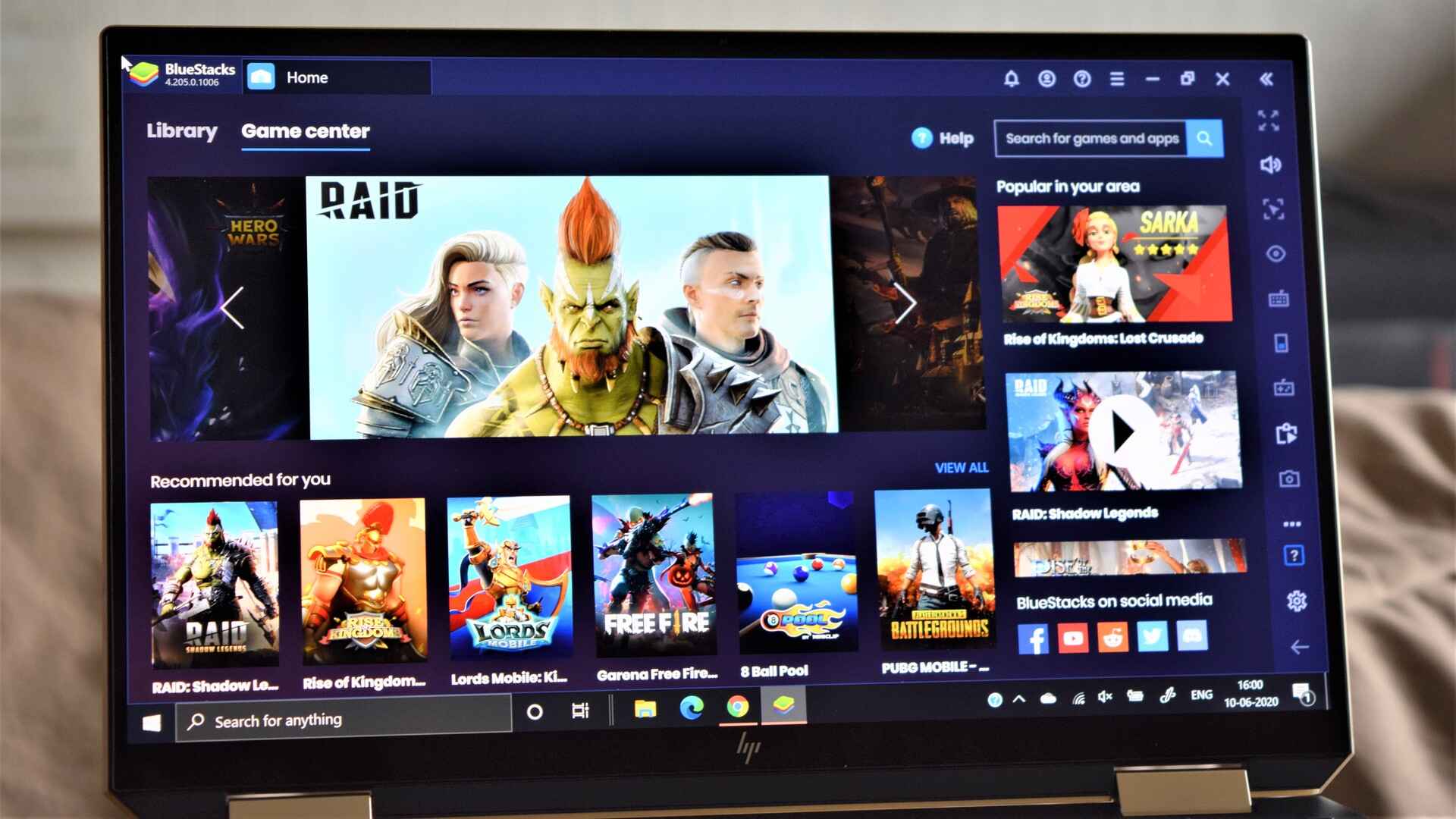
To make games download faster on your PC, you need to address the most common bottlenecks: a congested network, misconfigured launcher settings, and hardware limitations. The fastest path to better...
This website uses cookies so that we can provide you with the best user experience possible. Cookie information is stored in your browser and performs functions such as recognising you when you return to our website and helping our team to understand which sections of the website you find most interesting and useful.
Strictly Necessary Cookies
Strictly Necessary Cookie should be enabled at all times so that we can save your preferences for cookie settings.
If you disable this cookie, we will not be able to save your preferences. This means that every time you visit this website you will need to enable or disable cookies again.