On virtually every modern smart TV, the YouTube app is already pre-installed, so you may not need to download anything at all. If it's missing from your home screen, you...
If YouTube keeps stopping on your smart TV, you are likely dealing with a network instability issue or outdated software on your device. These two factors cause the vast majority...
Your Samsung Smart TV keeps buffering because the stream is arriving slower than it plays, which is almost always due to slow internet, Wi-Fi interference, or app-level glitches. The good...
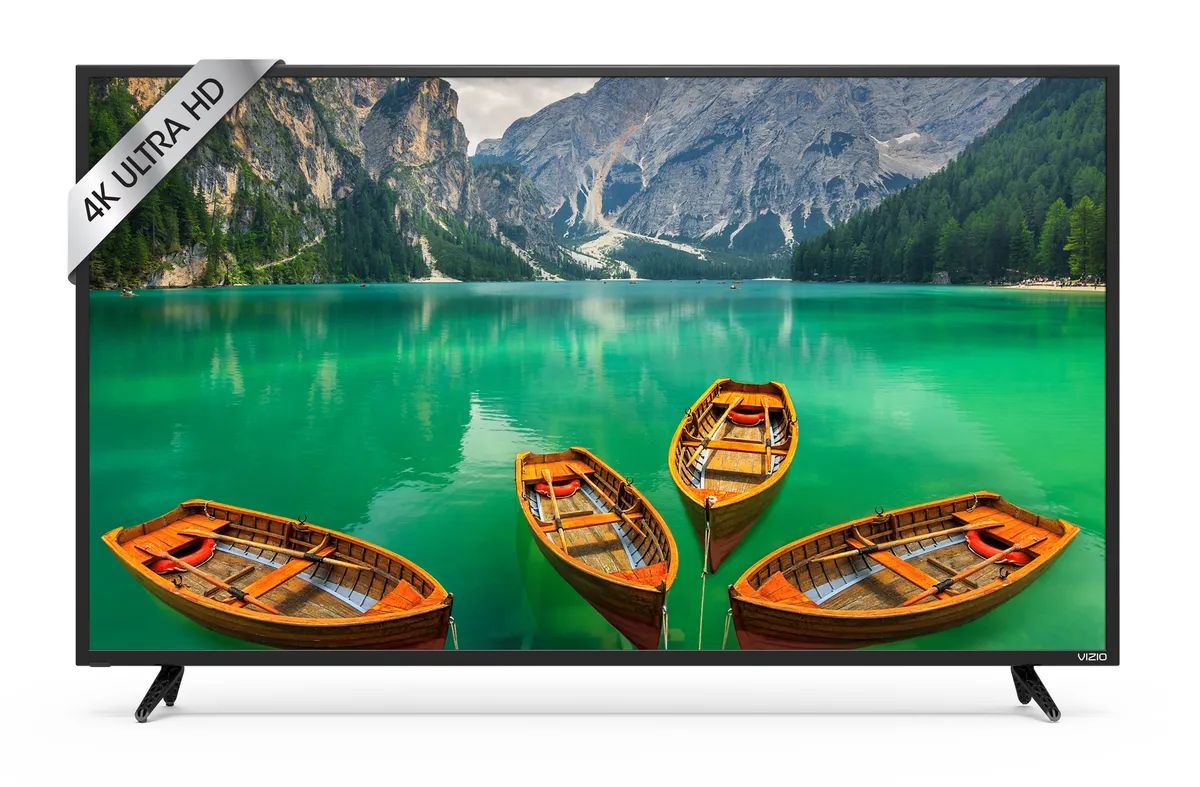
To screen mirror to Vizio smart TV, you need to wirelessly send your phone, tablet, or computer display to the television using built-in features like AirPlay or Google Cast. If...
To get EWTN on your smart TV, the fastest and most reliable method is to install the free EWTN app directly from your television’s app store. You can get EWTN...
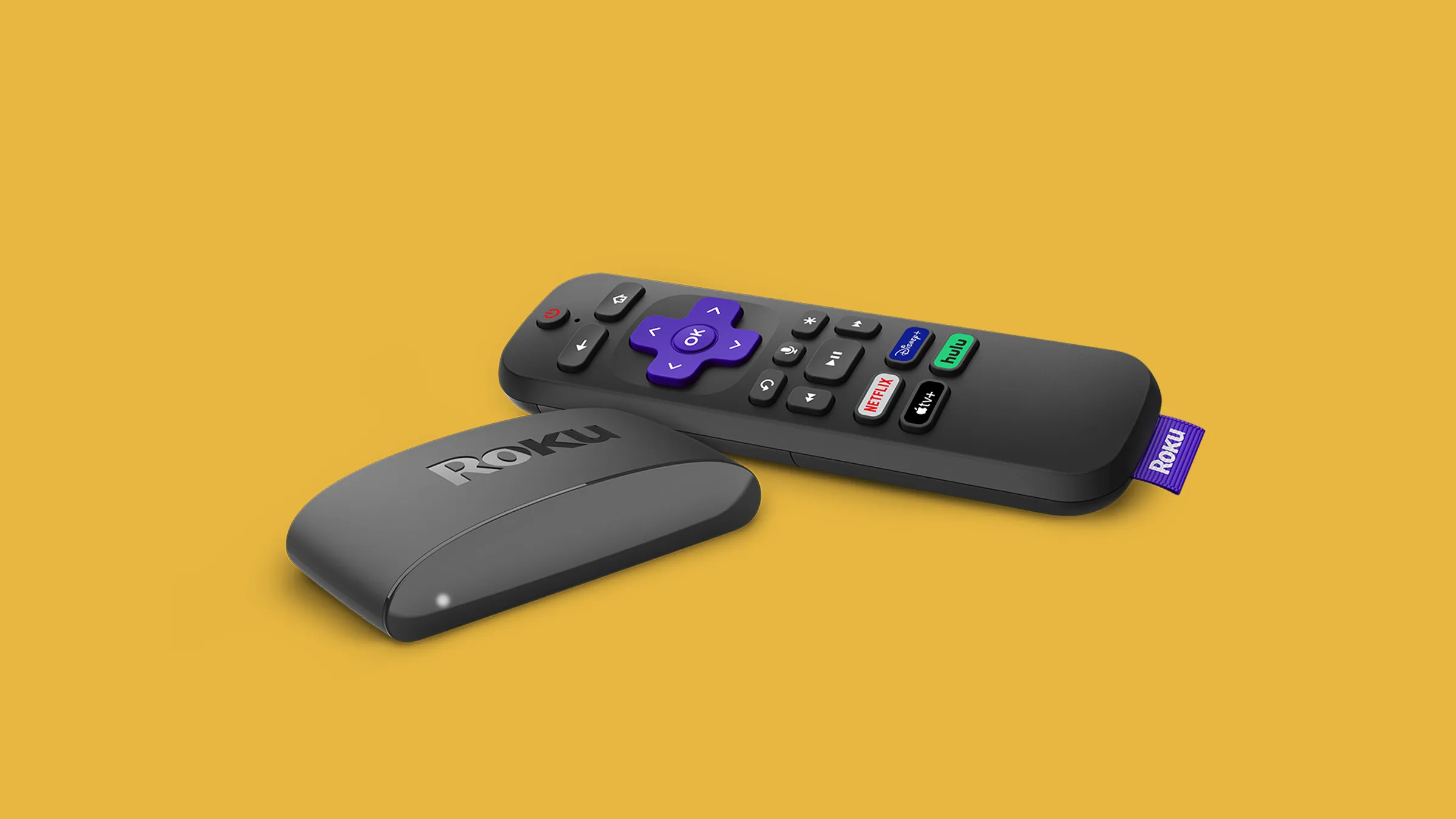
To use Roku on a non smart TV, you need a Roku streaming device, an available HDMI port on your television, and a stable Wi-Fi internet connection. Once connected, your...
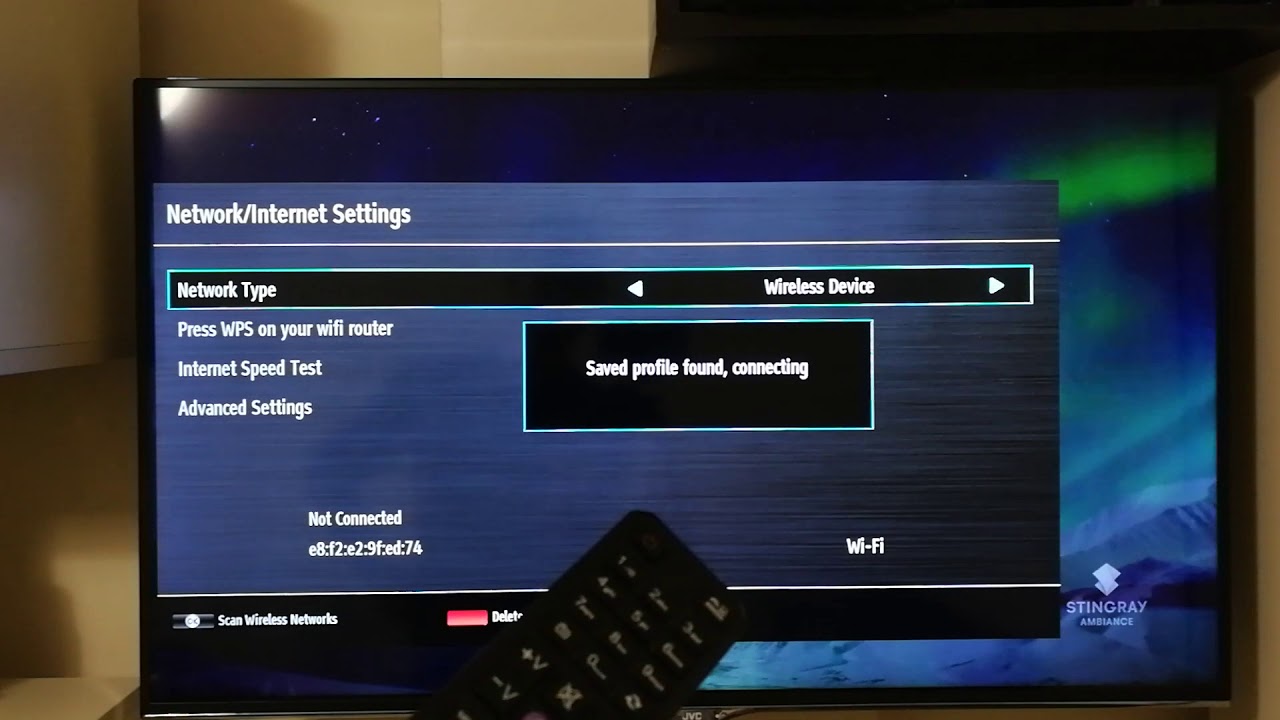
To connect your JVC Smart TV to WiFi wirelessly, turn on your router, open the Settings menu on the TV, go to Network, select Wireless, choose your network, enter the...
You can’t connect a laptop to a Samsung Smart TV via Bluetooth for screen mirroring, Bluetooth on these TVs simply isn’t built for video. To connect a laptop to a...
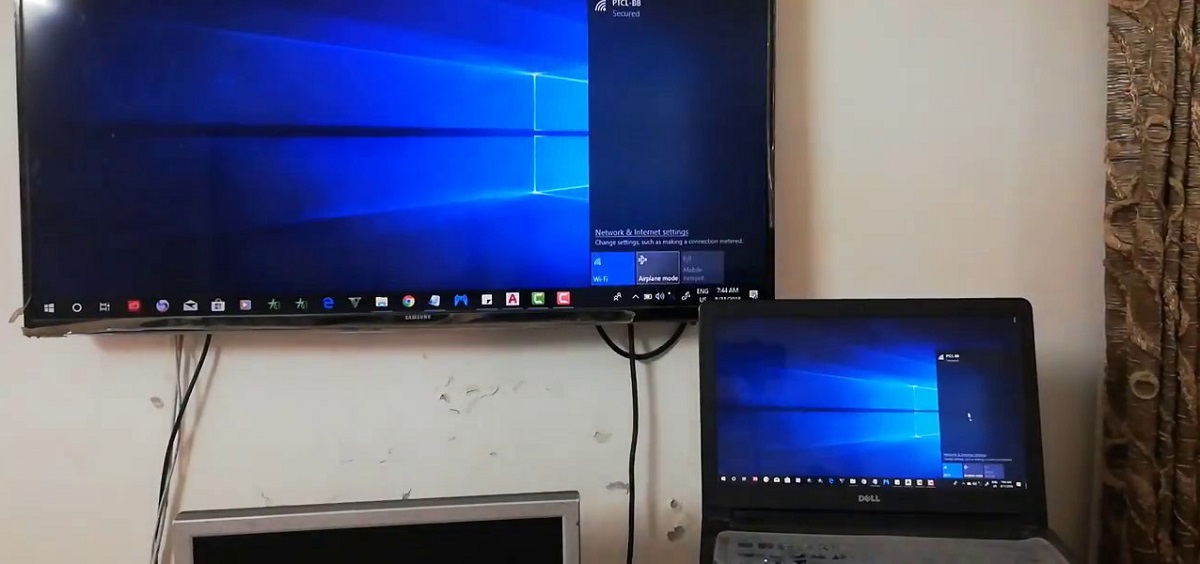
To connect laptop to Samsung TV wirelessly, the easiest modern method is to use Samsung's Smart View app or your laptop's built-in screen mirroring feature. AllShare, the old Samsung software...
If your Vizio Smart TV won’t connect to Wi‑Fi or keeps dropping the connection, the fastest fix is to reset the network on Vizio Smart TV by clearing its saved...
A Firestick works on a non smart TV by plugging directly into the TV's HDMI port, which adds streaming apps and internet connectivity to turn the older display into a...
This website uses cookies so that we can provide you with the best user experience possible. Cookie information is stored in your browser and performs functions such as recognising you when you return to our website and helping our team to understand which sections of the website you find most interesting and useful.
Strictly Necessary Cookies
Strictly Necessary Cookie should be enabled at all times so that we can save your preferences for cookie settings.
If you disable this cookie, we will not be able to save your preferences. This means that every time you visit this website you will need to enable or disable cookies again.