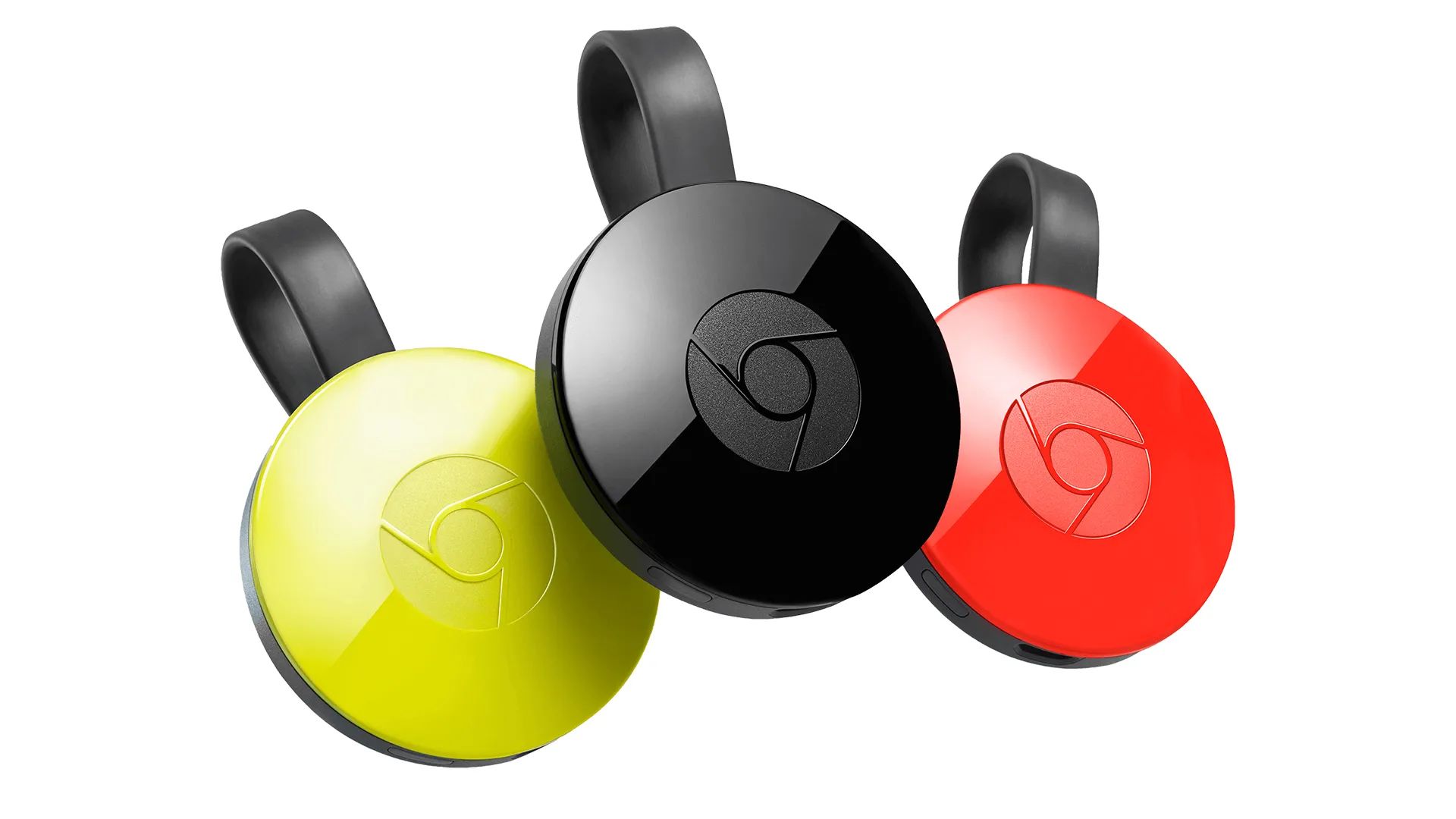
This tag collects 83 practical guides for anyone who uses streaming devices like Roku, Chromecast, or Vizio TVs, and who wants to troubleshoot or customize their setup without calling support or digging through forums. The articles are written for everyday viewers, not IT pros, and cover common annoyances, account management, and hardware quirks that come up during normal use.

A large share of the articles solve connection and display problems, such as getting a Roku onto Wi-Fi when the remote is missing, finding the HDMI port on a Vizio TV, or switching inputs on a Roku TV. Another clear theme is account and subscription housekeeping: changing Netflix accounts, signing out of HBO Max on a TV, logging out of Spotify everywhere, or resetting a Roku PIN. A third group focuses on device recovery and remote control issues, including factory resetting a Chromecast, programming a Roku remote, or reconnecting a TV antenna wirelessly.

Several pieces also address security and legal-alternative angles, for example, explaining how to sign out of Roku TV to protect your profile on shared devices, or how to connect a TV antenna to stream local channels without cable. You’ll find guidance on setting up a Roku account, changing the email linked to it, and even how to adjust the Roku background. The tag does not cover hacking or bypassing protections; instead, it helps you manage your own devices and accounts safely and within terms of service.
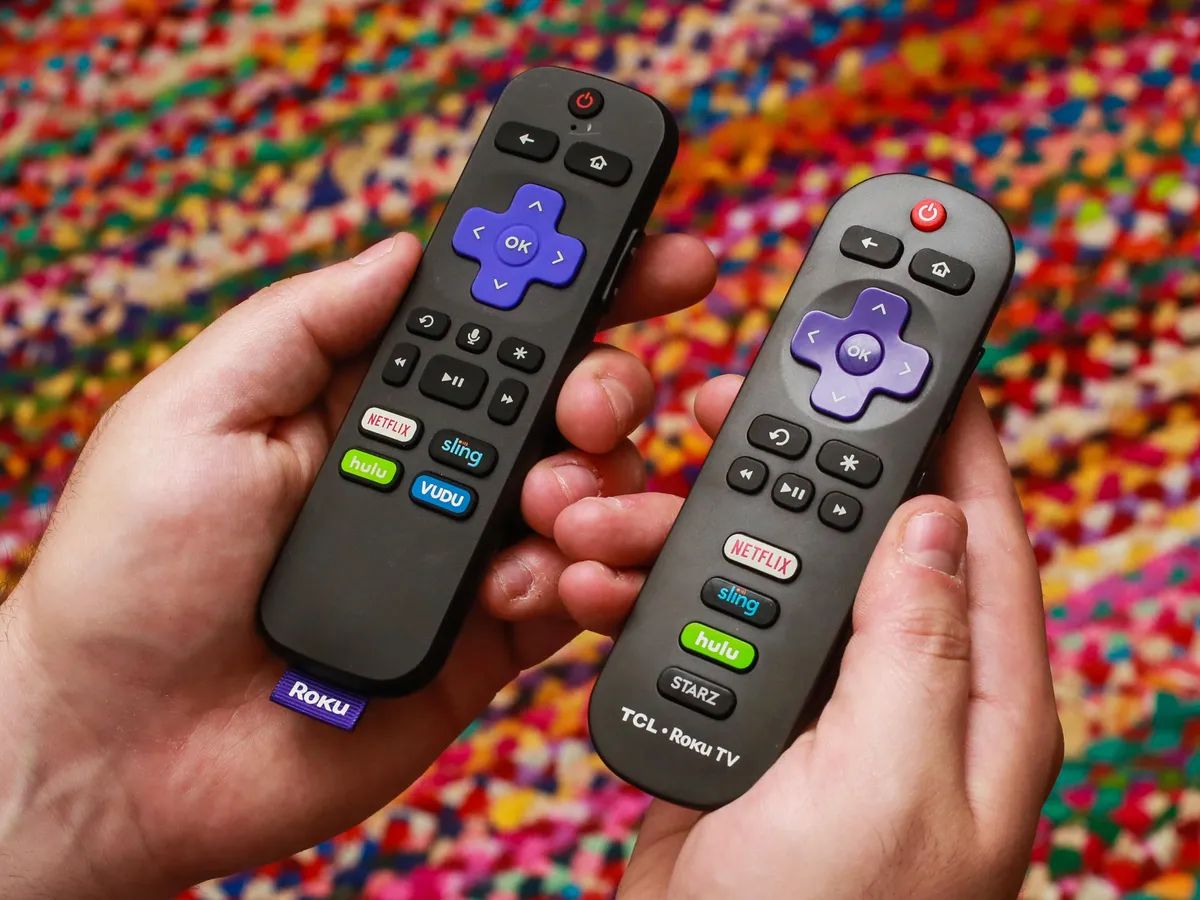
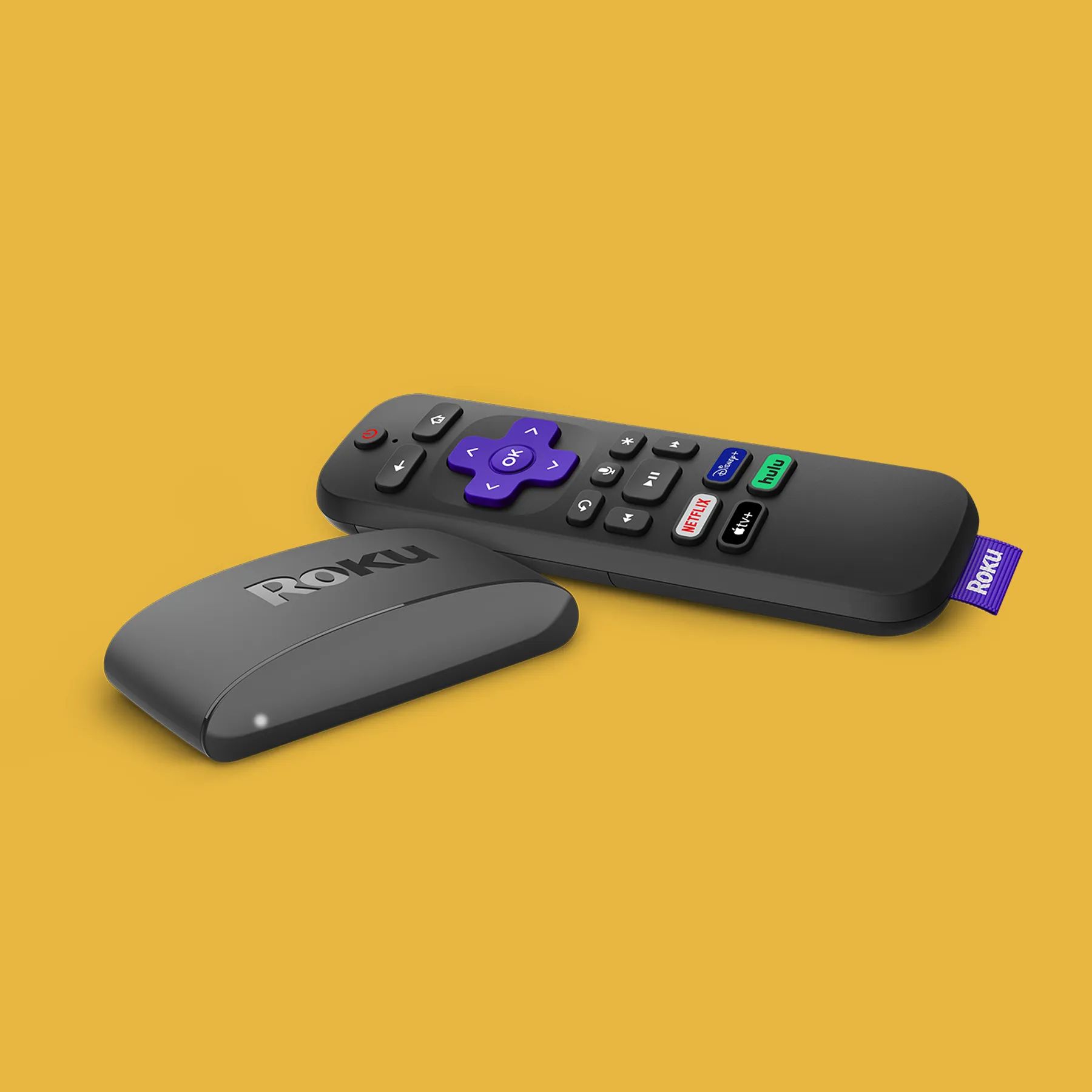
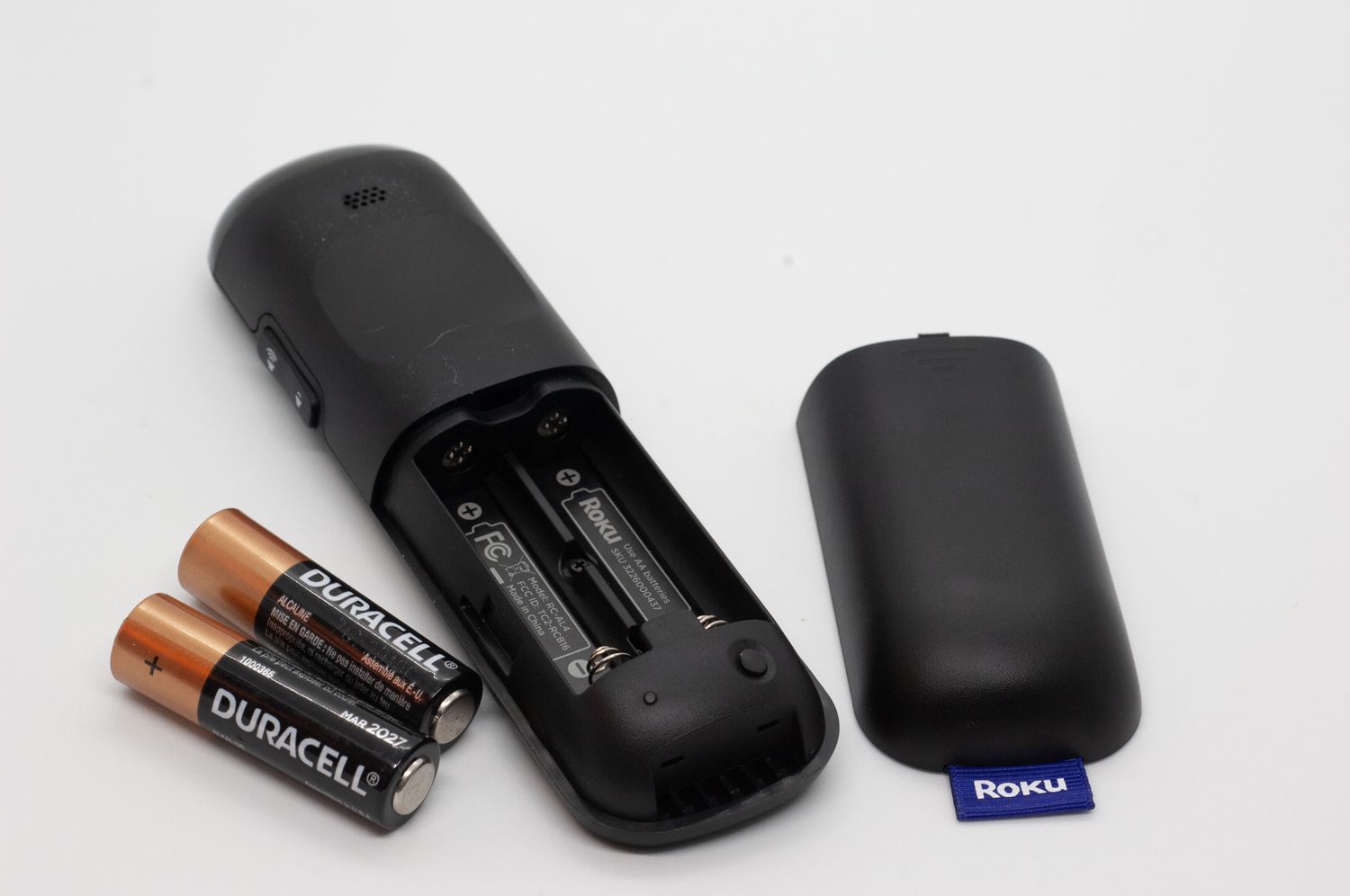
How Many Inches Is A Roku Remote

The standard Roku Simple Remote measures 5.5 inches long, 1.7 inches wide, and 0.8 inches thick, making it the baseline for Roku remote dimensions across the product line. These exact...

Where Can I Buy Roku

You can buy Roku devices directly from the official Roku website or from authorized local retailers in the U.S., Puerto Rico, and the US Virgin Islands. This guide covers where...

How Do You Reset A Roku Remote

To reset a Roku remote, you first need to identify which type you have, then follow the correct procedure for that model. The method to reset a Roku remote differs...

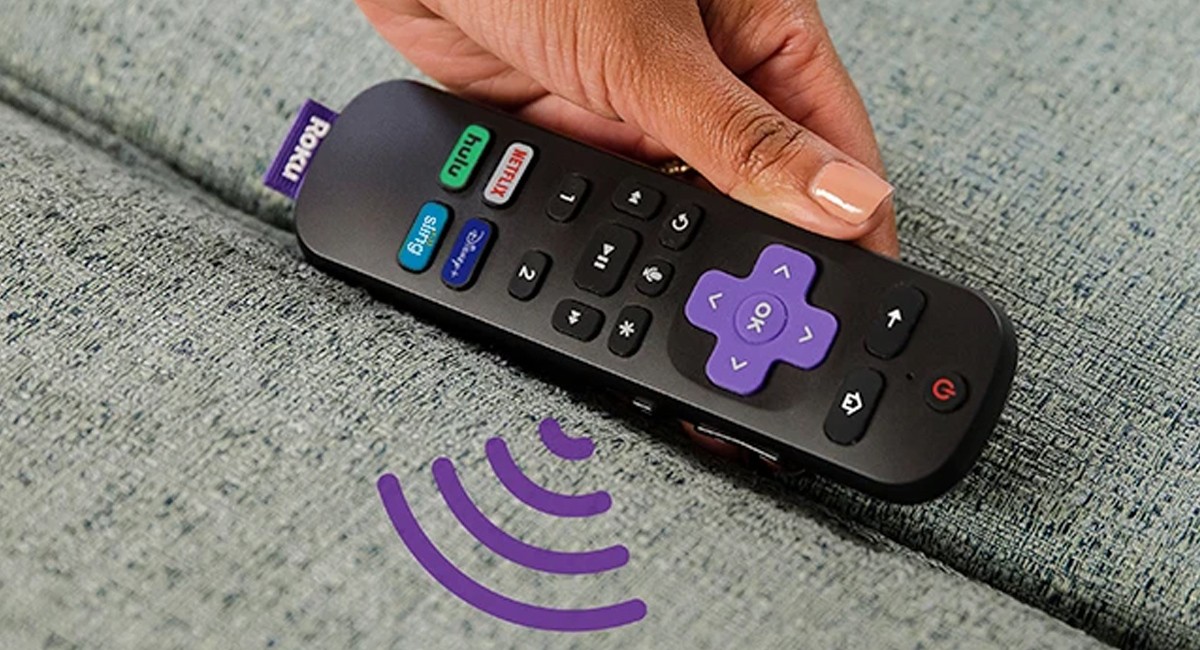
How To Program A Roku Remote

To program a Roku remote, you first need to identify which type you have, as the setup process differs significantly. Simple remotes use infrared (IR) and require no pairing, while...

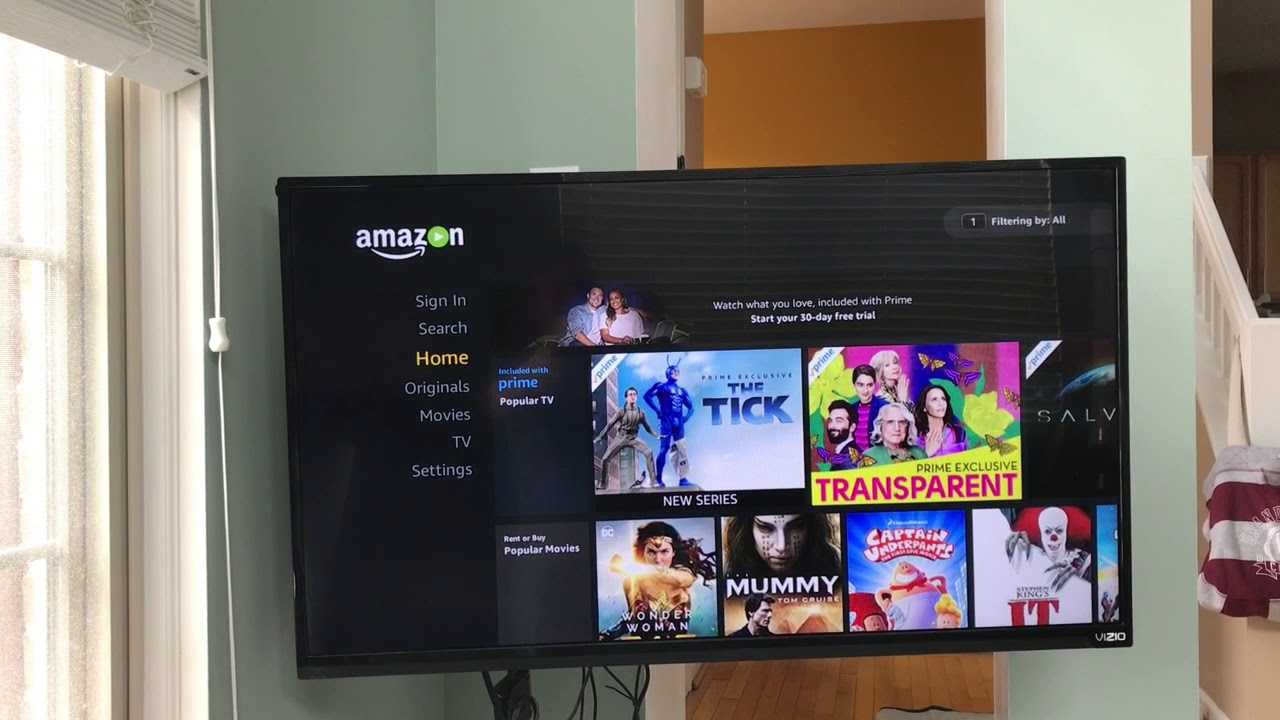
How To Log Into Amazon Prime On TV

To log into Amazon Prime on TV, open the Prime Video app on your smart TV or streaming device and choose a sign-in method. The fastest way is to use...

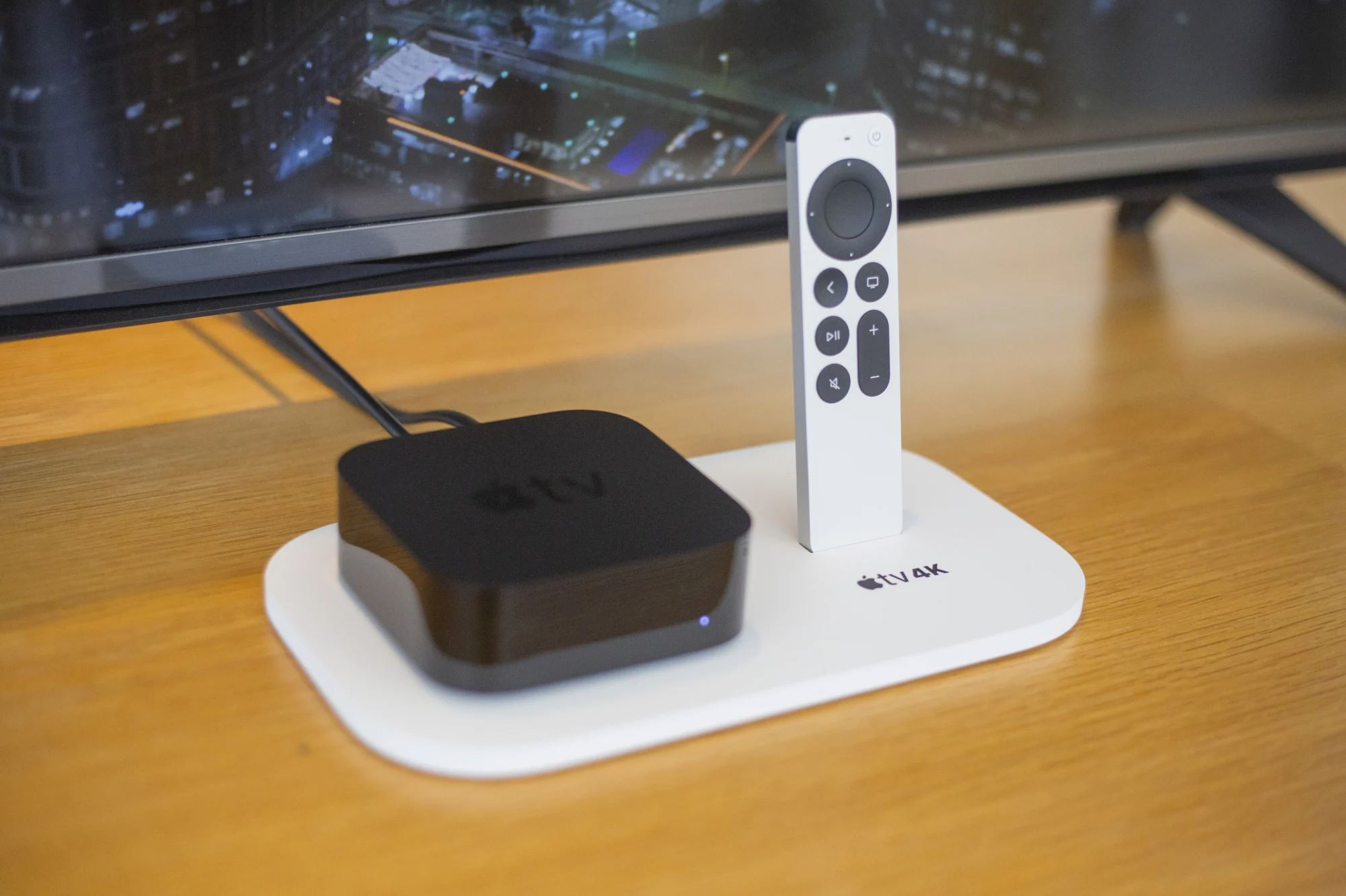
How To Add Apps To Old Apple TV

You cannot add apps to old Apple TV. The 1st, 2nd, and 3rd generation Apple TV models cannot download or install new apps because they do not have an App...

How To Change HDMI On Vizio Tv

To change HDMI on a Vizio TV, press the INPUT button on your remote, then select the HDMI source that matches the port your device is connected to, such as...

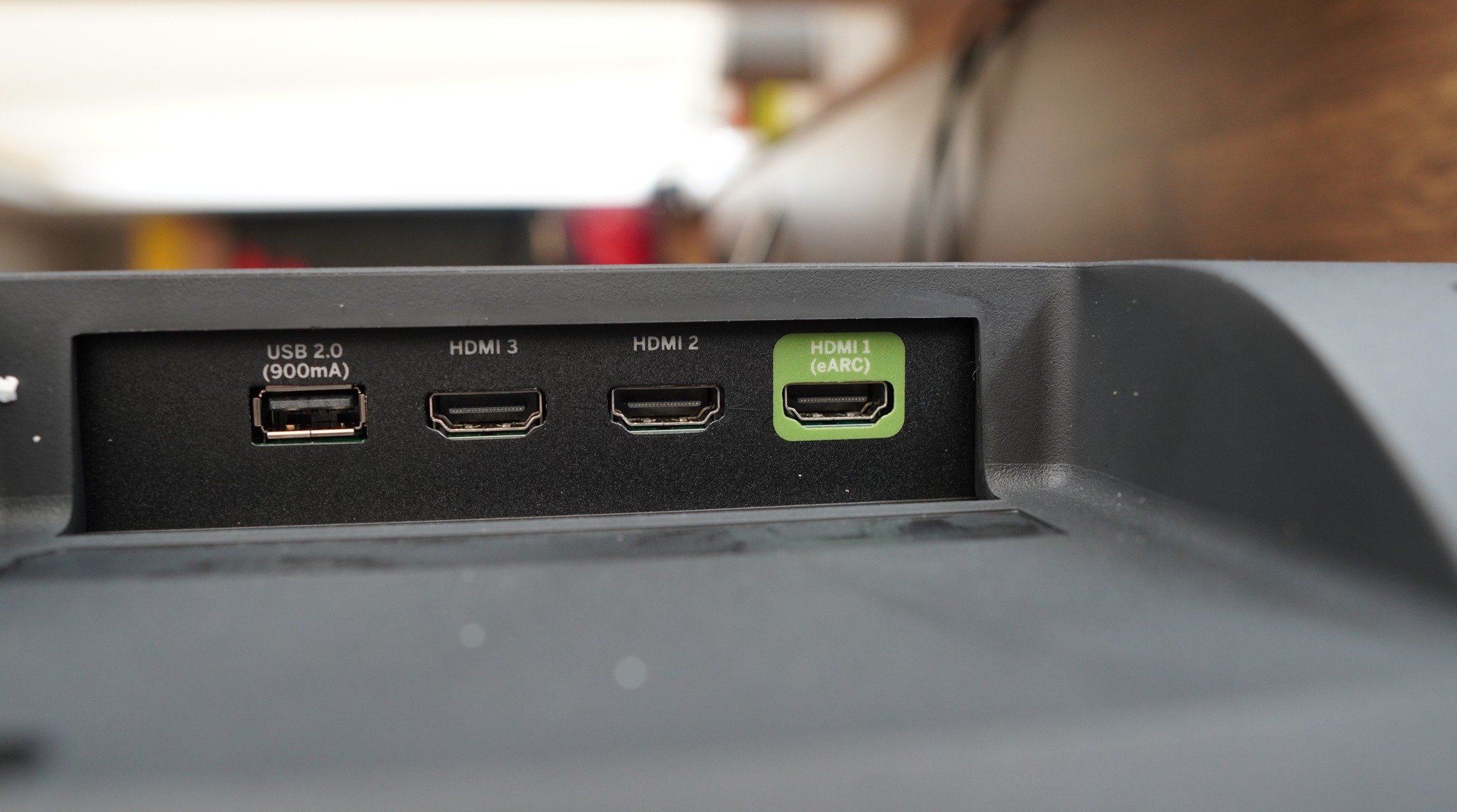
Where Is HDMI Port On Vizio Tv

Where is the HDMI port on a Vizio TV? It is most commonly located on the back panel, in a cluster of input ports. If you do not find it...

How To Watch A&E

Choose how to watch a&e without cable To watch A&E without cable, start by comparing live TV streaming services that carry the channel. Philo is one option. Frndly TV is...

How To Jailbreak A Google Chromecast

How to sideload apps on a Chromecast with Google TV: An introduction To sideload apps on a Chromecast with Google TV, you don't need to perform a traditional jailbreak or...