This tag collects 83 practical guides for anyone who uses streaming devices like Roku, Chromecast, or Vizio TVs, and who wants to troubleshoot or customize their setup without calling support or digging through forums. The articles are written for everyday viewers, not IT pros, and cover common annoyances, account management, and hardware quirks that come up during normal use.
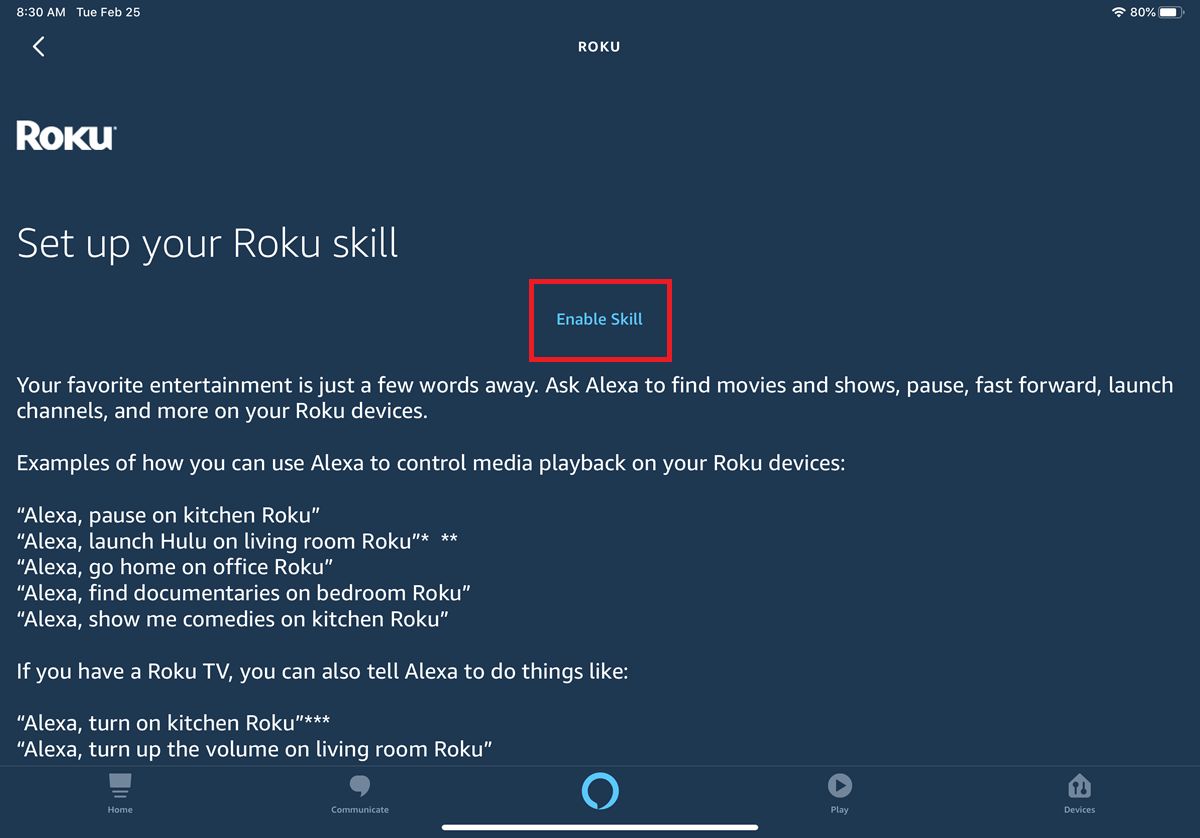
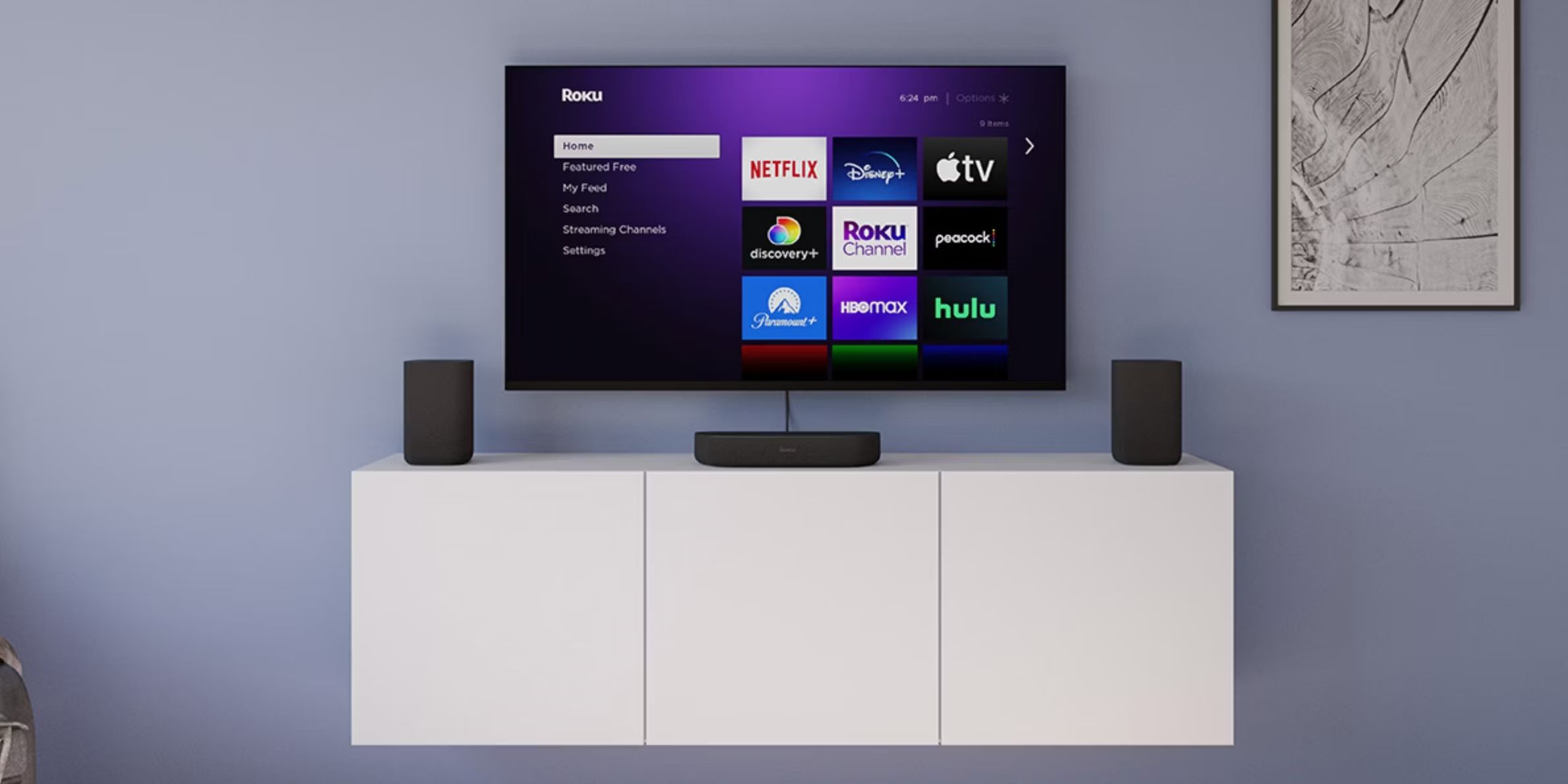
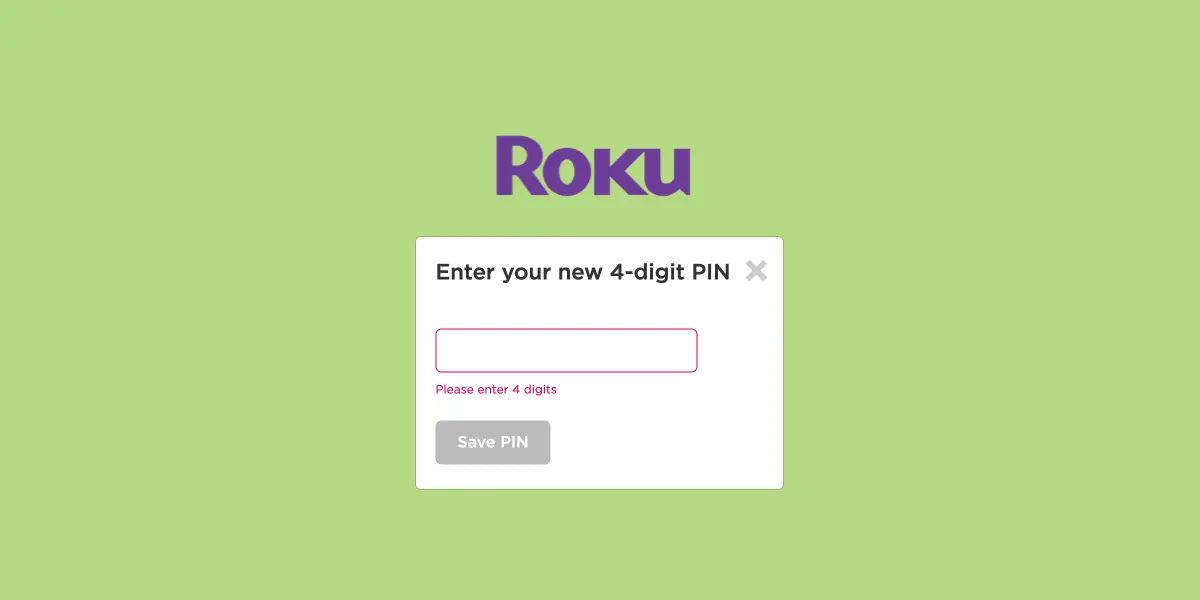
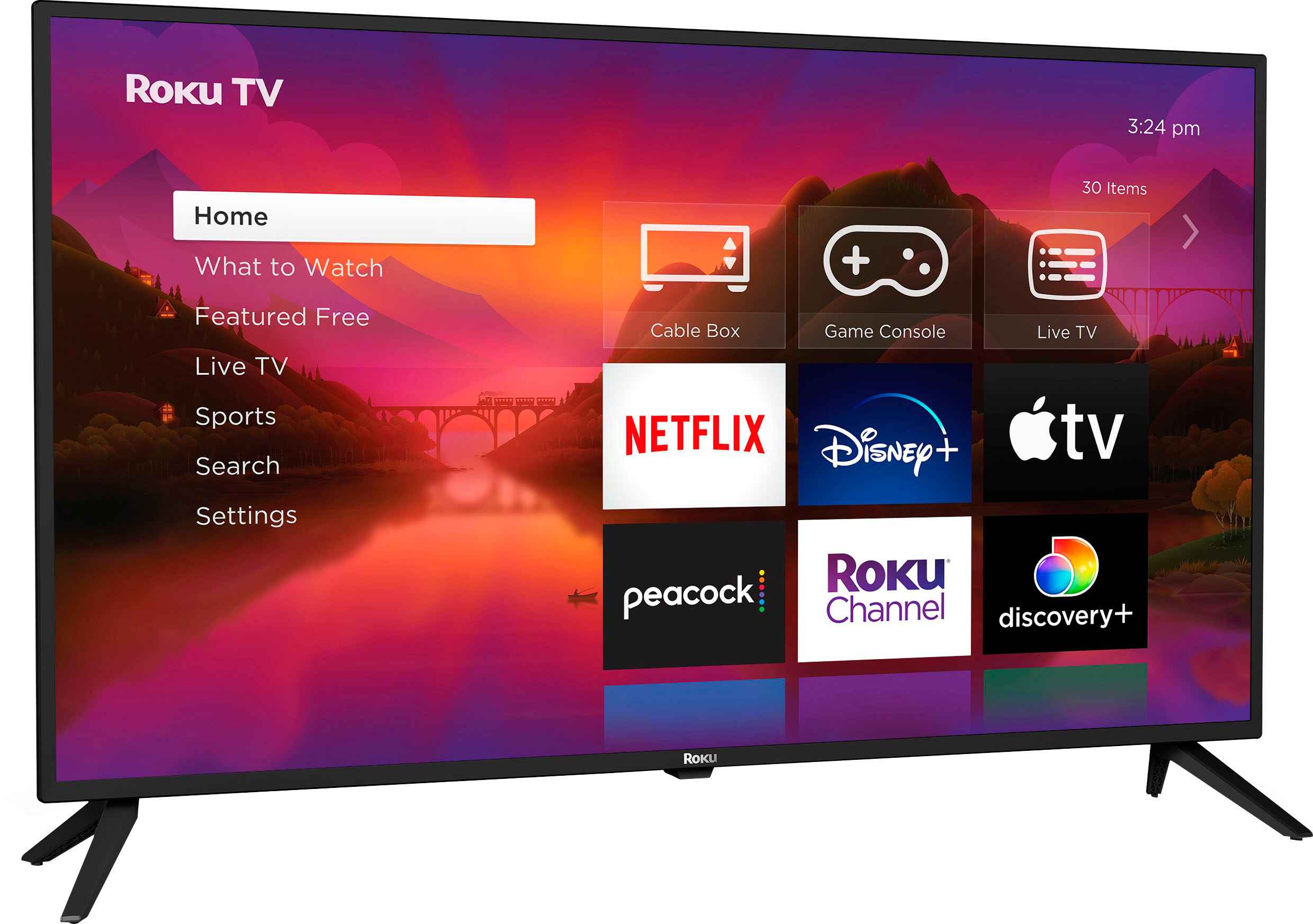
A large share of the articles solve connection and display problems, such as getting a Roku onto Wi-Fi when the remote is missing, finding the HDMI port on a Vizio TV, or switching inputs on a Roku TV. Another clear theme is account and subscription housekeeping: changing Netflix accounts, signing out of HBO Max on a TV, logging out of Spotify everywhere, or resetting a Roku PIN. A third group focuses on device recovery and remote control issues, including factory resetting a Chromecast, programming a Roku remote, or reconnecting a TV antenna wirelessly.
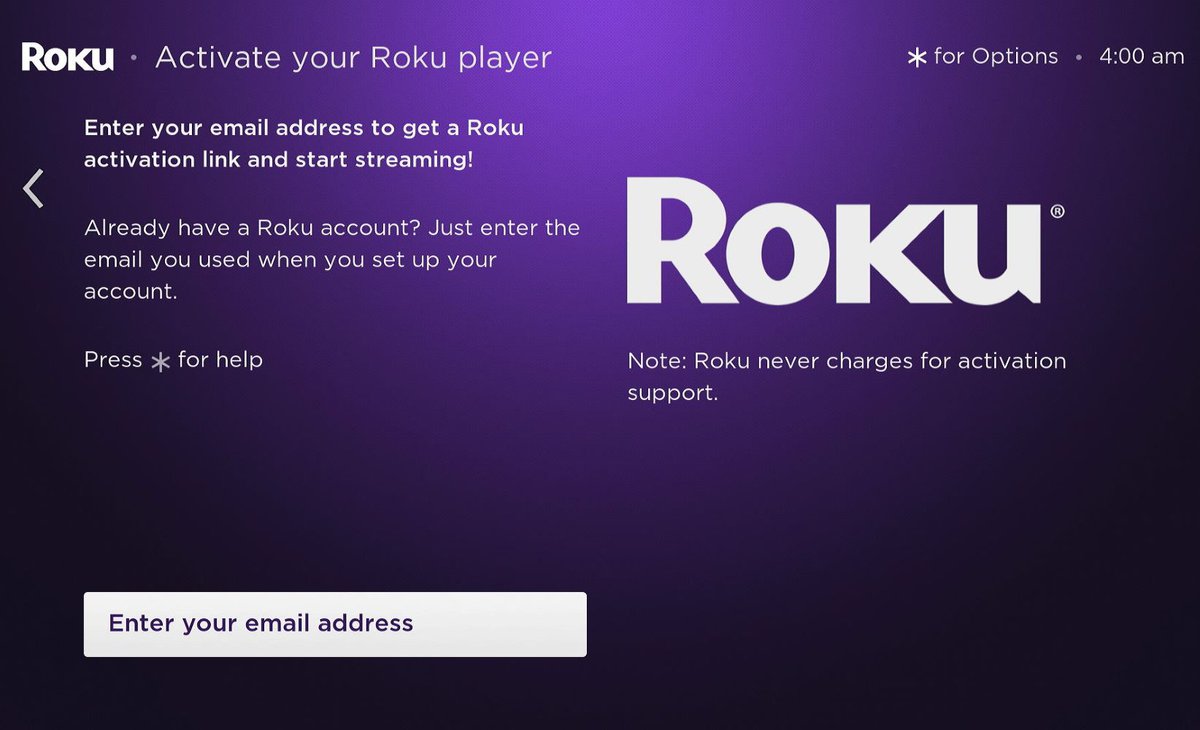
Several pieces also address security and legal-alternative angles, for example, explaining how to sign out of Roku TV to protect your profile on shared devices, or how to connect a TV antenna to stream local channels without cable. You’ll find guidance on setting up a Roku account, changing the email linked to it, and even how to adjust the Roku background. The tag does not cover hacking or bypassing protections; instead, it helps you manage your own devices and accounts safely and within terms of service.