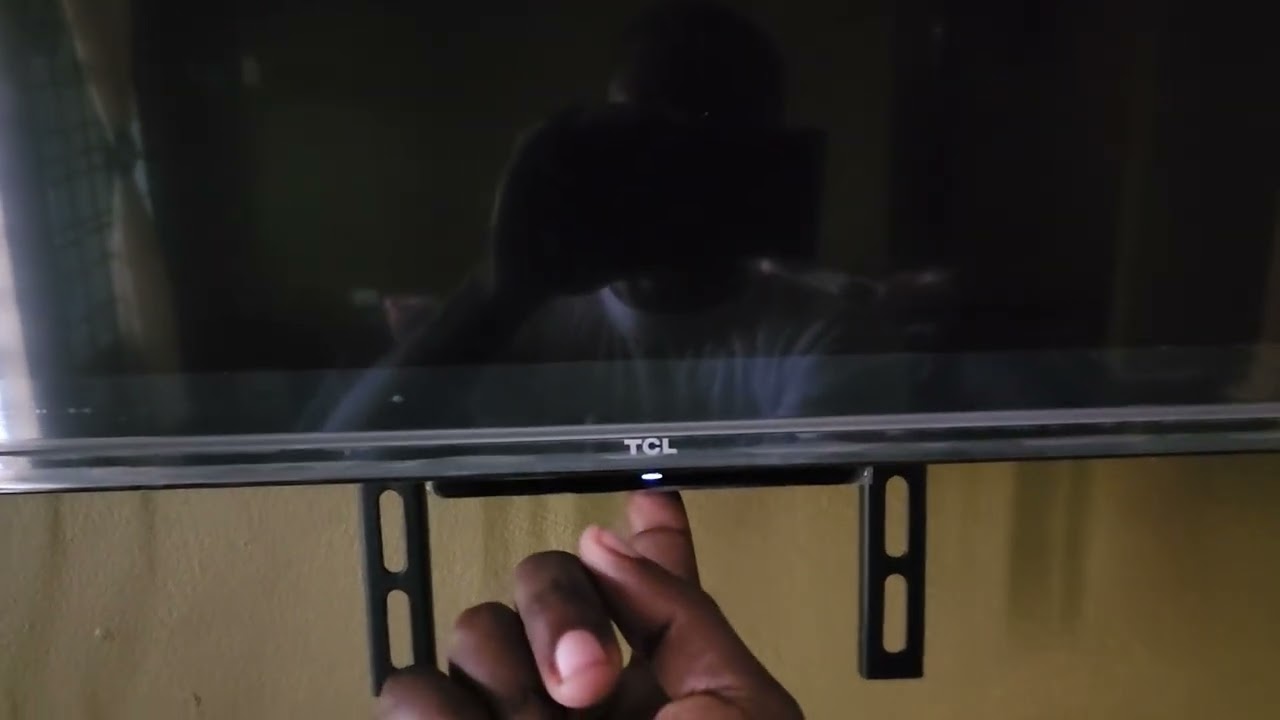
Most TCL Smart TVs have a single multi-function button that serves as the physical control, and the TCL TV buttons location is underneath the panel, centered below the TCL logo...
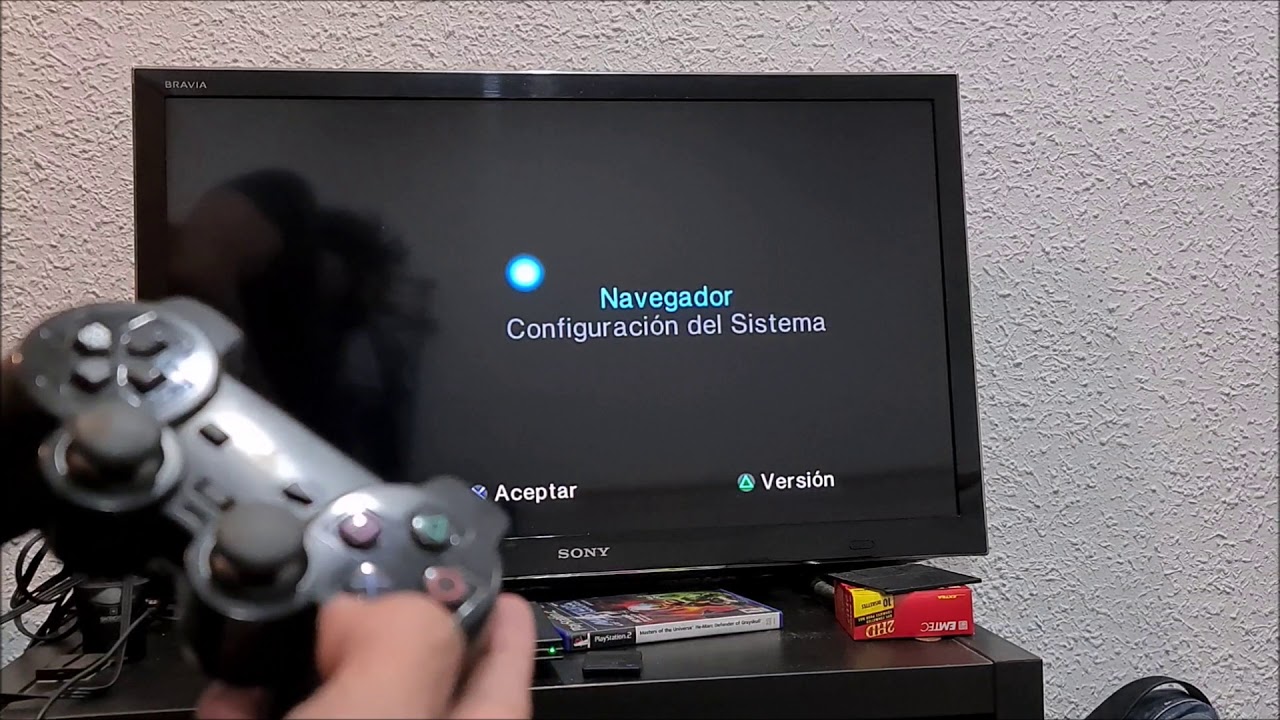
To hook up a PS2 to a smart TV, you have two reliable options: connect the console’s AV cables directly to the TV’s composite input if it has one, or...
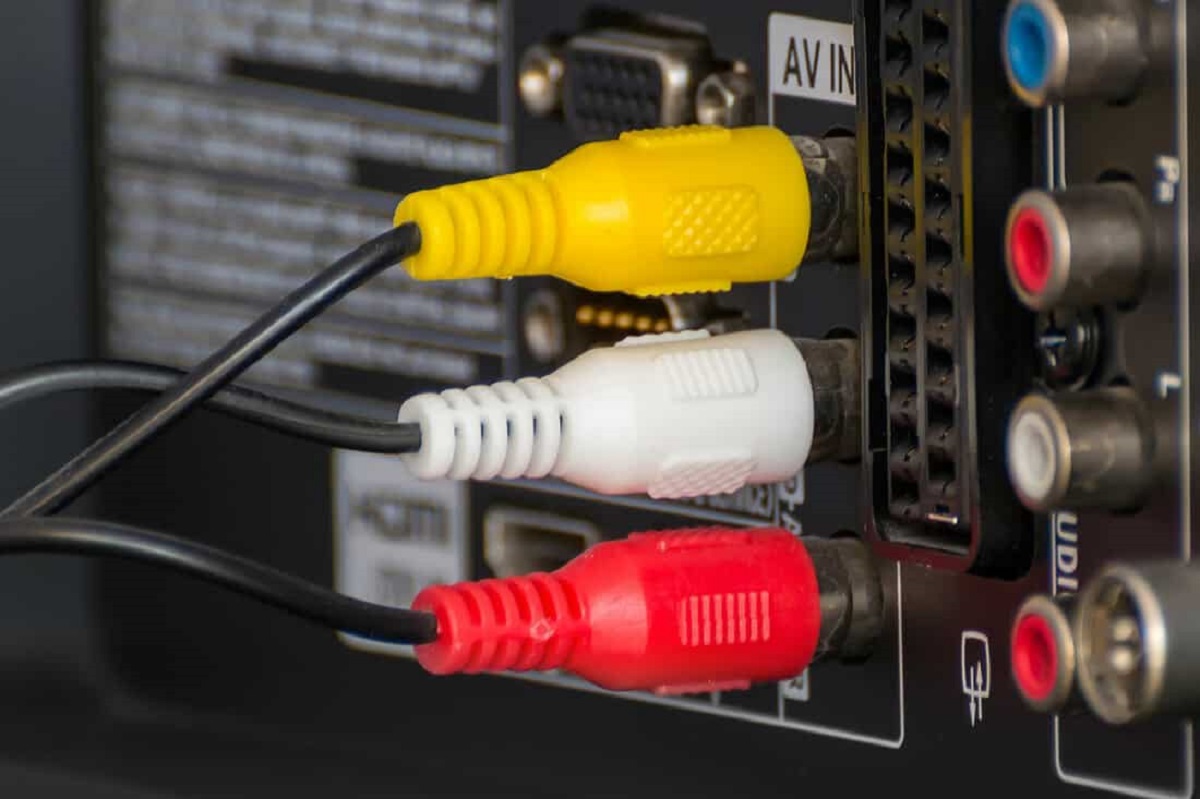
The quickest way to connect your smart TV to an amplifier without HDMI is to use a wired audio cable. For older amplifiers, plug in red and white RCA analog...
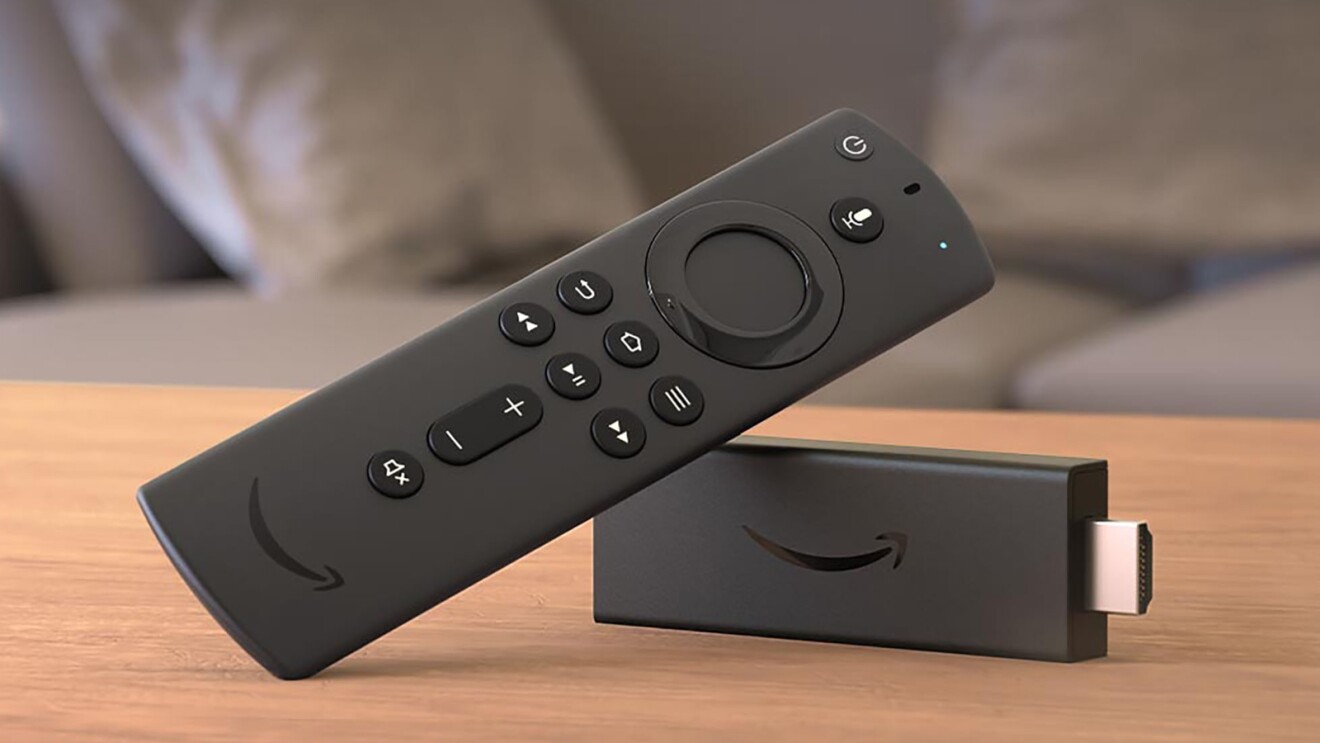
To use a Firestick on a smart TV, plug the device into an available HDMI port, connect the power, and follow the on-screen setup. This guide covers the physical connection,...
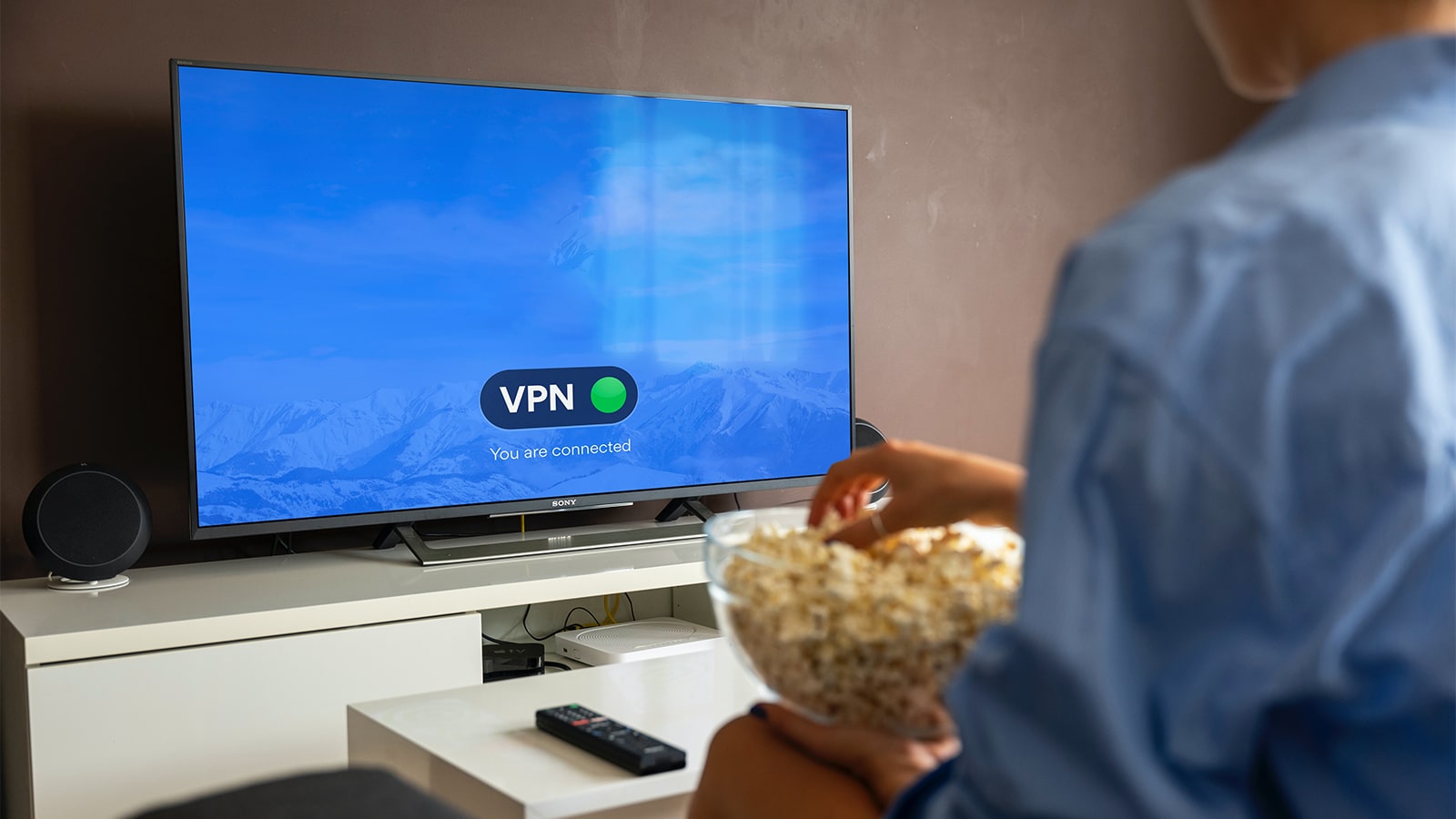
To disable VPN on smart TV, open the VPN app you installed on the TV itself and tap the Disconnect button, that’s the fastest fix for most people. If the...
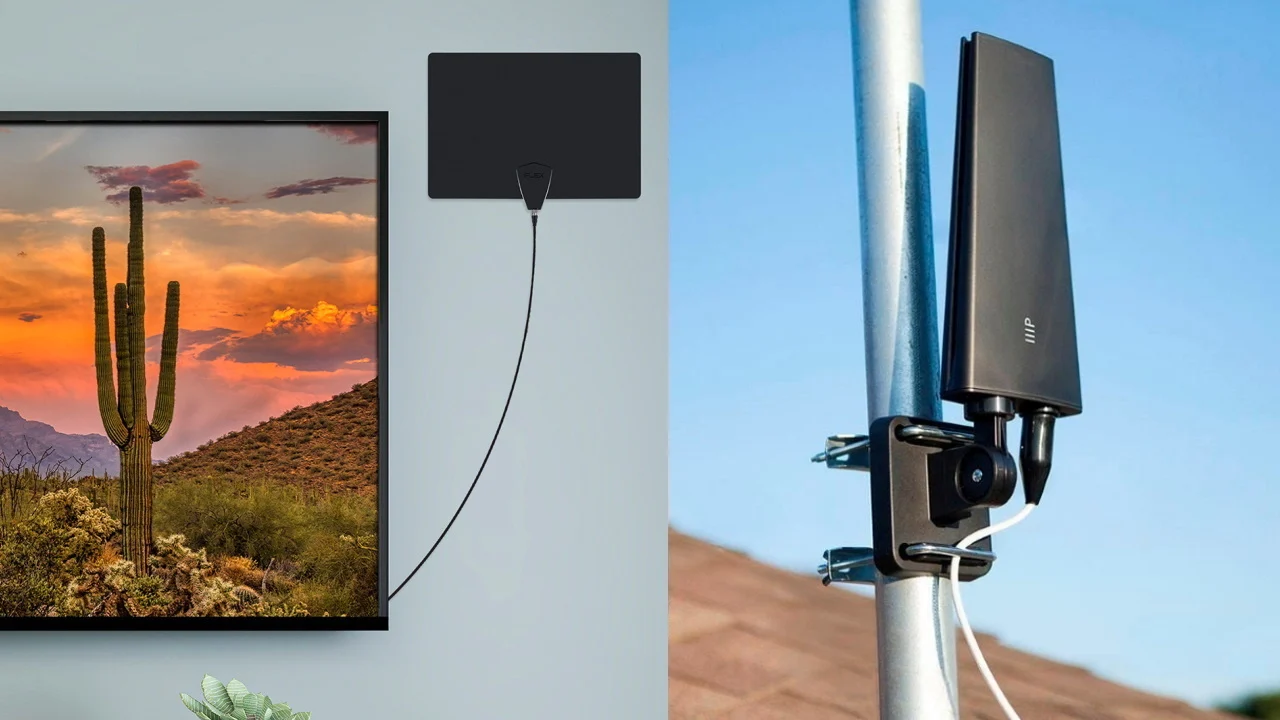
For a Smart TV, you need a standard digital antenna, there is no special “Smart TV antenna” required. The “smart” features (streaming apps, Wi-Fi) are completely separate from the tuner,...
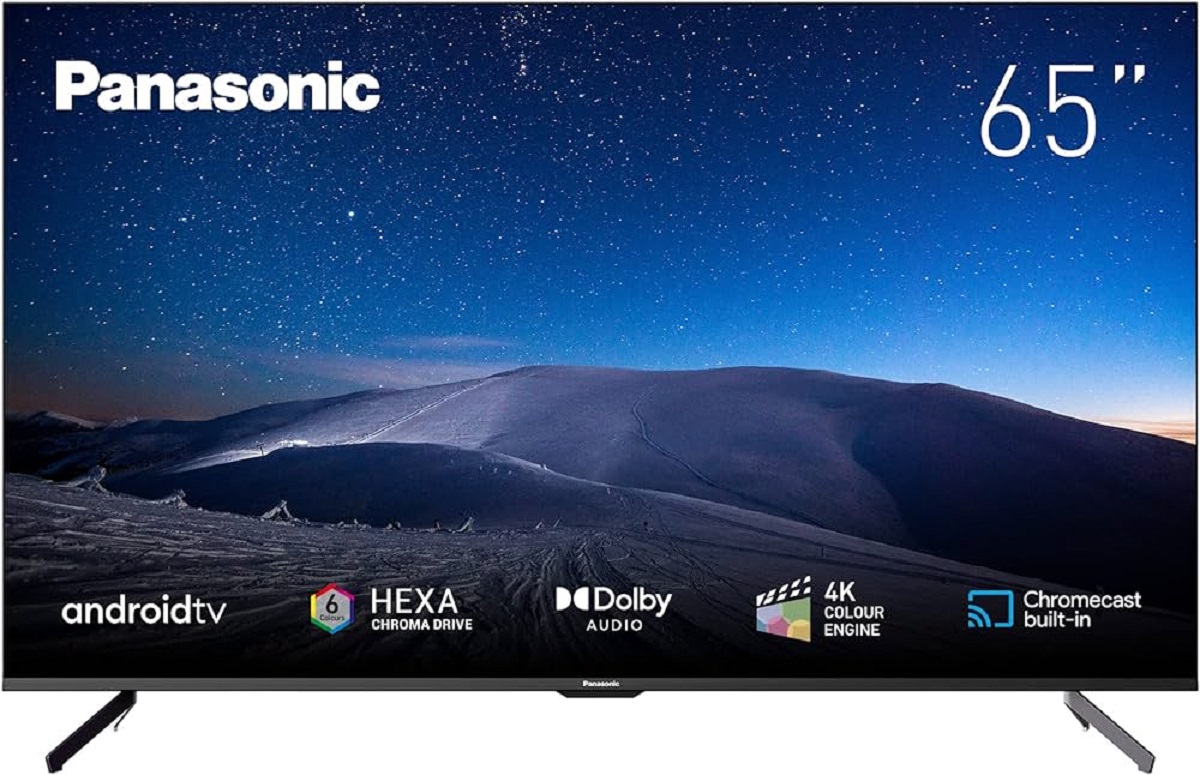
To download apps on Panasonic smart TV, you need to press the APPS or Home button on your remote, open the app store for your TV’s operating system, and select...
To get Christmas Plus on your Smart TV, you can install the free app directly from your TV's native app store, use a streaming device, or cast from your phone....
To get Paramount Network on your smart TV, you need to install the free Paramount Network app and then activate it using your existing cable or satellite TV provider login....
Fix a stretched or wrong-size picture with zoom on smart TV Before you try to zoom on smart TV, if you see a TV picture looking stretched or distorted, the...
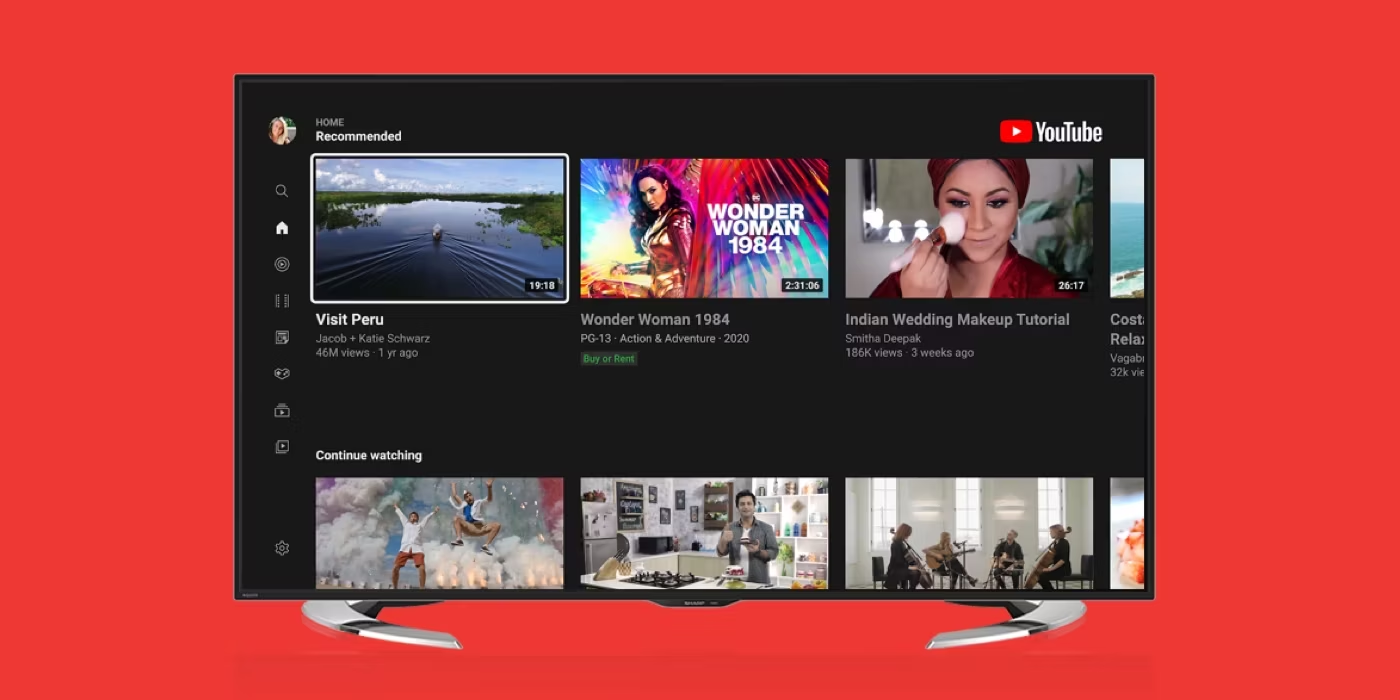
To sign out of YouTube on your smart TV, open the YouTube app, navigate to the left menu, select your profile picture or account icon, choose the account you want...
This website uses cookies so that we can provide you with the best user experience possible. Cookie information is stored in your browser and performs functions such as recognising you when you return to our website and helping our team to understand which sections of the website you find most interesting and useful.
Strictly Necessary Cookies
Strictly Necessary Cookie should be enabled at all times so that we can save your preferences for cookie settings.
If you disable this cookie, we will not be able to save your preferences. This means that every time you visit this website you will need to enable or disable cookies again.