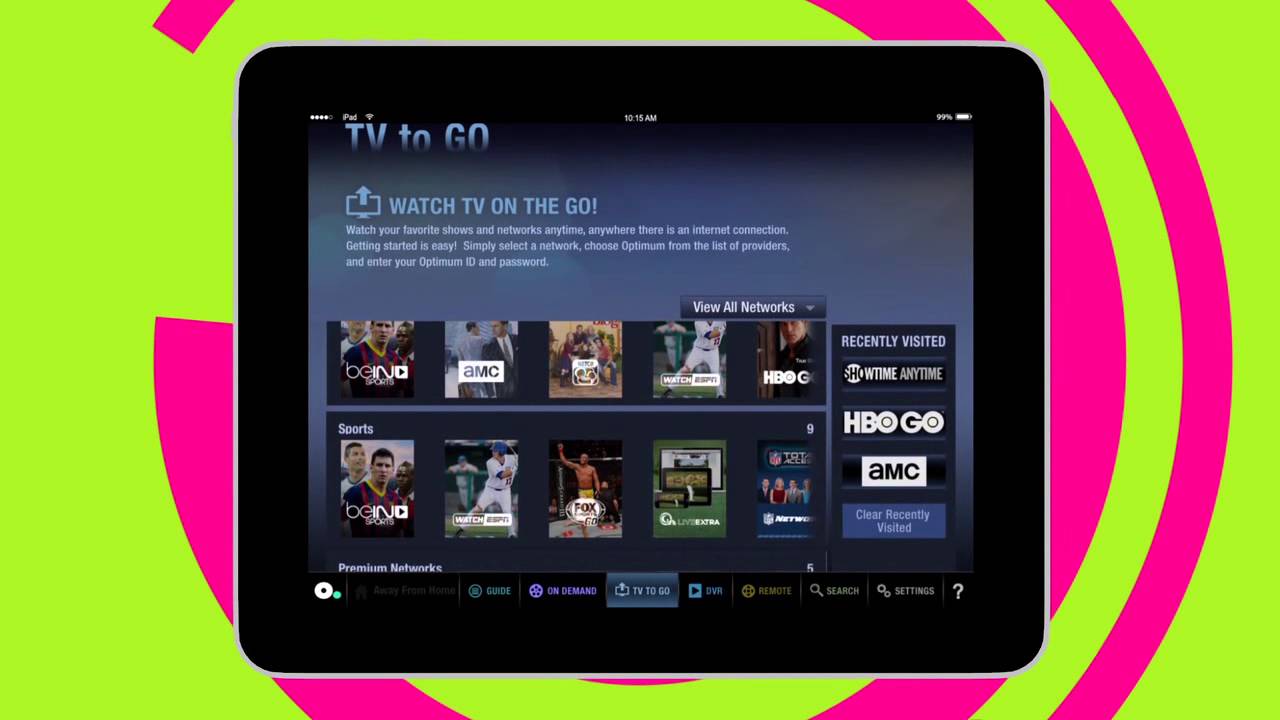
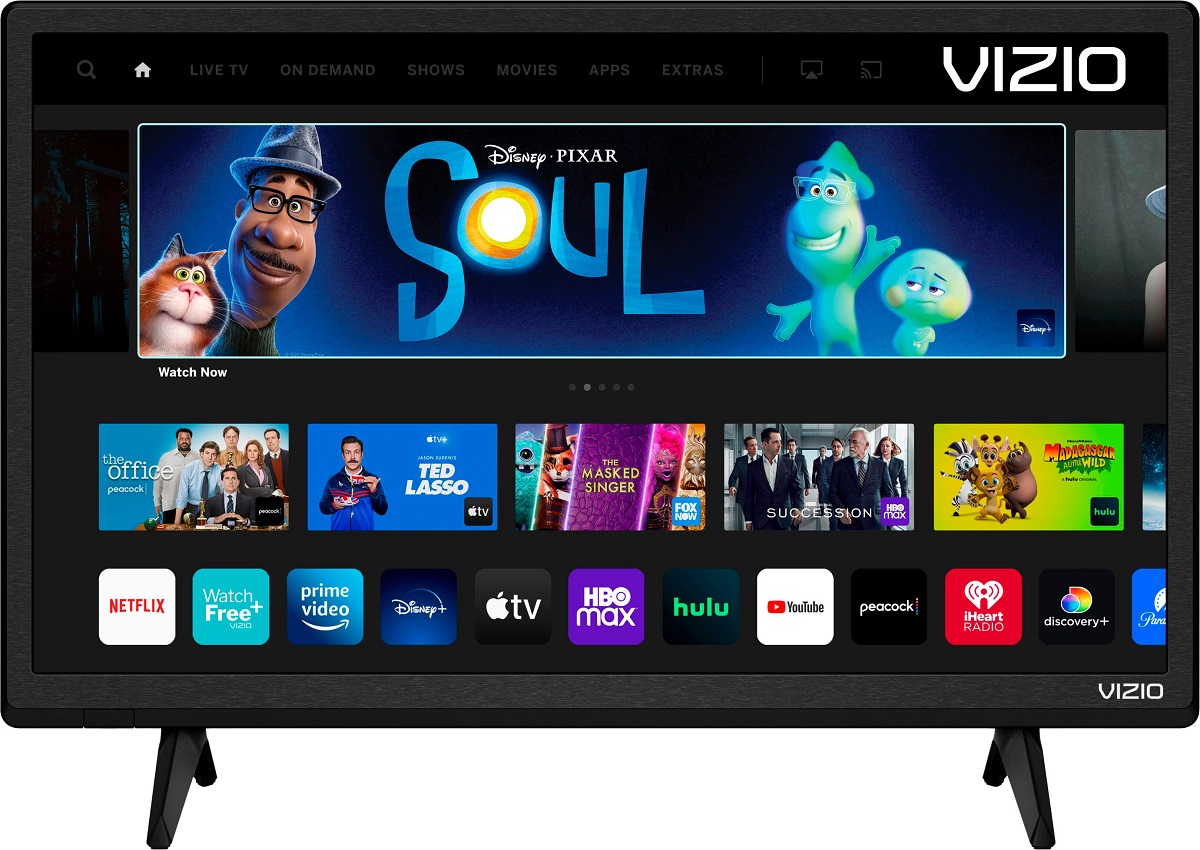
To stream Optimum on a smart TV, you have two direct options: use the Optimum TV app on an Apple TV or connect the dedicated Optimum Stream device to your...
To browse the internet on your Samsung Smart TV, press the Smart Hub button on your remote control, navigate to the Web Browser app, and press Enter. Once the browser...
If you're wondering how much is a 32 inch smart TV, the direct answer is that you'll typically pay anywhere from under $100 to around $250 for most models, with...
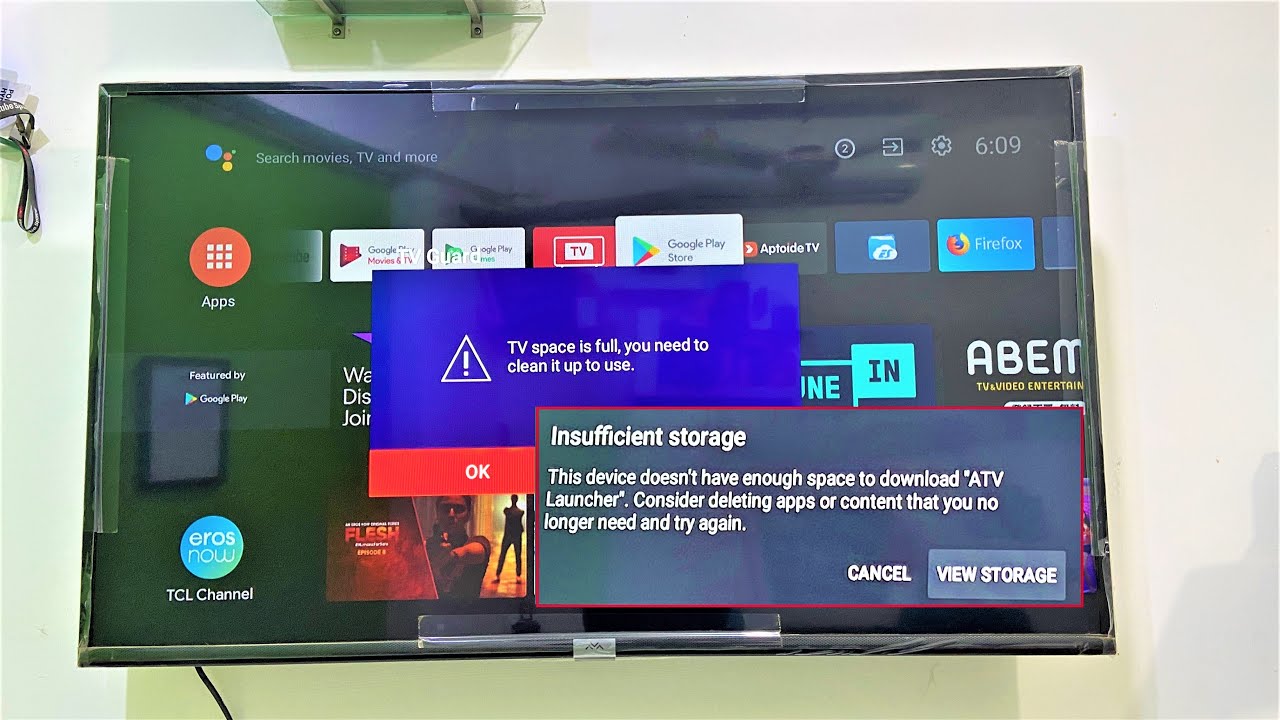
To free up memory on a smart TV, you need to clear cached data, remove apps you no longer use, and delete downloaded files that are eating up internal storage....
First, make sure you're looking for the right app to get Paramount Plus To get Paramount Plus on my smart TV, the first thing to check is whether you are...
To pair LG smart TV remote automatically, simply turn on your TV, insert fresh batteries into the remote, wait about 20 seconds, then point the remote at the TV and...
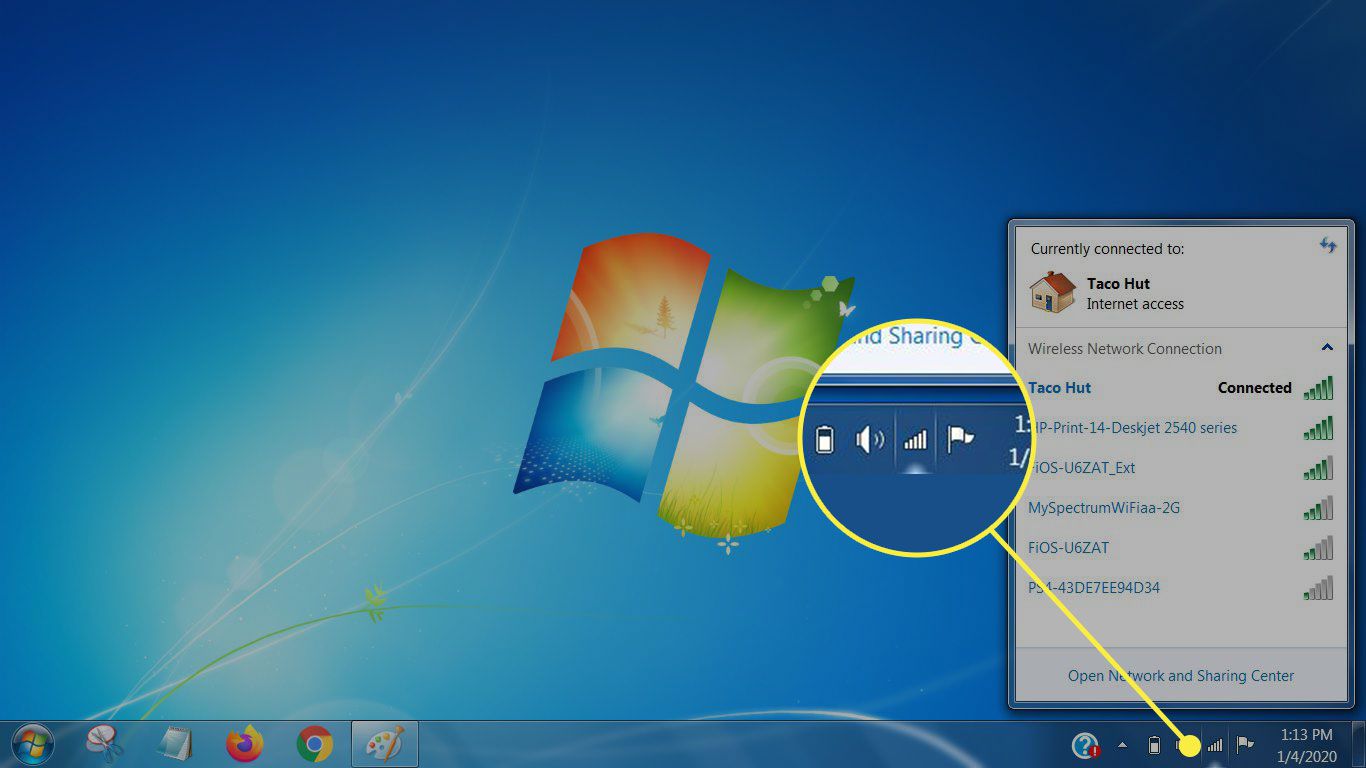
To connect smart TV to wifi with login, you need to handle a captive portal, a network that requires you to sign in through a web page before granting internet...
You cannot see the Wi-Fi password on most smart TVs from Samsung, Sony, LG, and Roku because their operating systems hide it for security reasons. Instead of searching for a...
If your LG smart TV won't connect to the internet, the problem is almost always a temporary network glitch, an incorrect settings entry, or outdated firmware, not a dead TV....
You can quickly tell if your Vizio TV is a smart TV by checking for built-in internet connectivity and pre-installed streaming apps. If your Vizio TV has a Wi-Fi or...
To browse internet on Vizio Smart TV, you need to know that Vizio TVs do not have a built-in web browser. Because the TV is designed for streaming apps and...
This website uses cookies so that we can provide you with the best user experience possible. Cookie information is stored in your browser and performs functions such as recognising you when you return to our website and helping our team to understand which sections of the website you find most interesting and useful.
Strictly Necessary Cookies
Strictly Necessary Cookie should be enabled at all times so that we can save your preferences for cookie settings.
If you disable this cookie, we will not be able to save your preferences. This means that every time you visit this website you will need to enable or disable cookies again.