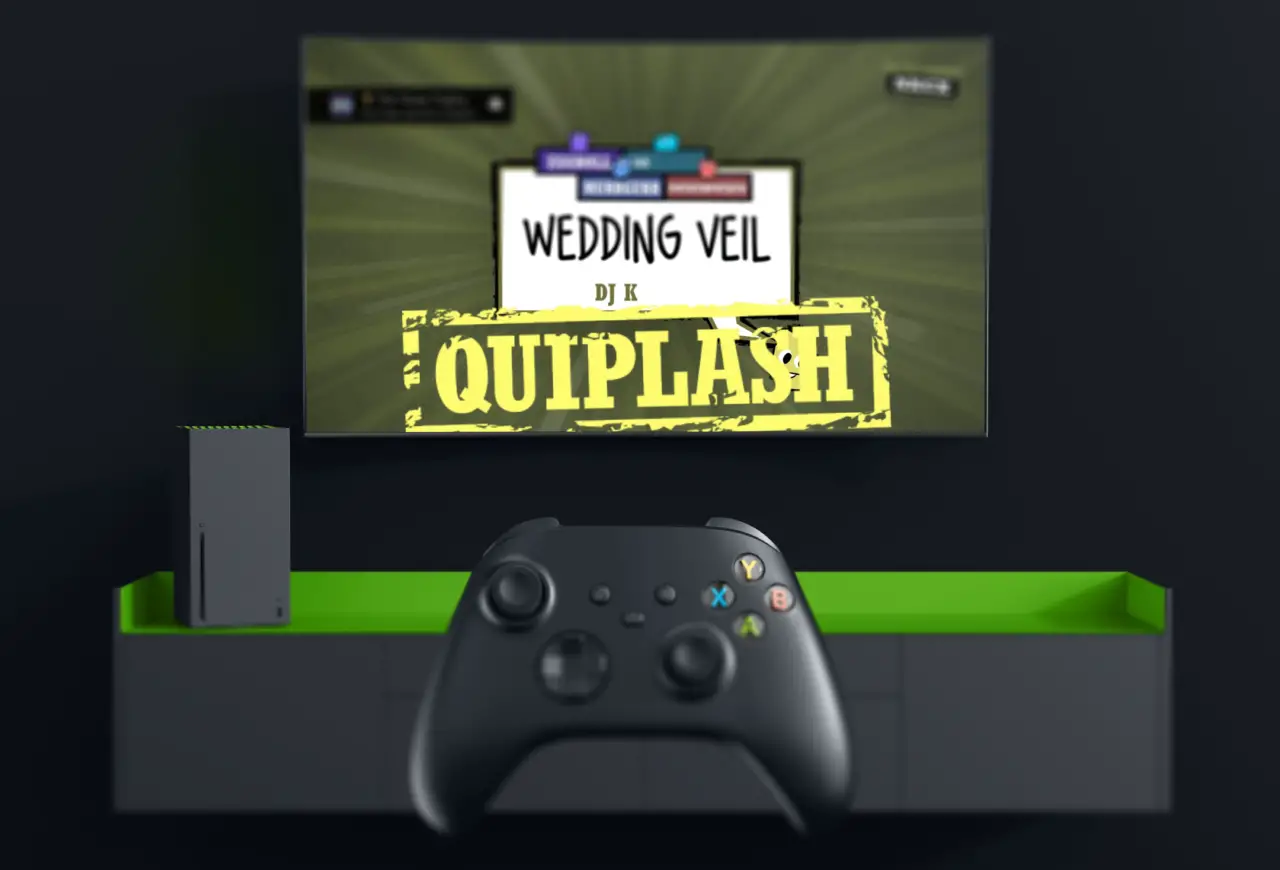
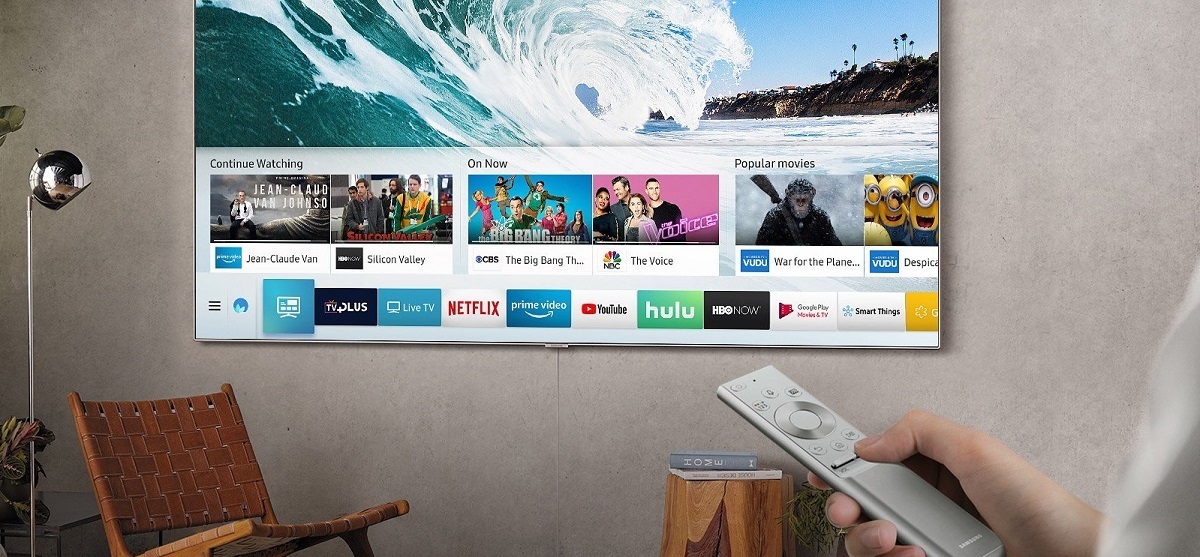
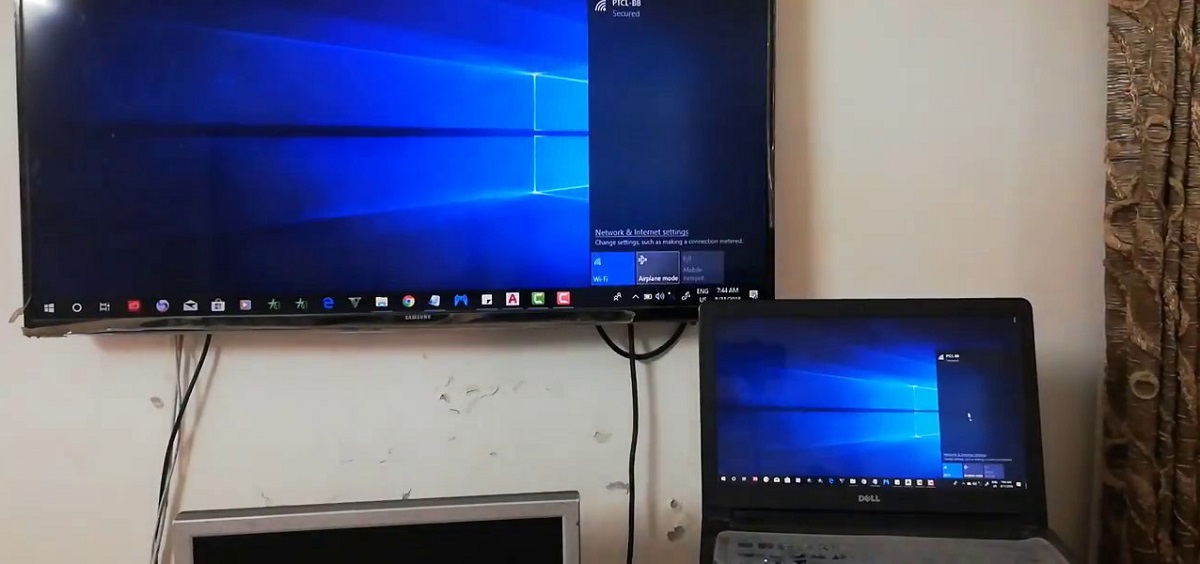
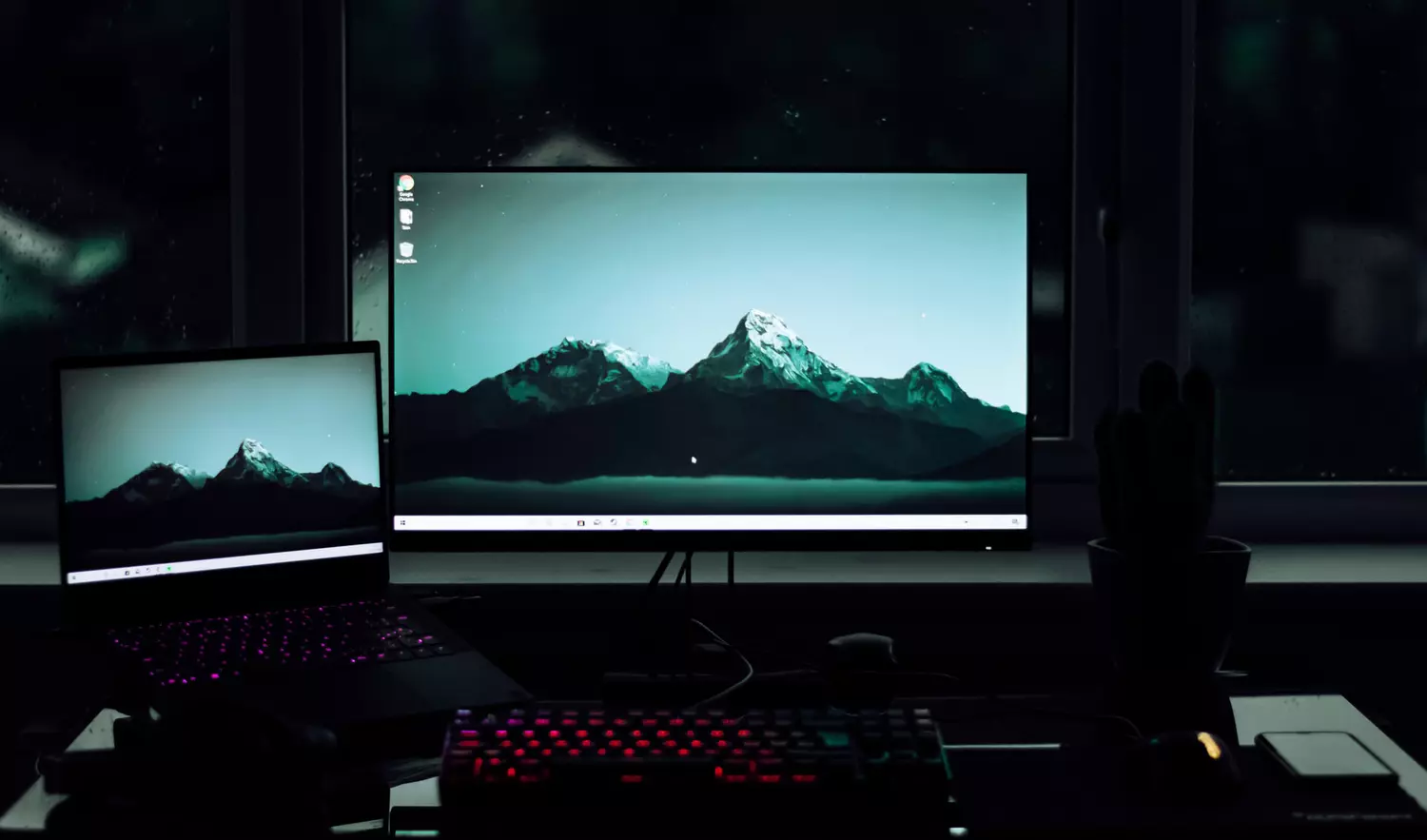
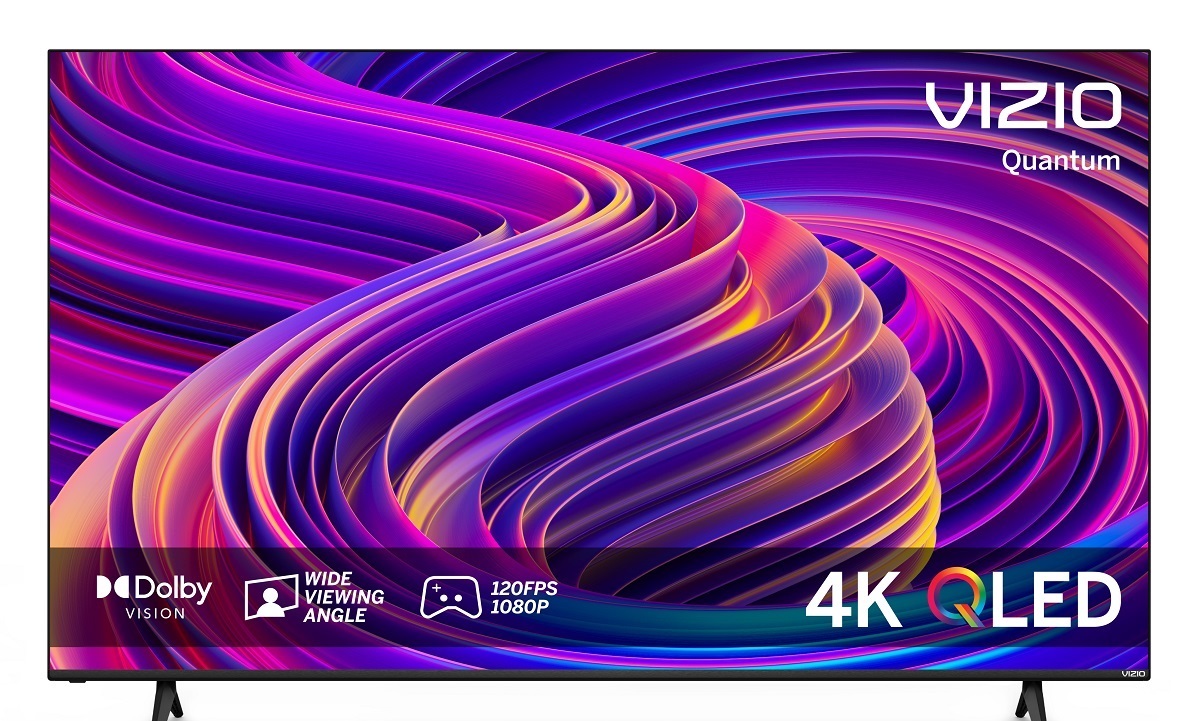
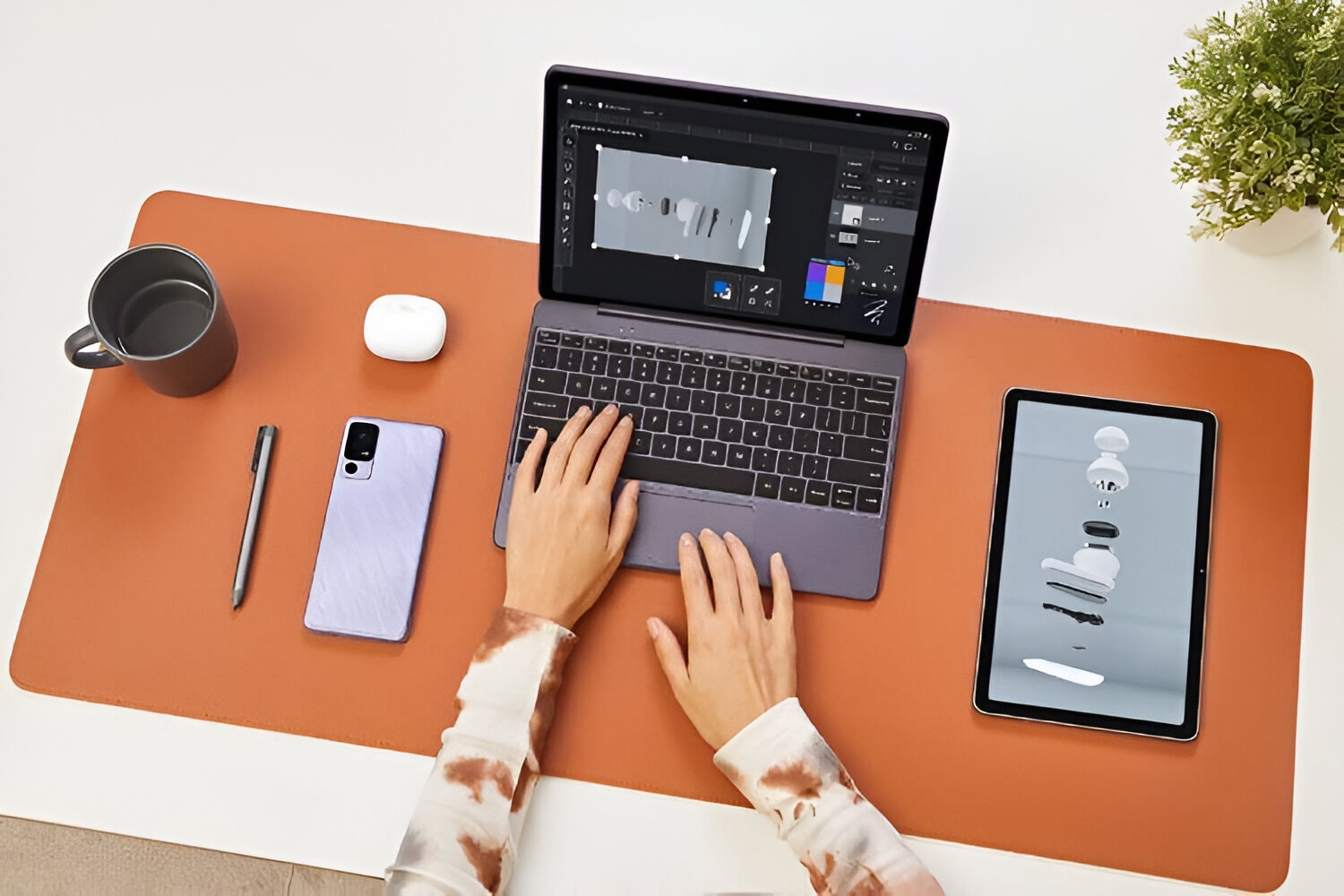
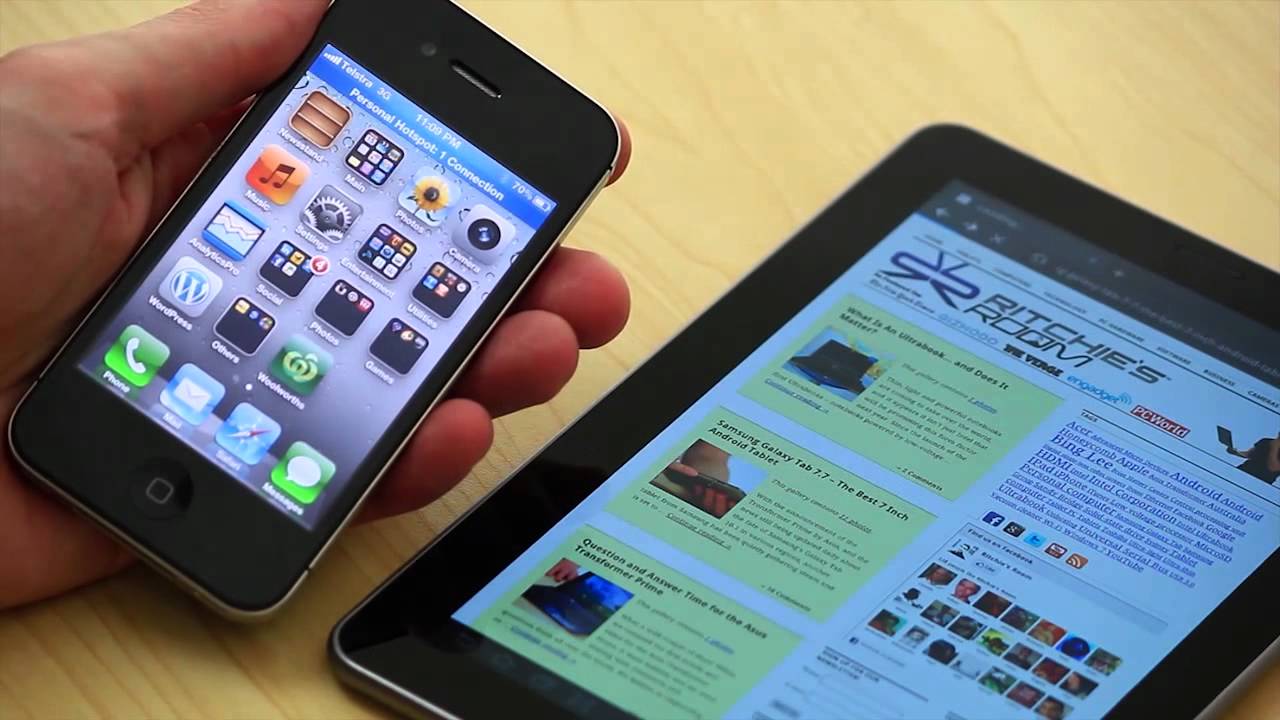
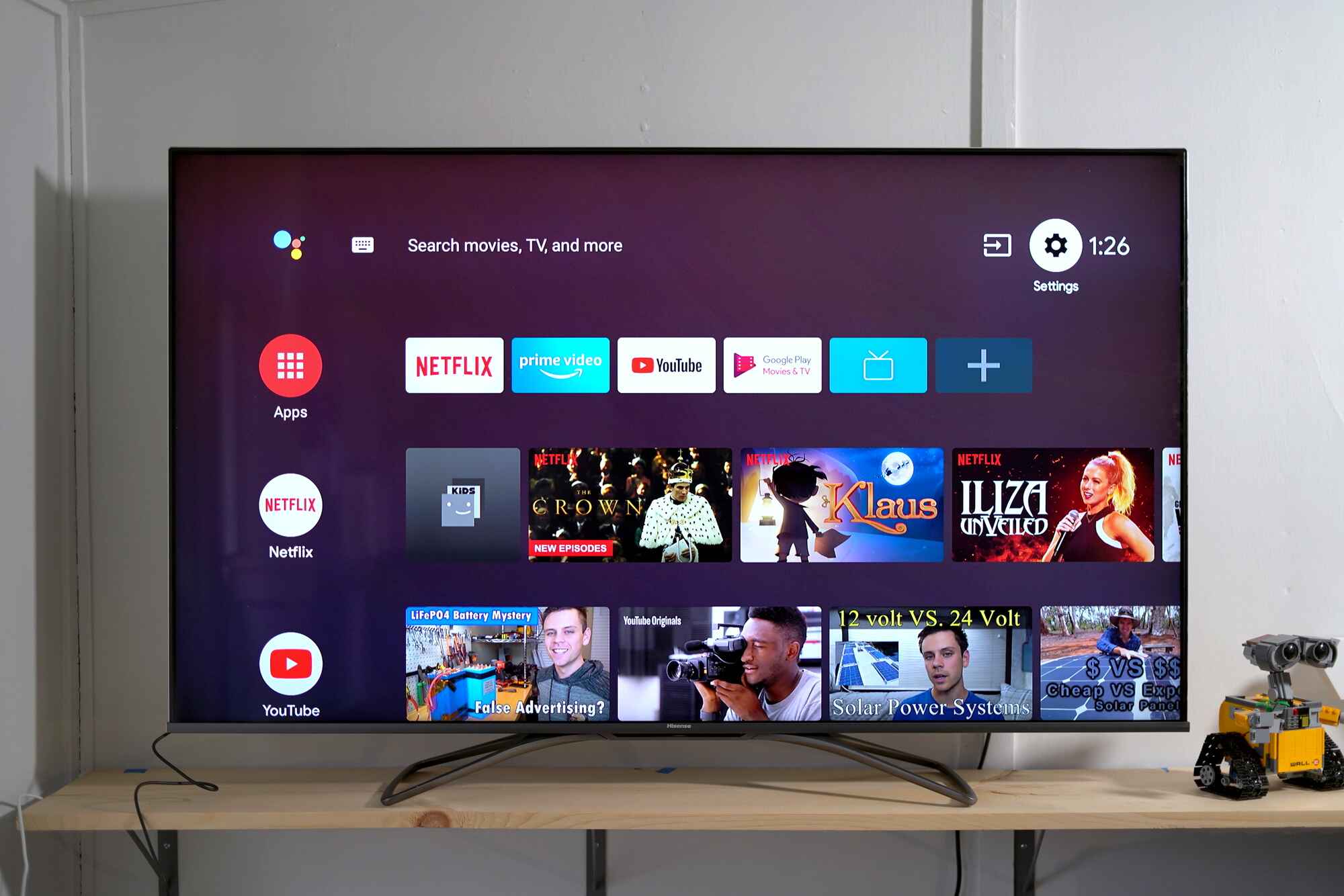
To play Quiplash on your smart TV, you need to display the game on your television screen while using your phone or tablet as a controller. Since a standalone 'Quiplash'...
To stream video from PC to Samsung smart TV, you don't need extra hardware or a discontinued app, modern Samsung TVs have wireless mirroring (Miracast for Windows, AirPlay 2 for...
You can’t connect a laptop to a Samsung Smart TV via Bluetooth for screen mirroring, Bluetooth on these TVs simply isn’t built for video. To connect a laptop to a...
To connect laptop to Samsung TV wirelessly, the easiest modern method is to use Samsung's Smart View app or your laptop's built-in screen mirroring feature. AllShare, the old Samsung software...
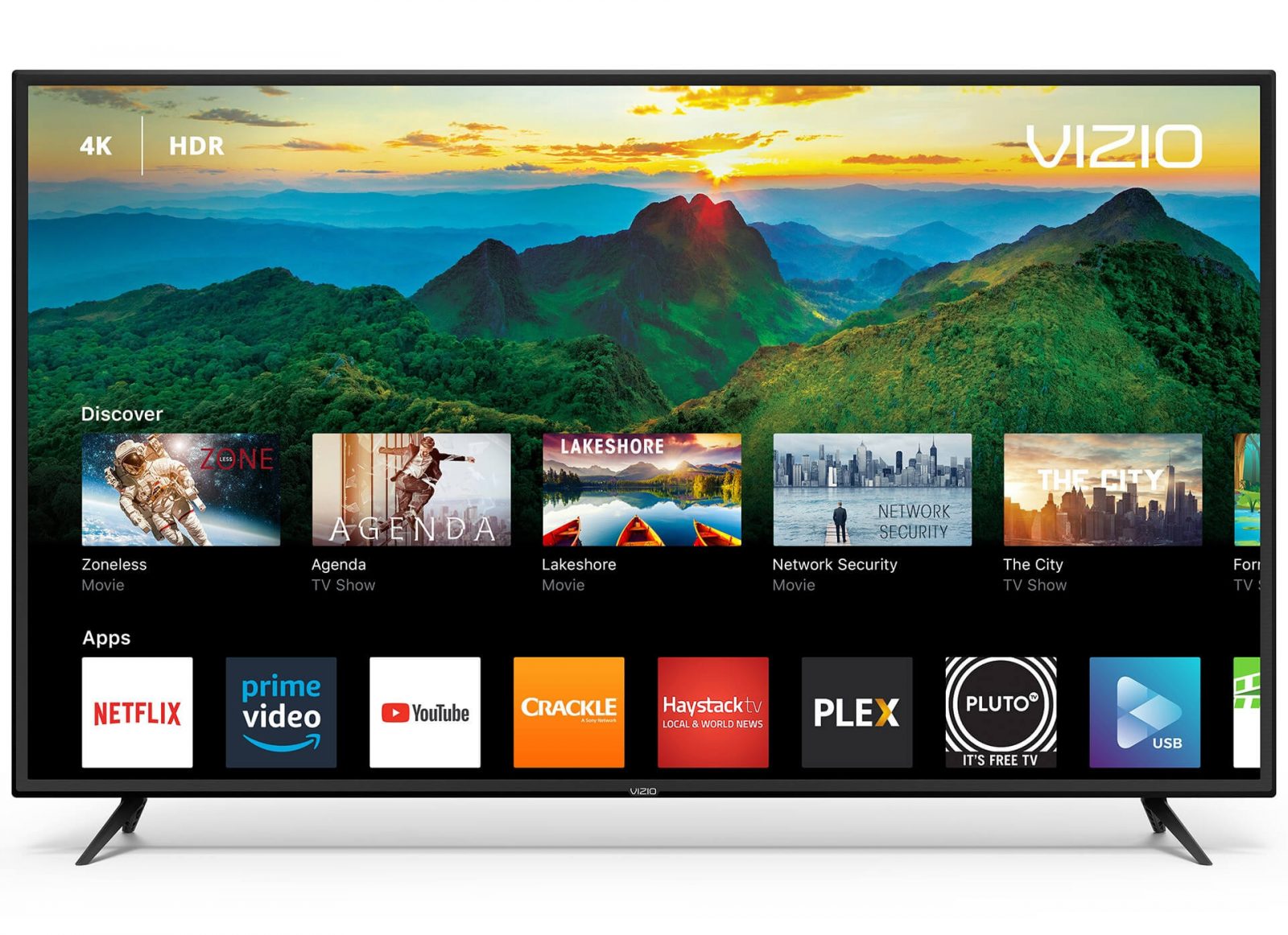
Yes, you can browse the internet on a Vizio smart TV, but not with Internet Explorer. That browser is discontinued and was never available as an app on Vizio TVs,...
To connect your tablet to your computer wirelessly, you can use built-in operating system tools or cloud services to transfer files, extend your screen, or sync notifications without any cables....
To connect an iPhone to an Android tablet, you cannot rely on a seamless Apple-to-Android handoff, but you can accomplish five practical tasks: sharing internet, transferring files, syncing via cloud...
To connect Hisense Smart TV to Wi-Fi, press the Menu or Home button on your remote, go to Settings, select Network, choose your wireless network, enter the password, and select...
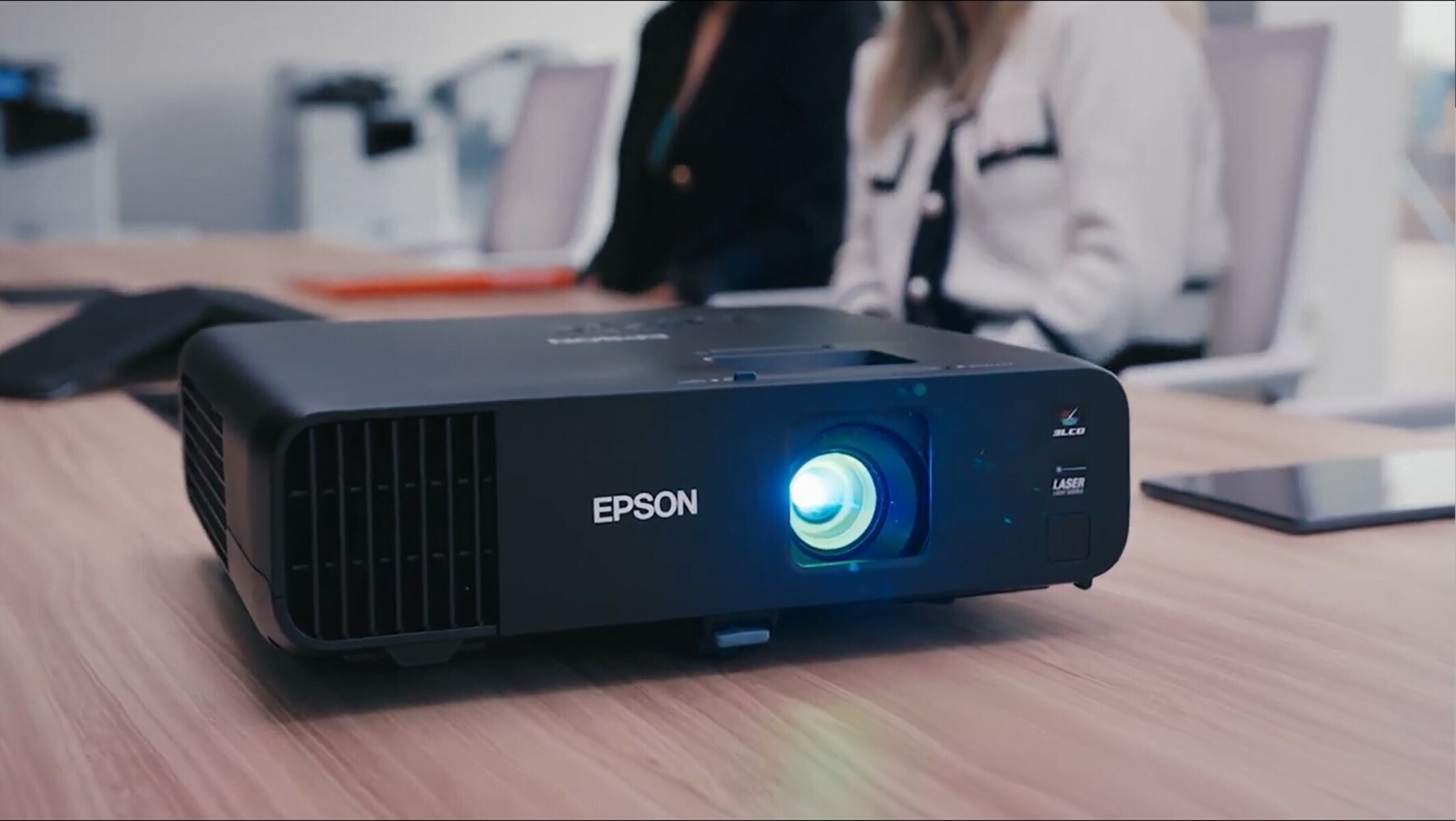
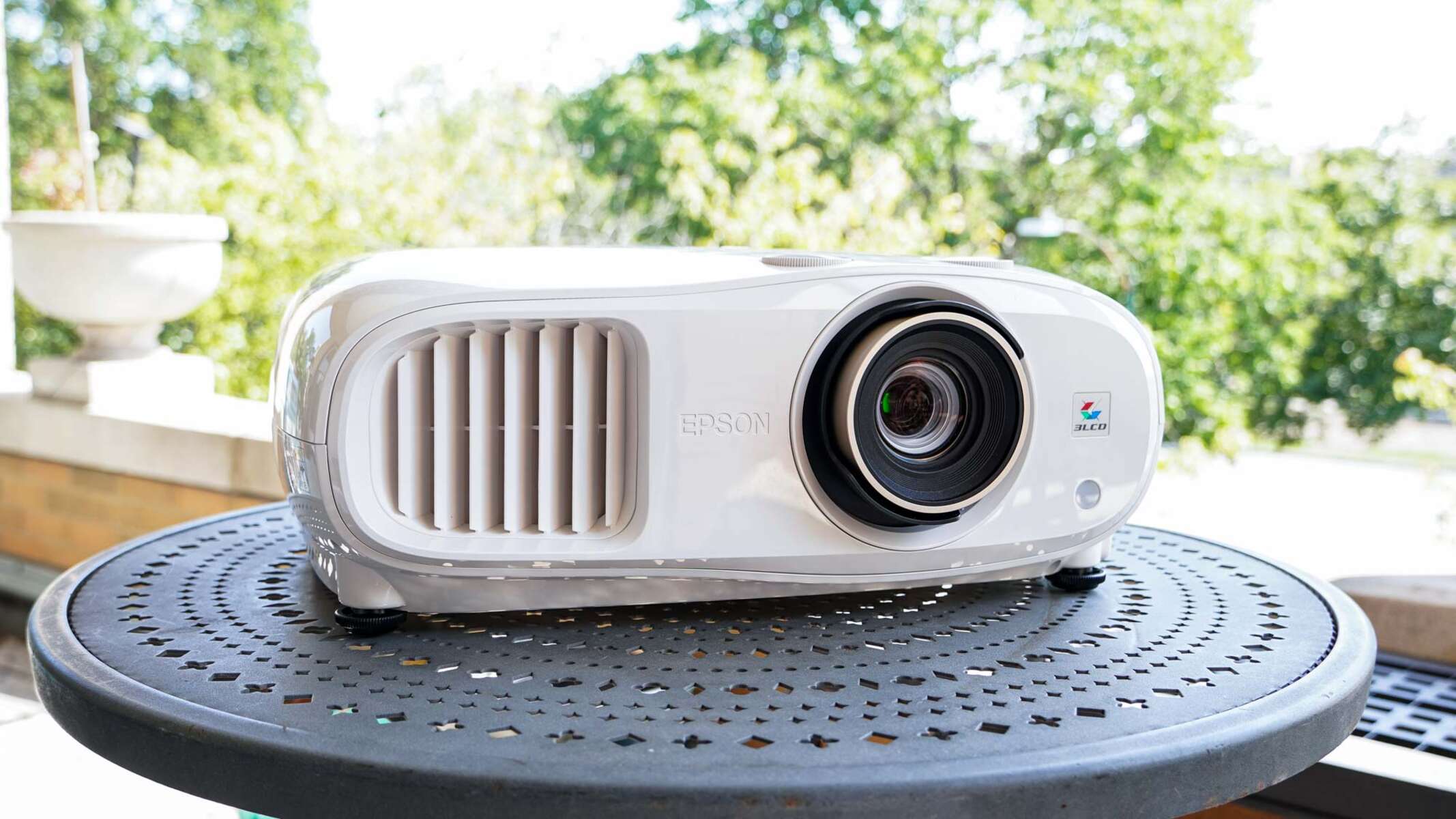
To connect to an Epson projector wirelessly, you'll use the free Epson iProjection app or a built-in screen mirroring standard like Miracast or AirPlay, depending on your device. The quickest...
To flip the screen on an Epson projector, you change the Projection mode so the image displays correctly for your setup. The fastest way to flip the screen on an...
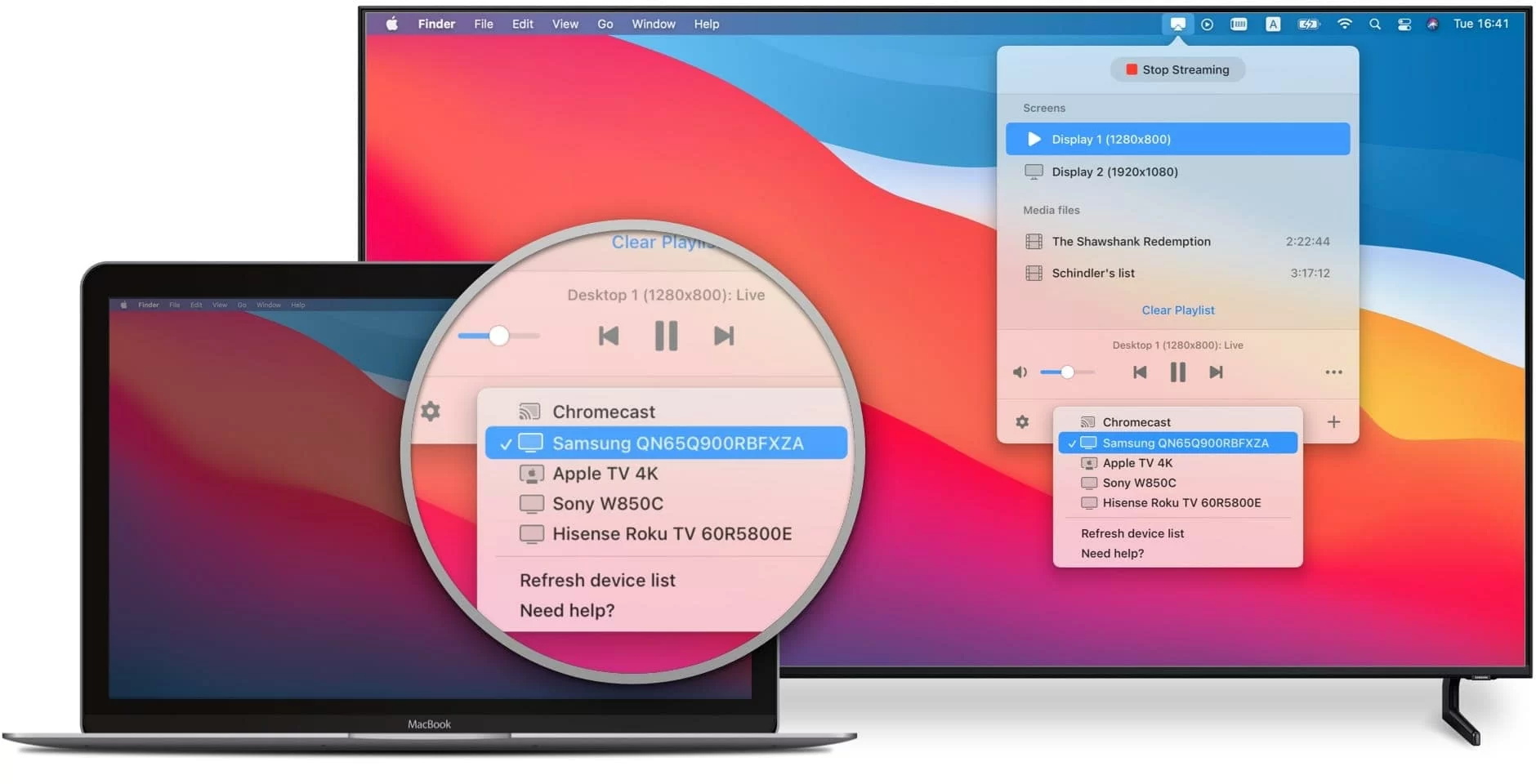
To cast MacBook to Samsung smart TV, use Apple AirPlay 2, which is built into both devices. You'll wirelessly mirror your Mac's screen or stream specific content to your TV...
You cannot get the Xfinity app directly on a Vizio Smart TV because Xfinity does not have an agreement with Vizio to offer the Xfinity Stream app on their platform....
This website uses cookies so that we can provide you with the best user experience possible. Cookie information is stored in your browser and performs functions such as recognising you when you return to our website and helping our team to understand which sections of the website you find most interesting and useful.
Strictly Necessary Cookies
Strictly Necessary Cookie should be enabled at all times so that we can save your preferences for cookie settings.
If you disable this cookie, we will not be able to save your preferences. This means that every time you visit this website you will need to enable or disable cookies again.