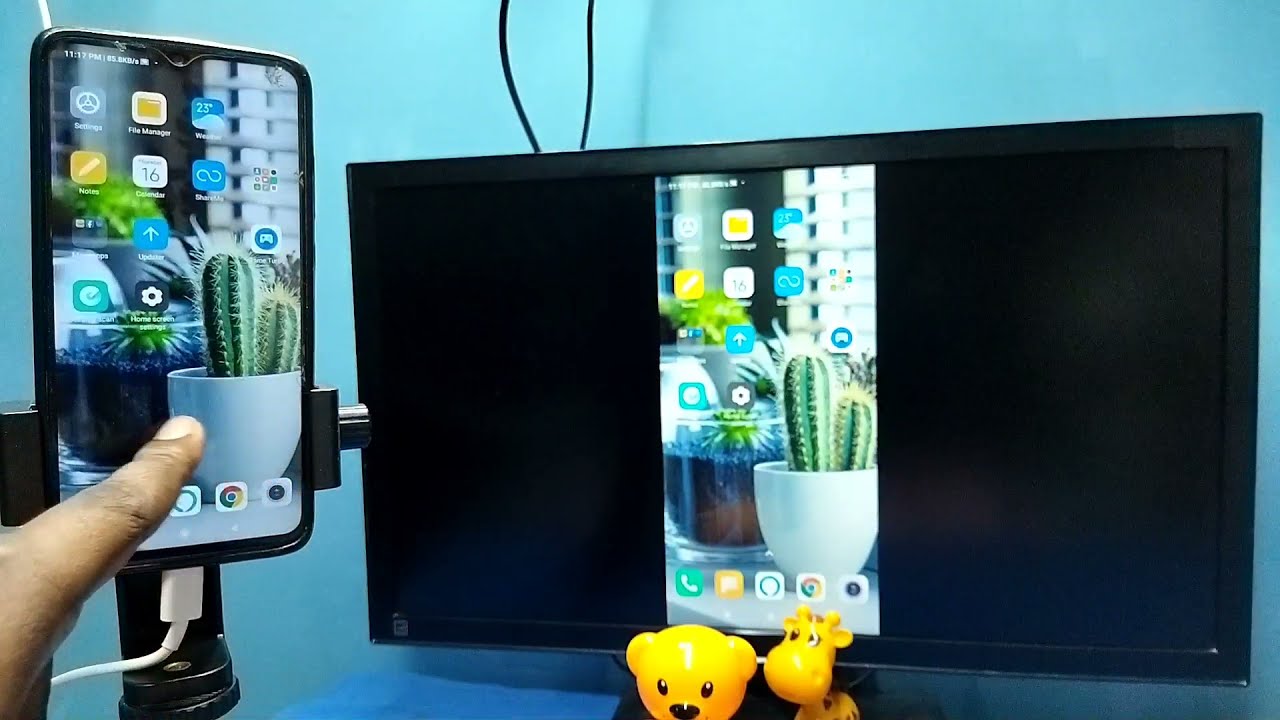
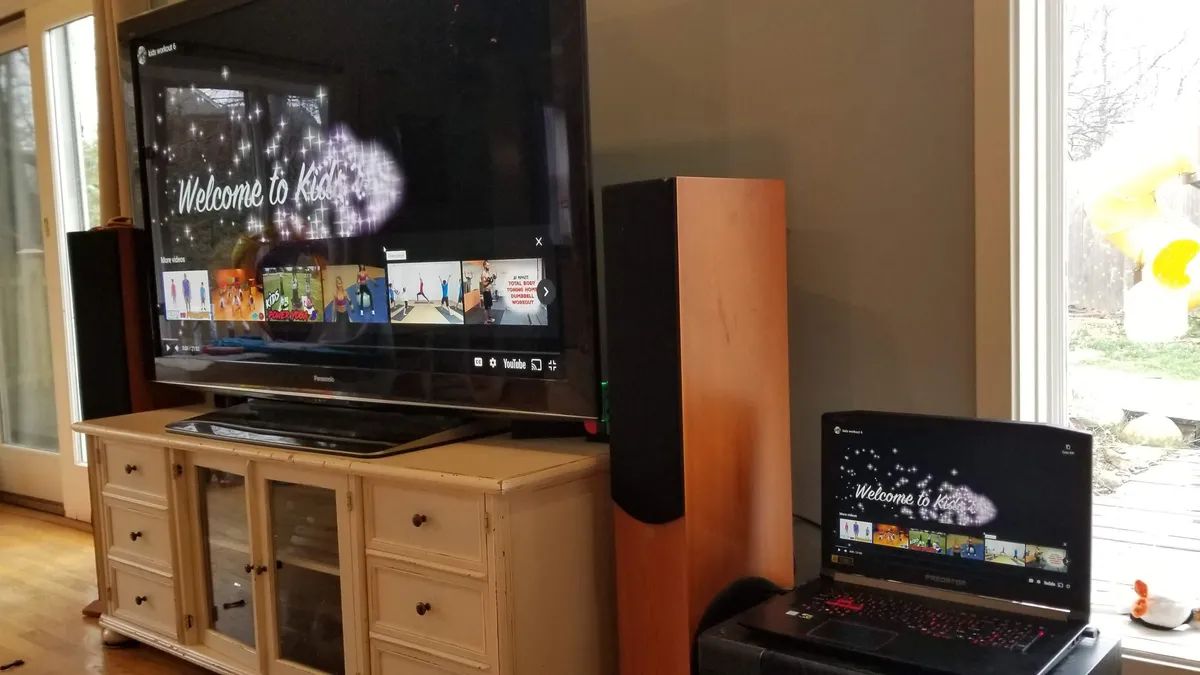
To project laptop screen to wall without projector, you will connect your laptop to a wall-mounted TV or large monitor using one of three practical paths: a wired HDMI connection,...
To connect your phone to your tablet, you use platform-native tools like Quick Share for Android devices or AirDrop for Apple devices to wirelessly transfer files, or you can share...
You can project an image to trace without a projector by using your smartphone or tablet as a DIY light box, or by using an augmented reality (AR) tracing app...
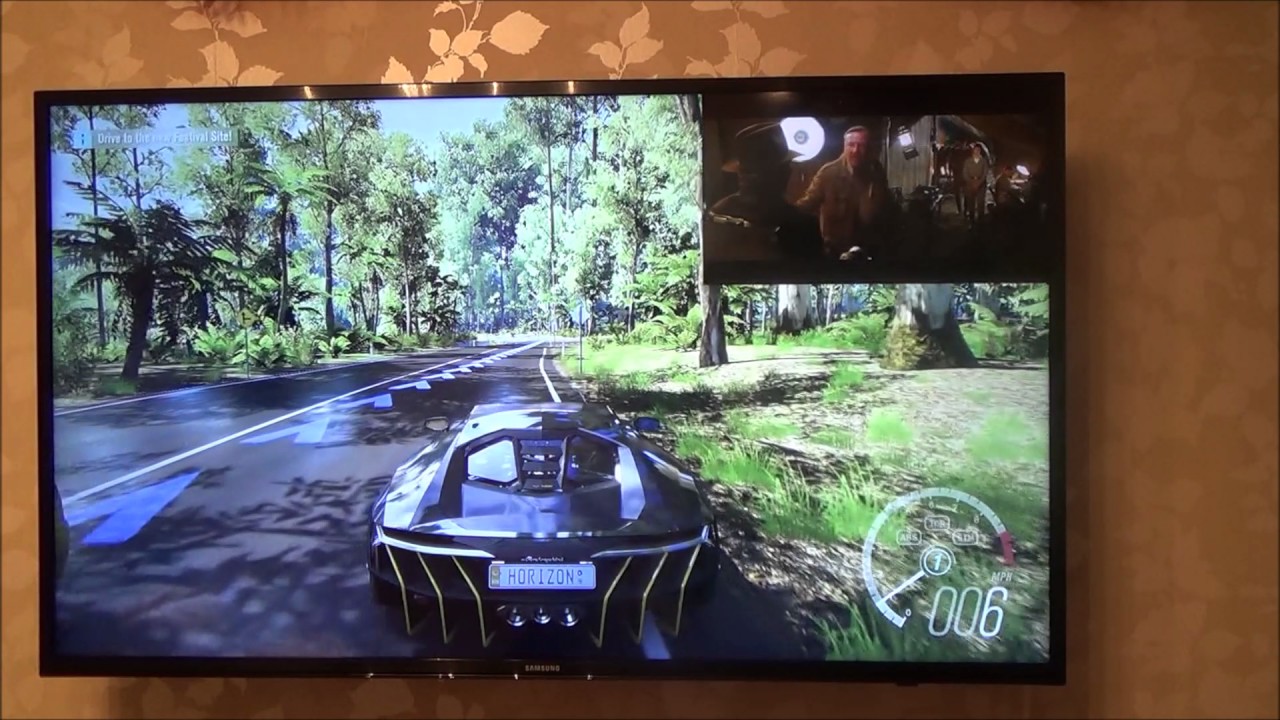
To enable picture-in-picture on a Samsung Smart TV, press the Multi View button on your remote or press Home and select the Multi View icon. On modern Samsung TVs (2020...
To play Jackbox on your smart TV, the easiest method depends on what hardware you already own, but in every case players use their phones as controllers by visiting Jackbox.TV....
To screen mirror on Philips smart TV, use the built-in Miracast feature for Android and Windows devices, or Apple AirPlay 2 for iPhones, iPads, and Macs. For a quick overview,...
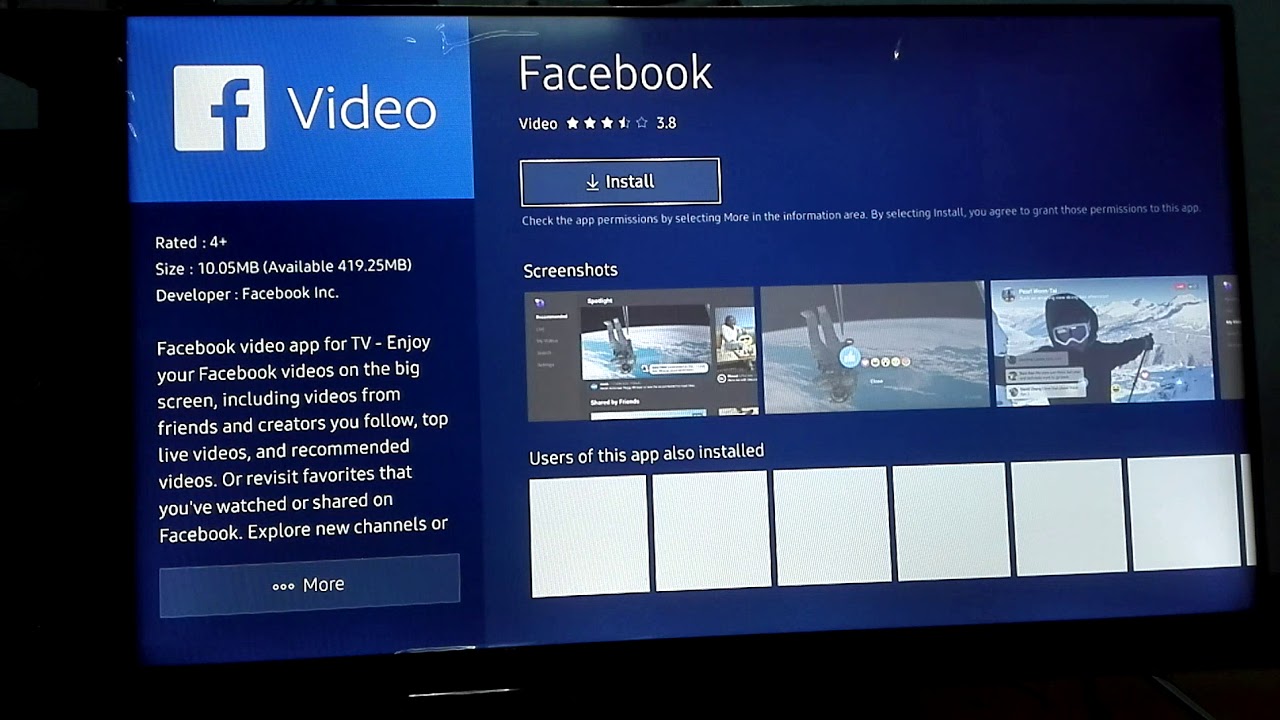
You cannot install Facebook on a smart TV anymore, because there is no working Facebook app for TVs to install. Meta has ended service for the Facebook Watch TV app,...
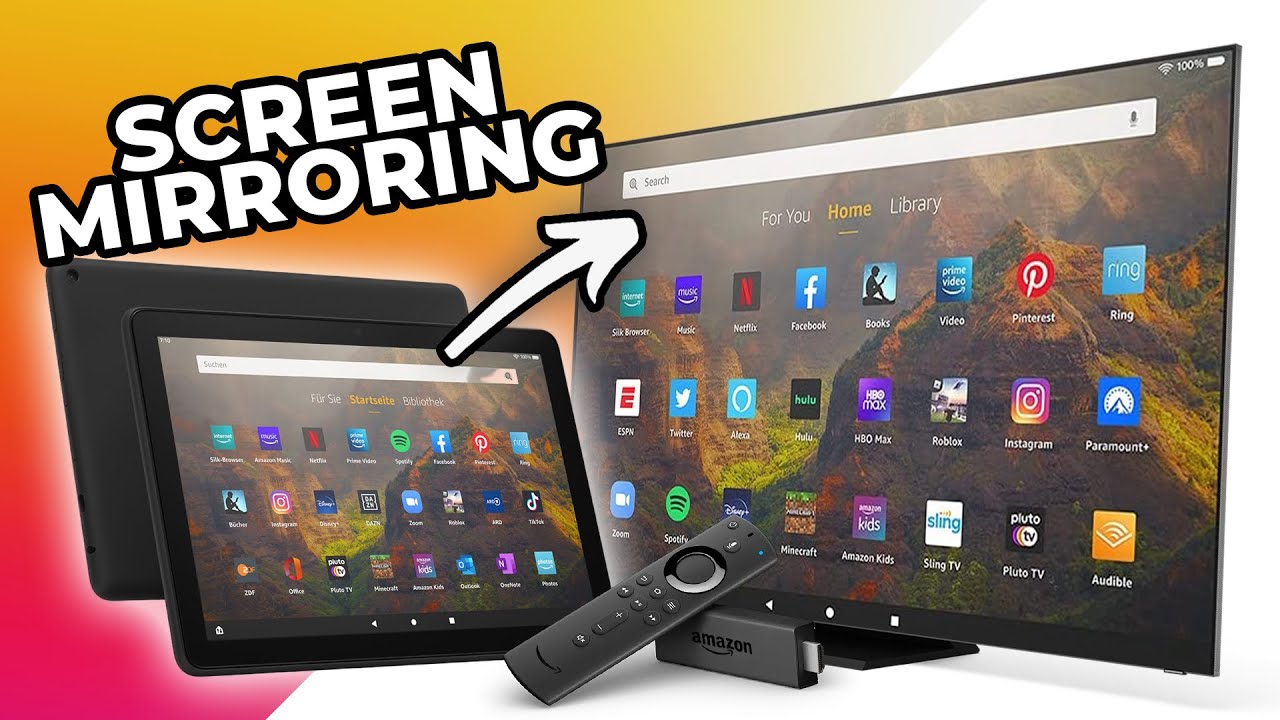
To screen mirror an Amazon Fire Tablet 10, you need a compatible TV or streaming device that supports Miracast, ensure both devices are on the same Wi-Fi network, and use...
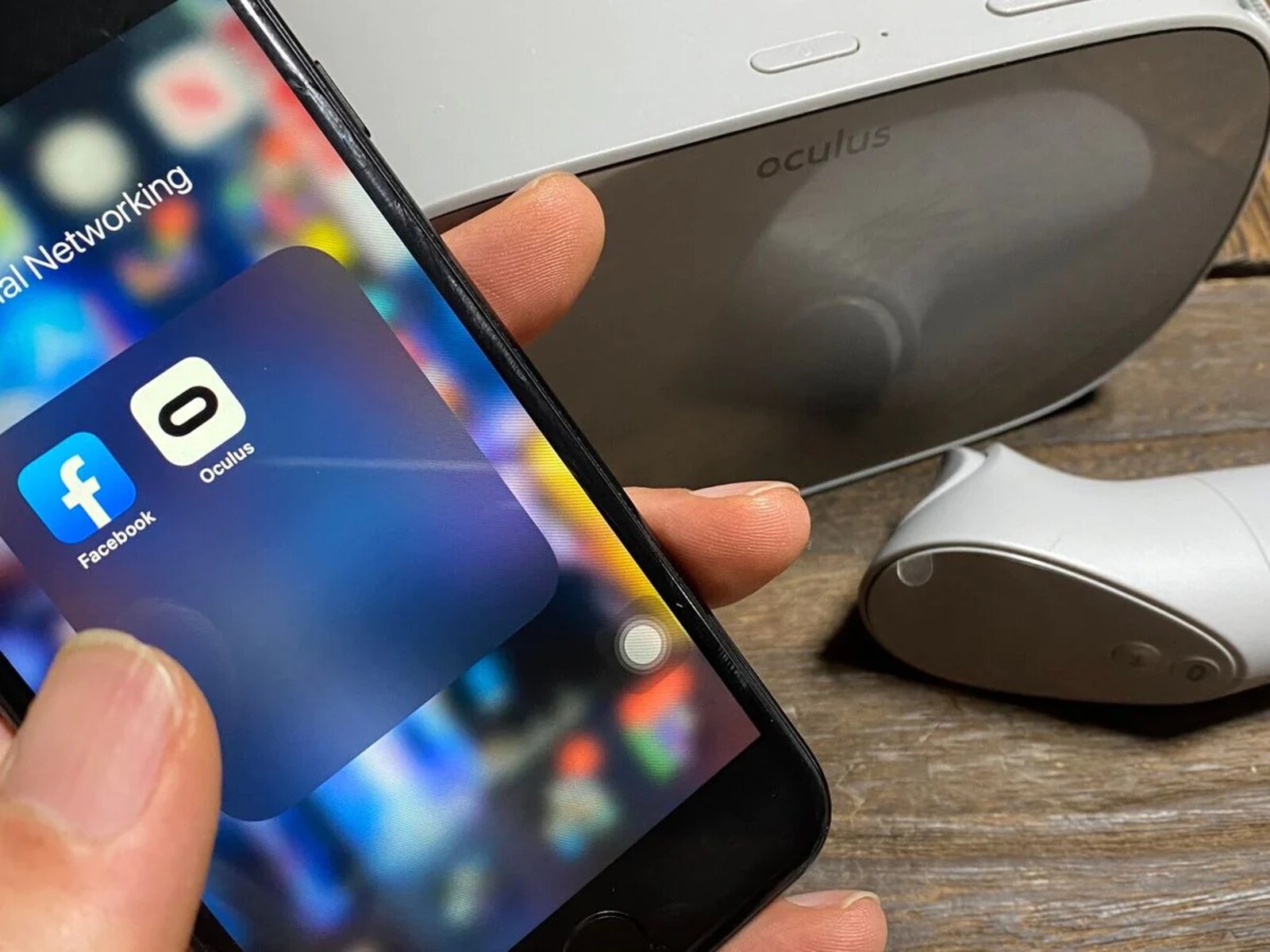
To connect a VR headset to phone, you either insert the phone into a viewer that uses it as the display, or you link a standalone headset to a companion...
You can watch VR videos without a headset by using your computer's mouse to click and drag inside the 360-degree scene, or by using your smartphone's gyroscope or touchscreen to...
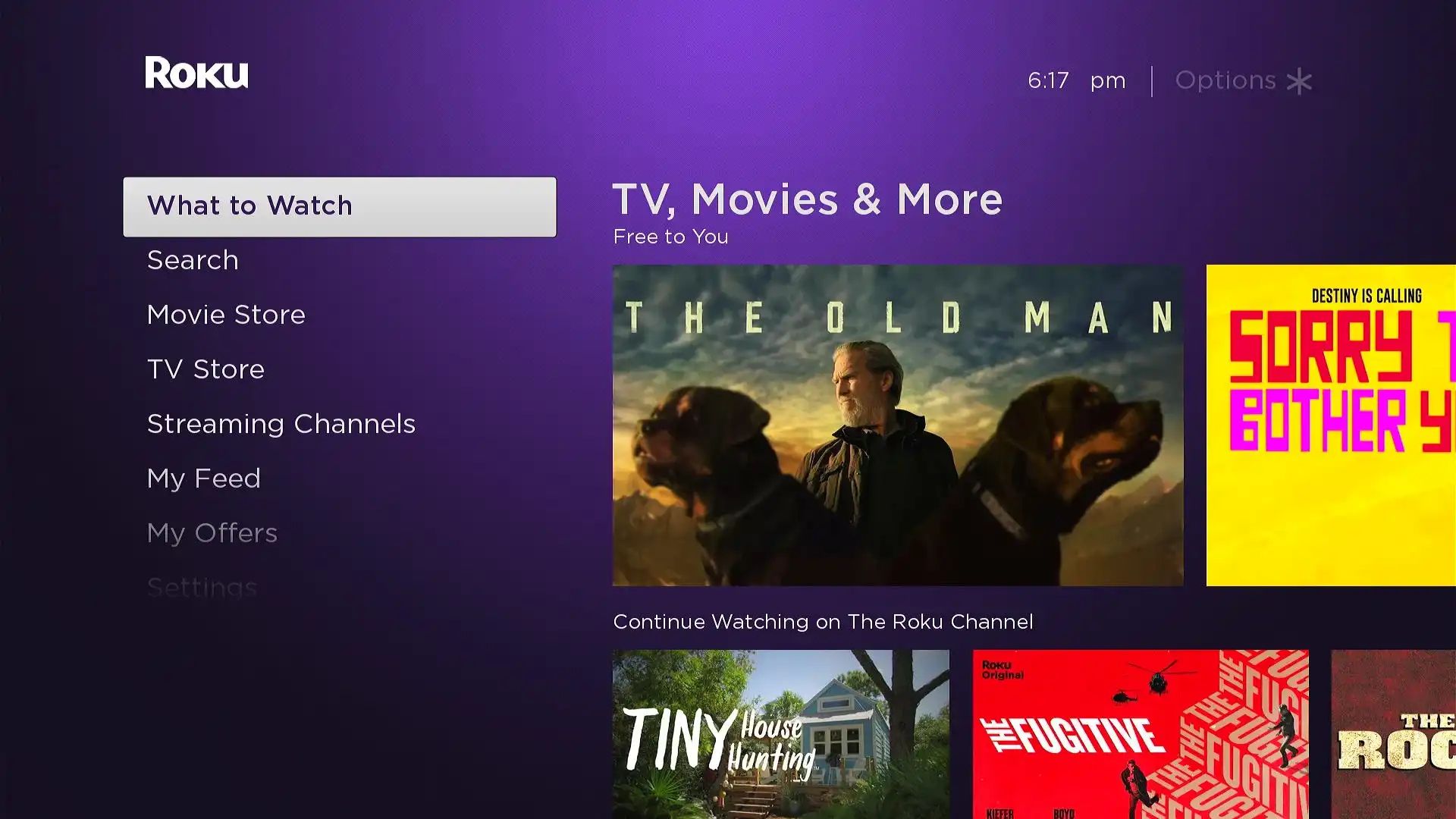
To get Google on Roku TV, you have three legitimate options: installing Google apps like YouTube, using Google Assistant via the Google Home app, or screen mirroring from an Android...
This website uses cookies so that we can provide you with the best user experience possible. Cookie information is stored in your browser and performs functions such as recognising you when you return to our website and helping our team to understand which sections of the website you find most interesting and useful.
Strictly Necessary Cookies
Strictly Necessary Cookie should be enabled at all times so that we can save your preferences for cookie settings.
If you disable this cookie, we will not be able to save your preferences. This means that every time you visit this website you will need to enable or disable cookies again.