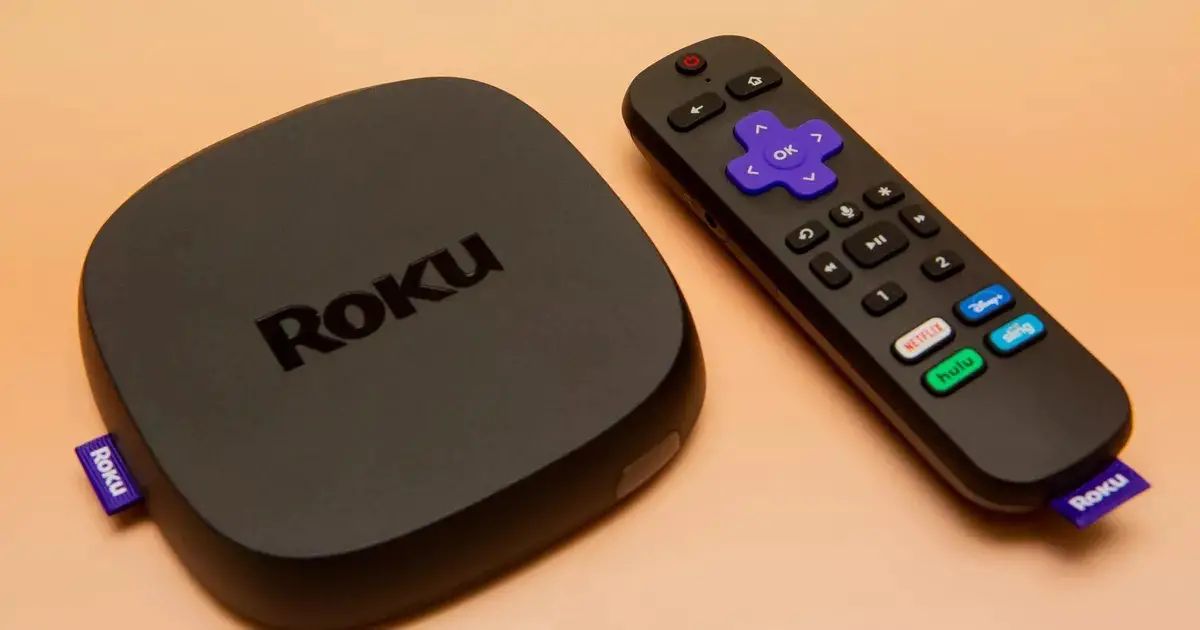
You cannot download a full internet browser on Roku TV because the Roku operating system is designed exclusively for streaming channels, not general web browsing. If you need an internet...
Can you get porn on Roku? Yes, you can get porn on Roku, but not through the official Channel Store. Roku's content policy explicitly prohibits pornographic channels, and the company...
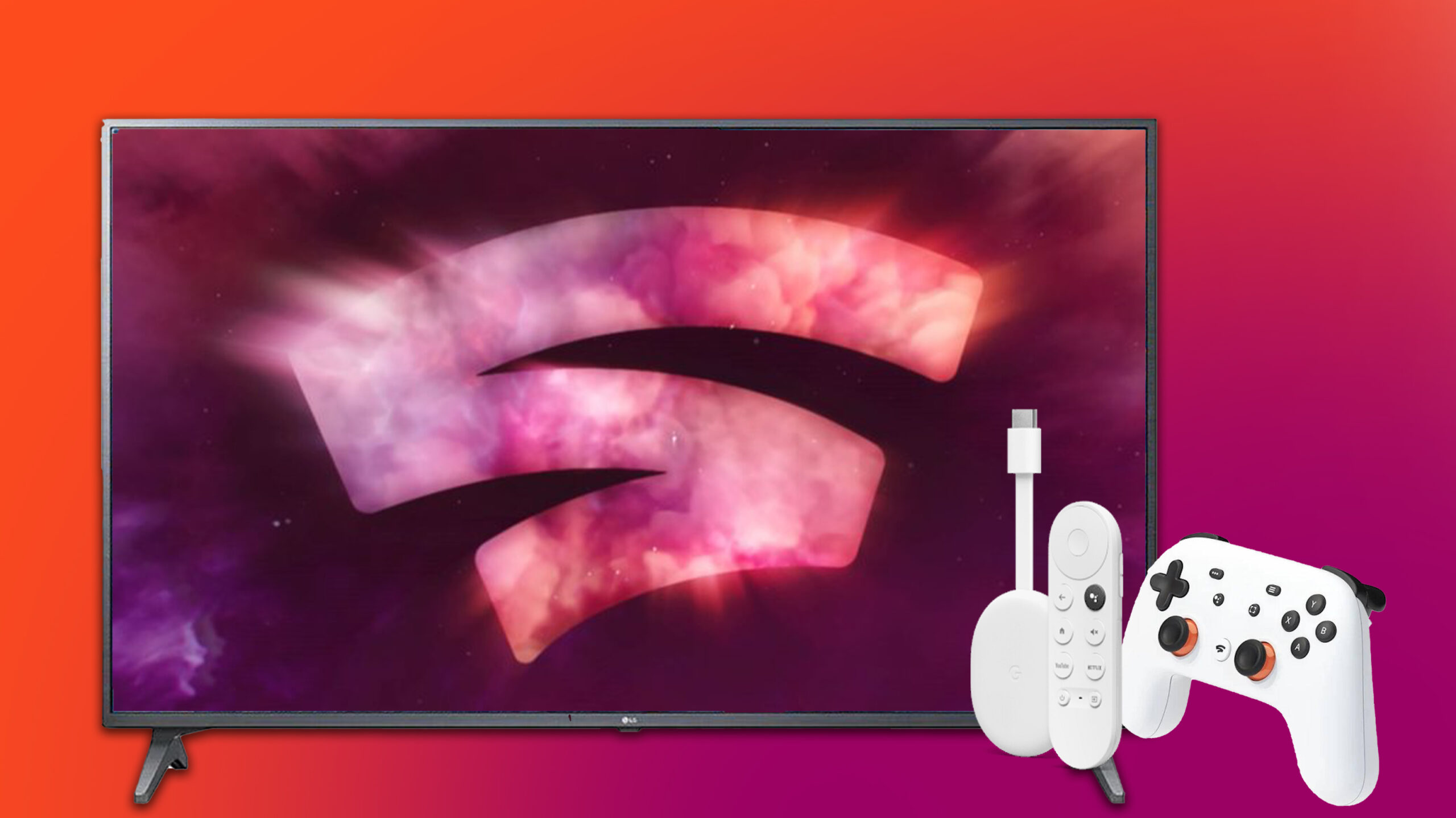
To use Chromecast on an LG TV, plug the external Chromecast into an available HDMI port and connect its USB cable to a power source, then switch the TV to...
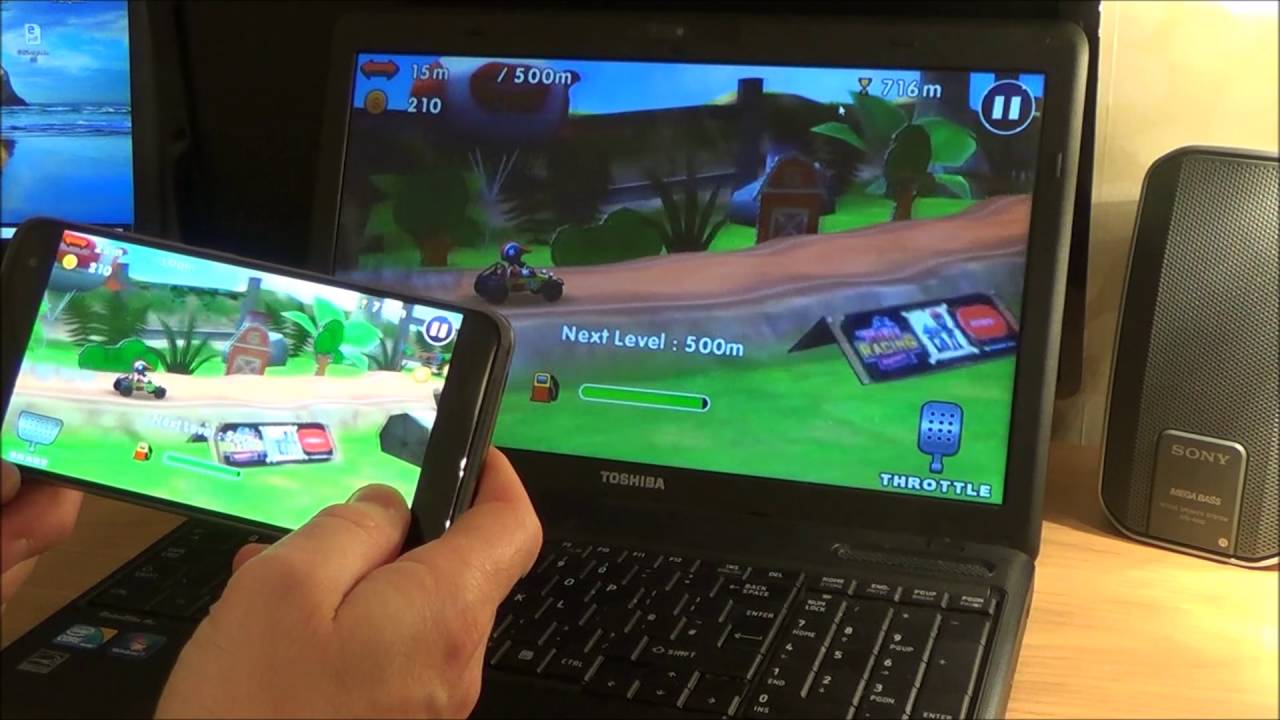
To cast phone to PC, you need to understand that a PC cannot act as a native Chromecast receiver. Instead, you will use screen mirroring or third-party software to make...
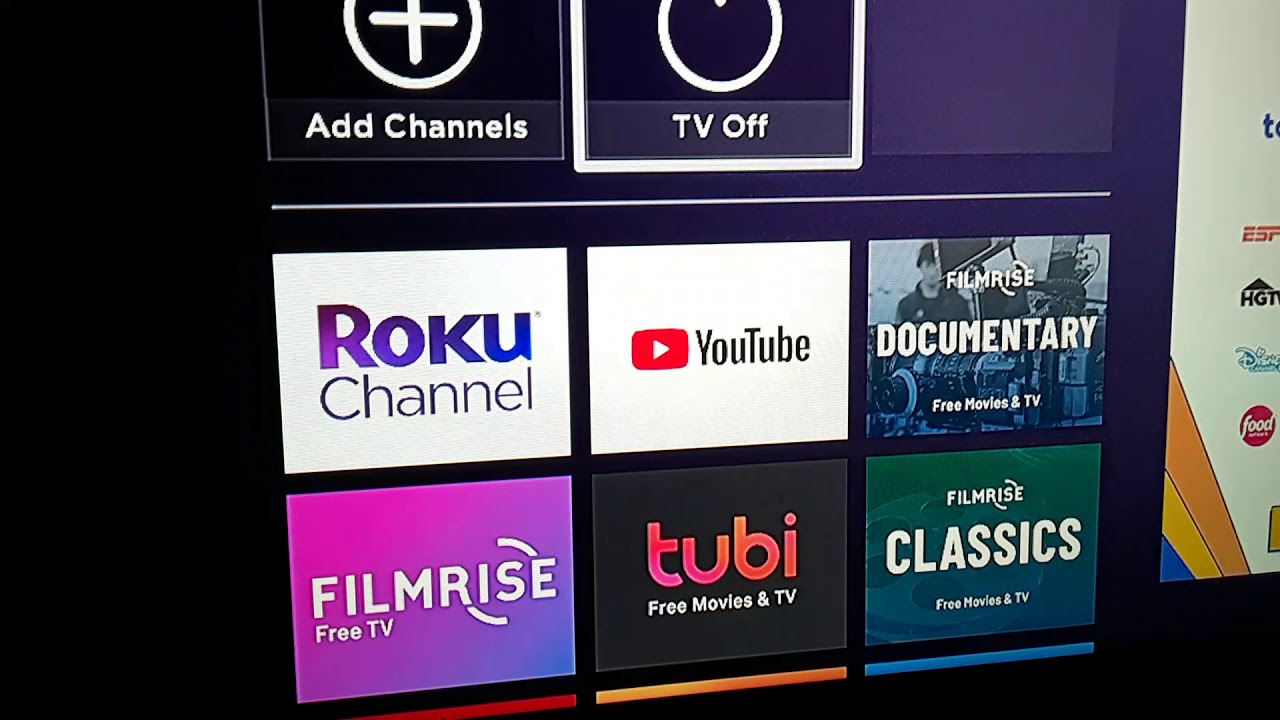
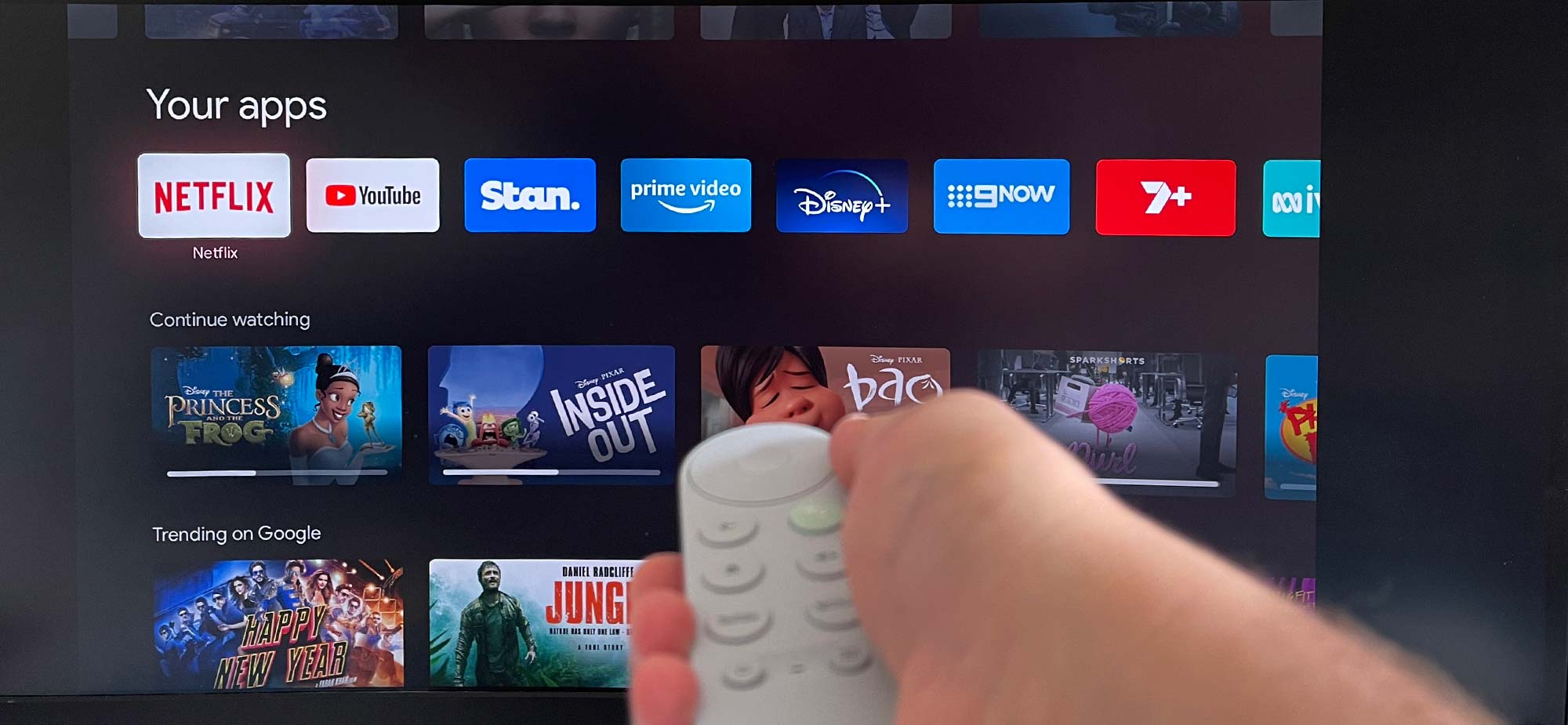
To use Chromecast on Roku TV, you don’t need a separate Google dongle for most popular streaming apps, your Roku TV already supports casting directly from apps like YouTube and...
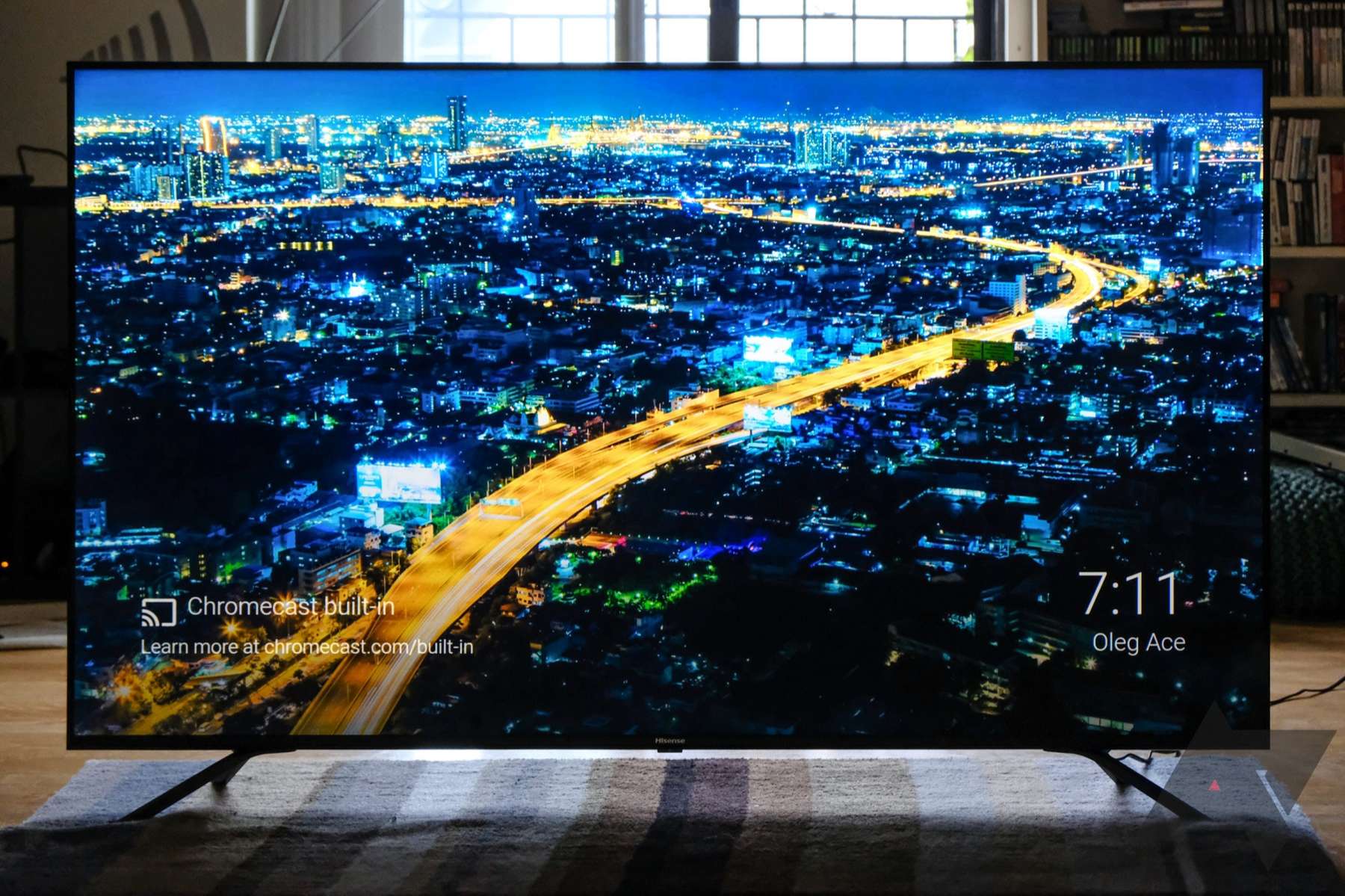
If your TV has Chromecast built-in, you can cast from your phone without plugging in any extra hardware, the feature is baked into the TV's system. The quickest way to...
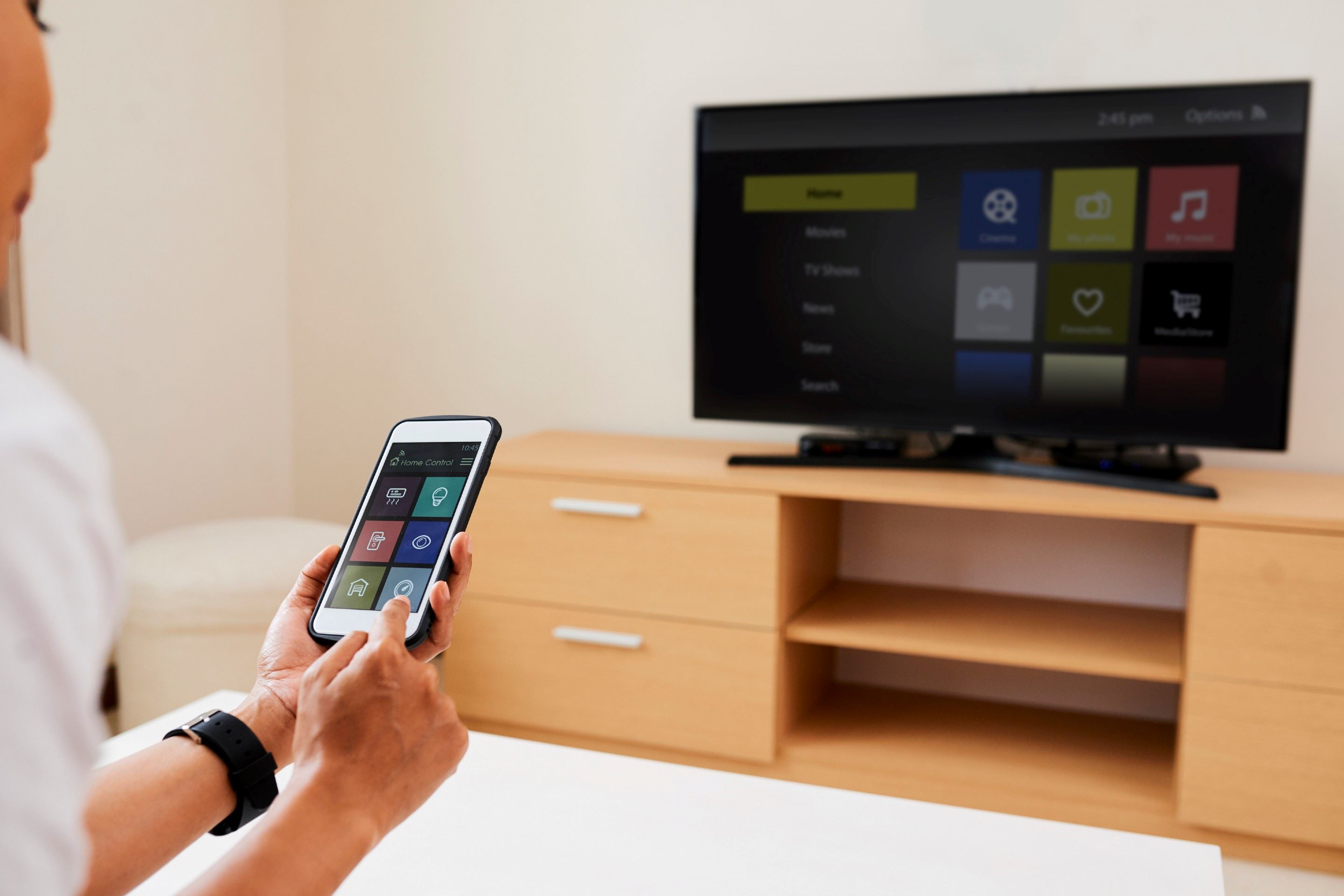
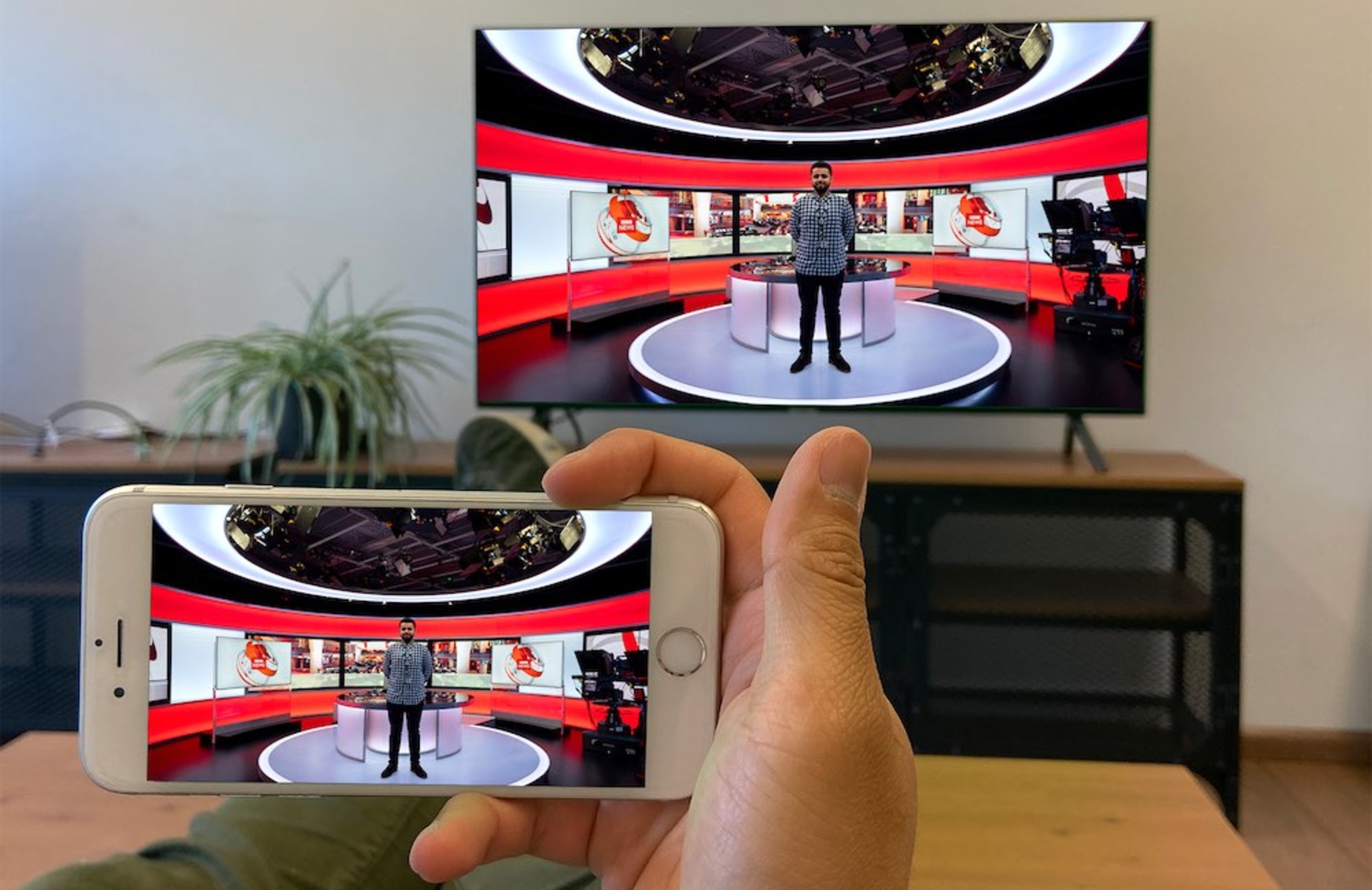
To connect your phone to your TV wirelessly, both devices must be on the same Wi-Fi network. This allows you to stream videos, mirror your screen, or cast content from...
To get your iPhone full screen on TV HDMI, you need to connect it with an Apple Digital AV Adapter and an HDMI cable, then adjust your TV's aspect ratio...
You cannot directly connect two laptops with a standard HDMI cable to share or extend your screen because most laptop HDMI ports are output-only. If you want to connect 2...
Getting started with Chromecast on Roku To cast content to your Roku device, you can use the built-in casting features of supported apps or enable screen mirroring in your Roku's...
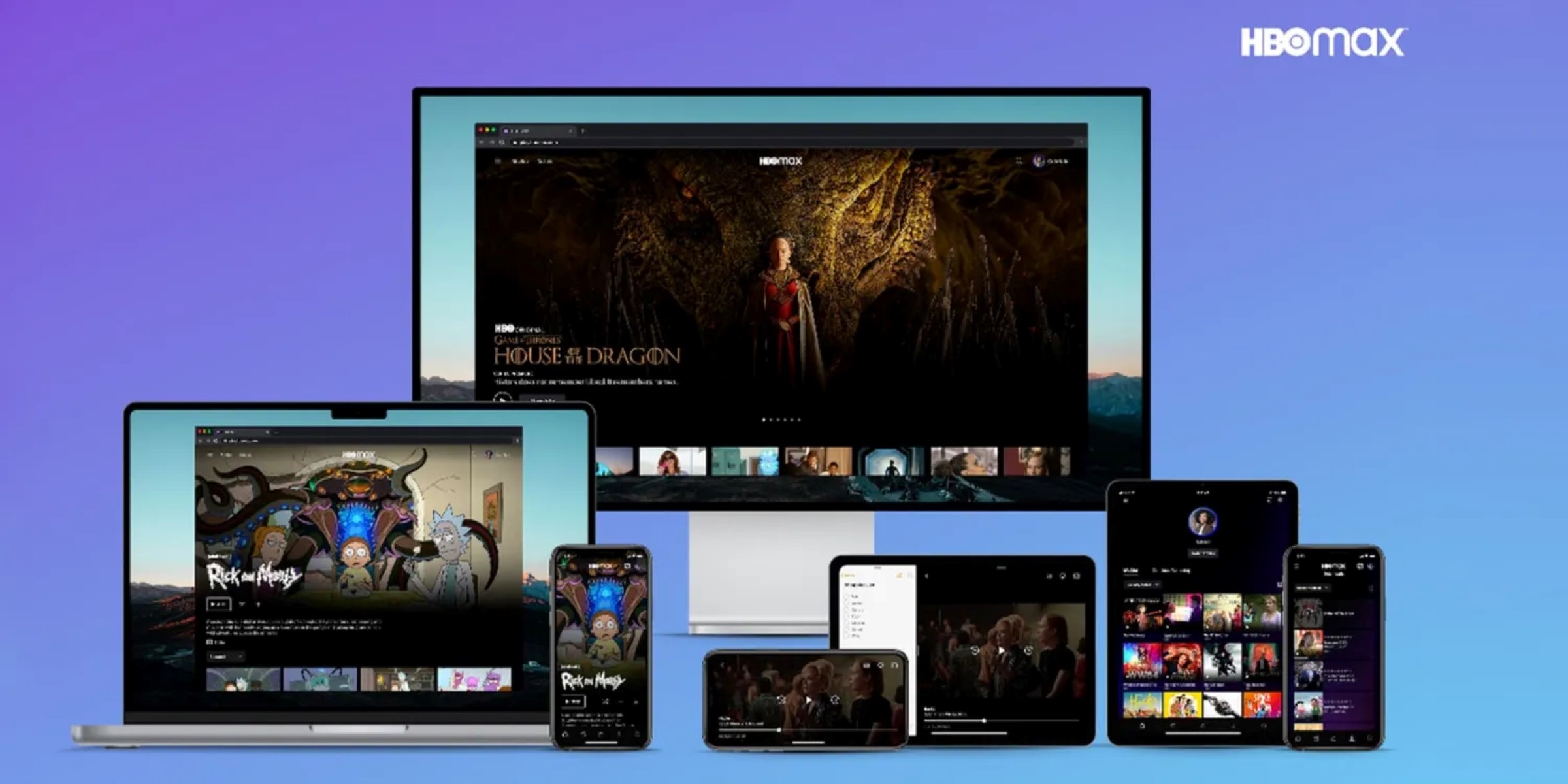
To screen share HBO Max successfully without a black screen, you need to bypass the Digital Rights Management (DRM) protection that blocks the video when you try to share your...
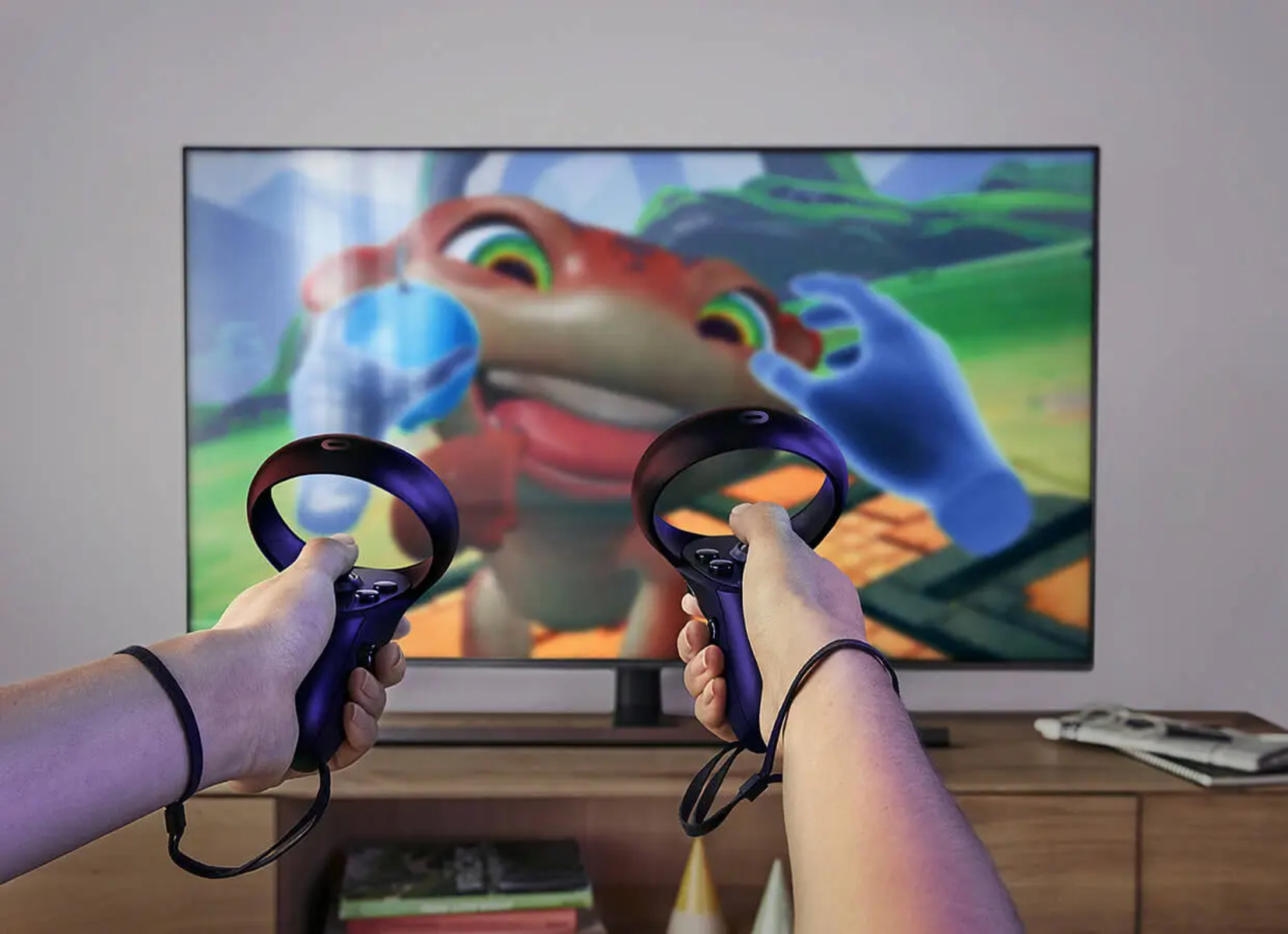
To cast Oculus Quest 2 to TV, the most direct method is to use the headset's built-in casting feature to send your gameplay wirelessly to a Chromecast device or a...
This website uses cookies so that we can provide you with the best user experience possible. Cookie information is stored in your browser and performs functions such as recognising you when you return to our website and helping our team to understand which sections of the website you find most interesting and useful.
Strictly Necessary Cookies
Strictly Necessary Cookie should be enabled at all times so that we can save your preferences for cookie settings.
If you disable this cookie, we will not be able to save your preferences. This means that every time you visit this website you will need to enable or disable cookies again.