Practical guides for anyone who owns one of these small, versatile computers, whether you are a hobbyist, a student, or a maker looking to stretch a tiny budget. The articles here assume you have a Pi or are thinking about getting one, and they focus on real, everyday tasks: building projects, keeping the system healthy, and turning the device into something fun or useful.
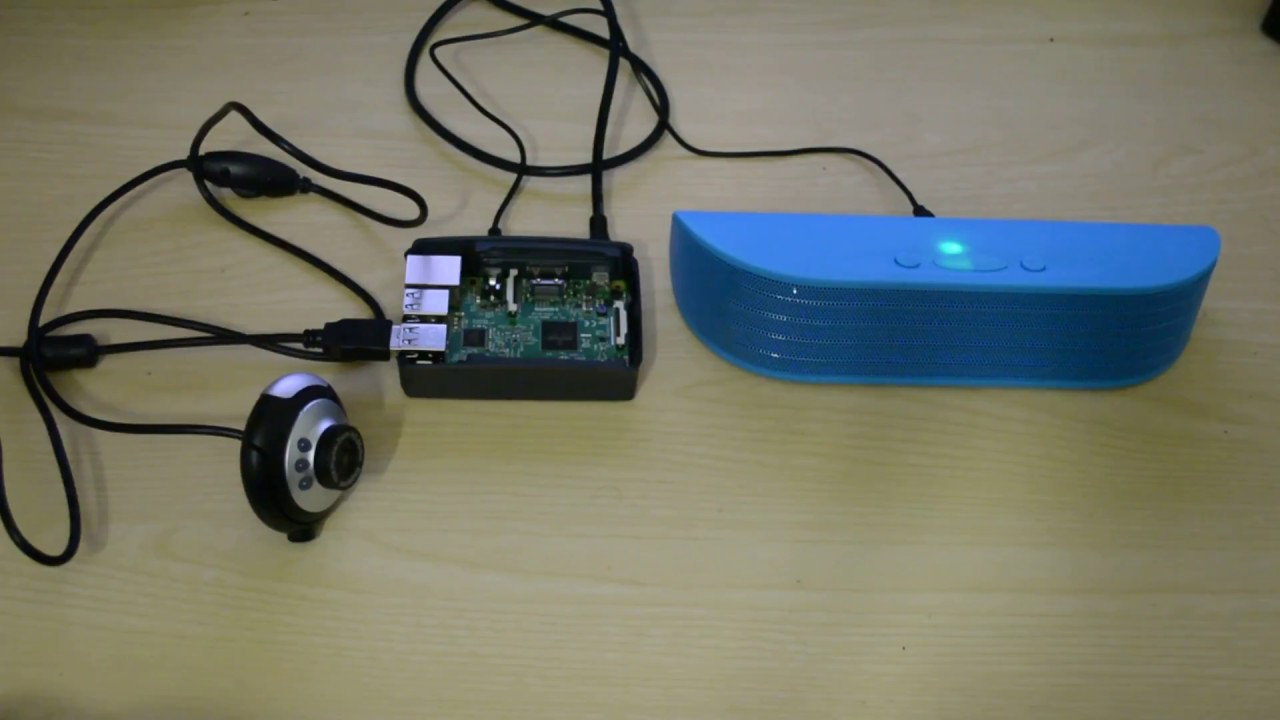
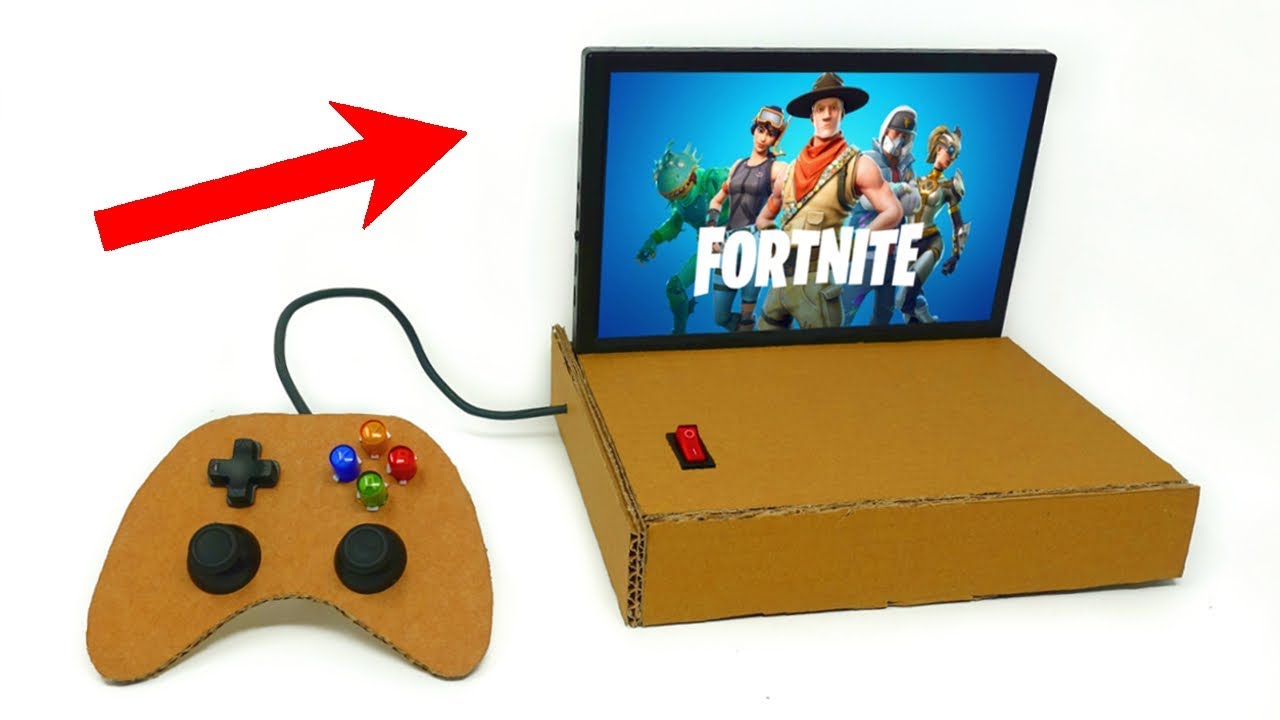
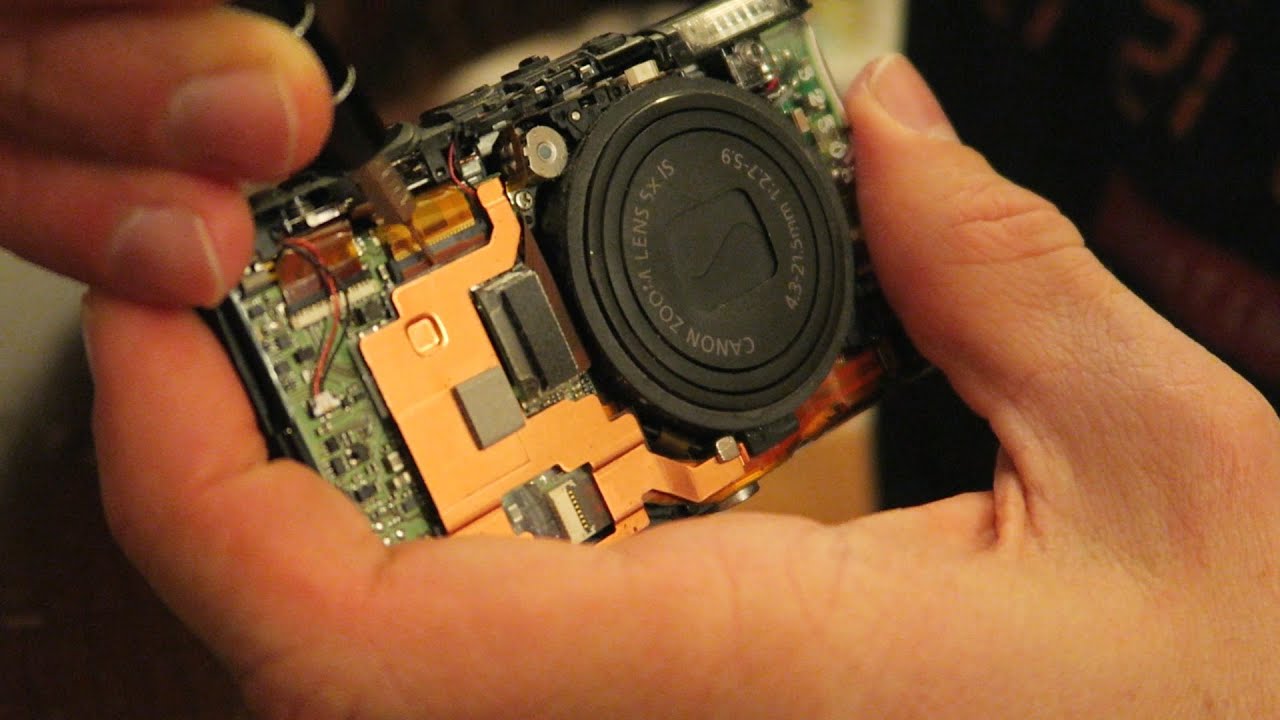
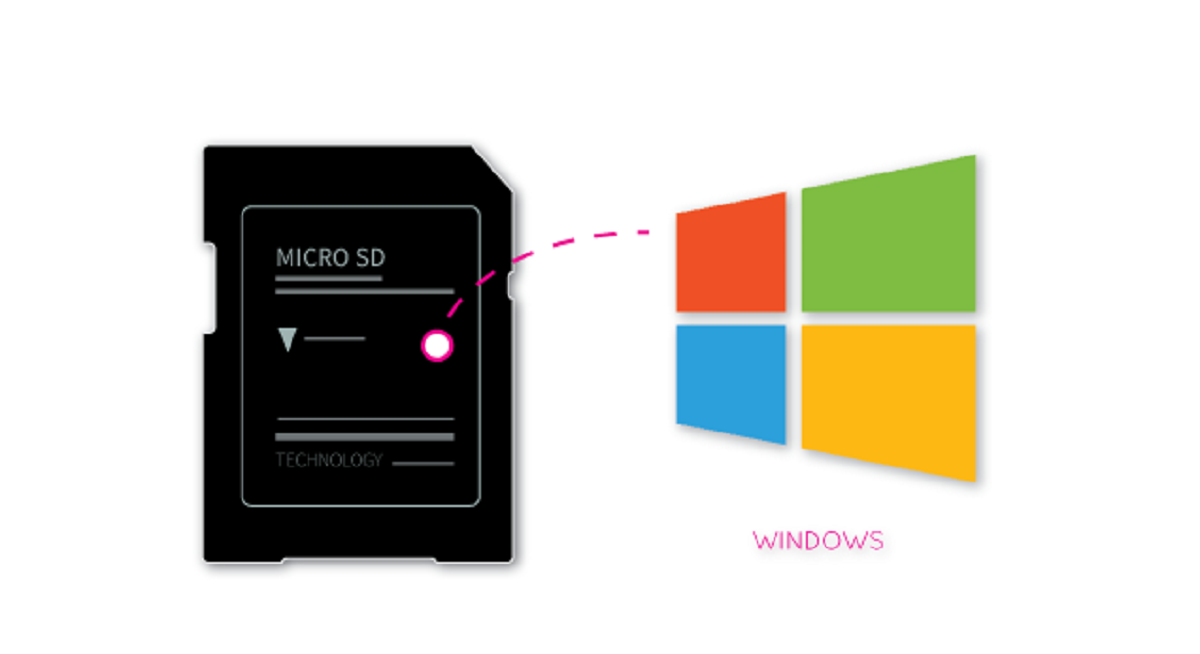
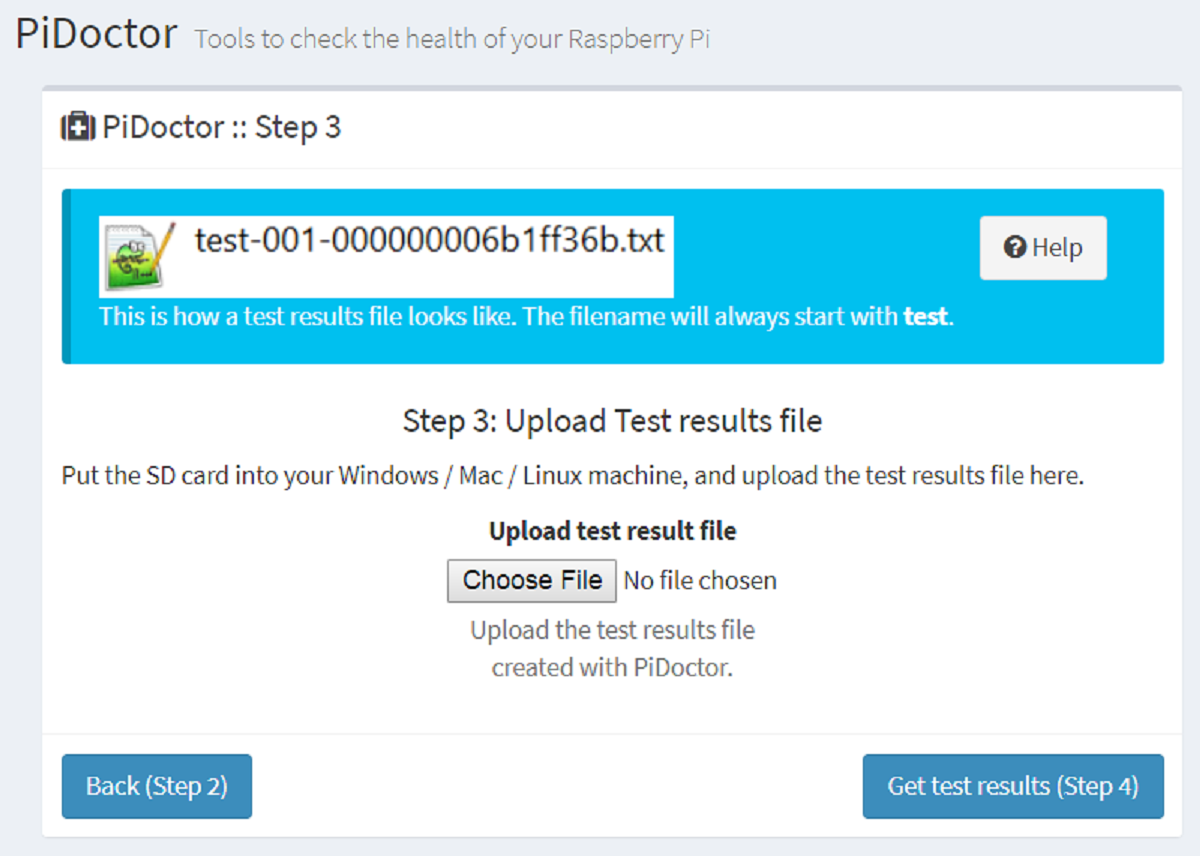
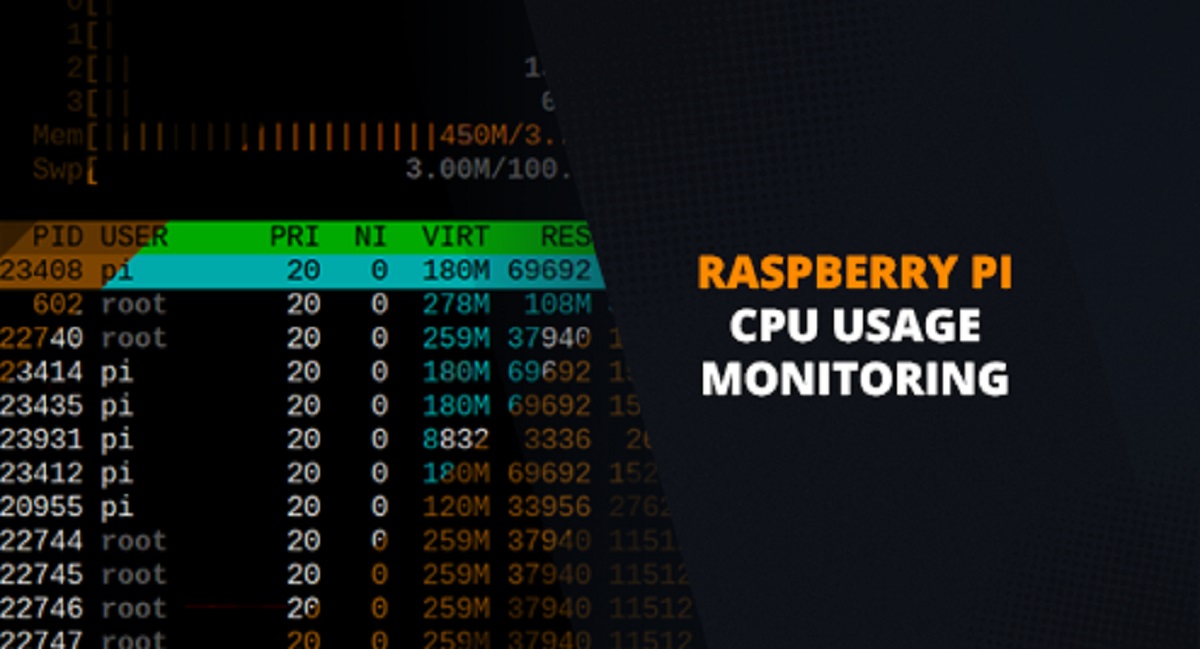
One clear theme is project building. The guides show you how to assemble a digital camera, turn a Pi into a retro gaming console, or construct a robot from scratch. Another theme is maintenance and troubleshooting. You’ll find straightforward advice on checking CPU usage, monitoring the health of your SD card, and installing more RAM, tasks that keep your Pi running smoothly and safely. A third, lighter theme is choosing the right hardware, with a roundup of robotics kits that pair well with the Pi.
Importantly, the articles approach these topics with a safety-and-legality mindset. The gaming console guide, for example, focuses on using legally obtained software and open-source emulators, not on pirating games. The robot and camera projects are about building and learning, not about hacking or bypassing anything. In short, this tag helps you get more out of your Raspberry Pi through honest, practical steps, whether you’re checking its health, upgrading it, or turning it into something new.