The best robotics kits balance skill level, budget, and expandability so you can start building and coding immediately, whether you are a beginner, a parent shopping for a child, or a hobbyist comparing programmable options. The five kits below are currently verified picks that cover everything from playful spherical robots to Raspberry Pi, based AI cars, so you can match one to your goals without guesswork.
What to look for in the best robotics kits
Before choosing, focus on four key factors that separate a frustrating kit from a rewarding one. First, match the kit to the user’s skill level: young children need block-based coding and simple assembly, while teens and adults can handle text-based languages and more complex wiring. Second, check the programming language, many kits use Scratch or Python, but some require C++ or Arduino IDE, so pick one that fits what you already know or want to learn. Third, set a realistic budget: entry-level kits are affordable, but advanced models with sensors, cameras, or metal parts cost more. Finally, look for expandability, kits with extra ports, compatible add-ons, or open-source code let you grow the robot over time instead of outgrowing it in a week. If you prefer a ready-made companion, you might enjoy browsing the robot dog toy models available today for playful, pre-assembled alternatives.
Also consider the physical build: a durable shell matters if the robot will be dropped or used outdoors, and a clear instruction manual or app reduces setup frustration. For parents, age recommendations and safety (no soldering, small parts, or sharp edges) are critical. For hobbyists, check whether the kit supports multiple programming modes or integrates with platforms like Raspberry Pi or Arduino. These criteria will help you narrow a long list down to the one that fits your space, patience, and learning goals.
The 5 best robotics kits to try now
These five kits are currently verified, widely available, and suited to different ages and experience levels. They range from a waterproof programmable ball for kids to a Raspberry Pi, powered AI car for serious tinkerers.
1. Sphero BOLT+ (best for beginners and young learners)
The Sphero BOLT+ features a durable, waterproof spherical shell, a vivid LCD screen for displaying graphics, animations, and real-time sensor data, and advanced sensors including an Auto-Aim function. This makes it the easiest way to introduce coding to kids aged 8 and up, no assembly required, just charge it, pair it with a tablet or phone, and start dragging blocks in the Sphero Edu app. It teaches real programming concepts like loops, conditionals, and variables, and it can also be programmed with JavaScript for older students. Because it rolls, spins, and lights up, it feels like a toy, but the underlying logic is genuinely educational. The BOLT+ is ideal for classrooms or home use where you want a low-friction, high-fun entry point.
2. SunFounder PiCar-X (best for Raspberry Pi enthusiasts)
The SunFounder PiCar-X is an AI video robot car kit for Raspberry Pi, providing an accessible platform for learning robotics, programming, and mechanics. It comes with a camera, ultrasonic sensors, and a servo-controlled steering system, and it can perform line following, obstacle avoidance, and object tracking. You program it in Python, which is a real, industry-standard language, and the kit includes detailed tutorials that walk you through each project. Assembly takes a few hours and involves connecting wires and mounting parts, so it’s best for teens or adults with some patience and basic computer comfort. The PiCar-X is a great next step after a beginner kit because it introduces computer vision and autonomous decision-making without requiring you to build electronics from scratch.
3. Makeblock mBot (best value for STEM beginners)
The Makeblock mBot is a solid, affordable choice for kids aged 8 to 12 who are new to robotics. The mBot features four expansion ports and supports more than a hundred varied types of electronic modules, which allows you to readily expand it. It also works with Lego bricks, so you can customize the body and look. Programming is done through Makeblock’s block-based app, but you can also switch to Arduino C++ later, making it a kit that grows with the child. It’s a great first robot because it’s cheap, durable, and forgiving, perfect for learning the fundamentals before moving to more complex systems.
4. Elegoo Uno R3 Smart Robot Car Kit (best for Arduino learners)
For older beginners or hobbyists who want to learn C++ and electronics, the Elegoo Uno R3 kit is a strong pick. It includes an Arduino-compatible board, motors, ultrasonic sensors, line-following sensors, and a remote control, all packed in a kit that offers excellent value. The included manual walks you through assembly and provides sample code for obstacle avoidance and line following, so you can get it running quickly. However, to truly customize it, you need a working knowledge of Arduino and C++, this is not a block-coding toy. It’s ideal for teens or adults who want hands-on experience with wiring, sensors, and microcontroller programming. The modular design means you can reuse the board and parts for other projects later.
5. Keyestudio 4DOF Robot Arm Kit (best for learning mechanical control)
The Keyestudio 4DOF Robot Arm Kit is a budget-friendly option for learners interested in robotic arms and motion control. It comes with clearly specified usage instructions, open-source code, and three types of control systems which include the remote control, so you can make the robot perform tasks without writing code first. The whole code is open-source, meaning you can obtain, edit, and integrate it into the pre-built code to make the arm do more complex tasks. This kit teaches you about servo motors, angles, and coordinate systems, which are core concepts in industrial robotics. It’s best for teens or adults who want to understand mechanical movement rather than just driving a wheeled robot. Assembly is straightforward, and the open-source nature encourages experimentation.
How to get started with your first robotics kit
Once your kit arrives, follow these practical steps to go from box to moving robot without frustration.
- Unbox carefully and sort all parts by type, screws, motors, sensors, boards, and wires. Check the manual or app to confirm nothing is missing.
- Install the required software before assembling. Most kits use a dedicated app (like Sphero Edu or Makeblock) or an IDE (like Arduino IDE or Thonny for Python). Download and update it first so you don’t hit delays mid-build.
- Assemble the mechanical parts first, following the manual step by step. Tighten screws gently, overtightening can strip threads. For wheeled robots, make sure wheels spin freely.
- Connect the electronics according to the wiring diagram. Double-check polarity and pin connections before powering on.
- Power on the robot and run a test program, usually a simple “move forward” or “blink an LED” example provided in the manual or app.
- If something fails, check connections first, then battery levels, then re-read the code for typos. Most kits have troubleshooting sections in their manuals.
- Join the community: many kits have official forums, Discord servers, or subreddits where you can ask questions and share projects. Search for the kit name plus “tutorial” or “project ideas” to find free resources.
Start with the included example projects before inventing your own. This builds confidence and shows you how the sensors and code interact. Once you’ve completed two or three guided builds, try modifying the code, change speeds, add sounds, or swap sensor thresholds. That’s where real learning happens.
Frequently asked questions about robotics kits
What age is appropriate for a robotics kit? Most beginner kits are designed for ages 8 and up, but check the specific recommendation. Sphero BOLT+ suits ages 8+, Makeblock mBot suits 8-12, and Raspberry Pi, based kits like the PiCar-X are better for 12 and up due to wiring and Python. For younger children, look for kits with no small parts and block-based coding.
Do I need to solder anything? No, all five kits listed here use screws, jumper wires, and pre-soldered boards. Soldering is only required if you buy bare electronic components or build a custom circuit, which is beyond the scope of these kits.
Which kits teach real coding languages? The Sphero BOLT+ supports JavaScript, the SunFounder PiCar-X uses Python, and the Elegoo Uno and Makeblock mBot both support C++ (via Arduino IDE). If you want a kit that transitions from blocks to text, the mBot and BOLT+ are the best bridges.
Can adults use beginner kits? Yes, but you may find them too simple. Adults with no coding experience can start with the mBot or BOLT+, while those with some background should jump to the PiCar-X or Elegoo for more depth.
Are these kits reusable or expandable? The mBot and Elegoo are highly expandable with extra sensors and Lego compatibility. The PiCar-X can be reprogrammed for new behaviors, and the BOLT+ is durable enough for years of use. The Keyestudio arm is more specialized but its open-source code allows for software upgrades.
What if my robot doesn’t work after assembly? Check power, wiring, and code order. Most issues come from loose connections or reversed wires. Re-read the manual’s troubleshooting section, and if that fails, search online for the kit name plus the specific symptom, chances are someone else had the same problem.
The development of robots and how they can provide efficiency to work processes has been well-documented. Presently, robots are beginning to make appearances outside of the manufacturing sector. The rate at which robots are being used in businesses is a testament to their benefits. If you would like to venture into the exciting field of robotics, we have specially curated 5 of the best robotics kits you can try out.
Robotics kits are becoming more popular as robots are "joining the workforce" in industries such as medicine, science, space, construction, and manufacturing.
Whether you’re a qualified programmer or getting started, there are a few robotics kits that’ll assist you to set the ball rolling. These range from small high-speed sumo wrestling robots and Arduino robot kits that you can program in C++ to Lego robots and cast-off tin can robots.
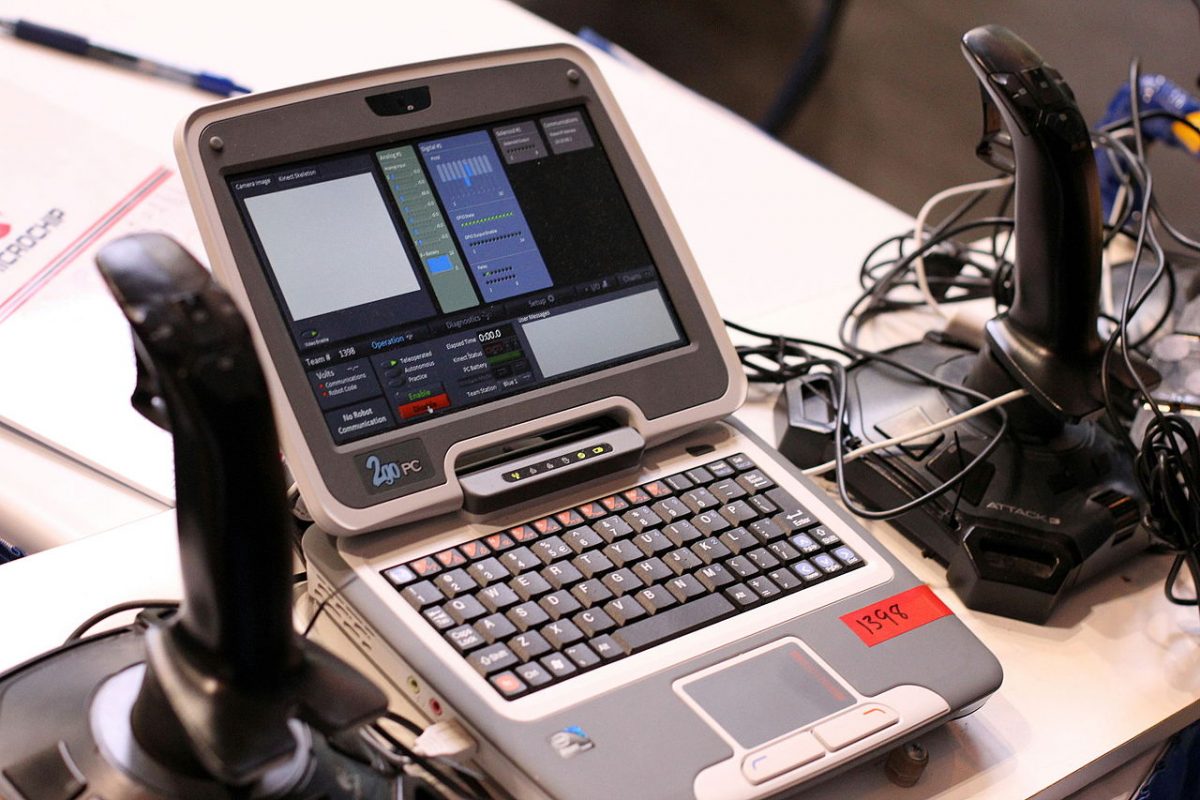
[caption id="attachment_17318" align="alignnone" width="600"] Photo by Wikimedia Commons[/caption]
The amount and types of robotics kits available in the market today are overwhelming.
To help you settle on specific robotics kits, you need to ask yourself a few questions like those below:
- Do you want to improve your knowledge of electronics?
- Are you experienced in Arduino, C++, Raspberry Pi’s or Python programming?
- What is your experience level?
What Robotics Kits Are Suitable For Beginners?
If you are building a robot for the first time, try Arduino kits. There are also many other good starter robotics kits from Lego Mindstorms, Meccano Spiders and Micro Bit that you can program using Python.
It is important to choose robotics kits that suit your skill level and budget. Having said that, here are 5 best robotic kits that are suitable for all skill levels.
2019 Top 5 Robotics Kits
Makeblock Ultimate 2.0
Ultimate 2.0 is Makeblock's most advanced robotics kit. It comes with ten different structures ranging from a robotic arm tank to a self-balancing robot. This robot kit will fulfill your needs and allow you to try out a lot of varied apps.
You have the option to program it in a graphical editor. Or you can program the robot using Arduino or Python. Makeblock Ultimate 2.0 is suited for individuals of various skill levels.
Lego Boost Robotic Kits
The Lego Boost is arguably the best children and youths STEM robot accessible. The Lego robotics kits feature an unbelievable 847 Lego bricks, a single motor, one light/IR sensor, and the Lego move hub that features two inbuilt motors. You can build robots using five different methods. What you require to start is to install the Boost app on your iPad or Android tablet to allow you to start creating and coding instantly.
Lego has developed the boost app that young kids can try out. It boosts their ability to learn. Lego has equally generated an app that makes a perfect balance between straightforwardness, complexity, and fun. Featuring a video game form leveling system, the app turns the whole learning procedure into a game.
The downside of this Boost robotic kit is it is oversimplified. So while it is suitable for younger kids, it is very easy for older kids. It is definitely not a robot kit for adults. Therefore, this robotic kit is suitable for children between the ages of 7 to 12.
Makeblock mBot Robot Kit
Makeblock’s mbot is particularly structured for STEM use. It comes with an easy to follow user guide and a screwdriver. It teaches you the fundamentals of creating your robot and allows you to have fun with your practical creation.
Makeblock mbot features four expansion ports and offers support to more than a hundred varied types of electronic modules, which allows you to readily expand mbot. Mbot is equally well-suited with Lego bricks. Thus, you can readily and with much ease expand or alter the form and the look of the robot. Try out this robotic kit now.
Elegoo Uno Robotic Car Kit
The Elegoo Uno robot car is a popular robot kit on Amazon because it offers users an enormous amount of components and sufficient value for their money. The Robot kit features an Arduino, extension shield, four motors, a servo, Ultrasonic sensors, Line following sensors and so on.
It comes with an instruction manual that is easy to follow together with a lot of prebuilt applications like obstacle avoidance and line following. You can only program the robot straight from the Arduino interface. Therefore, to program the robot, you must have a good understanding of Arduino and C++ much speedier than the starter robot kits.
Keystudio 4DOF Robot Arm Kit
Keyestudio has launched another budget-friendly robotic kit designed to encourage you to learn even as you have fun. With clearly specified usage instructions, open-source code and three types of control systems which include the remote control, you can easily make your robot start performing tasks without writing having to write any code.
The whole code used for this robotic kit is open-source. The implication of this is that you can obtain, edit and integrate it into the pre-built code on the robot to make the robot perform a more difficult task.
Final Thoughts
As soon as you decide on the form of robot, you want to build and obtain all the parts required, you can start to build your robots right away. However, when you build your own robot with your DIY robot kit, it is much more complicated and difficult than when you create a pre-made robotic kit that already comes with pre-written code.
Looking for robotics kits for kids instead, we have you covered as well! Check out our comprehensive guide here.\nRelated reading: How To Make A Digital Camera.