Practical, straightforward articles about computer memory, written for everyday users who want to understand how their hardware works and how to manage it. Whether you are upgrading a desktop, troubleshooting a slow laptop, or just curious about what those numbers on a memory stick mean, these guides are aimed at hobbyists, gamers, and anyone who prefers clear instructions over technical jargon.
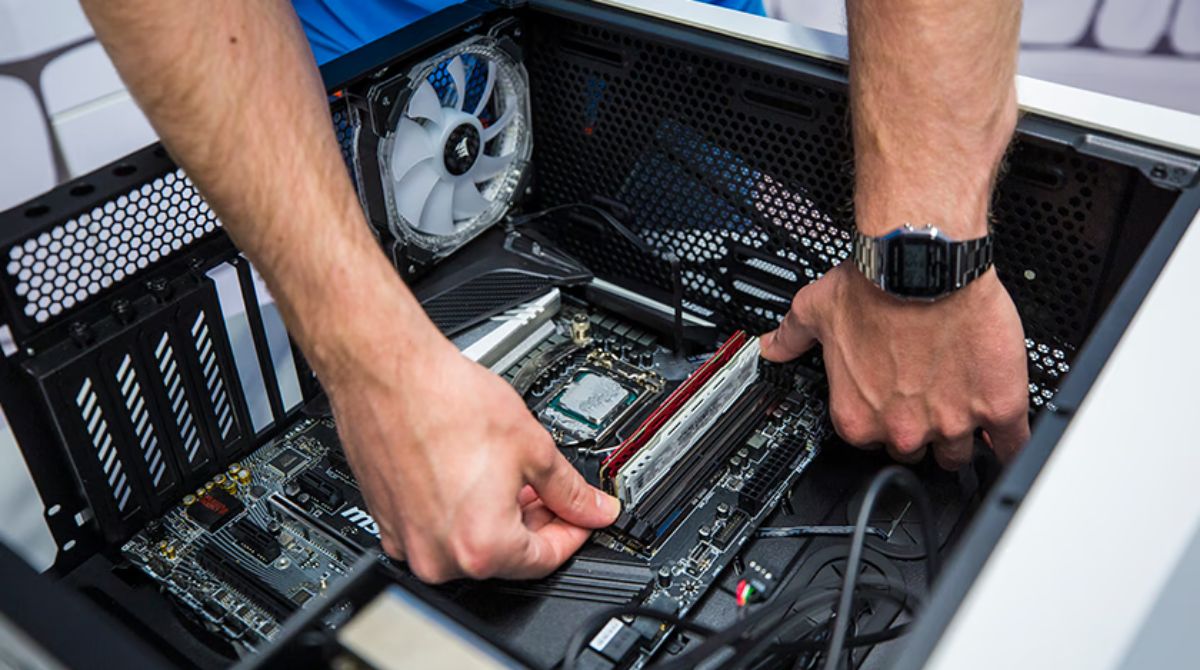
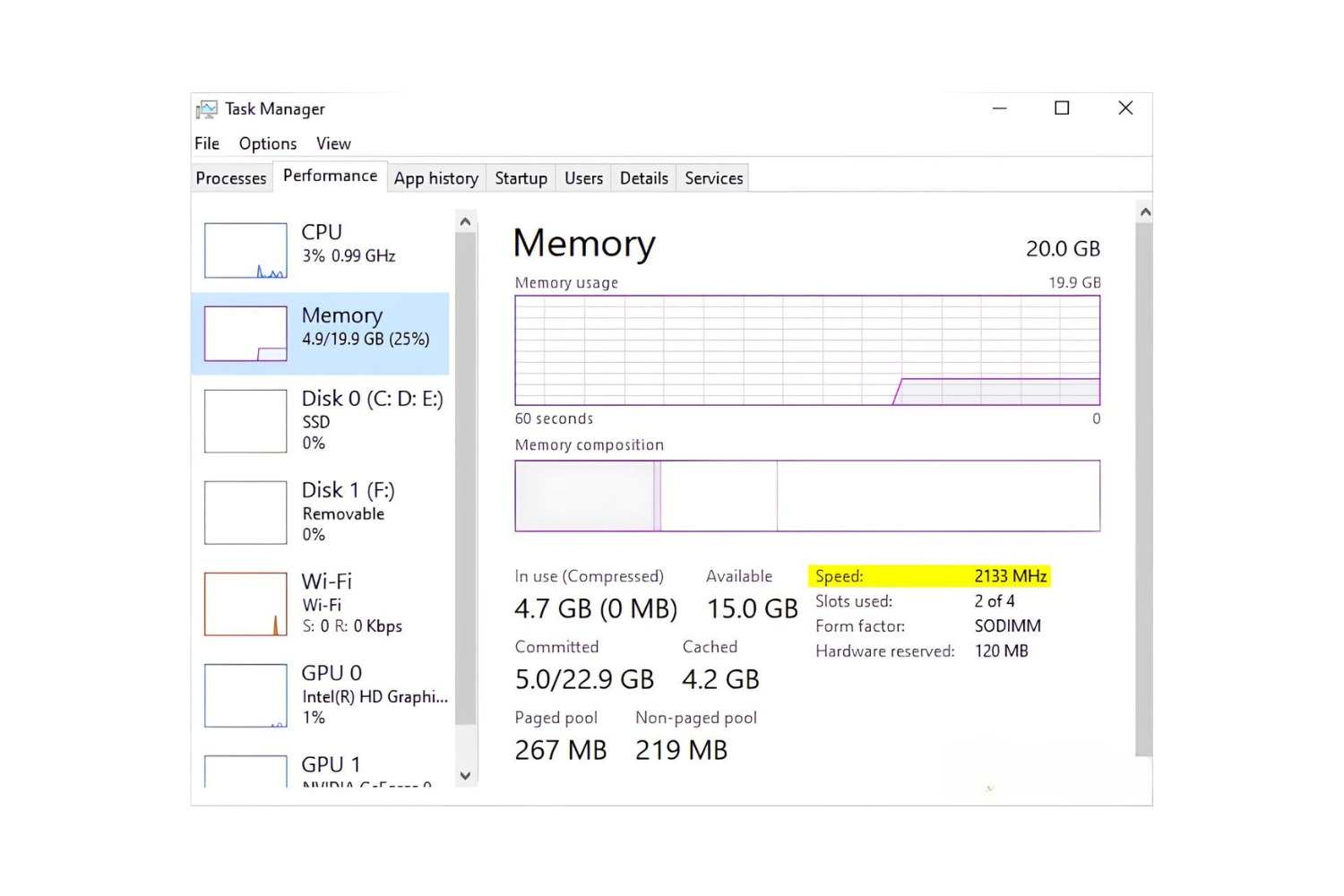
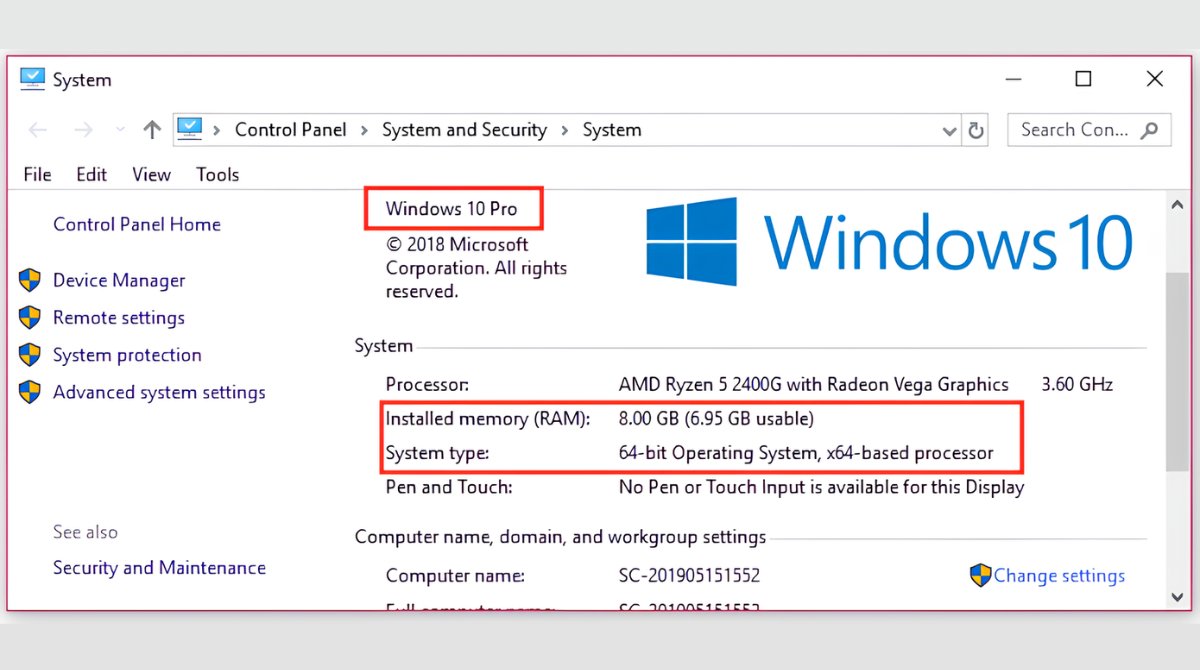
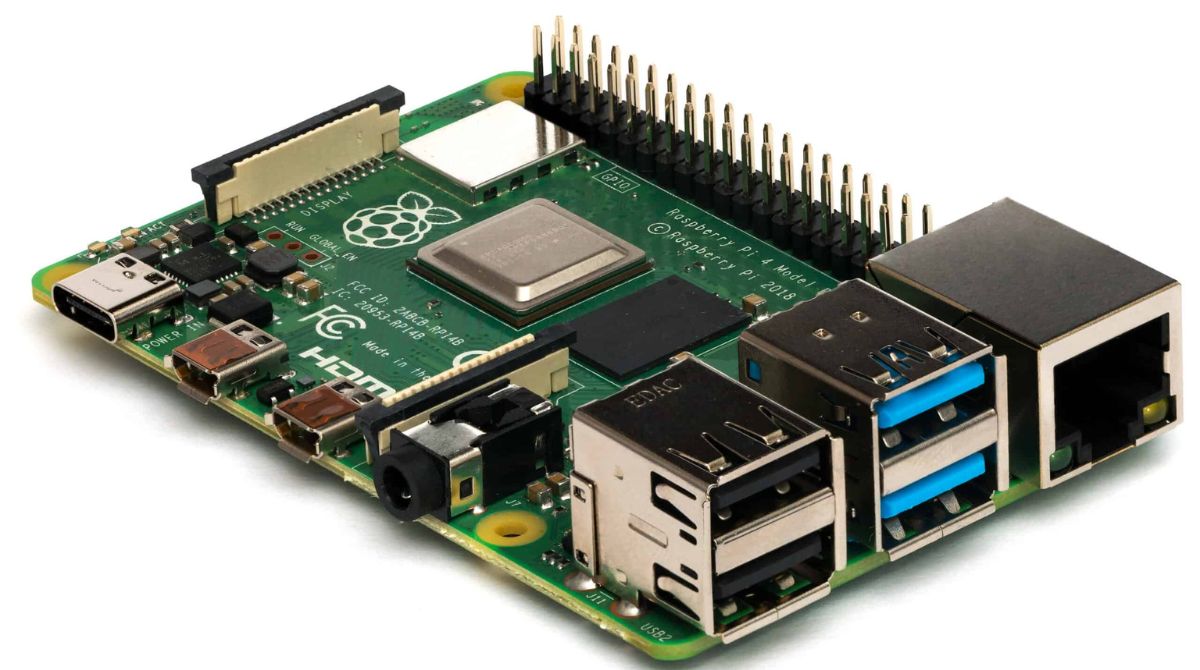
The articles address two main kinds of problems. The first is performance tuning: they show you how to allocate more memory to specific programs like TModLoader, CurseForge, or Stardew Valley, how to change RAM speed in a Gigabyte BIOS, and how to check your current MHz or pin count. The second is hardware knowledge and safe upgrades: you can learn how to install RAM on a Raspberry Pi, how to tell if your memory is single or dual rank, and how to take RAM out properly. There are also several pieces that explain the differences between 8GB and 16GB, what happens if you boot without RAM, and why your memory speed might show 2133 instead of 3200.
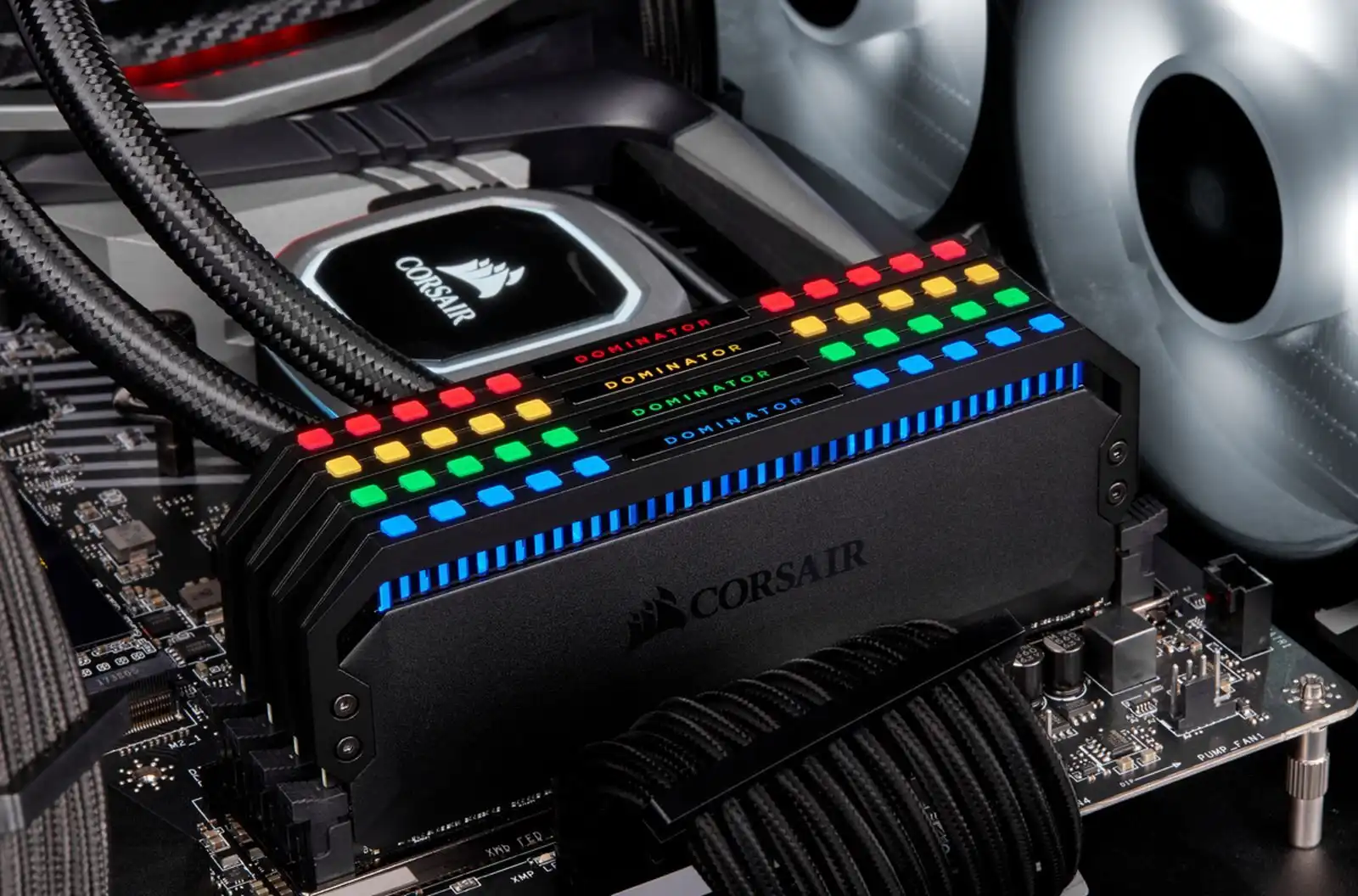
Beyond the practical how-tos, some articles take a safety or legal-alternatives angle. For example, instead of telling you to “download more RAM,” the tag clarifies that this is a joke and explains what actually happens when you power off your computer. Others cover how to clear RAM on a Chromebook, how to turn off RGB lighting, and how to use an external hard drive to increase available memory, all without encouraging risky or unauthorized actions. The tag also includes fun historical comparisons, like how much RAM Apollo 11 had or what the PS5 and Xbox Series X carry, giving you context for modern memory needs.