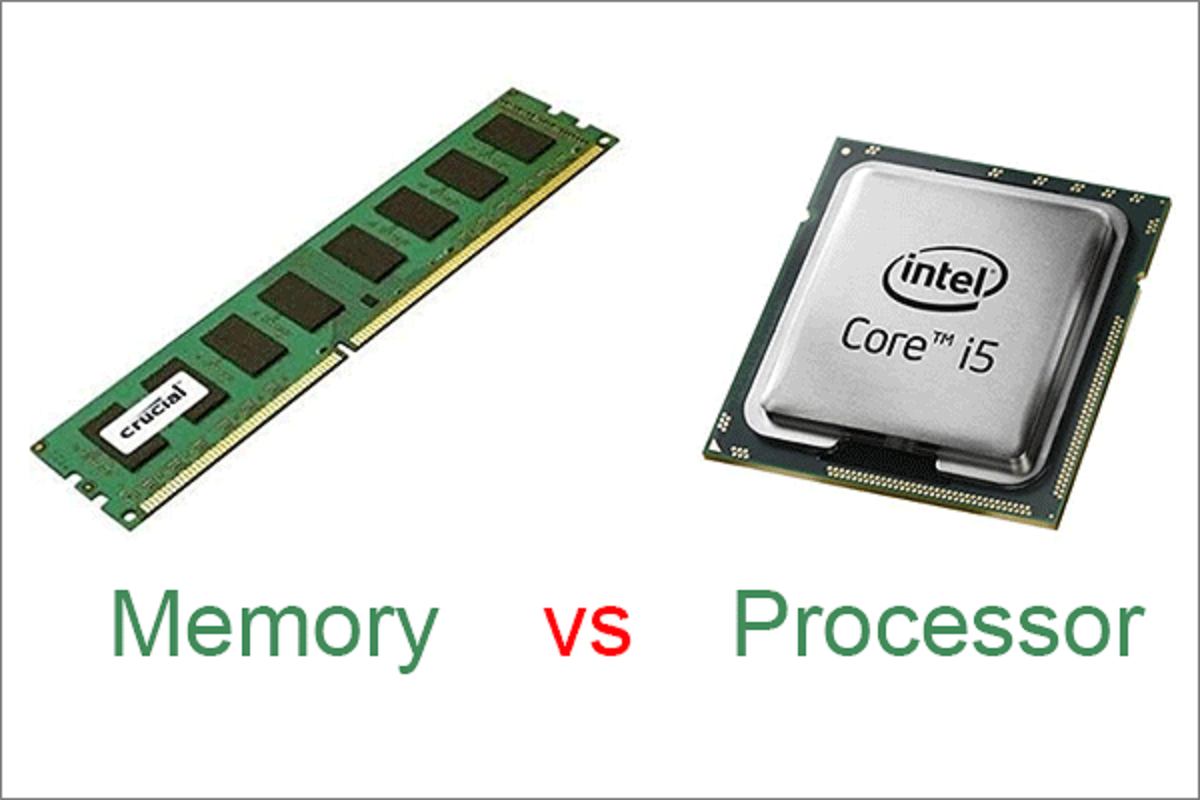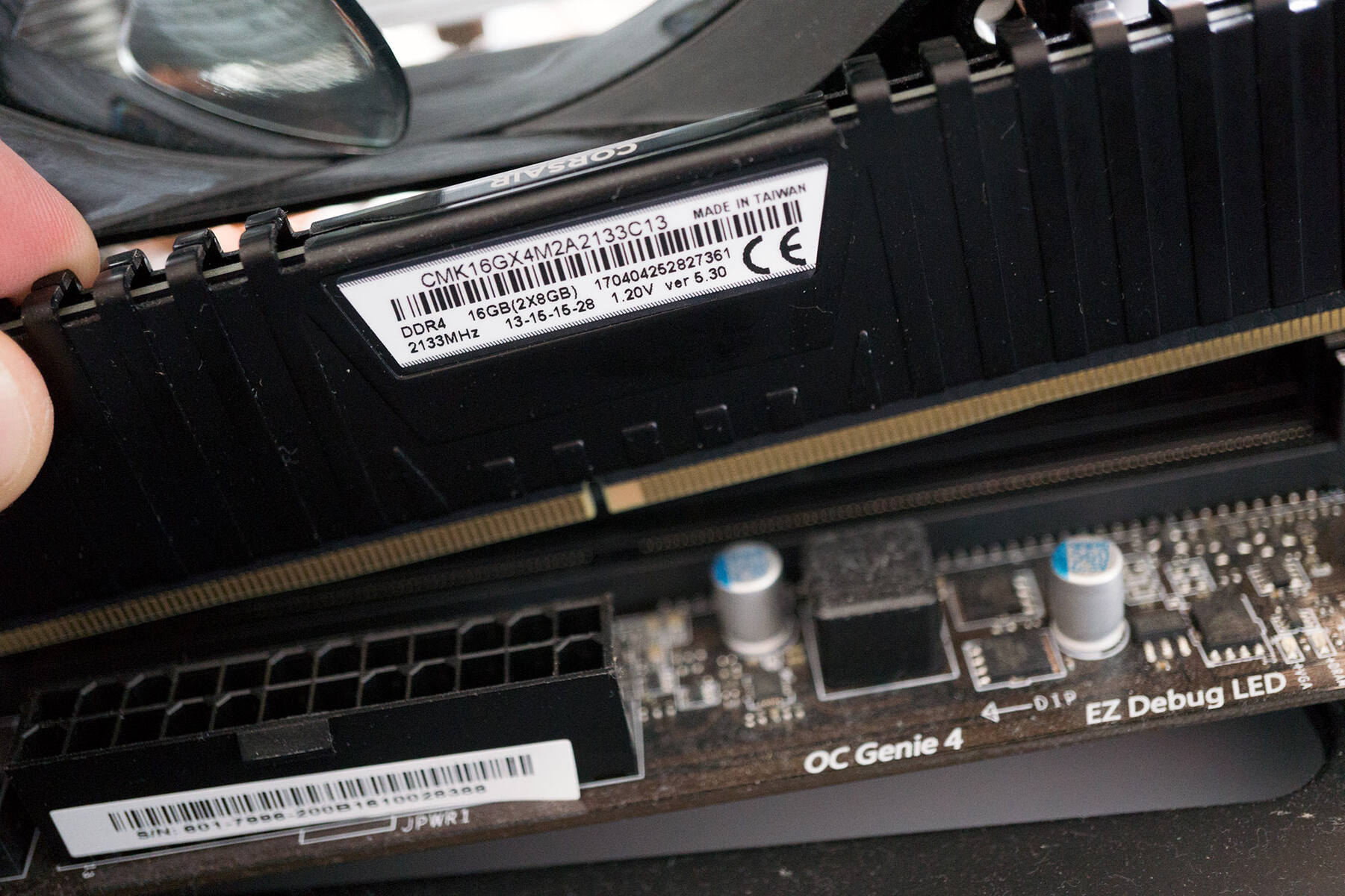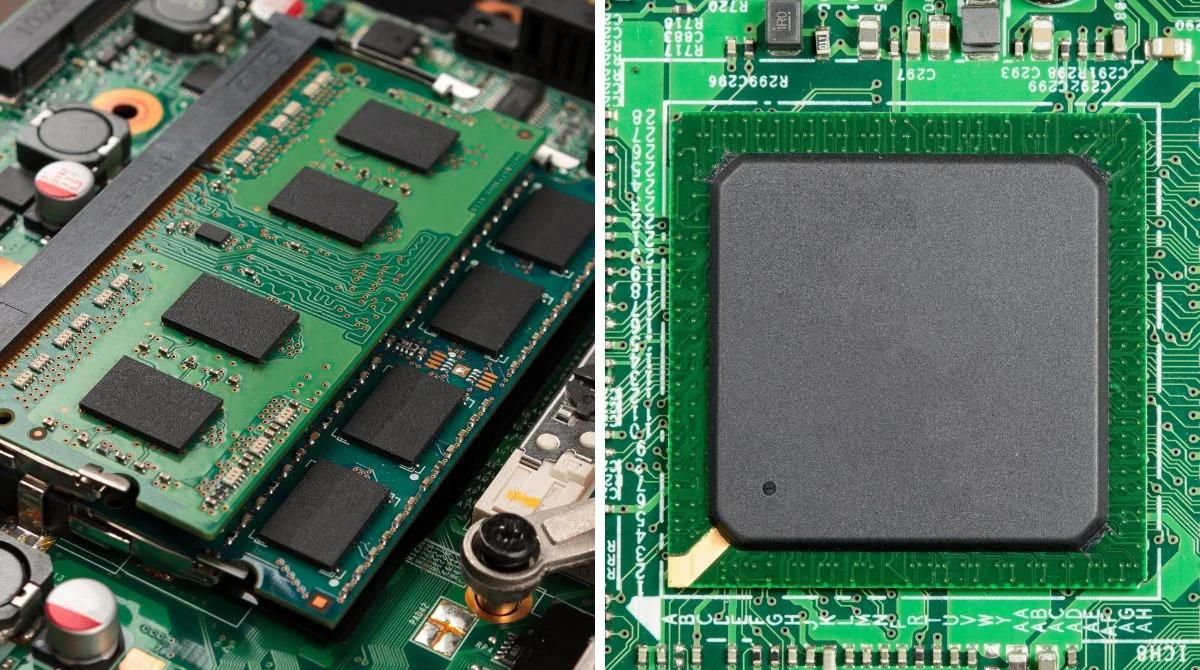
When you power off your computer, everything stored in RAM is permanently and instantly lost because the electrical charges in the DRAM capacitors dissipate the moment the refresh cycle stops. Without constant power, the data that was being actively used by your operating system and applications vanishes completely, leaving no trace behind, a stark contrast to the persistent performance gains you get from upgrading your RAM versus processor speed impact. This fundamental dependency is also why booting a PC without RAM results in nothing but a blank screen and error beeps.
What happens to RAM volatile memory when you power off your computer
The direct answer is that RAM, specifically Dynamic Random Access Memory (DRAM) which constitutes most system RAM, is a type of volatile memory, meaning it requires a constant power supply to retain information. When power is cut, the DRAM capacitors that store data as electrical charges lose their charge because the refresh cycle, which must occur thousands of times per second, stops. This process is instantaneous, so even a brief power interruption erases all data in RAM.
Why RAM needs constant power to keep your data
DRAM stores data as electrical charges in tiny capacitors that must be refreshed thousands of times per second to maintain integrity; when power is cut, this refresh cycle stops, and the stored charges dissipate. Each memory cell in a DRAM module is essentially a tiny capacitor and transistor pair. The memory controller constantly reads and rewrites each cell to refresh the charge, preventing data loss. Without this active refresh, the capacitors discharge, and the data vanishes into electrical noise.
The hibernation exception: when RAM data survives a shutdown
When a Windows computer hibernates, the contents of RAM are written to a hidden system file called hiberfil.sys on the hard drive or SSD before the power is completely cut. This file is a byte-for-byte snapshot of your RAM at the moment of hibernation. This is the only scenario where RAM data survives a full power-off event, and it works because the data is moved to non-volatile storage before the power disappears.
SRAM vs DRAM: both lose everything without power
Static Random Access Memory (SRAM), used for faster cache memory, is also volatile and loses its contents without power, typically within microseconds. Unlike DRAM, SRAM uses flip-flop circuits to store bits, which do not require constant refreshing. However, SRAM still depends on a steady voltage to maintain its logic states; when power is removed, the flip-flops lose their stored values almost instantly. Whether you have a system with 8gb of RAM or a server with terabytes, every byte of volatile memory, both DRAM and SRAM, is erased when the power cord is pulled.
What your computer does during a normal shutdown
When you initiate a shutdown, your operating system signals running programs to save data to permanent storage before power is cut, but unsaved work in RAM is lost if applications don't complete this process. The OS sends a shutdown command to each active process, giving it a brief window to write any unsaved changes to the hard drive or SSD. Most modern applications honor this request and save their state, but if a program is frozen or takes too long, the OS may force-terminate it, discarding whatever was still in RAM. This is why you sometimes see a "force close" dialog during shutdown, the system is warning you that unsaved data will be lost.
How to protect your data before shutting down
To avoid losing work, follow these practical steps:
- Save your work manually before initiating any shutdown.
- Enable auto-save features in your applications. Word processors, design tools, and many other programs can automatically save your work every few minutes, reducing the window of potential data loss.
- Use a UPS (Uninterruptible Power Supply) for power outages. A UPS provides enough battery backup to allow you to save your files and perform a proper shutdown before the computer loses power.
- Close applications properly before shutting down. Use each program's exit command rather than letting the OS close them, ensuring they have time to save configuration and session data.