The RAM tag on Robots.net collects practical, straightforward articles about computer memory, written for everyday users who want to understand how their hardware works and how to manage it. Whether you are upgrading a desktop, troubleshooting a slow laptop, or just curious about what those numbers on a memory stick mean, these guides are aimed at hobbyists, gamers, and anyone who prefers clear instructions over technical jargon.

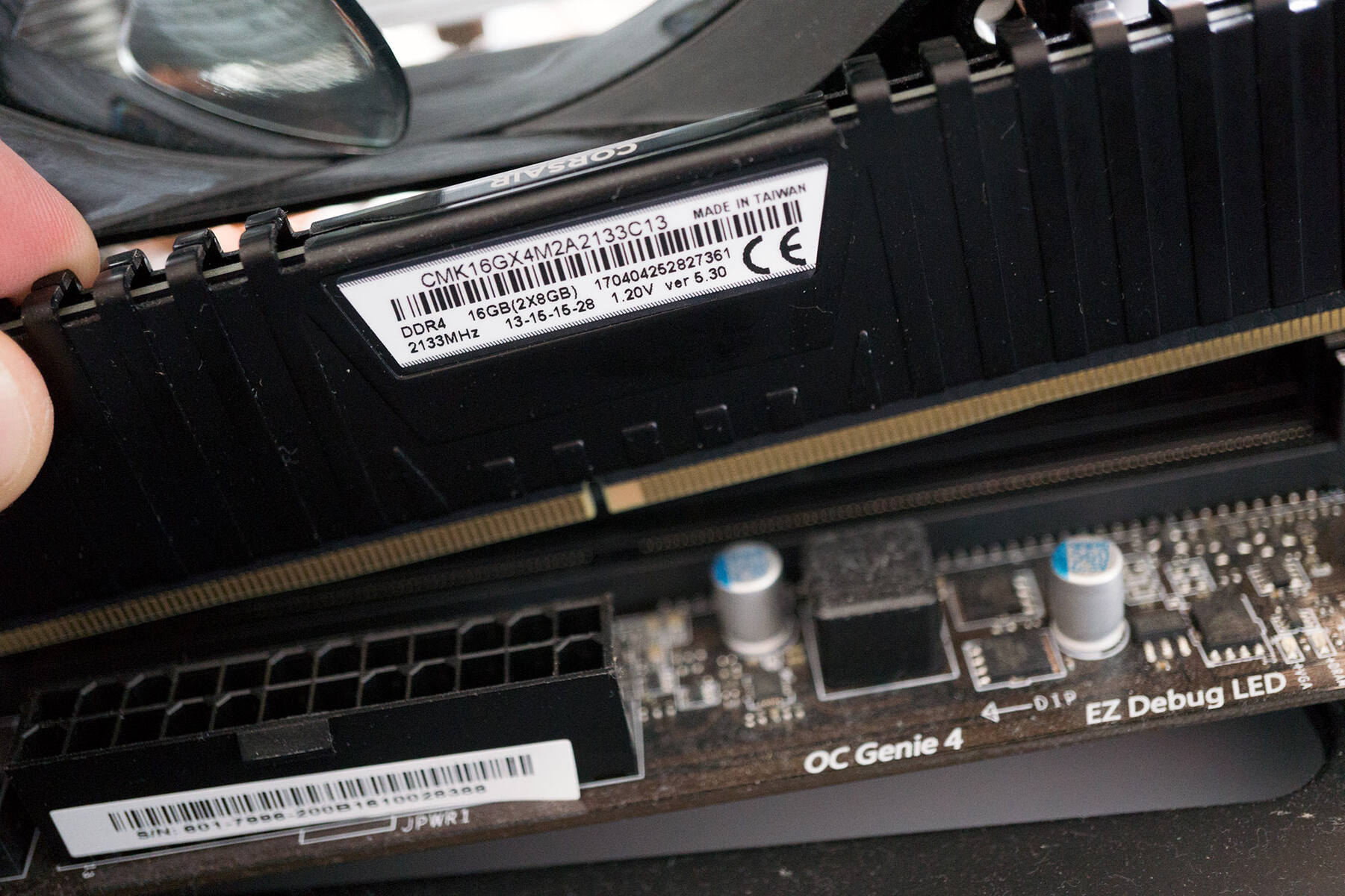
The articles address two main kinds of problems. The first is performance tuning: they show you how to allocate more memory to specific programs like TModLoader, CurseForge, or Stardew Valley, how to change RAM speed in a Gigabyte BIOS, and how to check your current MHz or pin count. The second is hardware knowledge and safe upgrades: you can learn how to install RAM on a Raspberry Pi, how to tell if your memory is single or dual rank, and how to take RAM out properly. There are also several pieces that explain the differences between 8GB and 16GB, what happens if you boot without RAM, and why your memory speed might show 2133 instead of 3200.

Beyond the practical how-tos, some articles take a safety or legal-alternatives angle. For example, instead of telling you to “download more RAM,” the tag clarifies that this is a joke and explains what actually happens when you power off your computer. Others cover how to clear RAM on a Chromebook, how to turn off RGB lighting, and how to use an external hard drive to increase available memory, all without encouraging risky or unauthorized actions. The tag also includes fun historical comparisons, like how much RAM Apollo 11 had or what the PS5 and Xbox Series X carry, giving you context for modern memory needs.
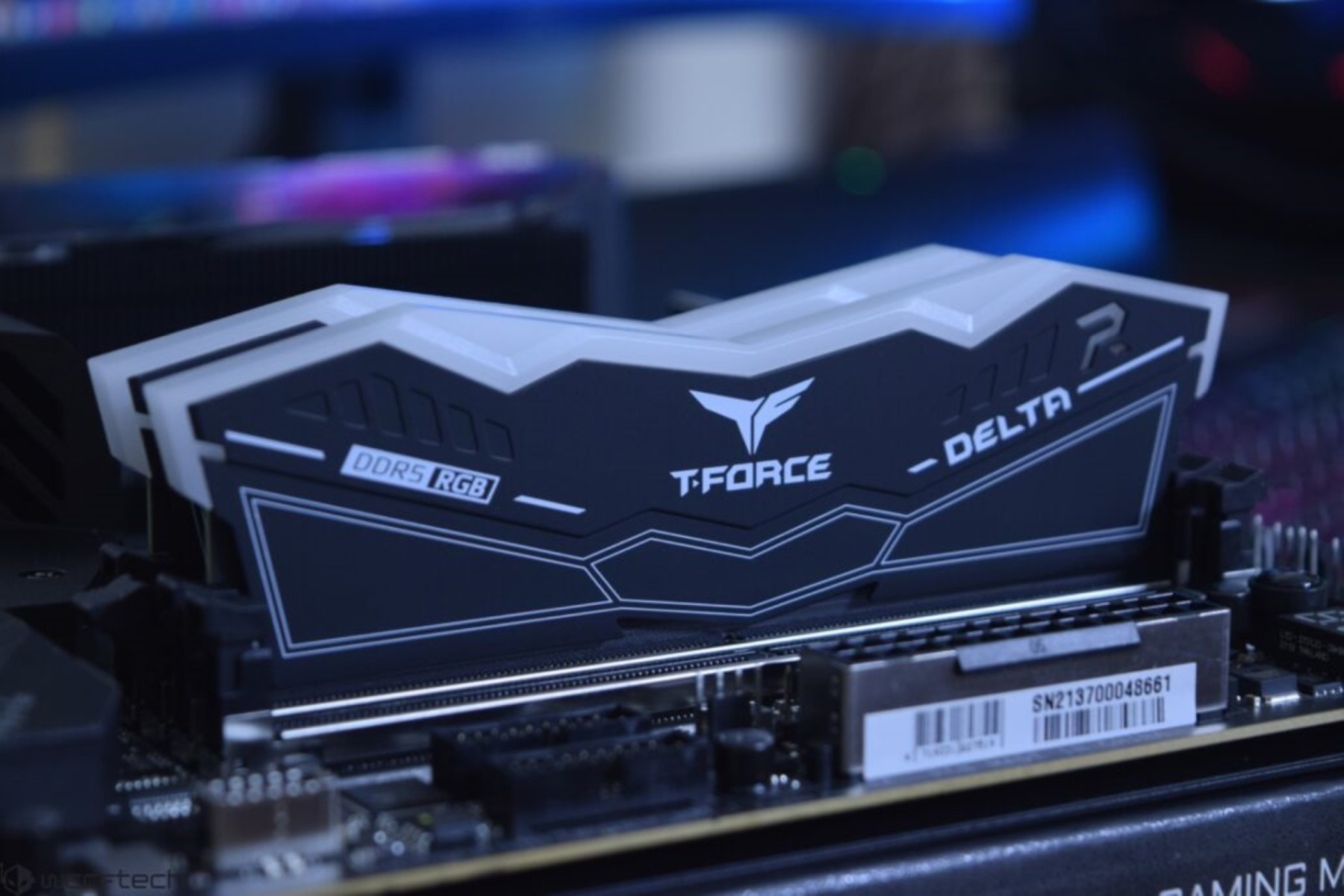
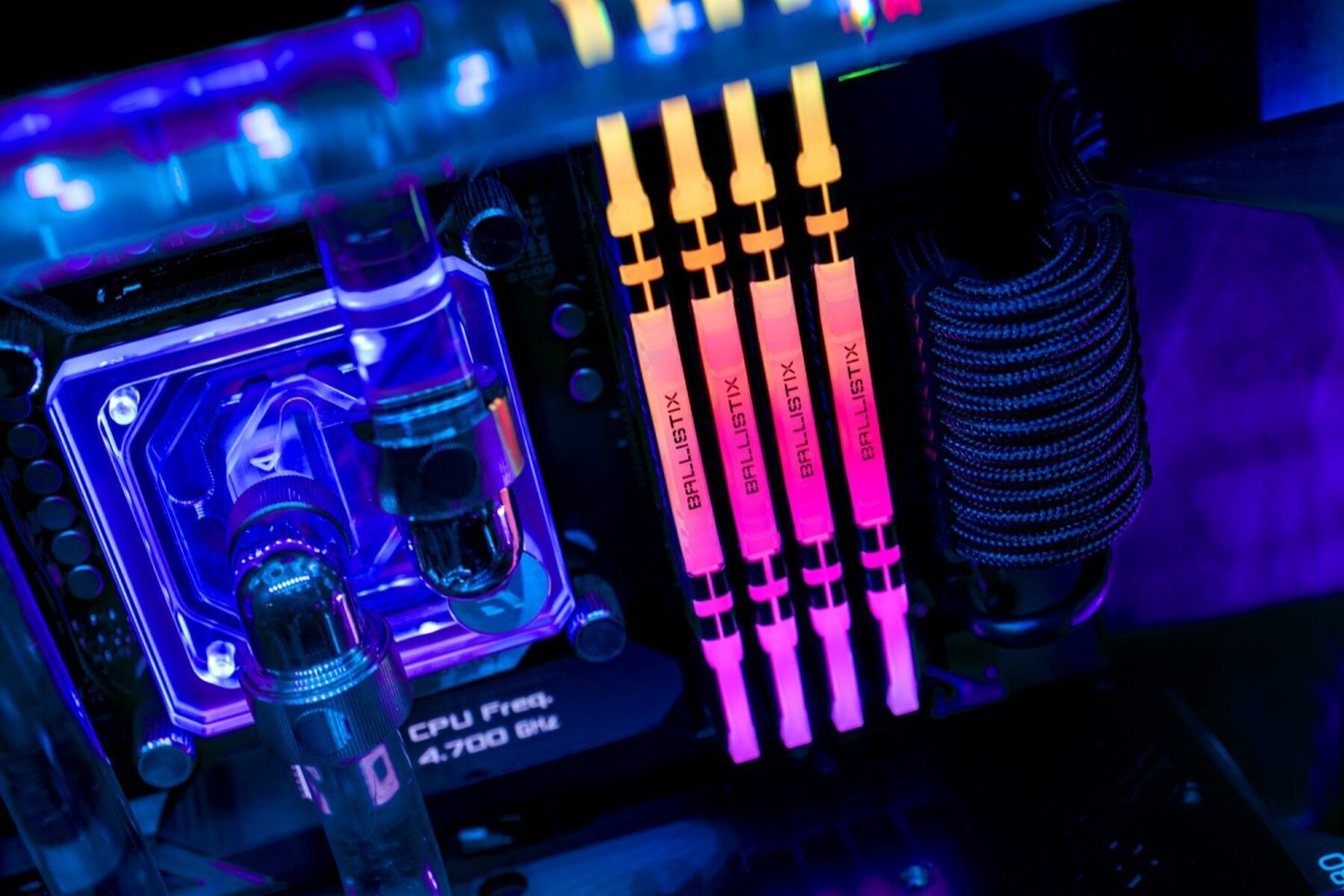
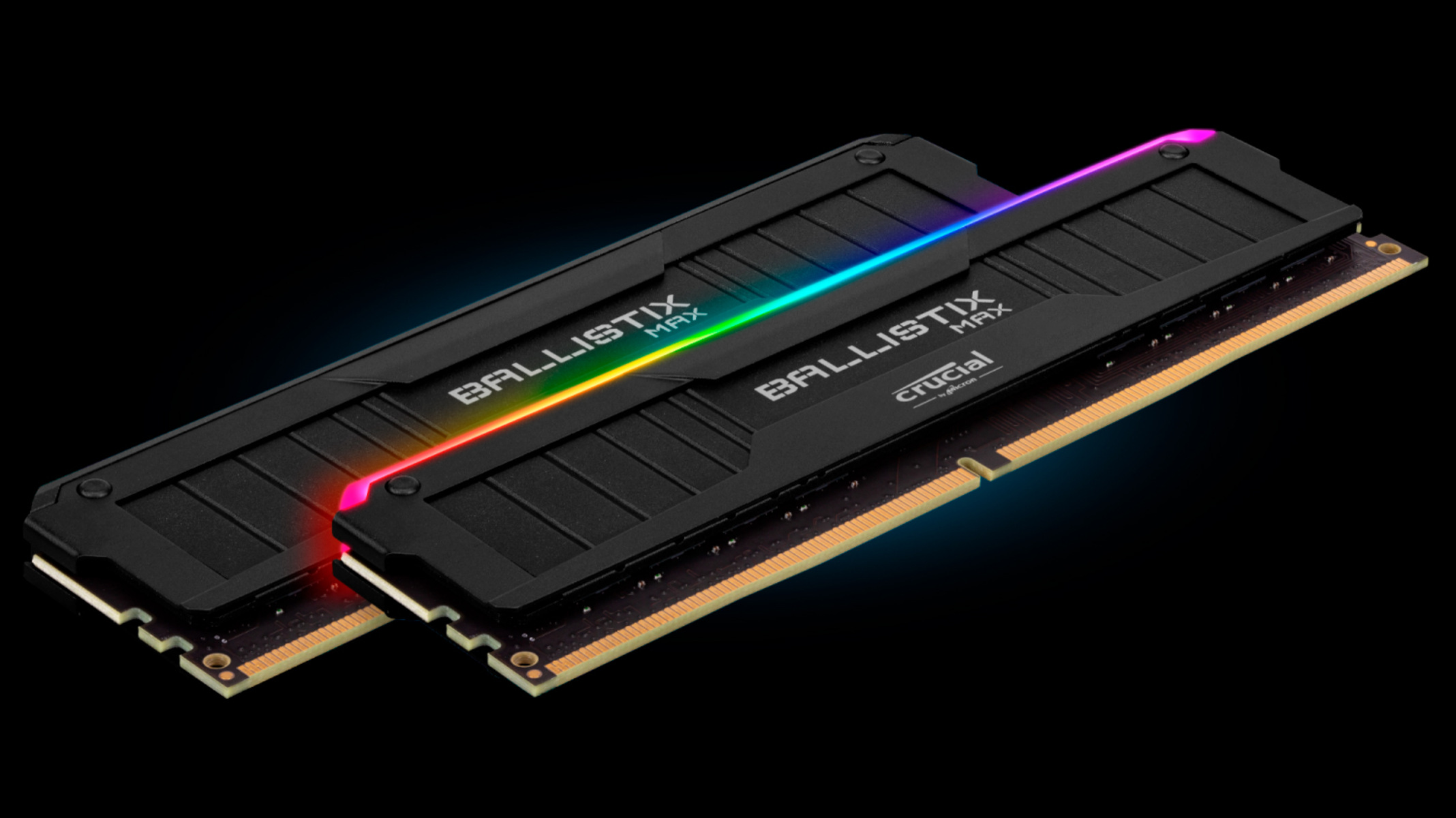
How To Turn Off RGB RAM

To turn off RGB RAM, use the manufacturer's software to set the lighting to off or black, or use your motherboard's RGB control app to disable the memory LEDs. The...

How To Allocate More RAM In CurseForge

To allocate more RAM in CurseForge, open the launcher’s Settings gear icon, go to Minecraft under Game Specific, and drag the Allocated Memory slider. This guide covers both the global...

How To Change RAM RGB Color

To change RAM RGB color, you need to use the software made for your specific memory brand, or your motherboard's lighting utility, to customize the lighting effects. Before you begin,...

What Is 16GB RAM

16GB RAM is a memory capacity that gives your computer enough short-term storage to run demanding software and multitask smoothly. It means your system has 16 gigabytes of Random Access...

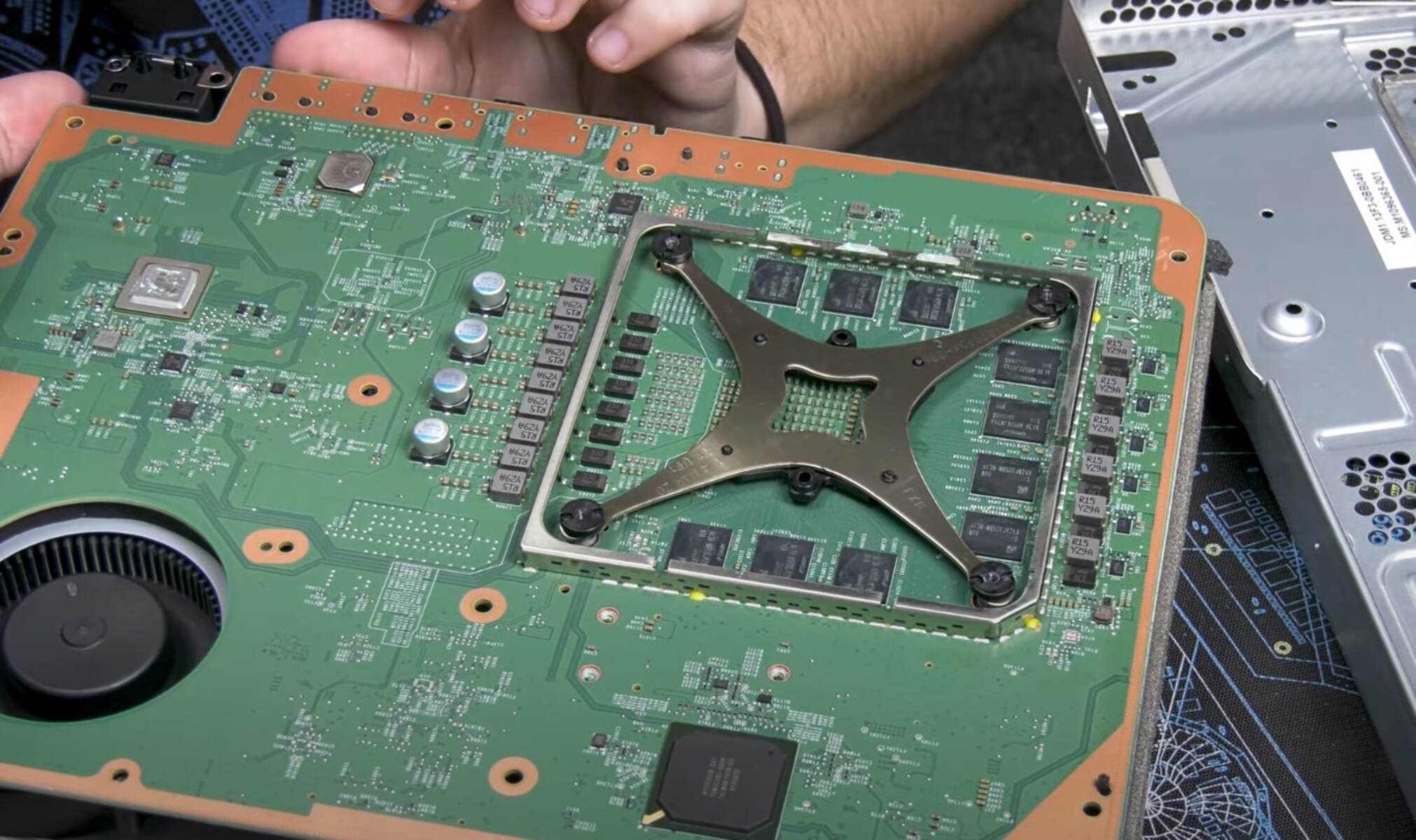
How Much RAM Does An Xbox Series X Have

The Xbox Series X has 16GB of GDDR6 RAM, a crucial component that defines its gaming performance. This specific amount and type of memory directly impacts how fast games load...

How To Clear RAM On A Chromebook

To clear RAM on a Chromebook, close unused browser tabs and end memory-hungry processes in the Task Manager. Chrome OS is designed to use available RAM efficiently, so high memory...

What Happens If You Boot A PC Without RAM

When you boot a PC without RAM, the system powers on with fans spinning and lights illuminating, but the screen remains black because the computer fails the Power-On Self-Test (POST)....

How To Allocate More RAM To TModLoader

Freeing up system memory to allocate more RAM to TModLoader To allocate more RAM to TModLoader effectively, start by closing unnecessary programs before you launch the game. This can free...

What Is 8GB Of RAM?

Understanding what 8gb of ram actually means When you see 8GB of RAM on a spec sheet, you are looking at a size measurement, how much data the memory can...

How Much RAM Did Apollo 11 Have?

The Apollo 11 RAM was less than a single modern email; your smartphone carries roughly two million times more working memory than the computer that landed humans on the Moon....

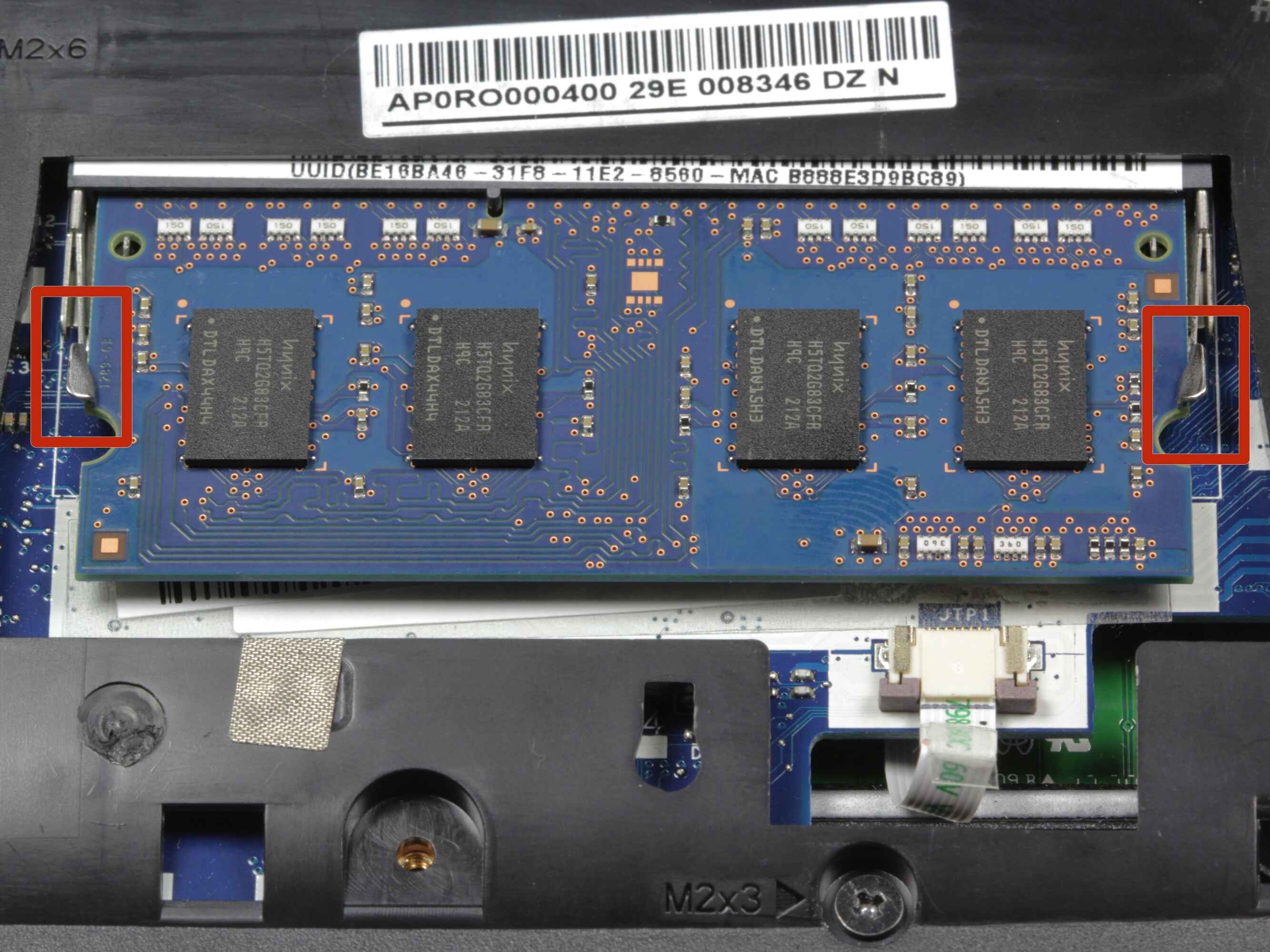
How To Take Out RAM

To take out RAM, first shut down your PC, unplug it, and ground yourself, then push the side clips outward on both ends of the DIMM slot until the module...