This tag collects articles about the everyday network settings that home users and small-office troubleshooters actually run into, covering Wi-Fi, Ethernet, mobile data, and the devices that hang off your network, from smart TVs to game consoles. It is written for non-IT people who want to fix a connection, change a setting, or understand what their router or phone is telling them, without calling a technician or digging through a manual written for engineers.
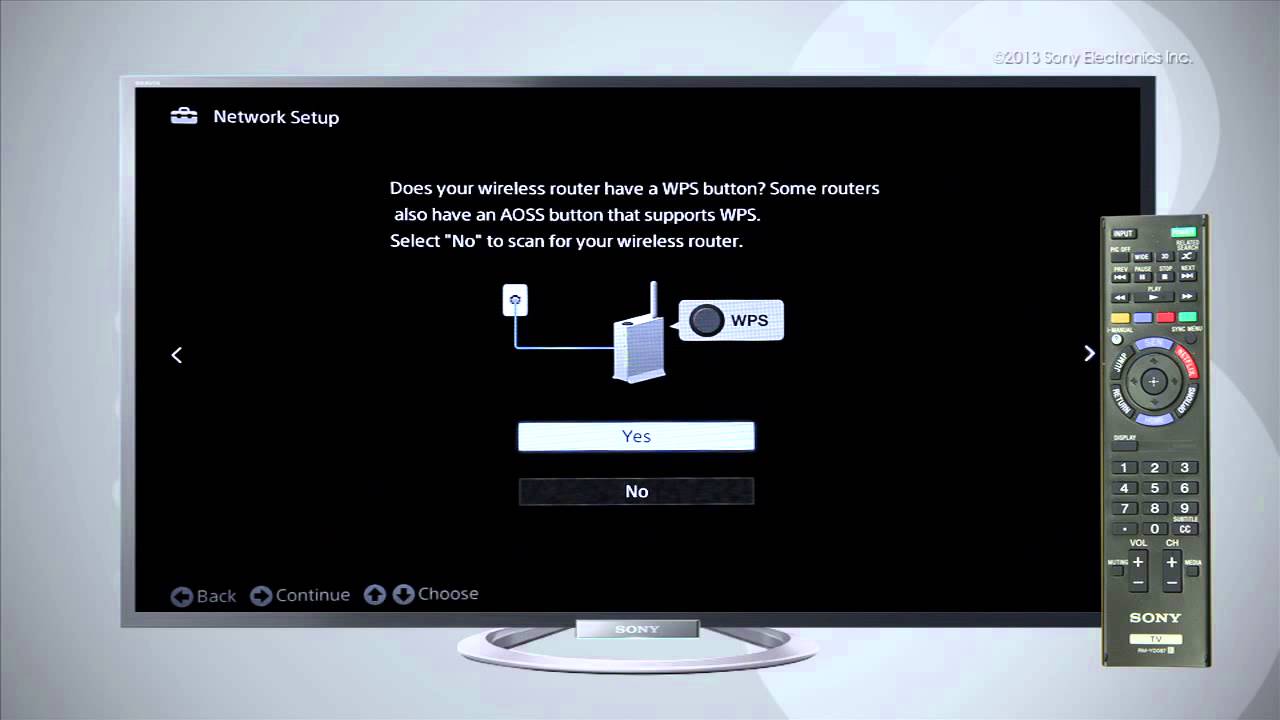
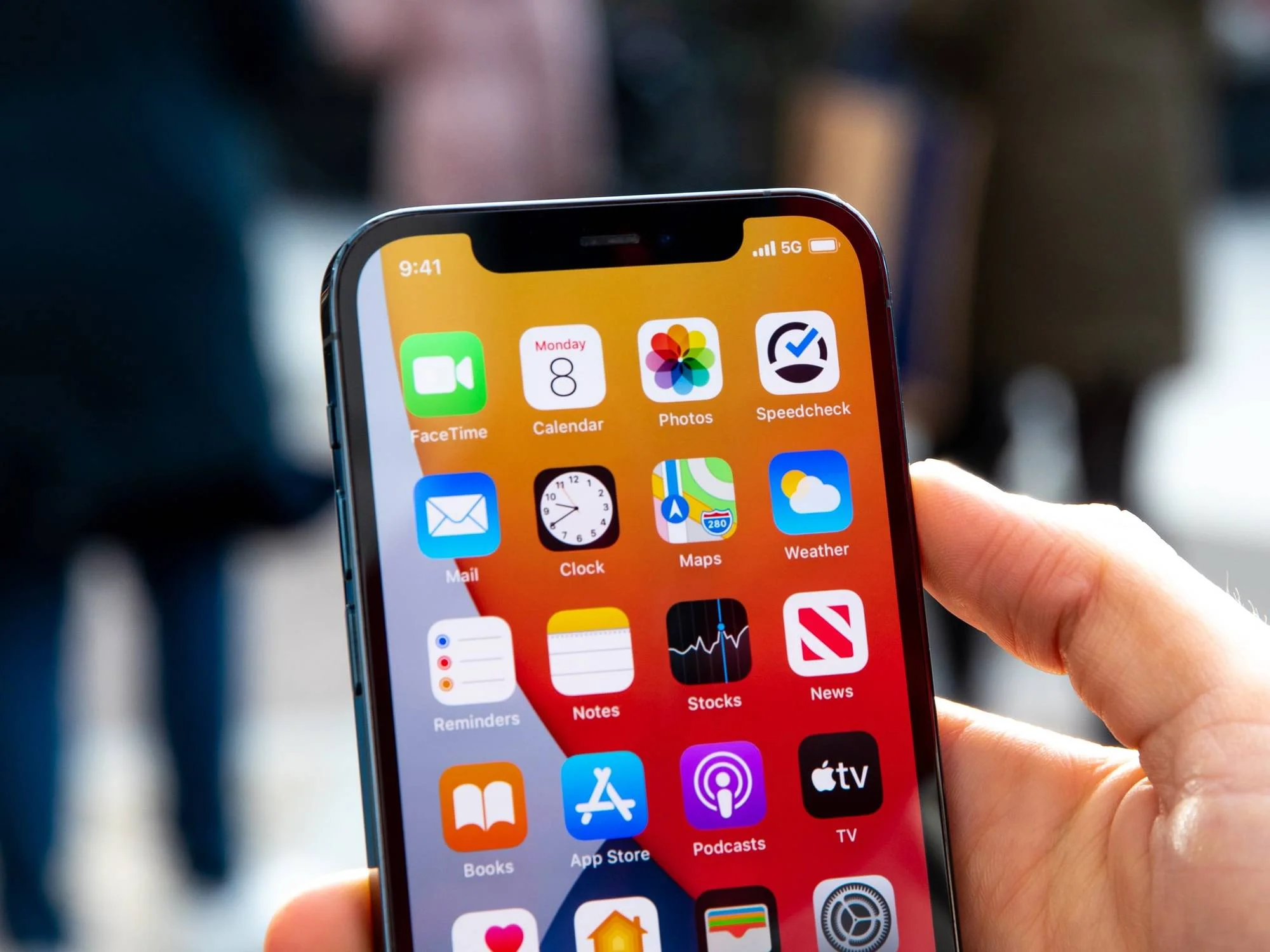
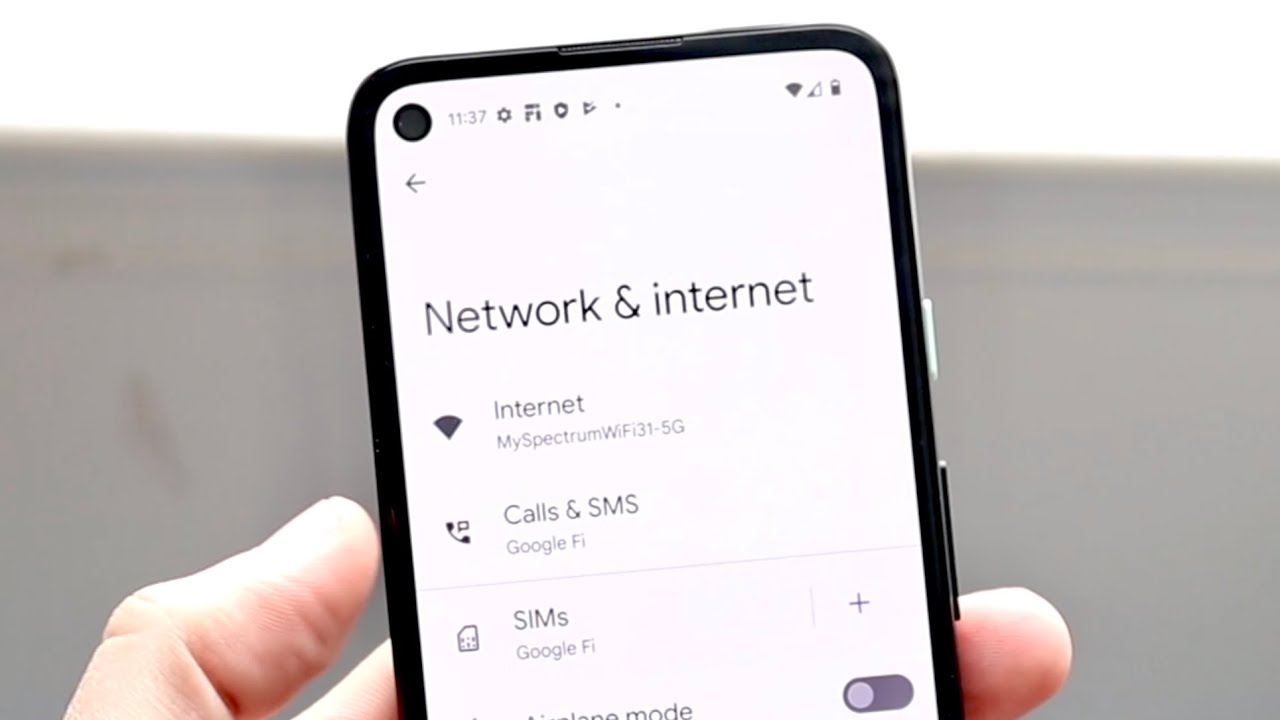
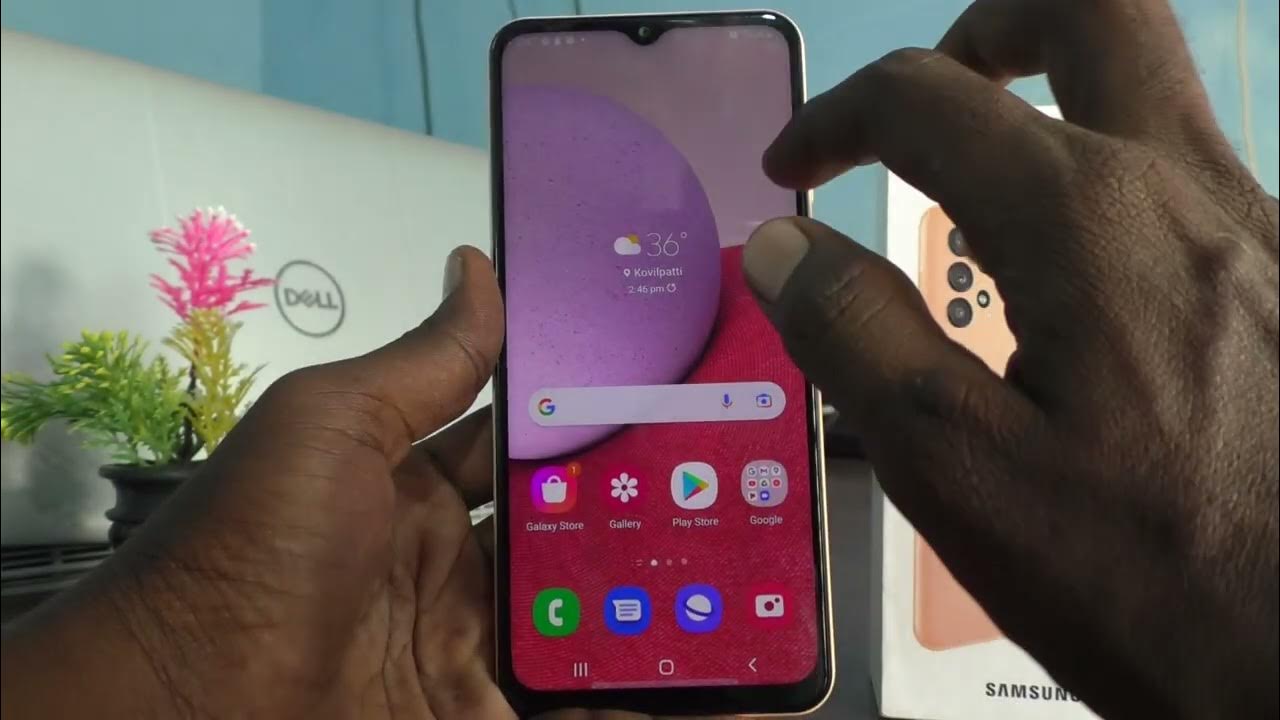
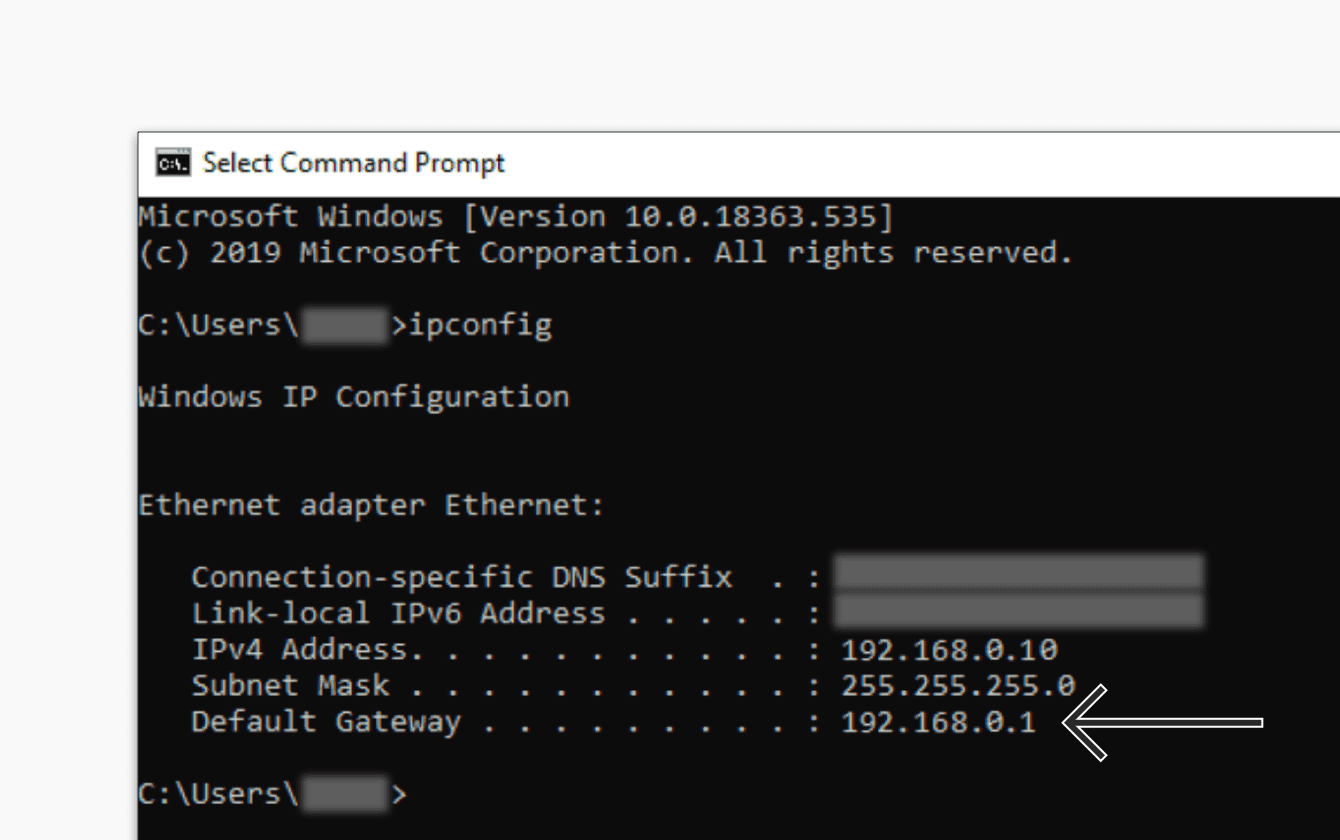
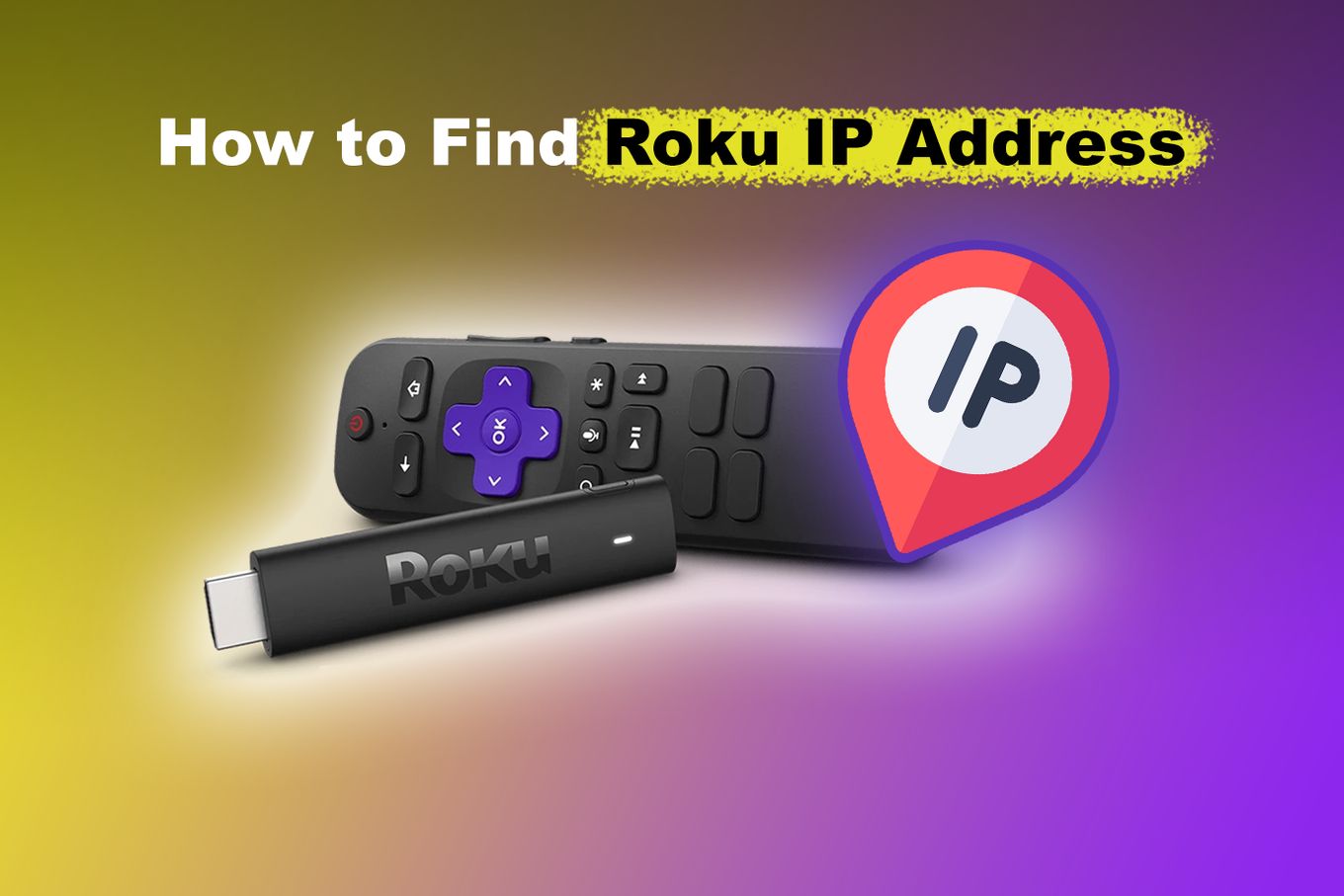
The articles group into three practical themes. First, there is a cluster on identifying and improving your connection: finding out what band your Wi-Fi is on, checking whether your phone is on 4G or 5G, changing your DNS servers for faster browsing, and adjusting speed and duplex settings in Windows 11. Second, a large set focuses on connecting and managing smart TVs and streaming devices, linking a Sony, JVC, or Samsung TV to the internet, finding a Roku’s IP address without a remote, and handling Wi-Fi networks that require a login page. Third, several pieces help you locate and control the devices on your home network, such as finding a default gateway IP, a 3D printer’s address, or a mobile hotspot’s admin page.
Notably, a few articles are framed around security and legal alternatives rather than risky workarounds. For example, instead of showing how to bypass a password, the tag explains how to retrieve a Wi-Fi password through an Ethernet cable when you own the network, and it covers accessing a router’s admin page for legitimate configuration. Similarly, articles about PlayStation download speeds and QoS settings help you prioritize your own traffic, not exploit someone else’s. Throughout, the emphasis is on practical, above-board fixes for common frustrations, getting your TV online, speeding up a game download, or simply knowing what those numbers on your phone’s status bar mean.