Our practical guides to the everyday money apps people actually carry in their pockets, Cash App, PayPal, Zelle, Venmo, and Afterpay. These articles are written for regular consumers who are trying to move money between friends, pay at stores, or link a new card, not for developers or finance professionals. If you have ever stared at a payment app and wondered why a transfer is stuck or how to change your displayed name, this is the page to start with.
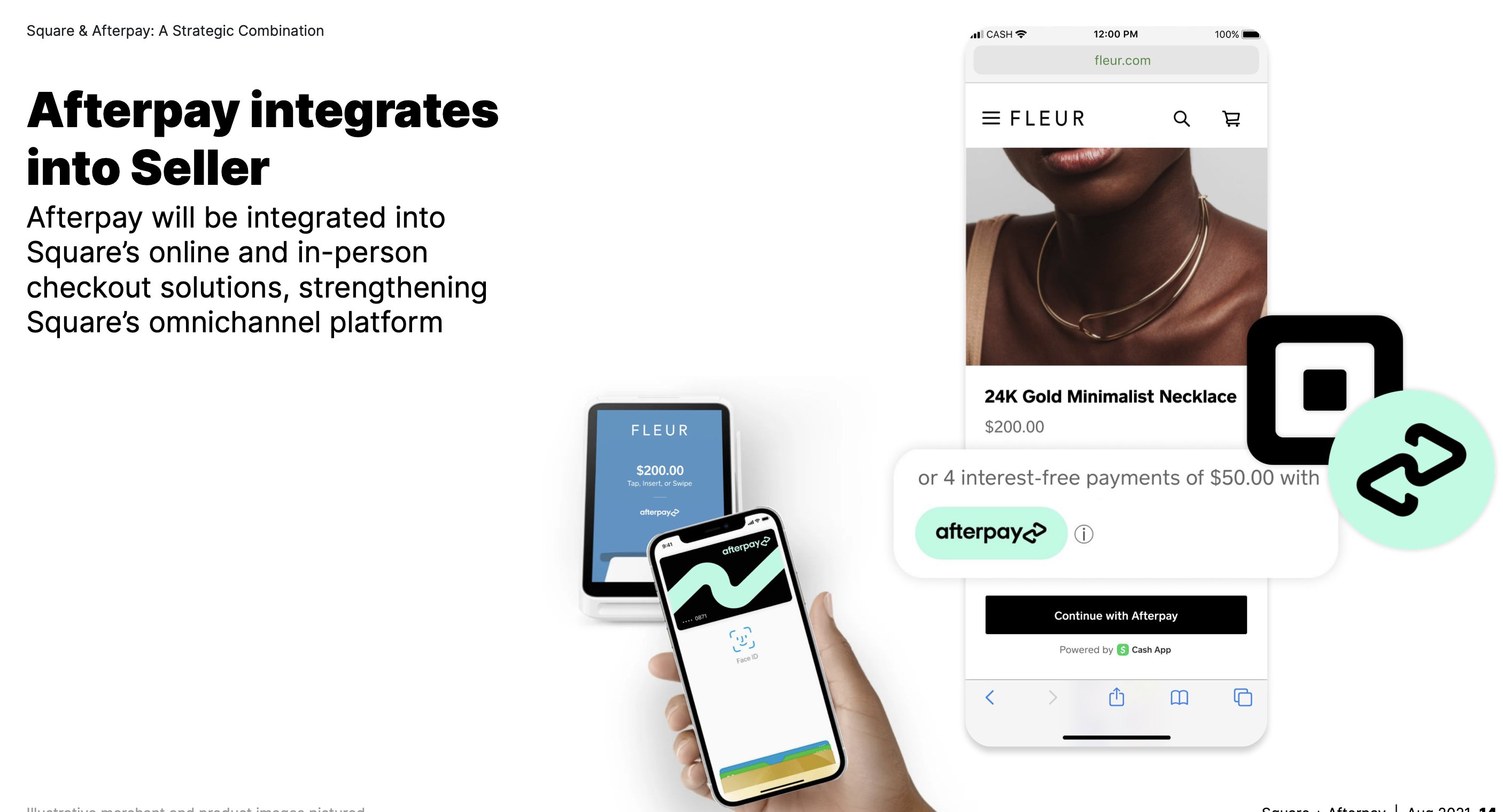
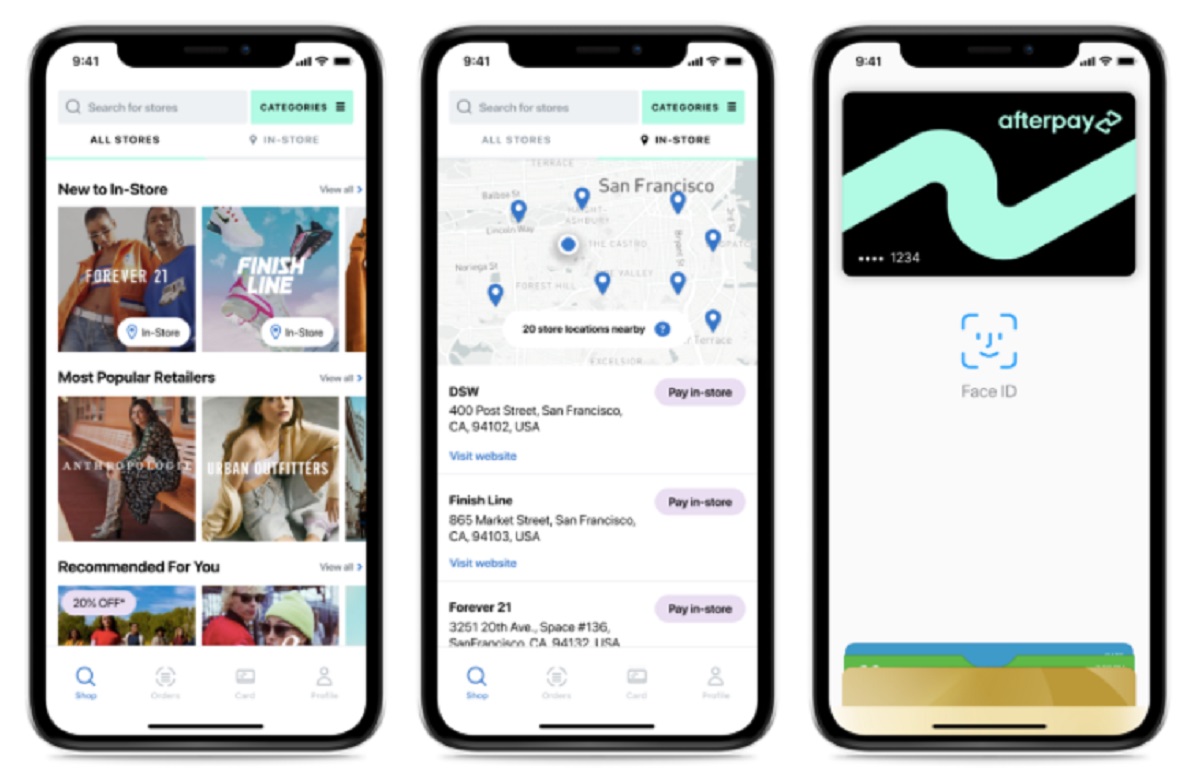
The articles here cluster around a few recurring problems. One major theme is account setup and customization: you will find help adding a debit card to Cash App on Android, setting up Venmo from scratch, changing your Zelle name at Chase, and even how to hide your Venmo transaction history. A second theme is limits, pending reviews, and delays, questions like when does a Zelle limit reset, why a payment is stuck in pending review, or how to increase your send limit are answered directly. A third theme is moving money between platforms and retail stores, including transferring funds from PayPal to Cash App, getting Walmart purchases onto Afterpay, and using Afterpay through Cash App.
Several articles also address security and legitimate alternatives rather than workarounds. For example, guides explain how to access Cash App without a phone number or email, how to share your Zelle link safely, and which prepaid cards actually work with Zelle, so you can avoid failed transfers and protect your account. Whether you are trying to cancel a Navy Federal Zelle payment, add a Visa gift card to Venmo, or compare Venmo versus Zelle for your own habits, these pieces focus on what you can do within the app’s rules, not around them.