Straightforward, practical guides for anyone who uses a computer, laptop, tablet, or even a smart TV remote and has ever been puzzled by a key, a shortcut, or a connection problem. It is written for everyday users, not IT professionals, who want clear, step‑by‑step answers without jargon. Whether you are setting up a new wireless keyboard, trying to find a symbol like the backslash or apostrophe, or simply wondering why the letters are not in alphabetical order, these articles are designed to get you back to typing quickly.
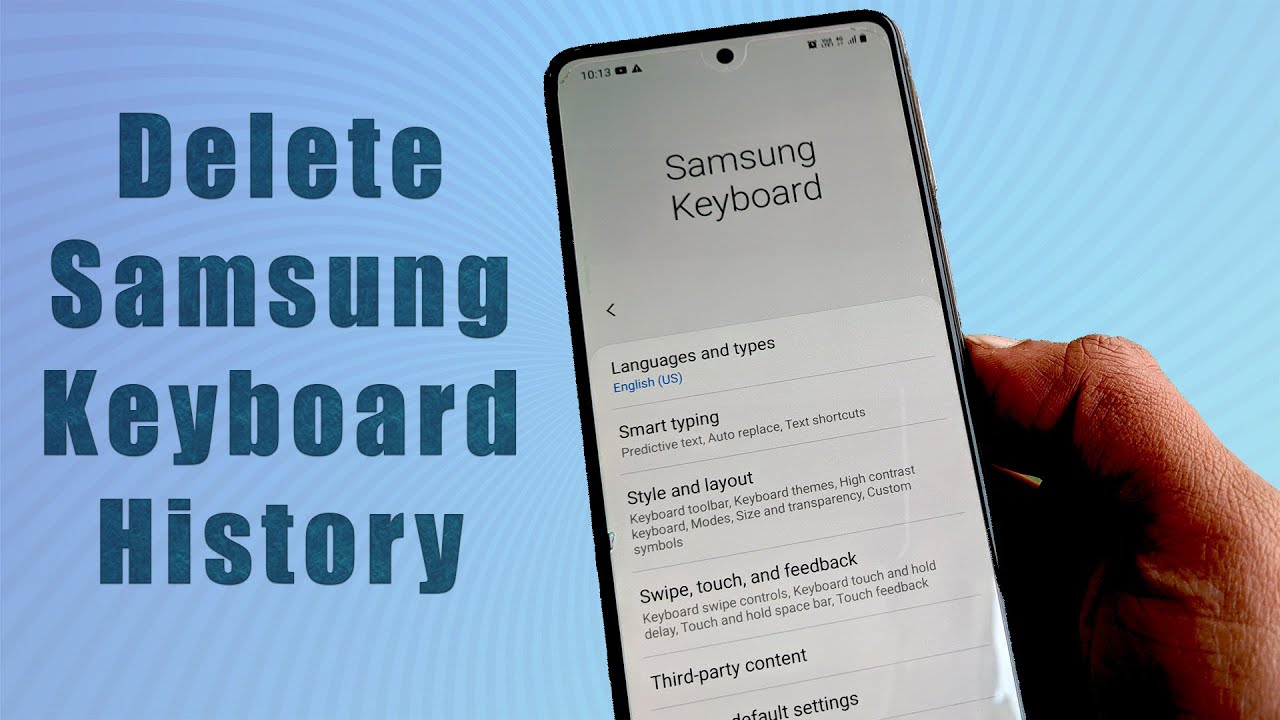
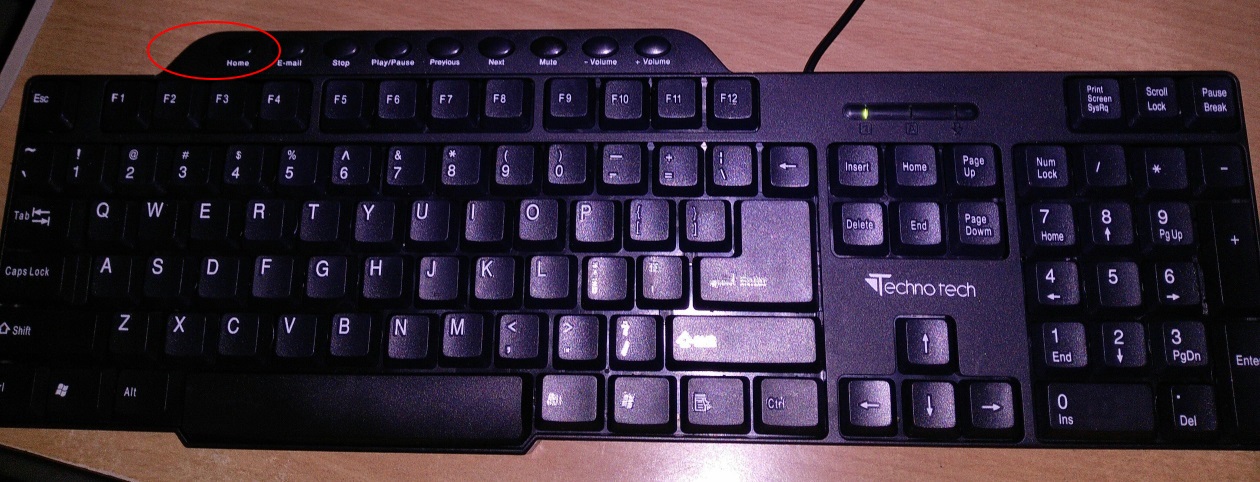
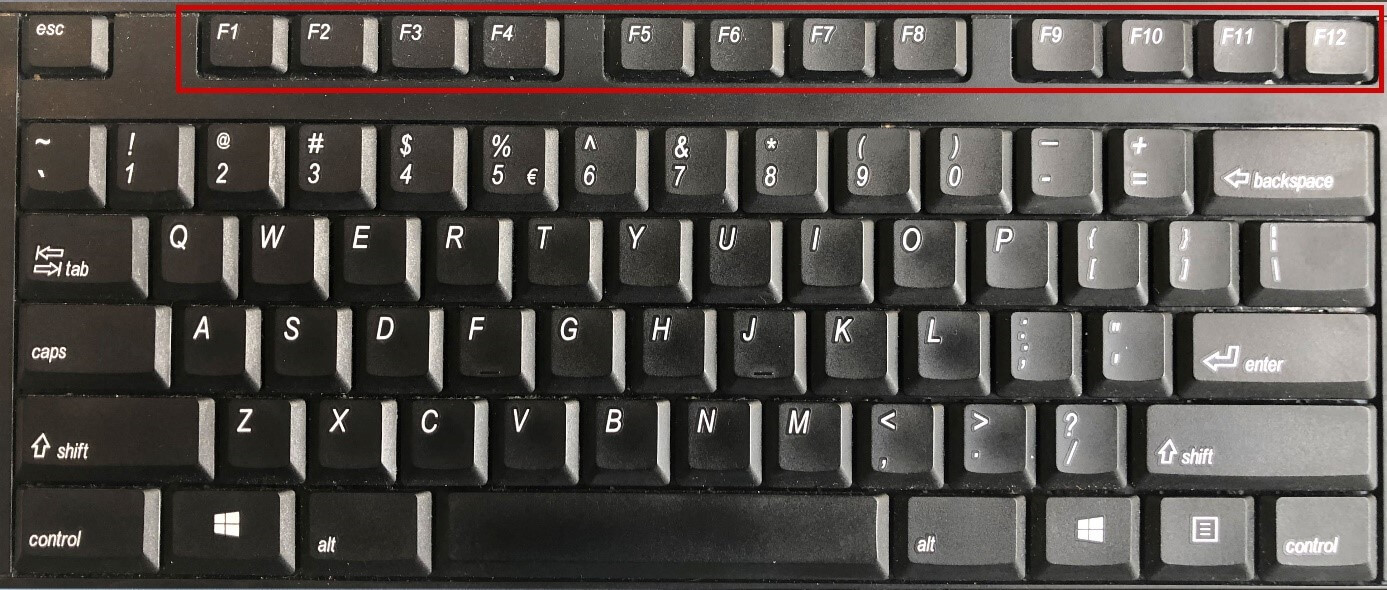
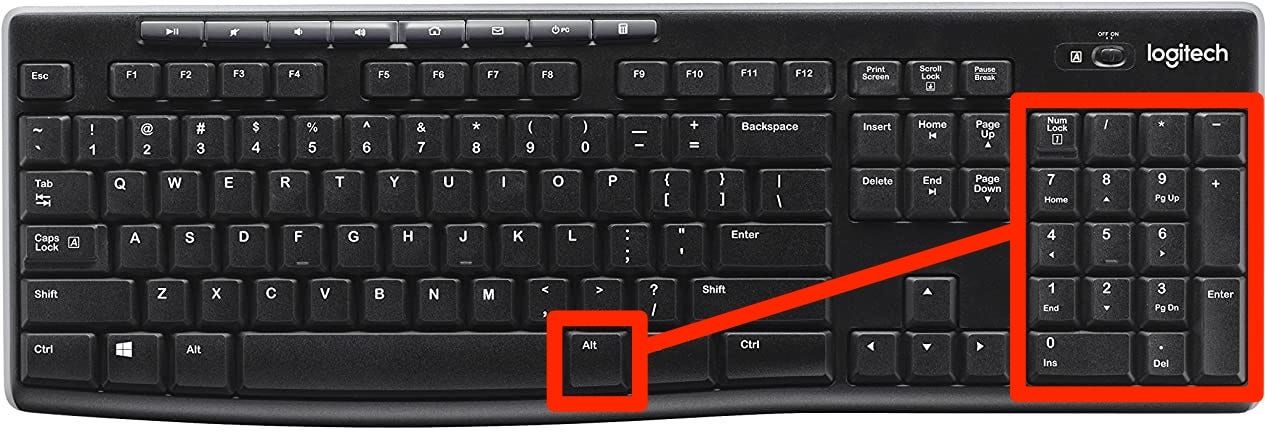
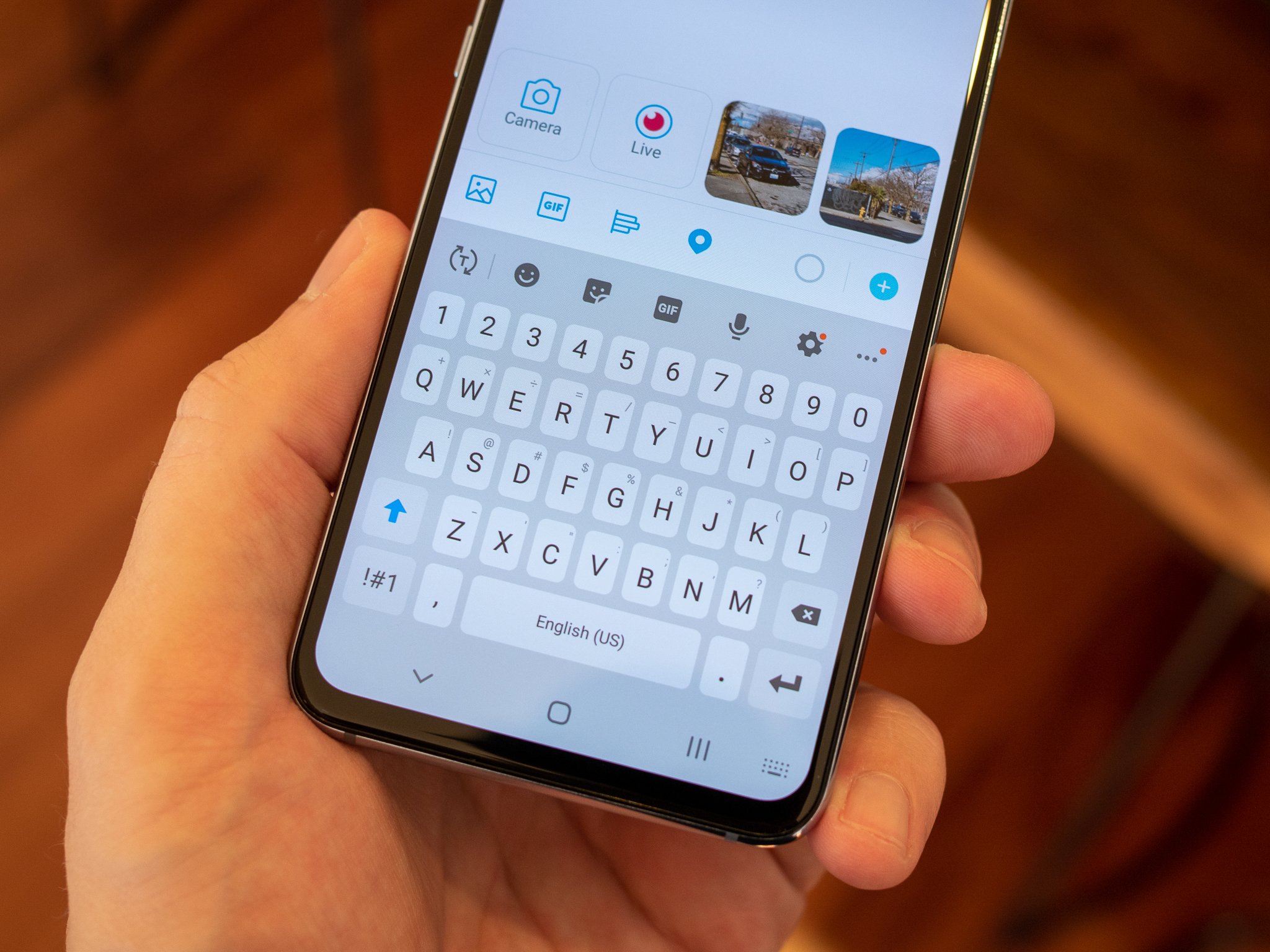
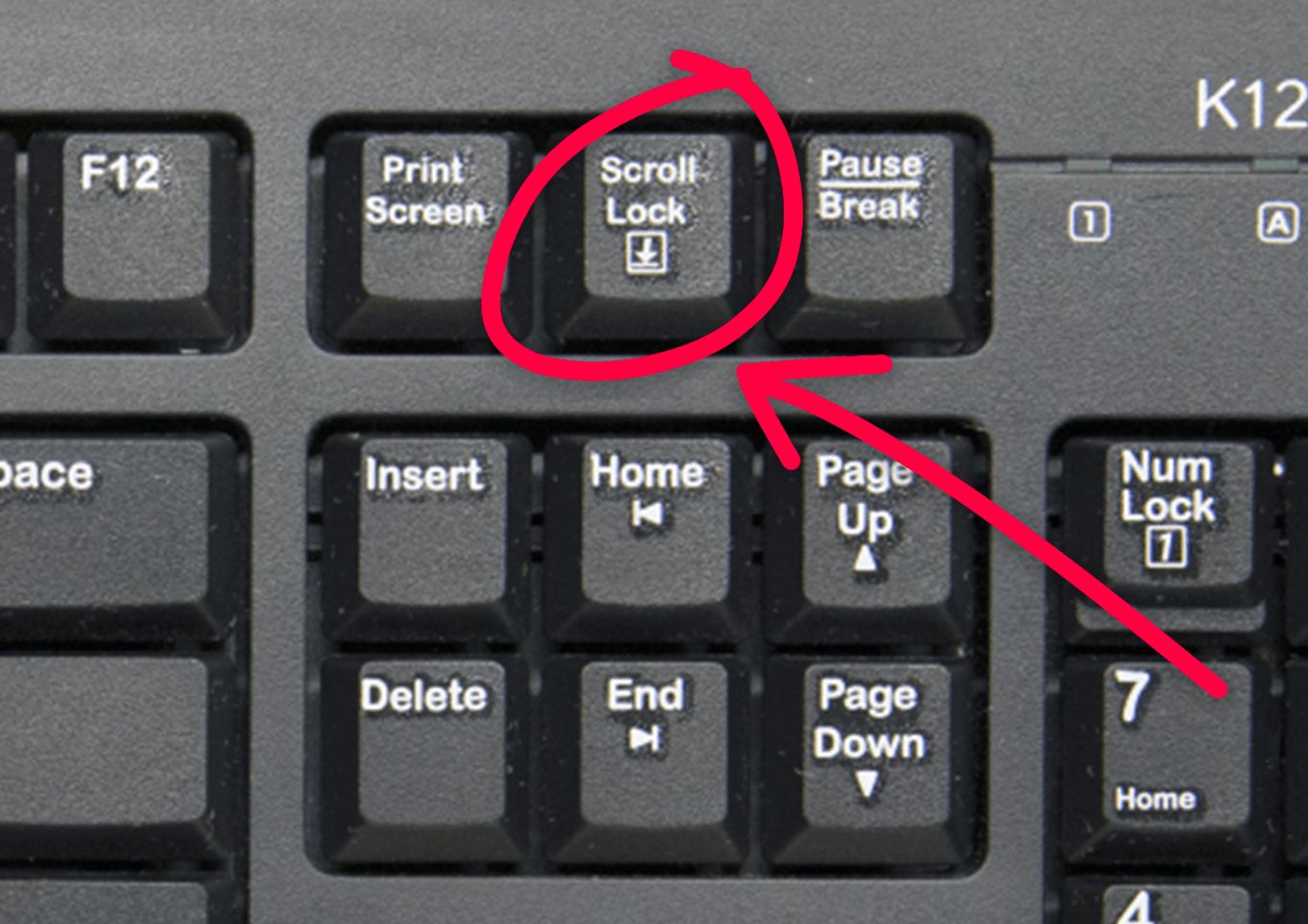
The articles group into a few clear themes. One major theme is physical and on‑screen layout: you will find explanations of what the Return key, Command key, and Home button do, where keys like the apostrophe and backslash are located, and how to make an on‑screen keyboard bigger or return an Android keyboard to its normal size. Another theme is wireless connectivity and device management, with many guides focused on Logitech products, pairing a K350 or K520, making a MX Keys discoverable, resetting it, checking its battery, or using the Easy Switch button. A third theme covers everyday tasks and small conveniences, such as clearing keyboard history, turning on backlighting, or even playing “Twinkle Twinkle Little Star” for beginners. A few articles also address security‑adjacent topics, like how to clear your typing history to protect your privacy, or how to print screen using a compact keyboard, these are explained as safe, legitimate ways to manage your own device, not as workarounds for anything prohibited.