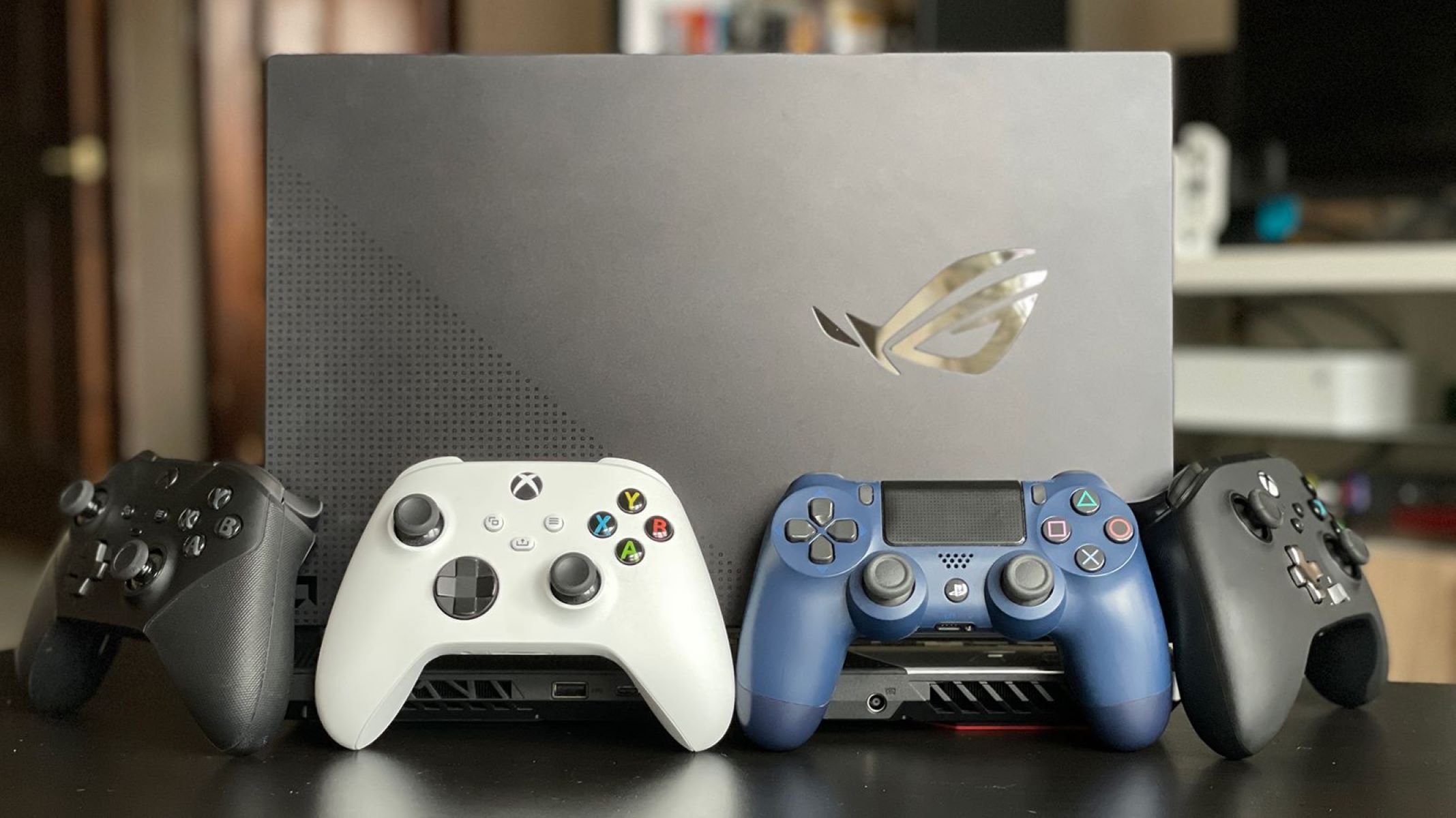
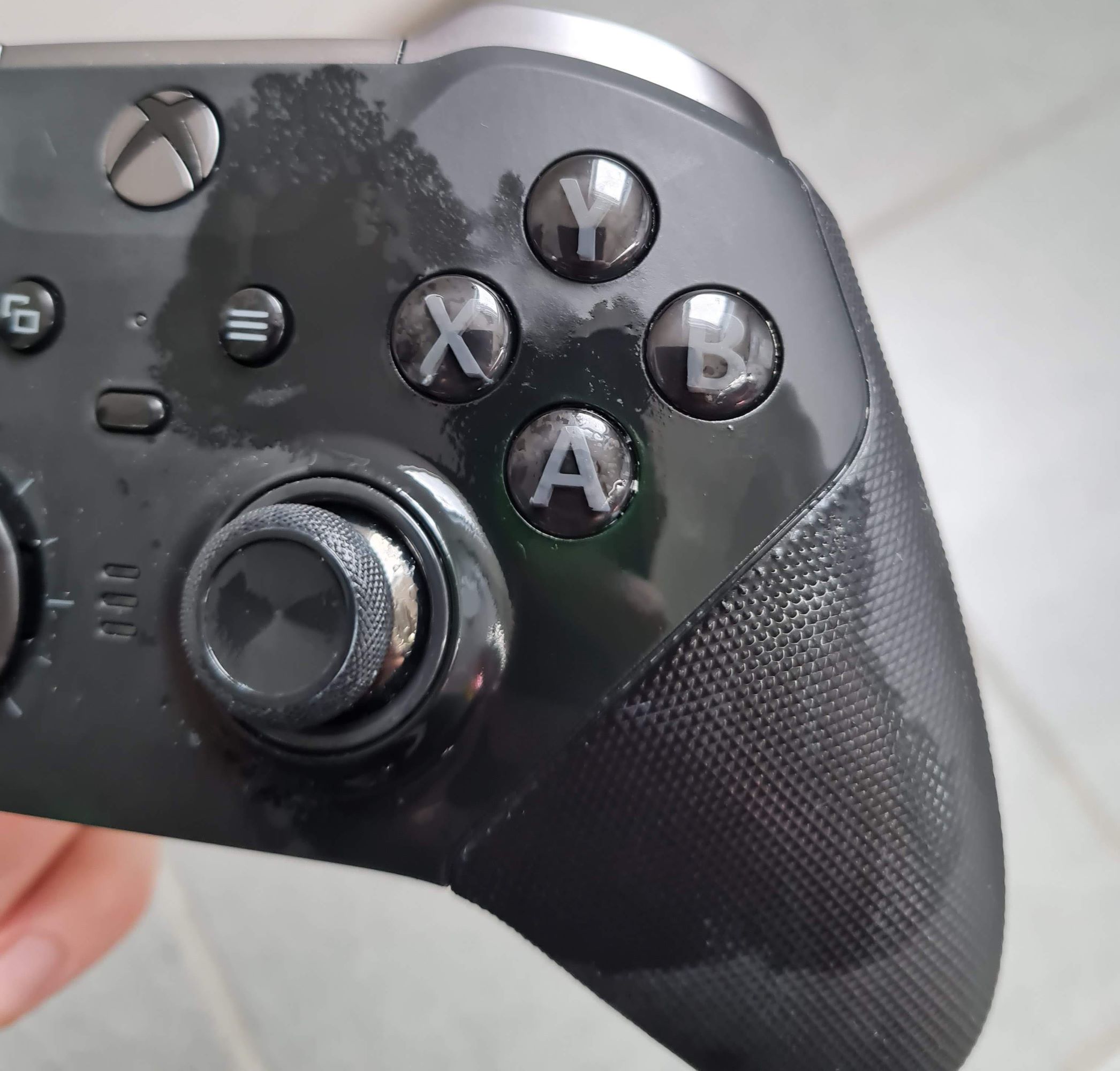
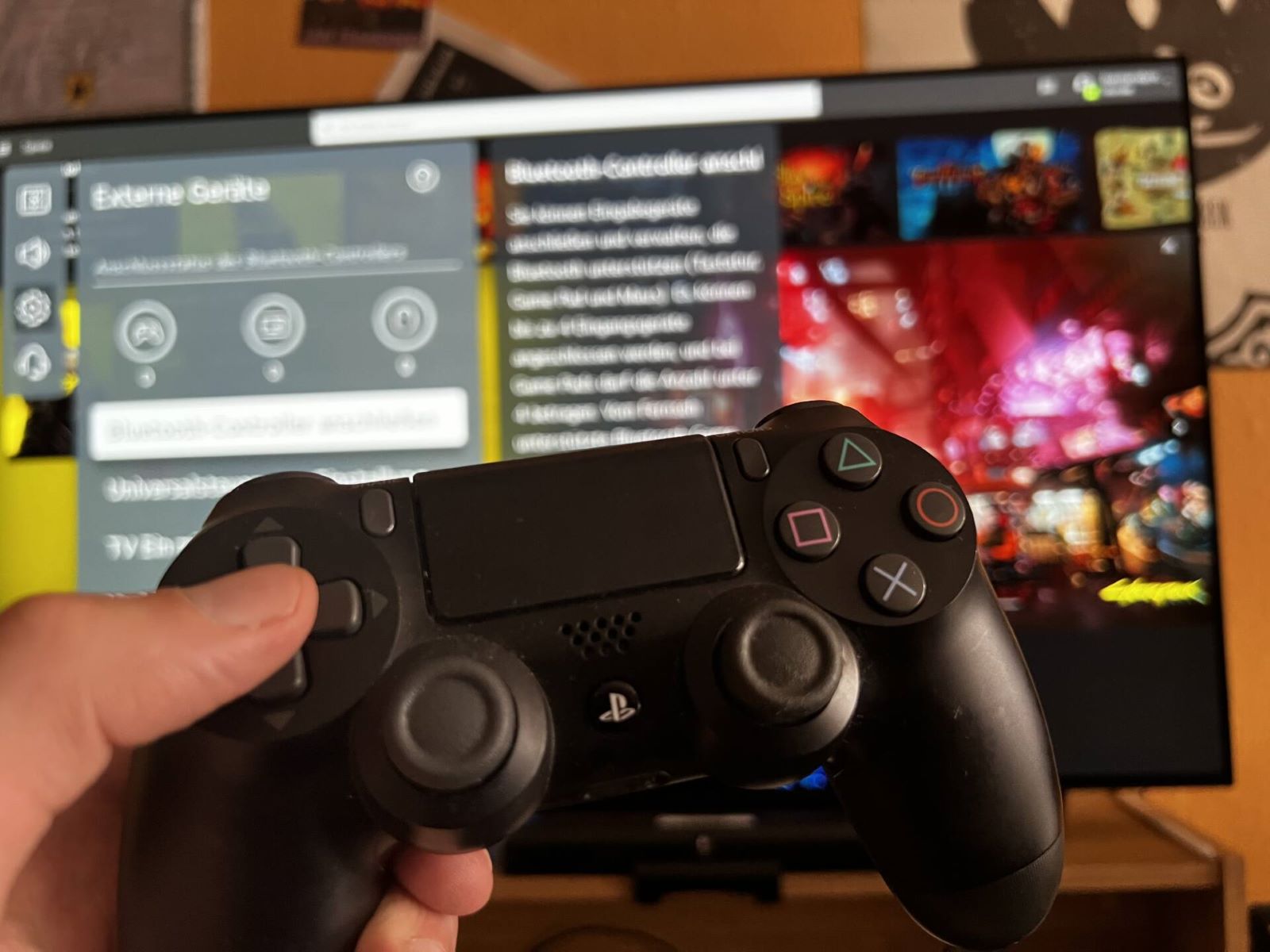
This tag collects practical guides for anyone who wants to use a game controller beyond its original console, whether that means pairing a pad with a PC, a smart TV, or a streaming device. The articles are written for everyday users, not just hardcore gamers, who need clear, step-by-step instructions for connecting, configuring, and troubleshooting their hardware. If you have ever wondered why a controller is not showing up in Windows or how to get a racing wheel working with a specific game, these pieces are meant for you.
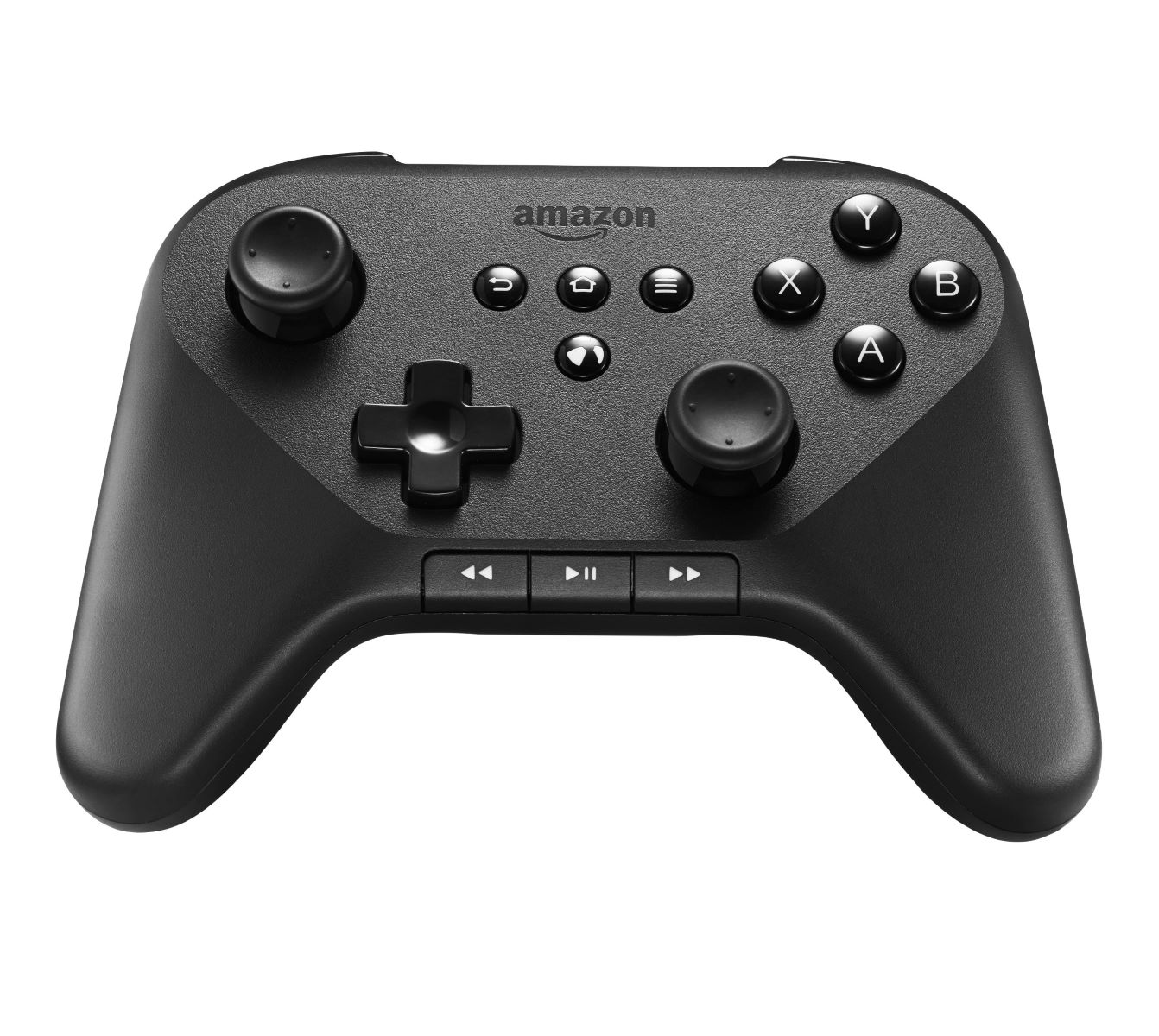
The majority of the articles solve connection and setup problems. You will find specific instructions for linking a Bluetooth controller to Windows 10, pairing an Amazon Fire controller to a PC, or hooking a gamepad up to a Roku TV or smart TV. Another cluster focuses on per-game configuration, such as using both keyboard and controller in GTA V, setting up a pad for World of Tanks, Fallout 4, or Call of Duty on PC, and even using a controller to play fan-made titles like Pokemon Insurgence or Super Smash Flash 2. A smaller set of articles deals with hardware and system-level issues, including calibrating a Momo racing wheel, opening controller settings in Windows, and figuring out why a controller is not recognized in joy.cpl.
Some of the guides also address value and compatibility from a practical angle. For example, one article explains what you can realistically expect to get for a controller at GameStop, which helps you decide whether to sell or keep old hardware. Others cover how to connect a controller to “any device” or how to make a gaming console, not as a hacking or bypassing exercise, but as a legitimate way to repurpose existing gear. Throughout, the emphasis is on safe, legal, and straightforward solutions that get your controller working without risky workarounds.